
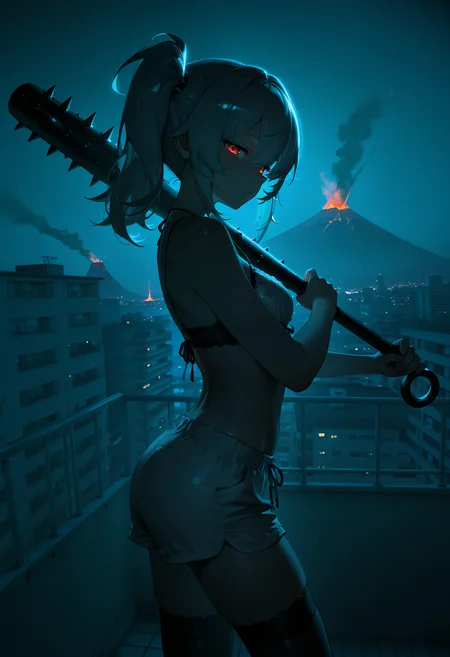
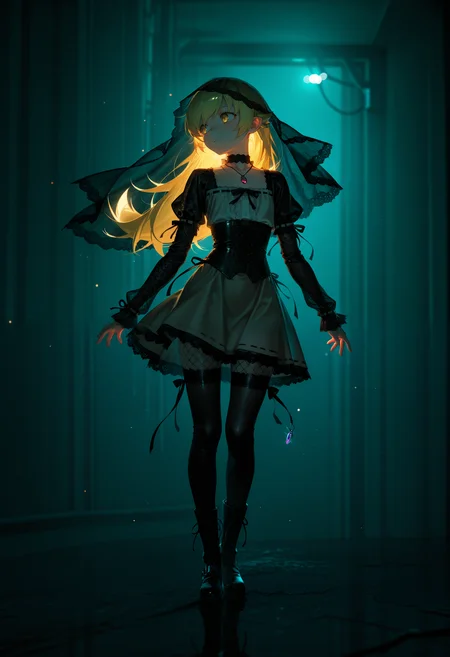
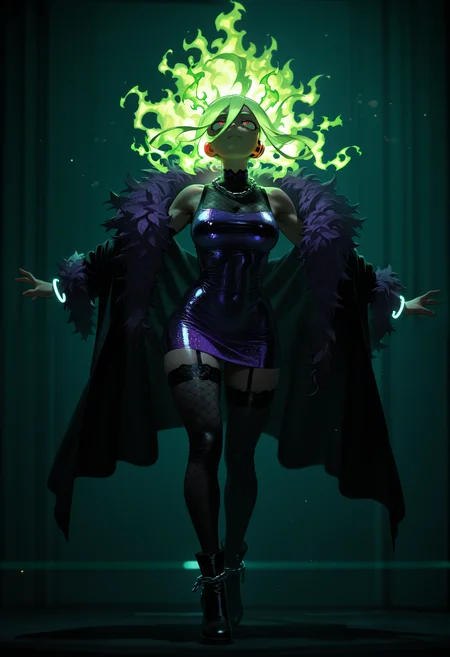
🛠️ Purpose & Design Philosophy
This workflow is a high-fidelity environment built for Illustrious. It prioritizes stability and professional texture over generation speed. It follows an "all-in-one" philosophy: configure your prompts, hit queue, and let the workflow handle the multi-stage refinement from start to finish.
Not for Speed: This is a heavy-duty refinement tool. If you want 2-second previews, use a basic workflow.
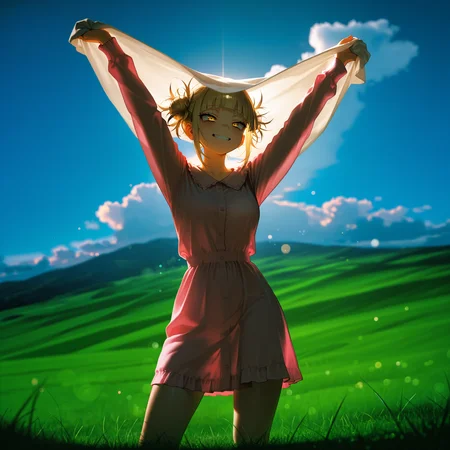
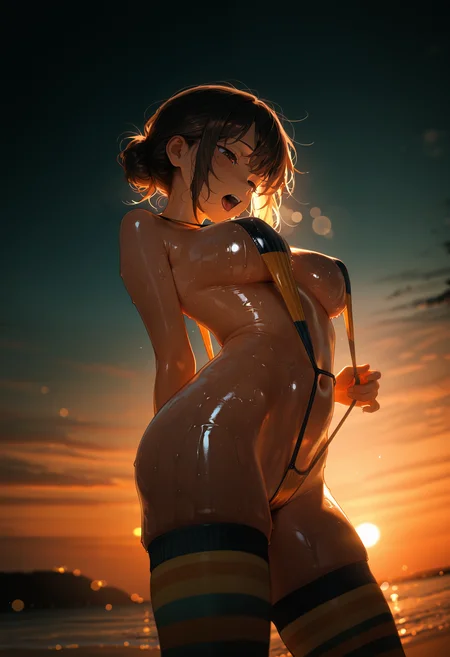
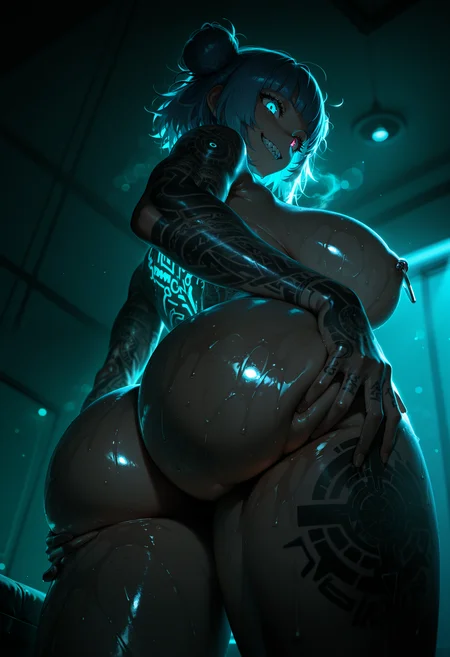
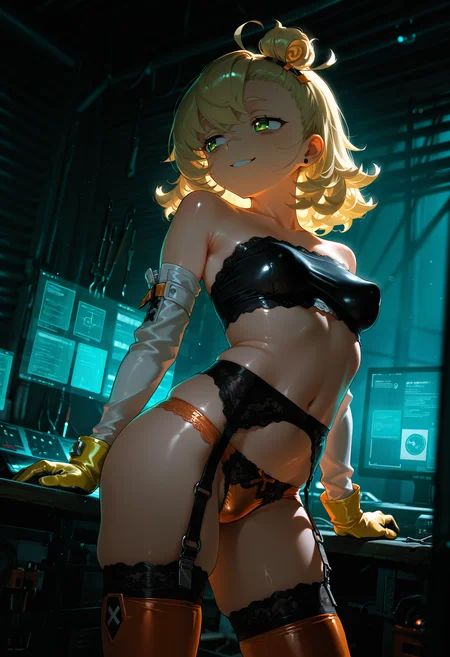
Personal Use: Built for my specific production needs. It is shared as-is for those who want a "set-and-forget" pipeline for Illustrious. Adjust the settings and models to fit your needs. The defaults on v19+ will be what I used for the sample images.
All-in-One Logic: The workflow handles generation, detailing, and upscaling in one continuous pass.
If you're needing something with more features: Try checking out Silly All-in-one, Multiple Characters With Regional Loras which is on civitai. I have no plans to implement additional features.
⚠️ Disclaimer & Compatibility
Install at Your Own Risk: Custom nodes can break your environment. I am not responsible for troubleshooting your specific installation.
ComfyUI: Built and tested on the non-app version. Desktop app users may face additional hurdles.
The "Your Version" Factor: Your node versions and environment are 99.9% likely to differ from mine.
Nodes 2.0: I do not recommend using Nodes 2.0. It creates unpredictable UI behavior; I will not provide support for issues involving this feature.
🤝 Support & Boundaries
I have not and never will monetize my workflow. CivitAI is the only platform I am maintaining this workflow on. If you find a version of my workflow posted and/or monetized anywhere and use it, then whoever posted it is responsible for providing you any support. This is the main reason why I don't monetize this: I don't want to be or feel obligated to provide support.
No DMs: DMs are disabled due to repeat spam. Please check the Discussions tab below; most questions have already been answered.
Modifications: You are free to hack this workflow apart. However, you are responsible for fixing it if it breaks.
Custom Requests: I do not make private workflows. If you need a custom solution, post a Bounty on CivitAI. There are many talented creators ready to help you for a fee.
Description
FAQ
Comments (7)
My release notes keep going poof.
TL;DR - v18f added IMG2IMG
I have no idea what I'm doing, but my images always gen like a base anime style. I tried betterdays, hassaku, wai, even with lora (had to go up to 2.0 strenght with lora to see a change) and its all the same. weird asf, is there a obvious thing I'm doing wrong or? (newest ver.)
Hard to say. It could be several different factors. The default settings should make it work the same as any other workflow.
The stuff I am going to mention you may have tried already, plus I don't know your level of experience with ComfyUI, so don't take anything personal.
1. Try raising or lowering CFG. Depending on what sampler/scheduler you are using, these may need adjustment. Even in some cases, the model + loras you are using can affect this. In my experience, lower CFG can push toward more semi-real, but YMMV and also depends on the model you are using. Too low will just give you a washed out mess.
2. Some samplers/schedulers lean more toward anime style, try experimenting with different ones.
3. Take other peoples prompts from images you feel are leaning toward the style you are trying to get. Ideally, without using any loras first so that you are seeing how the model behaves on its own. In the gallery images below, you can try using some of bkidderz's prompts and see how they behave for you. They tend to do more realistic than I do.
4. I recommend Smooth Booster as a lora as it tends to push my images toward semi-realism (assuming that's what you are going for). The 'In the Dark' lora also does, but if you're not wanting dark images, avoid it.
5. Hassaku and WAI have always given me flatter anime style images (possibly due to my own settings). Better Days will also do that, depending on your prompts.
Hey so I started up ComfyUI today and out of the blue I am getting this error on v12b:
MetadataHook._install_async_hooks.<locals>.async_map_node_over_list_with_metadata() got an unexpected keyword argument 'hidden_inputs'
Any idea what this is?
No idea, but I recommend using the latest version unless there was something you specifically liked on 12b. There could be some custom nodes on that version that were no longer being maintained and are having issues now.
I'll try out 12b just to see what happens.
I tried out 12b on the latest version of ComfyUI and was not able to recreate what you are running into unfortunately.
Gemini suggested that there is something not up to date on your local install. Either ComfyUI itself or the custom nodes. It also suggests that either rgthree or Impact Pack is/are the likely culprit(s) in your case.
Putting the v18f release notes here because the About the Version section keeps nuking itself (still).
Release Notes: Illustrious Workflow v18f
This update introduces high-demand functionality while maintaining the "Not So Simple" philosophy of keeping the workspace clean and efficient.
New Features & Improvements
Integrated Image-to-Image (Img2Img) Support
A new Img2Img section has been added. To use it, simply load your reference image into the Load Image node.
Note: To avoid execution errors, ensure a valid image is selected. If you have deleted the default example.png from your local ComfyUI input folder, you must upload a new file.
Logic: The workflow now uses an automatic switch from rgthree. When the Img2Img section is bypassed, the workflow intelligently defaults to standard Text-to-Image latents.
Mathematical Precision Scaling
Images are now converted to an SDXL-sized latent before being passed to the SamplerCustomAdvanced node.
Dependency: This update requires ComfyMath. You can install it via ComfyUI-Manager or manually from Evanspearman’s GitHub.
Flexible Pre-USDU Upscaling
Restored the option to bypass the Upscale Model during the pre-USDU phase.
If no model is selected, the workflow will perform a standard image upscale via the Upscale Image node before passing the data to Ultimate SD Upscale.
Note: RTX VSR nodes have been permanently removed from this version to streamline the pipeline.
Documentation & Usability
Added a brief on-canvas guide regarding Wildcards and the correct logic for connecting them to the Positive Prompt node.
Users are encouraged to adjust the Denoise settings within the Img2Img section to suit their specific aesthetic goals.
Installation Notes
Requirement: Ensure ComfyUI-Manager, rgthree-comfy, and ComfyMath are up to date.
Removal: The Img2Img section is modular; if you prefer a strictly T2I experience, the nodes can be deleted without breaking the core workflow logic.
Tip: If your preview looks "faded" or unexpected, double-check your denoise settings in the SamplerCustomAdvanced node, as Img2Img is highly sensitive to these values.