
🛠️ Purpose & Design Philosophy
This workflow is a high-fidelity environment built for Illustrious. It prioritizes stability and professional texture over generation speed. It follows an "all-in-one" philosophy: configure your prompts, hit queue, and let the workflow handle the multi-stage refinement from start to finish.
Not for Speed: This is a heavy-duty refinement tool. If you want 2-second previews, use a basic workflow.
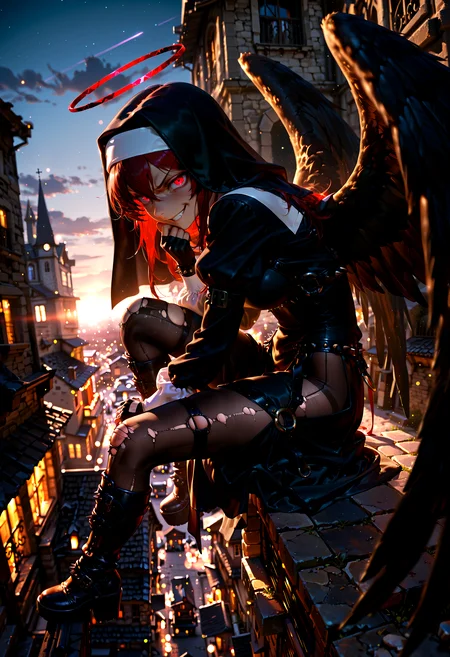
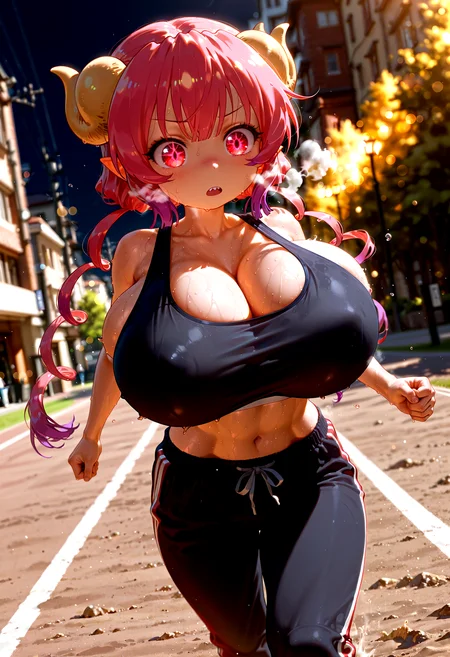
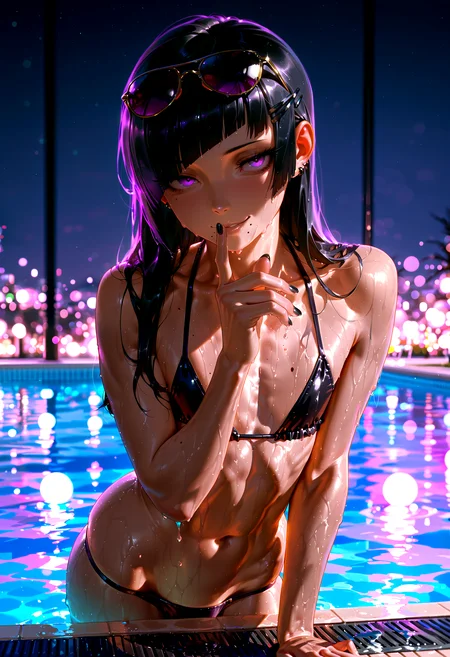
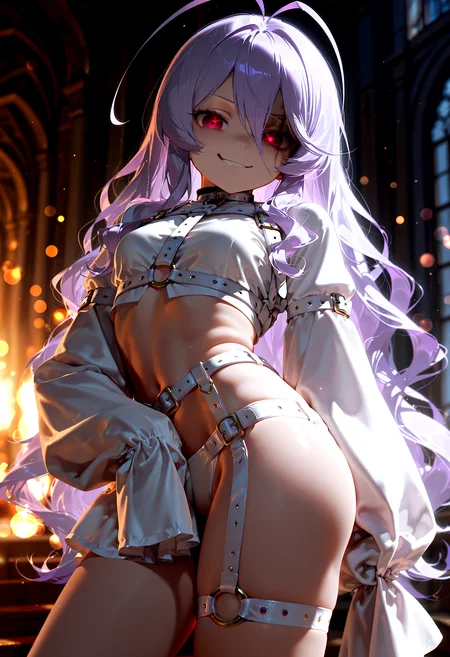
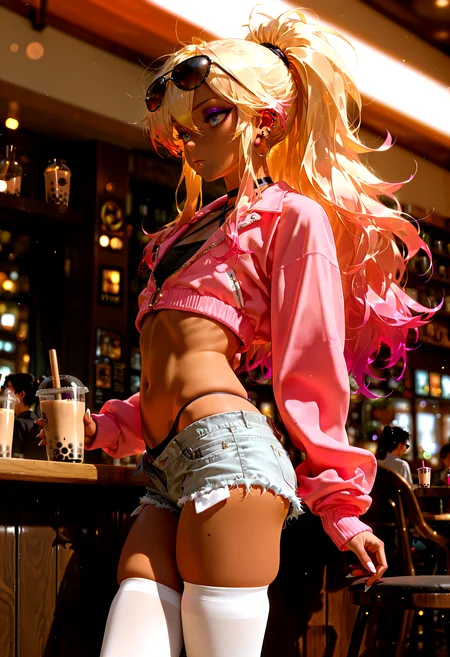
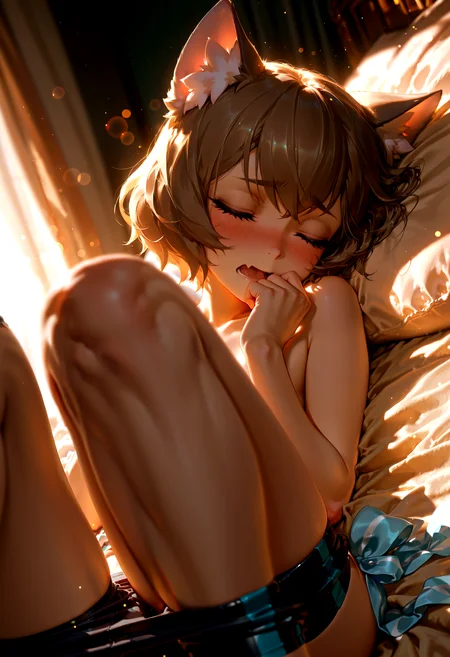
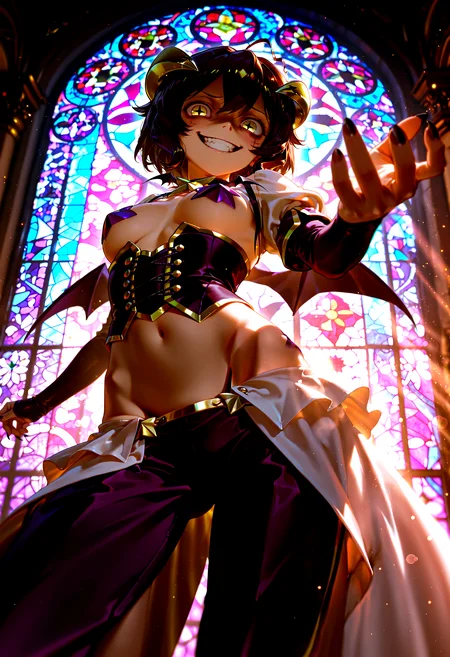
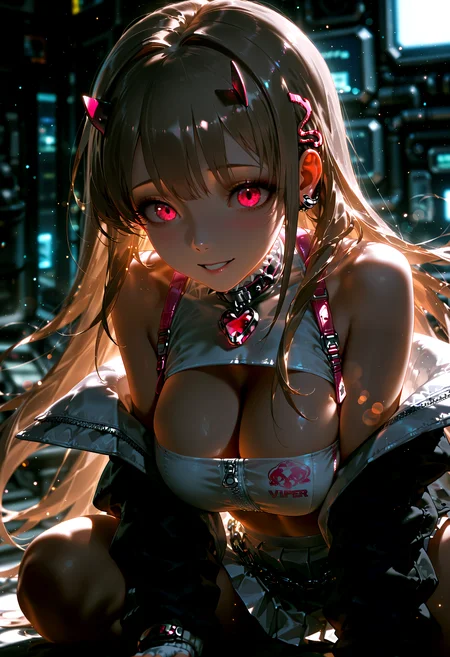
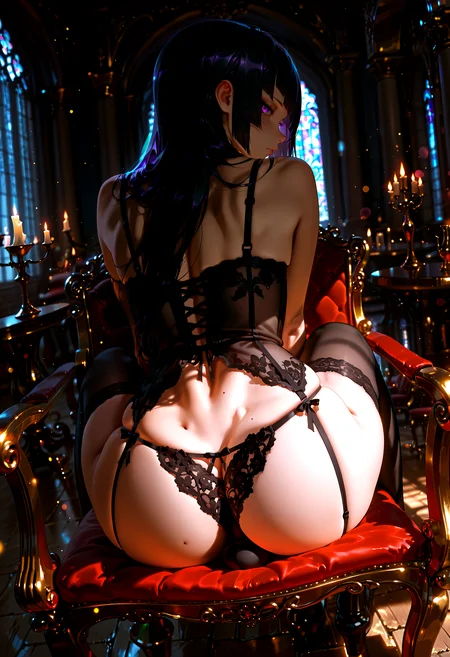
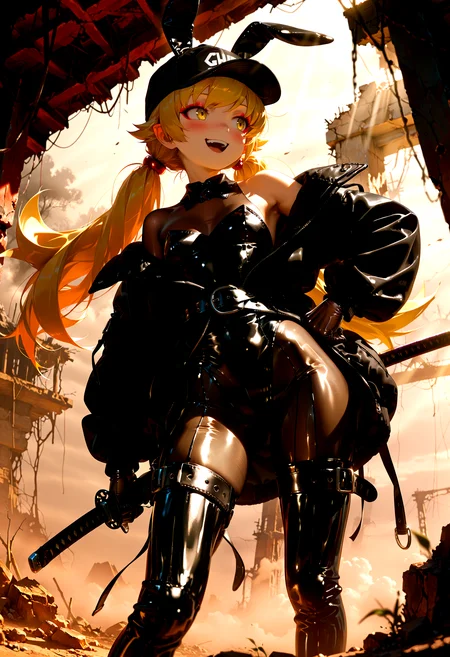
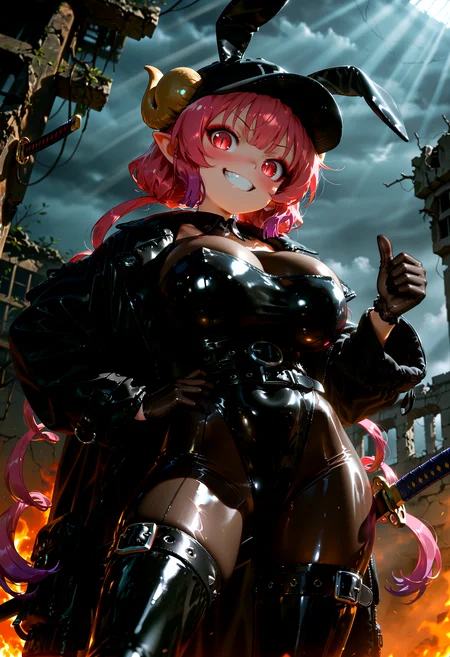
Personal Use: Built for my specific production needs. It is shared as-is for those who want a "set-and-forget" pipeline for Illustrious. Adjust the settings and models to fit your needs. The defaults on v19+ will be what I used for the sample images.
All-in-One Logic: The workflow handles generation, detailing, and upscaling in one continuous pass.
If you're needing something with more features: Try checking out Silly All-in-one, Multiple Characters With Regional Loras which is on civitai. I have no plans to implement additional features.
⚠️ Disclaimer & Compatibility
Install at Your Own Risk: Custom nodes can break your environment. I am not responsible for troubleshooting your specific installation.
ComfyUI: Built and tested on the non-app version. Desktop app users may face additional hurdles.
The "Your Version" Factor: Your node versions and environment are 99.9% likely to differ from mine.
Nodes 2.0: I do not recommend using Nodes 2.0. It creates unpredictable UI behavior; I will not provide support for issues involving this feature.
🤝 Support & Boundaries
I have not and never will monetize my workflow. CivitAI is the only platform I am maintaining this workflow on. If you find a version of my workflow posted and/or monetized anywhere and use it, then whoever posted it is responsible for providing you any support. This is the main reason why I don't monetize this: I don't want to be or feel obligated to provide support.
No DMs: DMs are disabled due to repeat spam. Please check the Discussions tab below; most questions have already been answered.
Modifications: You are free to hack this workflow apart. However, you are responsible for fixing it if it breaks.
Custom Requests: I do not make private workflows. If you need a custom solution, post a Bounty on CivitAI. There are many talented creators ready to help you for a fee.
Description
v11g changes
This is a continuation of v11f (not the alt version)
Added a Group Bypass node for Load VAE and Image to Image
This should make them easier to toggle on/off
If your checkpoint/model does not have a VAE baked in, you will need to enable the Load VAE group and make sure you have your VAE model selected.
(re)Added Detail Daemon to the initial KSampler
The settings are set to my preferences
Detail Daemon will be toggled off by default
Does it make a difference? Yes.
The settings on Dynamic Thresholding have been tweaked
The Divide CFG Value has been set to 3. If you are using this as-is, remember that your CFG value needs to be triple the normal. You can change the “b” value in the Divide CFG Value node to whatever you prefer.
If the workflow stops abruptly after the upscale portion
Locate the Impact Scheduler Adapter nodes in the Watermark Detection and Removal and Detailer groups and delete them.
Next, if the detailer nodes have a noodle going into the scheduler, disconnect the noodle and set the scheduler manually in each detailer node.
V11f-alt “fixed” this but I do not plan on continuing with that version.
If you are running into an error with the Basic Scheduler node, then I am not sure what to tell you.
This is a standard Comfy Core node that is included in ComfyUI. You will have to troubleshoot that on your own or reach out to the ComfyUI devs on their project page.
Initial sample images were generated with Dynamic Thresholding, CFG Zero Star, and Detail Daemon enabled.
Upscale model used: 2x-AnimeSharpV4_RCAN. (Made by the same person who made UltraSharp and AnimeSharp)
Total time from start to finish is approximately 200 seconds on a 5060ti. YMMV depending on settings and what hardware you have.
FAQ
Comments (39)
It's sooo goooood!
Edit: Fixed version of v11g uploaded.
Not sure why or how the sampler and CFG inputs were disconnected from the detailer nodes.
Just noticed a lot of the inputs were disconnected from the detailer nodes. Will upload a fixed version of v11g soon.
Thanks G!
i think it's broken after update?
what's broken and which update?
I can try to check, but might be a bit since I am working atm.
Updating my comfy and custom nodes and will test on current version of v11g.
So far, no issues. Are you seeing any errors or any nodes lighting up red?
Going to export the workflow I just used, rezip, and upload.
If it still doesn't work, then it's something local probably.
ComfyUI v0.3.50
ComfyUI_frontend v1.24.4 (I don't update this unless I get a message to do so in the terminal/cmd window)
Gladas Thanks for replying, yes the Basic Scheduler and Impact Scheduler Adapter are both red for me. It was working amazingly fine before i updated :(
Gladasyou're a legend, thanks, but i have the same issue. It must be me. Thanks though
ResistAi yeah just delete Impact Scheduler Adapter node and disconnect the noodles going into the Scheduler on the Detailer nodes. That will probably fix it for you without having to update/change anything else. Happens randomly to at least one person on each update.
You'll have to set the scheduler manually on each Detailer node.
Alternatively, you can use v11f-alt. That version does not use SamplerCustomAdvanced, BasicScheduler, or Impact Scheduler Adapter. Just keep in mind that the USDU nodes are more sensitive (IMO) and you'll have to play with the settings.
I'm not going forward with that version because I prefer the results I get with using those nodes just like in v11g.
Gladas I really apprecaite you taking the time to follow this up, cheers!
@Gladas The issue I was having was resolved by removing RES4LYF (beta57 scheduler). I have my favourite WF back!! :)
@ResistAi glad to hear you got it figured out!
re-uploaded v11g (again) to see if it resolves for anyone experiencing it not working.
Tested again right before re-upload and after updating comfyui & related custom nodes.
Tested on:
ComfyUI v0.3.50
ComfyUI_frontend v1.24.4 (not updating this unless comfy forces me to)
ImpactPack > facebookresearch/SAM2
Already mentioned this before, but ImpactPack will try to install SAM2 when installing ImpactPack for the 1st time and/or when updating ImpactPack.
The install will fail for SAM2 for many people (which is fine). I do not use anything related to SAM2 in the workflow.
If you want SAM2 to install for some reason, you have to jump through some hoops and you do so at your own risk.
I had to use this :
python -m pip install --upgrade setuptools
Once, I did that, the SAM2 failing to install issue went away.
What does it do? Looks like it related to a SAM loader for video. It's not something used in my workflow.
I decided to do a clean install of comfyui since my nodes list was bloated from testing out wan2.1-wan2.2. Now I'm getting missing toggles for various nodes and there is a lot of missing schedulers like AYS and Beta 1_1 and some others. The workflow still works and I get generations but.. yeah.
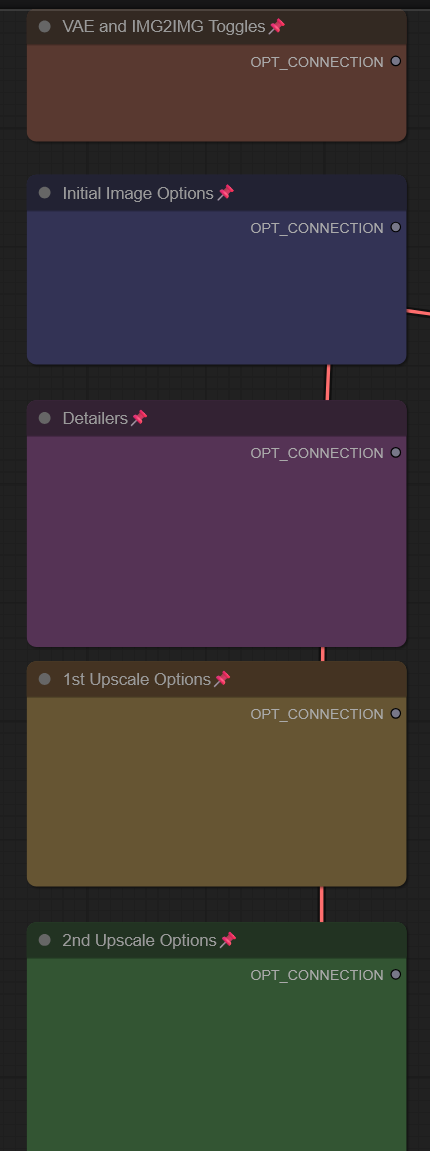
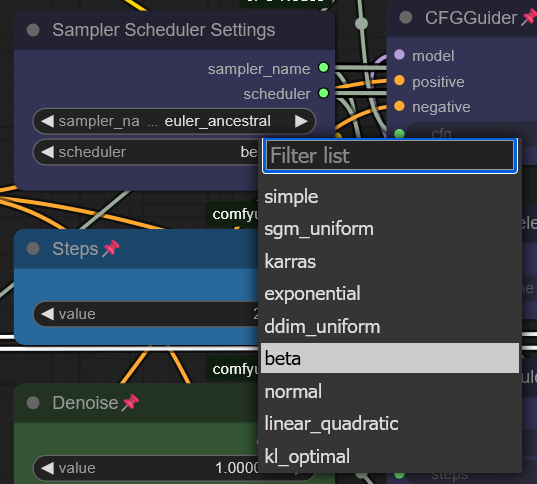
You probably need to reinstall all the associated custom nodes. If you did a clean install, they should all be gone. The AYS scheduler that is used is my workflow is from ppm, beta 1_1 is specifically from ppm. You can check the list of links for most of the custom nodes that are used in the workflow or use ComfyUI Manager to try and detect the missing nodes for you and then install from there.
PPM probably won't be detected because there aren't any actual nodes from it in the workflow anymore. I just use it so I can have AYS easily available.
Try checking what you have installed against this list:
If installing the missing custom nodes doesn't fix the issue, then it's something local to your install. Most, if not all of these should be able to be searched in ComfyUI Manager.
Gladas I tried reinstalling it again and the toggles still are just an empty box/node. I checked and I have all the nodes installed and it doesn't give me a warning. With 3.50 comfyui maybe since they switched to a new pytorch (2.8.0+cu129) and python (3.13.6) version it broke things? I'm not sure.
SugoiDess nah I don't think the comfy version is the issue. I am running it on:
ComfyUI v0.3.50
ComfyUI_frontend v1.24.4
It could be your python version. NGL I'm not updating python unless comfy makes me do it.
Looks like I'm using python 3.12.10
Not guaranteeing that's your fix, but that falls under being a local issue and one you will have to troubleshoot. I am assuming it worked fine before you did your clean install, so yeah.. I'm not gonna be much help here.
Installing the latest frontend worked for me: upgraded to 1.25.8
Oh, great. 11h works! I think I'm better off not touching comfyui at this point.. hah
SugoiDess yeah, the only change is I dropped the IMG2IMG group added ControlNet instead. Sucks for the folks who want IMG2IMG, but they can add it themselves if they really want it.
I also updated my local install's frontend version to 1.25.8 like bobbobster mentioned and have no issues.
Gladas I updated to latest, but its the nightly version frontend 1.26.4. I wasn't sure the specific git/python command for frontend 1.25.8. Searched all over.. but for the moment 1.26.4 frontend works.
SugoiDess in my case I just ran the update_comfyui.bat file in ComfyUI_windows_portable/update folder. If what you got works, then that's cool.
I get the error:
SamplerCustomAdvanced
'VAE' object is not subscriptable
if I connect empty_latent to the latent_image input of SamplerCustomAdvanced, the problem disappears.
Could it be that the issue is with the Latent Source switch?
No idea, cuz it's saying VAE, so that doesn't make sense. Do you have the Image to Image group toggled on? That's the only thing that should be affecting Latent.
As for VAE, if you have the "Load VAE" group loaded but no actual VAE file like sdxl.vae installed and selected, then that would make more sense.
I’m not sure about the exact reason.
I didn’t change anything in your workflow — I just opened it and ran it directly, and it immediately showed this error
The only thing I found is that if I disconnect the image to image input from the Latent Source switch node, then everything works normally.
No other modifications were made.
s_07 yeah that's weird that it mentions VAE in the error message.
If you're not going to use the Image to Image function, then just removing it should work just fine. I was asked enough times to add it and AFAIK you're the only one who has run into any problems with it since then.
If you haven't already:
1. Delete the Load Image node and any other nodes in the same group with it.
2. Delete the latent switch node
3. Connect the CR SDXL Aspect Ratio latent output to the SamplerCustomAdvanced latent input.
If you plan on continuing to us the Empty Latent node, please be aware that all the Upscale settings are linked to the CR SDXL Aspect Ratio node.
After that, it should work normally.
Gladas Okay, thank you for the reply and the workflow.
s_07 Honestly, I am probably going to remove the Image to Image group in the next update. It was a source of problems before because the way comfyui used to work was if you had a Load Image node but did not have an image put into it, it would cause errors. I've used the function two times in total since adding it.
I had this same problem with 'VAE' object. Your version 11h corrected this problem. Thank you!
It seems to be a problem specific to 1.26.4 frontend, weird. I didn't have it on 1.24.3.
s_07 I went ahead and uploaded a new version without the IMG2IMG part. If you want to try that version out to see if that fixes what you were experiencing, then great. Seems like it fixed stuff for other people too.
Gladas The 11h version is fine now, thanks for the update. Also, I think it’s better to separate the img2img workflow, as it would be cleaner. For img2img combined with ControlNet functionality, make another simple one.
Of course, the premise is that you have the time and interest to create it. Thanks for your workflow.
s_07 The ControlNet group isn't really intended for Image to Image specifically but can be used that way. The reason it doesn't break things is because it's not a separate latent source unlike how the Image to Image group was.
As far as I am concerned, if people want the old Image to Image function, they can use the previous version or add it themselves.