

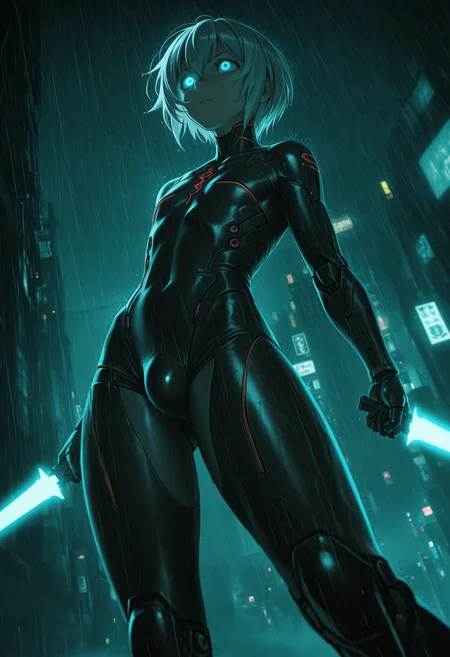

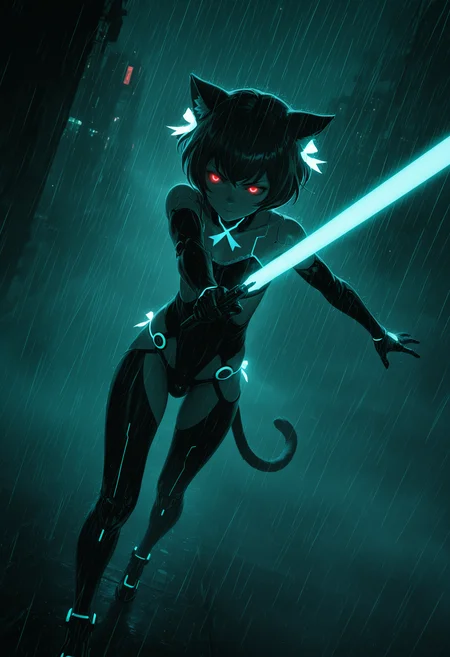



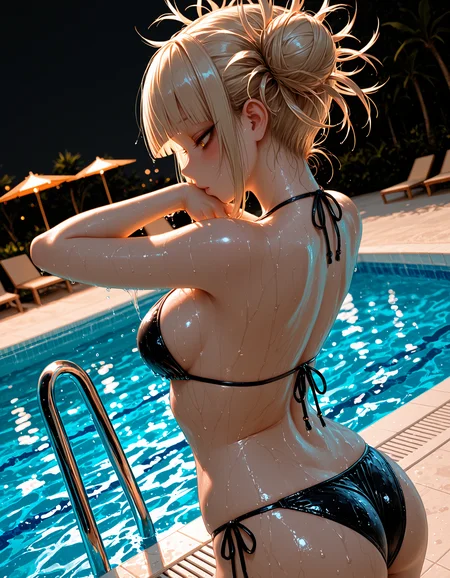

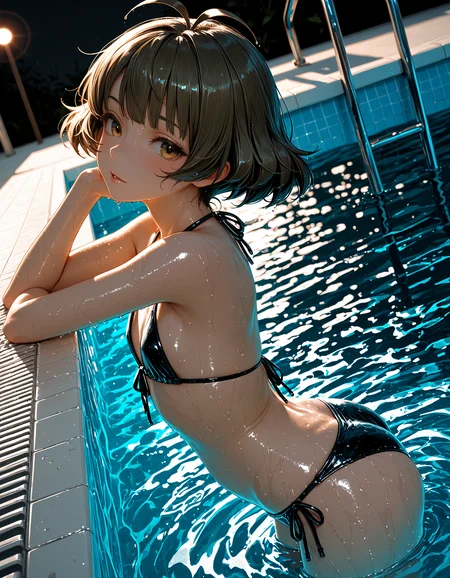


🛠️ Purpose & Design Philosophy
This workflow is a high-fidelity environment built for Illustrious. It prioritizes stability and professional texture over generation speed. It follows an "all-in-one" philosophy: configure your prompts, hit queue, and let the workflow handle the multi-stage refinement from start to finish.
Not for Speed: This is a heavy-duty refinement tool. If you want 2-second previews, use a basic workflow.
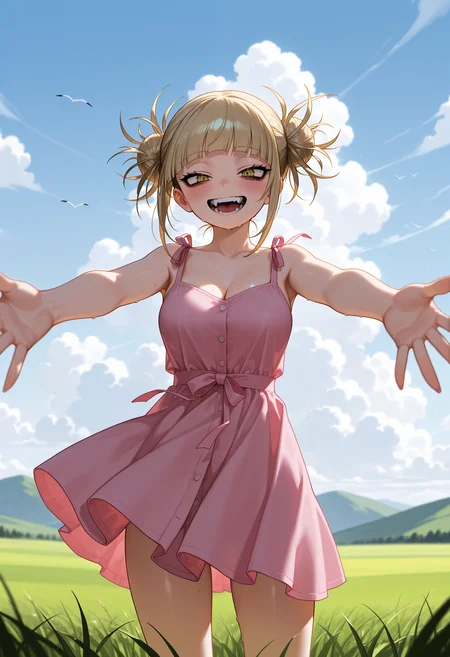
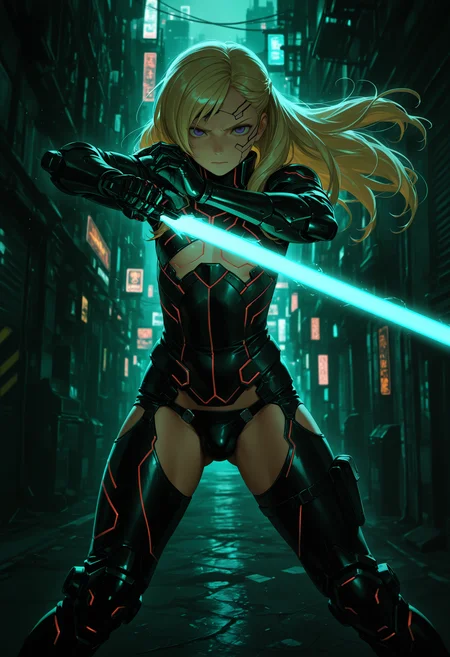
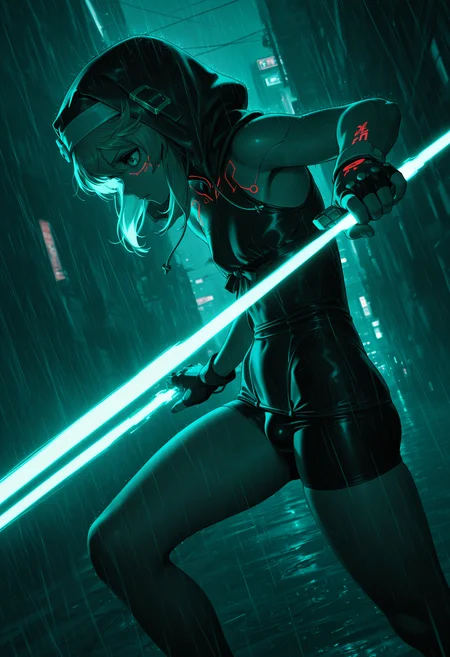
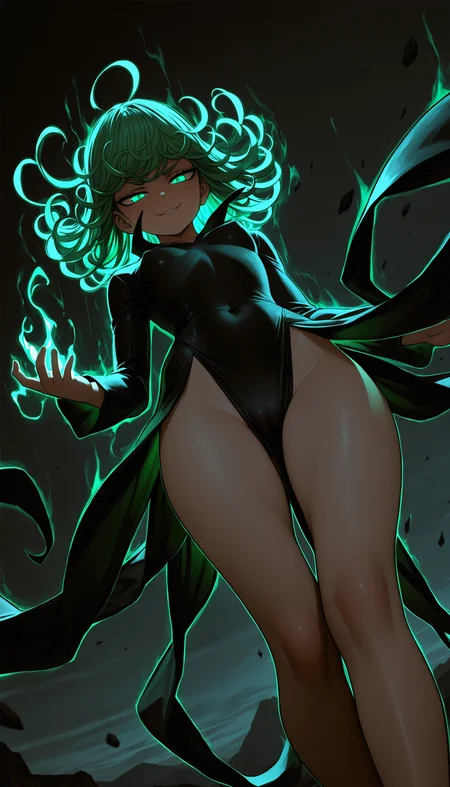
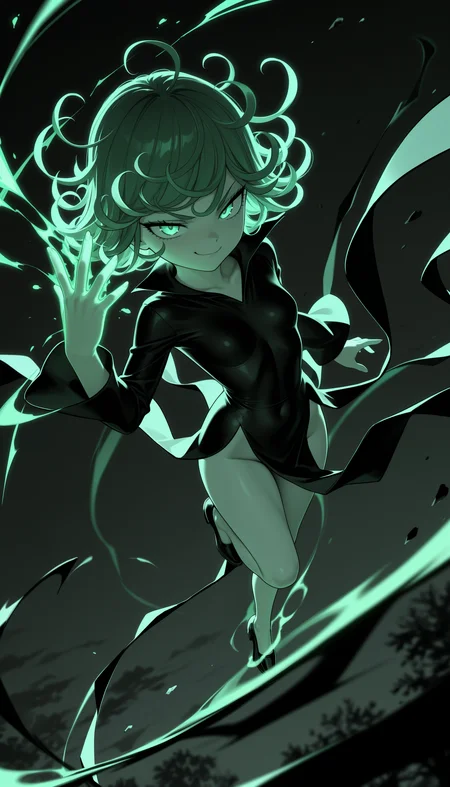
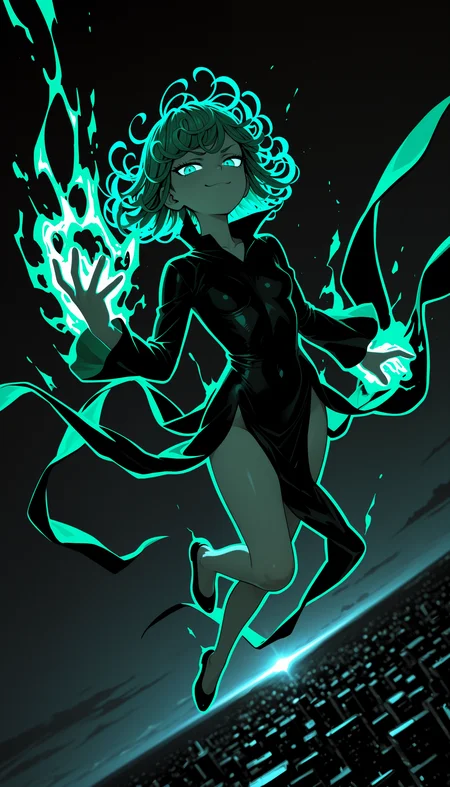
Personal Use: Built for my specific production needs. It is shared as-is for those who want a "set-and-forget" pipeline for Illustrious. Adjust the settings and models to fit your needs. The defaults on v19+ will be what I used for the sample images.
All-in-One Logic: The workflow handles generation, detailing, and upscaling in one continuous pass.
If you're needing something with more features: Try checking out Silly All-in-one, Multiple Characters With Regional Loras which is on civitai. I have no plans to implement additional features.
⚠️ Disclaimer & Compatibility
Install at Your Own Risk: Custom nodes can break your environment. I am not responsible for troubleshooting your specific installation.
ComfyUI: Built and tested on the non-app version. Desktop app users may face additional hurdles.
The "Your Version" Factor: Your node versions and environment are 99.9% likely to differ from mine.
Nodes 2.0: I do not recommend using Nodes 2.0. It creates unpredictable UI behavior; I will not provide support for issues involving this feature.
🤝 Support & Boundaries
I have not and never will monetize my workflow. CivitAI is the only platform I am maintaining this workflow on. If you find a version of my workflow posted and/or monetized anywhere and use it, then whoever posted it is responsible for providing you any support. This is the main reason why I don't monetize this: I don't want to be or feel obligated to provide support.
No DMs: DMs are disabled due to repeat spam. Please check the Discussions tab below; most questions have already been answered.
Modifications: You are free to hack this workflow apart. However, you are responsible for fixing it if it breaks.
Custom Requests: I do not make private workflows. If you need a custom solution, post a Bounty on CivitAI. There are many talented creators ready to help you for a fee.
Description
Changelog:
Added Image to Image
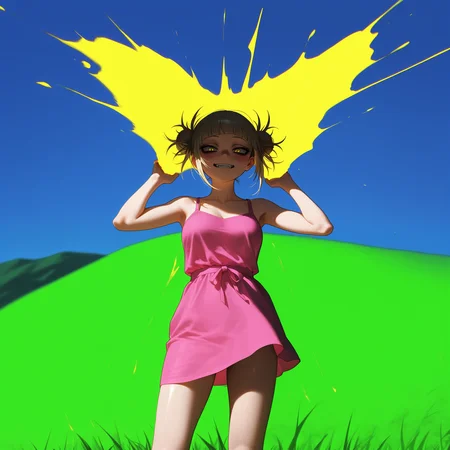
You can see that I used the example image from ComfyUI with this function on the 2nd sample image.
I will not be providing support for this function. IMG2IMG can be achieved via ControlNet.
If it breaks the workflow when you try to use it:
Delete the Image to Image Group and all the nodes in that group.
Delete the Latent Switch next the to the Basic Scheduler node.
Celebrate that it's gone and the workflow should work.
Added a Latent Switch on a toggle to work with the IMG2IMG function.
If it causes you issues, follow the directions above for removing Image to Image.
Added a VAE Switch
This should be self-explanatory.
Changed Detailer 3 into a Detailer (SEGS)
This will take everything detected by the detection model and does them all at once.
I will be using this for individually detected eyes and detail them both at once. This is my personal preference. You can use this detailer whatever way you prefer.
No new custom nodes needed for this version. It uses the same as the previous version.
FAQ
Comments (20)
v13E its really great and detail, speed generation seems nothing change than before.. but somehow default setting or my setting before become like this>> 👁👄👁any suggestion? its same prompt btw for testing..
v13e is basically the same as 13d but with IMG2IMG added and Detailer 3 is a different type of Detailer node.
I have most of the stuff bypassed by default since some people may not be comfortable with all the extra settings.
IDK about your default settings though?
my setting just different model upscaling and detailer btw and turn on all except watermark stuff, wildcard, and concat idk concat it is..
@saytolol12 I don't really have a great way to explain it, but here's an explanation from Gemini:
Concat Conditioning (short for Concatenate Conditioning) in ComfyUI is a way to combine multiple prompt embeddings so the AI model treats them more as separate, distinct instructions rather than one blended, long prompt.
Think of it like this:
A Single Prompt (No Concat): If you tell a chef, "Make a red cake with blue frosting and a yellow sign," the chef might mix all those colors together into a messy, purple-ish blob. The concepts bleed into each other. The AI model's internal representation (the conditioning vector) often blends concepts when they are in a single prompt.
Concat Conditioning: You use the Conditioning (Concat) node to take the conditioning from two or more separate CLIP Text Encode nodes (or other conditioning sources) and literally stitch them together side-by-side.
You give the chef three separate, clear notes: "Note 1: Red cake." "Note 2: Blue frosting." "Note 3: Yellow sign."
The chef now has three distinct instructions to follow.
Key Benefits of Concat Conditioning
Prevents "Prompt Bleed": This is the most common reason people use it. It helps keep concepts separate. For example, if you have one prompt for a "red dress" and another for a "black dog," using Concat Conditioning helps prevent the dog from becoming slightly reddish or the dress from having black spots.
Bypasses the Token Limit (in a way): The standard text encoder has a limit (usually 75 or 77 tokens). Concatenating the embeddings from multiple text-encode nodes allows you to effectively provide more information to the model at the same step without averaging the results, as the model sees two distinct, full-length conditioning inputs.
Better for Multi-Subject Scenes: It’s especially useful for defining separate elements, like multiple characters, distinct foreground/background elements, or applying different concepts to different parts of the image with less blending.
In essence, you're telling the model, "Here is a primary instruction set (conditioning_to) AND here is an additional, separate instruction set (conditioning_from). Please consider both of these distinct entities."
@Gladas oh its different than Region nodes then?
@saytolol12 I haven't used region nodes, but from what I understand this is basically allowing us to add more prompts to give the actual prompt some "flavor". I just use it for lighting and stuff like that, but Gemini gave a more detailed description of how it works.
@Gladas i see.. thanks for info..
whats cfgzerostar
THANK YOU. Deleting RES4LYF fixed everything.
Detail daemon + Upscale + high res is magical, BTW. Really love the workflow
Glad that worked for you. I am not sure why RES4LYF does that, but it has pretty much always been the common factor when folks run into that issue.
Regarding Concat Conditioning:
Some of you may already be doing this or have tried it.
I recently added Concat Conditioning to my video workflow. Gemini recommended using the "conditioning_to" prompt for aesthetic tags and "conditioning_from" for the regular prompt.
I decided to try this with this workflow simply by swapping the noodles around (so that my prompt still gets saved properly). It definitely changes the result (obviously right?). Anyways, it was pretty interesting to take the same settings/seed for an image and do this.
It makes a huge change, never would've figured this out, thanks!
Thank you for the workflow! Really pushed the quality of images!
Just one question, the Adetailers seem to sometimes skip the found faces or hands just for fun. CMD even says that 1 face is detected but then it skips:
0: 1024x704 1 face, 12.3ms
Speed: 5.6ms preprocess, 12.3ms inference, 5.0ms postprocess per image at shape (1, 3, 1024, 704)
Detailer: segment skip [determined upscale factor=0.6316641160393661]
Could you, please, help with that? What exactly makes detailer skip the found fragment?
yeah, try turning on "Force Inpaint". That should force the detailer to do it.
@Gladas I guess the thing is that for guide_size and max_size if the face exceeds their target number it will just skip. Assuming that the face that large should be detailed enough
Hey man, thanks a lot, your workflow is 10/10
Is there anything I can do about deformed backgrounds like uneven windows on buildings or nonsensical structures?
Hard to say. If the background is bad before it goes into upscaling, then it's not likely to become amazing after. If it's decent before upscale and comes out bad, then you can try lowering the denoise, change the tile_padding to a bigger number, use a different sampler/scheduler, try a different upscale model, etc.
The downside of having a lot of options is that they all can affect how your image looks.
Try disabling Dynamic Thresholding, Detail Daemon, Epsilon Scaling, CFG Zero Star, and just run the workflow without them. If the backgrounds are still jacked, then it comes down to your sampler, scheduler, settings, and/or upscale model.
Some models also just suck at backgrounds.
really really great one - only one thing: at least for my images, it is better to have a second face detailer after the final upscale
Cool. Yeah, I encourage people to change/modify it to work what's best for them. There is no one-size-fits-all solution IMO.
Looks like we don't have an active mirror for this file right now.
CivArchive is a community-maintained index — we catalog mirrors that volunteers upload to HuggingFace, torrents, and other public hosts. Looks like no one has uploaded a copy of this file yet.
Some files do get recovered over time through contributions. If you're looking for this one, feel free to ask in Discord, or help preserve it if you have a copy.