Stabilizer
Name is misleading. This is NOT a LoRA that can magically fix your overfitted merged base model.
This is a finetuned model from pretrained model. But trained as a LoRA.
11k images. No bias, no default style.
Zero smooth plastic glossy AI image in dataset. Glossy Al images are polluting the world, but not on my watch, I handpicked every single image.
Natural language captions from Gemini, rather than tags in random order with high FPR.
Standard noise scheduler. Inpainting/img2img friendly.
Improvements:
You can get the style exactly as it should be (as long as the model knows).
Comparisons with pretrained base model:
https://civarchive.com/images/84145167 (general styles, you get the style exactly as it should be)
https://civarchive.com/images/84256995 (artist styles, no style shifting because this model does not have bias)
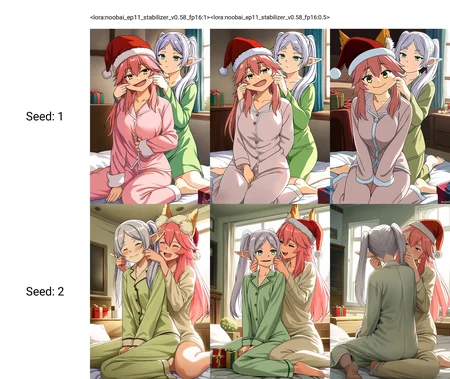
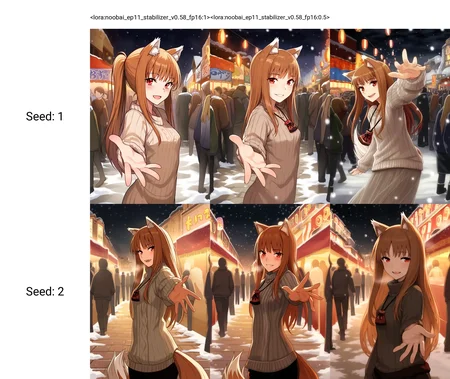
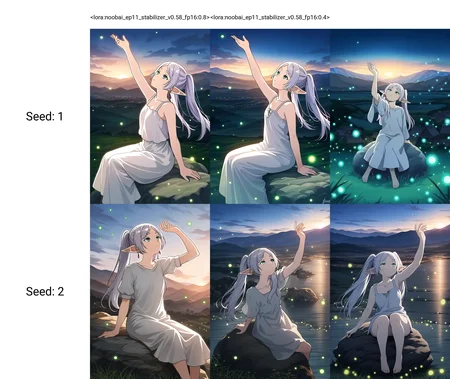
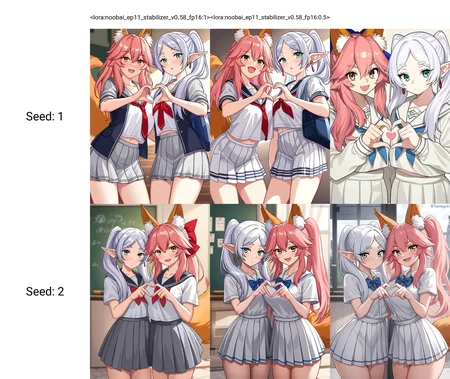
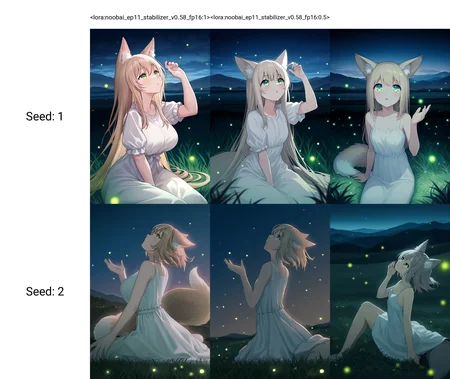
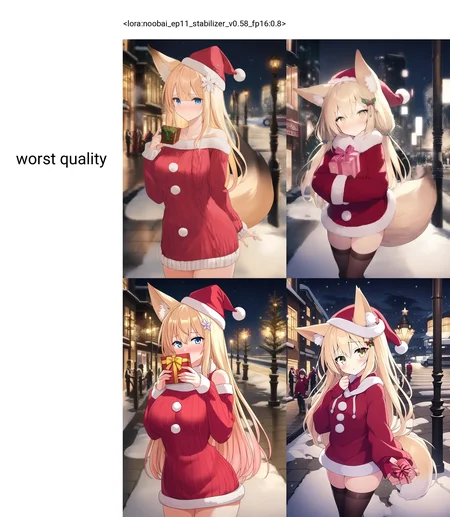
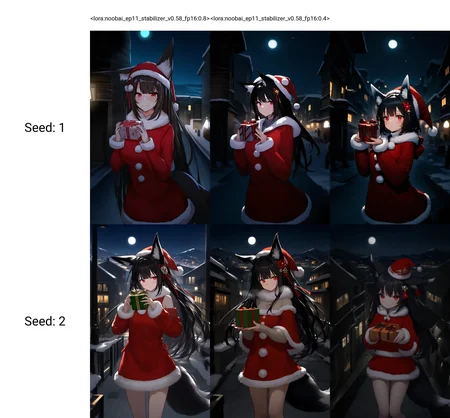
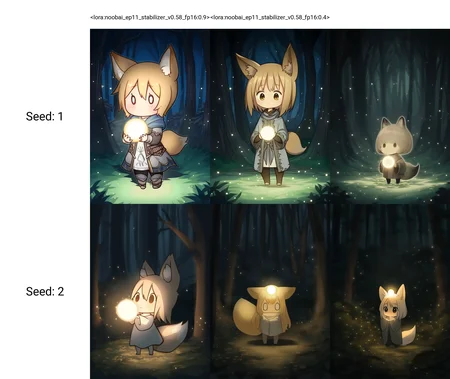
See more xy plots in cover images.
Why LoRA?
This LoRA is a DoRA (from Nvidia), which is more efficient than traditional LoRA.
Enough for thousands of training images.
What? You prefer to download and store a 7GiB checkpoint than a 80Mib LoRA?
Share merges using this model is prohibited. FYI, there are hidden trigger words to print invisible watermark. I coded the watermark and detector myself. I don't want to use it, but I can.
This model only published on Civitiai and TensorArt. If you see "me" and this sentence in other platforms, all those are fake and the platform you are using is a pirate platform.
How to use
It is highly recommended that you use pretrained base model.
And load this LoRA with strength 1.
Versions:
cknb (ChenkinNoob-XL).
nbvp10 (NoobAI v-pred v1.0). FYI: you don't need CFG hacks (RescaleCFG etc.).
nbep10 (NoobAI eps v1.0).
illus01 (Illustrious v0.1).
Load this LoRA first
This LoRA uses a new arch called DoRA from Nvidia, more efficient than traditional LoRA. But the patch weight is dynamically calculated based on the currently loaded base model weights (which will be changed when you loading other LoRAs). To avoid unexpected changes, load this LoRA first.
Specify styles in prompt
This model does not have an strong default style and is very creative. You must specify the style you want in the prompt.
If you want to use it on finetuned/merged base models:
I personally disagree this. This is not the model's original intention. But this is a LoRA after all.
Be aware:
This LoRA can't remove glossy shiny plastic AI style. Although the dataset is "AI image free". It can't make AI image polluted 1girl overfitted 50 versions of Nova furry 3D anime WAI or whatever look better. What the model learned is learned. Use a pretrained base model if you want to get rid of overfitted AI style.
What is "overfitted AI style"? This is what Craft Lawrence (from spice and wolf) should be, if you've seen the anime: img. This is what those AI style polluted 1girl overfitted model generated: img
Some base models already merged this model. If you got deformed images with this LoRA even at low strength (e.g. <0.5). Your base model has already merged this LoRA (and you merged it twice). And the model weights got multiplied (because how the DoRA works) and collapsed.
Beware of fake base model creators, aka. thieves. Some "creators" never do the training, they only grab other people's models, merge them, wipe all metadata and credits, and sell it as their own base model.
Update log
Moved here
Description
FAQ
Comments (8)
holy this lora is GOATED, it improves so many things yet doesn't affect the art style, really really great work!
I can not overstate the importance of this lora for noob v-pred 1.0, even tho its not even trained for that. Nothing i tried so far changed the outcomes as much as this one, even close. At least for me, using forge, at 0.8 value.
Right away, one of the shockingly most important parts of this whole thing seems to be... to actually remove all negative prompts. Like it tells you to. Yeah, something i wouldnt have tested before tbh, since they do seem important, but for me it seems to be a lot better if completely skip them with this.
I make only furry images, so thats all i tested, this might have a much stronger effect for that, and might not be that good for some other things, because of following reason:
It seems to remove a bit of the extreme lighting you often get in that model, and also a bit of 3d/realism, making the image a much more flat 2d style. But not flat as in boring, because it adds details at the same time and makes things sharper, even the background. The most notable improvement for me however was fur. No matter what i tried before, no matter what artist style, cfg, extensions, other detailer loras, it always was a bit too... washed out? Smeared? Just trying a tad too hard getting into 3d? So because this seems to make the image more flat, it for me removed all that, almost like taking off a filter that was on before. It makes the lines more clear, looking actually drawn (but less painted i guess, since less smear), at least for artists with that style of more clear lines, which i personally like. So for realism, idk how this would hold up, if it maybe works completely different there.
The best results so far i got using it together with these 2 other loras:
https://civitai.com/models/99619/control-lora-collection?modelVersionId=947620 at 0.5 - 0.7
https://civitai.com/models/99619/control-lora-collection?modelVersionId=947415 at 1.5 - 2
But i have to test a lot more, and you should too, try other loras and values. So far ive fiddled with a lot of extensions and settings too, but using these 3 loras, i was surprisingly most happy with generations after turning EVERY single extension off. No cfg rescale, even tho noob v-pred recommends that and it can help when not using this, no CD tuner, no resharpen, no dynamic thresholding. That doesnt mean all those things wont help you, i just personally liked my results so far better with none of them on. ADetailer is ofc an exception, thats after-generation cleanup.
Im not quite happy enough with my noob results in general yet to really post pictures, but i probably will soon, and these are the general settings i like rn: 832x1216, Euler a - Exponential, 30 steps, 5.5 cfg. But try those around too, this might help with that:
"negative prompt" is just a "hack" in CFG, never a solution. It literally means subtracting "negative prompts" from "positive prompts". But in fact, since there is no way to perfectly distinguish between "positive prompts" and "negative prompts", there will be intersections between them. The more meaning the tag have, the wider intersections it has, e.g. "worst quality". Therefore, the intersection is damaged when using negative prompts, which, from "positive prompts" prospective, is the detail of the picture. (Why the intersection is the details of the image? Because it is hard for model, even for human, to classified details.)
The dataset contains 100% 2D images. Therefore it will push model to generate flat 2d style. I also do like a bit of 3d/realism, but it is hard to control the "bit". NoobAI new versions are trained with 3D cosplay images. Many users are complaining that the 3d style sometimes is too much. That's why I did not add realism/3D data to enhance details. To be honest I personally also use my LoRA with a realism base model, just to find the perfect spot of the "bit of 3d/realism", after all, this is a LoRA, we can adjust the strength at no cost.
@reakaakasky Hi, thanks that is very interesting, i dont think ive heard negative prompts explained like that before. Ive tried removing some negative prompt like "worst quality" before, because i actually thought it might just reduce the image pool the model will use then, probably not exactly how it works, but it did help sometimes. Since i make furry art, its much harder to tell cleanly between "good" and "bad". Some of the most interesting images imo, are sometimes just sketches or low quality, but i would still want them to get used, so removing negatives makes much more sense when i think about it that way.
Also yes, with a bit more testing, i can get 3d or realism back quite a bit, especially with other loras you can counteract that very nicely, if you want. But i personally like 2d much more most times, so i really appreciate this being able to help with that so much. What ive also noticed tho is, that removing the negative prompts also did a lot of work on removing 3d, so it might help adding like 1-2 again specifically for that if you do want more 3d? It might not do, didnt try it yet.
amazing lora 10/10, cant wait for the dedicated noob v1-pred ver as the only issue is this seems to brighten up/saturate v1 a little bit (not by alot mind u but still noticeable)
What prompts, settings are you using?
If the image is brighten up under a "dark" prompts, this maybe the bias of the dataset. There is no dark images in it. If the image also saturate, burned a little bit, you may need to lower the cfg.
Training a lora on vpred is harder than I thought, I have been trying this for weeks. But still can't get it better than using a epred lora on vpred model.
@reakaakasky my use case isnt normal, im basically using the lora to replace negative prompts, dmd2 + 1.0 cfg xD
like i said tho it's really not that much of an issue, take ur time with training on noob v-pred v1, ive herd similar stuff from other trainers about it being difficult
Details
Files
Available On (2 platforms)
Same model published on other platforms. May have additional downloads or version variants.