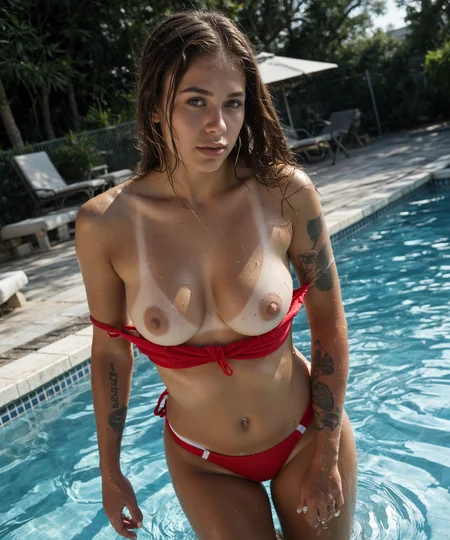
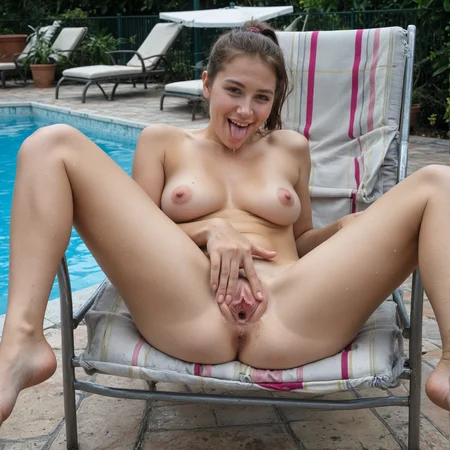
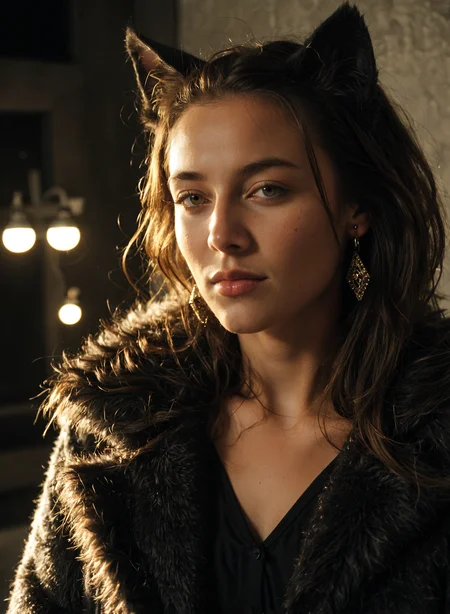
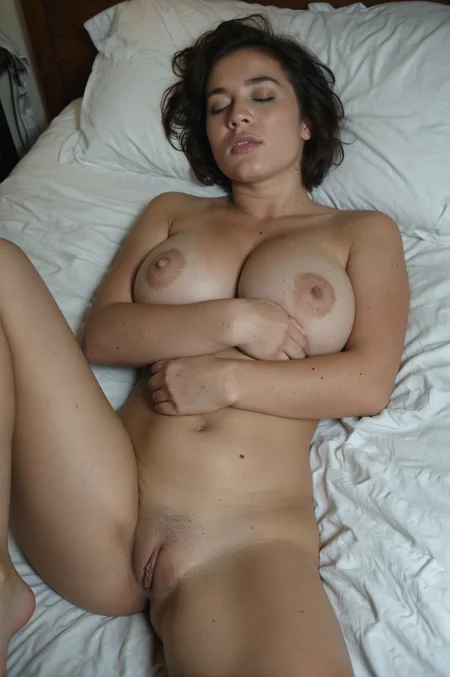
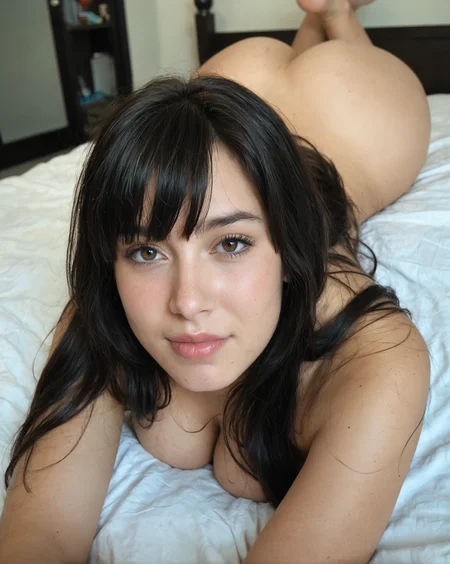
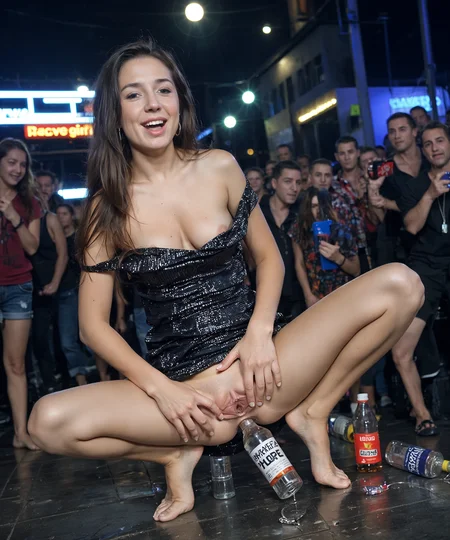
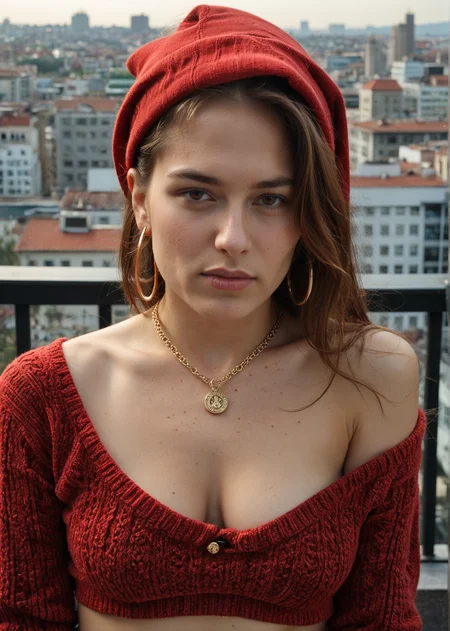
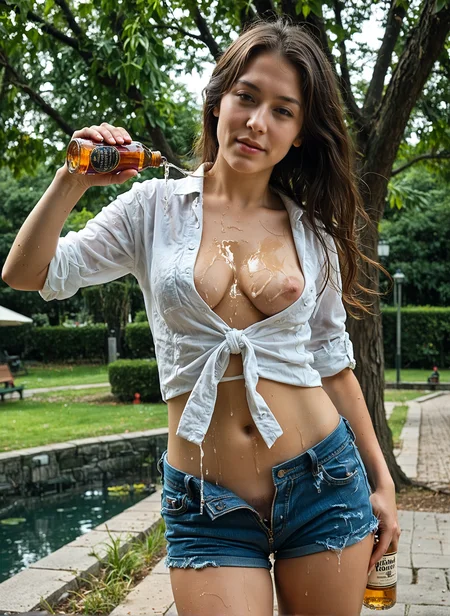
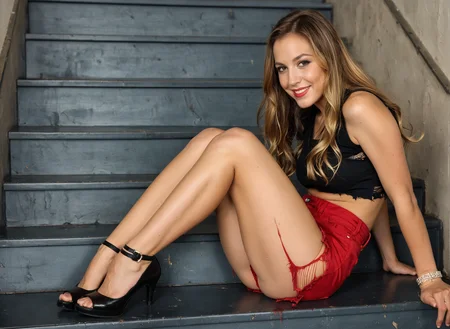
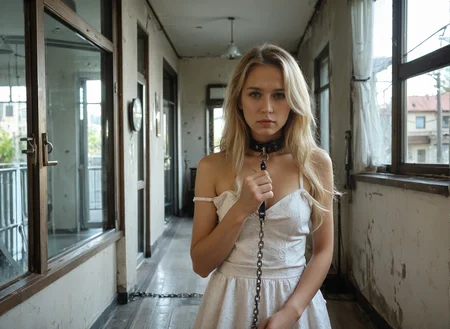
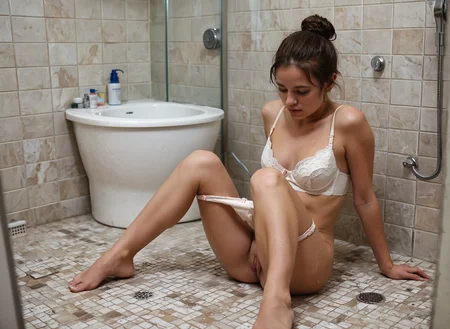
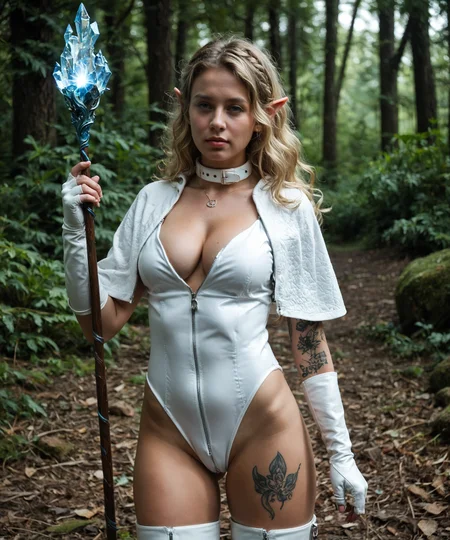

TAME Pony: The Authenticity MachinE
IMPORTANT ANNOUNCEMENT!!! - Please do NOT use anything with the word "Karras" in it to generate images with any of the TAME models. They are NOT compatible, and you will NOT get clean images. Best settings are Euler a with SGM Uniform scheduler.
You can use other samplers, but always choose SGM Uniform or Simple as your scheduler (unless you have read the version information on the right, which provides a fix for other schedulers, depending on the TAME version you are using).
Remember: the showcase images are meant to be reproducible. There are no special techniques used to produce them, just good settings and a mild upscale (1.5x-2x) using highres fix. If you are not getting images that nice, the problem is your settings. I suggest to try downloading one of the sample images and load it into your image generator, then use the settings for your own prompts until you figure out settings that works better for you.
Version 2.5 is here!
Like version 2, the changes in this version have been achieved only through merging.
Since I had a lot of feedback that people missed the vivid colour and Pony knowledge (characters, men) from version 1, I went back and reworked the recipe from the start to try to get as much of that as possible back into the model while retaining the improvements from version 2.
I also improved the diversity somewhat. It's still limited, but at least now you can actually prompt for Asian girls and get them!
I did have to compromise slightly on anatomy and realism, but overall I think it worked pretty well. Let me know what you think in the comments.
Version 2.5 Usage:
I like CFG 5 for this one, but anything from 2-7 generally works well. It has the same wide CFG range like version 2, so feel free to crank it up higher as long as you raise the steps to compensate.
I haven't tested the samplers as thoroughly as I did with version 2, but the DPM samplers are still working well with SGM Uniform or Simple. Still not working out of the box with Karras, but it does work if you set sigma min to 0.1 (note that Version 2 required 0.3). You can set this in options/sampler parameters in A1111, or with a node in ComfyUI.
In my opinion, DPM++ SDE and DPM++ 3M SDE with SGM Uniform scheduler typically give nicer results than Euler a on this model, but try around.
As always, please post images and feedback so I can see what everyone is up to!
P.S. This will likely be the last version for a while, as I don't think I can squeeze much more out of merges. Version 3 will come, but not until I manage to do more custom training.
Version 2:
No new training this time, but hundreds of hours of merging, testing, and tweaking to squeeze more quality and realism out of the model. Two more SDXL models (bigASP and NightVision) and two more Pony models (CinEro and One-Trick) were introduced to the mix. Version 2 still has the realism, responsiveness and capabilities of the TAME you know and love, but with improved anatomy, clarity, image quality, sampler compatibility, lighting, and artistic capabilities.
This is NOT just a porn checkpoint. Yes, it can do realistic XXX really well, but there is much more it can do, so look at the example images and try around.
Version 2 Usage:
Same guidelines as version 1, but with a few extra tips:
CFG 3 will give good, realistic, high quality results, but the output will be less vivid than version 1. If you prefer that bright and colourful feel, increase CFG to between 5-7.
If you want to get artistic, higher CFG even up to 20+ can give interesting results! But increase the number of steps if you start seeing colorful artifacts or other issues.
All the DPM samplers are now working well, IF you choose SGM Uniform or Simple as your scheduler. If you are using an old version of Auto1111 or something where you cannot independently choose the scheduler, they may not work.
If that is the case, or if you want to use one of the non-working schedulers, you can go to settings, sampler parameters, and set sigma min to 0.3 (may not be the optimal value, but works pretty well for me). This should fix Karras and most other schedulers except KL Optimal. BUT remember to set it back to 0 at some point because it will negatively affect the results if you use schedulers that were already working!
Please post interesting results so myself and others can see what you have been up to with the model, and get some new ideas of what it is capable of!
Version 1:
This model is all about maximum realism and sexiness. It aims to achieve a new level of realism for Pony models. While there are a lot of amazing Pony realistic models out there, most of them suffer from "Ponyness": their Pony heritage is immediately clear when you look at faces or anatomy. TAME certainly has its flaws, some of which I hope to remedy in future versions, but from what I can tell the amount of "Ponyness" is very low.
Many creators are jumping on the Flux bandwagon now, which is understandable. It's a great model. But for those of us stuck with older GPUs I don't think it is the best option (if it is an option at all). I've also noticed a degree of "Fluxness" is present in most/all of the fine tunes.
TAME began with a series of checkpoint merges, using block weight merge to combine a set of realistic PonyXL and SDXL models in a way that maintained the prompt adherence and flexibility of Pony. I then trained the resulting model on my own dataset to further improve the realism.
The Authenticity MachinE will not win any awards for creativity but it is damned good at making realistic pictures of women in any state of dress or undress.
Quick start:
Sampler: Euler a
Steps: 20
CFG Scale: 3
Resolution: 912x1280, 1024x1400, 1280x1536
Hires fix: ESRGAN_4x
Upscale by: 1.5
Hires steps: 10
Denoise: 0.3
Usage guide:
Score tags: You do not need score tags with TAME. Putting them in may not hurt but it likely won't help either, so why waste the prompt space?
Quality words: You do not need quality words (8k, masterpiece, best quality, etc) with TAME. They are a waste of prompt space.
Negative prompts: You do not need negative prompts with TAME unless there are specific things you want to exclude.
Positive prompts: Prompt length doesn't matter too much, but keep it simple. Words and phrases with commas in between. The model understands Pony style prompts, but does not do well with natural language prompts. TAME usually responds well to gentle prompting (take a look at the example image prompts), so don't use a lot of emphasis e.g., (large breasts:1.8) unless the model is being stubborn. Start by just telling it what you want, then play with emphasis, rearranging words, and more advanced techniques if you aren't getting the right results.
Don't fill up your prompt with nonsense words. Look at this example I copied from another model's gallery (RealVis XL V5.0):
photograph the little catgirl, cat ears, wearing fur dark coat, 50mm . cinematic 4k epic detailed 4k epic detailed photograph shot on kodak detailed cinematic hbo dark moody, 35mm photo, grainy, vignette, vintage, Kodachrome, Lomography, stained, highly detailed, found footage, (masterpiece), (best quality), (ultra-detailed), the little catgirl, cat ears, wearing fur dark coat, illustration, disheveled hair, detailed eyes, perfect composition, moist skin, intricate details, earrings, cinematic still the little catgirl, cat ears, wearing fur dark coat . emotional, harmonious, vignette, 4k epic detailed, shot on kodak, 35mm photo, sharp focus, high budget, cinemascope, moody, epic, gorgeous, film grain, grainy, the little catgirl, cat ears, wearing fur dark coat, detailed, elegant, highly colorful, warm light, sharp focus, beautiful, intricate, expressive, rich deep colors, cinematic, cute, enhanced quality, creative, positive vibrant romantic atmosphere, depicted, perfect background, professional, thought, iconic, best, thoughtful, pretty, attractive, charming, confident, passionateI can't speak for RealVis because I didn't create it, but I strongly suspect that much of that prompt is doing nothing. What I can tell you is if you use that prompt with TAME you will not get great results. Here is a quick rewrite:
catgirl,earrings,cat ears,wearing dark fur coat,warm lightingSee how simple that is? From 142 words down to 10, that's more than a 90% reduction. Now, observe the difference in the actual renders using TAME:
Long prompt:
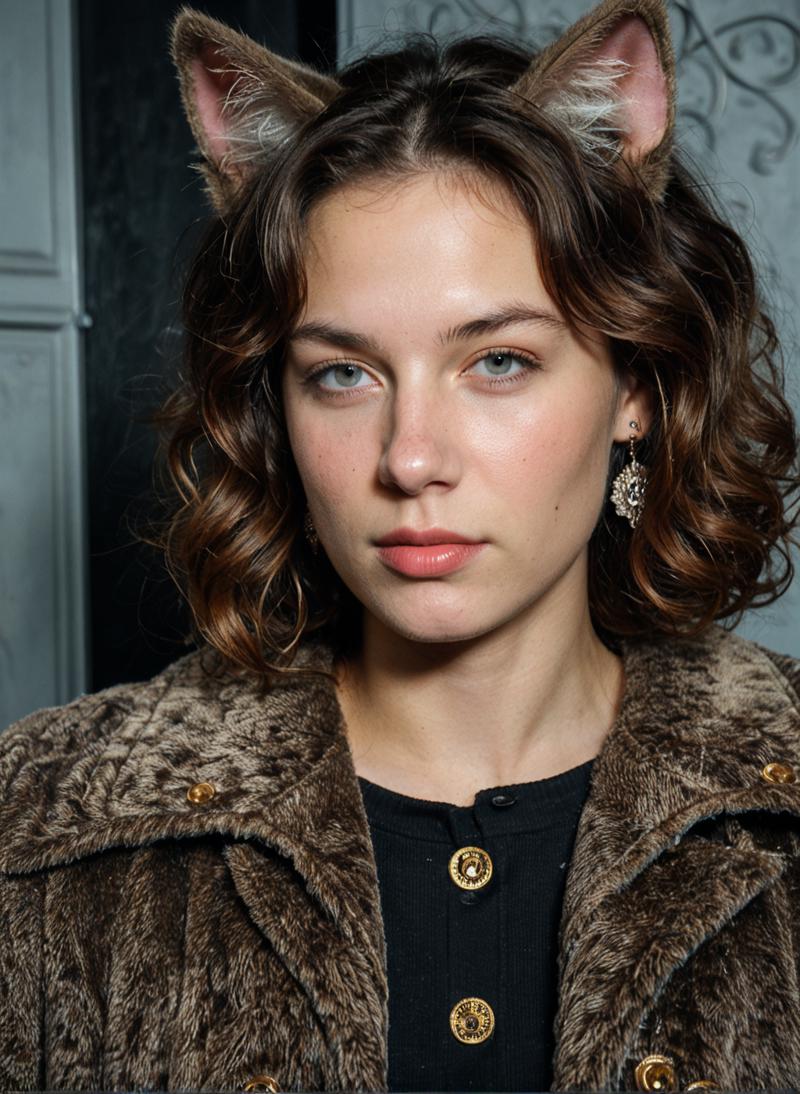 Not terrible, but probably not what the user was looking for.
Short prompt:
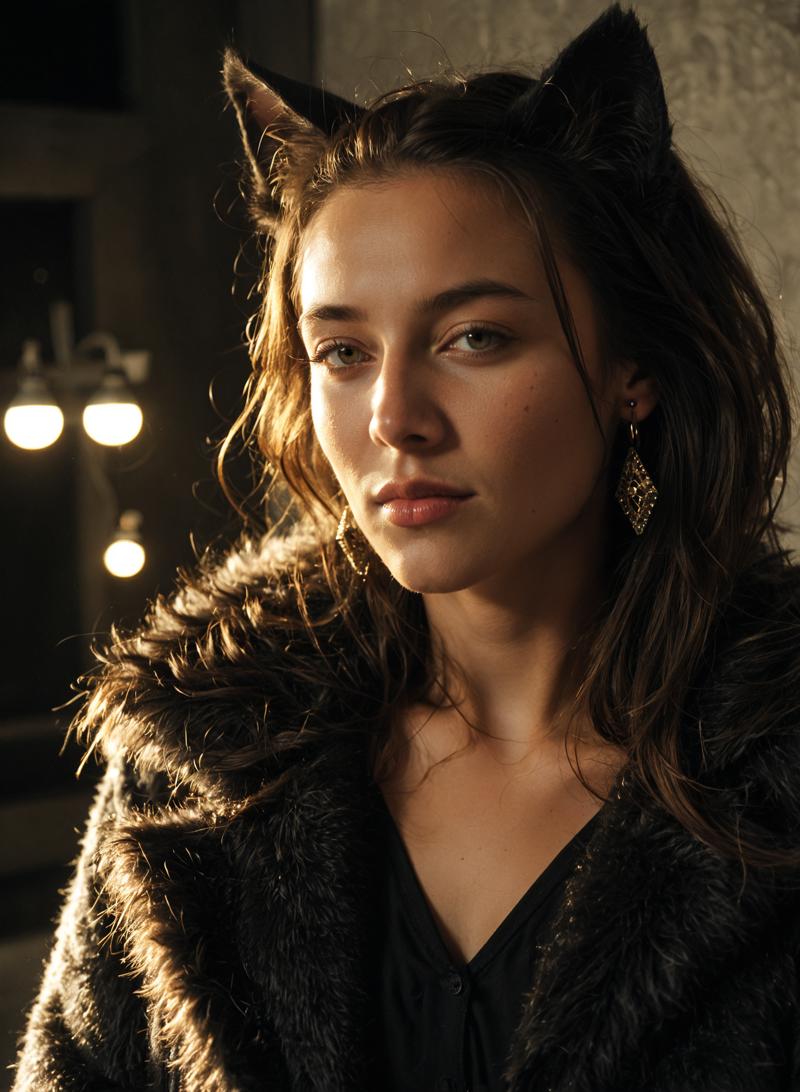 See the difference? 90% less words and a much better image that is likely also closer to what the user was looking for (romantic atmosphere, elegant, etc). In fact, it looks so good that I decided to use it in the model showcase!
Adetailer: I do not recommend using Adetailer with TAME. In my experience it makes things worse. Most of the time you are better off with just Hires fix. If you are having trouble with e.g. a really small face then maybe give it a go, but don't expect miracles. Often changing the settings (sampler, prompt, resolution, steps, denoise, etc) will get you a better solution. For example, full body poses often render best at a more narrow resolution (square resolution often makes the faces smaller) and e.g. work better with Euler a than with DPM++ SDE. Too few steps can make things blurry while too many can cause artifacts and strange eyes. Higher denoise can fix more issues but can also mess things up.
Resolution: This model was trained on a high quality dataset with a max training resolution of 1536x1536. That means you can often generate at up to 1536x1536 without deforming your subjects. The model also works well at pretty much any width-height combination, even extreme ones.
For example the image below was generated at 2048x408:
 And this one was generated at 504x2048:
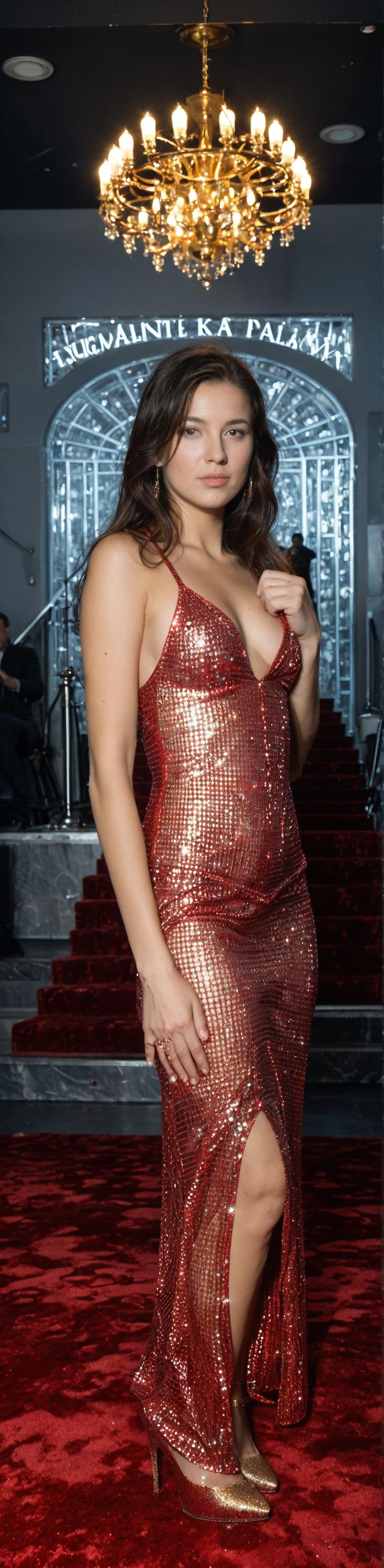 These are just test images done on the fly, without Hires fix, but as you can see neither of them has any obvious deformities or other major issues. The second image would look significantly better with Hires fix and the extra finger could likely be eliminated by trying a different seed.
Basically you have about 2.4 million pixels to work with, and as long as you don't exceed that by much (width x height) the model works. For example, you can crank the width all the way up to 2048 and set the height to 400, 800, or 1200... but if you go much above 1200 you will need to reduce the width or you will start to see weird things happen.
Even a tiny change in the resolution typically has a large effect on the image (pose, etc). So be creative, try different resolutions!
Upscaling: I highly recommend using Hires fix, but make sure you choose a good upscaler. My favourite is 4x_NMKD-Siax_200k, but 4x_foolhardy_Remacri and ESRGAN_4x are also good choices. I generally set it to 1.5x resolution with approximately half the number of steps used for the first pass and a denoise strength of 0.2-0.4 (default for me is 0.3). You can of course upscale further if you desire.
Samplers: Euler a is highly recommended as it will give you good results with a range of settings. DPM++ SDE can work well with some images (avoid it for full body poses) but it really has to be dialed in or it will look terrible. Other working samplers include DPM++ 2S a, DPM++ 3M SDE, Euler, DPM2, DDPM, and LCM. Most others do not work properly with this model.
Schedulers: I haven't played around much with different schedulers, so you are on your own with that. I use Forge (an offshoot of Auto 1111) which has limited options for sampler/scheduler combos, but I haven't noticed huge differences in any case.
CFG Scale: Typically 1.5-5 is best (I keep it at 3 most of the time), but you can try going higher if you wish. Worst case you get a bad looking image or two, right?
Steps:
Euler a - 15-30 steps + 8-15 hires steps (for best quality I typically use 25 + 12)
DPM++ SDE - 6 steps + 4 hires steps (for pure speed you can even drop it to 5 steps and turn off hires fix, but don't expect mind blowing quality with this sampler)
DPM++ 2S a / DPM++ 3M SDE / Euler - 12 steps + 6 hires steps (these are decent starting points, but I haven't done in-depth testing with these samplers)
DPM2 / DDPM / LCM - I haven't played with these except to test that they work, so you are on your own
Notes:
On occasion you might notice a watermark appearing. This is either due to one of the models I merged in, or I made a few mistakes in cropping my own dataset. Either way just change the seed and it should go away.
The model is not great at counting fingers and sometimes creates too many or too few, especiallly in close-ups. If you have the the rest of the image dialed in but can't get the hands right, start generating batches using variation seed at a low strength... hopefully one of them will give you the correct number of fingers without drastically altering the rest of the image.
This model can generate very realistic vulvas, including the inside bits...the closer you are to your subject, the more realistic the vulva will be (see examples in the sample images). To get your subject to show you her innermost parts, use the term "spread pussy". Variations might work, but this is the term the model was trained on. You can also use "pubic hair" or "female pubic hair" in the positive or negative prompt or with an emphasis of less than one (e.g. pubic hair:0.5) to dial in the amount of pubic hair. You can try adding clitoris and urethra to the prompt if the anatomy isn't quite right, especially in close-ups, but I'm not sure how reliably this works. The model should also understand "gaping pussy" or "pussy gape" but again I am not sure how reliably.
The model can also do peeing, squirting (to a limited extent), penetration, masturbation, fingering, dildo, vibrator, anal, titfucking, etc. If you are having trouble getting the girl to e.g. stick a cucumber in her ass, don't fill the prompt with different words and phrases. Use something like this: anal object insertion, anal cucumber. Those two phrases, in that order, should do the trick. The same trick works for bananas, bottles, etc. Usually the phrase "cucumber in anus" will render a cucumber, but the girl will not put it in her ass. This is generally true for many other models too, in my experience. If you are having trouble getting cunnilingus or titfucking to work, try altering the positions of your subjects to something that makes anatomical sense (might take a bit of trial and error, giving directions to multiple subjects in one prompt can be a pain in the ass).
Please use this model with care, given its realistic capabilities. I have used only images of adults in the training dataset, but the model may still be capable of generating inappropriate images due to existing content or merged models. I have thus far not encountered anything inappropriate by accident, and I do not have any intention of testing for it. In any case, please do not post anything inappropriate in the gallery. Furthermore, I am not responsible for any misuse that may occur.
Finally, I would like to acknowledge and thank the creators of these other wonderful models, whose work I built upon:
GODDESS of Realism by Oppkllll
CreaPrompt_Lightning_Hyper-SDXL by jice
Another Pony Realistic Merge by Error666
iCatcher Realistic by iCatcher
LEOSAM's HelloWorld XL by LEOSAM
Pony Diffusion V6 XL by PurpleSmartAI
Better Cum - Pony (Lora) by Topplok2
NightVisionXL by socalguitarist
One-Trick Pony XL by DarkDescent
Description
Version 1.0
A mix of block weight merges of Pony and SDXL models and custom training.
Trained on 4225 images for 152,100 steps.
Resolution: up to 1536x1536 (anything that multiplies to 2.4 million or less pixels)
Best settings: Euler a, 15-30 steps, CFG 3, Hires fix (4xNMKD-Siax_200k, 1.5x, 8-15 steps, 0.3 denoise), resolution 1024x1400 (or 1400x1024)
Alternative samplers: DPM++ 2S a, DPM++ SDE, DPM++ 3M SDE, Euler, DPM2, DDPM, LCM
Negative prompt: none needed except for excluding things you don't want
Quality words: none
Score tags: none
VAE is baked
FAQ
Comments (31)
This is pretty good, I'll share examples after experimenting some more.
Impressive model, I'm going to keep my eye on you.
Glad you like it.. and thanks for sharing some nice examples!
@zyxt99565 The controlnet compatibility is top tier. Also not needing score_up nonsense and schizo prompting is a breath of fresh air. It almost has a Flux-like quality to it keep up the good work.
@AverageAndAbove Agreed! The unprompted background detailing is far far better than any I've seen.
@AverageAndAbove Really great to hear that it's working well with controlnet. I have used controlnet with other models but haven't even tried on mine yet. Usually spending my time to improve the model instead of actually using it to make cool stuff. Hopefully the community can make up for that. :-)
Amazing model, I'm proud that one of my models was able to help, I hope to hear more from you soon
Many thanks. Your models are quite impressive too!
great job. I would say that the flux thing is still too early to generate any real excitement for those looking for NSFW. Obviously the community is already working to change this, but I believe it still doesn't compare to the variety that pony offers.
I haven't even bothered with flux yet. SDXL has far better checkpoints and flux is so slow.
Yes, I agree. It will take some time for a really capable NSFW version of Flux to come about. But new Flux models are popping up at a pretty impressive rate, and with the heavy hitters on board I'm sure we will see a lot of improvement in the near future. However, with my 6GB of VRAM I will likely be sticking to SDXL/Pony for a while. :-)
I don't think it has quite reached its maximum potential yet anyway.
Sigh. There goes my weekend. Any plans to mix with anteros or big asp?
I can look into it, but my guess is that it will not work well. Merging a Pony model with an SDXL model is a giant pain in the ass. While I have done it successfully (this model has DNA from several SDXL models), it required a lot of trial and error, playing around with different block weight settings, and I could only take certain aspects from them. If you take more than a small amount of the core weights from SDXL you start losing prompt adherence. Most models that I tried to merge with, including XXX ones, ended up making the results much worse.
I had a request by private message for a 4-step lightning version of this model, so I wanted to address it here in case anyone else has the same request.
Basically, it is not possible because this model has already been merged with multiple lightning models, and so now the lightning and hyper loras cause a lot of artifacts even at low strength.
However, this is already a very fast model due to the aforementioned merges. So, if speed is your primary concern, use the DPM++ SDE sampler at 5 steps. Your results will not be as good as you would get with a higher step count and a different sampler, but that's the price of speed!
This is a really great model, and with only 6g vram? Crazy. I was going to say my only criticism is I see artifacts here and there but after reading your comment about how you merged in lightning models and it caused the artifacts, guess that answers my question. This probably also explains why my gens on anything other than Euler A in comfy had not so great results... well I do have another criticism about the 'same face' syndrome, but seems that's just what happens with most models, especially mixed with Pony, though I see you already address that for future versions, so here's looking forward to more great models from you!
Well, I rented a 4090 for a couple of days to do the training. I can train Loras on my own machine, albeit slowly, but I don't think it is possible to train a checkpoint with 6 GB VRAM. This one was trained at 1536x1536 which really eats up the VRAM.
Sorry to hear that other samplers were not working in Comfy. I am using Forge (an A1111 offshoot) and I get good results with DPM++ 2S a and DPM++ 3M SE. Have you tried those? The schedular might be important too. DPM2, DDPM and LCM are also working in Forge although I haven't played with them much. DPM++ SDE is very fast but more likely to generate artifacts, especially if the steps are set higher than 5-6.
Yes, the same face syndrome is definitely an annoying issue. If I knew for certain why it occurs it would be easier to address, but I will work on it. In the meantime, it is possible to produce some variety of faces with this model but it requires playing around a bit with the prompting.
@zyxt99565 I tried forge but couldn't get it to run.. ran into a weird issue no one seems to know how to fix (I think it's cause my main account has a space in it, causing any python related actions to be confused with it when it tries to run 'user' with a space in it)
Great to see what a professional can do with my model and great others. I am impressed with the combination of PONY and SDXL. If you could share more details of the MBW combination it would be great
Sure... so I used the Merge Block Weighted extension for A1111. It provides 12 IN blocks (IN00-IN11), one M block (M00) and 12 OUT blocks (OUT00-OUT11). I did dozens of different merges, starting with individual blocks, taking notes to get a feel for what each one did (although it was not always clear because some aspects are affected by many different blocks. The recipe I found to work best for Pony-SDXL merges (so far at least) was as follows:
Select pony model as Model A, sdxl model as Model B.
Set base_alpha to 0.
Weight values:
IN00 = 0.1, IN01 = 0.15, IN02 = 0.2, IN03 = 0.25, IN04 = 0.3, IN05 = 0.35, IN06 = 0.35, IN07 = 0.3, IN08 = 0.25, IN09 = 0.2, IN10 = 0, IN11 = 0, M00 = 0, OUT00 = 0, OUT01 = 0, OUT02 = 0.2, OUT03 = 0.25, OUT04 = 0.3, OUT05 = 0.35, OUT06 = 0.35, OUT07 = 0.3, OUT08 = 0.25, OUT09 = 0.2, OUT10 = 0.15, OUT11 = 0.1
The IN10, IN11, M00, OUT00, and OUT01 are most important because these are the core layers. If you merge more than a small amount of the core you will start to lose prompt adherence and NSFW capabilities. But following this recipe doesn't necessarily ensure you will get good results.
The first merge I did for this model was between an earlier version of your model Goddess of Realism and CreaPrompt Lightning, two of my favourite models, and by chance it worked really well. I used the same formula for merging in Crystal Clear. But I've tried with many other SDXL models and did not get good results, so it's no magic formula.
Another method I had some success with was using add difference in Checkpoint Merger, with the model I was working on as Model A, the Model I wanted to merge in as Model B, and another SDXL model as Model C, and setting the multiplier to 0.3. It only merges in the differences between the two SDXL models, so this way you can avoid adding any of base SDXL to your model and thus hopefully preserve the Pony prompt adherence. But again, the Pony and SDXL models that you are merging need to play well together or your results will not be good.
I hope this is helpful, but unfortunately merging always involves a fair bit of trial and error.
Thanks a lot, when something comes out I will let you know
@zyxt99565 One note, SDXL/PONY uses less blocks: in00-08, out00-08, BASE and, M00. Try using Supermarger or Checkpoint Model Mixer, there you can choose if it is sd1,2 or SDXL
@Oppkllll Yes that's true about the blocks. I couldn't get those other extensions to work properly so I stuck with Merge Block Weighted and it worked well. Unfortunately I don't really know how it is translating the 12 SD blocks to 9 SDXL blocks so I can't say how the recipe should be altered.
@zyxt99565 This will bring a lot of testing work, it is basically certain that the base layer is completely not moving, you can try traindiff, but I have tried, some prompt words will generate images similar to cfg too high.
Holy shit...
Incredible.
That is an understatement ! 😉
one of the best realistic pony ckpt, thanks
Hi all,
Two things I want to mention.
1. I want to re-emphasize to anyone that isn't using high.res fix with this model, I highly recommend you to give it a try! Yes, it will slow down your generation but it makes a night-and-day difference to the quality and realism of your output. You can keep it off during prompt testing but it's really worth turning on for your final render. Just use half the number of steps of your first pass. It is, however, very important to choose a good upscaler. If you don't have any custom ones, ESRGAN 4x is a decent choice.
2. I just upgraded to the latest version of Forge (a faster and better A1111 spin-off). I immediately noticed two things. A) It broke all my extensions (damnit!, but not really surprising) and B) You can now select the sampler and scheduler separately, like in ComfyUI. So I immediately started playing around, and discovered that if you select Simple or SGM Uniform as your scheduler, all of the SDE samplers (and a number of others) should work. And they all give good results with a pretty low step count. So, if you are using a UI with independent sampler and scheduler selection, there is no need to stick with Euler a! I can't say yet whether any of the others give better results but it's worth trying around..
This model is a masterpiece, the state of the art in NSFW, in the last few days I have been very excited about flux generating many images with it, when I came across this model and was impressed, it brings together the height of sdxl and pony, congratulations to the creator of the model who did more with less, a light model compared to flux but very, very good
Very kind words, thank you!
Incredible results and very responsive to different poses. Thank you !
The best model i`ve used so far!
Legendary