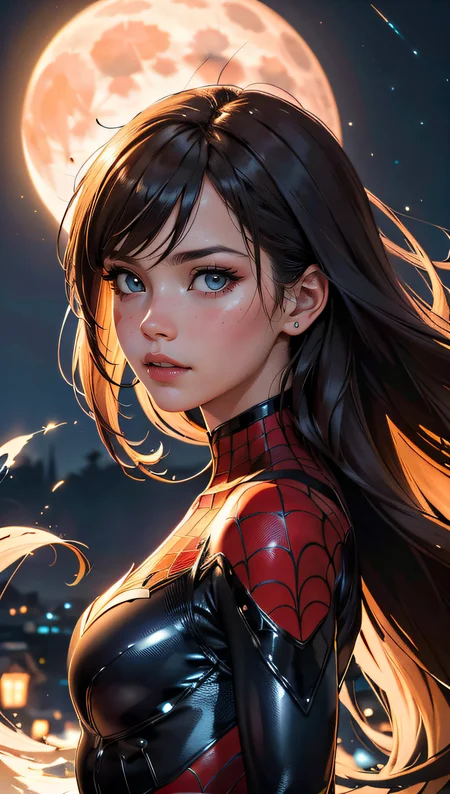
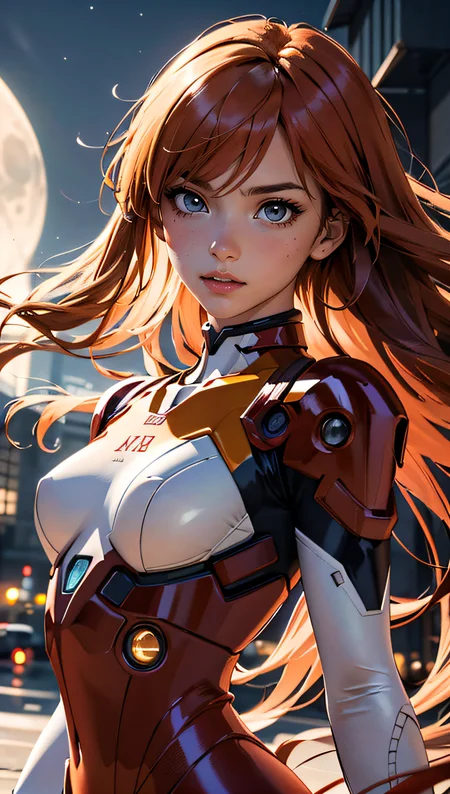
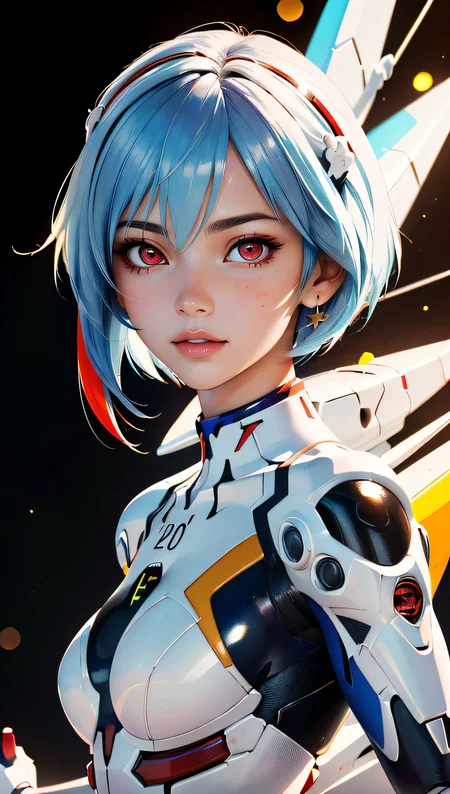
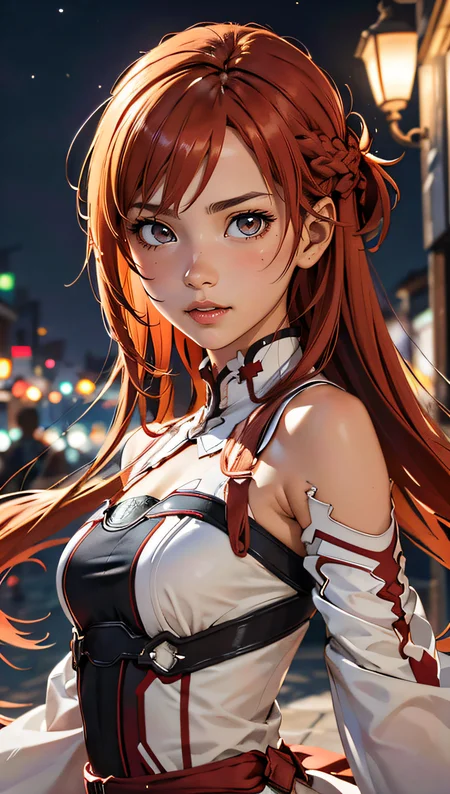
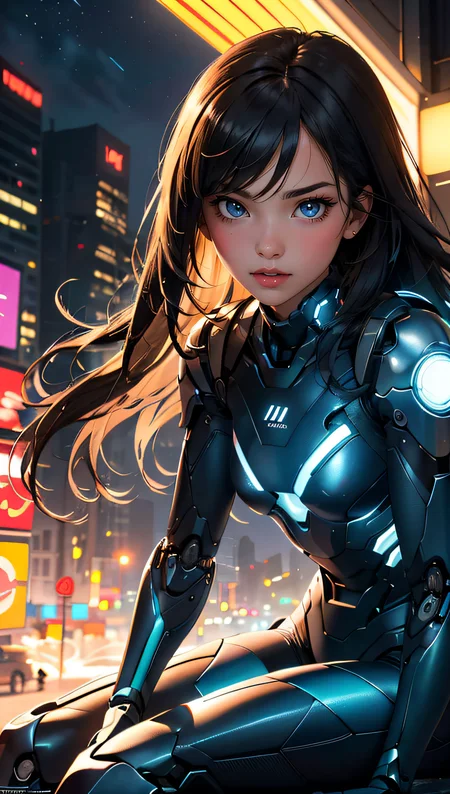

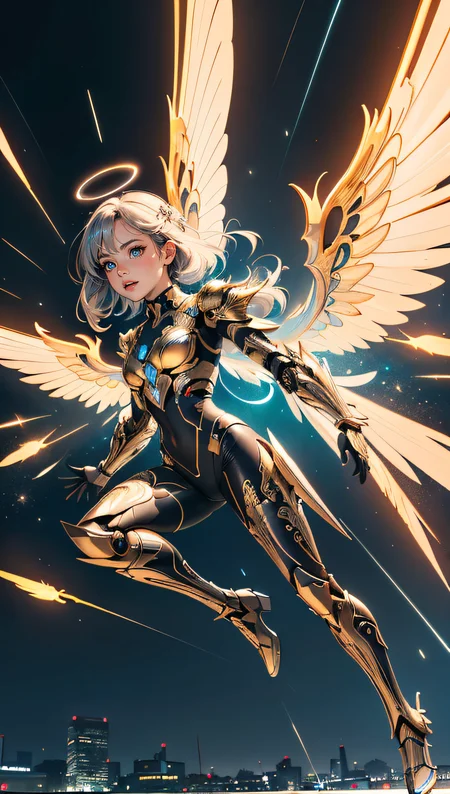
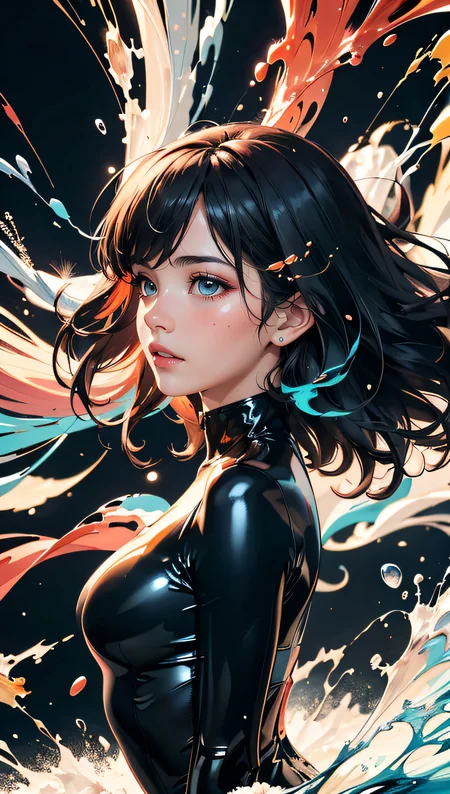

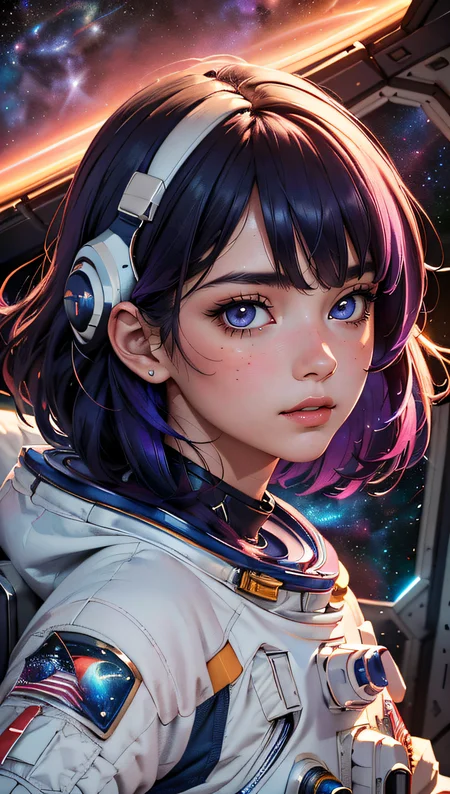
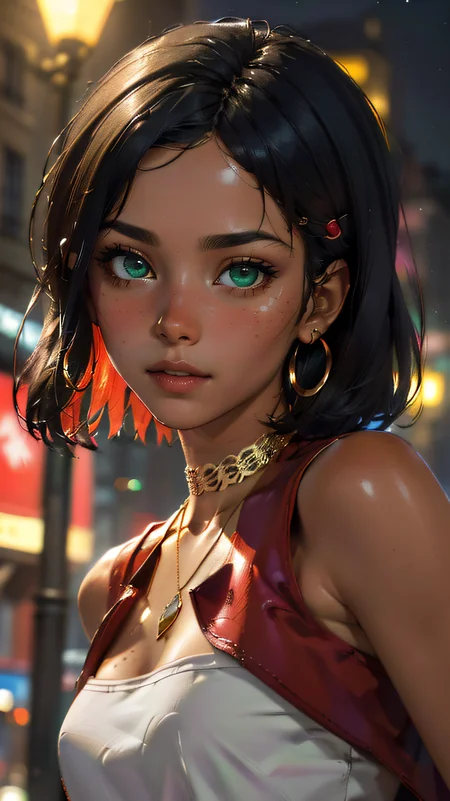
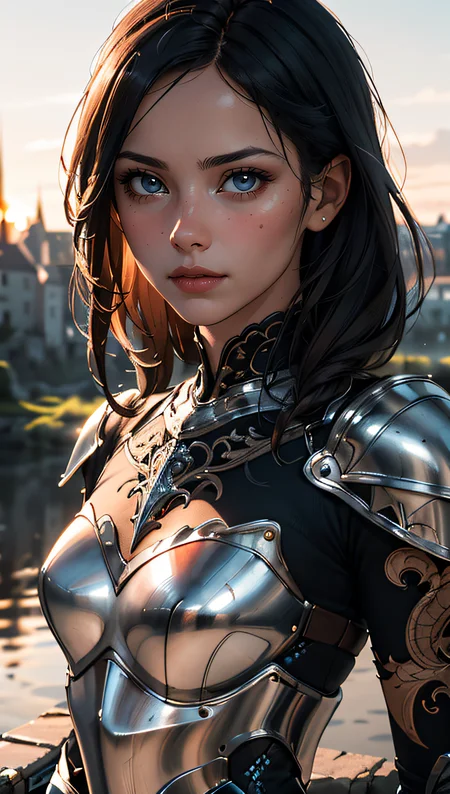
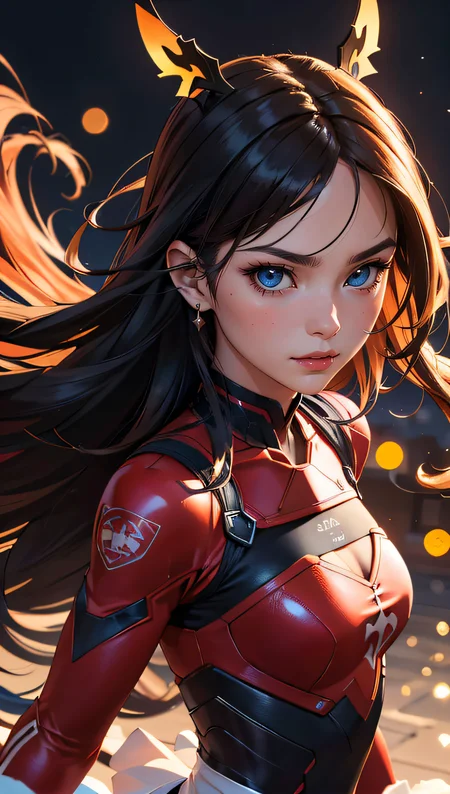
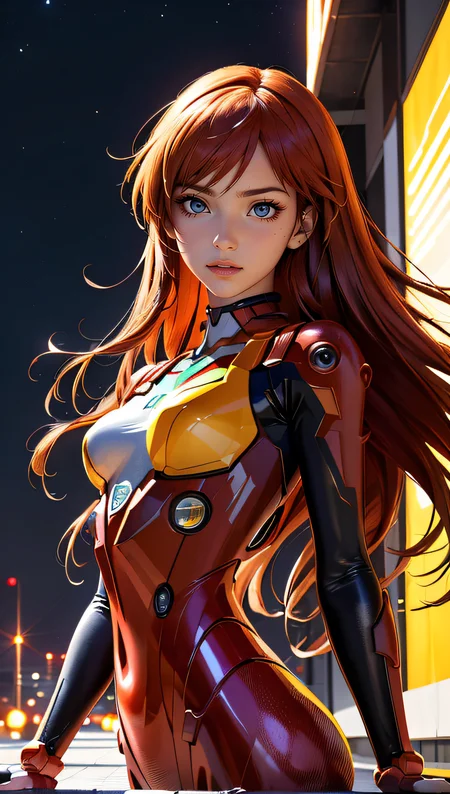
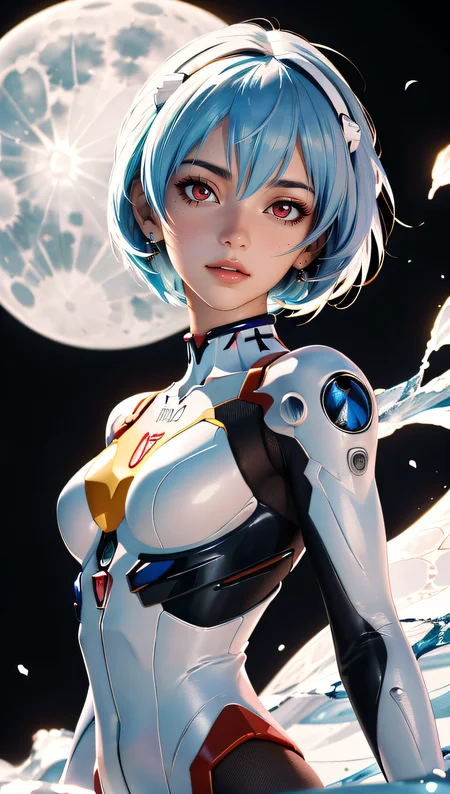
!!! UPLOADING/SHARING MY MODELS OUTSIDE CIVITAI IS STRICLY PROHIBITED* !!!
Check my EXCLUSIVE models on Mage.Space: AniMage PXL • AniReal PXL • Lucid Dream • AniMage SD1.5 • Realistic Portrait
SDXL - Pony: AniVerse PXL • AniMerge PXL • AniToon PXL • AniMics PXL • AniVerse XL
SD1.5: AniVerse • AniThing • AniMerge • AniMesh • AniToon • AniMics
Also in Collaboration with Shakker.ai
This model is free for personal use and free for personal merging(*).
For commercial use, please be sure to contact me (Ko-fi) or by email: samuele[dot]bonzio[at]gmail[dot]com
⬇Read the info below to get the high quality images (click on show more)⬇
Aniverse - is just the beginning!
This is a long shot project, I’d like to implement something new at every update!
The name is a merge of the two words: Animation and Universe (and a word pun: Any+Universe -> Anyverse -> Aniverse)
-> If you are satisfied using my model, press on ❤️ to follow the progress and consider leaving me ⭐⭐⭐⭐⭐ on model review, it's really important to me!
Thank you in advance 🙇
And remember to publish your creations using this model! I’d really love to see what your imagination can do!
Recommended Settings:
Excessive negative prompt can makes your creations worse, so follow my suggestions below!
Before applying a LoRA to produce your favorite character, try it without first. You might be surprised what this model can do!
A1111 my settings:
I run my Home PC A1111 with this setting:
set COMMANDLINE_ARGS= --xformers
if you can't install xFormers (read below) use my Google Colab Setting:
set COMMANDLINE_ARGS= --disable-model-loading-ram-optimization --opt-sdp-no-mem-attention
My A1111 Version: v1.6.0-RC-28-ga0af2852 • python: 3.10.6 • torch: 2.0.1+cu118 • xformers: 0.0.20 • gradio: 3.41.2
If you want activate xformers optimization like my Home PC (How to install xFormers):
In A1111 click in "Setting Tab"
In the left coloumn, click in "Optimization"
in: "Cross attention optimization" select: "xformers"
Press in "Apply Settings"
Reboot your Stable Diffusion
If you can't install xFormers use SDP-ATTENTION, like my Google Colab:
In A1111 click in "Setting Tab"
In the left coloumn, click in "Optimization"
in: "Cross attention optimization" select: "sdp-no-mem - scaled dot product without memory efficient attention"
Press in "Apply Settings"
Reboot your Stable Diffusion
How to emulate the nvidia GPU follow this steps:
In A1111 click in "Setting Tab"
In the left coloumn, click in "Show all pages"
Search "Random number generator source"
Select the voice: "NV"
Press in "Apply Settings"
Reboot your Stable Diffusion
If you use my models, install the ADetailer extension for your A1111.
Navigate to the "Extensions" tab within Stable Diffusion.
Go to the "Install from URL" subsection.
Paste the following URL: https://github.com/Bing-su/adetailer
Click on the "Install" button to install the extension
Reboot your Stable Diffusion
How to install Euler Smea Dyn and Euler Max Sampler:
In A1111 click in "Extensions Tab"
click in "Install from URL"
Under "URL for extension's git repository" put this link: https://github.com/licyk/advanced_euler_sampler_extension
Once installed click in: "Installed" Tab
Click in "Apply and quit"
Reboot your Stable Diffusion
Now at the end of the list of the sampler, you have the new sampler.
How to use ADetailer with Euler Smea Dyn and Euler Max Sampler:
In A1111 click in "txt2img" tab
Expand and click in "enable ADetailer"
Scroll down and expand "inpaint" section
Click and turn on "Use separate Sampler"
Now select: "DPM++ 2M Karras" (or your favourite sampler)
VAE: VAE is included (but usually I still use the 840000 ema pruned)
Clip skip: 2
Upscaler: 4x-Ultrasharp or 4X NMKD Superscale
Sampling method: DPM++ 2M SDE Karras
Width: 576 (o 768)
Height: 1024
CFG Scale: 3 -> Steps: 15
CFG Scale: 4 -> Steps: 20
CFG Scale: 5 -> Steps: 25
CFG Scale: 6 -> Steps: 30...and so on...
MY FAVORITE PROMPT:
(masterpiece, best quality, highres:1.2), (photorealistic:1.2), (intricate and beautiful:1.2), (detailed light:1.2), (colorful, dynamic angle), RAW photo, upper body shot, fashion photography, YOUR PROMPT, (highres textures), dynamic pose, bokeh, soft light passing through hair, (abstract background:1.3), (sharp), exposure blend, bokeh, (hdr:1.4), high contrast, (cinematic), (muted colors, dim colors, soothing tones:1.3), morbid
NEGATIVE PROMPT:
(worst quality, low quality), negative_hand-neg, bad-hands-5, naked, nude, braless, cross, sepia, black&white, B&W, painting, drawing, illustration
YOU CAN ALSO USE THESE NEGATIVE EMBEDDINGS:
5) For MEN images: girl, woman, female, tits, BadImage_v2-39000, negative_hand-neg, bad-hands 5
HiRes.Fix Setting:
I don't use Hi.Res fix because:
1) in my computer don't work
2) my models don't need it. Use txt2image, aderailer and the suggested upscaler in the resources tab.
If you still want use it, this is the setting sent me by MarkWar (follow him to see his creations ❤️).
Hires upscale: 1.5
Hires steps: 20~30
Hires upscaler: R-ESRGAN 4x + Anime6B,
Denoising strength: 0.4
Adetailer: face_yolov8n
How to install and use adetailer: Click Here
Inpainting Setting:
When you see that I used Inpainting on my images, I only modify the face (Hires Fix on my old PC doesn't work and got stuck). This is my setting:
Click in the tab img2img, than click on inpaint ->
Paint the face (only the face, neck, ears...) and after that set:
Inpaint masked
Only masked
Only masked padding, pixels: 12
Sampling steps: 50
Set: Only masked
Batch Size: 8
in the Positive Prompt write: (ultra realistic, best quality, masterpiece, perfect face)Than click on GENERATE
ControlNet & Prompt guide video tutorial:
Thanx to: tejasbale01 - Spidey Ai Art Tutorial (follow him in youtube)
Animesh Full V1.5 + Controlnet | Prompt Guide |
Do you like my work?
If you want you can help me to buy a new PC for Stable Diffusion!
❤️ You can buy me a (Espresso... I'm italian) coffee or a beer ❤️
This is the list of hardware if you are courius: Amazon Wishlist
I must thank you Olivio Sarikas and SECourses for their video tutorials! (I'd really love to see a your video using my model ❤️ )
You are solely responsible for any legal liability resulting from unethical use of this model
(*) MarkWar is authorized by me to do anything with my models.
(**) Why did I set such stringent rules? Because I'm tired of seeing sites like Pixai (and many others) that get rich on the backs of the model creators without giving anything in return.
(***) Low Rank Adaptation models (LoRAs) and Checkpoints created by me.
As per Creative ML OpenRAIL-M license section III, derivative content(i.e. LoRA, Checkpoints, mixes and other derivative content) is free to modify license for further distribution. In that case such is provided by licensing on each single model on Civitai.com. All models produced by me are prohibiting hosting, reposting, reuploading or otherwise utilisation of my models on other sites that provide generation service without a my explicit authorization.
(****)According to Italian law (I'm Italian):
The law on copyright (law 22 April 1941, n. 633, and subsequent amendments, most recently that provided for by the legislative decree of 16 October 2017 n.148) provides for the protection of "intellectual works of a creative nature", which belong to literature, music, figurative arts, architecture, theater and cinema, whatever their mode or form of expression.
Subsequent changes, linked to the evolution of new information technologies, have extended the scope of protection to photographic works, computer programs, databases and industrial design creations.
Copyright is acquired automatically when a work is defined as an intellectual creation.
Also valid for the US: https:// ufficiobrevetti.it/copyright/copyright-usa/
All my Stable Diffusion models in Civitai (as per my approval) are covered by copyright.
Description
Well, to be honest, I'm not at all satisfied with this version, sorry guys. The positive thing is that perhaps it has fewer "facial flaws" (in case you don't like facial moles, put in the negative prompt "mole".
The bad thing is that the hands are a mess.
Lately I prefer to use EasyNegative rather than FastNegativeV2 because the latter flattens the images too much. As always, the choice is yours
FAQ
Comments (85)
In the next few weeks, unfortunately, I will have a commitment and won't be able to do training... so I have already prepared the publications for the next few weeks in advance so as not to leave you without new models.
I also have to admit that I was hoping to have better results, in case you don't like these new models, be patient, I already realized a mistake I was making (unfortunately I threw away 350 hours of training).
Obviously if you don't want to wait for the publication on Civitai, on my Ko-Fi support page, they are already available for download.
These are the publication dates:
October 16: Animesh 2.0 - Pruned (which was missing)
October 23: Aniverse V1.5 - Full
October 30:
6-November: Animerge V2.3
the spaghetti fingers are thicc in this model, please do something about it. the textures and colors are good but the fingers in most cases ruin the images.
I know, and I'm really sorry about that. I always try to fix it, but without success. In negative embedding try the word: interlocked fingers
PS: Animerge is better with fingers
PPS you can always use inpaint for fix hands
https://reddit.com/r/StableDiffusion/s/I66ssufQDz
@Samael1976 I wish I could contribute in a way that would explain the technical bits, but I can't since I'm not a developer. however there are some other models I've used that are trained to render hands and fingers rather well. I think if you looked into technical bits you could do it too.
@Samael1976 Im going to download Animerge, I really love your 3d anime models
@fieryflux trust me, I search a lot... and I've found only few documents and video about that.
1.5 of aniverse is already ready, so I will try to fix it again with 1.6
@Samael1976 Is it possible to cross render Animerge and Aniverse to keep the anime look from Aniverse and improve the fingers with Animerge? Cause I think Animerge is not really anime themed like Aniverse, and I'm more interested in the 3d anime look that you have put into Aniverse.
@Samael1976 sounds great and looking forward to it. I hope this will work out beautifully. :)
@fieryflux I was thinking the same thing! I need time to test and find if is it possible (in theory yes)
i'm getting colorful pixels on Draw Things, any solutions?
seems like the error was wrong before.
I'm getting the following error
Cannot Proceed
Failed to import local models
seems to be broken in v1.4 but works in v1.3
do you know if this works in v1.5?
@sfung3 Hi Sfung, about 1.4 it's all written in about this version.
Probably you have download the 1.6gb version (the bugged one). Download the 1.99gb it's fixed ;)
@Samael1976 Hi, purchased 1.5 pruned and it works well on draw things. works well. cheers
@Samael1976 i think i did download the 1.99GB version but it didnt work, not sure why but other people in the comments were having success, either way, happy customer here :)
@sfung3 I saw! Thank you so much! I sent you a message using Ko-fi ❤️
Why is pruned model larger than full model...
Please, read the "about this version" notes ;)
@Samael1976 still doesn't quite get it. If I download the full model, isn't the file size supposed to be larger than the pruned model?
@King53 The full model is in the other tab called 1.4 thx ed. This tab is only for pruned version, but there are 2 pruned version. The 1.6gb is bugged, the 1.99gb is the fixed one, but both are pruned.
@Samael1976 Then 1.99 GB is the one to go. Thank you.
@King53 exactly and you are welcome my friend ;)
Guys, thanks for all the Buzz donations you've given me! I still have to figure out what they are... but thanks anyway! XD
Nice problem to have but well deservered! 🙌😎😅
I love your work. But I'm curious why – since v1 – you have the exact same long text that is posted with each version, but never any explanation about what you have improved or changed. I now have v1.3, which is great. But without any explanation of why you launched a v1.4, and how it has improved or changed, I don't see the rationale for updating it, (not to mention why you called it THX). I'm a big proponent of your great models, but there's no reason to update if I have no idea why I should do it. ~ Thanks
I think you missed the About version note...
this is what I wrote about thx edition:
Aniverse - THX Ed. (1.4) | Stable Diffusion Checkpoint | Civitai
About this version
Sorry guys, the file was corrupted :_(
I've uploaded now the fixed version!
I'm really really sorry!
Hi boys & girls!
Here we are with a new version! I bet that if you are reading these lines you are wondering what THX Ed means.
The answer is very simple: Thank you edition!
This version of Aniverse was born with the idea of thanking you!
I swear I never expected such a warm welcome from you!
So I started saving your creations that you published using the previous Aniverse versions (about 2500 images), added another 600 images (to give the model a bit of variety) and trained using Aniverse 1.2.
And so Aniverse THX Ed was born.
I wish I could thank everyone, one by one, but it's literally impossible...
In any case, thanks everyone! You are amazing and created wonderful images.
Which is why I didn't put this version in early preview, because you are all partly creators of this version and it seemed right to me to thank you also by making it immediately downloadable for everyone.
I hope you will like this "outside the lines" version.
Unfortunately I discovered that I had a problem with dreambooth (it creates artifacts and "metallic" images so I couldn't use the pure version, but I had to merge it with version 1.2 of Aniverse (I prefer 1.2 over 1.3).
The result is creations similar to previous Aniverse releases, with more detail, better lighting, fewer facial flaws, and be
tter hands (I hope).
@Samael1976 Thanks so much. I'll make sure to look carefully for the About in future. Thanks for all your great work.
@UlyssesHeart you are welcome my friend ;)
so, very odd: the Civitai browser in automatic1111 also shows links for a 1.5/1.5 pruned set of models, when you only have up to 1.4 linked! Does this mean there are some unpublished, but somehow the browser still lets you access them (likely not intended)? I was able to download them as a test and it worked.
I think there is a bug ofcivitai browser. Yes Aniverse 1.5 is still already ready. I publish a comment about the publication date (and why) few comments ago. I'll tag in the comment
In the next few weeks, unfortunately, I will have a commitment and won't be able to do training... so I have already prepared the publications for the next few weeks in advance so as not to leave you without new models.
I also have to admit that I was hoping to have better results, in case you don't like these new models, be patient, I already realized a mistake I was making (unfortunately I threw away 350 hours of training).
Obviously if you don't want to wait for the publication on Civitai, on my Ko-Fi support page, they are already available for download.
These are the publication dates:
October 16: Animesh 2.0 - Pruned (which was missing)
October 23: Aniverse V1.5 - Full
October 30:
6-November: Animerge V2.3
What version should I download? there are a lot of files to choose from lol
every version give you different creation... the 1.4 is good, but have problem drawing hands. My favourite are 1.2 and 1.3
Somehow the civitai API is telling me that there is a version 1.5 published of Aniverse... I'm confused
I''ll paste here a my previous comment.
n the next few weeks, unfortunately, I will have a commitment and won't be able to do training... so I have already prepared the publications for the next few weeks in advance so as not to leave you without new models.
I also have to admit that I was hoping to have better results, in case you don't like these new models, be patient, I already realized a mistake I was making (unfortunately I threw away 350 hours of training).
Obviously if you don't want to wait for the publication on Civitai, on my Ko-Fi support page, they are already available for download.
These are the publication dates:
October 16: Animesh 2.0 - Pruned (which was missing)
October 23: Aniverse V1.5 - Full
October 30:
Aniverse V1.5 - Pruned
6-November: Animerge V2.3
@Samael1976 I'm confused. Civitai lists 1.5 as added on Oct 12th, not today.
@Polygon I uploaded the file the 12 oct. Scheduled for to be published today
@Samael1976 @Samael1976 So it might be a bug in the civitai API, showing draft models as actually being released.
@cybermiaw yes, exactly, I think it's a civitai bug (or feature 😂)
Amazing model. You're amazing too for sharing your hard work with us. I will definitely keep an eye out for your models!
Guys!! I do a 2500 buzz bounty!
https://civitai.com/bounties/227
Have fun!
Guys, bad news...
I was training the new version of Aniverse and my PC die. Hoping that can be only the PSU and I bought new one, but I must wait for all the cables... so I think until december (the box with all cables arrive at 20 November) no new version of my models...
Really sorry!
sorry about that friend, good luck
@Mikalichou thank you! By the way, pruned version of Aniverse and 2 Animerge model are already scheduled for 3 weeks...
Ohh sorry for the incident.
@eisenbricher195 today it arrive the cable for connect the GPU (after I must wait for the Sata cable). But today I can verify if is it only the PSU, so... finger crossed
@Samael1976 it's scary to think about... Best luck to you, hopefully it's just the PSU. Anyways I'll recommend to remove everything and start your PC with minimum stuff plugged in... Like just 1 RAM stick, 1 drive etc
@eisenbricher195 Yes this is good advice, I once had rust on a ram stick. Cleaned it and it started. I found that AFTER i tried to go with 1 stick. If the Pc wont respond at all then the PSU might just have gotten PSTD!
sadly the italian courrier have wrong the address of my package from amazon... It's incredible... I hope that I receive it tomorrow
Guys, good news, the PC seems work with the new PSU, so now I'm waiting to receive the new cables (sata and fans). It will arrive the 20 november (if they don't lost my package)
@Samael1976 Yay for the good news!
Is there a new release? I'm confused, the latest is on the 12 of oct
the pruned 1.5 is the new version, and it was uploaded in october and scheduled for today
I am only getting fractal noise. I must be an idiot. Anyone have any ideas?
I think that have some setting wrong... have you follow all my "user guidelines"?
Wow... Did you really have documented your checkpoint. Thanks. It aways help a lot
Yes, because I hope to help people to have best results with my models... but sadly, for example, most of them don't use ADetailer extension 😭 (or put too much negative embeddings)
simply wow. That model is amazing. Simple to use, gets great results. I really love it. Great work
Thank you so much Andy ❤️
The VAE, is it not recommended anymore?
yes is recommended, I think that Civitai have messed up something with an update on their website
This model suddenly does load anymore! I've had to use other models instead. Not sure what's going on. I've been using Aniverse successfully for months and it stopped working a couple of days ago!!
Try to download it again, maybe the file is corrupted. Like you see, you are the first one who write a something like this
@Samael1976 Uhuu... I'm having the same problem .-.
@Azarado Have you try to download it again?
PS: have you try the full and the prunes? I need more information to help you
@Samael1976 I have tried the full, the pruned. I'll try some other previous versions.
@tonydavid386 that's very strange situation... Try to download my last model Animesh 2.2 and tell me if it works
Really great checkpoint! Just amazing.
Thank you ❤️
Do you think we'll ever see an SDXL model from you in this style?
Sincerely? I don't think so, or at least not in the short term. The reason is very simple: my current PC (an old i7 from 6/7 years ago, with an rtx2060 with 12gb of vram) can't handle it. I tried, but the training would end after 620... DAYS! Calculate that even now, as I'm training for the new version of Aniverse, it will take me a total of around 1000 hours (40 days of PC that continues to work 24 hours a day). I should totally change my PC and get a 4070 or 4090 with 24GB of VRAM, but I don't have these ~5000/6000 euros to spend on the new PC. PS: I spoke with the creator of Dreambooth (the program for creating models for SD and SDXL) and if he ever makes a version in which you can merge between SD and SDXL models, then we'll talk about it again.
@Samael1976 ah i see! I'm very interested in creating models myself as well, but it's a bit harder running things with an amd gpu. Next year i'll actually start studying a bit to create proper models and such, you'll probably see from me then.
Guys, can I ask you a personal favor? I see that many do not follow my advices on how to best use my models. For this reason I ask you, for those who have not already done so, to install the ADetailer extension on your A1111
Navigate to the "Extensions" tab within Stable Diffusion.
Go to the "Install from URL" subsection.
Paste the following URL: https://github.com/Bing-su/adetailer
Click on the "Install" button to install the extension
Reboot your Stable Diffusion
May I mix this model with other ones and post on Civitai? I will do attribution.
Sorry, but no. If you want you can merge for personal use without sharing.
@Samael1976 I will just share the mixing process then
@Neo_Chen that's ok, and thank you for understanding ❤️
This model is available on Sea Art AI for download. If your message about Civitai exclusive is accurate you might want to take a look.
Thank you so much Captain! ❤️
captain, write me in email. samuele[dot]bonzio[at]gmail[dot]com thank for your support you have gained my next model in early preview for free ❤️
Thank you sir :) Just happy to help.
this model has some great detail. seems pretty versatile too.
Details
Available On (1 platform)
Same model published on other platforms. May have additional downloads or version variants.