



About Flux.1-krea-dev
https://docs.comfy.org/tutorials/flux/flux1-krea-dev
About Flux.1-krea-dev (nunchaku version)
https://huggingface.co/nunchaku-tech/nunchaku-flux.1-krea-dev
Discover the cutting-edge power of nunchaku-flux.1-krea-dev, the latest advance in text-to-image AI models! Built on the robust FLUX.1-dev base, this model delivers stunning, high-quality image generation with optimized efficiency through innovative 4-bit quantization technology.
With the included svdq-fp4_r32-flux.1-krea-dev.safetensors file, you can experience blazing fast inference speeds on Nvidia GPUs while maintaining excellent image fidelity. Whether you’re a digital artist, developer, or AI enthusiast, this model empowers you to create rich visuals effortlessly.
Download now to unlock:
Flux Krea is fully compatible with LoRAs designed for Flux Dev.
State-of-the-art image synthesis tuned for creative flexibility
Efficient performance optimized for Blackwell GPU architectures
Robust open-source foundation with cutting edge quantization research backing
Ready integration with Diffusers and ComfyUI for seamless workflow
Elevate your AI-generated art and media projects with Elevate your AI-generated art and media projects with nunchaku-flux.1-krea-dev — innovation meets artistry in every pixel.
Flux.1-krea-dev Release date : 2025.7.31
Requirement :
Minimum VRAM requirement is about 6 GB vram (such as RTX 2060 or 3060)
Recommended VRAM is 10 GB or more for better performance and stability
Settings like CPU offload and smaller batch sizes help when VRAM is limited
Minimum system-RAM requirement is about 16 GB
Recommended system-ram: 32 GB
1) Download the Flux.1-krea-dev (nunchaku version)
https://huggingface.co/nunchaku-tech/nunchaku-flux.1-krea-dev/tree/main
----
Nvidia RTX50
svdq-fp4_r32-flux.1-krea-dev.safetensors (plz visit huggingface.co find download)
----
Nvidia RTX 20 / 30 / 40
svdq-int4_r32-flux.1-krea-dev.safetensors (Click me = Download now)
This File has uploaded at this post
---
path: \ComfyUI\models\diffusion_models\svdq-int4_r32-flux.1-krea-dev.safetensors
---
2 advanced text_encoders are recommended to make it easier for you to create masterpieces
text_encoders 1 : t5xxl_fp8_e4m3fn_scaled (same with Flux Dev)
text_encoders 2 : clip_l (you can just use this to replace HiDream)text_encoders 3 : Long CLIP - Distilled for Flux (Download) (471.71MB) optional !!!
path : \ComfyUI\models\text_encoders\
2) Download my workflow for <Flux.1 (nunchaku version)>
{ 20sec 1 photo Workflow }
Flux Dev / Krea 20 sec Workflow v1.0 (2025.08.03)
Flux Dev / Krea 20 sec Workflow v2.0 (New 2025.08.13)
Flux Kontext 20 sec workflow v1.0 (2025.08.13)
3) open ComfyUI and load the workflow, enjoy
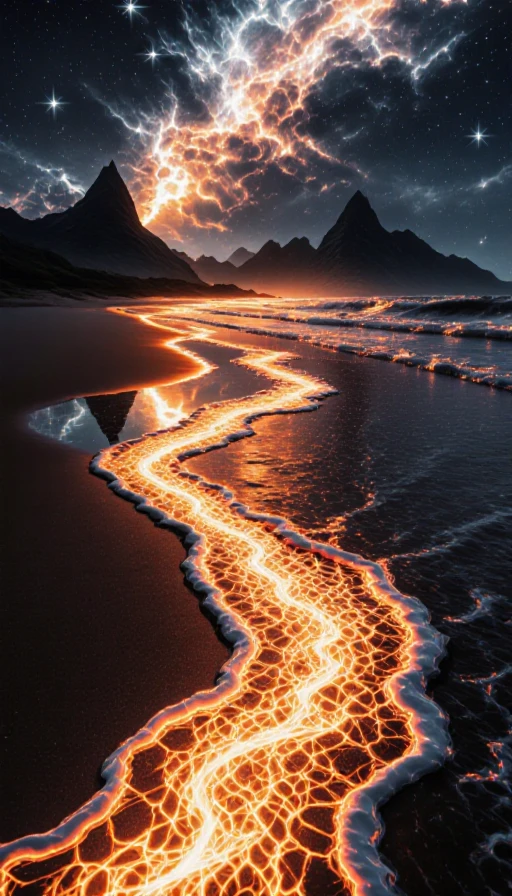
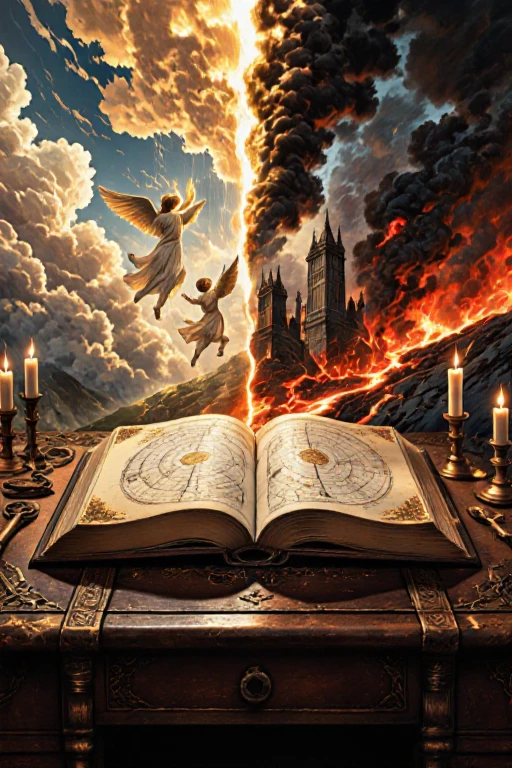
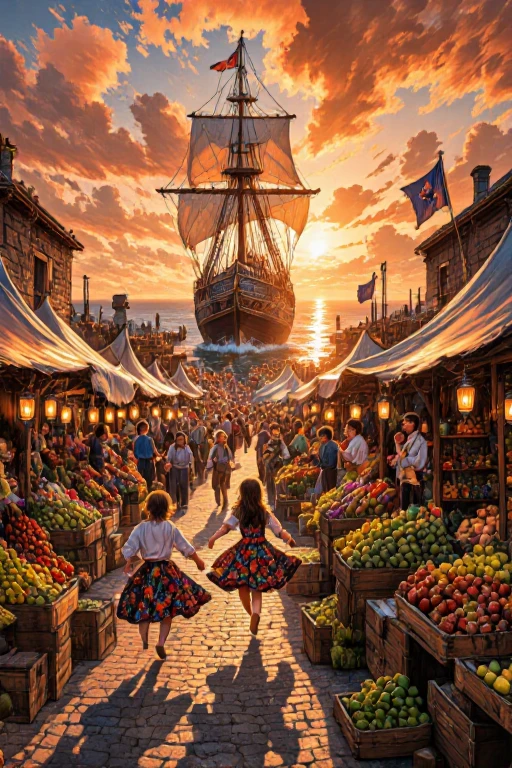
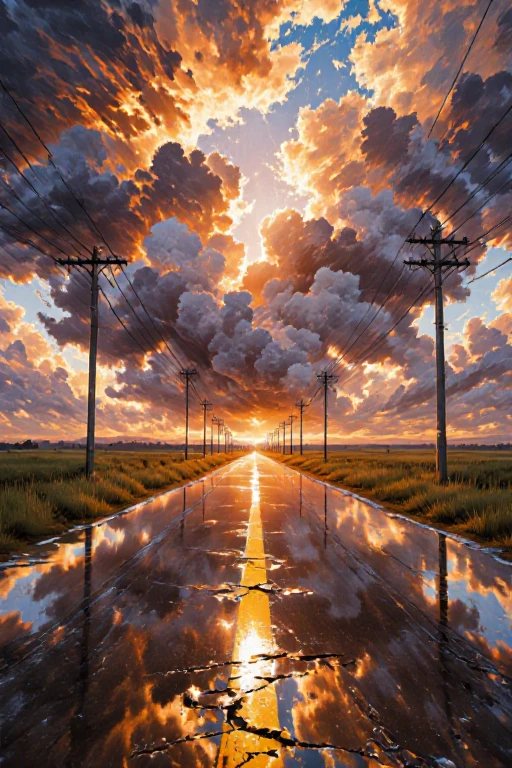
All generate by Flux.1-krea-dev -> (svdq-int4_r32-flux.1-krea-dev) in 20sec@ 1 photo
workflow name : 1-nunchaku-flux.1-Krea-dev(T2I) 5Lora.json
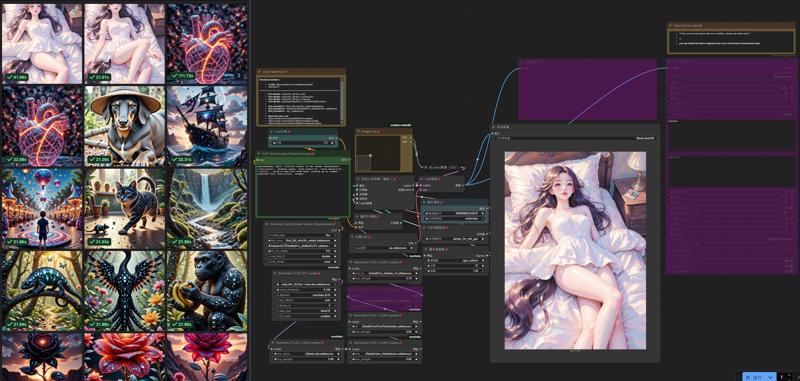
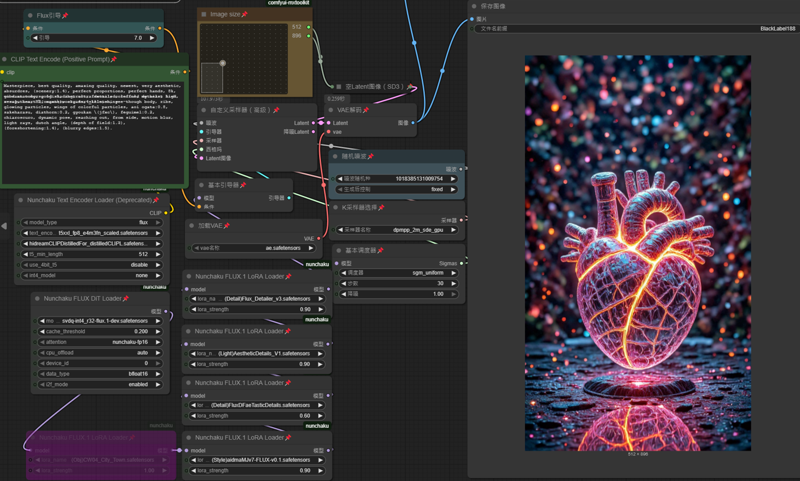
workflow name : 1-nunchaku-flux.1-dev(T2I) 10Lora-Pro.json v2.0
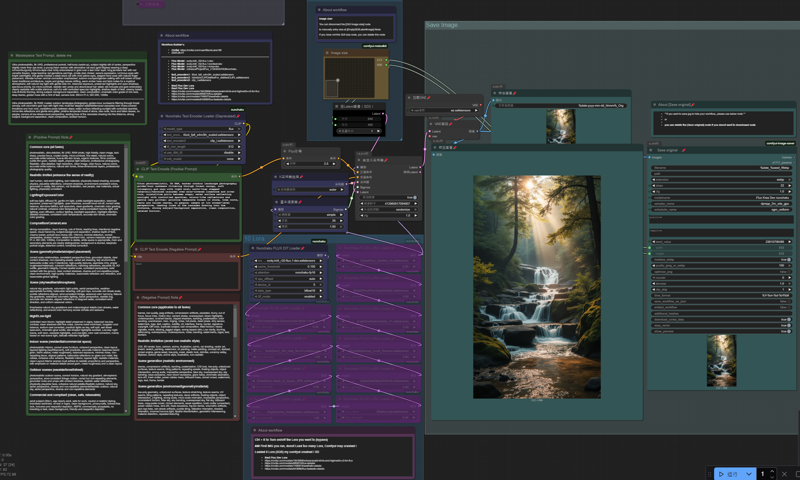
workflow name : 1-nunchaku-flux.1-Kontext(I2I)_v1.json

-----------
Lora I use in this workflow
https://civitai.com/collections/11428250 (check my Flux Lora collection)
https://civitai.com/models/685874/flux-detailer
https://civitai.com/models/1166973/aesthetic-details
https://civitai.com/models/??3886/flux-faetastic-details
https://civitai.com/models/1470162/midjourney-v7-meets-flux-illustrious
https://civitai.com/models/1371216/realanime
path : ....\ComfyUI\models\loras\
--- --- --- --- --- --- --- --- --- --- --- ---
advanced text_encoders are recommended to make it easier for you to create masterpieces
text_encoders 1 : t5xxl_fp8_e4m3fn_scaled (same with Flux Dev)
text_encoders 2 : HiDream CLIP - Distilled for Flux (Download) (471.71MB) optional !!!
text_encoders 3 : clip_l
(You can use Flux Dev - text_encoders)
path : ....\ComfyUI\models\text_encoders\

Description
Flux.1-krea-dev (nunchaku fp4)
easier for you to create masterpieces artworks
Minimum VRAM requirement 6 GB +
System-ram 16 GB +
FAQ
Details
Files
Available On (1 platform)
Same model published on other platforms. May have additional downloads or version variants.