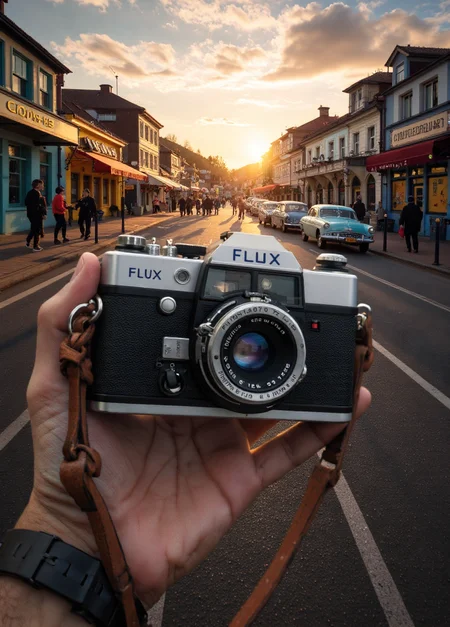
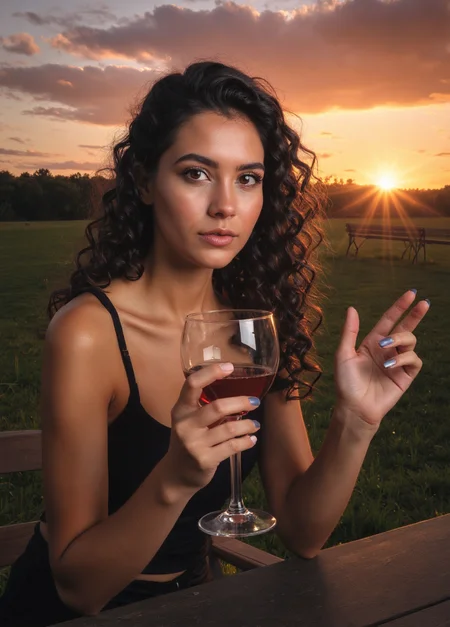
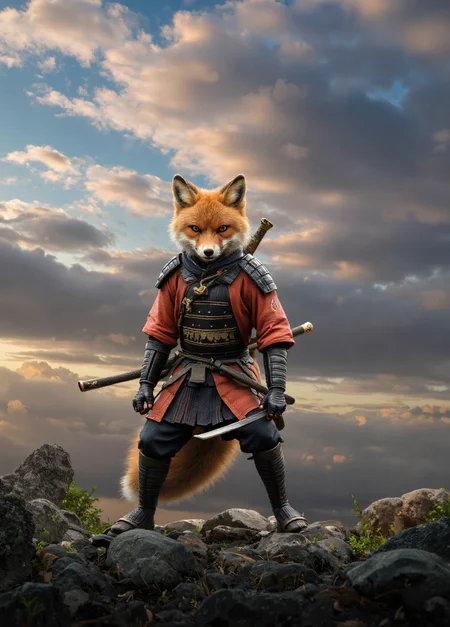
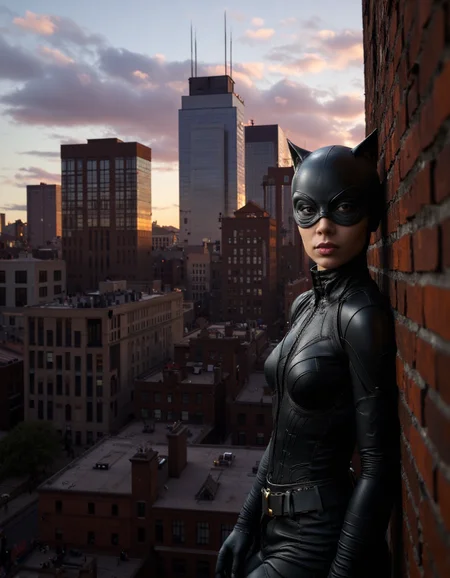
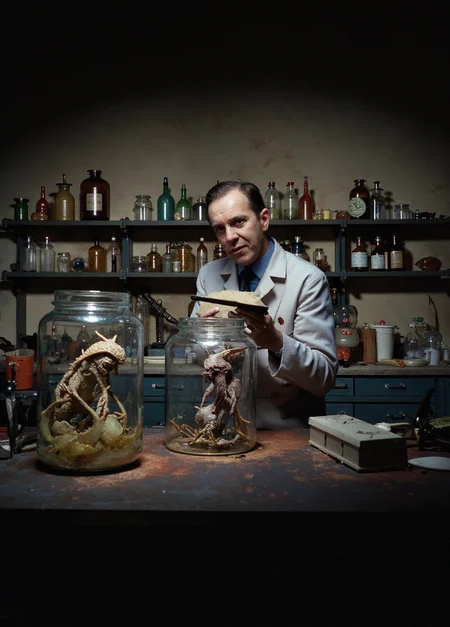
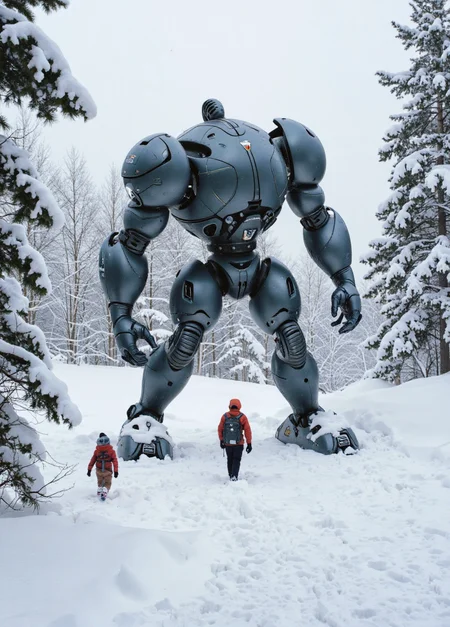
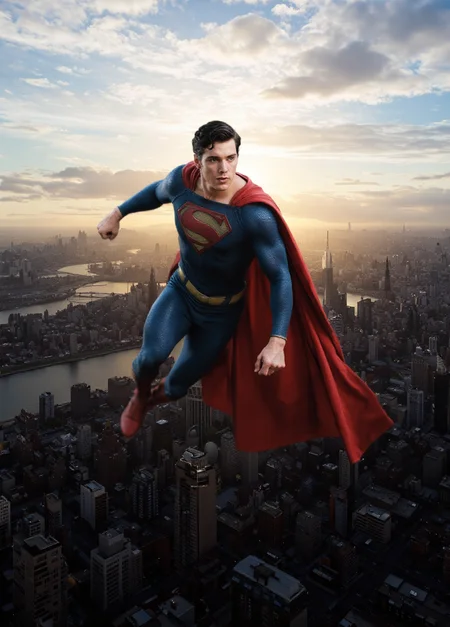
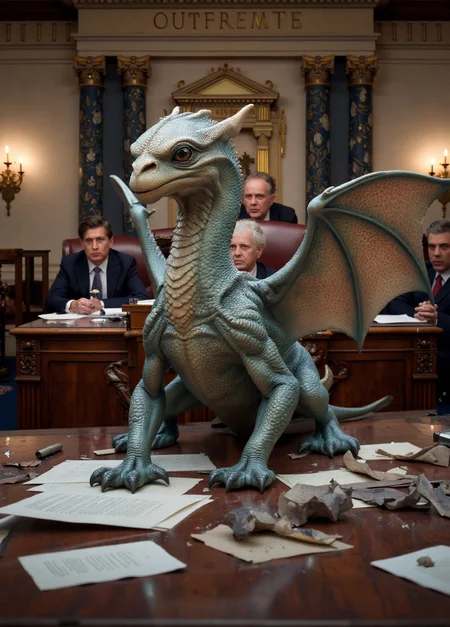
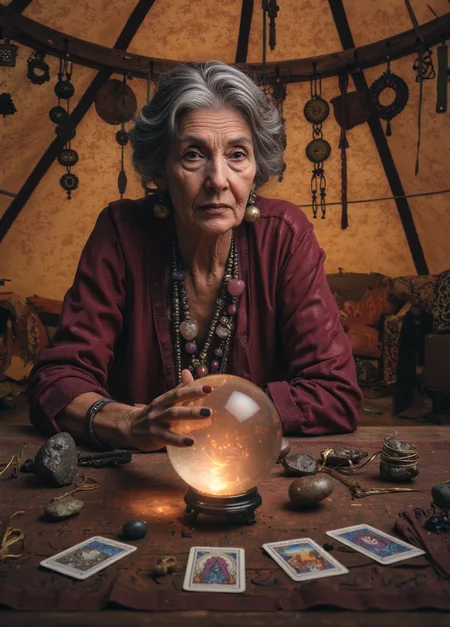
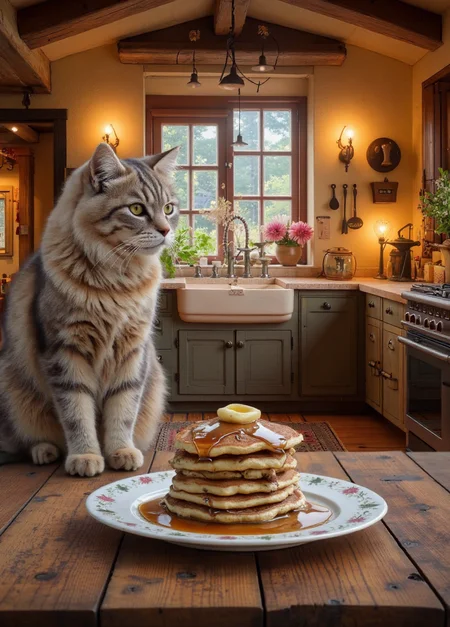
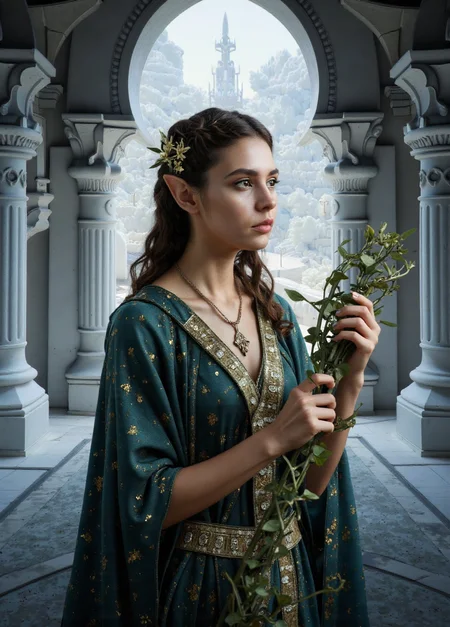
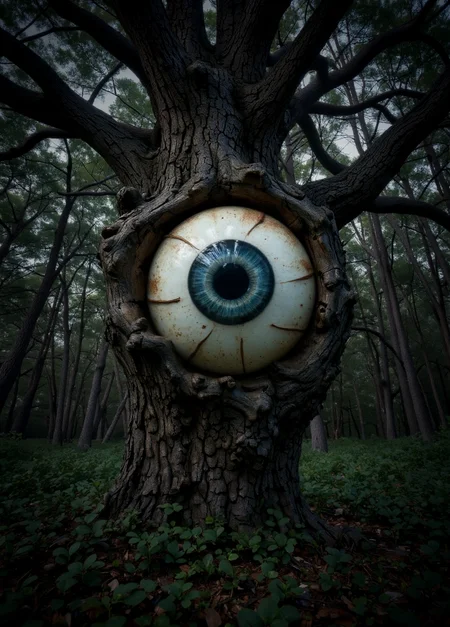
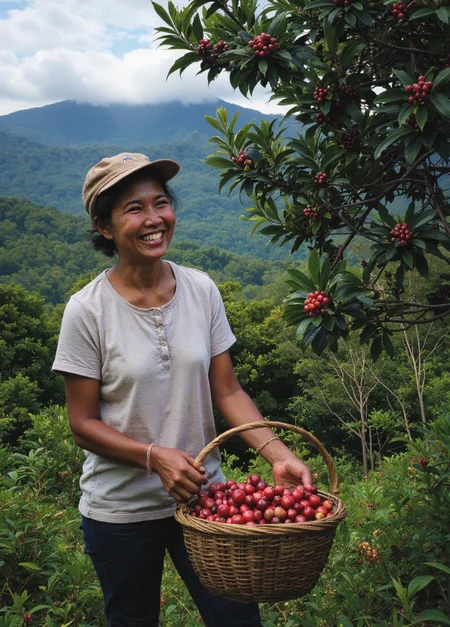
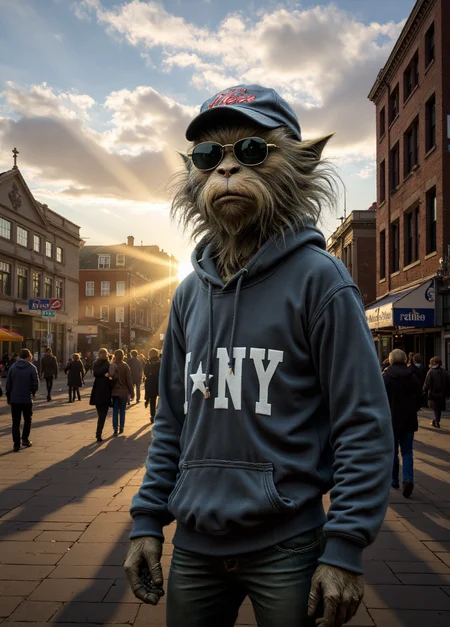
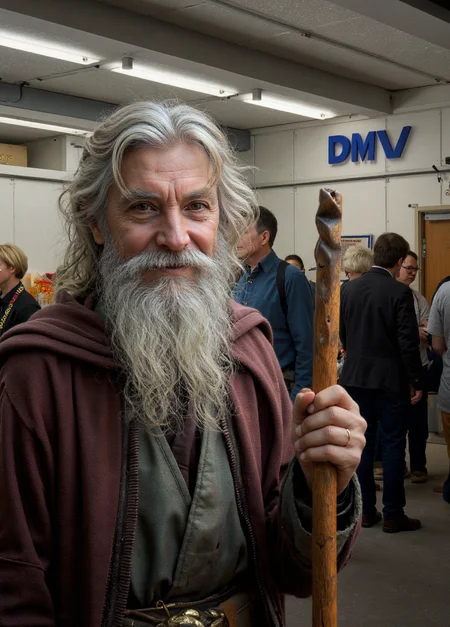
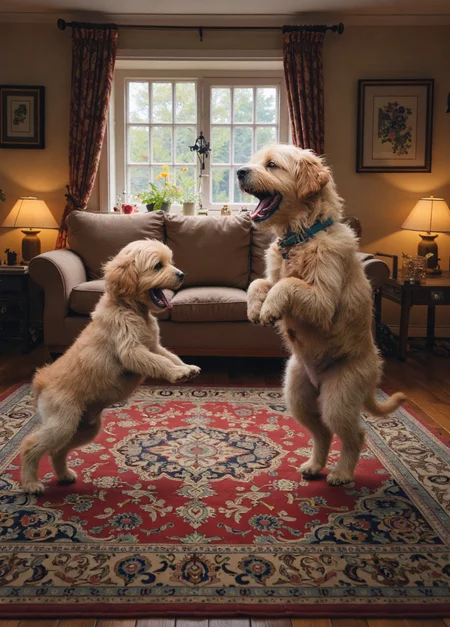
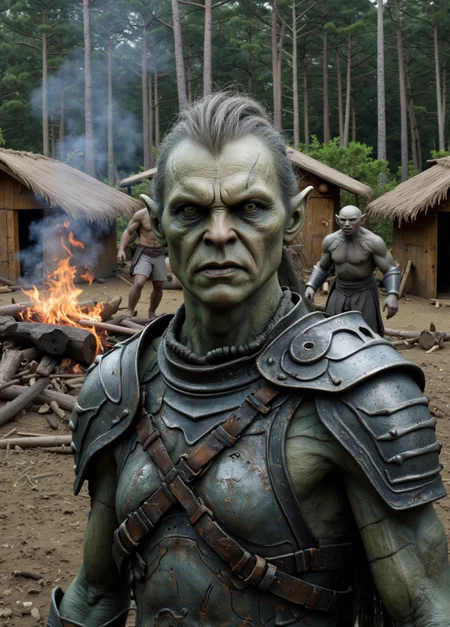
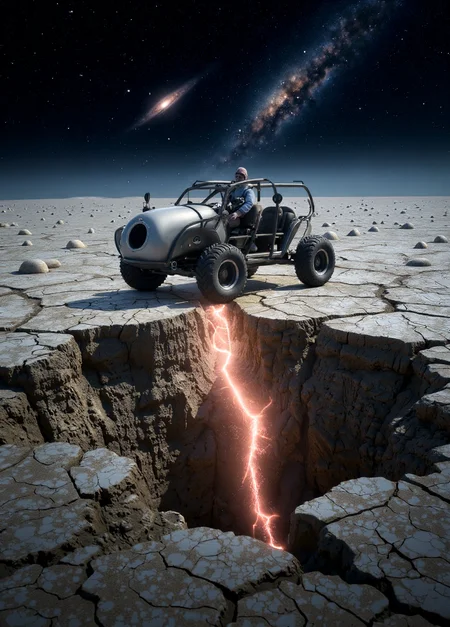
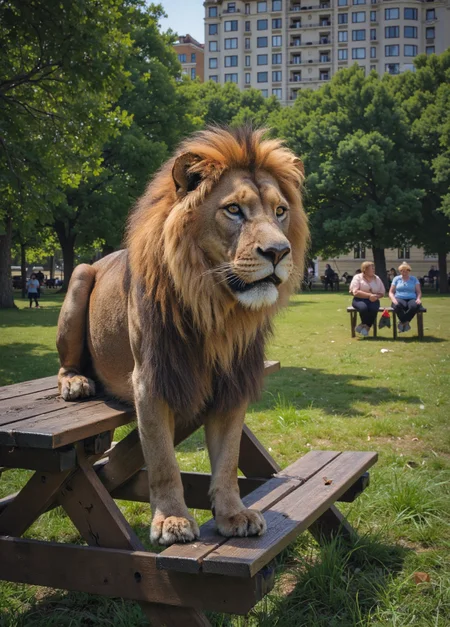
Dramatic light, realistic textures, romantic color, and long depth-of-field photos
Version 2.0 - simpler prompting and greater consistency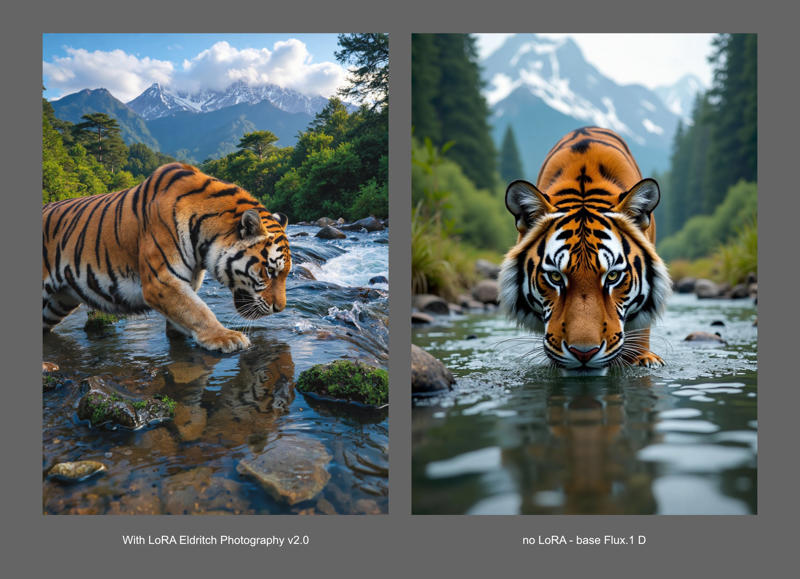 Above is the same prompt/settings for a tiger, with and without the LoRA. For more comparisons, please check this long image at Imgur.
plenty of models figured out how to get Flux to render backgrounds, but almost always by training on analog, or snapshot-style photography. This model wants to give you the backgrounds while still focusing on maximal drama and cinematic style.
I set out to improve on the model's interiors. But what I got from this attempt was an all-around-improved model. Most notably, you can get consistent results in the target aesthetic with minimal prompting. Previously, you needed to write elaborate descriptions of backgrounds to have them in detail. But the model had an aha! moment and now understands its real purpose: always give us a detailed background.
Prompt for photographic scenes, don't worry overly much about how detailed you are, and enjoy the results.
As always, I'll gladly hear feedback for how it may still be improved.
notes for previous versions:
in Forge, please enable 'FP16 LoRA mode'
Use the word 'Photography' in your prompt: This model is prone to generate illustrations - really nice ones! - if you don't emphasize 'photography' enough. Be sure to prompt clearly for photographs! For fantasy and sci-fi scenes I begin and end prompts with photo terms.
If you want long depth of field/in-focus background: describe your background. Just write up some unique characteristics about what's back there - you'll get more focus on it.
Unlike with most other approaches taken with Flux, this won't mean you need to abandon cinematic/professional photo styles. Things can look both epic and have long depth of field. You can push this model toward snapshot or analog style images, though it's better done with a specific LoRA aimed at such.
If you want a blurred background: describe a foreground subject and refer to the background as sparsely and generically as possible. It will give you a focus on the subject and blur the background most of the time. Or reduce the strength of or don't use this LoRA, LOL. It's got positive impact outside of DOF so for photo prompts, I'm using it by default.
I started by training Flux on the same dataset as used for the SDXL model, Eldritch Candid Photography - that didn't yield pleasing results at all. So I changed the dataset a bunch, reduced the noise texture a ton, and modified the color/tonal edits. This produced a very nice Beta model.
But I didn't think the imposed tone and grain were doing as much service to this model as to the inspiration XL model. So, I trained a new model on the same dataset (very long DOF images) without any processing to them. On its own, images output from it were kind of harsh and austere looking. So I merged that with the beta model and got a really nice v1.0
But this still wasn't quite what I was looking for. So I tried a few other approaches and merge techniques before deciding on a simple curves adjustment to my dataset to heighten contrast and achieve a consistent dramatic lighting across them all. This one all on its own was close to the final target! But I tested a bunch of simple merges with my various models and settled on what is v 1.2 - I expect to be the final state of this thing for Flux.1 D
Description
v 2.0 - possibly its final state (but I say that a lot and then keep working on a thing)
More consistent long DOF, particularly indoors and most notably, without requiring elaborate prompts describing the background. More consistently dramatic lighting.
Occasionally wonky output. The aesthetic doesn't suit all subjects equally well. But you can usually find a way to tweak a prompt and get something good.
FAQ
Comments (16)
Very cool , but is it possible to get the best out of this lora and a person lora ? It seems that you either get very good similarity or realism, but not both. Unless there is a workflow that allows lora fill , or a 2nd pass somehow only for the face.
I'm not the most adept technician, so if you can't make it work in a pretty straightforward workflow, I don't really have much insight into how you'd go about inpainting and such. But you can get face LoRAs to work with this model. I think a lot is just going to depend on how the face was trained. For my part, I train pretty much everything with nearly identical settings, and it helps a lot in my ability to use LoRAs side-by-side (or merge them). So, here's an image I just generated using my own face.
ELdritch Photo LoRA at 0.8 strength and my likeness LoRA at 1.0 - you can download the image from CivitAI and it should have the full workflow embedded for you to see what I do in ComfyUI.
Do you have a particular likeness LoRA you'd like me to test for you?
@eldritchadam I would appreciate if you test https://civitai.com/models/675043/soogsx-flux , maybe upscale would help too.
@trickybarrel72984 I think it's not too bad. Its biggest deficiency is in pulling back from the face a bit, the eyes and some other small details get a bit crinkly and weird. But with my model at 0.75 strength and yours at 1.0 this looks pretty good, doesn't it? I'm not familiar with the model's face so my sensitivity may be very off from your own: https://civitai.com/images/63513339
Probably worth noting, too, that I don't run quite enough steps - my local machine has just 8GB VRAM so it's sloow with Flux. Run it for more steps and you'd probably get cleaner features.
@eldritchadam its ok, but im looking for a way to generate indistinguishable photos from real ones. Thats more of a me problem though xD , your lora works great at making non-blurry background without much sacrifice, best i've tried so thanks
I am quite enamored of this model - been throwing so many old prompts at it, and with primarily just one-shot takes (my underpowered laptop would take forever to generate multiple images of each prompt) keep getting gems.
I did identify one pretty major shortcoming (besides NSFW, which just isn't my interest) in that it's not great at nighttime scenes. May give one more shot at a 2.1 version to fix that.
Curious how well this lora would work with other loras, in particular the ones that boost realism and detail. Any thoughts?
@condzero1950 I haven't tested much LoRA-combining with this one yet, but most of my LoRAs have always played nicely in combination with others. I train LoRAs carefully enough in a specific aesthetic but almost always with a broad diversity of subject matter - my thinking is that I want any given style to apply to everything from the mundane, to fantasy, to sci-fi. And generally an additional result of this subject-matter-versatility is that my LoRAs play nicely with others.
To my taste, this model already boosts detail in many circumstances, but by all means see what others might do in conjunction. But 'realism' is a subjective concept. Photography just isn't real ... there are simply different aesthetic choices. Most realism LoRAs focus on concepts like old analog prints, or cellphone camera images - and combining those (which often already achieve part of my objective of long depth of field) seems like something of a contradiction of my intent here to maximize the polished, cinematic photographic aesthetic. Like, carefully color-graded movie still frames.
So by all means mix things up. Just find LoRA combinations that complement one another, rather than fight.
@eldritchadam My dilemma. Now to pick and choose. This one does seem very interesting. Destiny awaits.
@condzero1950 let me know how it goes! A lot of the more fascinating and unique images I see on this site are only possible with clever and unique combinations of LoRAs, a space which I don't explore quite enough personally but I'm always interested in cool imagery
I haven't tested exhaustively, but I'm leaning toward preferring the results from V1.3 over 2.0. I find 2.0 to regularly generate images with raised black levels (e.g. a bit washed out) and seems to have a higher incidence of distorted anatomy than 1.3. Comparing with base Flux on the same seeds, 2.0 images are much more different than 1.3 images as well (though that doesn't mean much in particular).
I'm with you on the raised black level. I noticed this as well and expect to address it eventually. I think the training dataset needs just a couple of its images's curves edited and to see the inclusion of a couple very dark scenes - though finding or creating such scenes that still guide toward long DOF is tricky.
Afraid I haven't really seen a difference in anatomy from the last version. That is, last version and this one both tend to more tortured limbs than base Flux, but it's not so much that I intend to put a lot of effort into correcting it. But if you find specific scenarios or prompts that draw it out, I appreciate you sharing. Maybe I'll be able to see something in the training dataset that lends toward specific anomolies.
It's been a couple months, @Adreitz, but I finally revisited this model and early tests seem to indicate that I've really cracked it - maintaining the easier prompting for long depth of field, particularly indoors, but now retaining proper black levels throughout various environments. Need to run it through more paces and may merge it back with previous versions of the LoRA (may not) but should share it here fairly soon. So v2.1 is in your honor as it was 1st and foremost an attempt to address your observation of its shortcoming.
after some thorough testing, enough issues remain with my latest version of the model that I guess I don't feel it's worth sharing. Really ready to wind down LoRA training for the most part anyhow. It's been a fun hobby, but I think I've largely run the course of what I wanted to explore.
@eldritchadam Sorry, I'm not on here very much and just noticed your messages. Thanks for your attempt! V1.3 works well enough for me that I use it pretty much all the time, so I'm fine with sticking with it until the next great model rolls around. (Chroma is a big step down to SD 1.5 - XL level image quality. Flux Krea ruined Flux's level of detail and is more incoherent. I've tried Qwen Image, but I can't get it to work on my Mac. It just produces black output.)