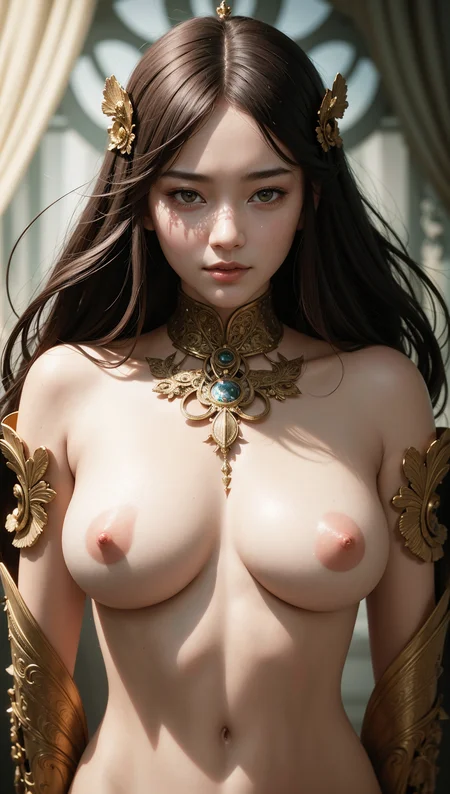
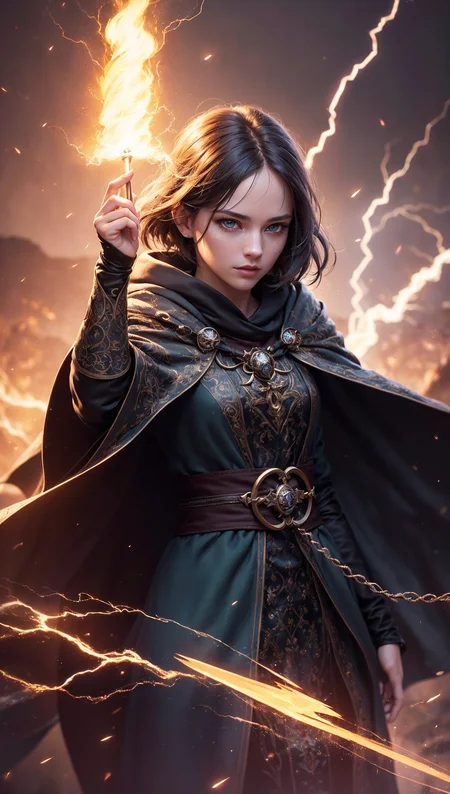
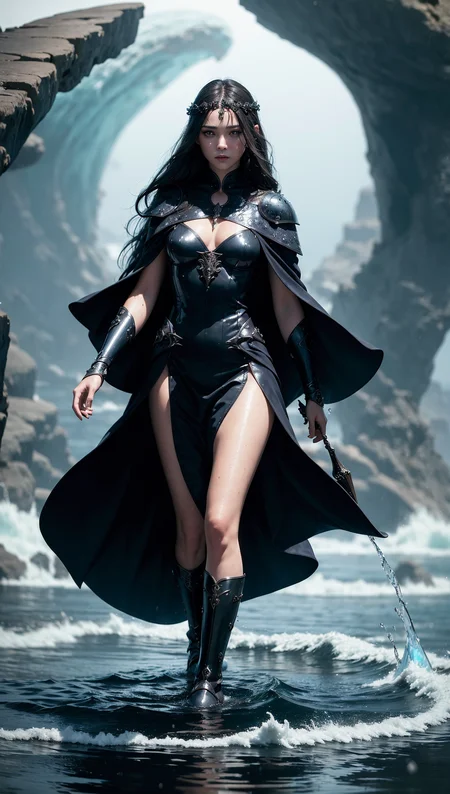
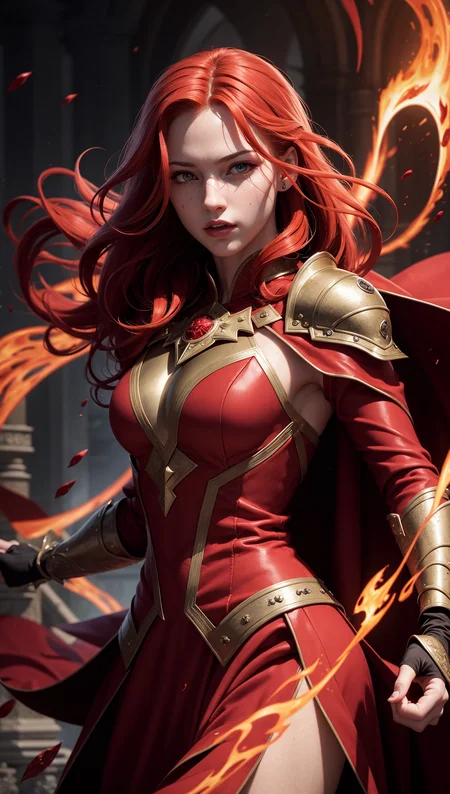
" ProFantasy was tested with a huge of scenarios, and fine-tuning several times to ensure that you will be able to create a FANTASY image in your own way "
This model merges with my own 3 models called R-base (Realistic), F-base (Fantasy), and V-base (Vibrant)
*** This Model needs VAE !!! ***
Overview:
The purpose of this model is to generate epic fantasy images that are not only realistic but Animation also.
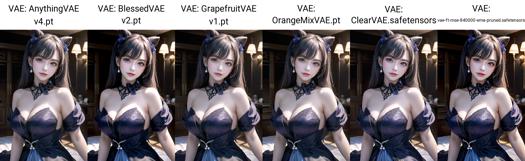
These models require a VAE. You can try mse-840000-ema or anything. I have a photo of the comparison in the Comparison section (below)
If you got bugs, adding '--no-half-vae' to the argument will solve it.
Recommends:
You use it with any steps, prompt, sampler, ... (anything you want)
Prompt: If you don't know what to prompt, Fantasy Prompts by TxcTrtl is a great choice.
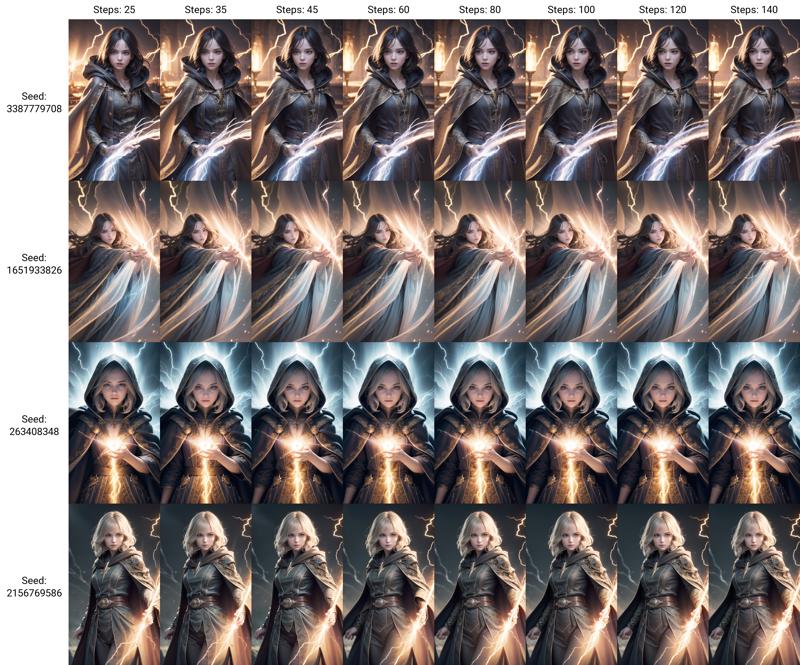
Steps: I recommend 30-45 (You can use higher, but many times do not have a big difference)
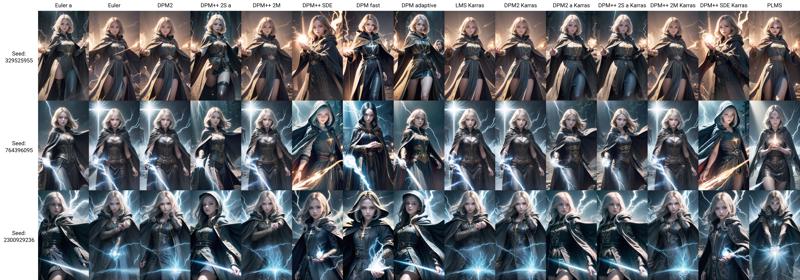
Sampling Methods: You can see the comparison in the Comparison section (below).
Sizes: 512x512, 512x768, 512x904 (Can be used both vertically and horizontally). Use more than 768x768 when you generate a long shot or extreme long shot photo.
Hires. fix: Use Denoising strength less than 0.6 (but you can try >= 0.7, sometimes you will get problems with the hands)
Versioning:
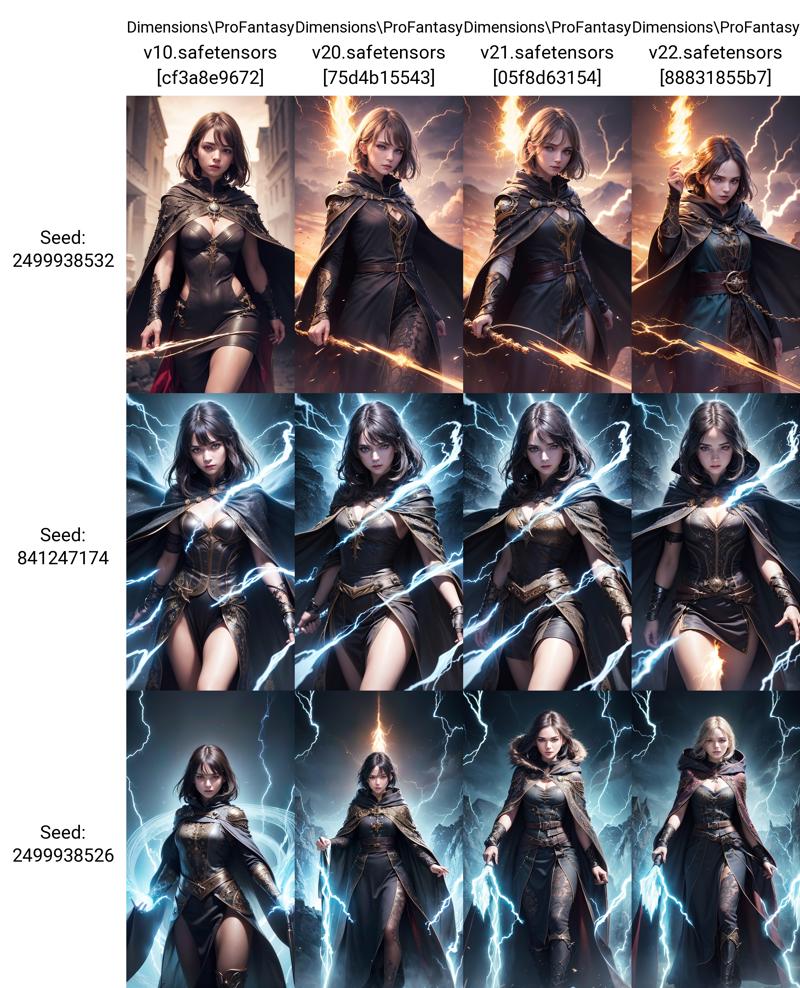
v1: Pilot version. Aim to be realistic (Cinematic style, Realistic photo, less fantasy)
v2: All tunned. It's stable since version 2.1
Comparison:
# VAE
# Versions
# Steps
# Sampling Methods (with steps 45)
Disclaimers:
Do not sell: on any website.
Credit: If you use my model in your own merges
Not authorized: to be used on generative services (without my permission)
Description
Improve the composition of images
Face more alluring and look at the viewer
FAQ
Comments (10)
May I know what embeddings are used in your redhead image sample? The blood magic one. I can only detect style swirlmagic, easynegative and badhands5. But I can't replicate it :< not even close. End up with a weird coloured character and black background.
I'm also certain my VAE (mse-840000-ema) is working.
"style-swirlmagic" and "badhand v5" hasn't been used in that image because I changed the file name so it will not load when generating an image.
Embeddings (Texual Inversion) that were used are only easynegative and badhand v4
Im having issues regarding eye colour. It just seems to ignore any eye colour adjustments I input regardless of anything. i.e. My character is platinum blonde and is always given blue eyes no matter what I set.
Also did something change in the model? output looks too realistic like, instead of a more artstyle feel.
you might need to look at the prompt Cutoff extension. I don't fully understand it, but it allows you to determine colours of objects without them influencing each other in the prompt.
https://github.com/hnmr293/sd-webui-cutoff#how-it-works
Hi. I am having issues on coloration. This adds gray hue (like sepia tone) to the image. Does it have a VAE built-in?
It does not contain a VAE build-in. You need to add it manually.
I have a comparison image for each VAE that I test, you can look at the description.
(Sorry for the late reply, I got a new work and am busy these days)
Hi ! I only get blurry images with this model unfortunately. I tried to troubleshoot as best as I could but I can't make the images clear. Am I missing something that is not mentioned in the description ?
Cranking the highres denoising strength to above 0.8 seems to have fixed the issue but the results have more artifacts and anatomy problems.
@Sixstrings I apologize for the very late reply. I was at work and didn’t have a chance to interact with AI. In detail, I’ve emphasized that this model requires a VAE (Variational Autoencoder). To learn how to set it up, you can find information online, and there are several VAE options available. The outcomes from each one are quite similar.
PS. Applying Hires Fix might be beneficial, but unfortunately, it doesn’t enhance the picture clarity or brighten the colors as expected.