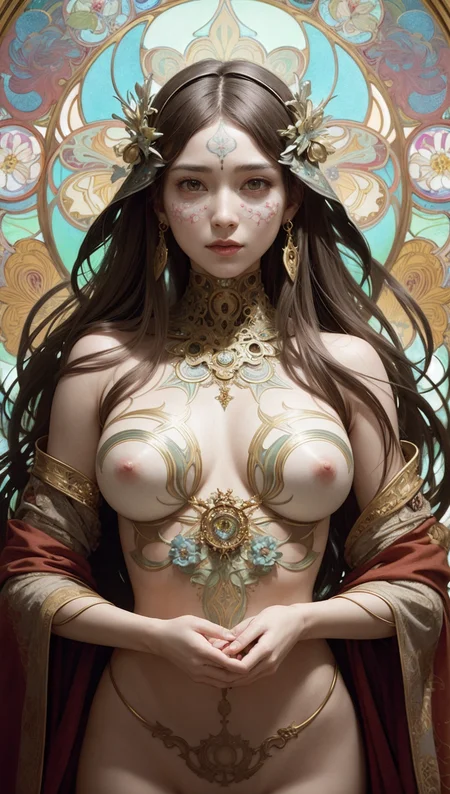
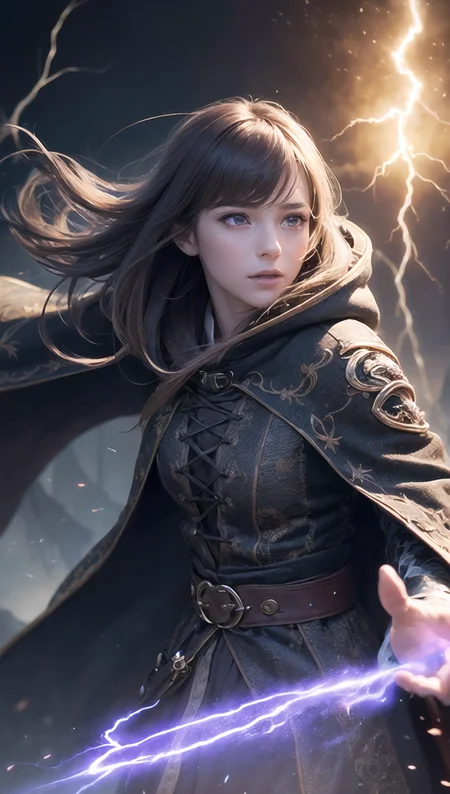
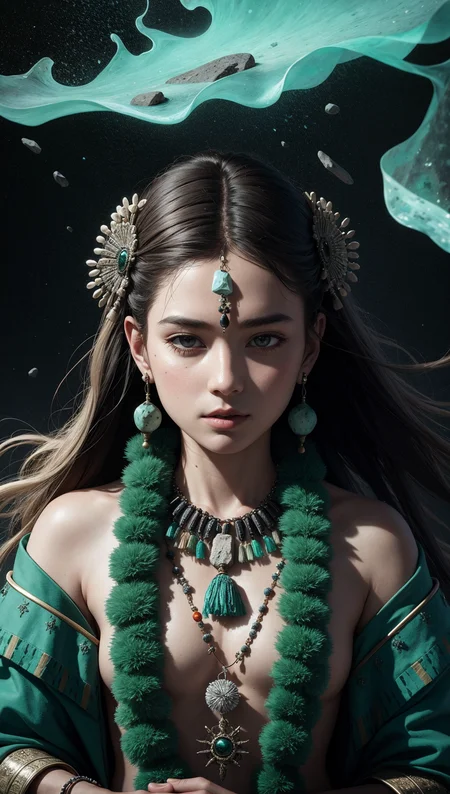
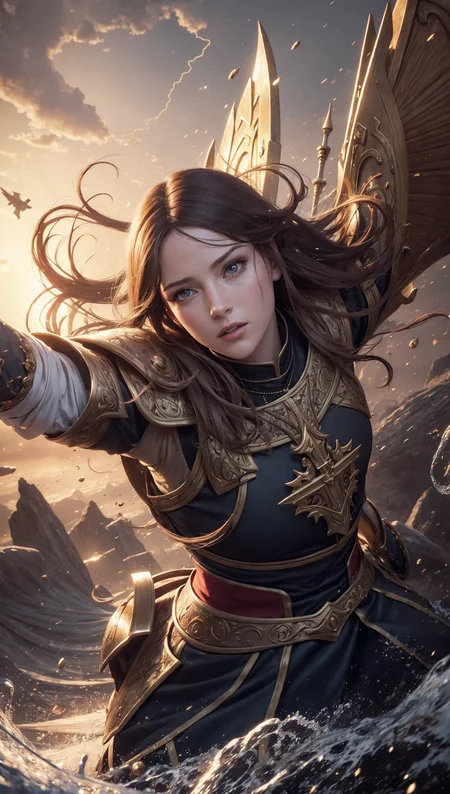
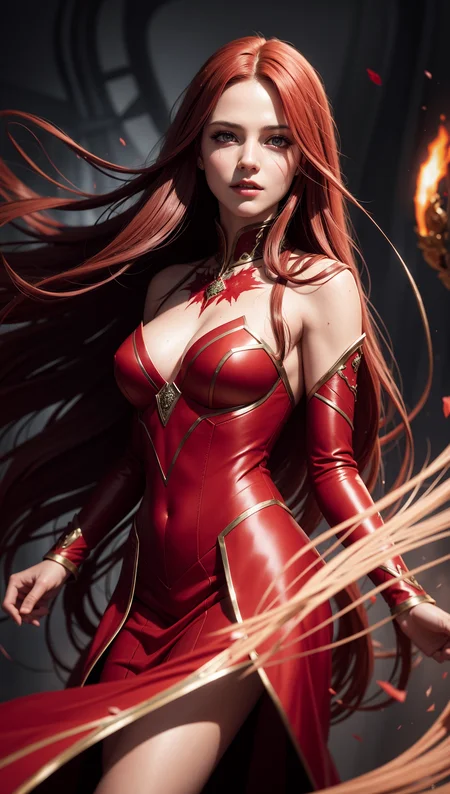
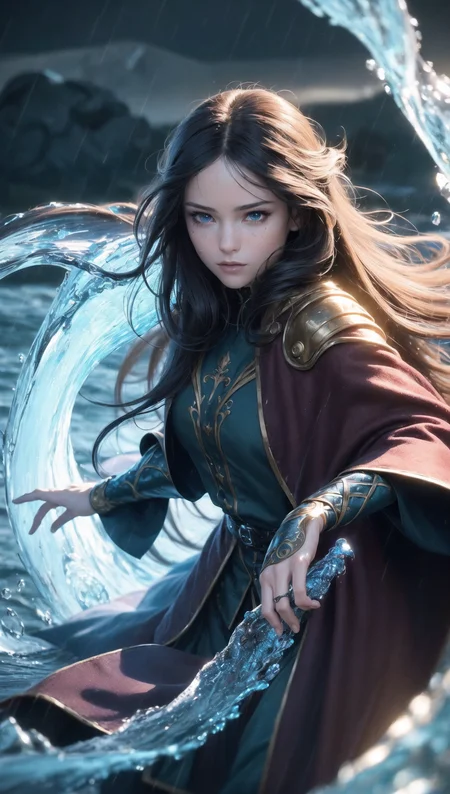
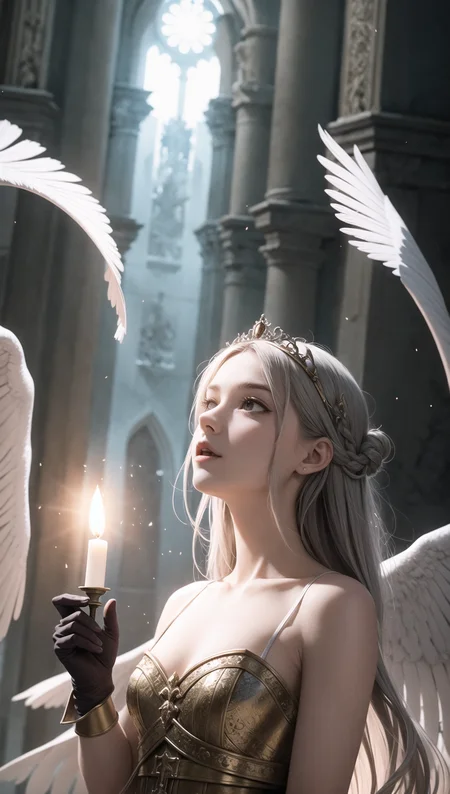
" ProFantasy was tested with a huge of scenarios, and fine-tuning several times to ensure that you will be able to create a FANTASY image in your own way "
This model merges with my own 3 models called R-base (Realistic), F-base (Fantasy), and V-base (Vibrant)
*** This Model needs VAE !!! ***
Overview:
The purpose of this model is to generate epic fantasy images that are not only realistic but Animation also.
These models require a VAE. You can try mse-840000-ema or anything. I have a photo of the comparison in the Comparison section (below)
If you got bugs, adding '--no-half-vae' to the argument will solve it.
Recommends:
You use it with any steps, prompt, sampler, ... (anything you want)
Prompt: If you don't know what to prompt, Fantasy Prompts by TxcTrtl is a great choice.
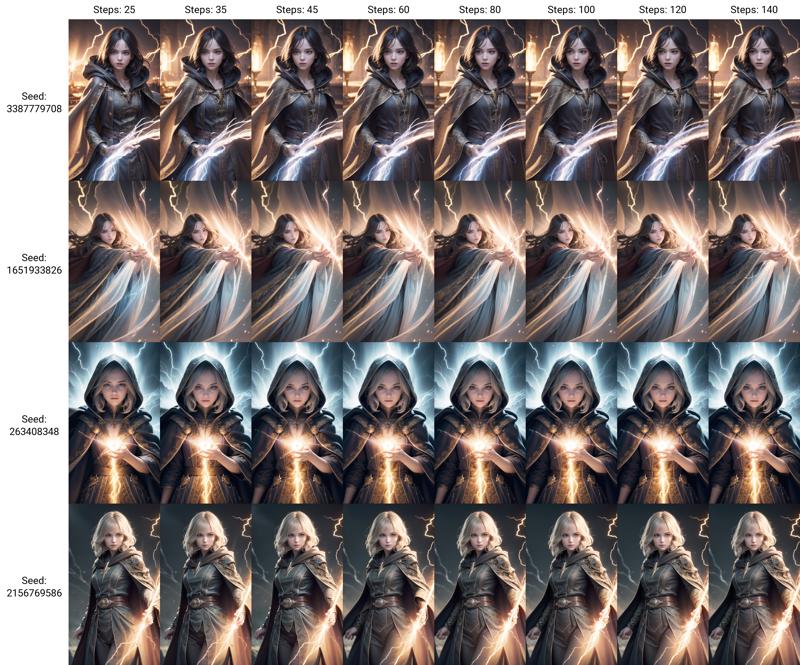
Steps: I recommend 30-45 (You can use higher, but many times do not have a big difference)
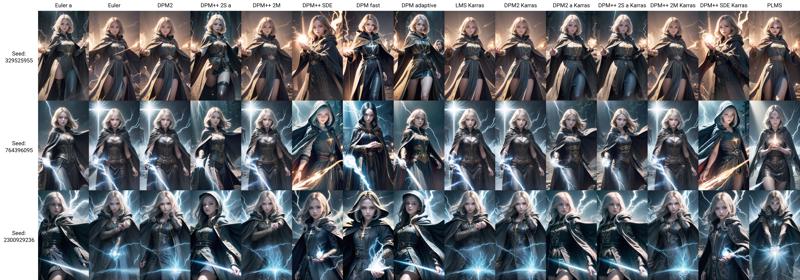
Sampling Methods: You can see the comparison in the Comparison section (below).
Sizes: 512x512, 512x768, 512x904 (Can be used both vertically and horizontally). Use more than 768x768 when you generate a long shot or extreme long shot photo.
Hires. fix: Use Denoising strength less than 0.6 (but you can try >= 0.7, sometimes you will get problems with the hands)
Versioning:
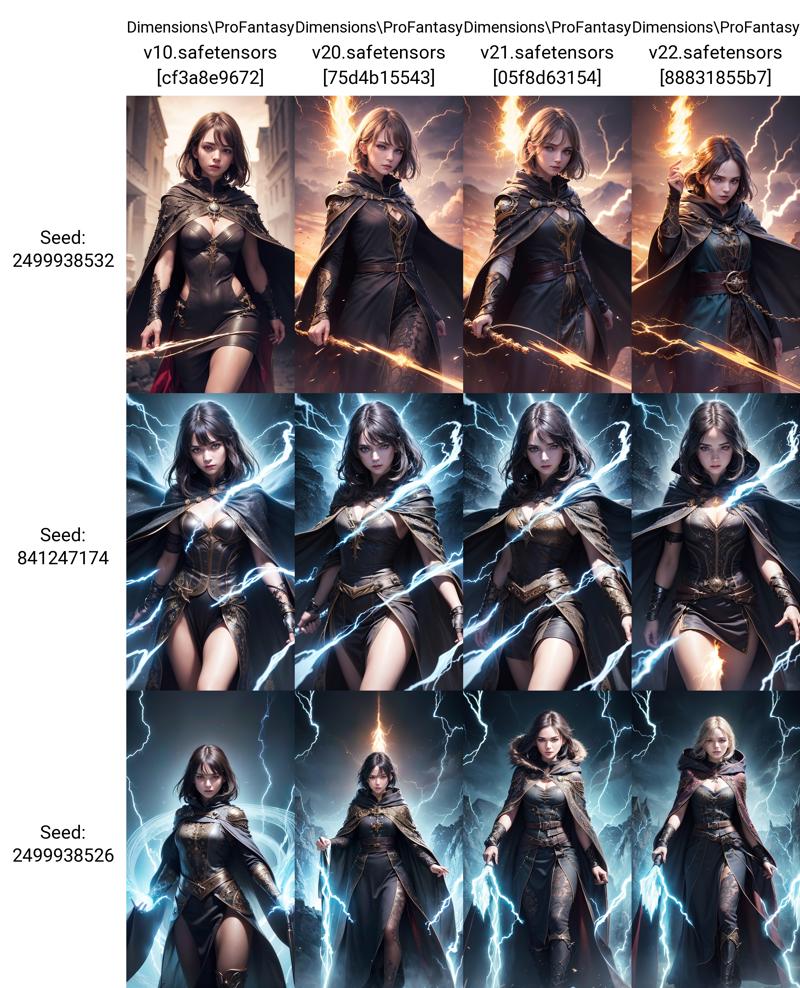
v1: Pilot version. Aim to be realistic (Cinematic style, Realistic photo, less fantasy)
v2: All tunned. It's stable since version 2.1
Comparison:
# VAE
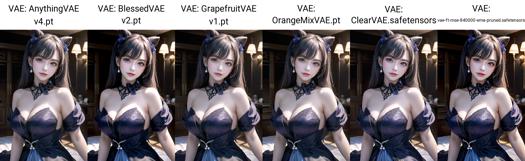
# Versions
# Steps
# Sampling Methods (with steps 45)
Disclaimers:
Do not sell: on any website.
Credit: If you use my model in your own merges
Not authorized: to be used on generative services (without my permission)
Description
Training a new VFX Lora and embedding to it
Fix results at low-steps use
This model is bf16 (Mixed Precision)
FAQ
Comments (7)
feel this like model is like majicMIX lux - v1.0 | Stable Diffusion Checkpoint | Civitai
Look like that model was made for the same purpose. You can use XYZ grid to compare, and pick the best one that suits for your work.
Try using the same prompt, but it appears that it requires some tweaking. will post here too if I get some good result!
I don't know why I got this error: AssertionError: could not find upscaler named TGHQFace8x_500k.
Could you please help me?
How you got that error, Which process are you doing?
TGHQFace8x_500k is my favorite upScaler model, I use on every picture for Hires Fix. You can download from here (Ctrl + F for search)
@DimensionsAI got that error because they loaded your image with png info and it auto-selected the TGHQFace8x_500k upscaler but since it doesn't come with stable diffusion by default it got angry and gave an error. Downloading the file and dropping it into stable-diffusion-webui\models\ESRGAN should fix it. Leaving this here because I had a relatively hard time where and how to install custom upscalers.
Anyone had any luck getting auras or a glow to work with this model? Trying to get some ice stuff worked up, but having little in the way of luck