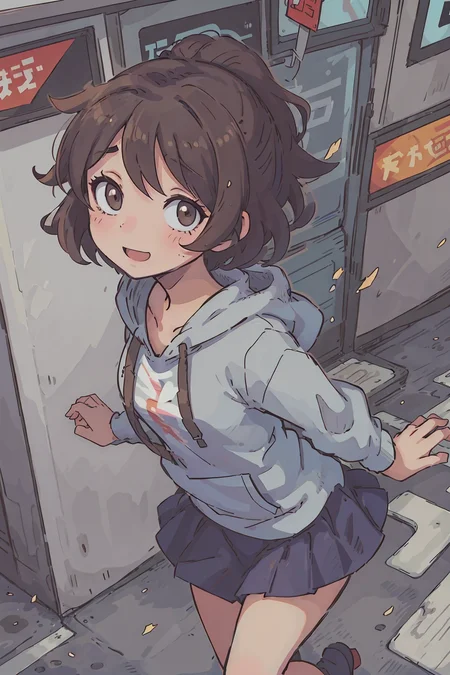
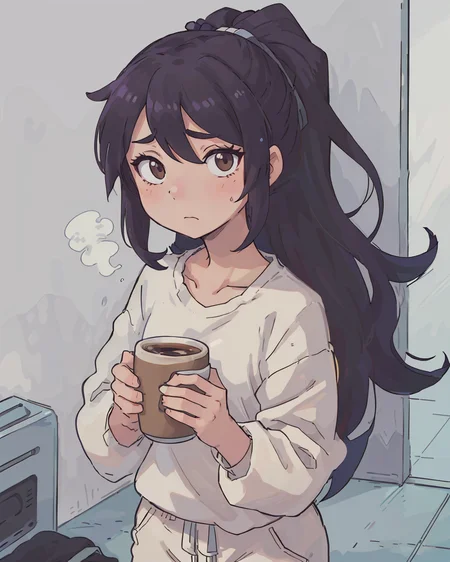
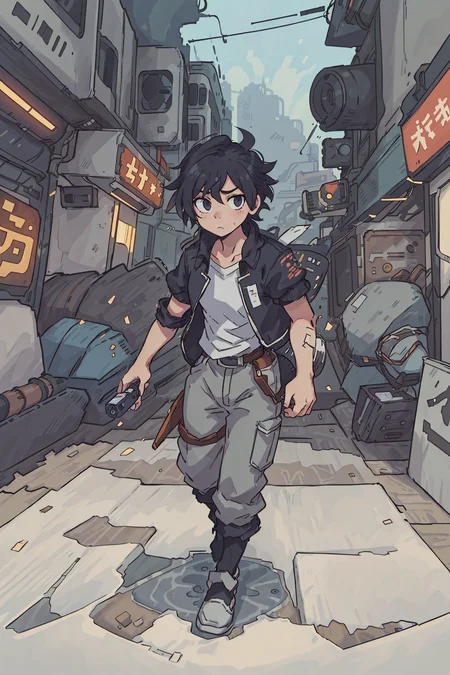
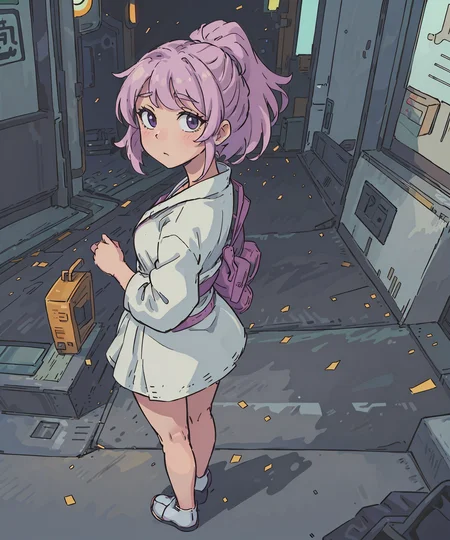
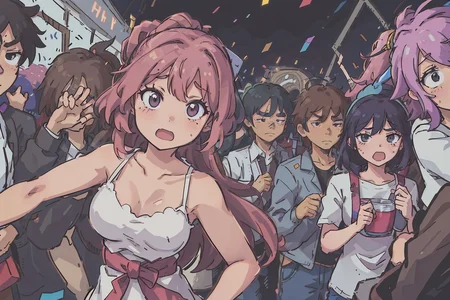
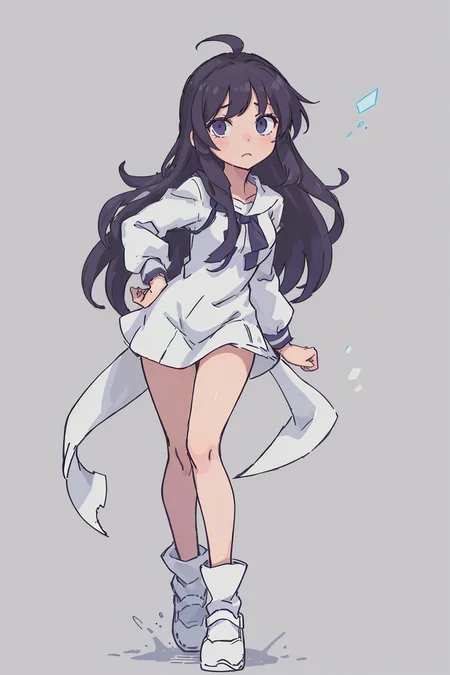
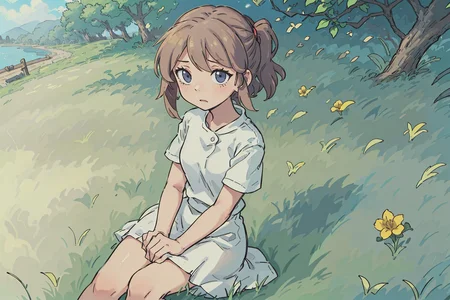
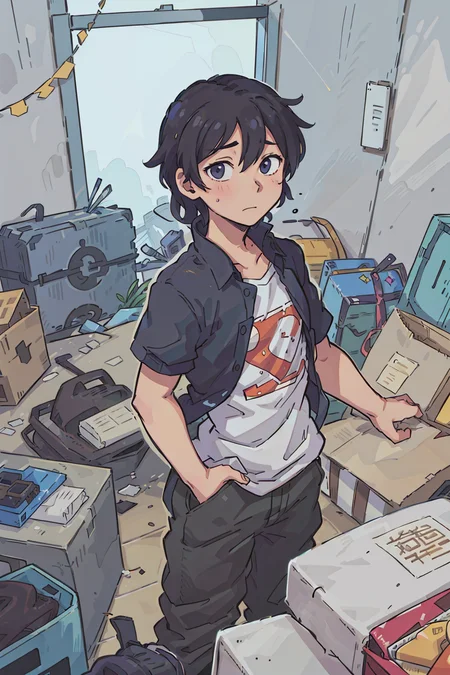
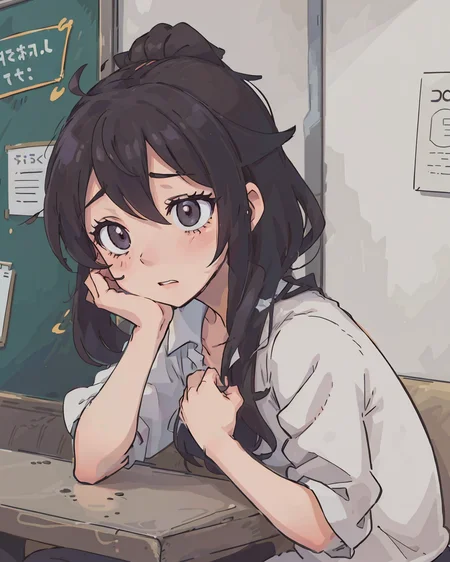
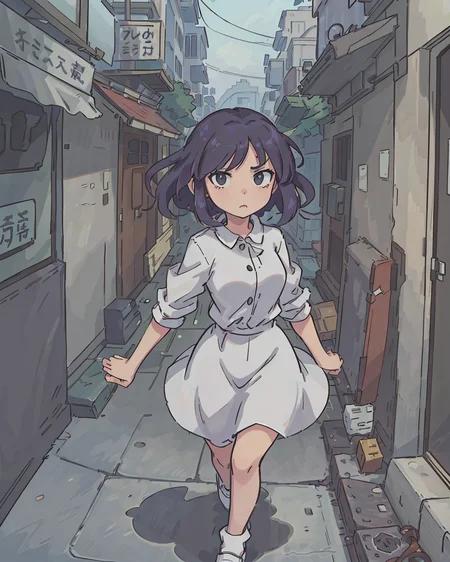
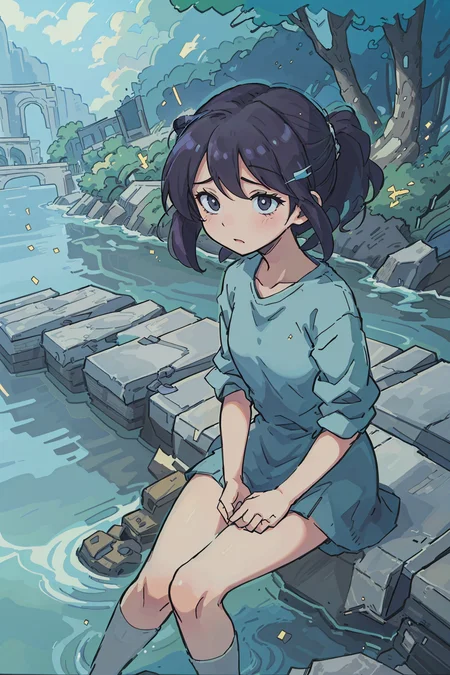
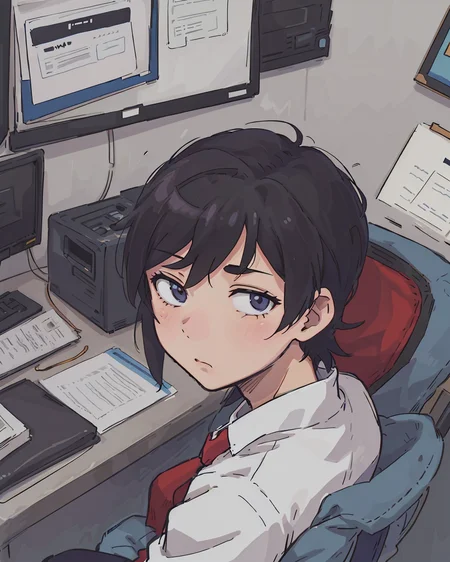
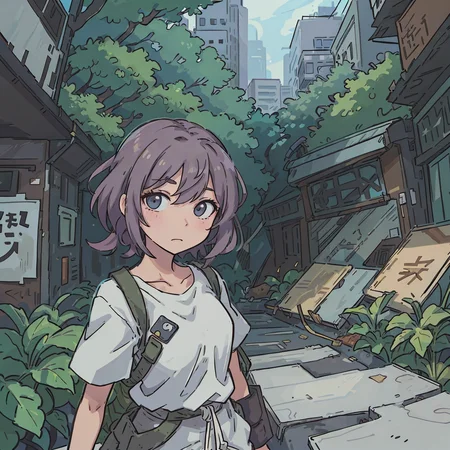
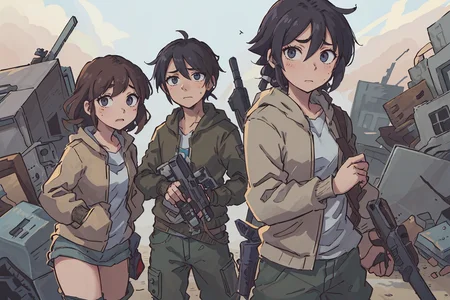
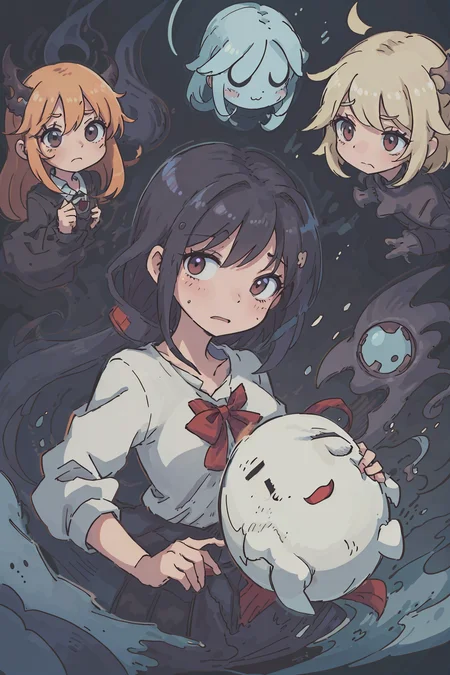
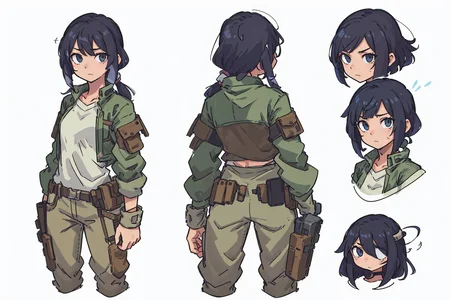
Description
(for best results, read the full description - usage guide below)
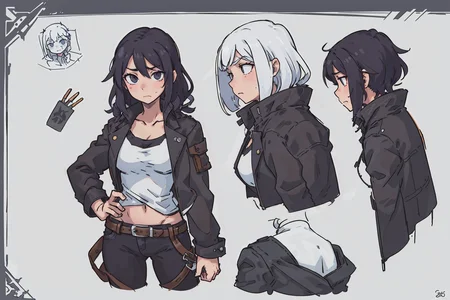
This is a merge of some random anime based and cartoon based models to achieve a somewhat cartoony anime style, more similar to what you would actually see in anime as opposed to the more common hyper-detailed anime models.
Versions 3, 4, and 4.5 include some custom training to further enhance the style. More details available in "About this Version" on the sidebar. Most positive prompts for the v3 sample images were randomly generated.
Usage Guide
(highly recommended) Use a negative embedding for best results
I use verybadimagenegative_v1.3 (all examples use this)
verybadimagenegative_v1.3
Place the downloaded file into the "embeddings" folder of the SD WebUI
In the negative prompt, paste "verybadimagenegative_v1.3"
(highly recommended) Upscaling at 2x (or more) is important to getting a good result. I would recommend the following settings:
Denoising strength of 0.45
Use the "R-ESRGAN 4x+ Anime6B" upscaler for a flatter look, or use "Latent" for a bit more detail
Leave hires steps at default of 0 (equal to your generation steps)
(highly recommended) Use DPM++2M Karas as the sampler. Other samplers can yield odd artifacts, though your mileage may vary depending on your specific setup.
(only for version 3 and below) Use the dynamic thresholding plugin (all example images do with cfg scale 10 mimic 7): https://github.com/mcmonkeyprojects/sd-dynamic-thresholding
Set the CFG scale to 10.0
Click the checkbox "Enable Dynamic Thresholding (CFG Scale Fix)"
Set the Mimic CFG Scale to 7
If you don't want to use this plugin, then set the config scale to 5 or 6
This model is very easy to prompt, and does not require a ton of prompt engineering to get good results. The following format will yield decent results:
Prompt:
(best-quality:0.8), perfect anime illustration, <normal description of the image, e.g. a woman running in tokyo at night, a flaming meteor, etc.>
Negative:
(worst quality:0.8), verybadimagenegative_v1.3, (surreal:0.8), (modernism:0.8), (art deco:0.8), (art nouveau:0.8)
The model is capable of NSFW
Description
Version 4.0 introduces a softer, less saturated hand-drawn style that works without the need for the Dynamic Thresholding plugin. Versions 1.0 to 3.0 generally kept a very similar structure with minor updates to the stylization, but Version 4.0 is focused on bringing the style available by using Dynamic Thresholding in previous versions to the default in newer versions. As such, dynamic thresholding is no longer recommended for use.
FAQ
Comments (13)
Let's gooo one of my favorite 2D model gets an update!
Great to see update for this great model !!!
good model, however, the v4 currently is easily overcooked when combined with lora, any solution?
I tried v4 but I didn't like it. It's a little more chaotic than version 3. To many colored artifacts.
Tried v4 today - for some reason, it gives me terrible results (lots of artifacts on image, awful quality) in comparison to same generation settings/prompt for v3.
I am staying at v3 for now.
I think v40 is not as good as v30. The lines of v40 are seriously broken.
Hello~ There's like... 3 variants of V3... what would you recommend?
fuck u...???
V30比V40画面细节更好,强烈推荐V30
I have no clue how to properly use V4. I can't even get close to what the preview sample looked like.
https://imgur.com/a/34hYIEE
What am I lacking?. I'm just doing gen prompts with no negative prompts applied. It's on Euler A, Sampling 20 and CFG 10
The description contains instructions on how to achieve what I show in the sample prompts. Primary things are:
- use DPM++2M karas, not Euler A
- use hires fix with 2x scaling at 0.4-0.5 scale. Any model works, but R-ESRGAN Anime 6B works best.
- CFG scale I would recommend between 4 and 7, 10 is quite high
- Sampling steps of 20 should be fine
@bigbeanboiler Ah, thank you for clarifying that. I'll go try it out. Thanks again! 😁👍
ps. "- use hires fix with 2x scaling at 0.4-0.5 scale."
Can you clarify this? Where do I adjust this option?
https://imgur.com/felMeM2
@khummer 0.7 to 0.4 then .5 to 5