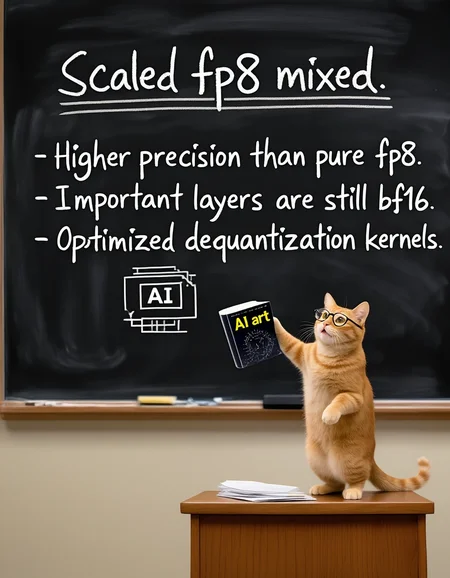
fp8 quantized Z-Image for ComfyUI using its quantization feature "TensorCoreFP8Layout".
Scaled fp8 weights. higher precision than pure fp8.
Also with "mixed precision". Important layers remain in bf16.
There is no "official" fp8 version for z-image from ComfyUI, so I made my own.
All credit belongs to the original model author. License is the same as the original model.
Base
Quantized Z-Image. Aka. the "base" version of z-image.
https://huggingface.co/Tongyi-MAI/Z-Image
Note: No hardware fp8, all calculations are still using bf16. This is intentional.
Rev 1.1: An updated version with better "mixed precision". More bf16 layers, so the file is bigger. Previous version will be deleted.
Turbo
Quantized Z-Image-Turbo
https://huggingface.co/Tongyi-MAI/Z-Image-Turbo
Rev1.1: An updated version with better "mixed precision". More bf16 layers, so the file is bigger. No hardware fp8. Previous version will be deleted.
v1: It contains calibrated metadata for hardware fp8 linear. If you GPU supports it, ComfyUI will use hardware fp8 automatically, which should be a little bit faster. More about hardware fp8 and hardware requirement, see ComfyUI TensorCoreFP8Layout.
Qwen3 4b
Quantized Qwen3 4b. Scaled fp8 + mixed precision. Early (embed_tokens, layers.[0-1]) and final (layers.[34-35]) layers are still in BF16.
Description
FAQ
Comments (11)
is fp16 available?
no
6.7GBs nice
Peep the reactions
Hi, can you confirm mixed precision checkpoint does not work with Forge Neo? I tried it with different precision settings, but only got noise images. So it's only working with comfy or am I missing something?
can't tell, I don't use forge neo
ok...
Im new to comfy and didn't know blackwell had advantages on certain things. i went on a deep rabbit hole chat with google and it said fp8 is better for 5080s- you only lose like 2% quality. Just curious how true that is. i thought bigger was better but i guess apparently you can add mroe steps and details to the renders going with an 8 lol
"fp8 is better for 5080s- you only lose like 2% quality"
I would say 70% it is not true. In short, If you have a 5080 and enough vram to load the full bf16 model, you should use the full model. fp8 model is handy when vram is not enough.
@reakaakasky it made some case about the 5080 being better designed with the blackwell stuff to work with 8 and not loose any mor much quality. i did get a crazy workflow to like render things in about 20 seconds going to an 8 over it taking like 3-4 minutes otherwise. But in the end I ended up dropping Zimage. i couldn't get rid of my outputs having droopy faces, soemthing i had no issue with in other models. Some samplers didn't work either. I wasn't sage attention either idk