


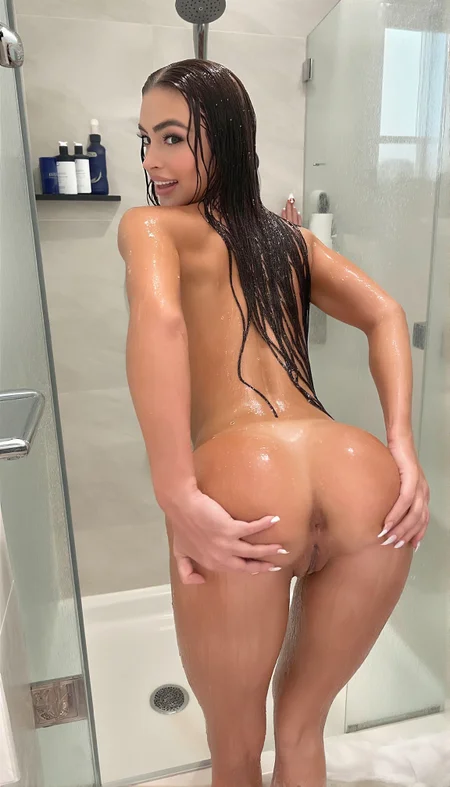
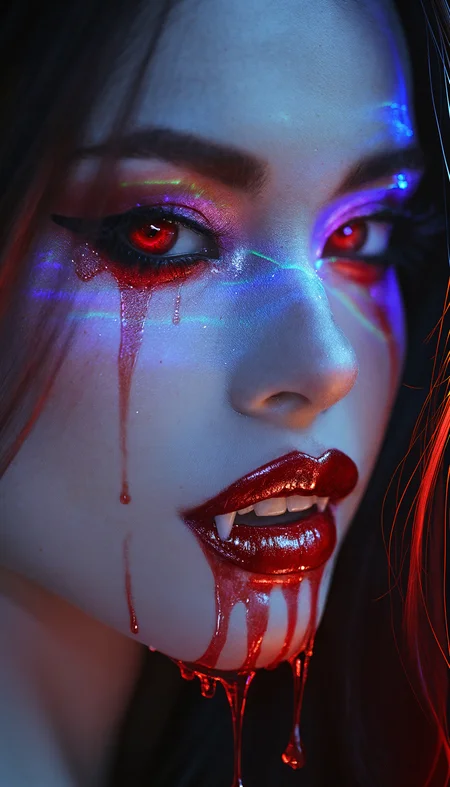


I was not satisfied with the existing Chroma workflows for their ability to reliably generate high-quality images. After some research, I created this workflow for myself!
You will need to visit the following resources for the models you need:
1) Chroma GGUF: https://huggingface.co/silveroxides/Chroma-GGUF/tree/main
2) CLIP GGUF: https://huggingface.co/silveroxides/flan-t5-xxl-encoder-only-GGUF/tree/main
3) upscale model: https://huggingface.co/Kim2091/UltraSharpV2/tree/main
Also, (most importantly!), you absolutely must familiarize yourself with the following project: https://github.com/ClownsharkBatwing/RES4LYF <-- to understand WTF is res_3m / beta57 or res_2s / bong_tangent ;)
Feel free to experiment with the sampler/scheduler combinations, as they have a significant impact on the output!
P.S.: use it well 😏
Description
added ultrasharp v2 upscale, some minor optimizations
FAQ
Comments (11)
Don't bother, this is a lame ripoff for credits.
I absolutely agree - that this is sooo lame to pour your anger in comments ;)
that is why, I will pretend that I don't give a shit about your bs :D
what does this workflow do? Does it mantain background consistency?
this WF was made for my own work projects - the idea is try squeeze out all possible quality out of the Chroma (or in other cases Flux/Krea ... etc.), and that is currently possible with some additional Comfyui nodes in some crazy way, hence - you can play with it ...
sorry for my ignorance. I know this workflow supposed to have "proper" thing. I tried it, but doing a single image "Prompt executed in 00:32:26" in 30 minutes is not fun at all. there's a lot of iteration of resampling again and again, like, why?
wow, your PC is slow (JK)
this WF creates High Resolution image if you need it for print or elsewhere, those "resamplers" it is a way the author of those nodes tells us to use them (they are coded in that way), also you can change the sampler / scheduler combo - for example res_2m / boing_math is faster but less realistic. You can lower the number of steps, or stop image generation after the first sampler and save image from there if you need only 720x1280
Wan 2.2 low noise just do realism 100 better than Chroma in 1/100 of the generation time. Why so many steps for such a low quality output?
Wan 2.2 is simply better
Just remember, for those of us who like a bit more *ahem* flexibility in our prompting, Chroma is truly uncensored, whereas Wan 2.2 low struggles a bit with more explicit prompts.
needs vae, can't figure out how to put in int with the clownshark sampler.
the workflow is set-up already with all the connections between nodes