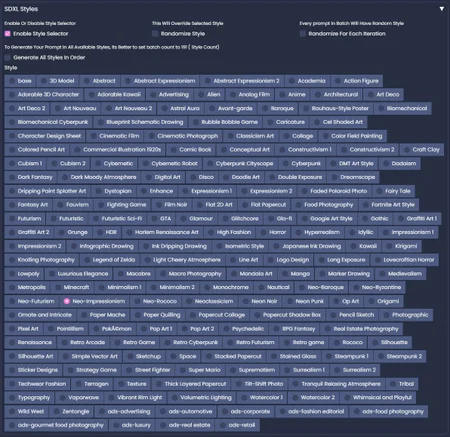
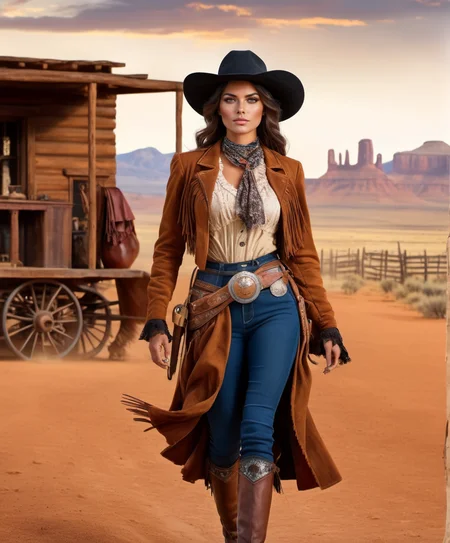


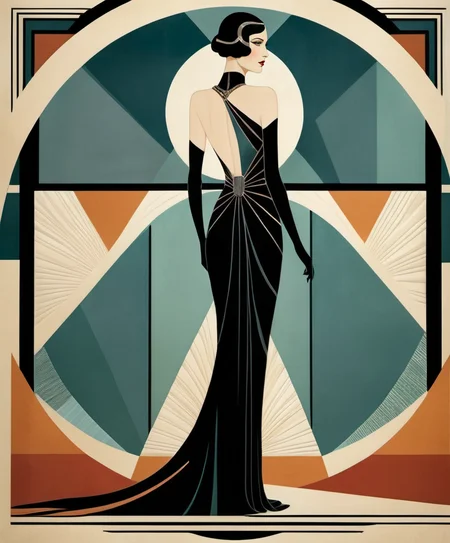
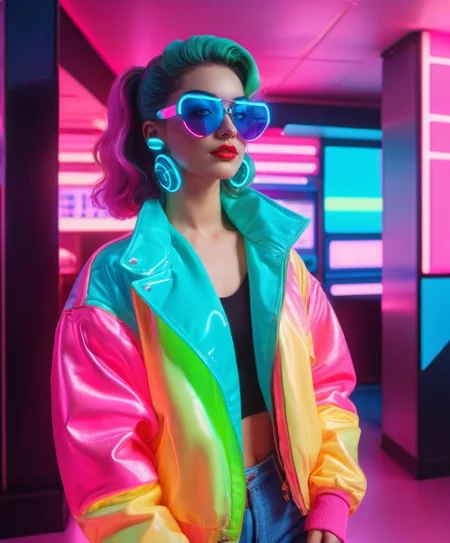

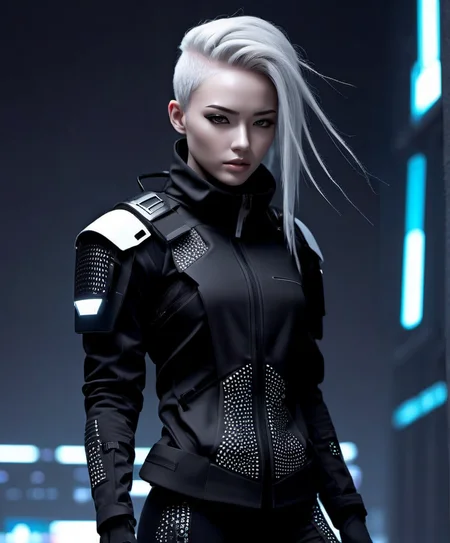




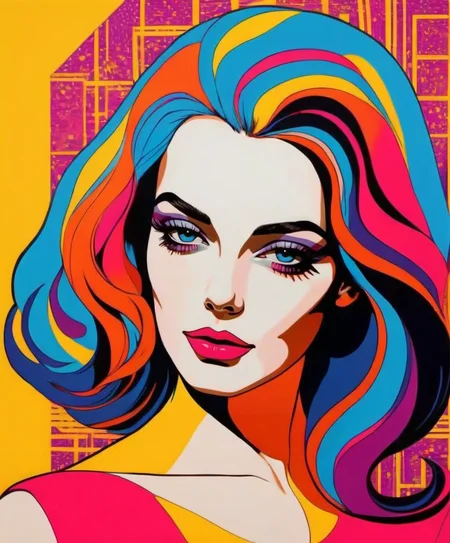
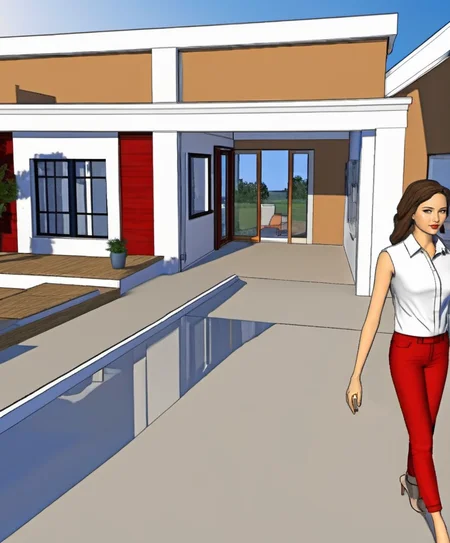


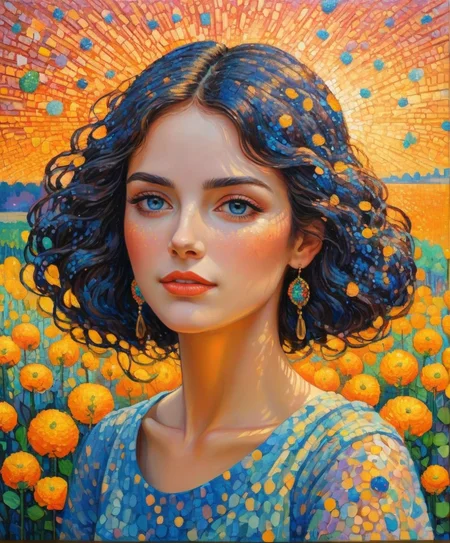


This is an expansion for the StyleSelectorXL extension. To make this work you'll need StyleSelectorXL: https://github.com/ahgsql/StyleSelectorXL.git
Version 2 of this expansion adds many visual styles and art styles to the SDXL Style Selector menu. These are compiled from the original Style Selector XL style list, the ComfyUI SDXL Prompt Styler style list, and the Fooocus Styles menu style list - plus I've added my own 70+ styles.
The styles list has been pruned to exclude exact duplicate prompts, and I've also put the styles in alphabetical order for ease of use. This brings the styles list to 190 different art styles and visual styles.
Please Note that while the extension says "XL" it does work quite well with both SDXL 1.0 models AND SD 1.5 models.
While it does seem to do best with photo/realistic based models, it can create gorgeous works with more stylized models as well. So feel free to use it with a variety of your favorite checkpoints/models.
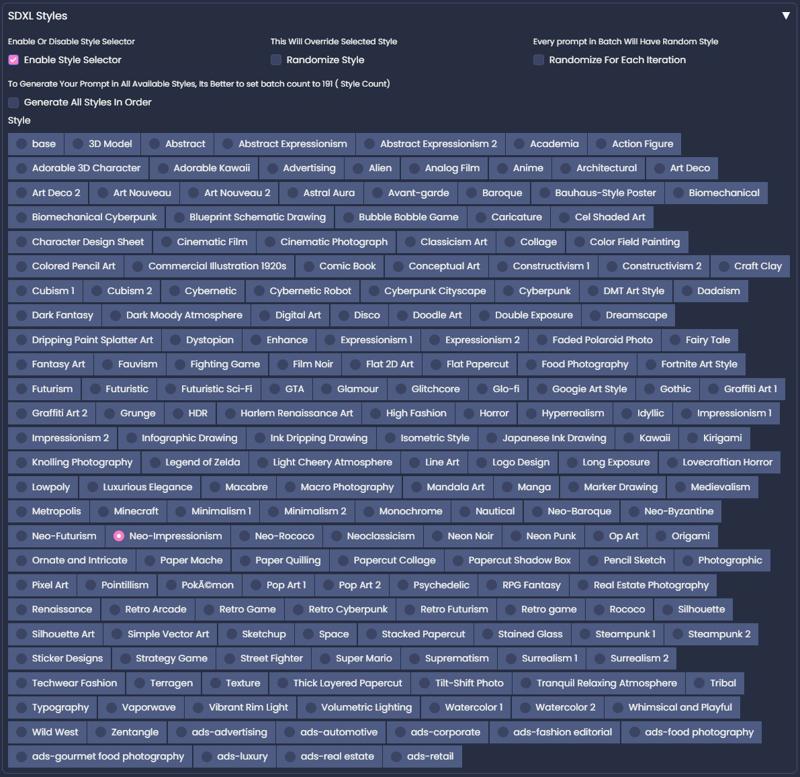
It took some research on different art styles to know how to prompt for the different styles and I learned a lot. They're not 100% perfect, as many styles are new to me and I had to make educated guesses based on the style's descriptions on how to build the prompt scripts for them. So they might not be 100% true to the different styles, but they do add a nice amount of artistic variety!
To Install:
Optional: First save a copy of your "sdxl_styles" JSON file as a back up, incase you want to revert back to the original. The original "sdxl_styles" JSON file can be found in: stable-diffusion-webui >> exentions >> StyleSelectorXL
I doubt you'll want to revert back, but it's always good to save a backup when making any changes to a file for an extension.
Then Copy and Paste the included "sdxl_styles" JSON file into your StyleSelectorXL folder. That folder can be found in: stable-diffusion-webui >> extensions >> StyleSelectorXL. This will replace your existing file and add 70+ new visual art styles to your styles menu.
This expansion took quite a few hours to compile and create, so if you have a minute please leaving a rating for this. I'd very much appreciate it! :)
~ Diva
Description
This expansion adds many visual styles and art styles to the SDXL Style Selector menu. These are compiled from the original Style Selector XL style list, the ComfyUI SDXL Prompt Styler style list, and the Fooocus Styles menu style list - plus I've added my own 70+ styles.
The styles list has been pruned to exclude exact duplicate prompts, and I've also put the styles in alphabetical order for ease of use. This brings the styles list to 190 different art styles and visual styles.
FAQ
Comments (24)
Hi, SDXL Styles is really great!
could you make scripts for managing the camera and framing the subject, because even putting keywords in the SD prompt tends to fill the image with the subject and always put it in the middle of the picture.
A series of scripts that would allow you to frame the subject as you wish, as well as the distance from the camera, in the manner of a professional photographer, would be super useful! 😉
I'm afraid scripts of that depth are out of my wheelhouse. One thing I noticed is that SDXL can be a bit more "hard headed" when it comes to prompting. So sometimes repetition is needed in order to get your intention across. So for instance if you want a "birds eye view" shot of something you might have to put it at the beginning of your prompt, in the middle of your prompt, and also at the end of your prompt.
SDXL can create gorgeous images, but sometimes one has to fight it a little to get specific shots. Repetition can be a big help in that regard, at least in my experience with it so far. :)
@Diva OK, too bad.
thanks for the advice, but it's the same problem with SD 1.5
@Suzanne Lookup https://civitai.com/models/140117/latent-layer-cameras , might be what you looking for. conceivably you can create "style prompts" to trigger the appropriate "camera"
where do i have to drop the file?
Hi, PaperPlat00n! That information should be in the "Read Me" included with the download.
This information should be there in the Read Me file: "To use Visual Styles Expansion: Copy and paste the included "sdxl_styles" JSON file into your StyleSelectorXL folder. That folder can be found in: stable-diffusion-webui >> extensions >> StyleSelectorXL. This will replace your existing file and add quite a few new visual art styles to your styles menu."
I highly recommend reading the Read Me as it also has additional tips and info. :)
@Diva please, make it possible to switch between json files with different styles
@ardezart I'm sorry, I'm not sure I understand.
Maybe change select from the radio button to click example image is better, we don't know what's effect relative to which name.
I'm pretty sure that's coding and scripting that the extention's creator would have to do. It's a neat suggestion though. If you want a chance of that being implemented, you might go to extention's github page and leave the suggestion for the extentions creator to see. 😊
It sound like it might be a cool feature- the ability to have a preview image if we wanted. I hope you suggest it to the creator of the extention. 😀
f-ing fantastic thank you, saved me a hell of a lot of time. :)
hahah I'm so glad to hear that! If I can make someone's work even a little easier it's worth the time spent creating these assets! Thank you for the sweet comment, ownsperspective901!
For whatever reason, Styles Selector just freezes automatic1111. Then when I unselect Styles Selector, 1111 goes back to normal. i thought your styles would fix it, but it's still the same. i uninstalled and reinstalled and still doesn't work. Any idea as to why this may be happening?
Oh, wow! I have not heard of anyone having that issue before. That is really strange! I really can't think of a reason why the Style Selector might be freezing AUTOMATIC1111. You might pop into the GitHub page and ask the creator of the extention, to see if he might have an idea on what could be causing the issue.
I'm sorry you're having issues with it! I didn't create the extention and don't know much about coding or programming extentions so, sadly, I'm not able to try and troubleshoot that. I hope you're able to get it working! In the meantime you can copy and paste the style prompts from the included styles file if you want to manually try the different styles. I know it's not the same. :( I wish I could be more help with the issue you're having.
Thanks Diva. I've left a message over at the github page, let's see if he replies. Eventually these things get straightened, but so far, I seem to be the only one with the problem, cause everywhere I've asked if anyone else is having the problem, there is a dead silence... :-) So, we'll see where the solution comes from. I really look forward to trying out your styles, they look great!
I took your suggestion and did them manually and got some great results. So, until I can figure out why it's not working, I can just open up the json file and select a style and see what happens. The renders happen very quickly, like 30 seconds. I'm very pleased.
Well, believe it or not, I finally found the solution to the problem. The problem was not the Style Selector. The problem was an extension that was corrupting the Gradio. I found that it also screwed up, Controlnet, SD Upscale, and whole bunch of other extensions, not just the style selector. So now, your styles look great with just one click.. :)
@strawart OH wow - That's crazy that another extension was causing the issue to the Style Selector (and all those other extensions as well). I'm so glad you found the solution! That's wonderful news! :D Thank you for letting me know - I appreciate the update!
This is GREAT!! If only there was a way to append the style name to the filename of the generated image you could carve my stone and toss me in the hole.
I downloaded this cause it sounded really cool, and it works super well and is an easy way to add different flares to generated imgs
I use this extension all the time and I'm so happy I've found this. Thank you so much!
amazing works perfectly!!!
There are a lot of spelling mistakes in the styles. Please use a spell-checker. Otherwise, fantastic.
How do I use this with A1111? Sorry I'm new.
The original extension doesn't allow multiple choice, could you change that? Thanks.