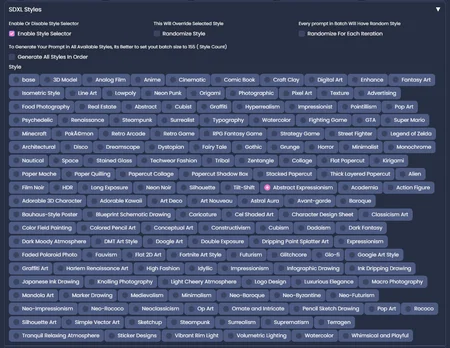
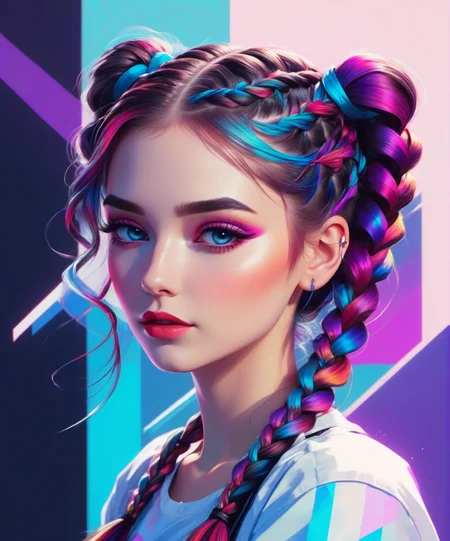
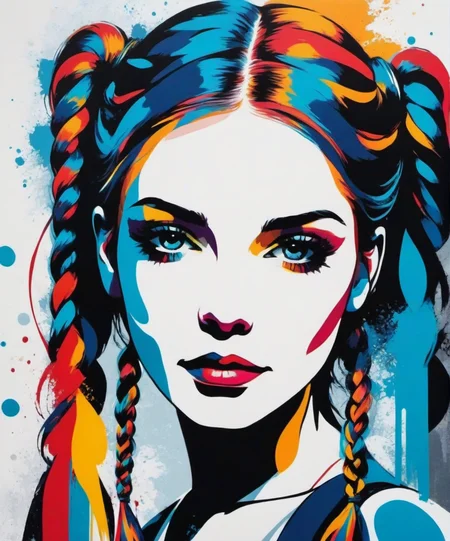

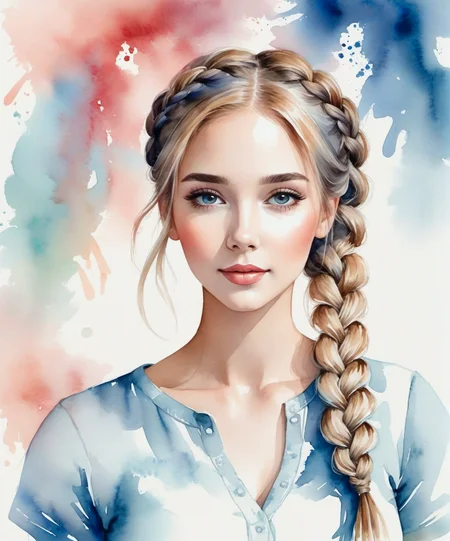
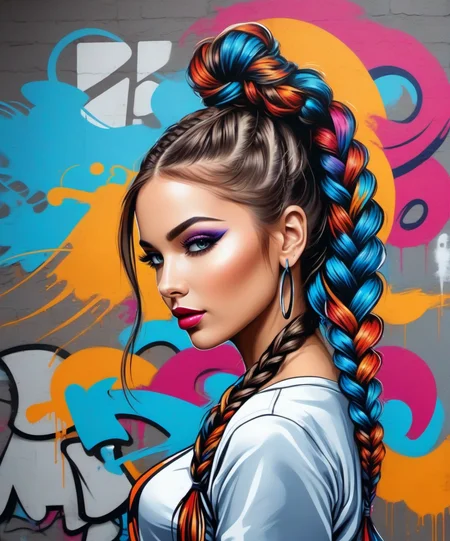
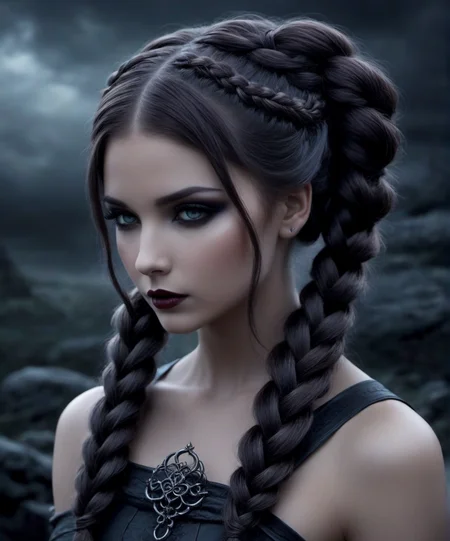

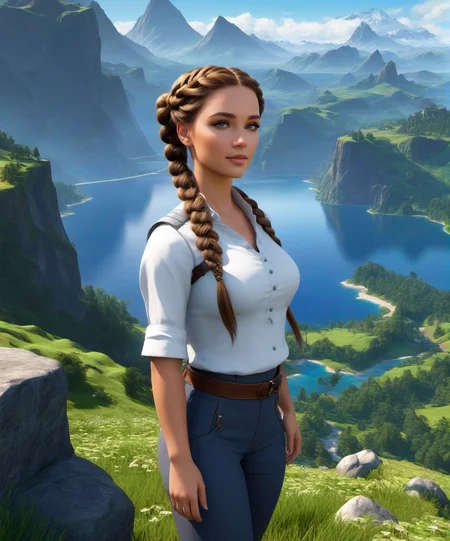
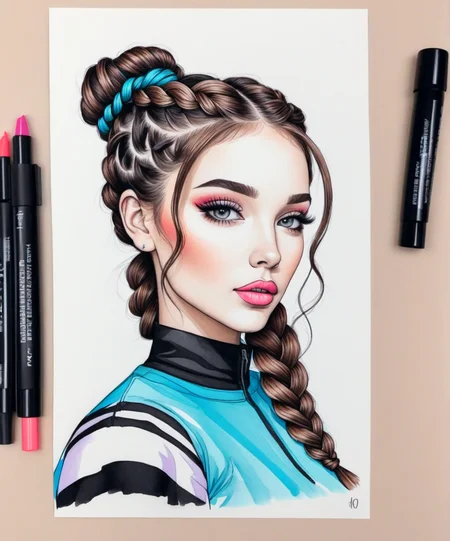
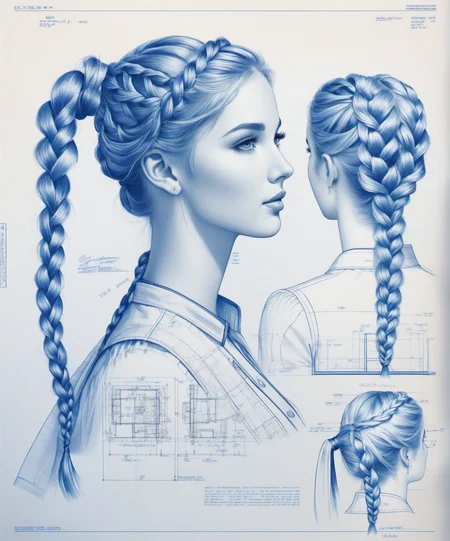
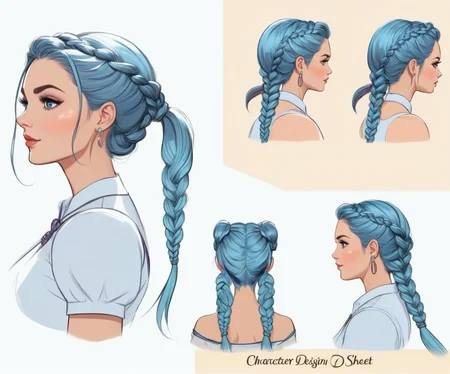
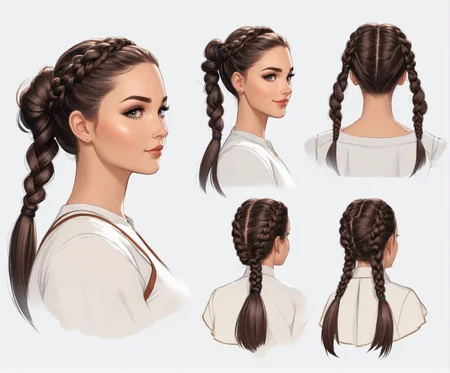
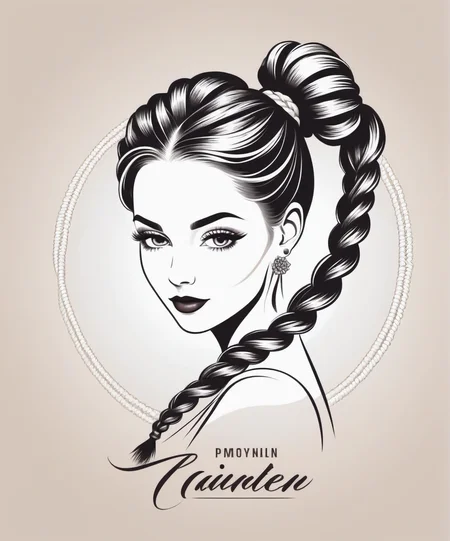
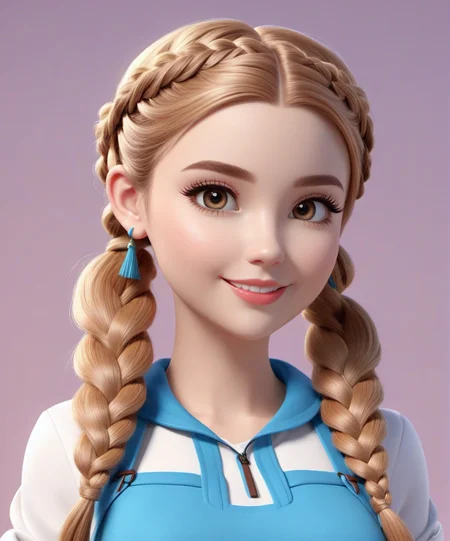
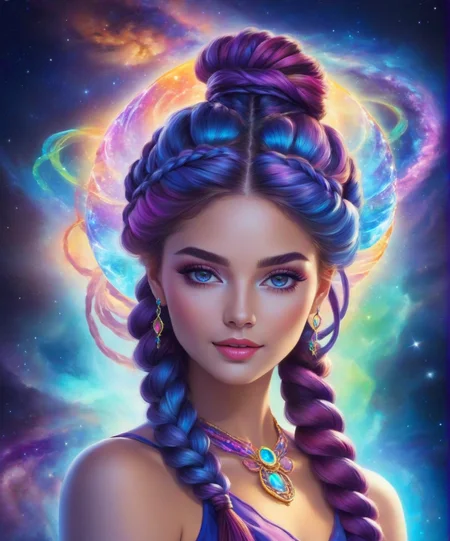
This is an expansion for the StyleSelectorXL extension. To make this work you'll need StyleSelectorXL: https://github.com/ahgsql/StyleSelectorXL.git
Version 2 of this expansion adds many visual styles and art styles to the SDXL Style Selector menu. These are compiled from the original Style Selector XL style list, the ComfyUI SDXL Prompt Styler style list, and the Fooocus Styles menu style list - plus I've added my own 70+ styles.
The styles list has been pruned to exclude exact duplicate prompts, and I've also put the styles in alphabetical order for ease of use. This brings the styles list to 190 different art styles and visual styles.
Please Note that while the extension says "XL" it does work quite well with both SDXL 1.0 models AND SD 1.5 models.
While it does seem to do best with photo/realistic based models, it can create gorgeous works with more stylized models as well. So feel free to use it with a variety of your favorite checkpoints/models.
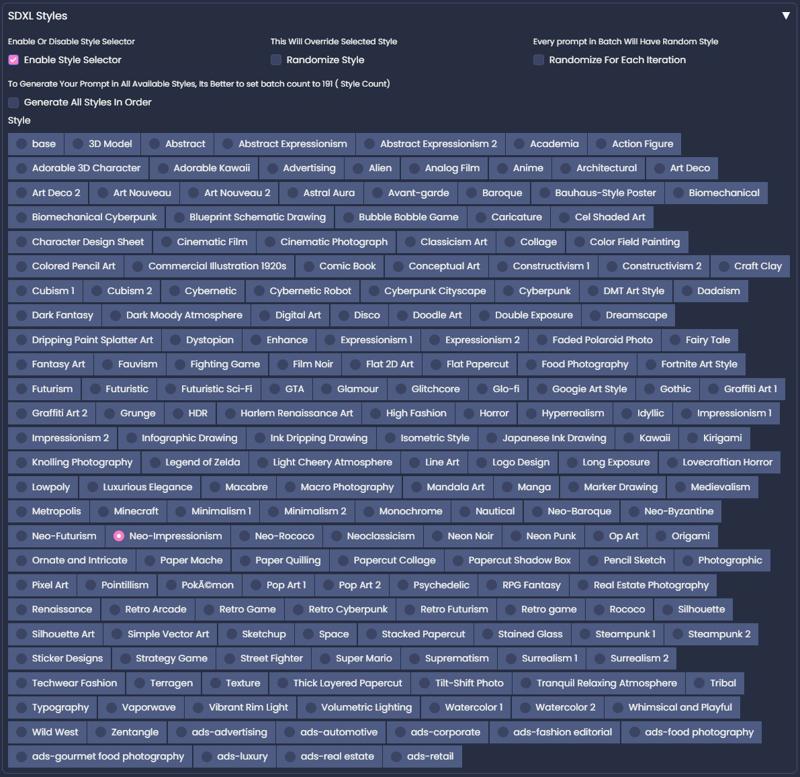
It took some research on different art styles to know how to prompt for the different styles and I learned a lot. They're not 100% perfect, as many styles are new to me and I had to make educated guesses based on the style's descriptions on how to build the prompt scripts for them. So they might not be 100% true to the different styles, but they do add a nice amount of artistic variety!
To Install:
Optional: First save a copy of your "sdxl_styles" JSON file as a back up, incase you want to revert back to the original. The original "sdxl_styles" JSON file can be found in: stable-diffusion-webui >> exentions >> StyleSelectorXL
I doubt you'll want to revert back, but it's always good to save a backup when making any changes to a file for an extension.
Then Copy and Paste the included "sdxl_styles" JSON file into your StyleSelectorXL folder. That folder can be found in: stable-diffusion-webui >> extensions >> StyleSelectorXL. This will replace your existing file and add 70+ new visual art styles to your styles menu.
This expansion took quite a few hours to compile and create, so if you have a minute please leaving a rating for this. I'd very much appreciate it! :)
~ Diva
Description
FAQ
Comments (20)
Actually loved it :)
edit: it is somehow turning almost all the generations to nudes though? even though i added nude, nsfw and naked to negatives it ignores them
lol That's weird, I've not seen a single nude when I put NSFW in the negative area. What checkpoint are you working with, some checkpoints are heavily trained on nudes.
All these do is add an art style prompt, so it's strange that you're seeing nudes. Please let me know if you're still having nudes issues even with a different checkpoint model. :) I'm scratching my head how this could possibly cause nudes. I've not had any nudes and I've tested it quite a lot, generating well over a hundred images with it with the Crystal Clear XL model.
Let me know how it goes when you try it with a different checkpoint model. Keep me posted! :)
@Diva Yea thats the weird part :D i checked the json file and it has absolutely nothing to do with nfsw. At first i used crystal clear xl also but then used Realities Edge XL. Maybe it had some association with the keywords i dont know. But yea it should not be affected by this at all. I had to really increase the weight of “clothed” and negative “nsfw, nude, naked” to produce sfw stuff.
Anyways ill check realities edge xl a little bit further i am now also thinking that it is due to that. Thanks for this though :)
@Khser Hey, just to follow up, did you ever get this figured out? I'd hate people to think that these styles create nudes when they're not supposed to! lol :D
@Diva hi again, tbh i dont know why but it stopped. maybe because i had negatives constantly, maybe i somehow chose a bad model, but it is all fine now. so definitely no issues so far (i havent updated though, i added my own update and dont want them to be gone, so i will download yours and combine with what i have.) but again to summarize: NO ISSUE NOW so for anyone else FEEL FREE TO DOWNLOAD, NO ISSUES)
@Khser Thank you for giving me an update! I appreciate you taking the time to let me know how it worked out. I'm really glad that whatever it was is gone and no longer an issue. 😊
Is it possible to obtain it for ComyUI?
I'm pretty new to ComfyUI and I know that it's quite complicated, but I'll see if I can make that happen! :)
@Diva Thank you
@NoobFromEgypt I created a ComfyUI workflow for this. It's now up: https://civitai.com/models/135307?modelVersionId=149116 Please let me know if you have any issues with it. :)
@Diva after work i will try it and give you feedback 👍🏻 ... Thank you
@Diva after work i will try it and give you feedback 👍🏻 ... Thank you
@NoobFromEgypt Thank you! I don't have a beta tester, so if I set it up wrong or if you have any issues getting it to work please let me know.
@Diva The style work great i tried some and work just fine ... i may suggest to use CR lora cuz it have on off options so i don't need to load two lora and then make it 0 value and was node suite you can use save image from it it has more options and better .......... and great work and afford to make that ... thanks 👍🏻
@NoobFromEgypt I'll have to take a look and check out CR lora and node suite. I'm new to ComfyUI so all this is quite new to me and can be a bit confusing with all the nodes and noodles. lol I'm glad you found the SDXL Prompt Styler (style selector) useful! I'll try and update the Workflow when I learn more about the different nodes. :D Thank you for the feedback!
@Diva Very useful! Thank you for the workflow!
@opensourcefan I'm so glad you're finding it useful! That makes me happy to hear! 😃
automatic 1111 work this file??