适用于手绘风格生成以及照片转手绘风格
Suitable for hand-drawn style generation and photo-to-hand-drawn style
修剪后的模型更新
pruned model update
(感谢 @juvesatriani 的帮助)
(Thanks for @juvesatriani‘s help)
以下是V2.5与V2和V1的对比(V1,V2,V2.5):
Here's how V2.5 compares to V2 and V1 (V1,V2,V2.5):
以下是三个版本图生图的对比:
Here's a comparison of the img2img between these Versions:
模型最开始是用来生成二次元正太的(φ(゜▽゜*)♪),但是意外
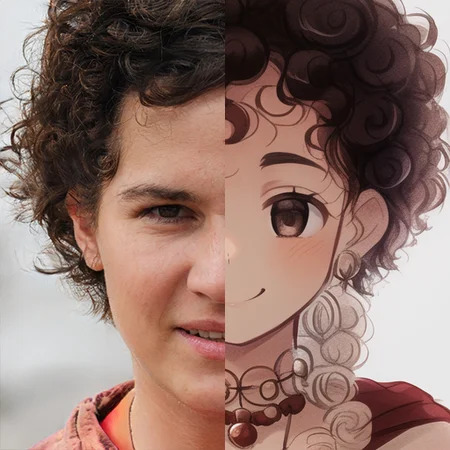
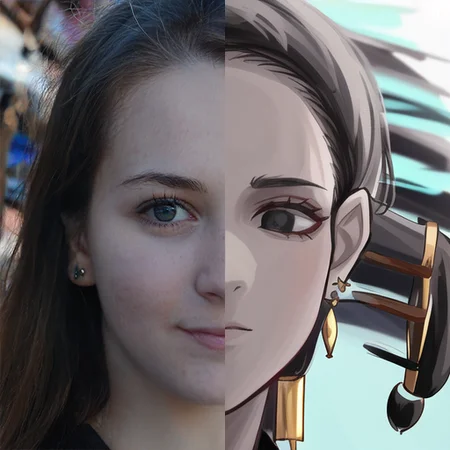
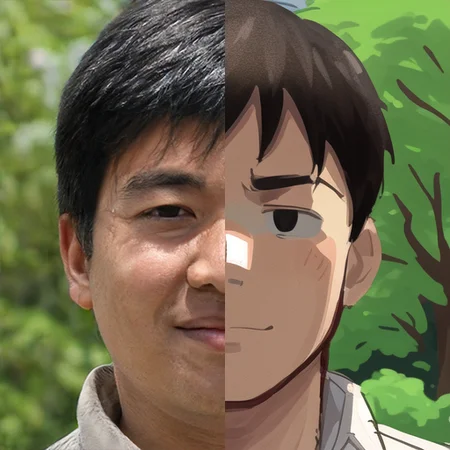
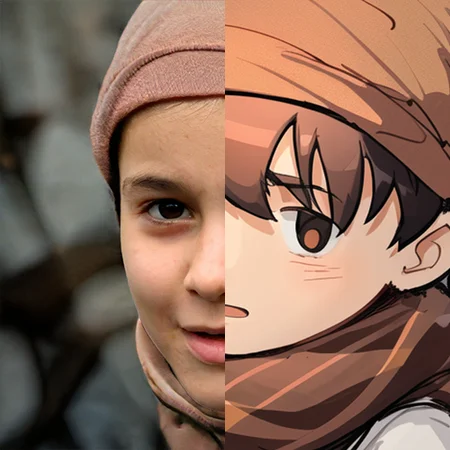
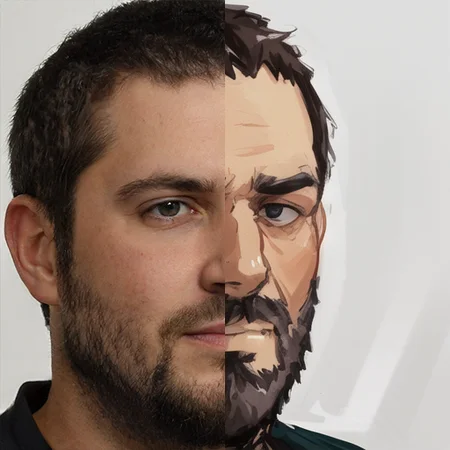
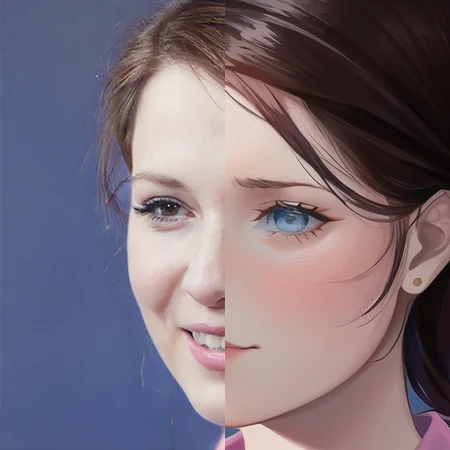
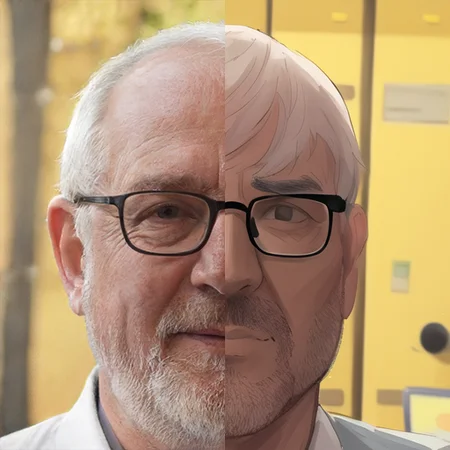
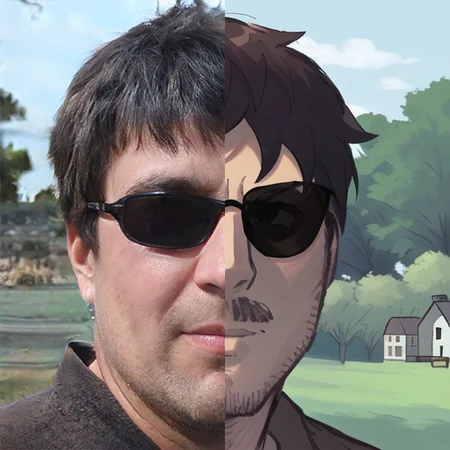
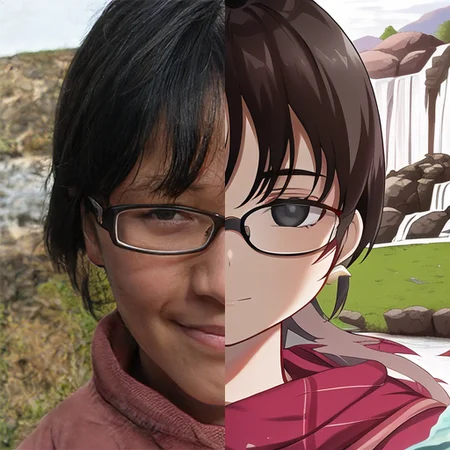
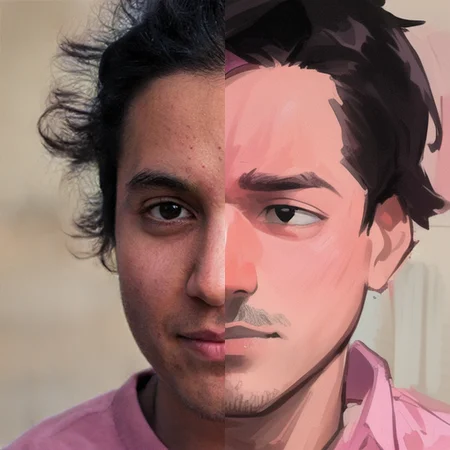
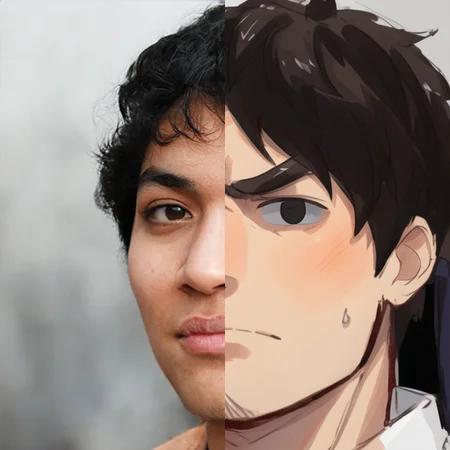
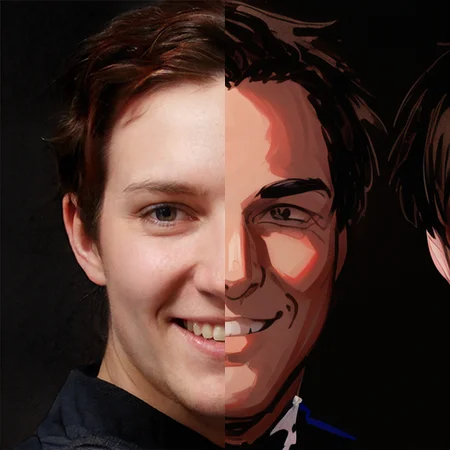
发现对于图生图特别友好,尤其是照片之类的,下面是两个示例:
(The model was orignally used to generate anime boys((′д` )…彡…彡,but it was unexpected have goods results about img 2 img,here is some example)
If there is a translation error, please let me know in the comments
(tags:{{masterpiece}},best quality,illustration,1 male kid,prince,rose,floating short hair,yellow hair,long yellow scarf,green clothes,rose,closeup,chibi)
针对图生图的示例如下:
There are some example of img2img
(以下所有真人照片均出自this-person-does-not-exist)
(All of the following live photos are from this-person-does-not-exist)
推荐的图生图参数:steps:30,cfg:11,denoising strength:0.52,使用clip进行反推文本
Recommended img2img parameter: steps:30,cfg:11,denoising strength:0.52,Use clip to reverse text
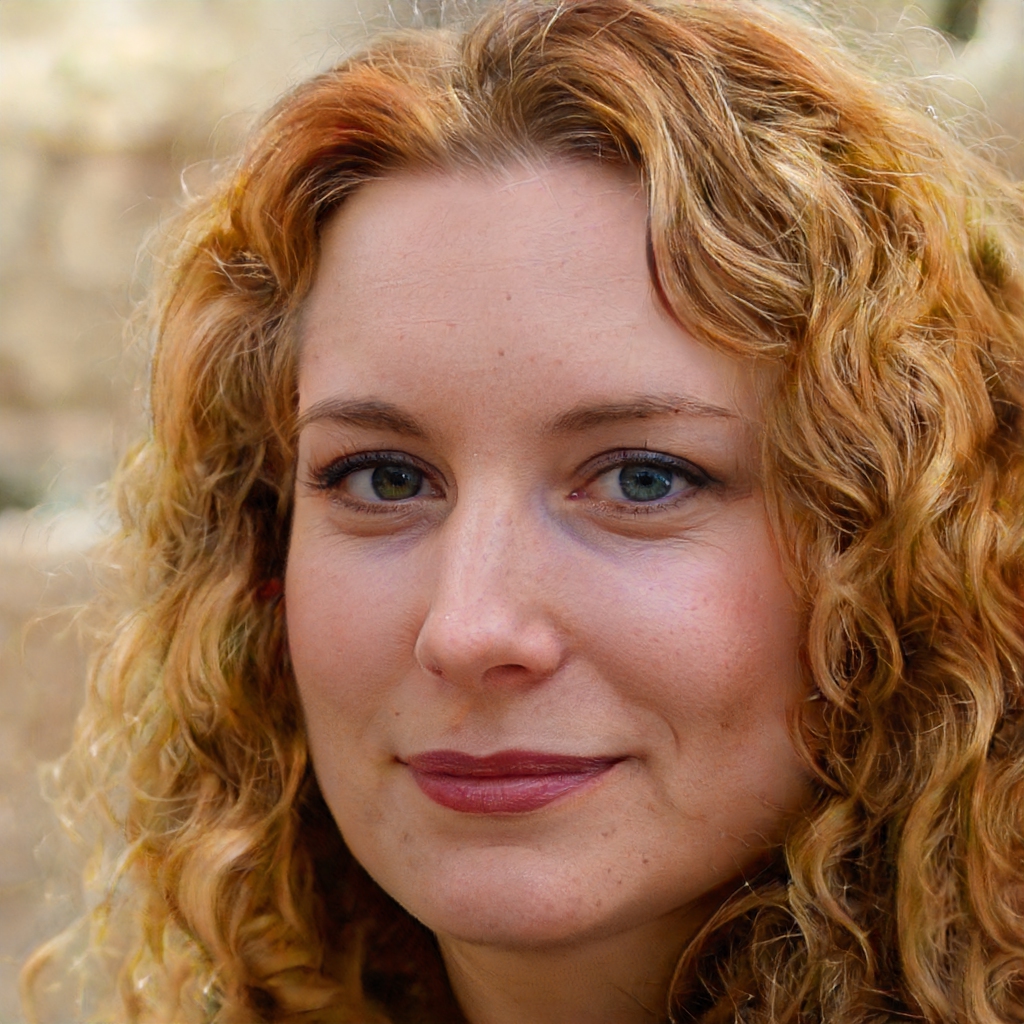
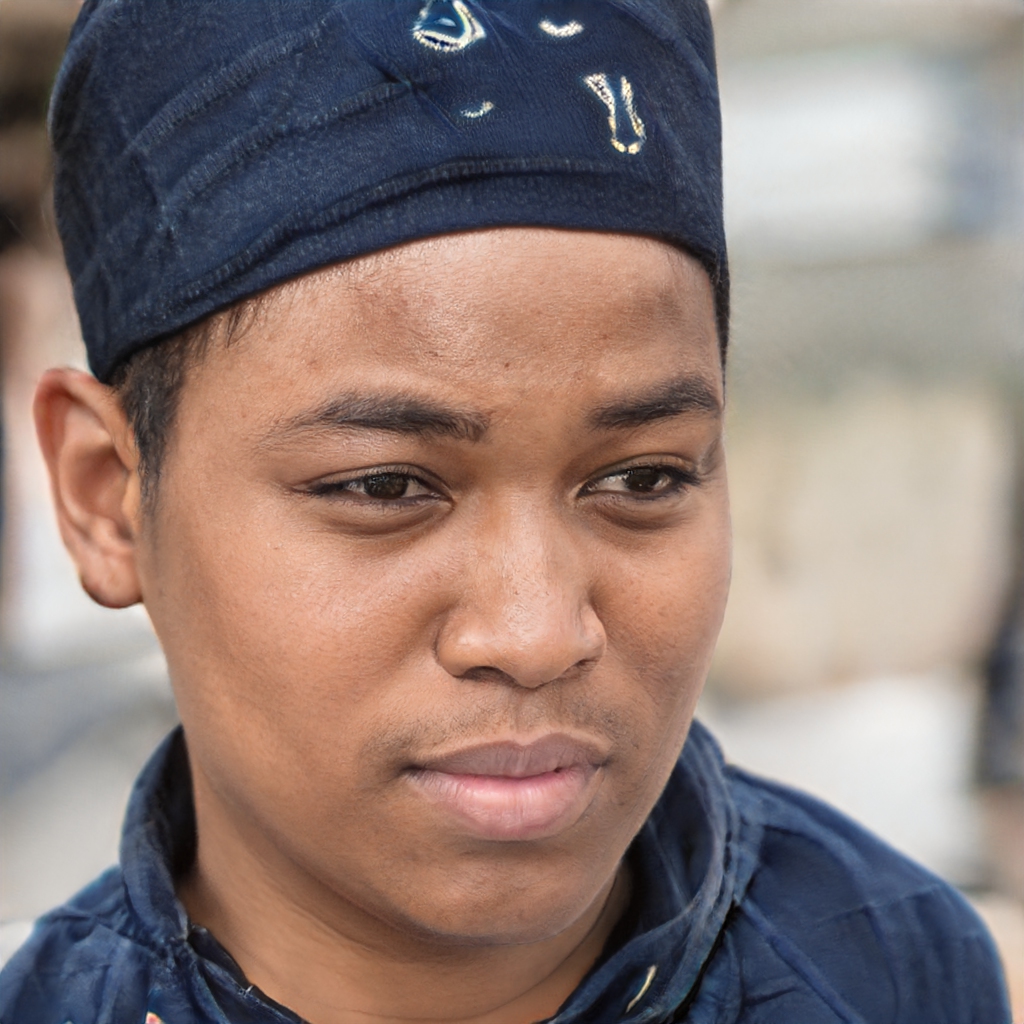
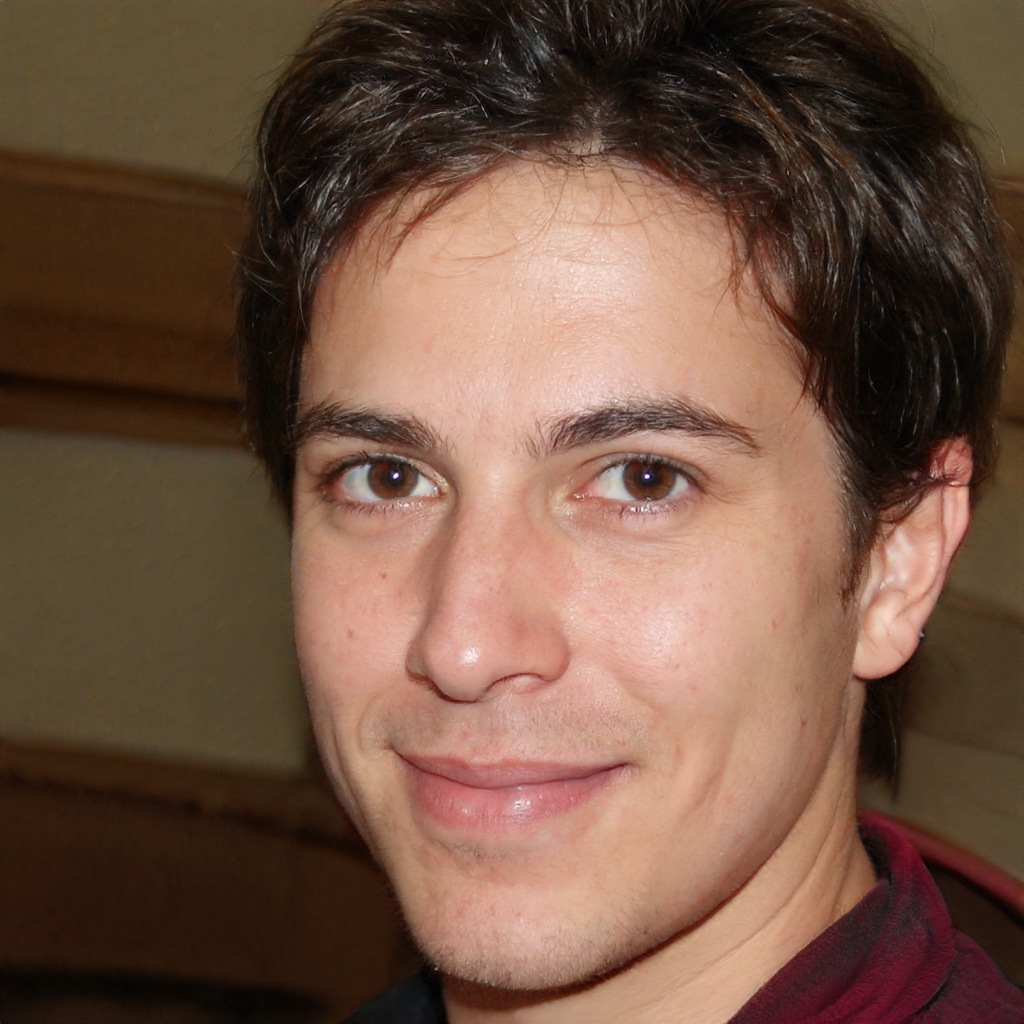
Description
增加了更多数据,生成倾向于圆脸短发
Added more data, resulting in a tendency to have short hair and round faces
图生图具有更多的笔触效果,但会丢失一部分细节
img2img have more stroke effects, but some detail is lost
FAQ
Comments (8)
Hello, very good. Your model wanted to know how you do it. Do you have a link where you learned from? Thank you very much.
@duxin Thank you very much you are my idol hahaha
@Mudo No thanks, hahaha, because my English is not very good, so the list is the creators of the Chinese community, you should be able to find more content on YouTube(☞゚ヮ゚)☞☜(゚ヮ゚☜)
There is a new upscaler that works better with nonpruned models.. so if you could upload pruned+full model that would be nice!
你好,我很喜欢这个模型,但是不知道如何生成年龄较大的人物图片。
how to use the image2image that has same output that you have
我使用您这个模型,图生图功能按照您简介里的提示去生成,无法生成出您示例图片里的风格,请问能指导一下吗
Details
Available On (1 platform)
Same model published on other platforms. May have additional downloads or version variants.