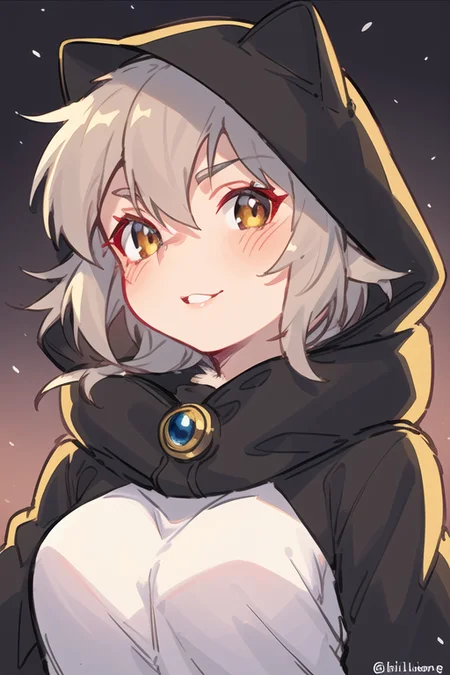
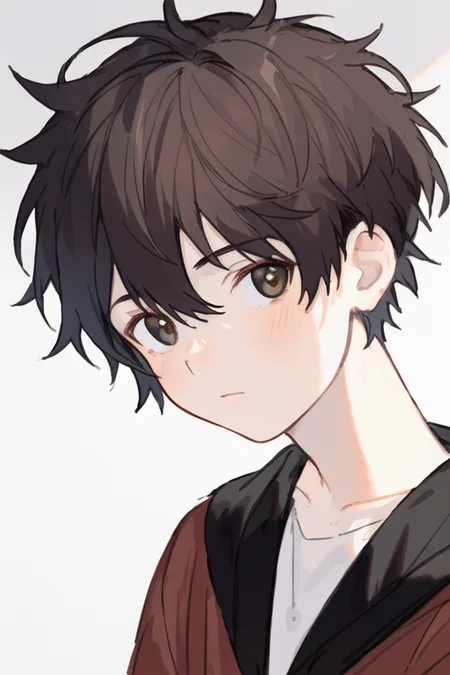
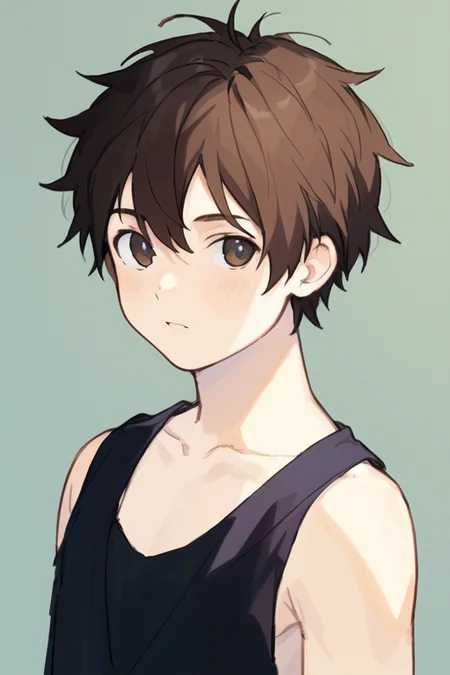
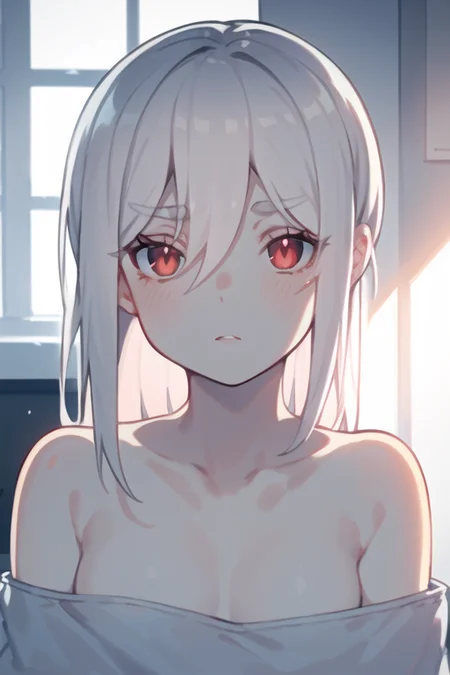
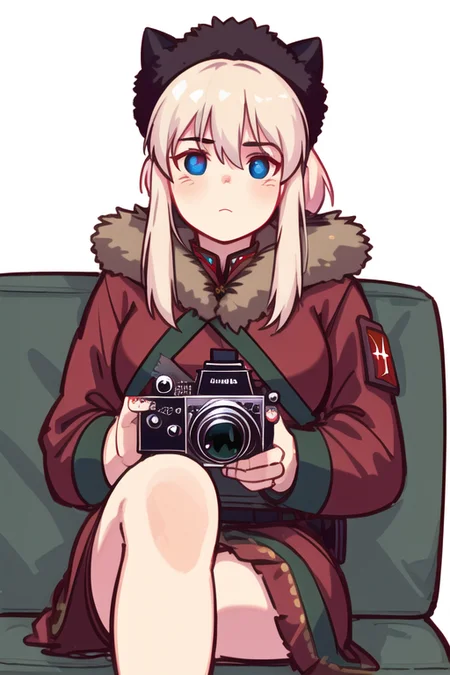
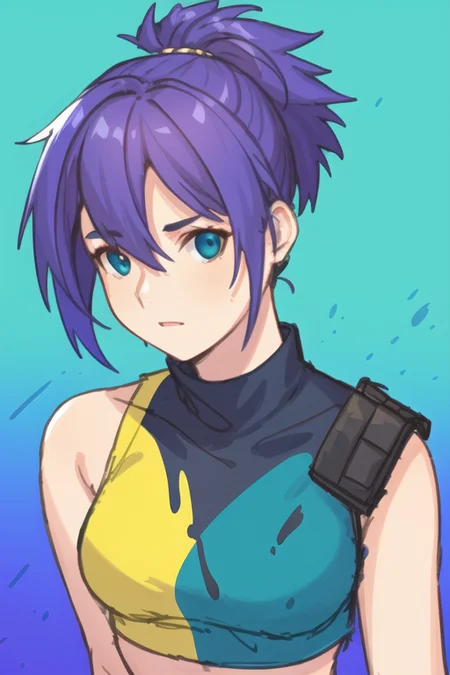
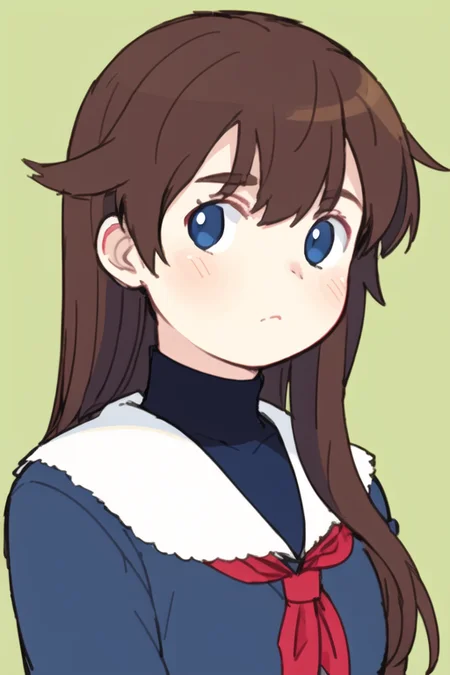
适用于手绘风格生成以及照片转手绘风格
Suitable for hand-drawn style generation and photo-to-hand-drawn style
修剪后的模型更新
pruned model update
(感谢 @juvesatriani 的帮助)
(Thanks for @juvesatriani‘s help)
以下是V2.5与V2和V1的对比(V1,V2,V2.5):
Here's how V2.5 compares to V2 and V1 (V1,V2,V2.5):
以下是三个版本图生图的对比:
Here's a comparison of the img2img between these Versions:
模型最开始是用来生成二次元正太的(φ(゜▽゜*)♪),但是意外
发现对于图生图特别友好,尤其是照片之类的,下面是两个示例:
(The model was orignally used to generate anime boys((′д` )…彡…彡,but it was unexpected have goods results about img 2 img,here is some example)
If there is a translation error, please let me know in the comments
(tags:{{masterpiece}},best quality,illustration,1 male kid,prince,rose,floating short hair,yellow hair,long yellow scarf,green clothes,rose,closeup,chibi)
针对图生图的示例如下:
There are some example of img2img
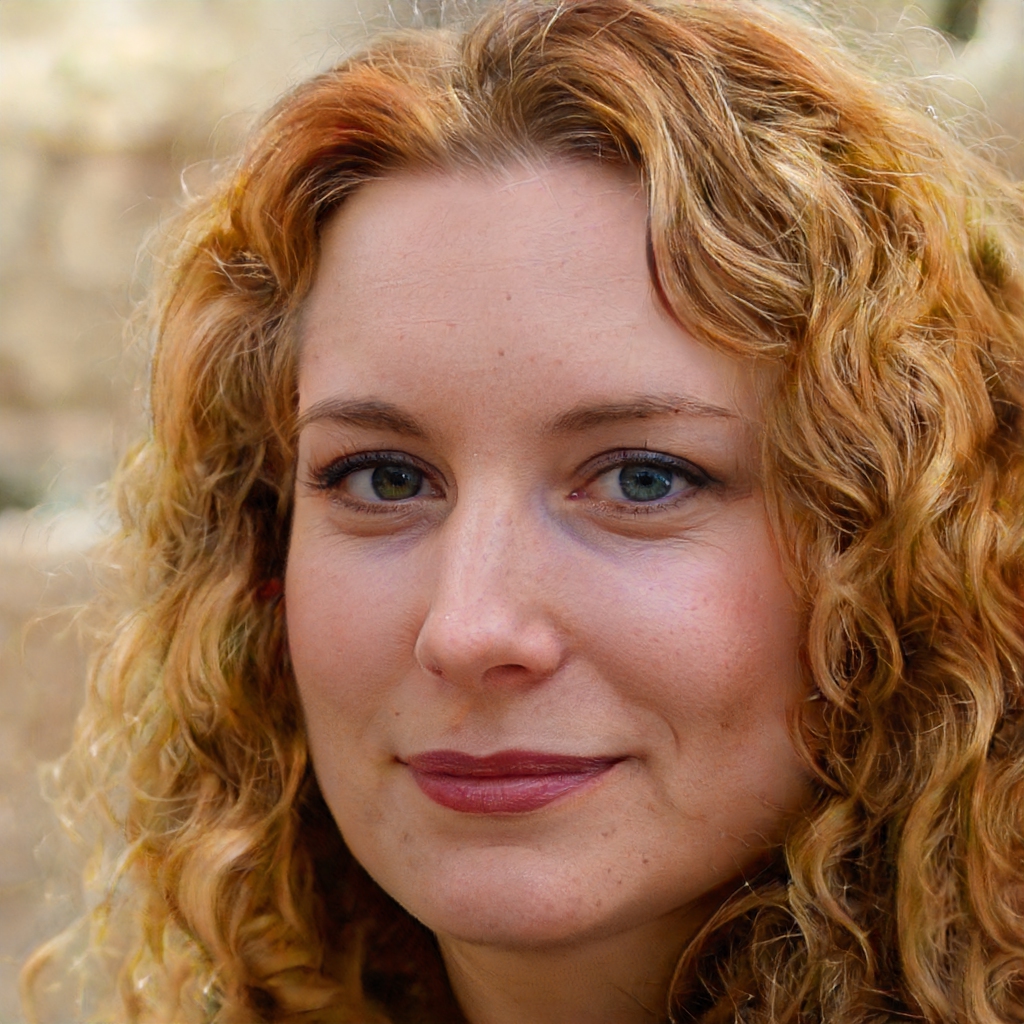
(以下所有真人照片均出自this-person-does-not-exist)
(All of the following live photos are from this-person-does-not-exist)
推荐的图生图参数:steps:30,cfg:11,denoising strength:0.52,使用clip进行反推文本
Recommended img2img parameter: steps:30,cfg:11,denoising strength:0.52,Use clip to reverse text
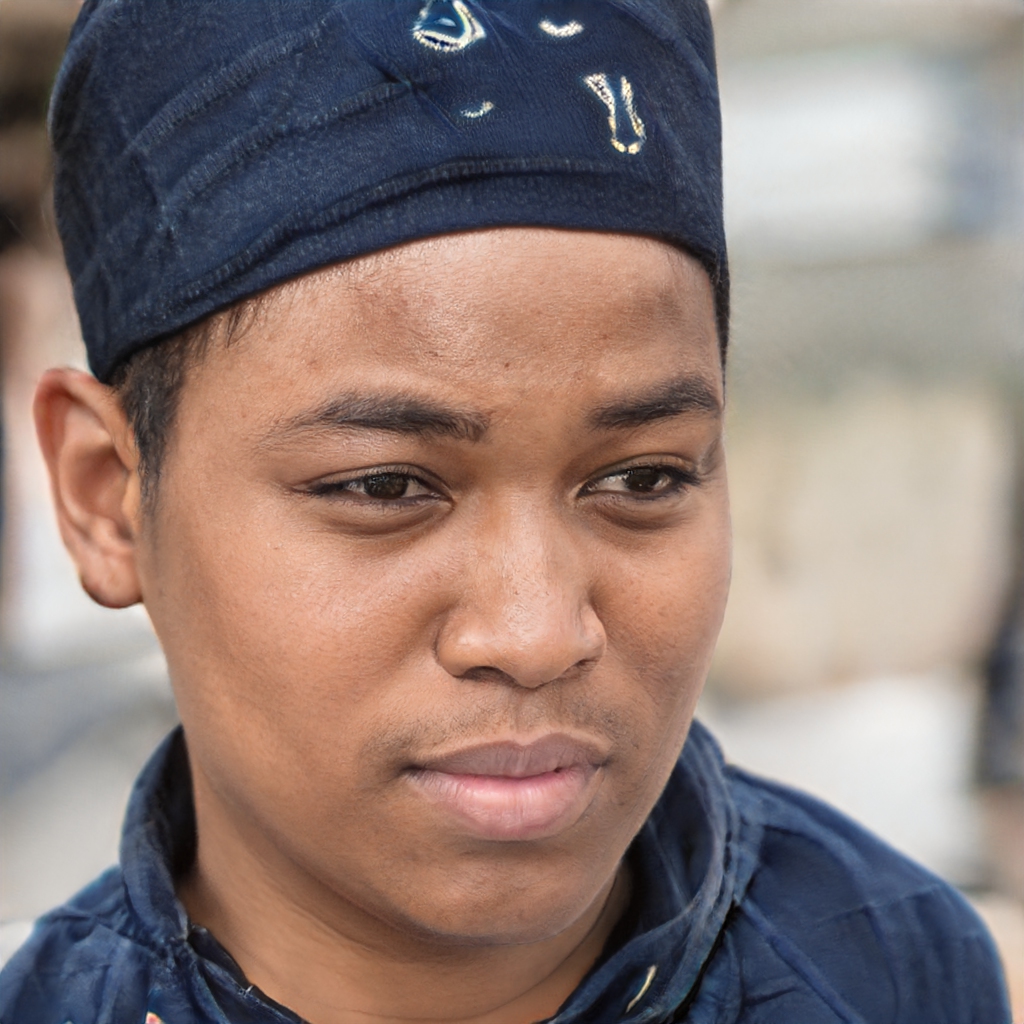
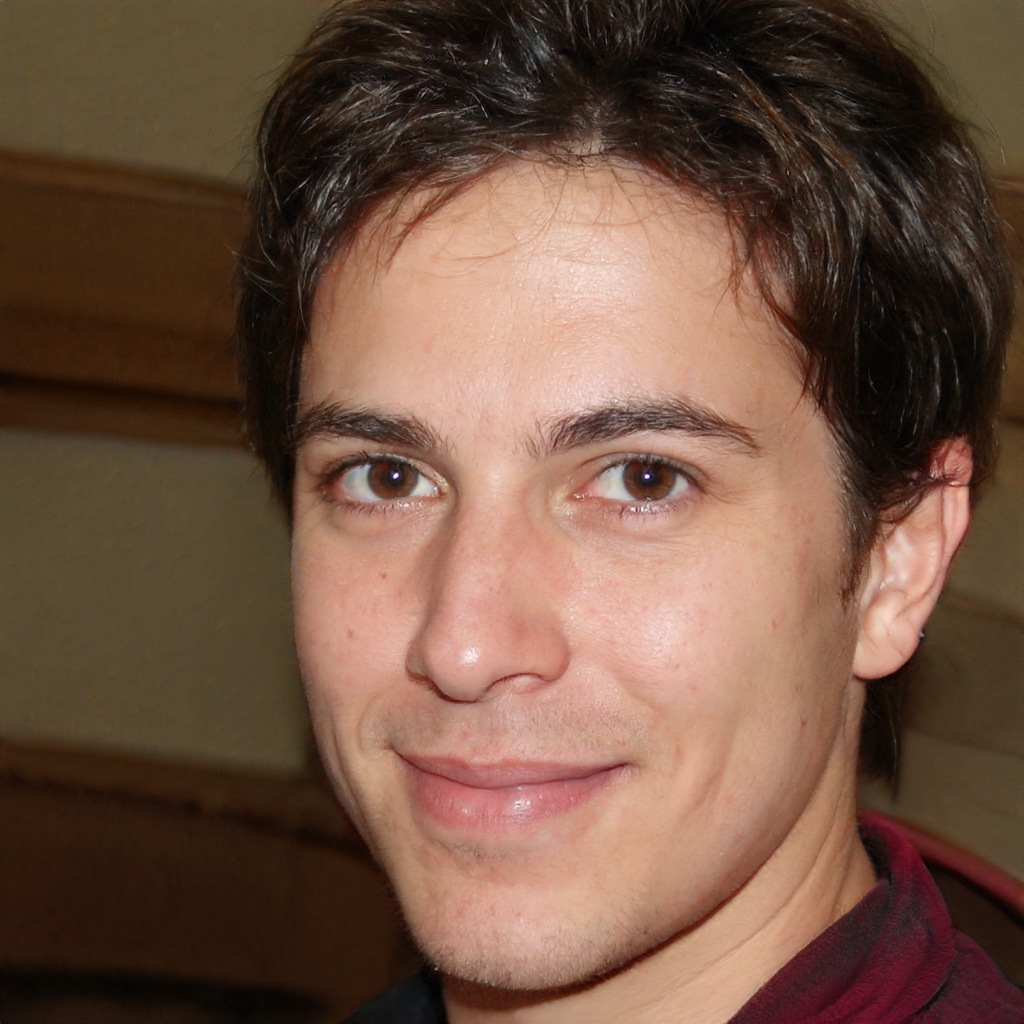
Description
事实上,这个模型经过几次迭代,但仍旧是它的效果最好
In fact, this model has gone through several iterations, but this is still the best one
适用于手绘风格生成以及照片转手绘风格
Suitable for hand-drawn style generation and photo-to-hand-drawn style
能够较好展现大多数tag
It can display most tags well
某些角度的手部效果不错
Hands at certain angles work well
FAQ
Comments (7)
Can someone please translate what this does?
Use DeepL translator
I am sorry for my poor English(っ °Д °;)っ,the introduce of this model is " the model was orignally used to generate anime boys,but it was unexpected have goods results about img 2 img,here is some example"
@duxin I understand. Thank you, but please tell us is the img2img prompt same just like txt2img for the boys?
@jejeslebew In fact,use clip or deepdanbooru for img to text is a better choseヾ(•ω•`)o(clip for photos and deepdanbooru for anime)(step:30,denoise:0.5-0.6)ヾ(•ω•`)/
I understand that English isn't the primary language of the creator but could someone please explain what they mean by "use clip or deepdanbooru"? I'm using 1111 by the way but have never used those features in the img to img section of the UI.
@9ball You can find the clip and deepdanbooru button in the left side of your img2img tab,but some versions of WebUI won't include that feature,In this case, you may need to update it manually or enter a descriptor,I hope this could help you( •̀ ω •́ )y
Details
Files
Available On (1 platform)
Same model published on other platforms. May have additional downloads or version variants.