Description
--base1
To be completely honest, I trained this model on this specific caption format while I was pretty drunk, so it is what it is lol. I'm not even entirely sure how it works under the hood, and I didn't have enough time to thoroughly test everything out. Also, please don't come at me calling me retarded or saying "it doesn't work like that" - just chill, I'm just experimenting here. Hopefully, you guys can help me with that and test.
Anyway, here is a mini-guide on how it's supposed to work (written by Gemini):
To achieve maximum realism, analog grit, or authentic casual smartphone aesthetics, you should follow the exact prompt structure the model was trained on.
📐 The Prompt Formula:
[Prefix Tags] + [Natural Language Description] + [Suffix Tags & Score]
- Prefix Tags (The Setup): Set the camera type, lighting, safety, and shot style at the very beginning.
- Core Description (The Scene): Describe the subject, clothing, pose, and background using natural English sentences (avoid messy tag-soup).
- Suffix Tags (The Quality & Era): Close your prompt with the simulated year of the photo and the quality score.
📋 KEYWORDS TO COPY-PASTE
1. Camera & Tech Prefixes:
- @smartphone_photo — Casual, modern mobile look with subtle computational processing.
- @compact_digital_photo — Early 2000s "point-and-shoot" digicam vibe.
- @film_photo — Authentic analog look with rich organic textures and grain.
- @vhs_screencap — Retro video tape style with scanlines.
- @dslr_photo — Clean, professional camera rendering.
2. Lighting & Style Prefixes:
- @available_light — Soft, natural indoor/outdoor daylight.
- @direct_flash — Harsh, flat flash (perfect for late-night party vibes or digicam looks).
- @candid_photo — Caught-on-camera, unposed, natural moments.
- @posed_photo — Deliberate posing.
- @mirror_reflection — Perfect for mirror selfies.
- @underexposed / @overexposed — For dramatic low-light or high-contrast shots.
3. Safety Blocks:
- @sfw or @nsfw (choose depending on your target generation)
4. Era & Quality Suffixes (Put at the very end!):
- Years: @1995, @2000, @2005, @2010, @2020, @2025
- Scores: score_5, score_6, score_7, score_8, score_9 (can be used in negative)
💡 Tip: Use score_8 or score_9 for high definition and clean details. Use score_6 or score_7 combined with @smartphone_photo or @compact_digital_photo if you want a grittier, intentionally imperfect lo-fi look!
📸 EXAMPLE PROMPTS
- Modern Smartphone Selfie:
@smartphone_photo @sfw @amateur_photo @candid_photo @available_light A close-up portrait selfie of a 20-year-old woman with neon green hair and heavy eyeliner. She is looking at the camera with a neutral expression. The background is a blurry minimalist bedroom. @2025 score_8
- Retro Digicam Flash (Vibe from 2005):
@compact_digital_photo @sfw @amateur_photo @posed_photo @direct_flash An overexposed snapshot of a young woman posing in a cluttered room at night. Harsh flash lighting, red-eye effect, visible digital noise, and washed-out colors. @2005 score_7
- Analog Film Portrait (Cosplay):
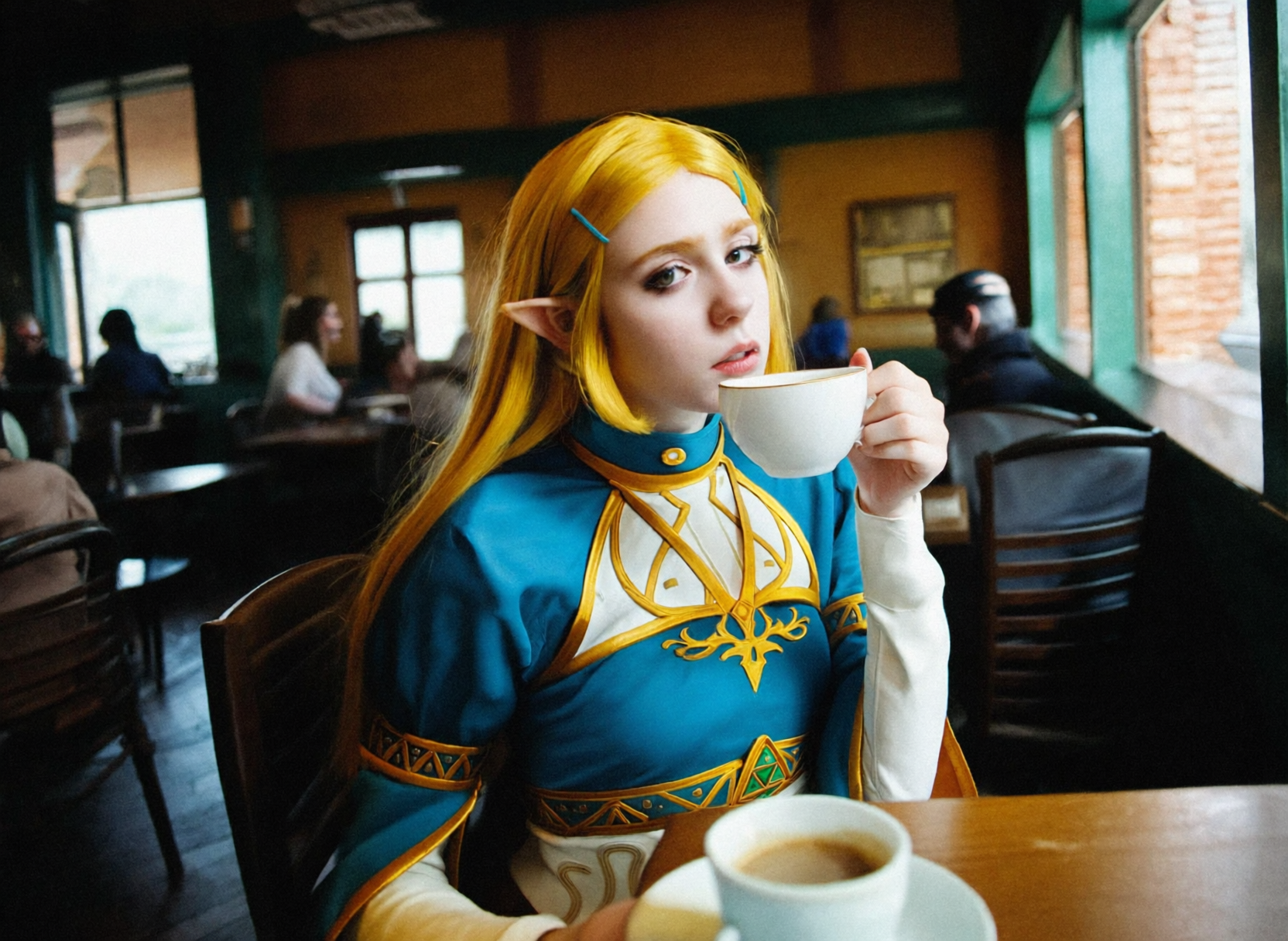
@film_photo @sfw @amateur_photo @candid_photo @available_light A medium shot of a young woman cosplaying Princess Zelda, sitting inside aP.S.: still WIP, i plan extend dataset and train more