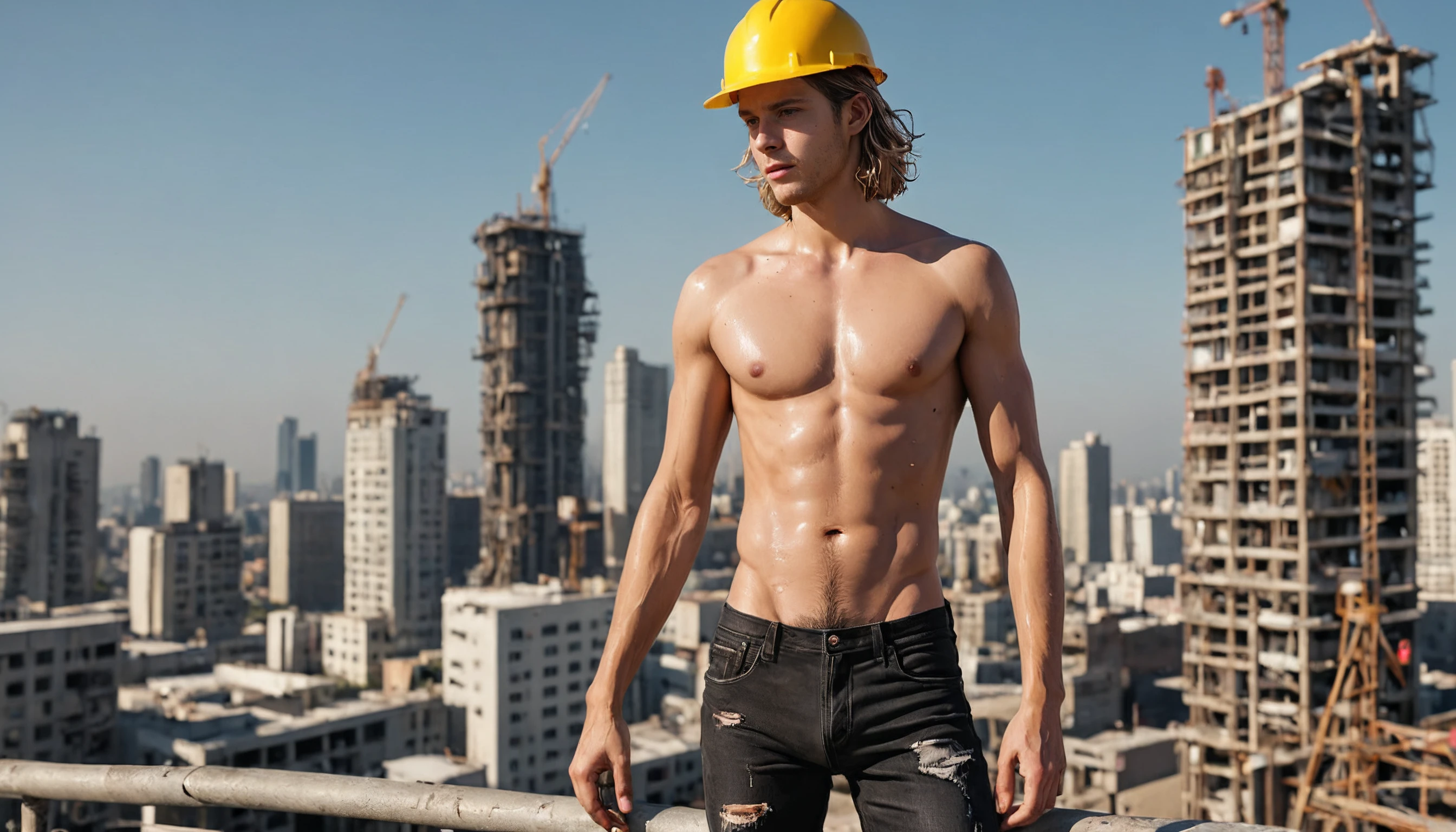
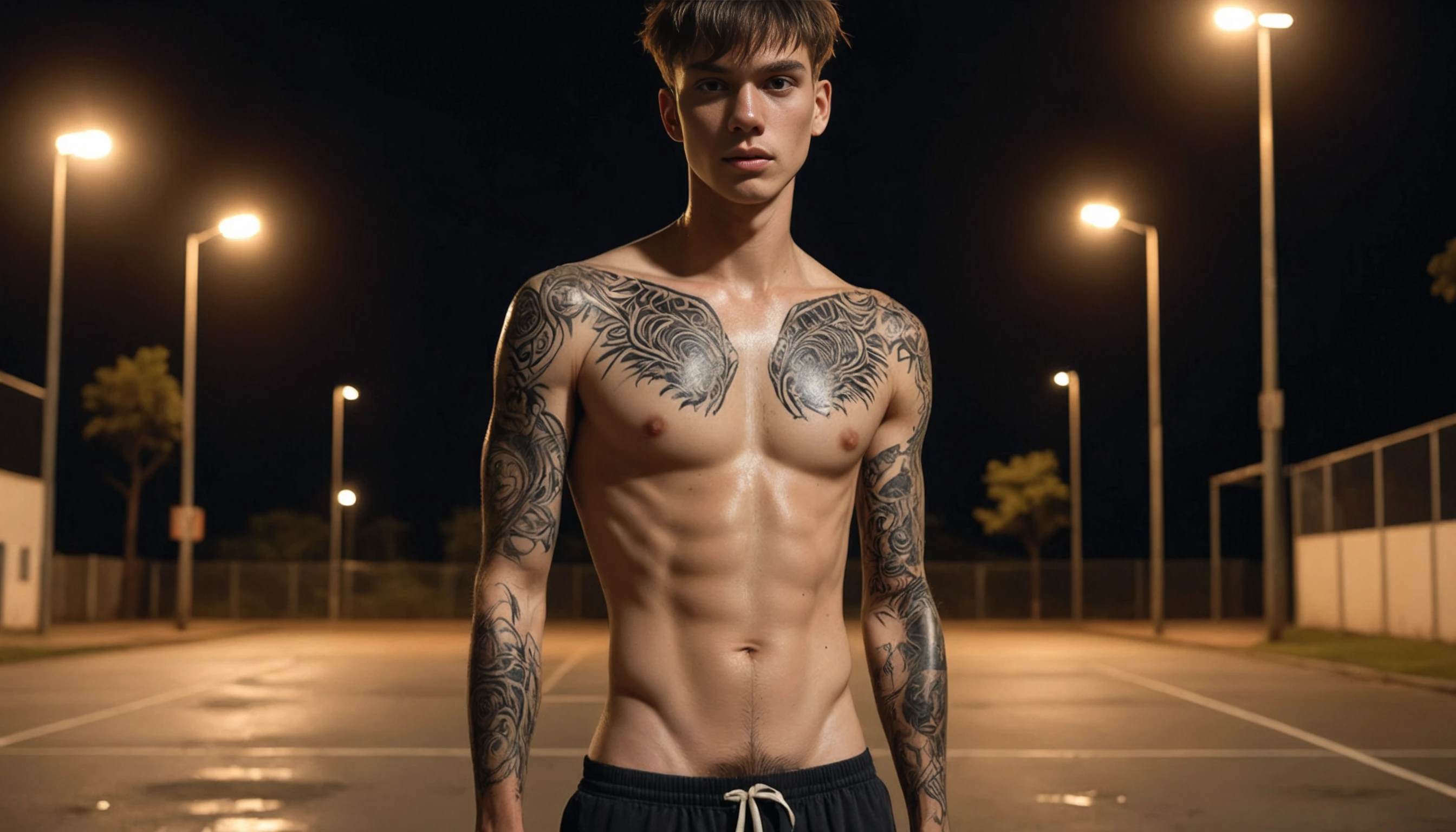
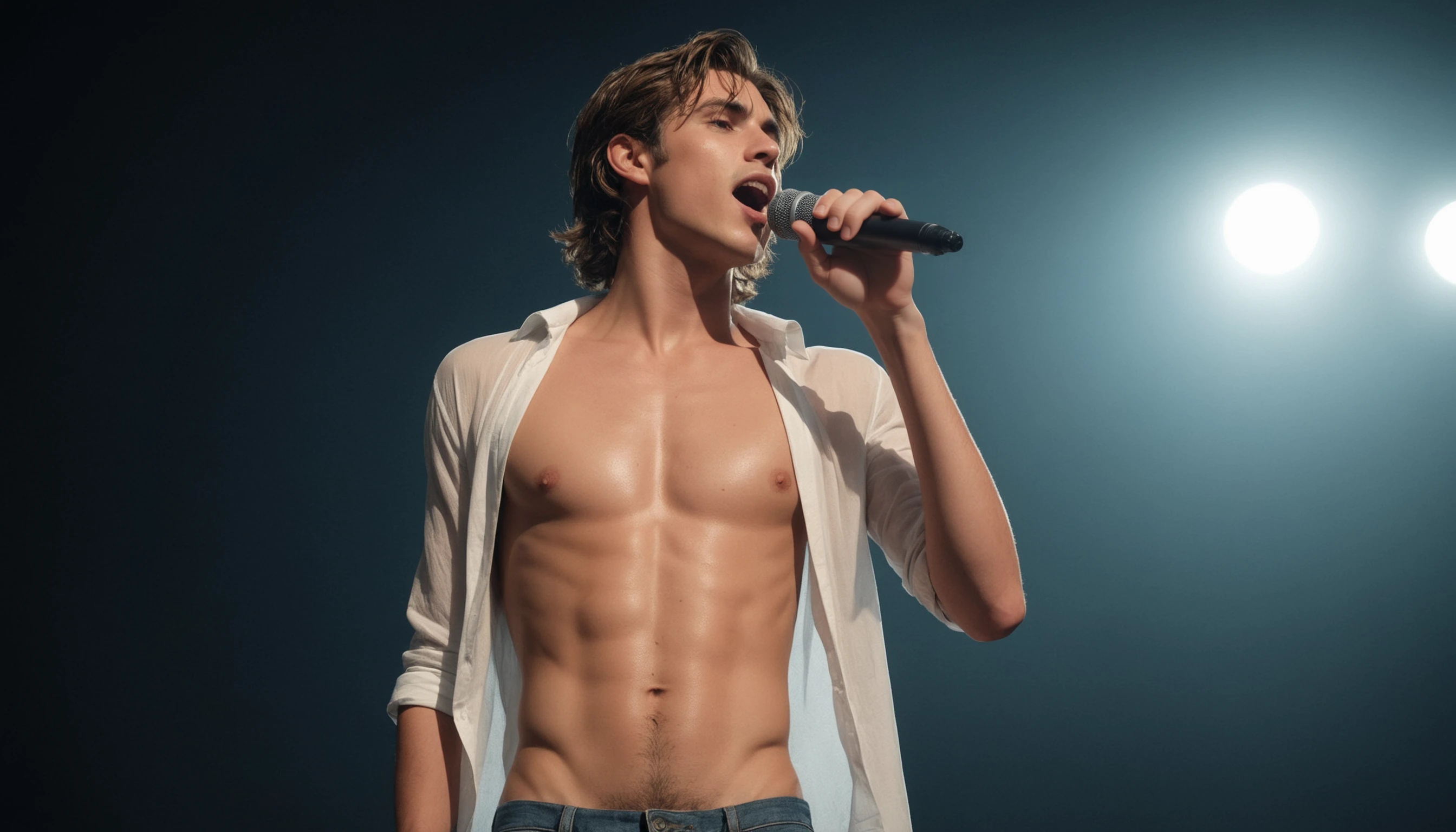
This Lora adds treasure trail and visible pubic hair.
As an AI enthusiast, I wanted to create a unique generative AI art tool that can generate images of males with accurate and realistic 'treasure trails', differentiating them from chest hair. Many, if not all, Stable Diffusion models struggle to distinguish these features accurately for reasons I do not understand. For example, you might get that treasure trail but it comes with a bunch of chest hair. However, if you put "chest hair" in the negative prompt, say goodbye to your treasure trail.
Given the limited number of specialized tools for realistic male subjects, I decided to give it a shot. To train my LoRA model, I used another model that was good at closeup images of male torsos, including treasure trails and some chest hair. While not explicitly excluding chest hair from the subject, the closeup nature of the images generated, for the most part, excluded it. Using this technique I generated several hundred 1024x1024 images then manually selected the best of those which became the concept for the training. The training process picked up on the distinct features of the treasure trail and incorporated them into the model.
Subsequently, I managed to create a LoRA that can generate fairly accurate representations of treasure trails without being bound to unwanted chest hair. This makes it especially useful for applications where realism and specificity are essential.
I am new to this and as such will still figure stuff out over time. For example, there should be a trigger word in the prompt, but I have not been able to get that working but it works fine without it. In the testing I have played around with the weight and so far have been pleased with the results.
Honestly, it was driving me mad that I could not generate a treasure trail without chest hair. If it does generate chest hair, try "hairy chest" and/or "chest hair" in the negative prompt. This has worked well for me.
I cannot provide any type of technical support on this as I am very busy.
v1.4
Many known issue have been resolved.
Drawstring (from shorts) appearing as a result of the LoRA. Many of the training images had shorts with a drawstring and subsequently that repeative item made it into the LoRA. For this version, I generated new images and deleted most of the images that had a drawstring. This seems to have fixed the issue.
Ultra pale skin as a result of the LoRA is resolved. This happened because I previously forced very pale skin for the training images thinking that doing so would provide a beneficial contrast between the skin and the hair. The new training images were created using a random skin tone from very pale to very dark.
The result of this version seem to be improved but at the cost of its strength. As such, you may find that you need to increase the weight of the LoRA tag to get the desired results. On the other hand, maybe this is a good thing for some circumstances.
v1.2 & v1.3
These versions were viable but I generated a new versions. Therefore, they were never published.
v1.1
Improved strength
Has several known issues.
v1.0
This version was too buggy so I removed it.
Let mw know in the comments what you think of the current version.
Description
You might find it better to increase the weight a bit more than the last version.
Details
Files
Available On (1 platform)
Same model published on other platforms. May have additional downloads or version variants.