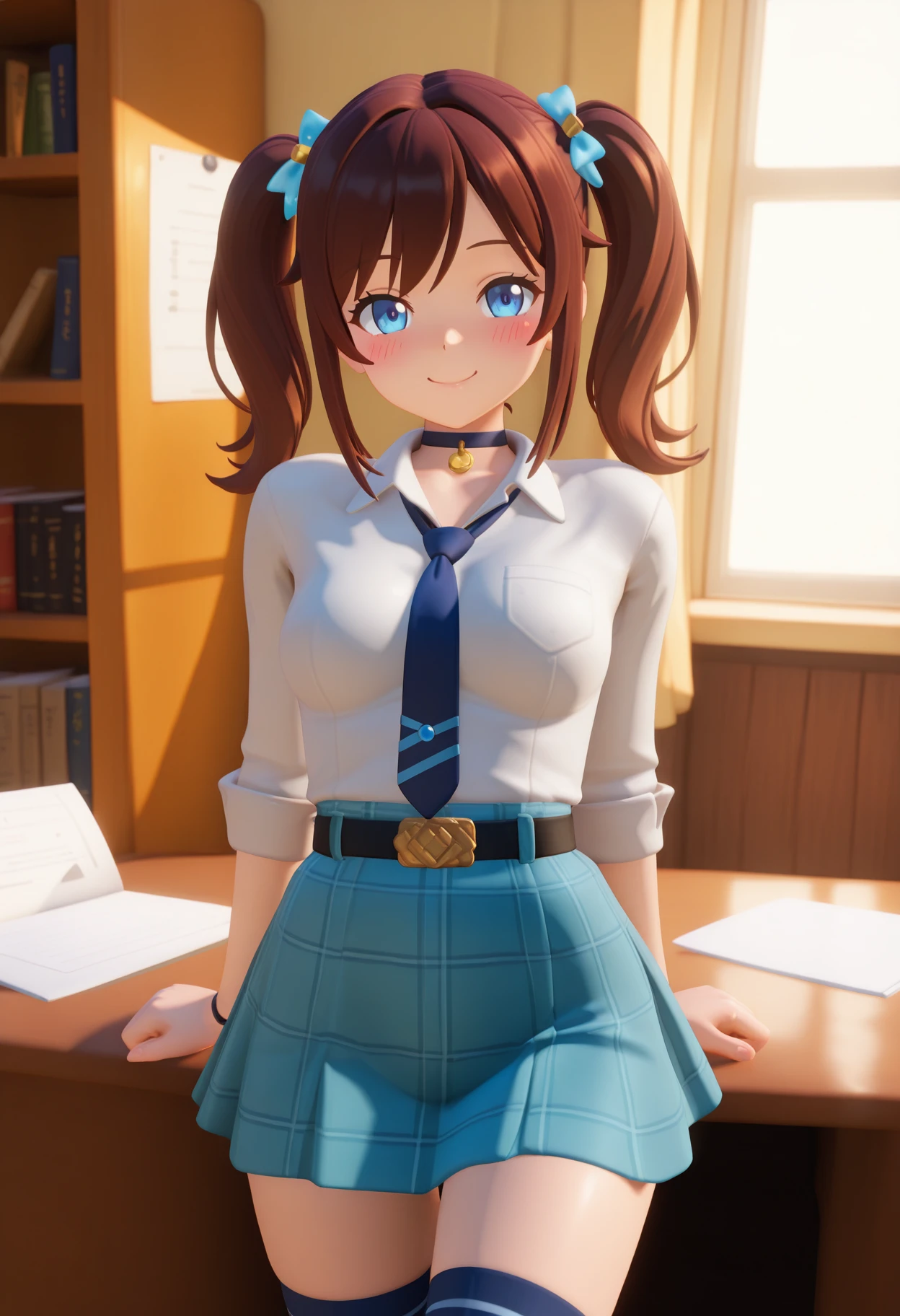
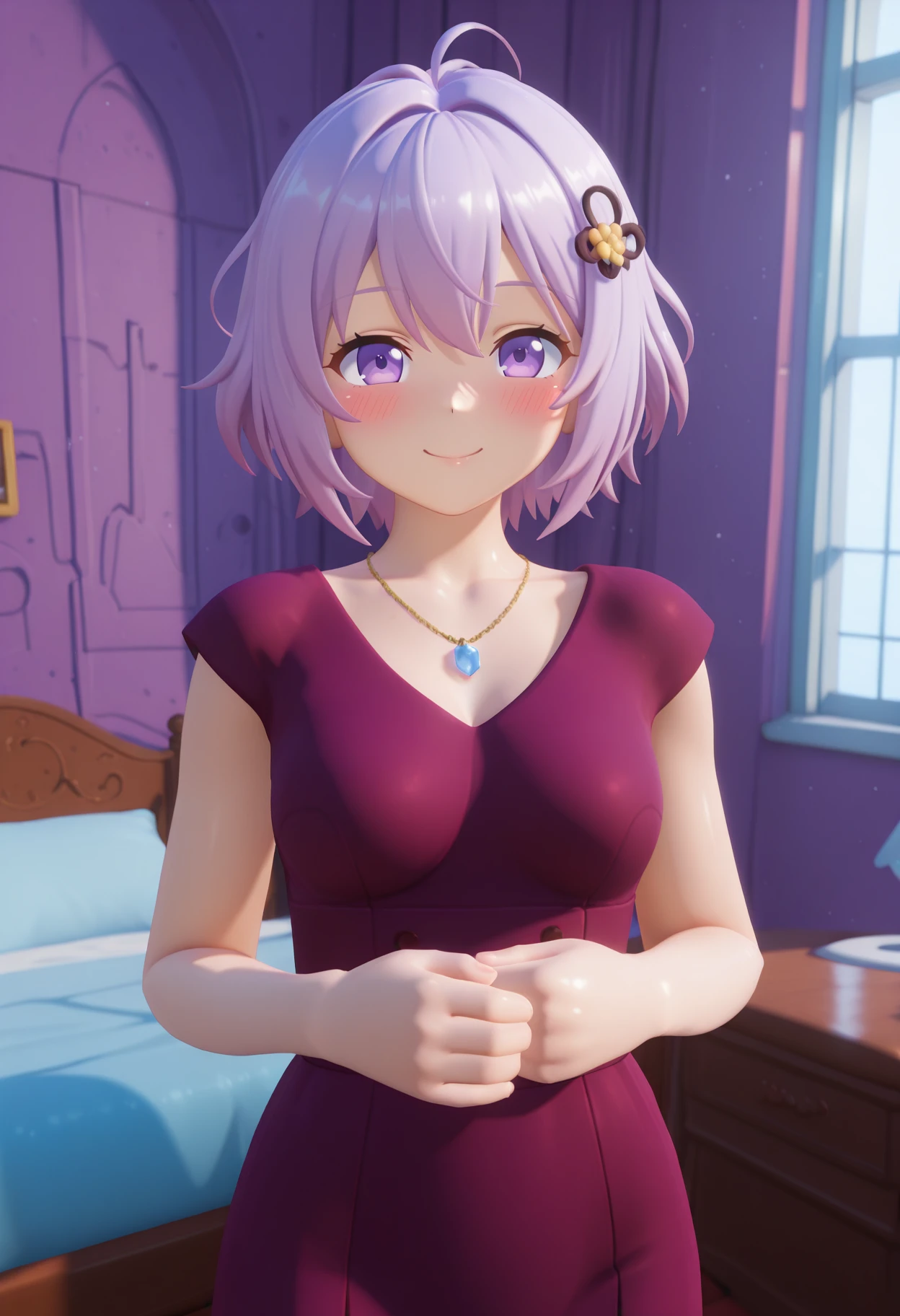
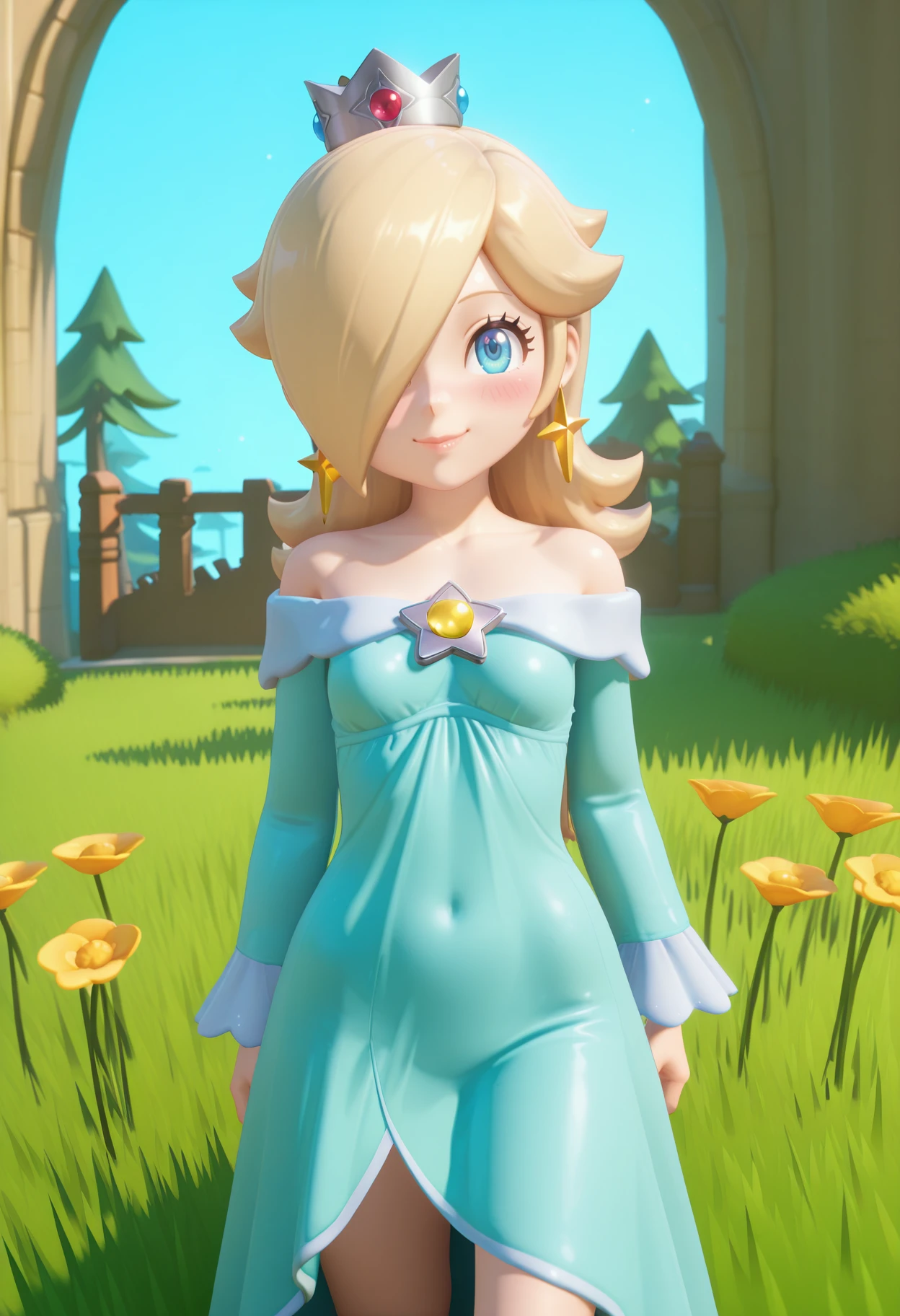
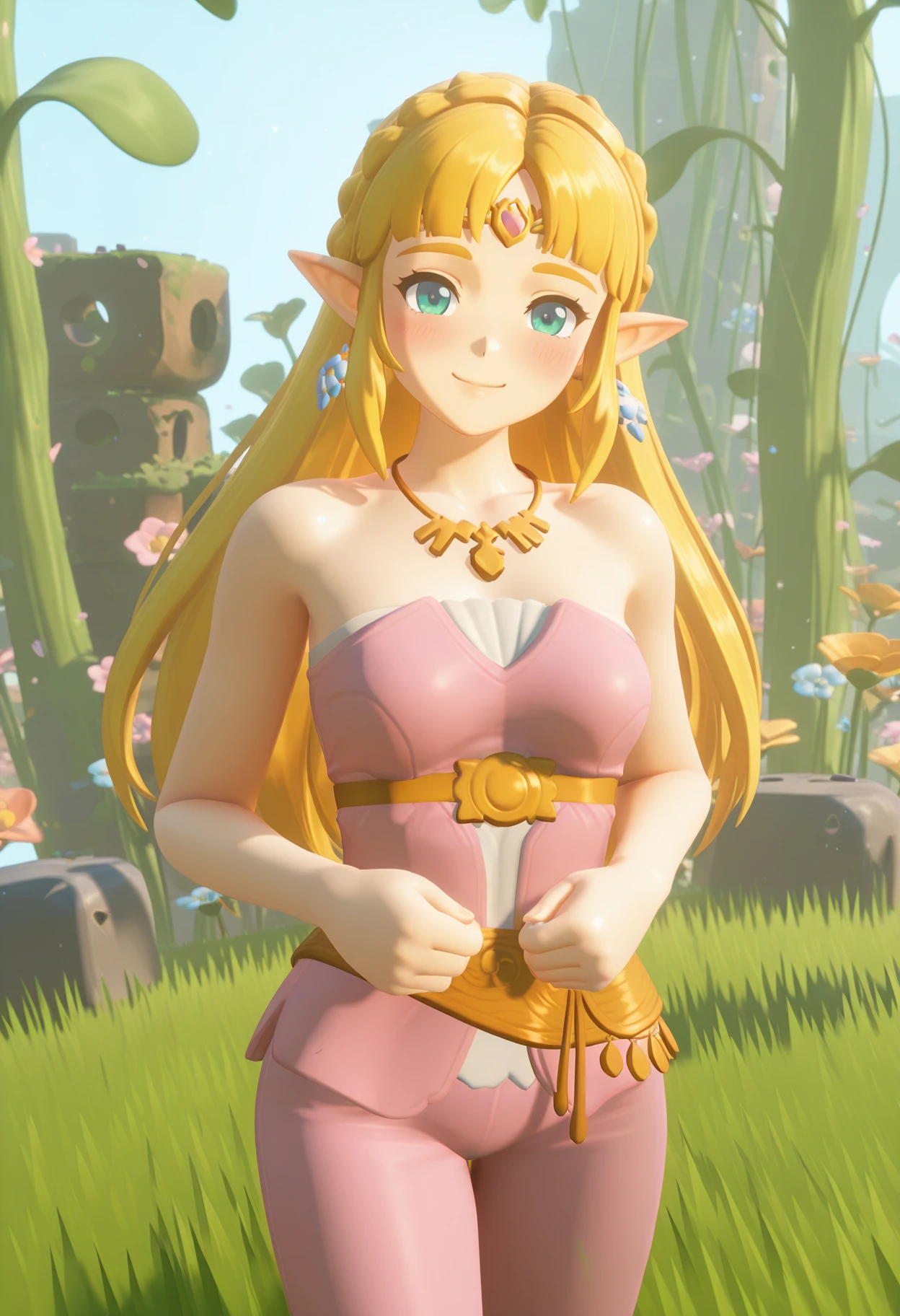
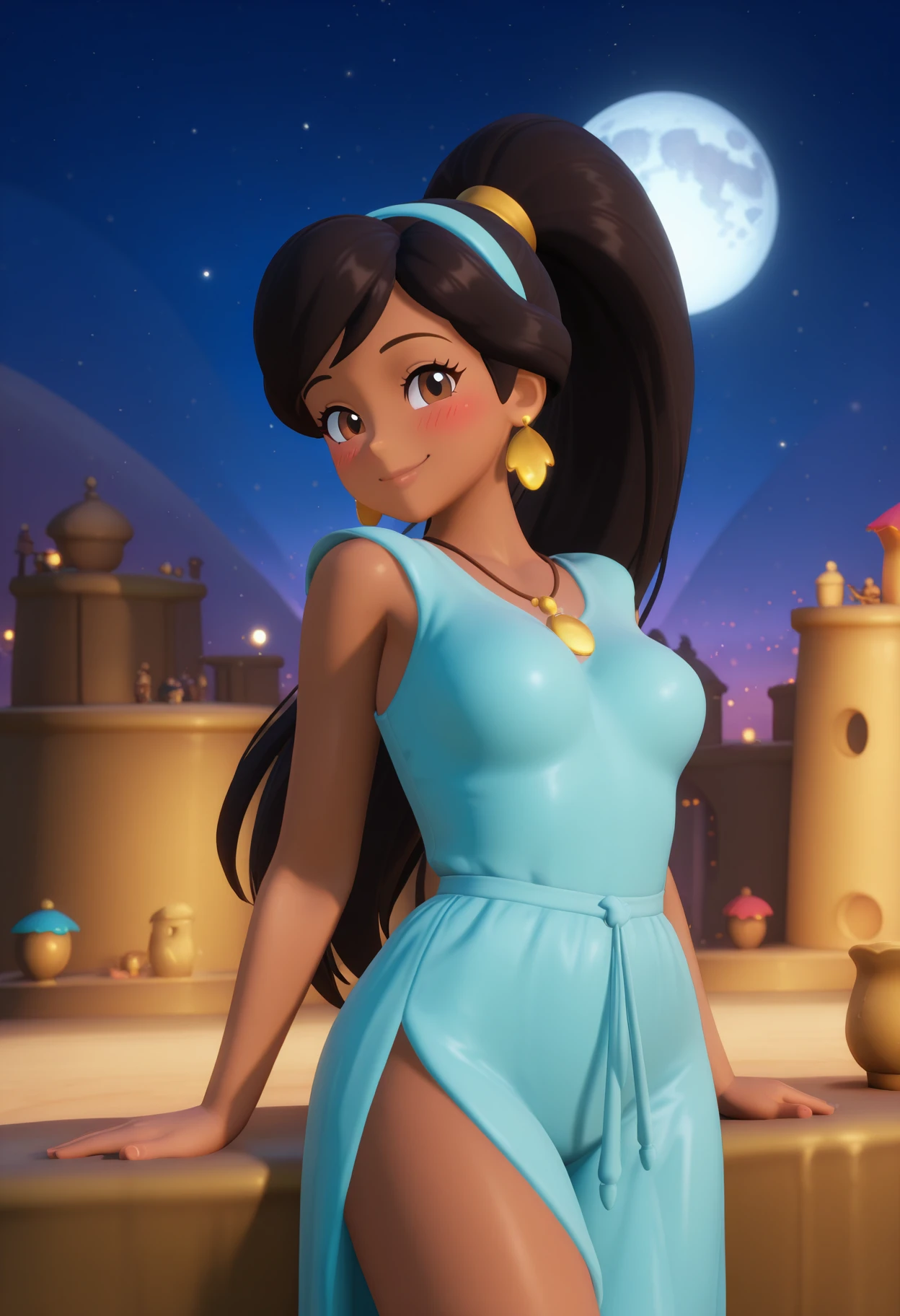
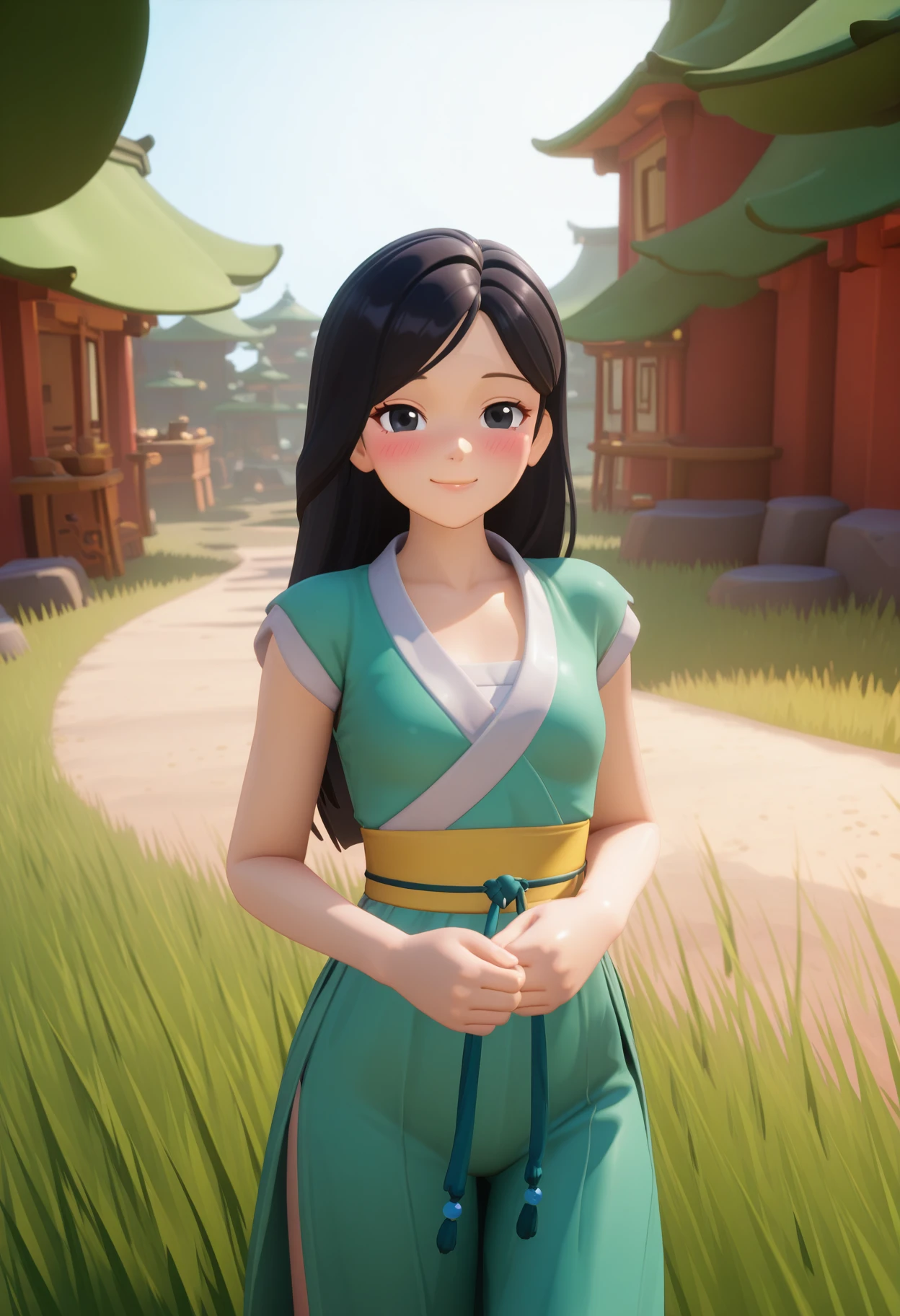
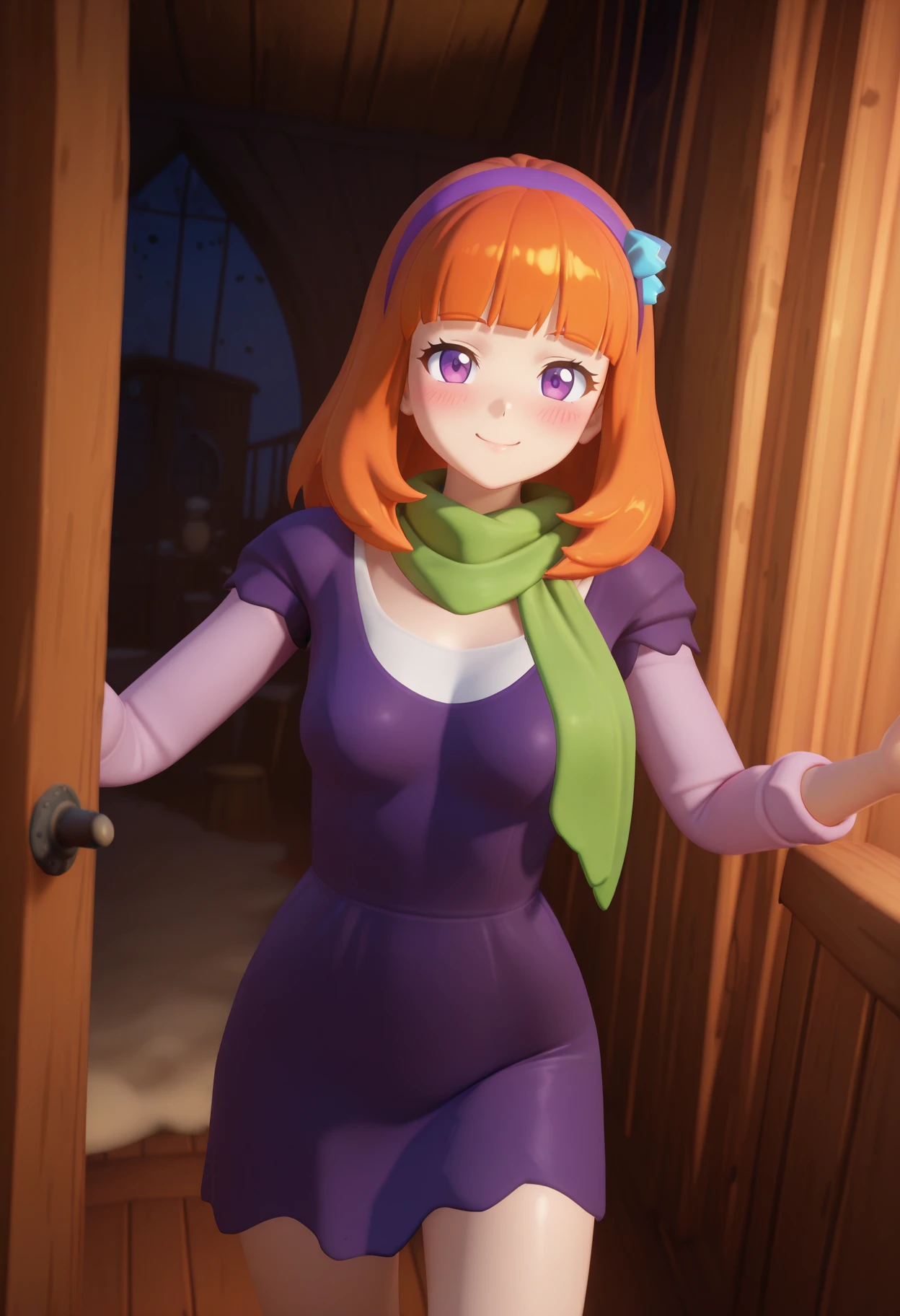
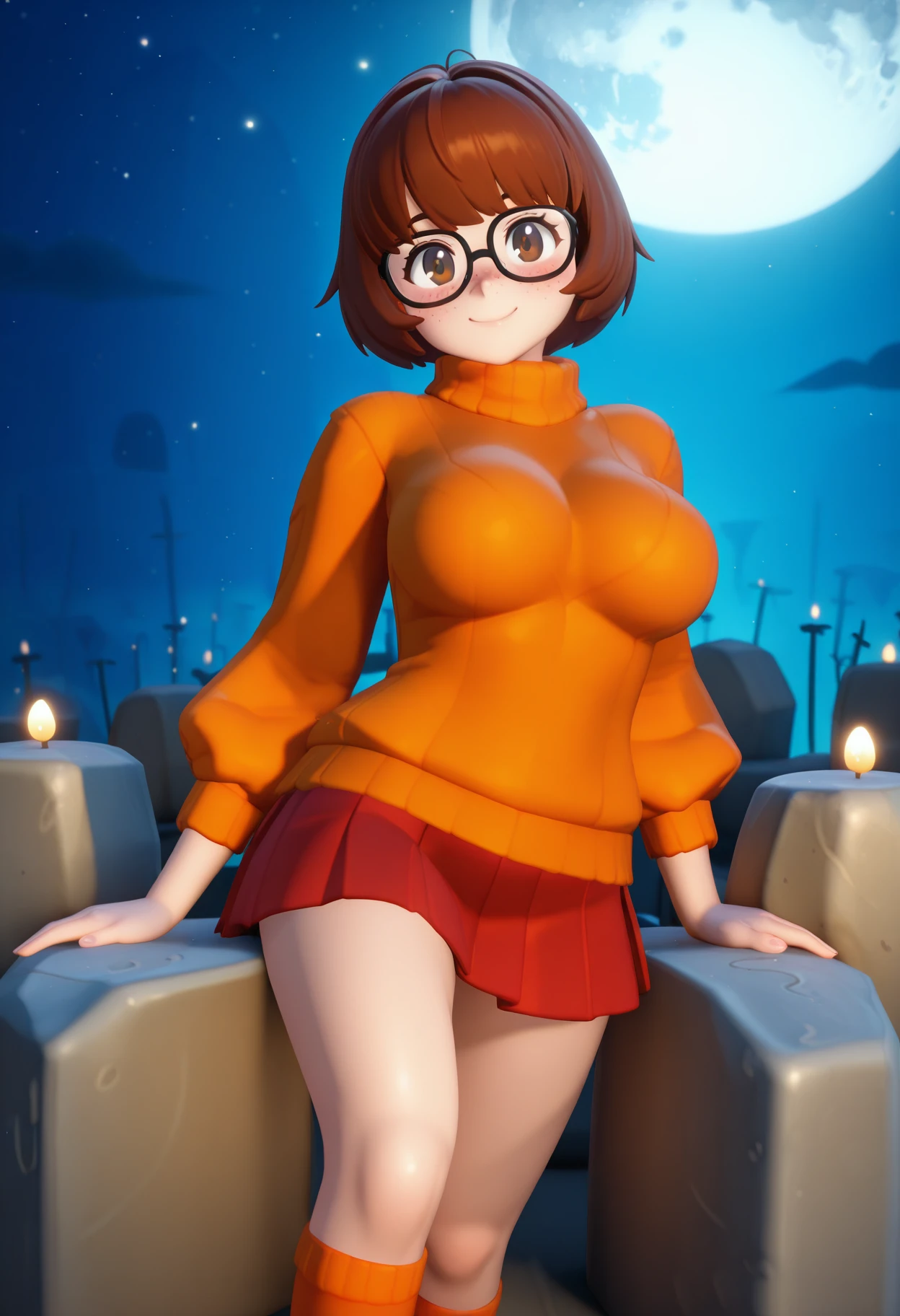

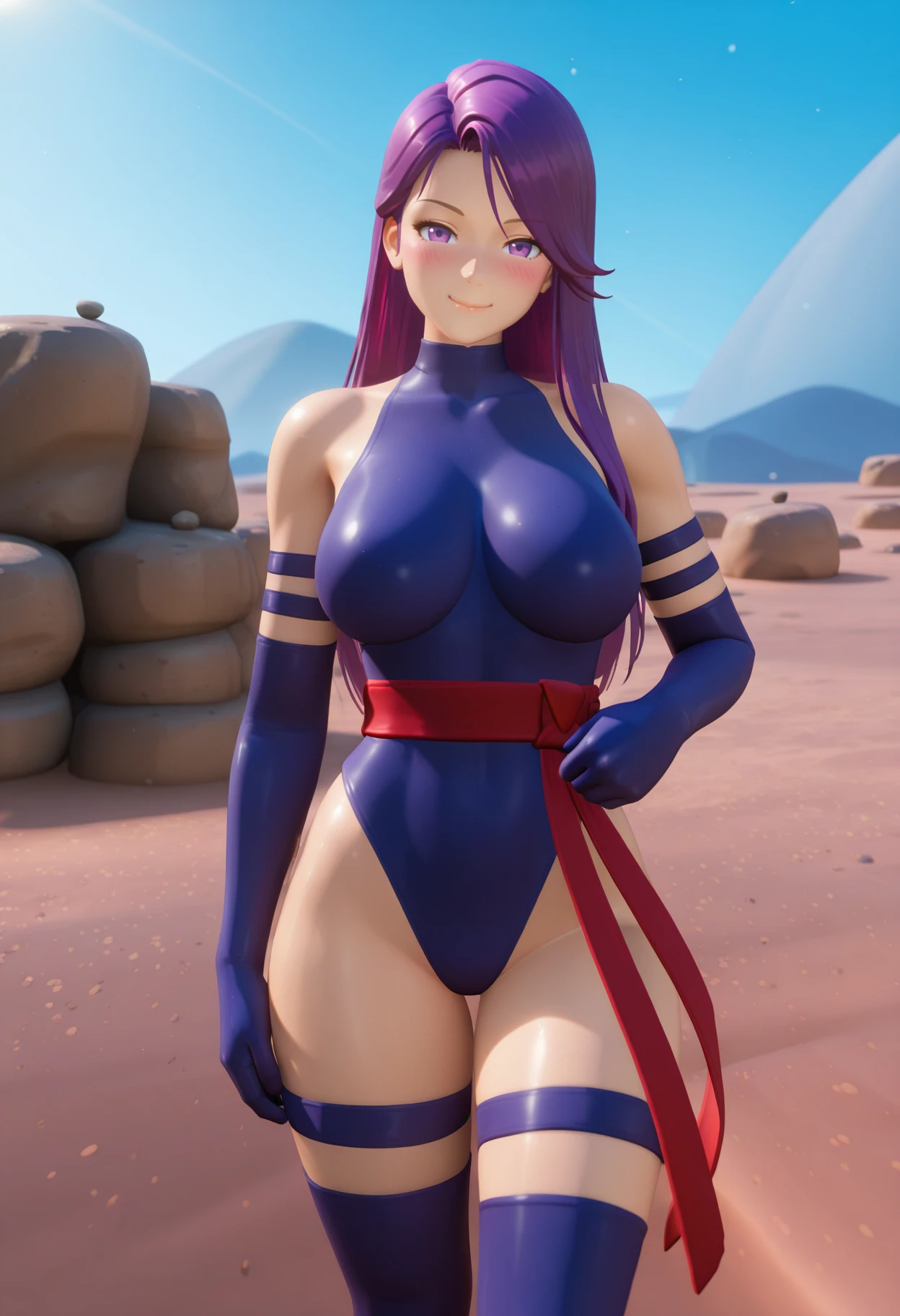
I am admittedly kind of a noob at this, but if you enjoy my humble work, any donations are greatly appreciated: https://ko-fi.com/insult_to_ninjary
Your generosity helps me stay motivated to keep improving and to keep trying new things!
Trigger Words:
Main trigger: 4r1s3
Helper prompts: parody, style parody, 3d
The LoRA can potentially work with no triggers, but it probably won't.
For a stronger effect, use the main trigger: 4r1s3. You can also weight it numerically or with parentheses - I usually do (((4r1s3))).
If the (weighted) main trigger is still not enough by itself (which it probably won't be), next try the helper prompts, individually or in combination, along with the main trigger. They can be weighted as well - I usually do them all together, like (((4r1s3, parody, style parody, 3d))).
You may be able to get away with not using the "3d" prompt if your picture's setting is somewhere in nature, but I still feel the output looks better if you use "3d" in the prompt, so you might want to just put it in there anyway. Usually you're gonna need all 4 triggers (main + all 3 helper prompts).
Please note that the main trigger here is only for the Illustrious model - it won't work for the SD1.5 model. The helper prompts may or may not work for SD1.5 (I never tried them), but they are not necessary as the SD1.5 LoRA probably works as well as it can with no triggers.
At a Glance (Illustrious):
Base model: Illustrated/2.5D/3D style (I use WAI-illustrious-SDXL)
LoRA weight: 1 (but slowly go lower or higher if necessary)
Suggested parameters: Euler a, Automatic, 30 steps, 832x1216/1216x832, CFG 5 (but feel free to experiment!)
Hires. fix: 1.5x, use a quality upscaler (like 4x-UltraSharpV2), denoising strength 0.5 - 0.3
Extra: use ADetailer to fix faces and/or hands if necessary
Illustrious Version Description:
The intention of this LoRA is to produce art somewhat in the style of the game Arise - A Simple Story. I don't really like this LoRA all that much, lol. Like its SD1.5 predecessor, it just doesn't work very well. Stable Diffusion really hates this game's art style for some reason it seems. I'll try to go over some of its issues below.
First, it's just not very good at details. Outputs usually look a little blurry. Hands are quite bad. Fine details are not well defined. Backgrounds don't look great. It does generally capture the game's art style in settings that it's familiar with, but it may not be worth wrestling with.
Second, it works much better with nature settings/backgrounds than indoors or in non-natural outdoors areas. You can see it's trying its best with applying the art style to unfamiliar settings, but it's just not great at it. Adding "3d" in the prompt does usually help a bit, but it still might not look that great in the end. When in nature, it will look better, but you'll still ???????? weirdness somewhat frequently.
Finally, you'll sometimes get a perspective that's a bit too zoomed out, leaving you with a smaller and less detailed character. Or sometimes the character is too short or has their lower body stuck in the ground. These are a bit more occasional, but still a little annoying when they pop up.
For more potentially relevant information, you can check out the original SD1.5 description immediately below. Below that, there's a troubleshooting section in case you're having any problems.
SD1.5 Version Description:
This LoRA will give you an art style similar to the Arise - A Simple Story video game. As you can see from the showcase images, it usually has a more subtle effect in character-focused images. You can definitely see an influence from the game, but the images don't really look like game screenshots or anything. In images with more of a landscape focus, the LoRA will be a bit more game accurate, although you'll still ???????? influence from your base model as well.
Unfortunately, the LoRA will have some trouble with ??????? at times. I was previously using a non-public "Version 0" of this model which was way worse, so while I was able to make some noticeable improvements for this version, it's still not perfect. It should definitely be usable though.
Here are some tips if you're having trouble getting good images:
1. If you're frequently getting a small character, no character, and/or bad ???????, you can try gradually lowering the weight of the LoRA.
2. The LoRA seems to work with many base models, but with some it will not play nice. If you're not getting the style you want, try a different base model. It's a good chance to experiment with different combinations!
3. Use a VAE, especially if your chosen base model doesn't have one baked in!
4. Upscale or use Hires. fix with a quality upscaler.
Troubleshooting:
If you're having persistent problems with ???????, fine detail, and/or other jank, just try your best with all the usual fixes - different prompting (including negative prompt), try a different base model, use a different VAE, try different clip skip values, adjust the LoRA weight, use adetailer, inpaint, etc.
Outro:
If you make anything awesome, please consider posting them to the gallery! That goes for all of my models! I really like seeing what kind of stuff you all are able to make!
If you have any questions, feel free to ask! I will try my best to help! Also, if you have any ideas for future models, please don't hesitate to share them with me!
Description
The first public version, improved over "Version 0" test run
FAQ
Details
Files
Available On (2 platforms)
Same model published on other platforms. May have additional downloads or version variants.