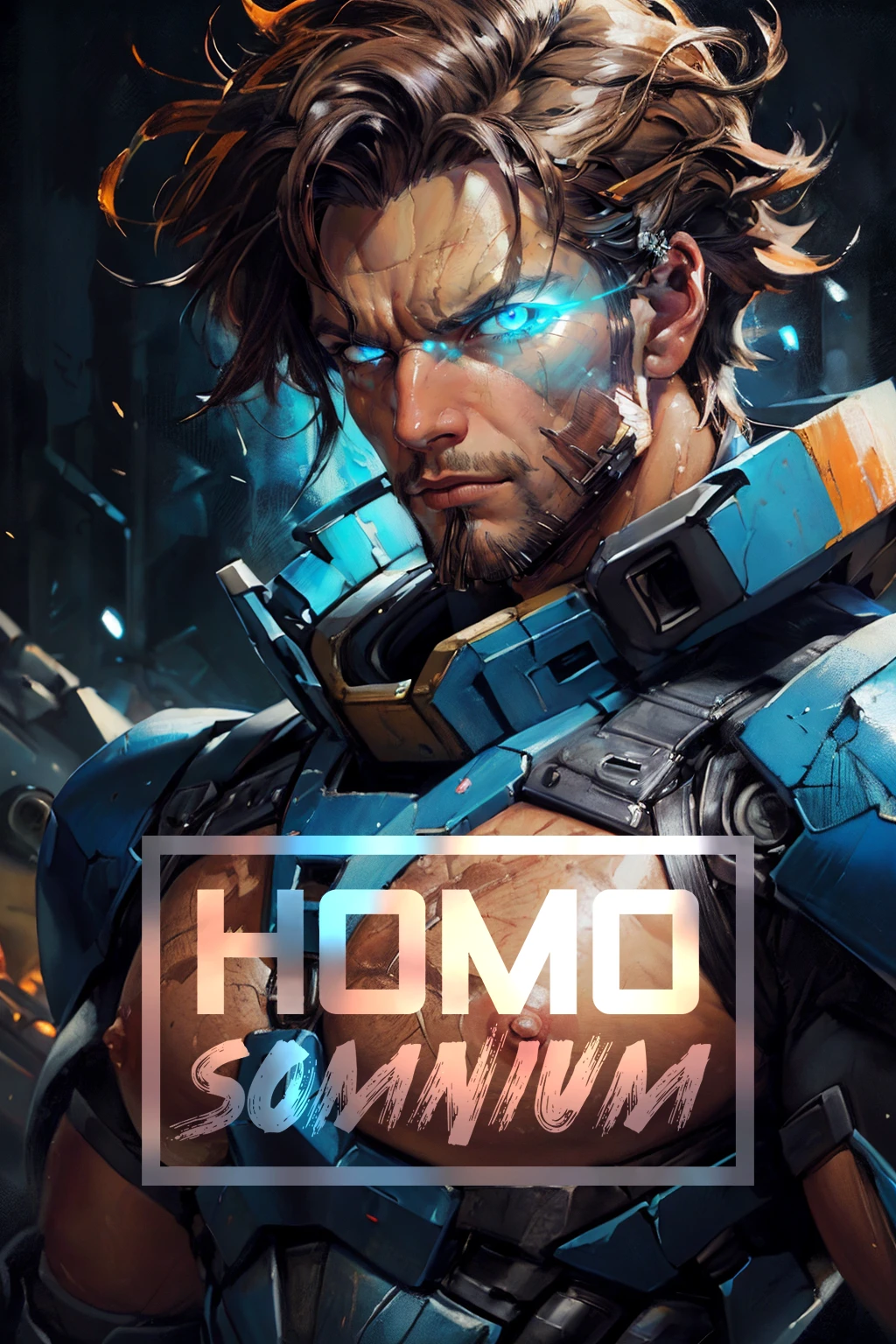

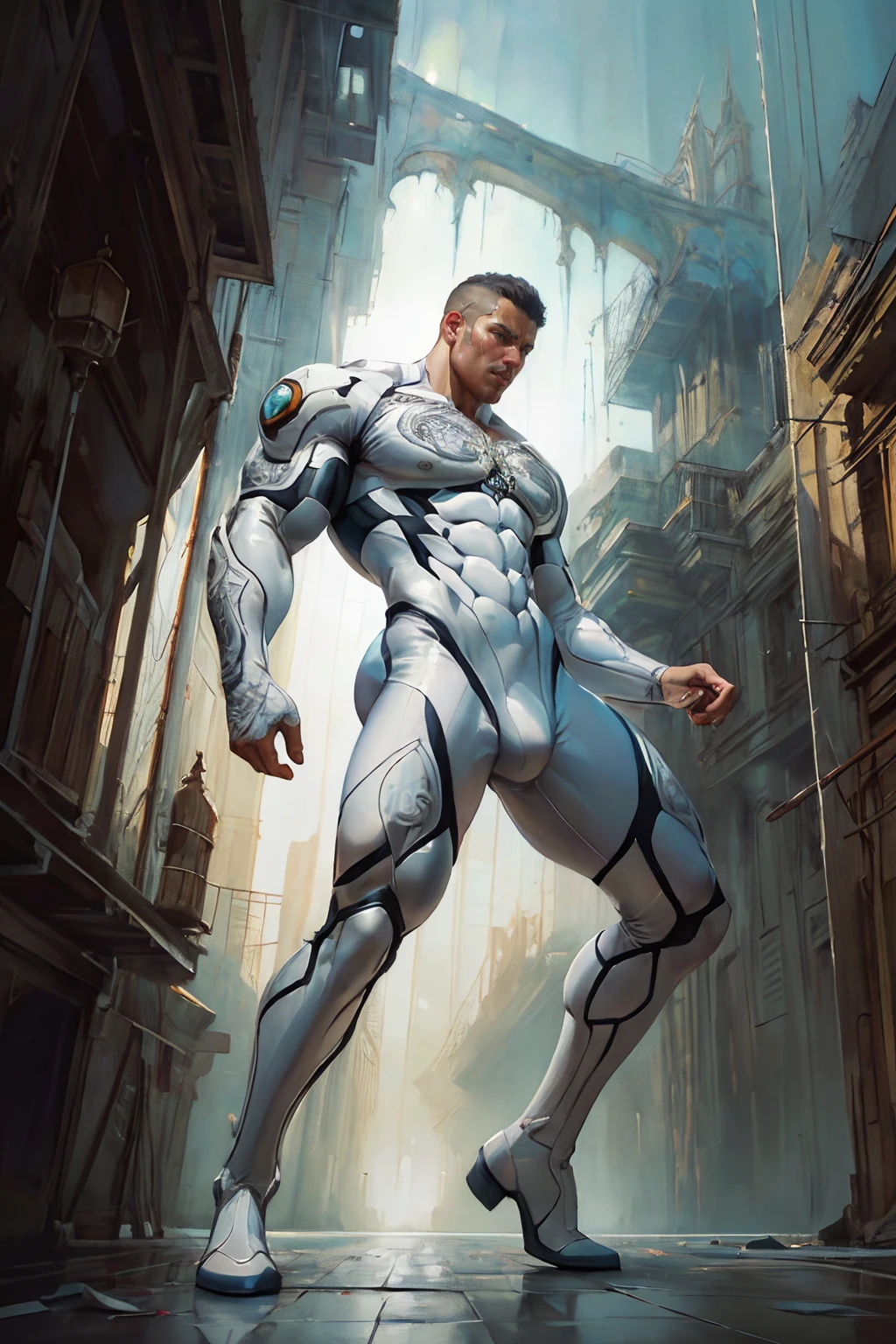
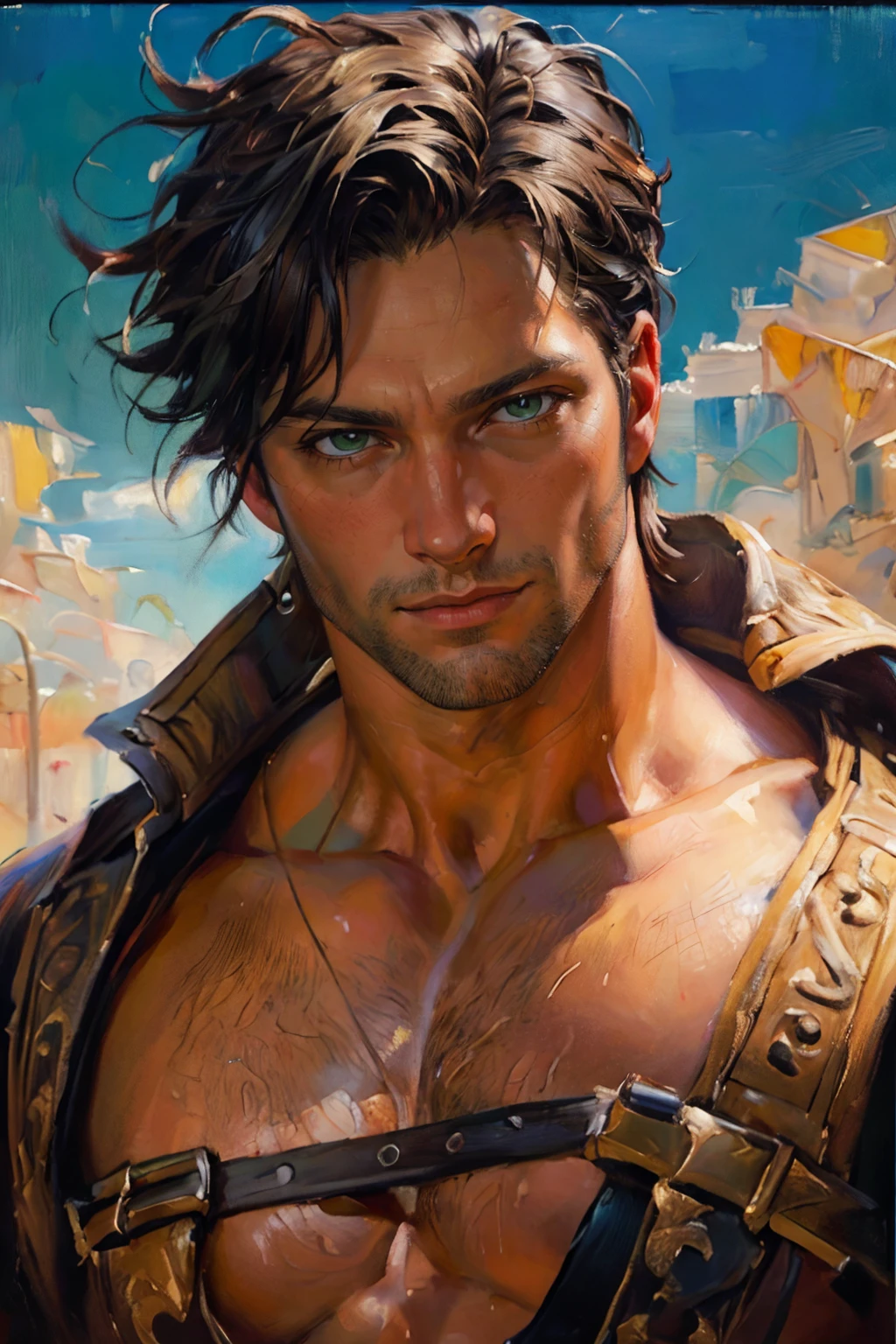
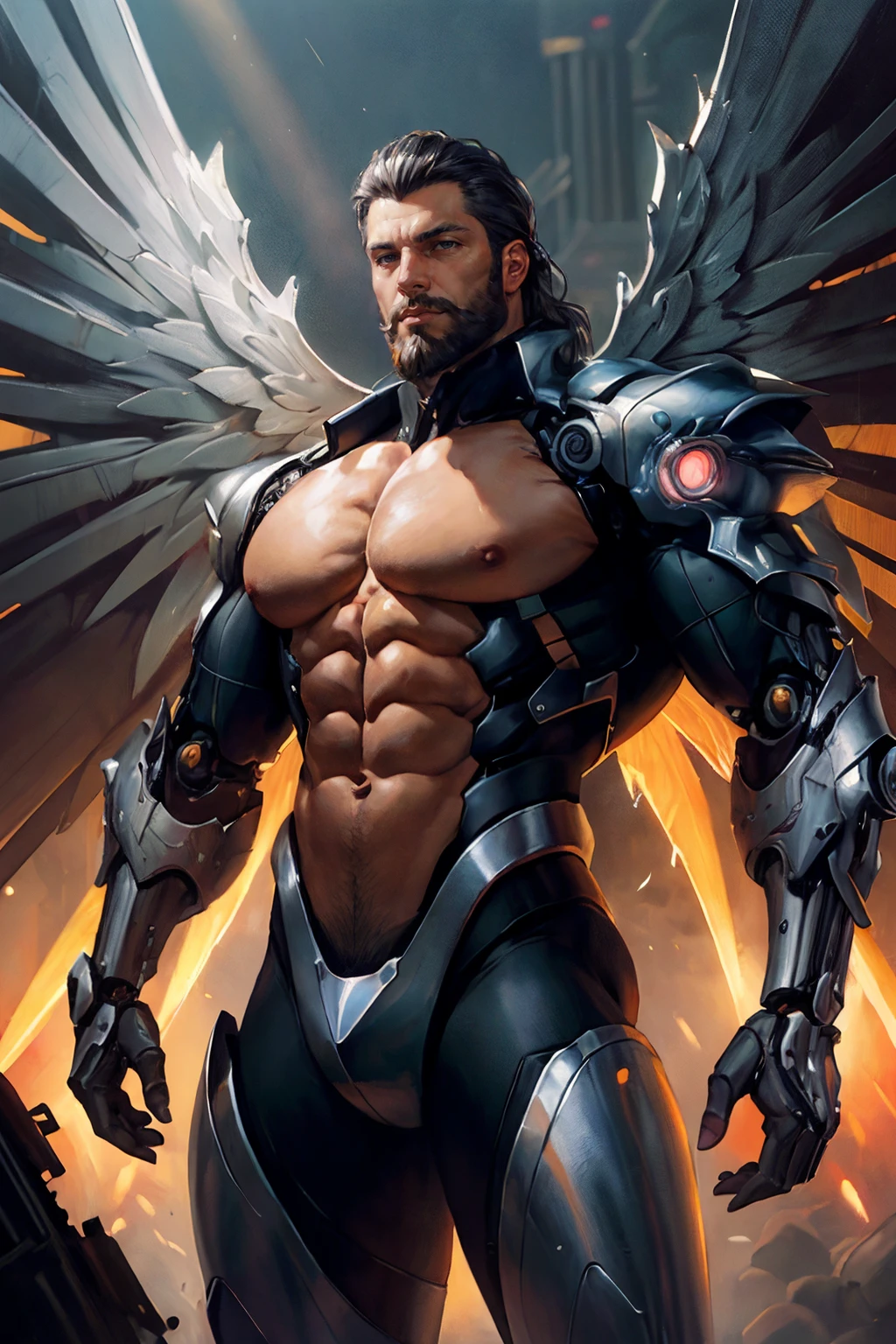
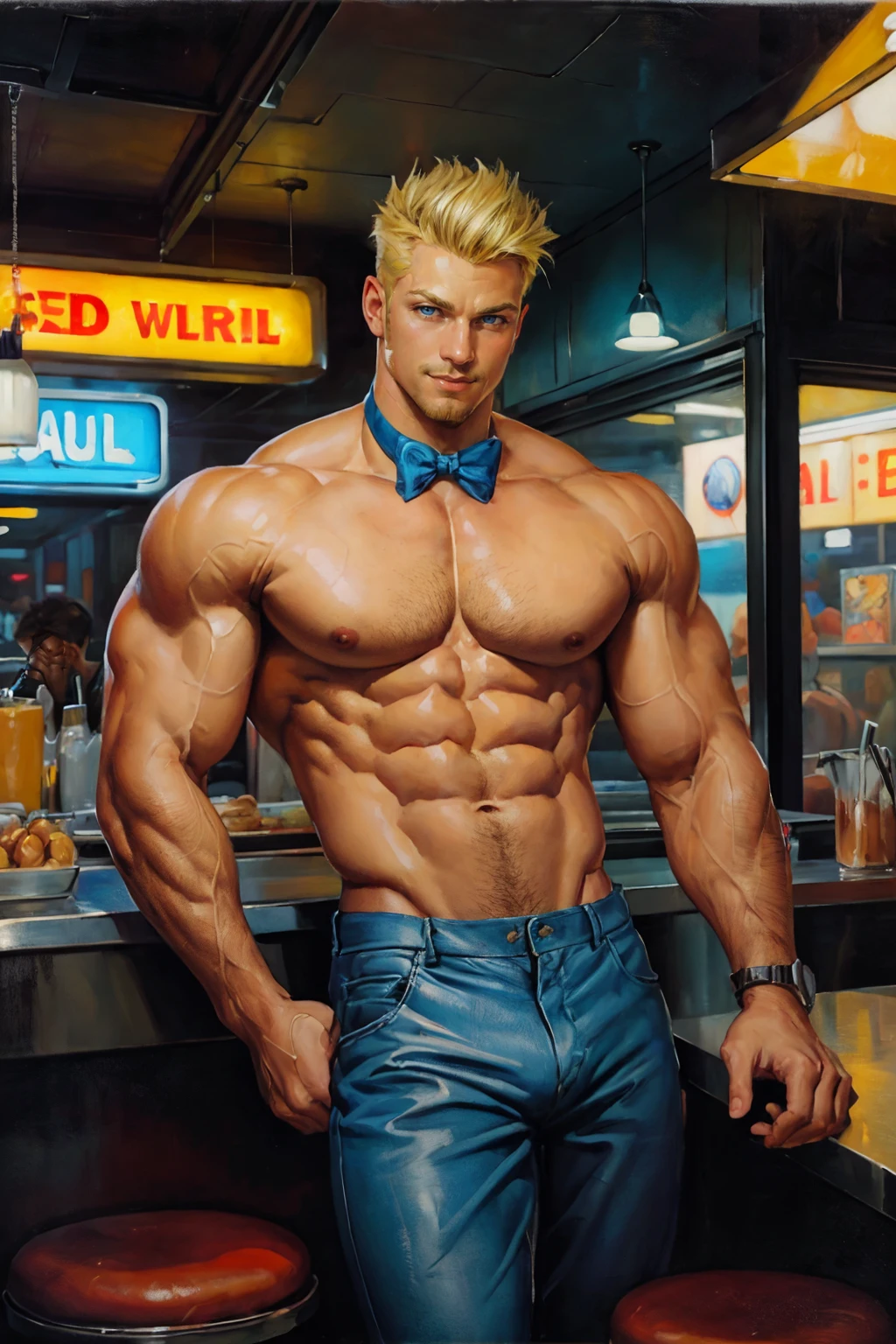
Somnium = dream, vision, fantasy, daydream
Note: Preview images are generated without the use of LORAs.
About
The idea for this model came to me when I saw some MTG cards that I thought was cool-looking. So I want to make a model that focuses on a more abstract, digital art with a more painterly feel to it where you can see the brush strokes and the color blending is very textured. Tbh, I still think that this model can be further improved because I still think it looks 2.5D-ish, so I will probably revisit this in the future.
This model is especially good with generating fantasy and scifi related stuff. Since its aimed for a more abstract and surreal art, its better to just let the AI do its thing. I noticed that it gives the best result when setting the CFG scale as low as possible and keep the prompt as short and vague as possible.
Fair warning though, the ????? is still not very good. Most of the time you will get bad looking or multiple penises. I will try to fix this in the future but for now it is what it is.
My Settings
These are just some examples of the settings I usually use and it's not really a hard requirement so you're free to experiment and see which setting works best for you:
Sampling Method: DPM++ 2M Karras or DPM++ 3M SDE Karras
Sampling Steps: 25 - 50
Hires. fix: On
Upscaler: ESRGAN 4x+ or 4x_NMKD-Siax_200k (if you have it)
Hires Steps: I usually put it at 0 so it'll be the same as Sampling Steps
Denoising Strength: 0.15 - 0.3
Upscale: 1.5 - 2
CFG Scale: 4.5 - 7
WARNING : Hires fix is a hard requirement, unless you want a blurry mess of an image
My Prompts
best quality, masterpiece, intricate details, dynamic pose, dynamic angle, (surreal), (illustration), ((oil painting \(medium\):1.2))My Negatives
3d, lowres, worst quality, watermark, signature, bad-hands-5, ng_deepnegative_v1_75t, EasyNegative, bad-artist-animeNote: You can experiment with your own prompt of course but this is what I used to get that abstract and painterly look
Extra Tips
Try to keep the prompts short and concise. No need to fill up the prompts with unnecessary wording that does the same thing like high detail, ultra detail, absurdres, hires, photorealistic, hyperrealistic, etc. Keep it simple.
ADetailer is key if you want to get good looking faces. If you're generating a close up shot or portrait, most of the time you won't need it. But if its a full body or far shot, ADetailer is absolutely necessary unless you wanna get distorted or blurry looking faces.
Hires fix is mandatory, especially for far and wide shots where a lot of details are getting lost.
Use negative embeddings instead if writing paragraphs of words into the negative prompts. Here are some examples of the ones I usually use:
Credits
Models included in the merge are listed below. Credits to the original creators, go check them out:
HomoVeritas_v3
Description
FAQ
Details
Files
Available On (1 platform)
Same model published on other platforms. May have additional downloads or version variants.