

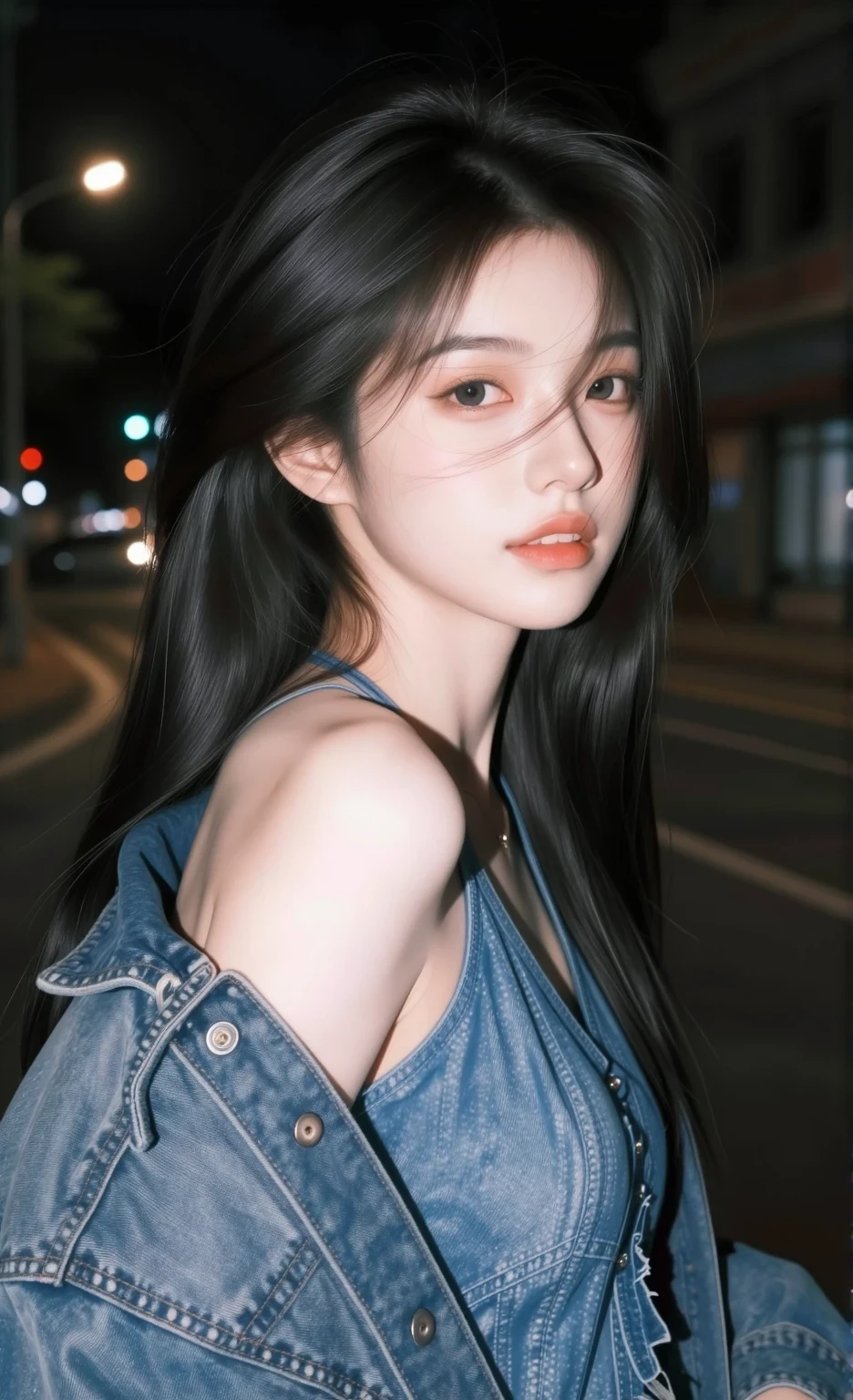
smartphone photography (Z Image)
Strength 0.85 ++
1. Digital Artifacts Control Group: This group helps break down the perfection of AI, adding a realistic feel like a small sensor camera.
Digital noise: Noise appears in the image, especially in dark areas.
Compressed image quality: Simulates file compression like images sent via LINE or social media.
Chromatic aberration: Green/purple fringing at the edges of objects, often seen with budget mobile phone lenses.
Slight motion blur: Slight blurring, as if the photographer's hand wasn't steady.
2. Lens & Composition Group: Most mobile phones have specific lens focal lengths. Adding terms in this group helps adjust image dimensions for accuracy.
Wide angle lens: Uses a wide-angle lens (approximately 24-26mm), which is the main lens of most mobile phones.
Subtle lens distortion: Slight curvature at the edges of the image, characteristic of small wide-angle lenses.
Casual snapshot: A quick, unpretentious composition.
Eye-level shot: View at eye level. Like when you hold out your phone to take a picture of a friend.
Holding phone point of view: The perspective is like actually holding the phone to take the picture.
3. Lighting & AI Processing Group: Modern phones use very powerful built-in image editing software. This group of terms forces the AI to simulate that processing.
Harsh phone flash: Direct flash from the phone makes the face white, the background dark, and creates hard shadows behind the subject.
Overprocessed HDR: The HDR style of the phone's lighting and shadows makes the image sharper and shows details in both dark and bright areas more than is realistic.
Lens flare: Blurry, hazy reflections when shooting against artificial light or sunlight.
Ambient light: Emphasizes natural light around you, not studio lights.
4. Platform & Device Tone Group: This group helps trick the AI into extracting the color tone of popular apps or phone brands.
Instagram photo: Controls the color tone and mood of the image to resemble popular photos on IG.
Shot on iPhone 15: Extracts warm skin tones in the style of an iPhone.
VSCO filter: Adds popular ready-made film tones used on mobile phones.