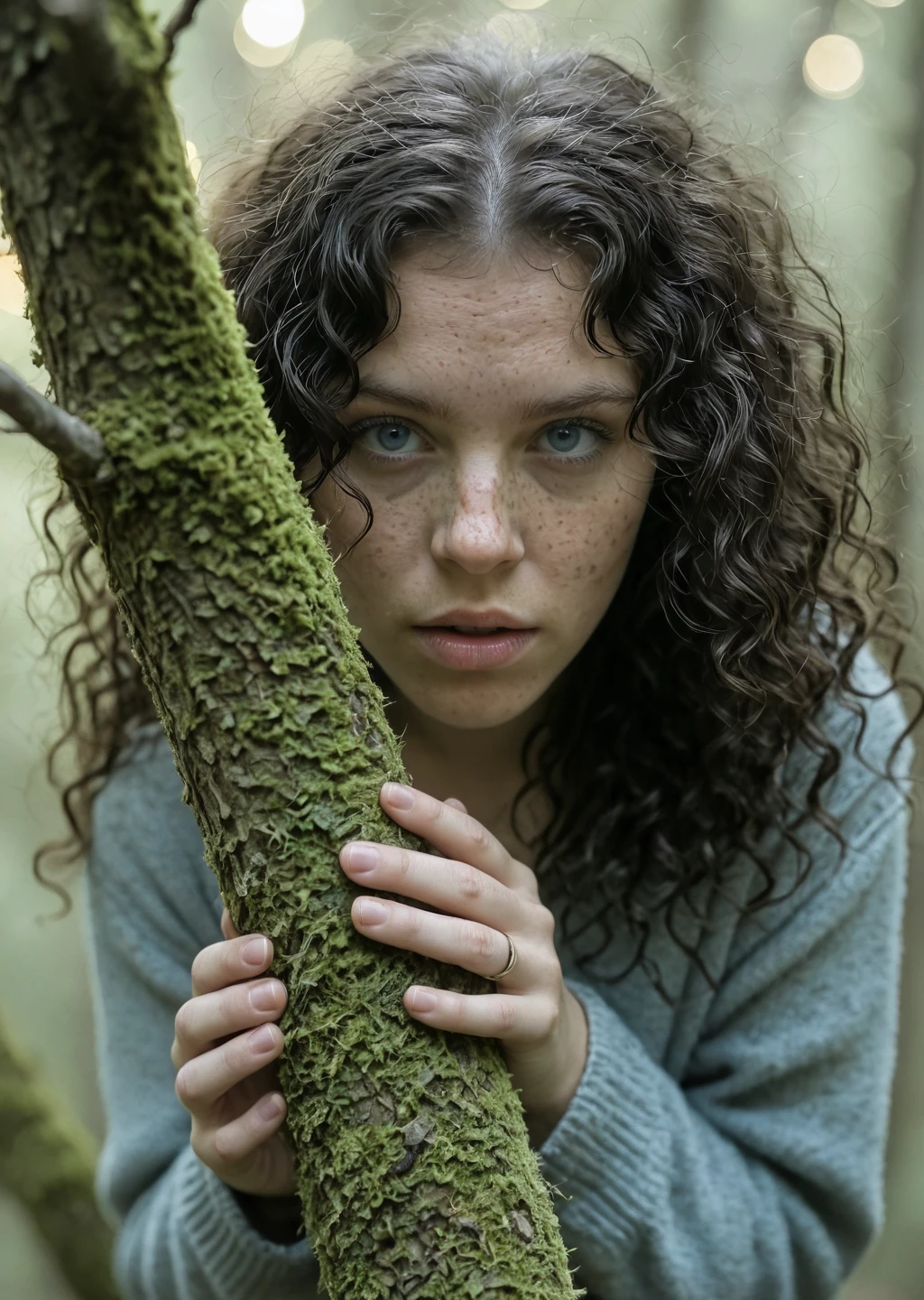
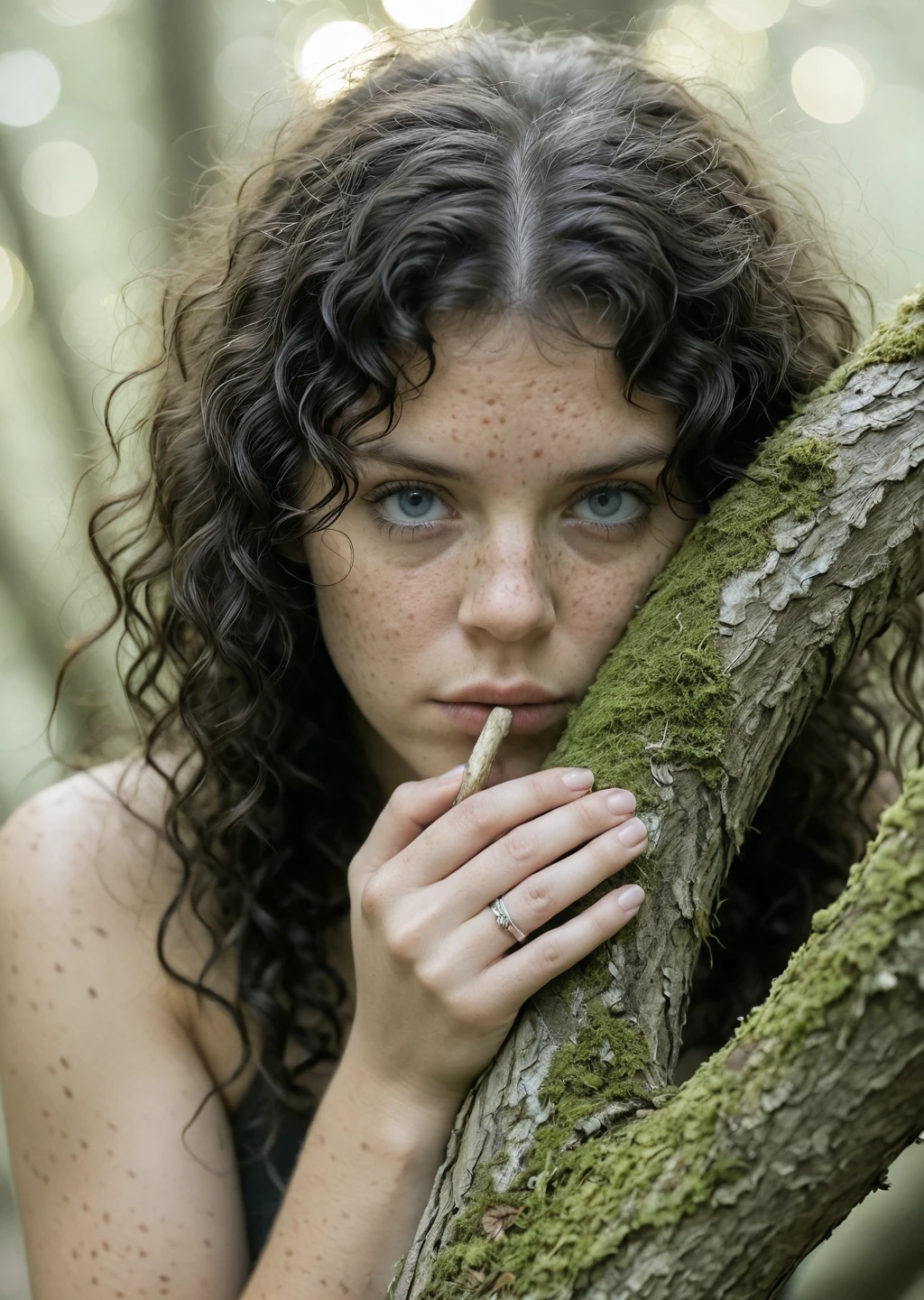
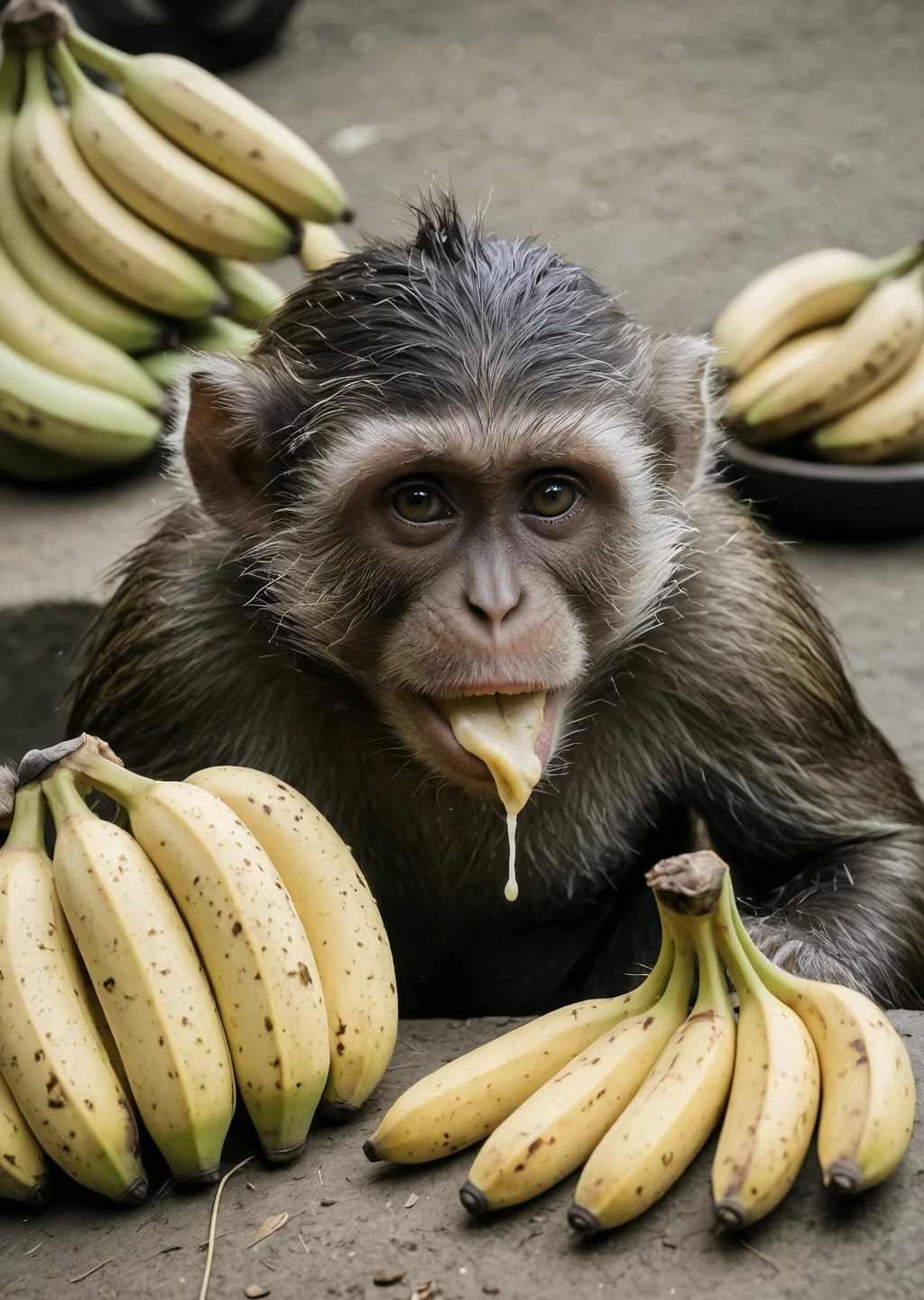
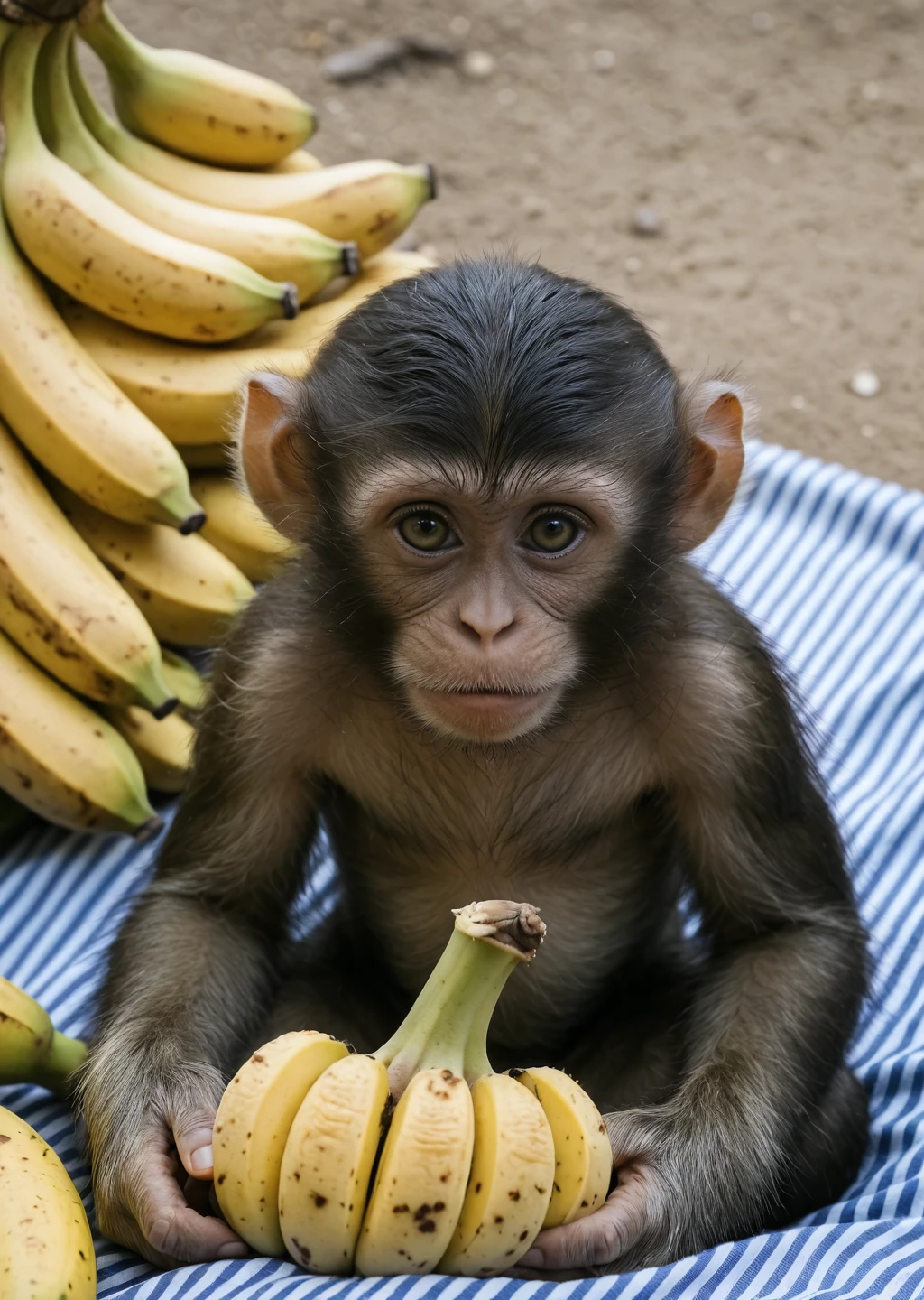
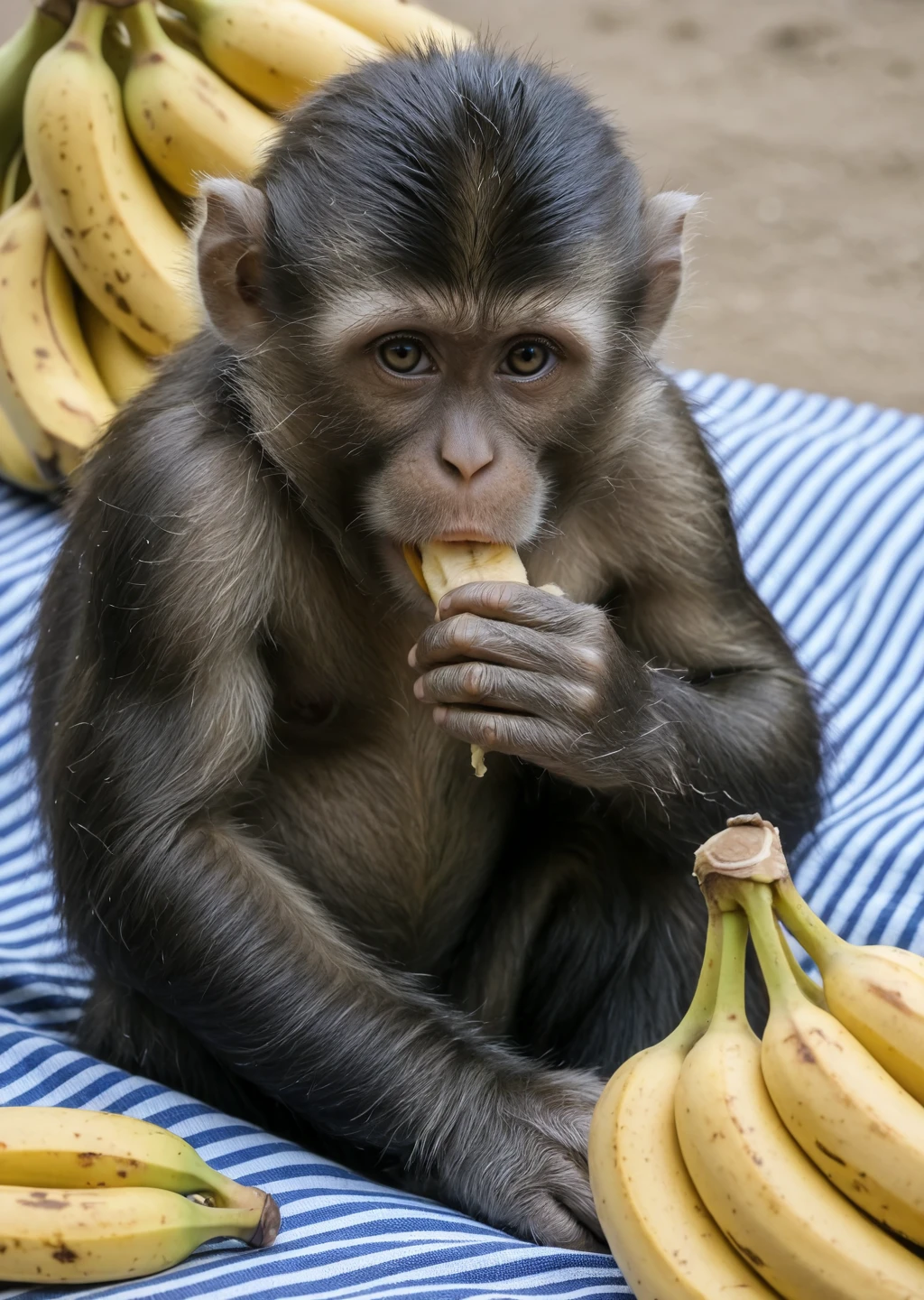
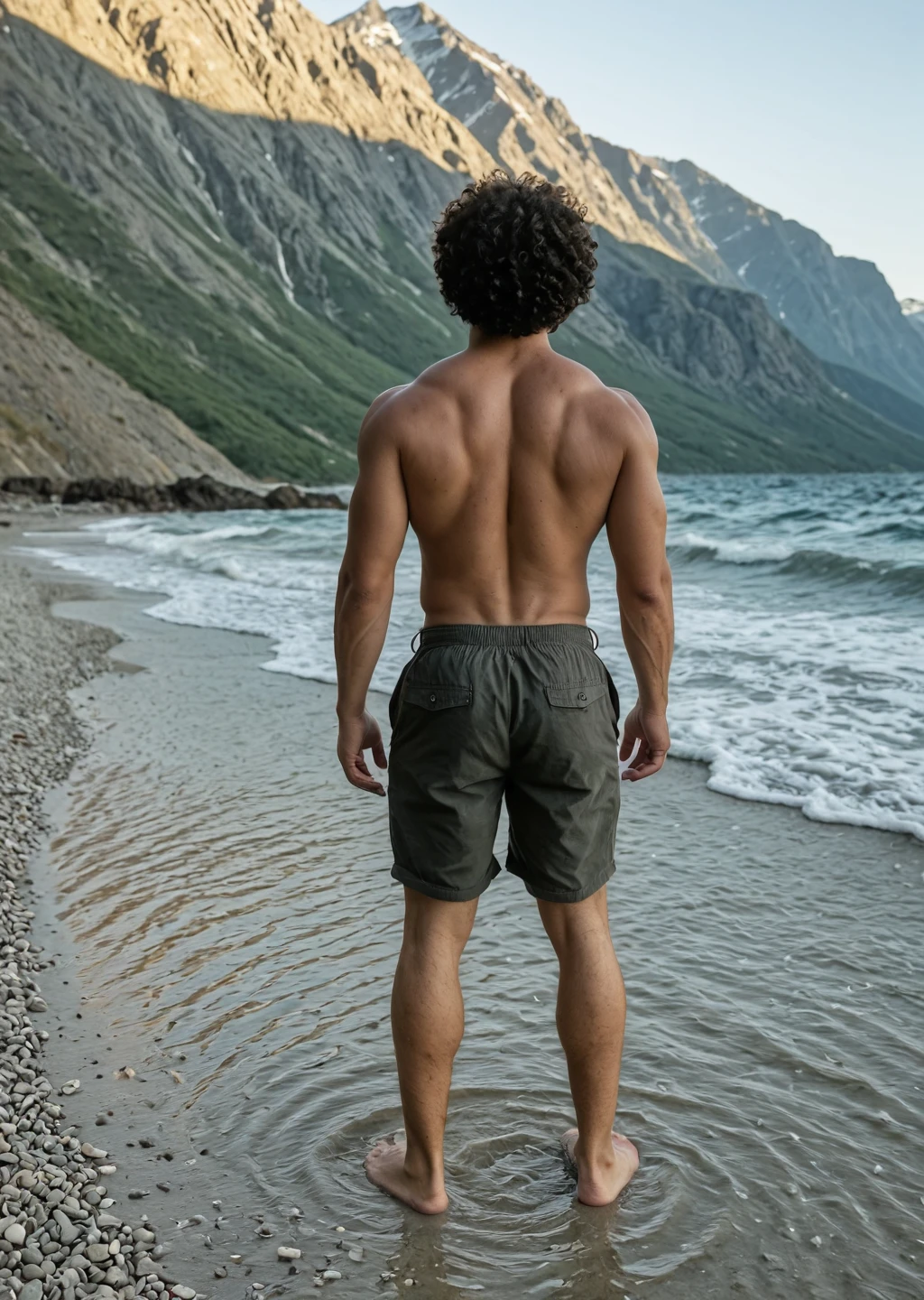
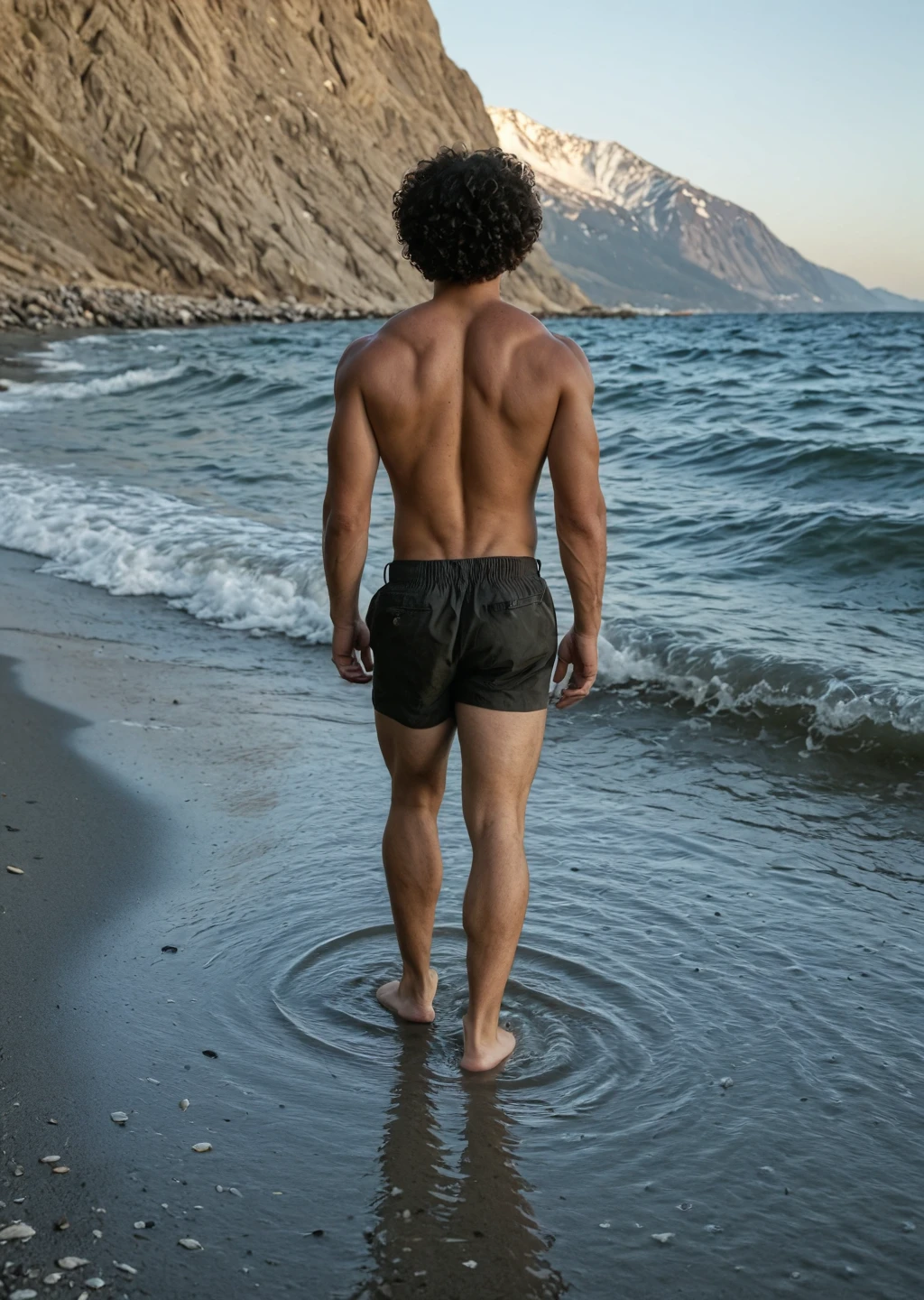
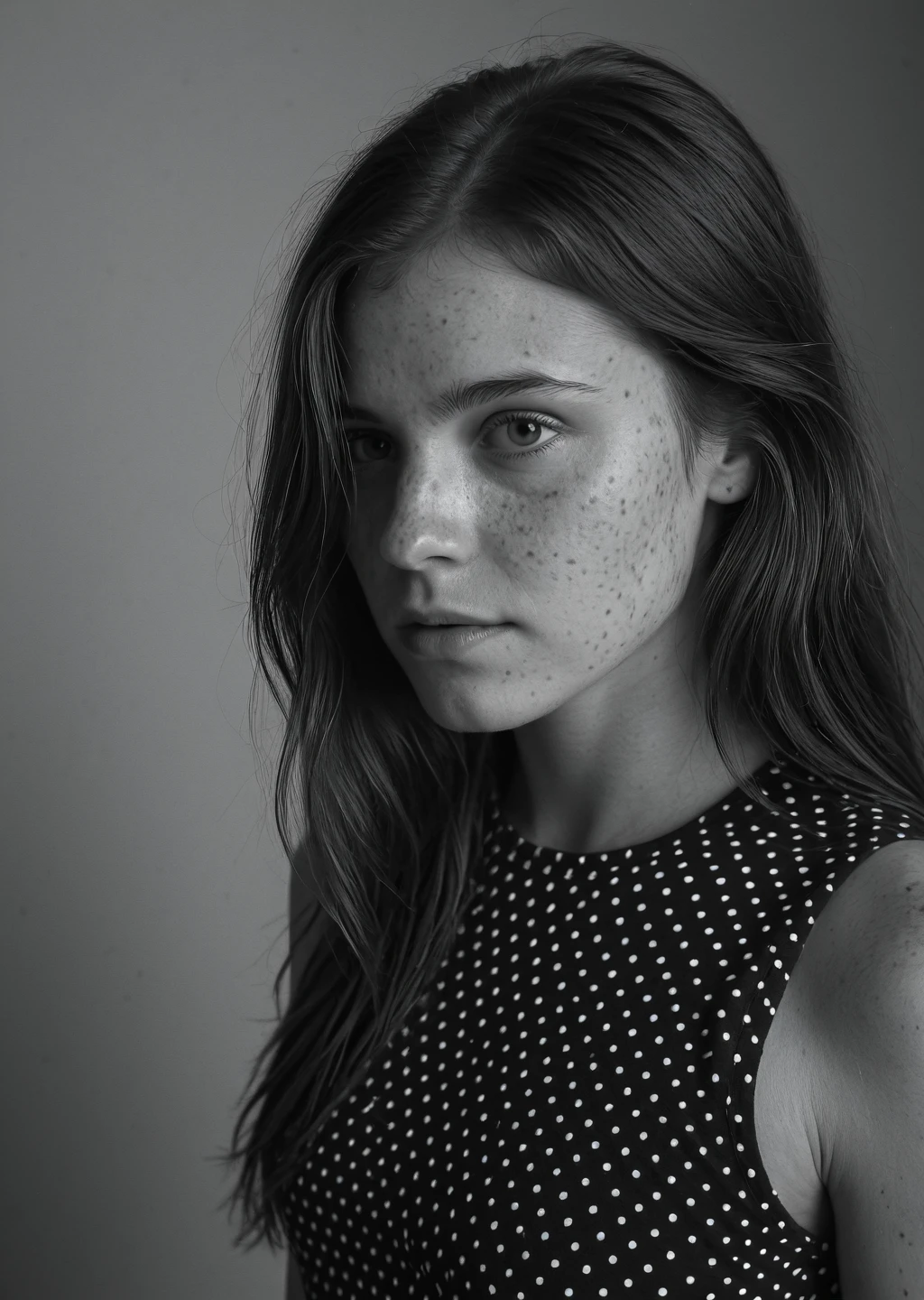
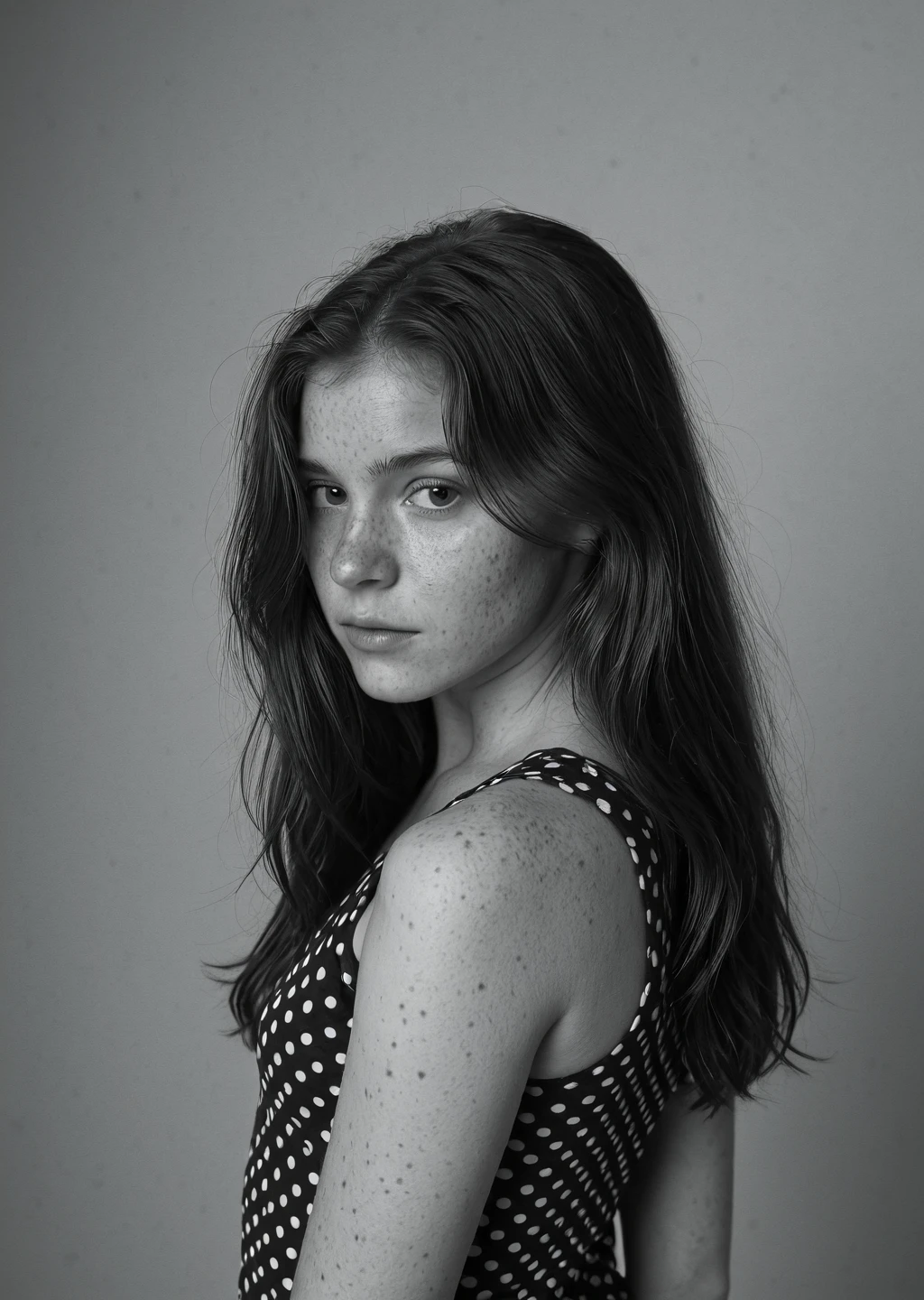
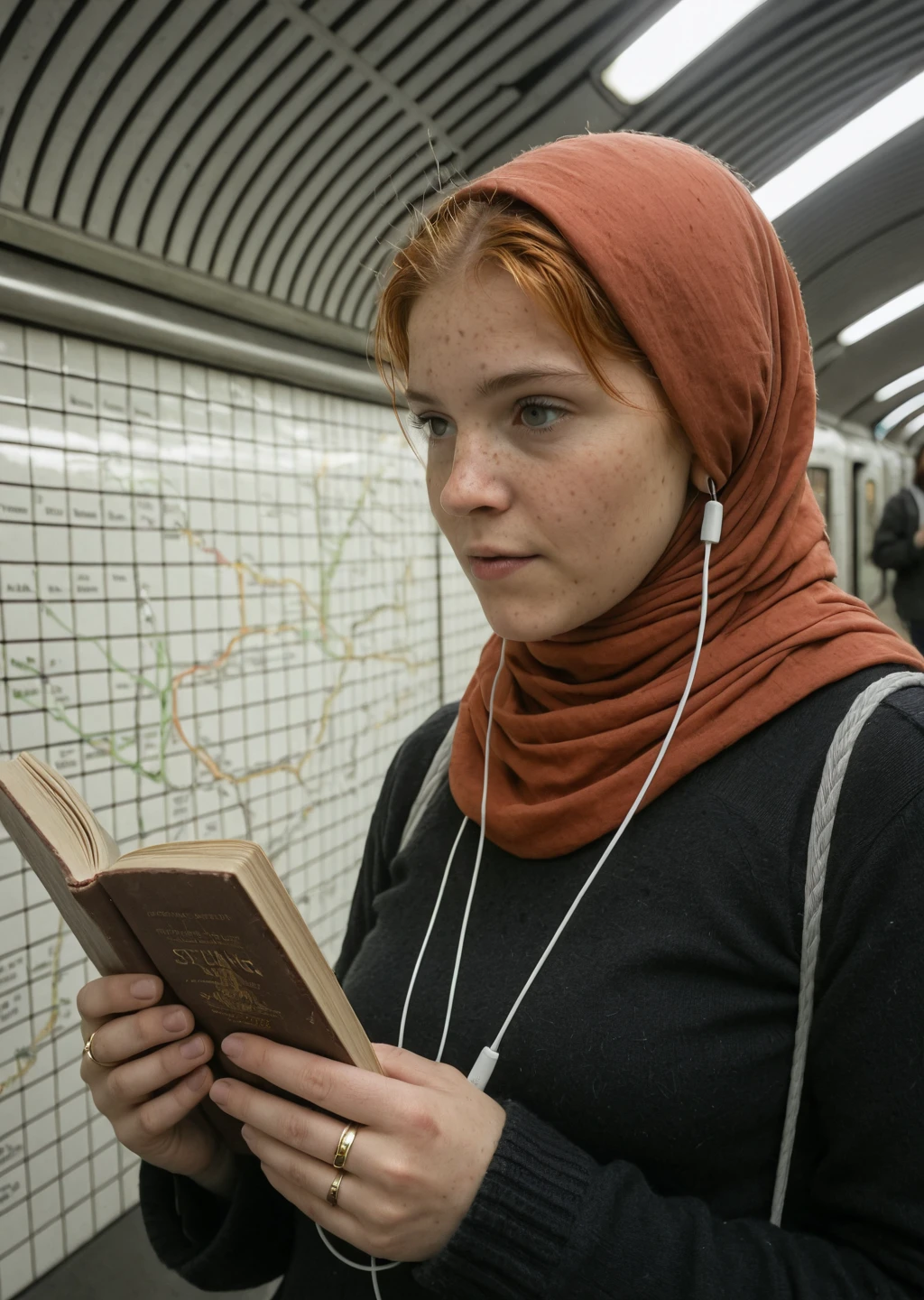
Ladies and gentlemen, we understand that you have come tonight to get a supa-dupa fast XL render of the most ????? ???? AI-arts... We regret to announce that this is not the case. As instead, we come tonight to bring you... the traditional release of a classic, slow but creative SDXL photorealistic model, with natural skin textures, natural lighting and rich composition. Ladies and gentlemen, prepare to wait your renders forever...
Okay, fck it, I lied. It's D'M'D derivative PONY-SDXL model... What you gonna do?
AHTUNG!!! Use CLIP Skip 2! Otherwise image will be a mess.
Version details
R7j RC2
!!! IMPORTANT !!! For Single Pass Text-to-Image use DDPM (better textures) or Euler A (smoother). Steps 8 gives smooth draft with simplified composition but more stable ??????? and env structures. Steps 60 w/ DDPM gives good texture and mostly stable ???????. T2I 1Pass works well in high resolutions like 1440x720 or 1440x1024 (didn't test 1Pass in higher resolutions, but may work as well).
Other 1Pass settings may lead to overbaked or too smooth picture with lack of texture. Please give feedback if you will experiment with settings. Double pass (1st with Euler A ==> 2nd with DPM++ 2S A) gives much more opportunities for experimentation.
HiRes Fix works well up to 3.5 MPx with denoise 0.5+.
Still in Release Candidate phase because of Sampler settings limitations for Single Pass workflow and some unpleasant textures of the nature greenery and some other (possibly too strong blemishes and freckles). In general realism it must give better results than R7i.
PS: I stop giving the suffix "LowDMD" because my training don't wash out DMD completely; it still there (for example, composition complexity, smoothness and contrast depends on steps); this version still able to give a OK-ish pictures at 8 steps, but I personally don't like its smoothness and lack of complexity (very good as draft).
R7i RC LowDMD
Most of stuff works pretty well. 1pass workflow gives noticeably better quality than R7f, but deeper test is needed. You can start with Text-to-Image Single Pass mode with DPM++ 2S A + Karras (CFG 2.0 ... 2.5, Steps 8-16 [lower CFG with 16], 1280x1024 or 1440x832). Second pass (HiRes Fix) improves quality and works well even with Denoise 0.5+. Didn't test it with LCM, but should work (expect very smooth results).
Guys and Gals could you please test / compare this version. I really need that feedback with PROs and CONs. Will be very appreciated if you give me some important details about the performance and creativity of this RC.
PS: trying hard to upload FP32, but S3 uploading hangs at last 10% of payload; let me know if you really want FP32 - I will try even harder ;)
R7f Beta LowDMD
Improved performance even in 1pass workflow with Euler A + Karras, CFG 3.0+, steps 30+, high resolution like 1440x832 or 1280x1024... BLA-BLA-YADA-YADA FURTHER MARKETING BS...
Consider it as Beta release because I'm not fully satisfied with eyes and fingers stability. Also, in some cases I'm not fully satisfied with textures and some samplers behavior.
But in comparison with Alpha* releases of R7 it shows noticeably better performance in ???????, lighting, textures, etc.
R7e Alpha3 LowDMD
0.03 of 8step DMD2 cfg1.5 lora (just to increase fingers and eyes quality).
It is a bit less sharp than Alpha2 (R7d) but better eyes and fingers. Textures and lighting should also be improved.
R7d Alpha 2 NoDMD
Based on R7d Alpha with additional training and reduction of DMD2 LORA influence. Use Euler A for cases where you use LCM on DMD2-based checkpoints. Start with DPM++ 2S A or other DPM++ based samplers for sharper image. Less steps => smoother image. 20+ steps for sharps image. After the 20 steps sharpness / contrast remains the same (as I observed during my quick tests). 2pass workflow is strongly recommended, but you can try single pass with 30 steps and DPM++ 2S A.
NB: this version works OK in extreme aspects like 1440x832 (w x h); I'm waiting for 1440x720 images (will post soon if any good ones produced).
R7d Alpha
It is basically the PoC with lower DMD2 influence. Made for @AFD_0 who have troubles with DMD2 based checkpoints in Forge. Try this version with higher CFG and different samplers (tested quickly with Euler A and DDPM at CFG 3.0..4.0). Should work but no deep testing was made.
UPD: as reported by @AFD_0, adherence might be unsatisfying... So, if it work for you (or no) feedback is still welcome, but probably you may want to skip this alpha.
R7c (E72+)
Still not ideal. Eyes still unstable, but textures and lighting more realistic and detailed. Read Version Info for more details.
2Pass workflow => https://civitai.com/posts/24204987
T2I: LCM + Karras; 14 steps, CFG 2.1
HiRes Fix: 2.0Mpx; Euler A + Beta; 12 steps; CFG 3.0; Denoise [0.27..0.29].
It produces the image with moderate or low contrast but good sharpness. Probably you can replace the HiRes Fix sampler with smth more contrast or give more steps.
2Pass workflow => https://civitai.com/posts/24205203
T2I: same as above.
HiRes Fix: DPM++ @m SDE Heun + Beta: CFG 1.4; Denoise [0.27..0.29].
R7-12011-E37
This is not the final version of R7. Local training still in progress... Some issues might appear.
Recommended settings:
Single pass
Don't use LCM in Single Pass workflow! No matter what CFG you set it will give a smooth picture.
Use Euler A with Exponential scheduler (for smooth render) or Beta, SGM_Uniform, DDIM_Uniform, Karras (for extra sharp render).
12 steps is optimal (stability / contrast / speed). 6 steps - rough draft with color artefacts possible. 8 steps - low details and anatomical issues with some not so big chance. 16+ steps - much more contrast and sharp render. 60 steps - very sharp image with more simple forms and bigger details (smooth textures).
At 12 steps you can use CFG 3.0 or more with Euler A. The more steps you use the lower CFG must be set. It is not recommended to set CFG lower than 0.9, but you can experiment with high steps (like 48-60) and contrast samplers like Uni_PC or DPM++ based samplers.
Schedulers. KL_Optimal and Exponential usually give smoother picture. But KL_Optimal + Uni_PC gives a very sharp and overburned result. Karras is smoother that SGM_Uniform.
Two-pass / HiRes Fix / ADetailer
For the first pass you can use Euler A with 6..14 steps. 12-14 steps gives more small details and textures (details simplification starts closer to steps 20).
For the 2nd pass or HiResFix I recommend contrast samplers with low denoise value and high CFG. I tested HRFix at resolution up to 6MPx. The lower the denoise the more safety at extreme resolutions you will have.
DPM++ 3M SDE Heun - I like this sampler with denoise lower than 0.4 for the second pass. It gives textures. DPM++ 2S a and Heun also work for textures rendering.
Amount of steps for second pass depends on what contrast and sharpness you need. Steps 12-16 gives good contrast with good amount of micro-detailing. Steps 20 and more minimizes the texture noise and gives a picture closer to Digital Art and CG.
Fix bad images
If you have a picture with noizes and/or anatomical issues, then I recommend you to use 2-pass render with LCM sampler in 1st pass.
LCM + CFG 2.0...3.0 will fix ??????? and remove noises.
2nd pass with Euler A or other contrast samplers will give a precision and texture.
Make sure 2nd pass uses denoise higher than 0.5.
General description
I'm still fighting smooth textures, poor composition, and over-simplified backgrounds of the most DMD2-based checkpoints.This is yet another round in the war with a very smooth LCM renders.
I've made a separate branch for this NoiceAI Beta release as a request for extensive test. I want to make sure if this is a really viable direction. It works for me, but might not work for you.
Highlight:
It supports Euler_A sampler with CFG 2.3 or slightly more.
It works from 6 steps. Should be stable at steps 8. Becomes more contrast at 16 steps (lowering CFG helps a bit).
Exponential scheduler is a friend. SGM_Uniform or Karras if you need more Texture Noice right at 1st pass.
Gives realistic skin texture in double-pass workflow 8 + 8 steps (or 6 then 8 steps). Use a contrast samplers for 2nd pass (DPM++ 2S A + Karras or SGM_Uniform).
As always, drop my samples into ComfyUI to get the parameters of the render.
And of course show me what you get with this model. Write the comments with PROs and CONs.
Description
R7i RC == R7 Release Candidate. Most features delivered. Quick tests show good results. Kindly request for deeper tests. I need your support so hard to identify things that needs to be fixed / improved! Please comment and post your samples to highlight explicitly things that go not so well. Detailed and constructive critics are welcome as usual.
Comments, BUZZ donations and creative images made with this version are also welcome! I tried hard to deliver the creative SDXL model that I hope will be fun working with for anyone.
Details
Files
Available On (9 platforms)
Same model published on other platforms. May have additional downloads or version variants.