



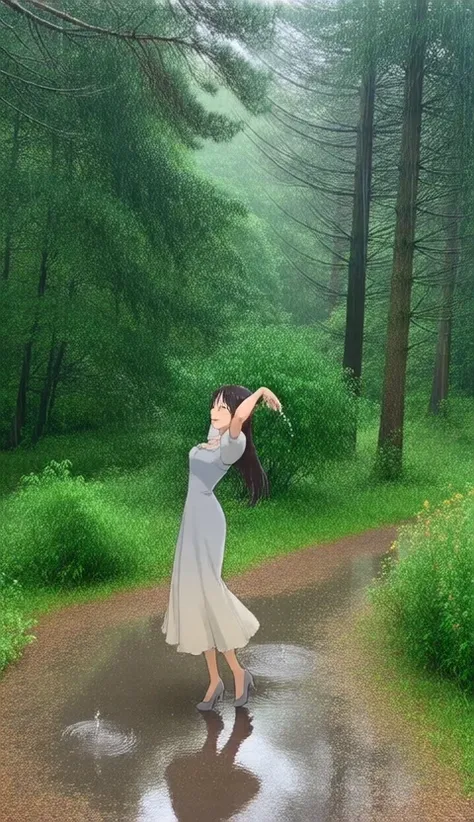
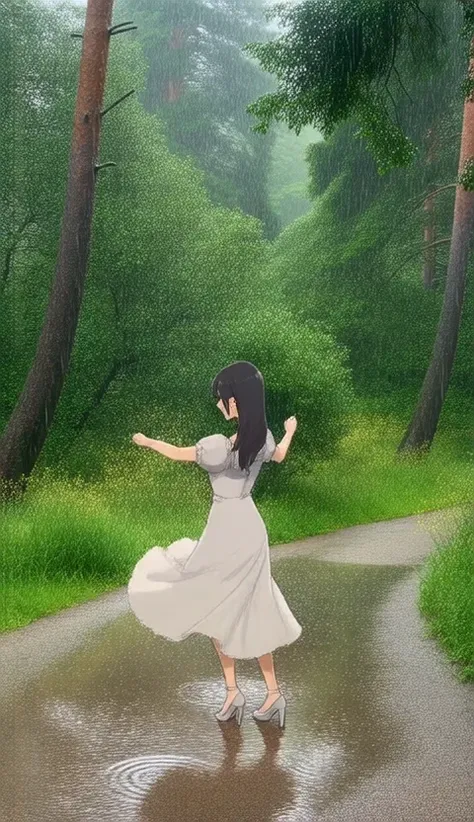
Photo Background - 2d Compositing|写真背景・二次元合成
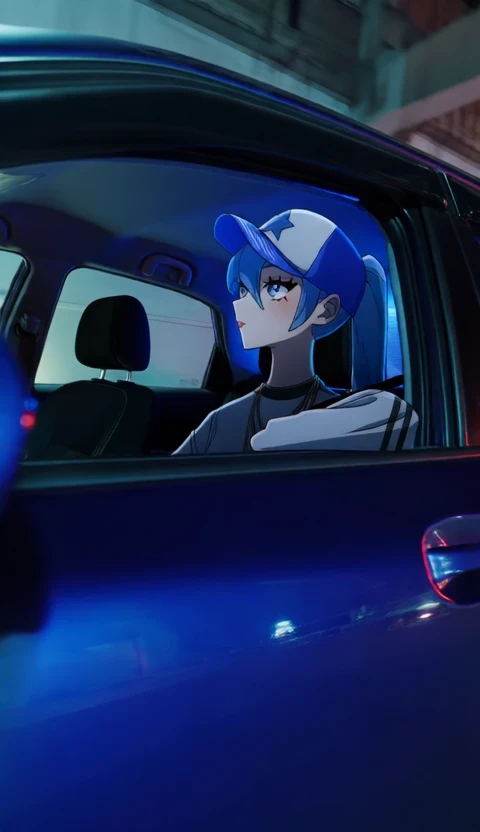
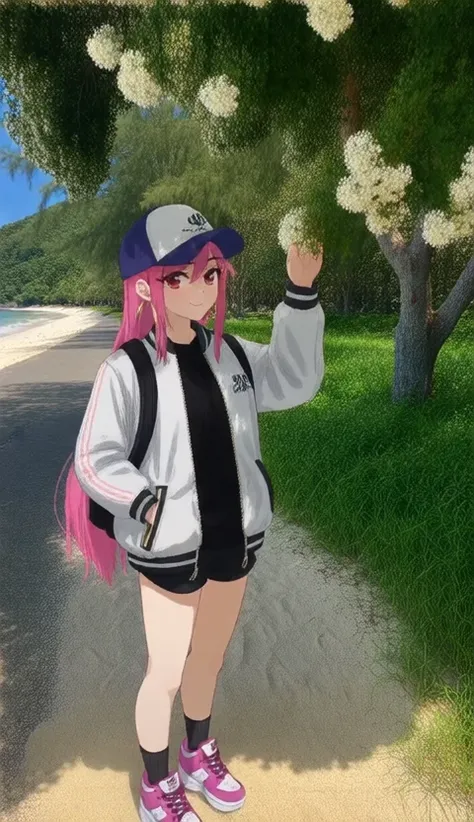
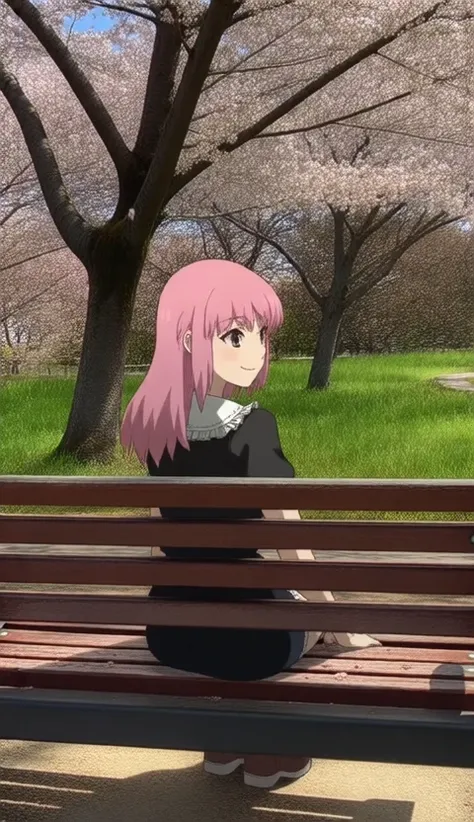
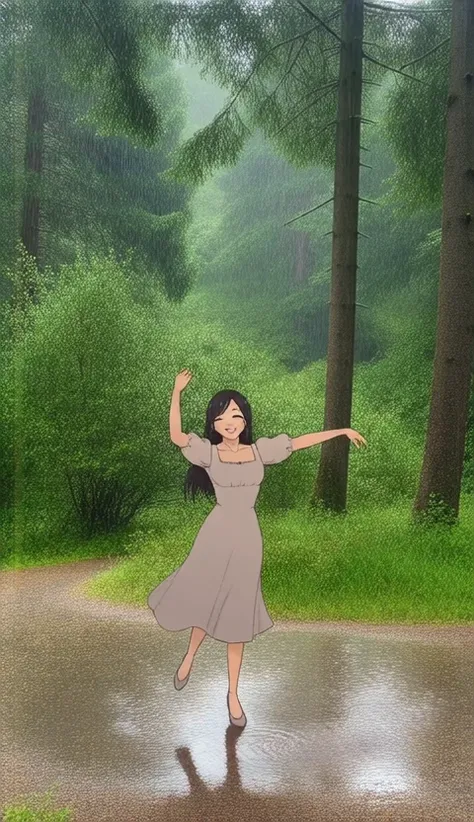
Trained on 2d illustrations composited on a photo background.
This is a small LoRA I thought would be interesting to see how models trained on illustrations or real world images/video can produce the composite, mixed reality effect.
ℹ️ LoRA work best when applied to the base models on which they are trained. Please read the About This Version on the appropriate base models and workflow/training information.
Metadata is included in all uploaded files, you can drag the generated videos into ComfyUI to use the embedded workflows.
Recommended prompt structure:
Positive prompt (trigger at the end of prompt, before quality tags for non-hunyaun versions):
{{tags}}
real world location, photo background,
masterpiece, best quality, very awa, absurdres
Negative prompt:
(worst quality, low quality, sketch:1.1), error, bad ???????, bad hands, watermark, ugly, distorted, censored, lowresDescription
[WAN 14B] LoRA
- Trained with diffusion-pipe on Wan2.1-T2V-14B with a dataset including image and video37 images, 23 videos
- Video previews generated with ComfyUI_examples/wan/#text-to-videoLoading the LoRA with LoraLoaderModelOnly node and using the fp8 14B wan2.1_t2v_14B_fp8_e4m3fn.safetensors
- Image previews generated with modified ComfyUI_examples/wan/#text-to-videoSetting the frame length to 1Adding Upscaling
- Image to Video previews generated with ComfyUI_examples/wan/#image-to-video
Training configs:
dataset.toml
# Resolution settings.
resolutions = [524]

# Aspect ratio bucketing settings
enable_ar_bucket = true
min_ar = 0.5
max_ar = 2.0
num_ar_buckets = 7

# Frame buckets (1 is for images)
frame_buckets = [1]

[[directory]] # IMAGES
# Path to the directory containing images and their corresponding caption files.
path = '/mnt/d/huanvideo/training_data/images'
num_repeats = 5
resolutions = [720]
frame_buckets = [1] # Use 1 frame for images.

[[directory]] # VIDEOS
# Path to the directory containing videos and their corresponding caption files.
path = '/mnt/d/huanvideo/training_data/videos'
num_repeats = 5
resolutions = [256] # Set video resolution to 256 (e.g., 244p).
frame_buckets = [28, 30, 37, 38, 41, 42, 47, 48, 50, 52, 57]
config.toml
# Dataset config file.
output_dir = '/mnt/d/wan/training_output'
dataset = 'dataset.toml'

# Training settings
epochs = 50
micro_batch_size_per_gpu = 1
pipeline_stages = 1
gradient_accumulation_steps = 4
gradient_clipping = 1.0
warmup_steps = 100

# eval settings
eval_every_n_epochs = 5
eval_before_first_step = true
eval_micro_batch_size_per_gpu = 1
eval_gradient_accumulation_steps = 1

# misc settings
save_every_n_epochs = 5
checkpoint_every_n_minutes = 30
activation_checkpointing = true
partition_method = 'parameters'
save_dtype = 'bfloat16'
caching_batch_size = 1
steps_per_print = 1
video_clip_mode = 'single_middle'

[model]
type = 'wan'
ckpt_path = '../Wan2.1-T2V-14B'
dtype = 'bfloat16'
# You can use fp8 for the transformer when training LoRA.
transformer_dtype = 'float8'
timestep_sample_method = 'logit_normal'

[adapter]
type = 'lora'
rank = 32
dtype = 'bfloat16'

[optimizer]
type = 'adamw_optimi'
lr = 5e-5
betas = [0.9, 0.99]
weight_decay = 0.02
eps = 1e-8
FAQ
Details
Downloads
959
Platform
SeaArt
Platform Status
Available
Created
2/14/2025
Updated
5/31/2025
Deleted
-
Trigger Words:
photo background
real world location