

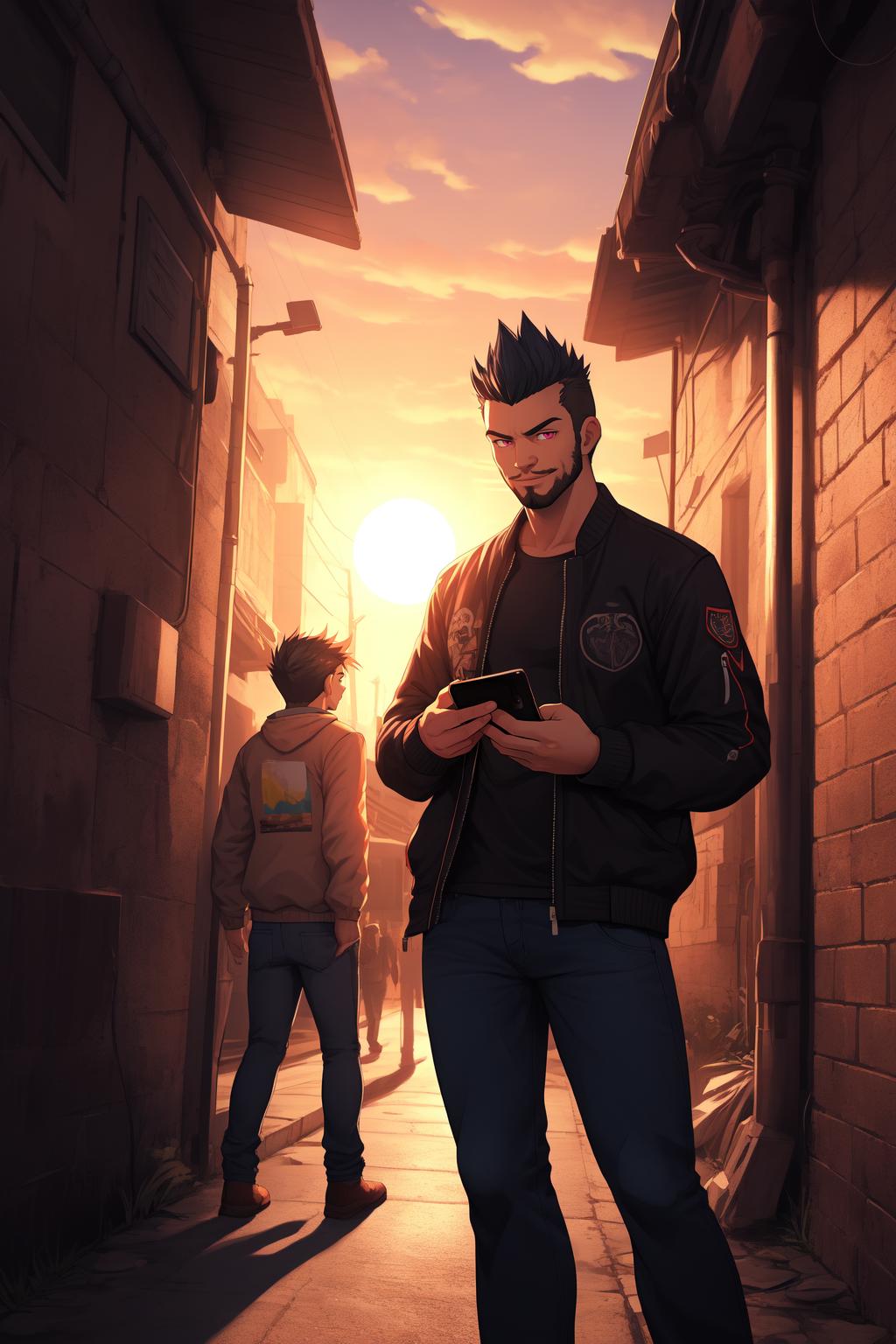
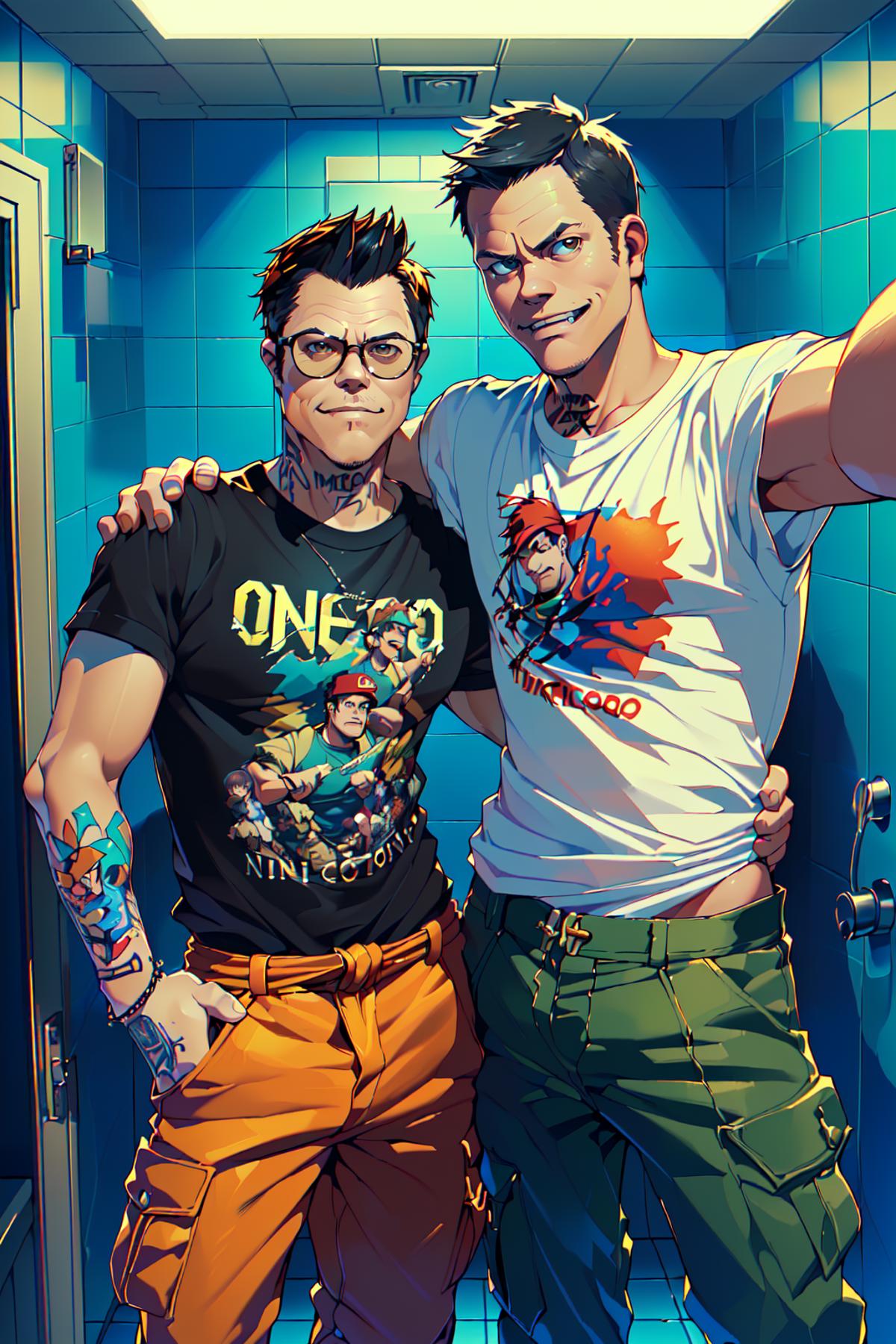
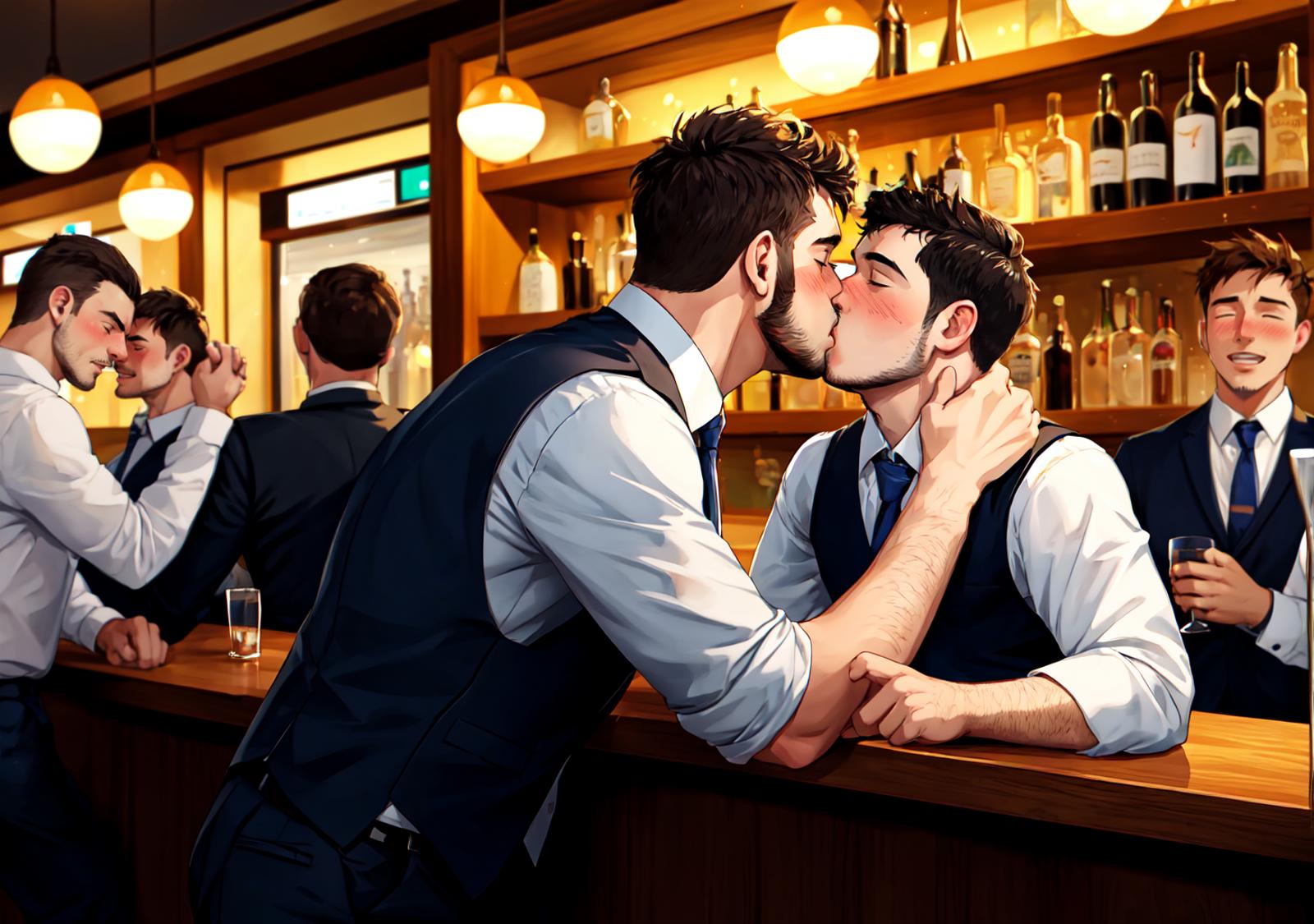
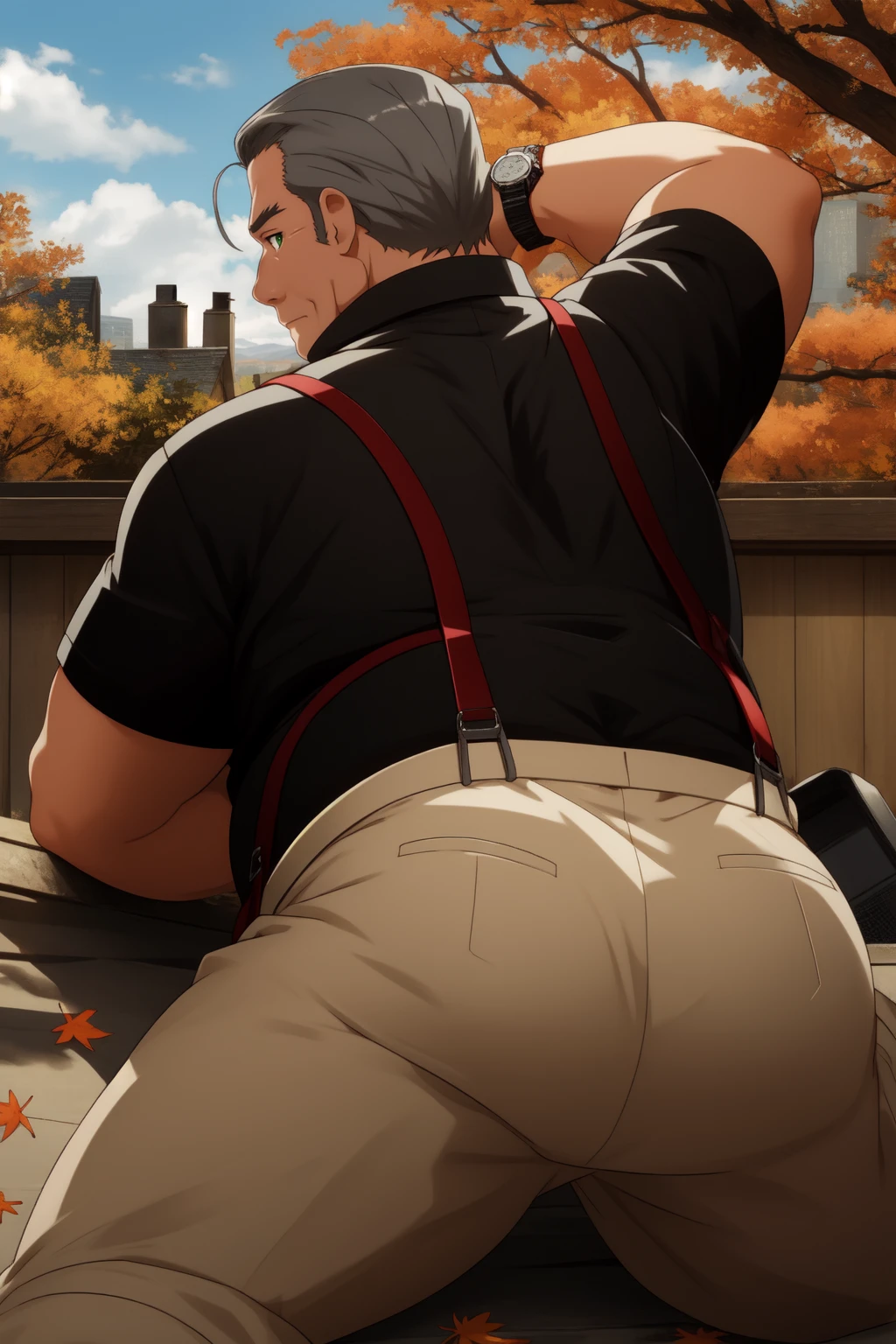

IMPORTANT UPDATE: I used google colab to make this model, since some weeks ago, that's impossible to do, at least for free. I'm looking for some solutions, but untill that, I'm unable to keep updating this model, I'm sorry.
First of all, sorry if my english is a bit messed up as is not my first language.
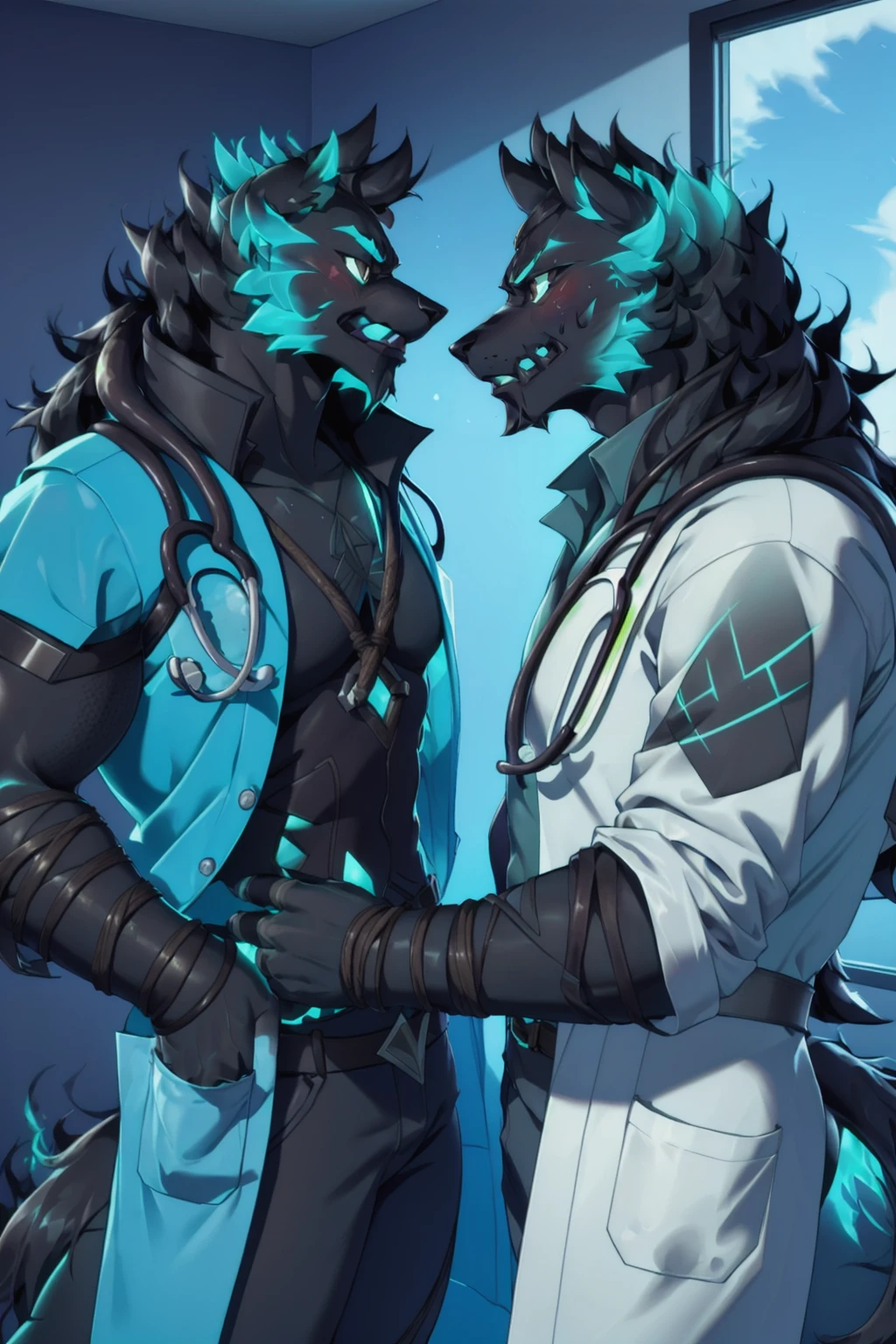
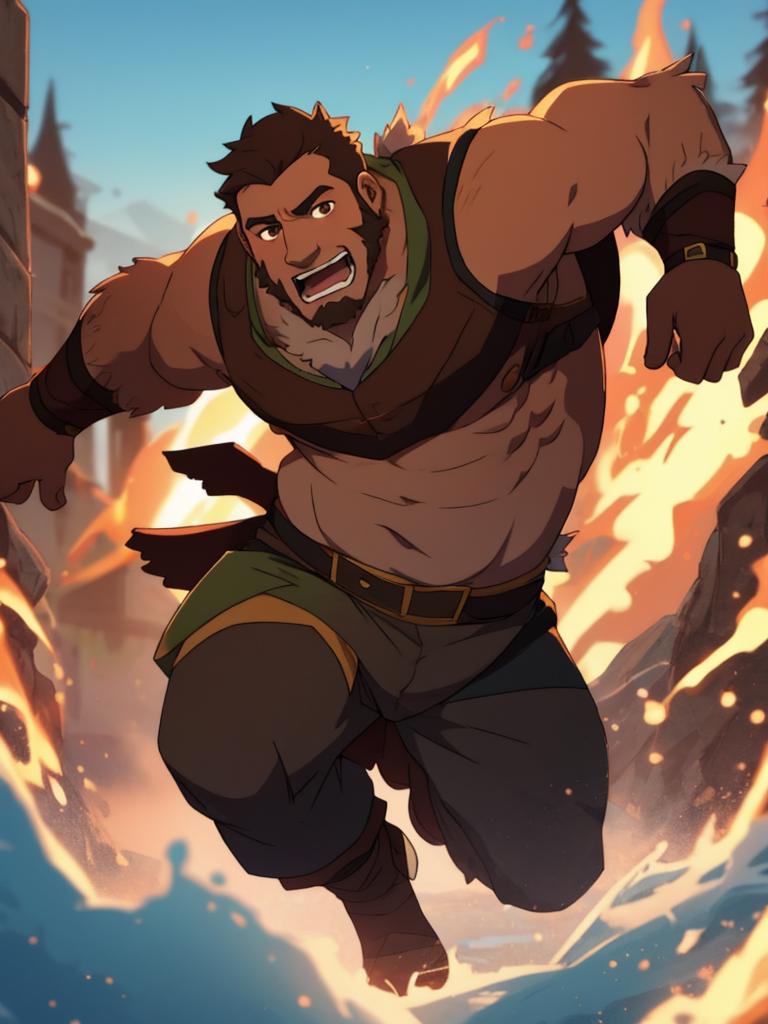
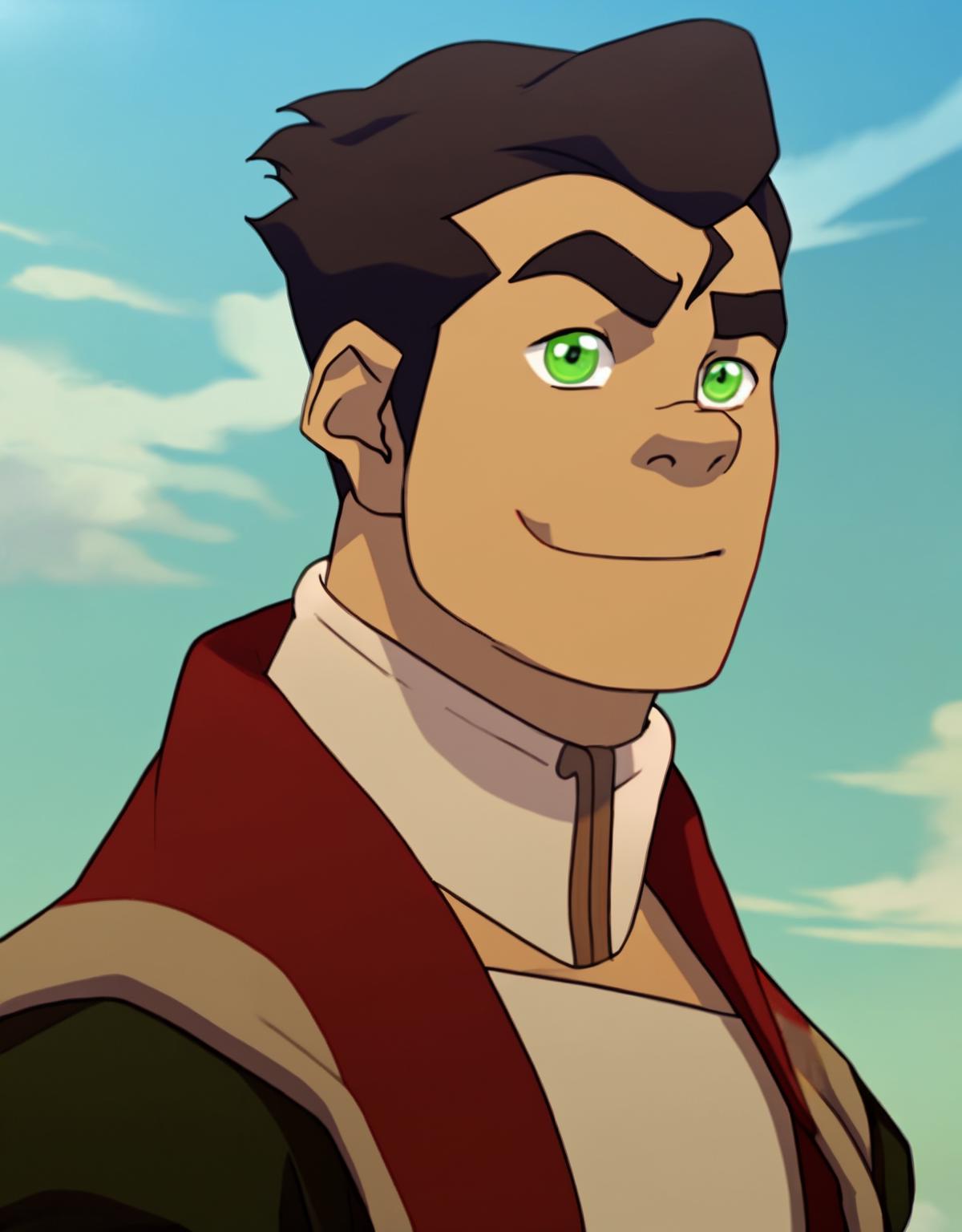
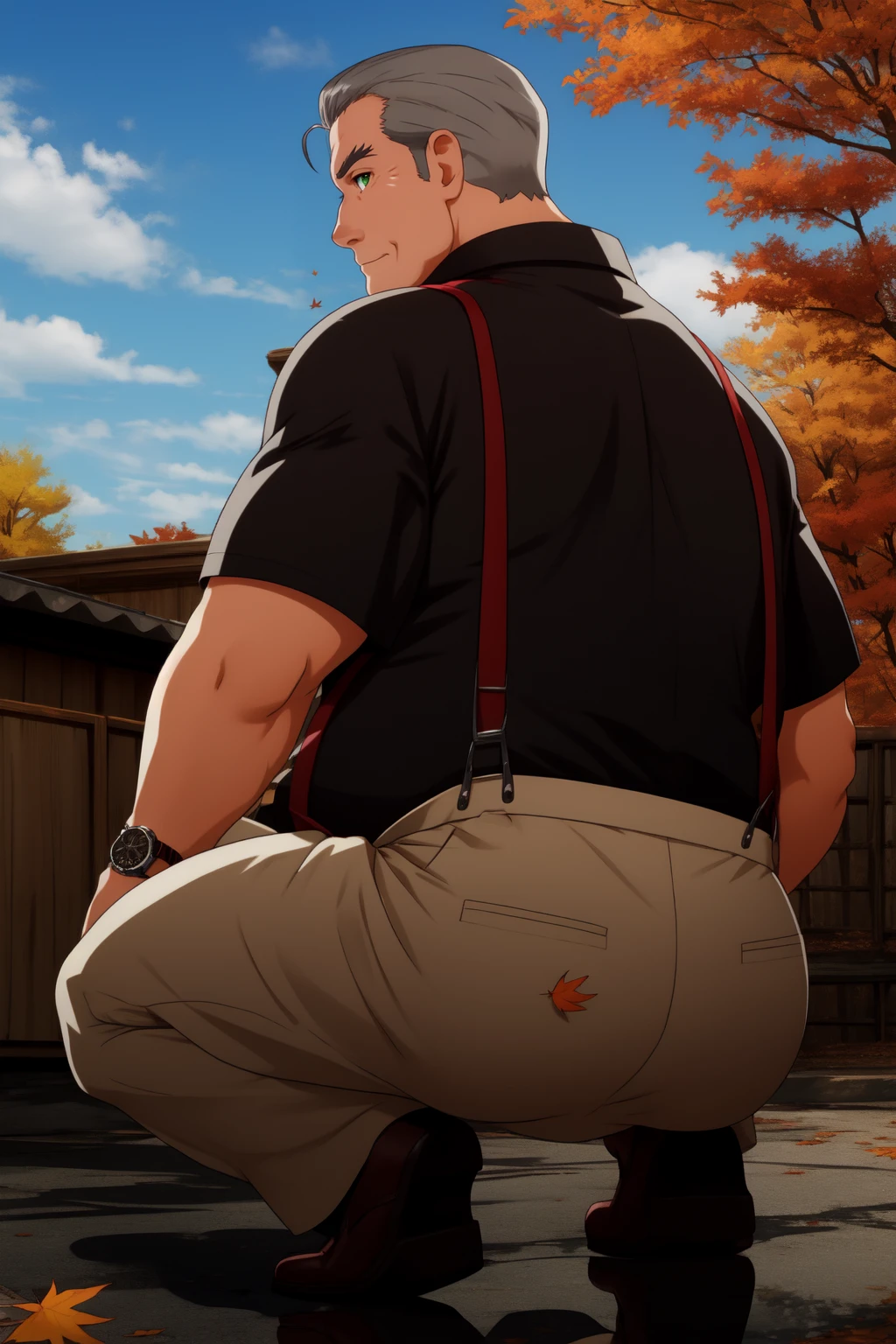
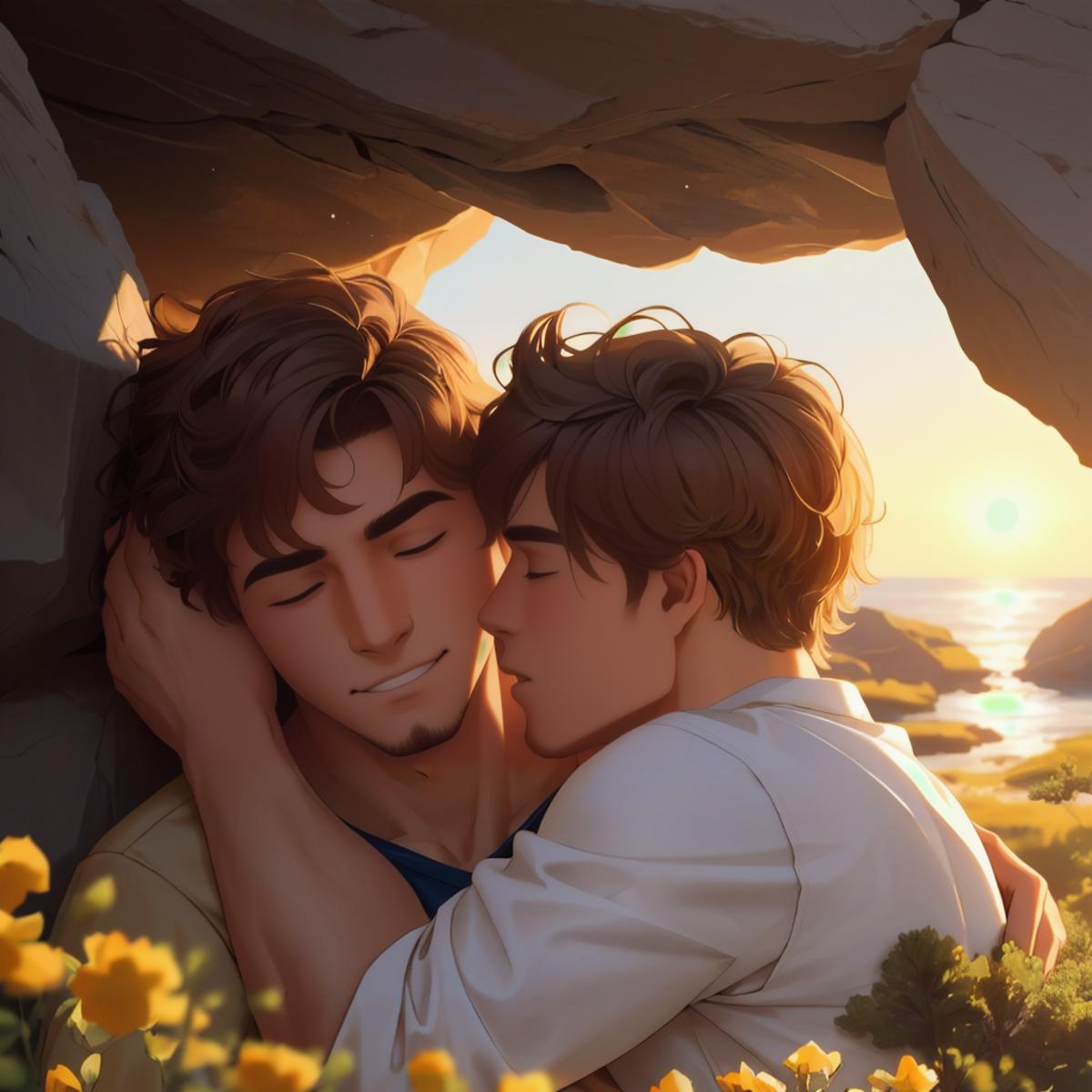
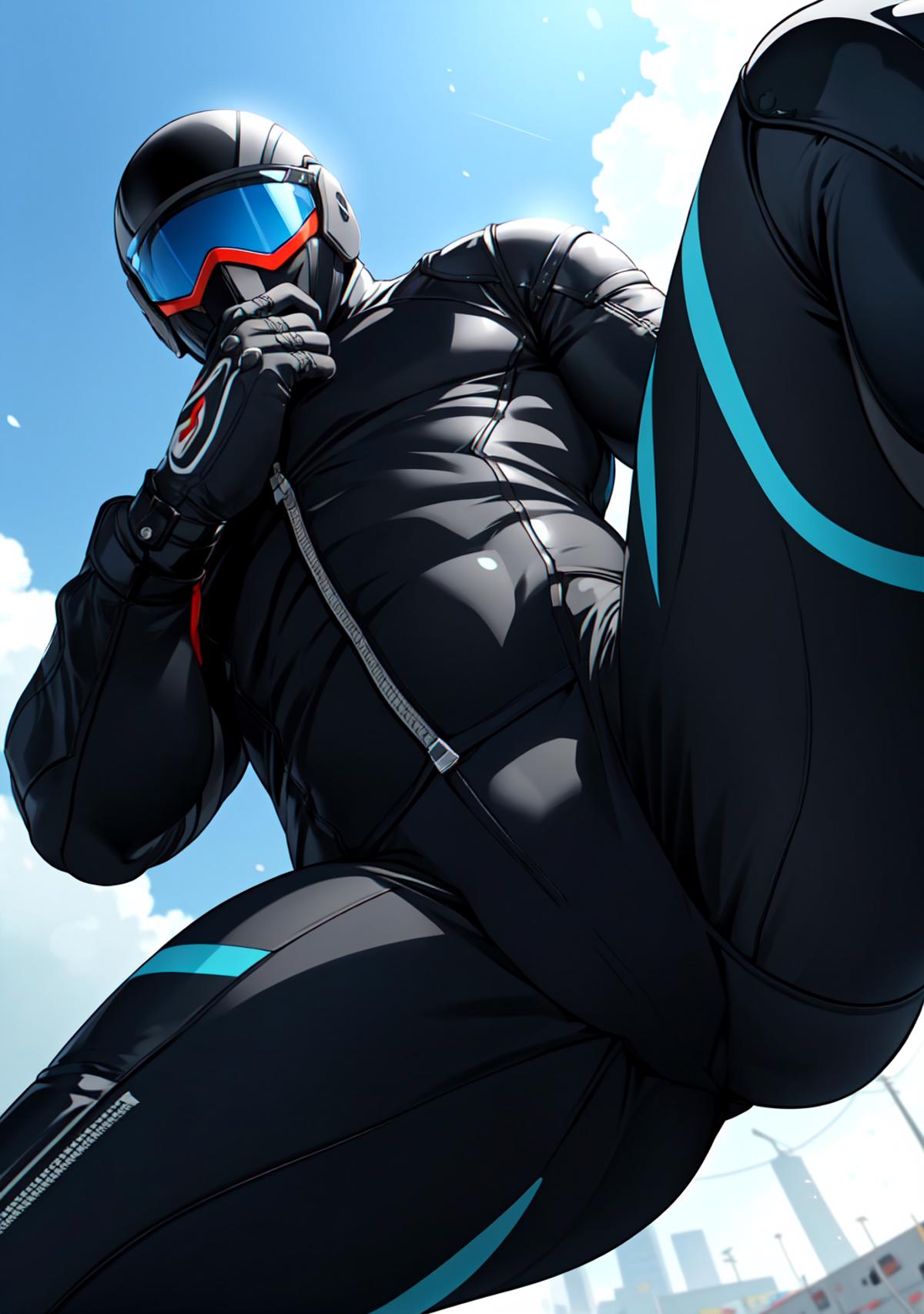
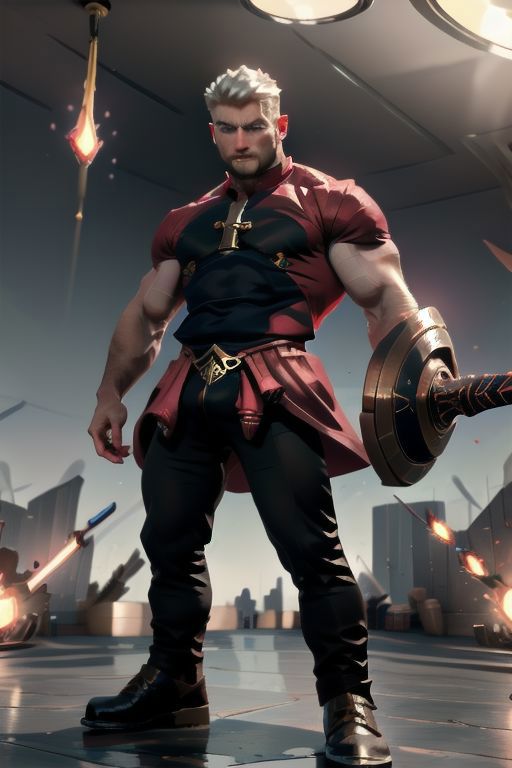
This is my first test at merging models, with the intention of making a model capable of easily doing ?????? anime images of big, hairy men. I probably did a lot of things wrong in the process, but im a bit happy with the result so far, and I hope you enjoy it. I will try to improve it bit by bit while I learn.
I find that this model can generate a wide angle of bodies without the use of plugins. If you don't want a muscular body, just type "muscular, muscles, bara" or similar in the negative prompt, it's quite flexible.
Using tags like "Anime Screencap", will give you an anime image (which was my original intention), otherwise it can do more realistic images too. Also you can use simple sentences for the gens.
The settings I use are:
Sampling method: I find DPM++2M SDE Karras. DDIM and Euler a the best options, but please experiment and share your results. I found in this last version that DPM++3M SDE Karras can work really well.
35 Steps
Size: 512 x 768
CFG Scale: 7-12 (but sometimes more if I use CFG scale fix)
High Res Fix:
12 Steps
0.4 Denoising Strength
Upscaler: 4x_NMKD-YandereNeoXL_200k or Anime 6b
1.5-2x Resize
I also use Tiled Vae and the default settings for Adetailer for face, and sometimes for hands.
Negative Prompt:
I found that "easynegative, negative_hand-neg, FastNegativeV2, Bad Artist Anime, woman, girl" works really well. But I'm not sure what would be the best on there. And I'm sure people more experimented than me could do better.
You will need a Vae for this, I personally use KL-f8-anime2, but blessed vae and Clear Vae work great too, you can download all of these here:
https://civitai.com/models/118561?modelVersionId=131654
You can find the Dynamic Thresholding Extension and it's instructions here, for it's config you just have to use the settings it reccomends, it's really easy:
https://github.com/mcmonkeyprojects/sd-dynamic-thresholding/wiki/Usage-Tips
-Credits-
I merged mainly four models in different percentages:
Indigo Furry Mix v55
https://civitai.com/models/34469/indigo-furry-mix
7th Anime v2_G
https://huggingface.co/syaimu/7th_Layer
Virile Animation
https://civitai.com/models/101879/virile-animation
Endless Mix
https://civitai.com/models/18375
V1.5 Additions:
Counterfeit:
https://civitai.com/models/115569/counterfeit-v30-fp16cleaned
GSMaleto Fusion:
https://civitai.com/models/126651/gsmaleto-fusion
Hassaku:
https://civitai.com/models/2583/hassaku-hentai-model
V2 Additions:
Kizuki:
https://civitai.com/models/223??/kizuki-anime-hentai-checkpoint
Criminal Art:
https://civitai.com/models/136054/criminal-art-hentai-hardcore
+A bit more of 7th Anime v2_G and the 1.1 version.
Description
After getting really frustrated trying to mix and improve 2.0 various days, I decided to base this version on 1.5 again, using the same mixes of 2.0 in different percentages. Included models I used before or previous versions of this model with some additions.
I find it at least easier to use than 2.0 and the results are clean, and cleaner faces on group photos. I recommend to use Euler A or DDIM for easier results, but 2M++ SDE Karras and 3M++ SDE karras are good too.
I used the Kf8Anime and FtMse840000vae for the preview photos, with Adetailer and Tiled Vae. If there is a picture with more than 10 Cfg scale, I probably used the Dynamic Thresholding Extension with that one, I put a link in the description of the model if you are interested.
Also I want to merge some loras in the next version of the model, but It's really confusing, If someone knows how to use the Super Merger extension and can help me, I will be eternally grateful. It's hard to find any info online and I find the tutorial of the official page kinda cryptic.
FAQ
Details
Files
Available On (1 platform)
Same model published on other platforms. May have additional downloads or version variants.