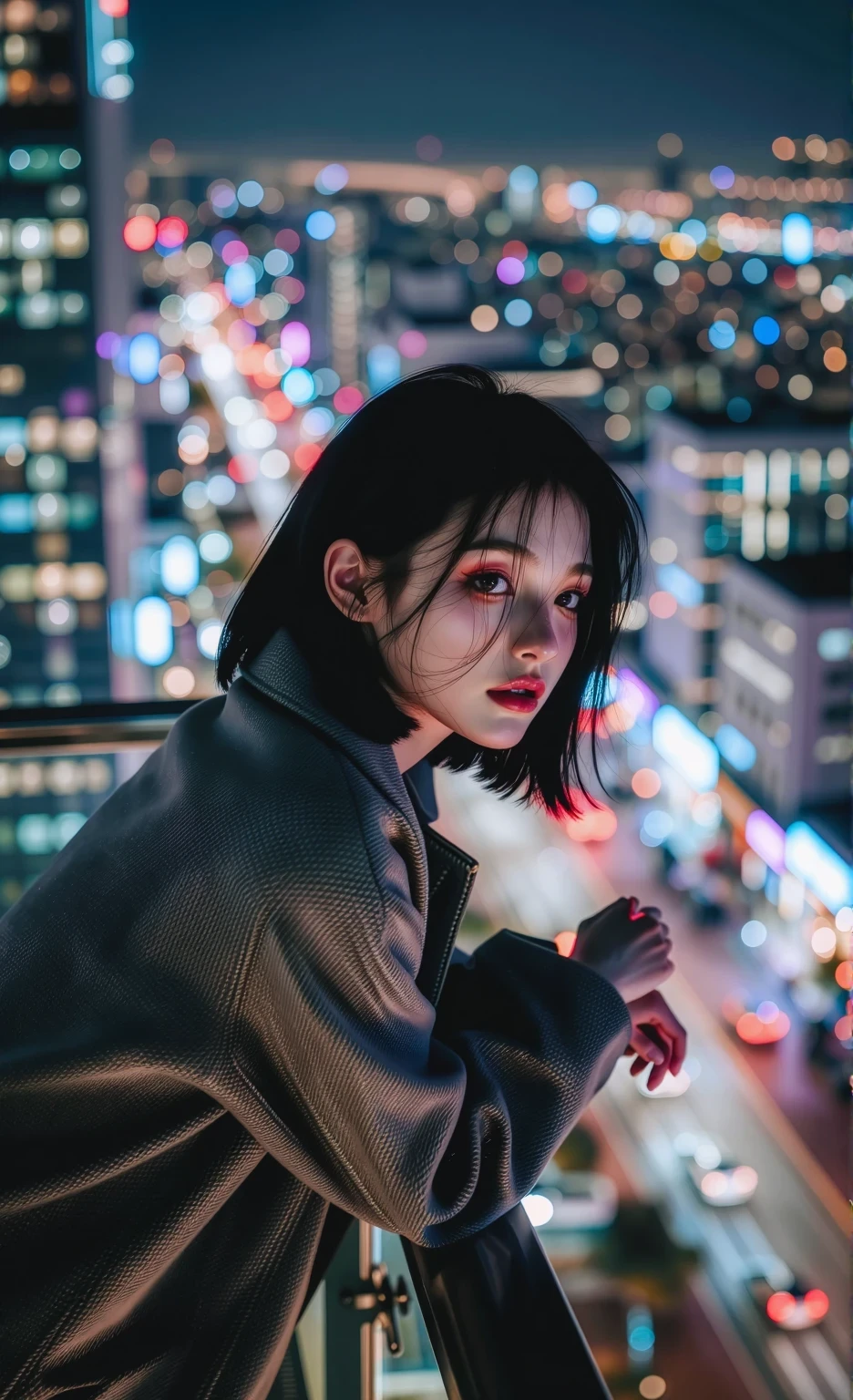
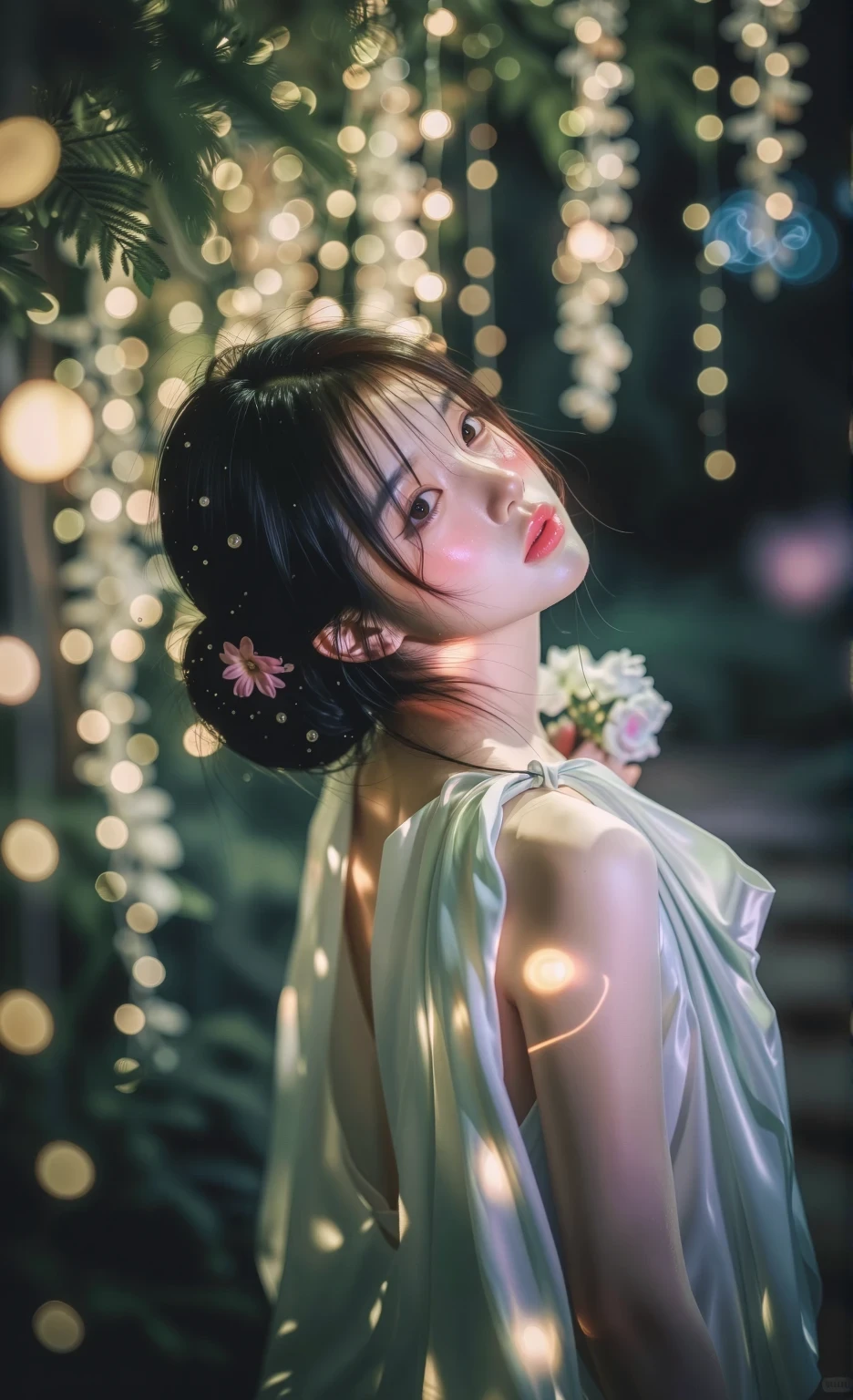
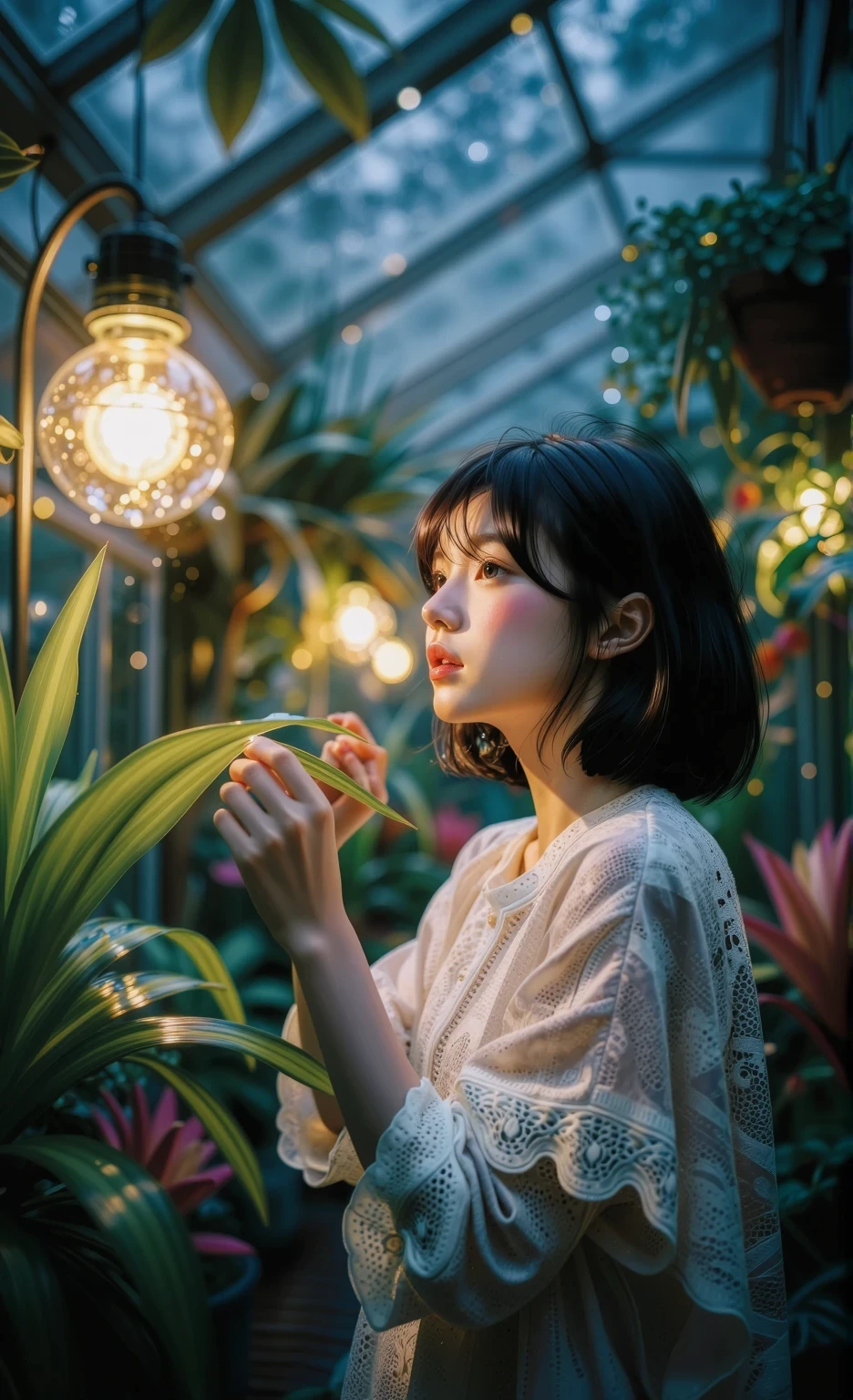
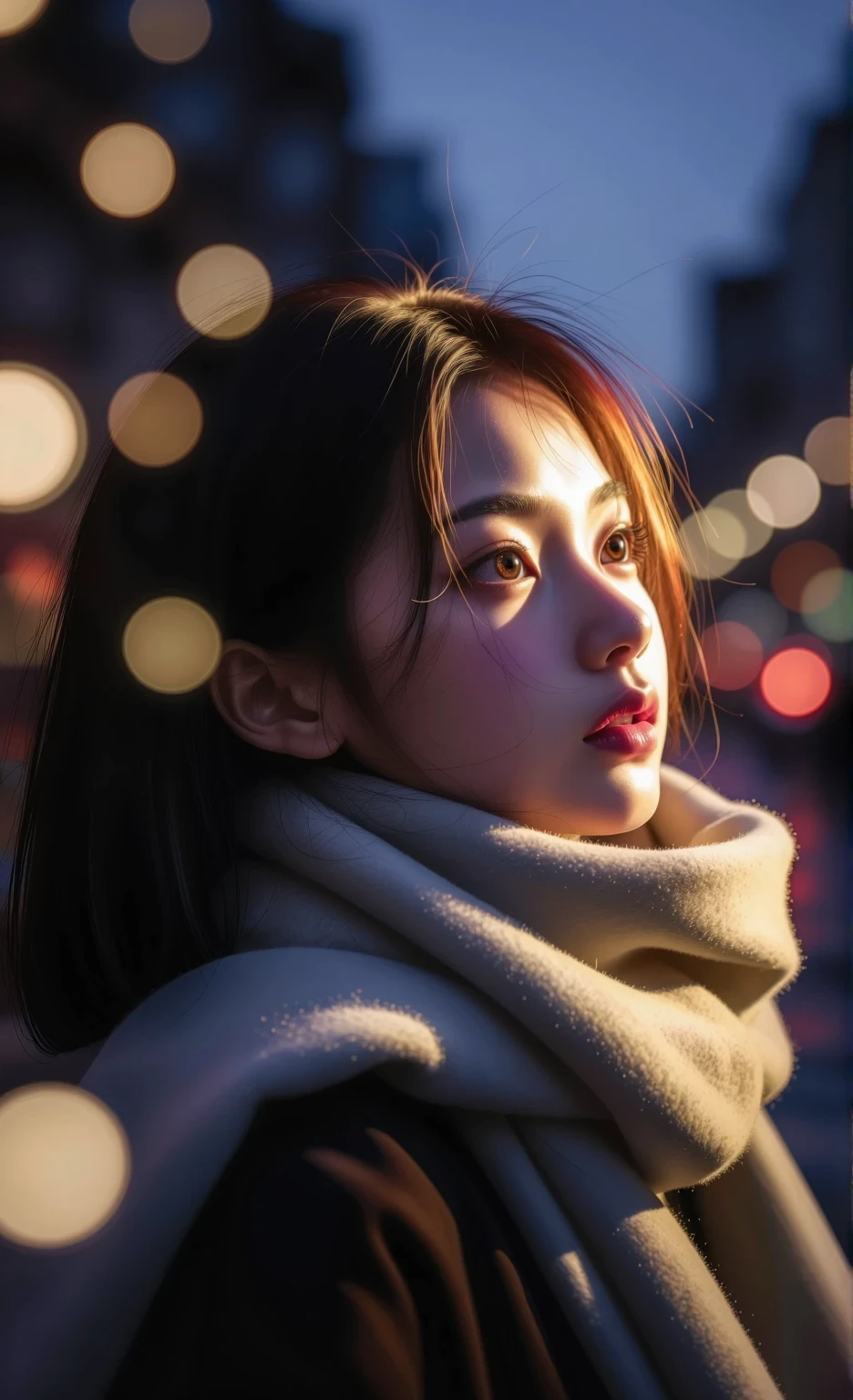
Moody portrait bokeh (Z Image)
Strength : 0.65 +
1. Depth of Field Commands: These commands instruct the AI to simulate a wide aperture, drastically separating the subject from the background.
shallow depth of field: The best universal term, resulting in a shallow depth of field, creating a realistic background blur.
blurry background: Directly blurs the background (enhancing the LoRA effect).
extreme macro shot: For extremely heavy background blur, similar to a close-up shot.
subject isolation: Clearly separates the subject from the background.
2. Bokeh Commands (Emphasis on beautiful bokeh): These commands help create round light spots or diffused light effects in the background.
bokeh background: A mandatory command to directly trigger bokeh effects.
beautiful bokeh: Empowers the AI to create smooth and dimensional bokeh.
sparkling bokeh: Creates a sparkling, shimmering bokeh effect.
out-of-focus highlights: Reflections or light spots that are out of focus.
3. Camera Hardware Simulation (Tricking AI with Lens Specs): Entering lens focal length and F-stop values will greatly stimulate the AI to extract the image style that LoRA has been trained on.
shot on 85mm lens: A popular portrait lens that provides the sharpest background blur.
f/1.2 or f/1.4 or f/1.8: Specifying a wide aperture (low number) will immediately blur the background and create larger bokeh grains.
photorealistic, dslr quality: Increases the realism of image dimensions and natural blur.
4. Words for Creating Light Sources (to Create Bokeh): Bokeh cannot occur without background light, so words that create light points in the background must be included.
city lights at night: Lights from buildings and cars in the city at night (creates colorful bokeh).
fairylights in background: Decorative string lights/flashing lights in the background (creates many small bokeh grains).
sunlight filtering through trees: Sunlight filtering through leaves during the day (creates natural green/gold bokeh).