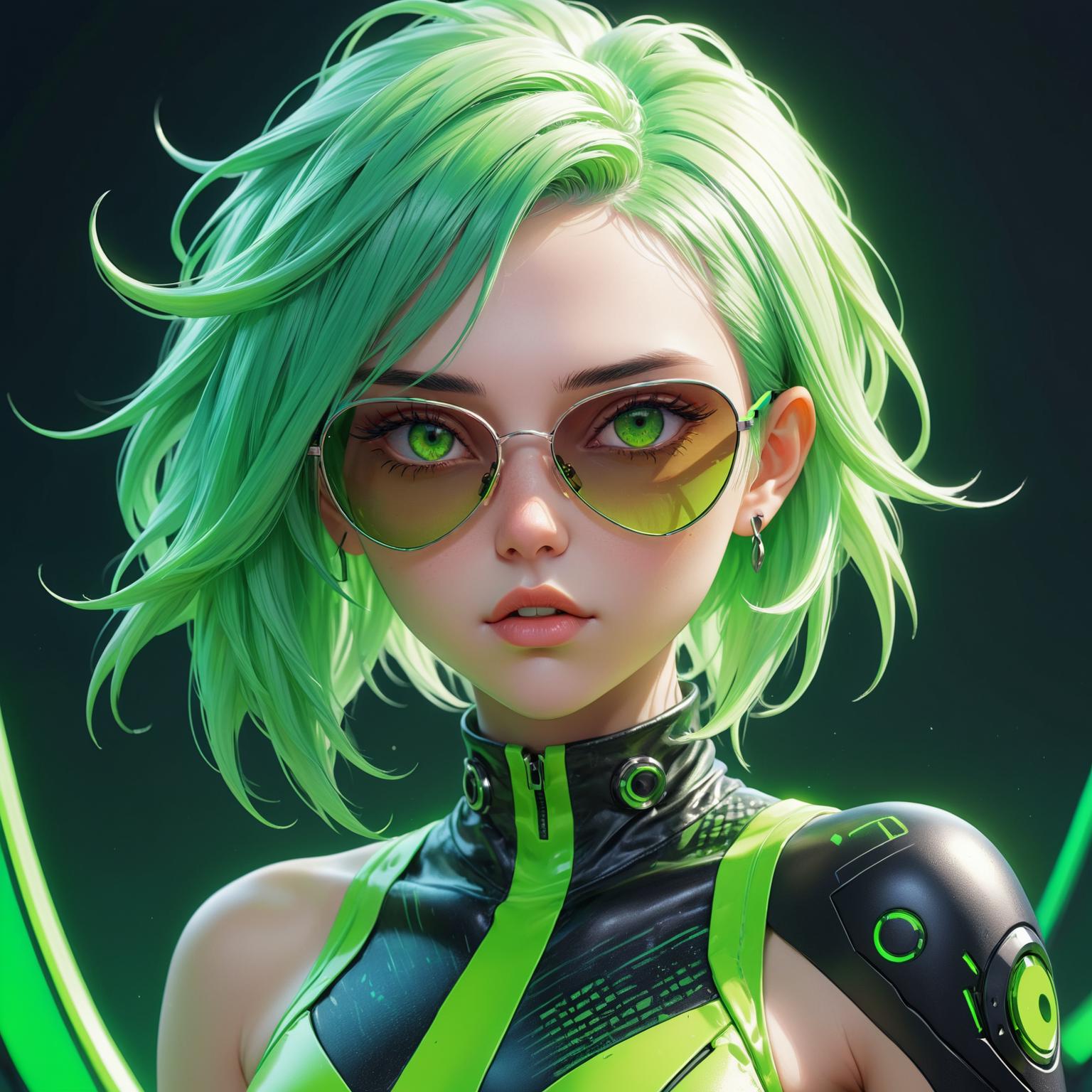
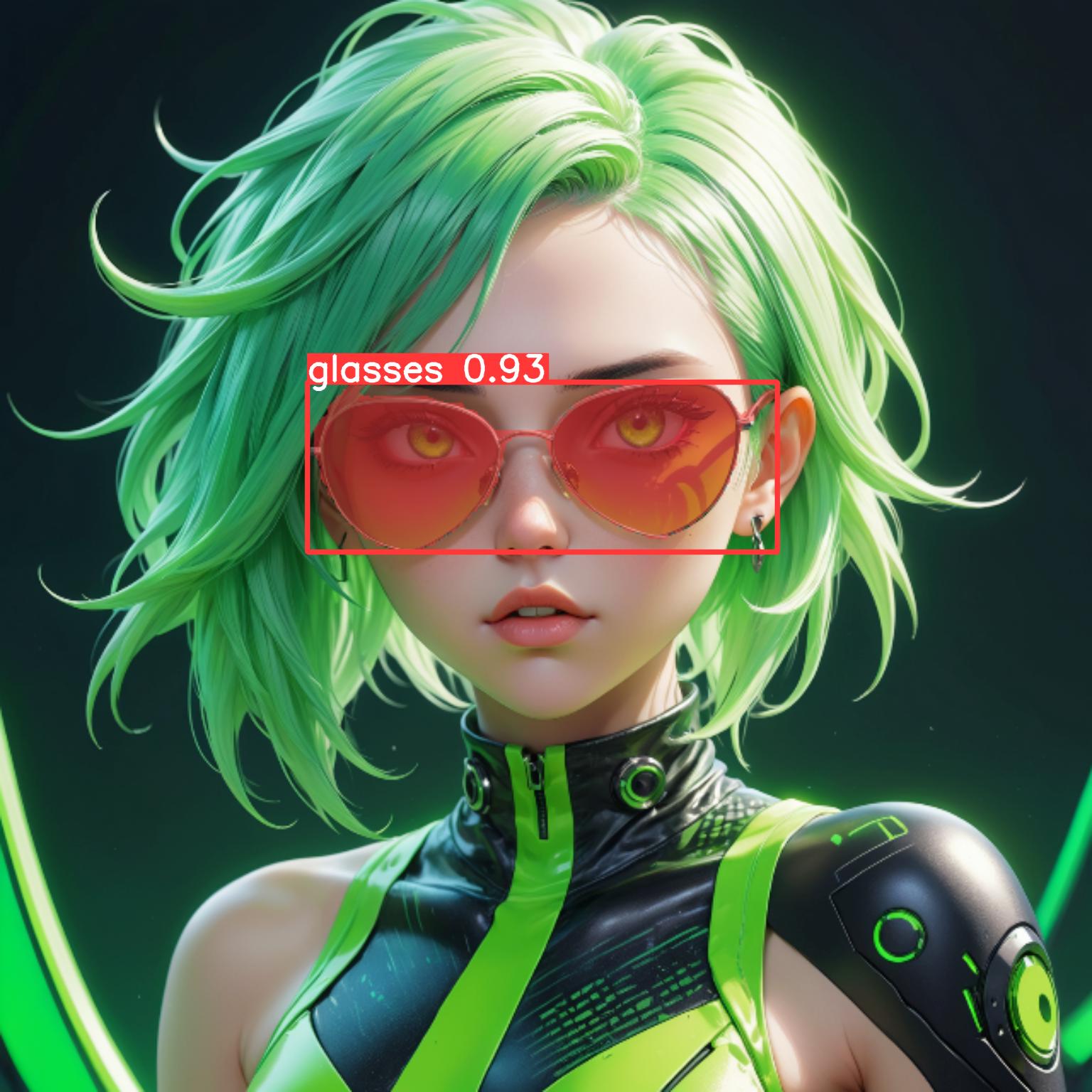
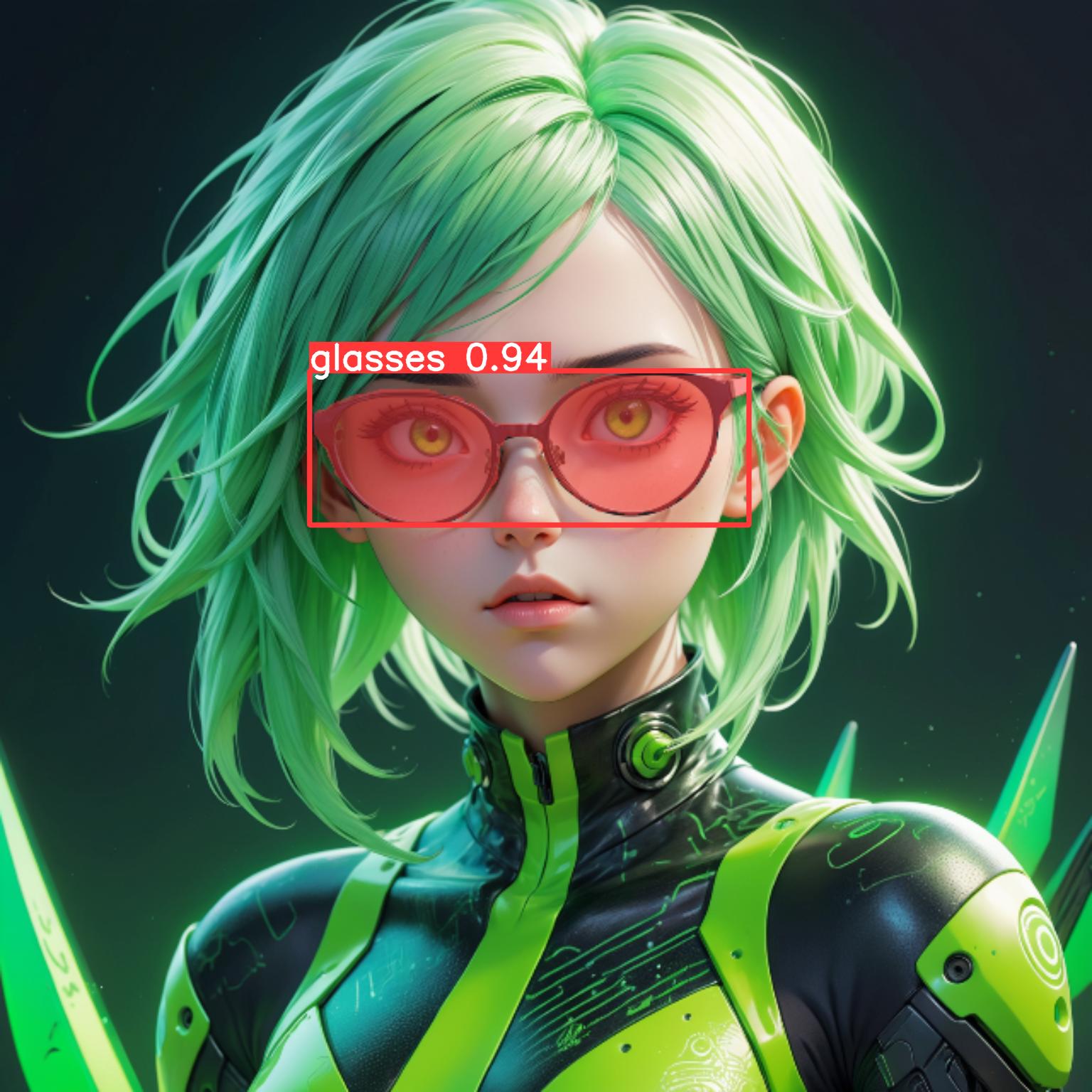
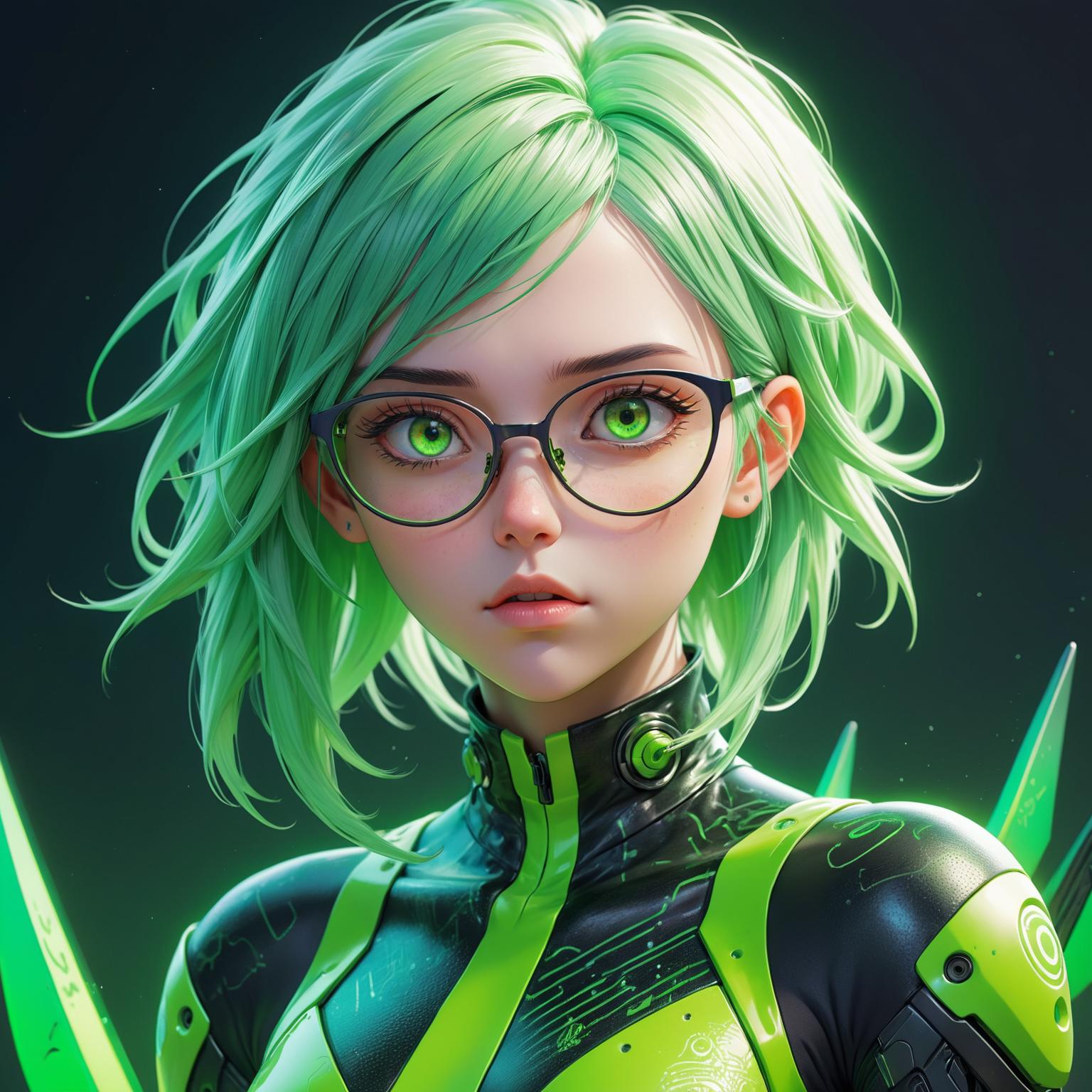
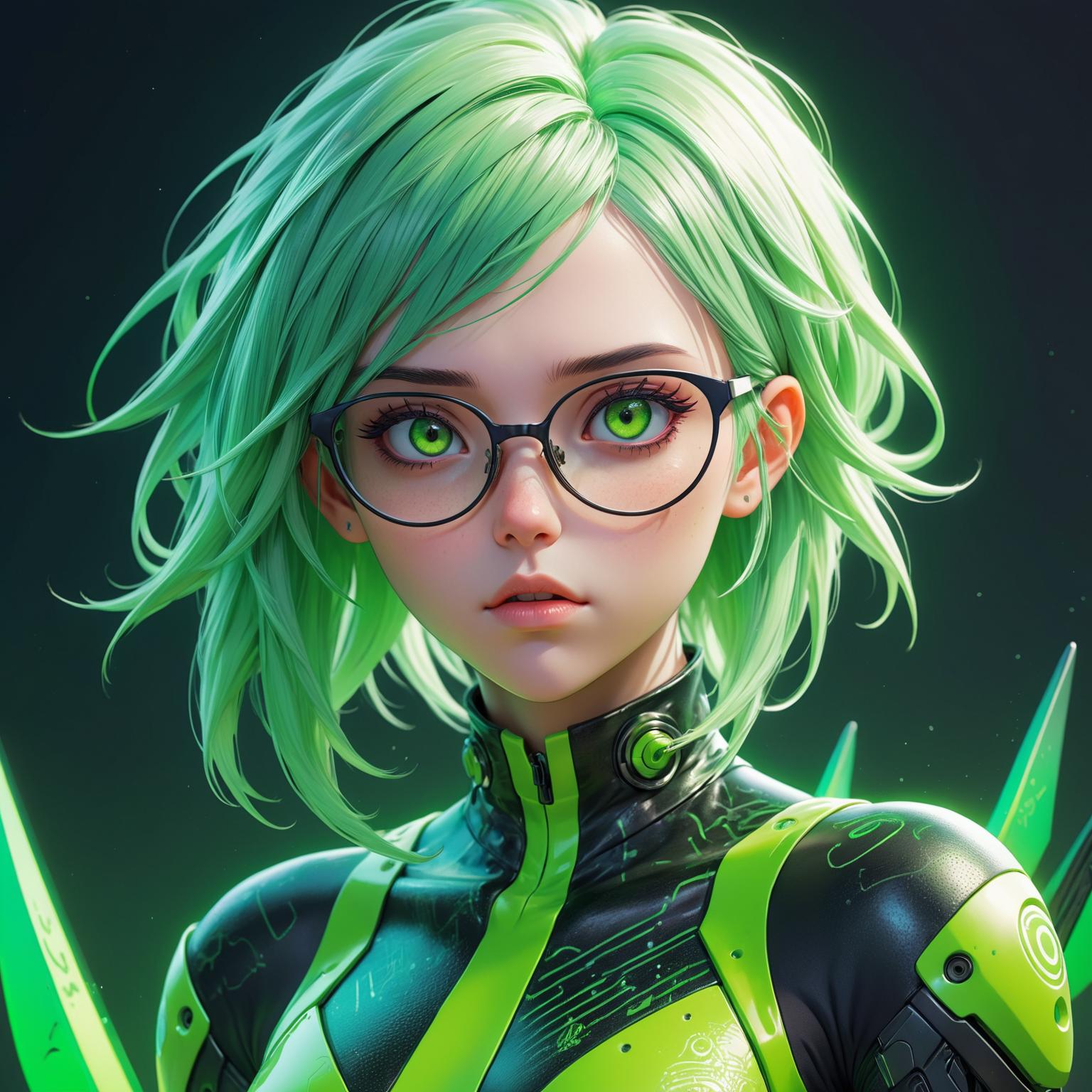
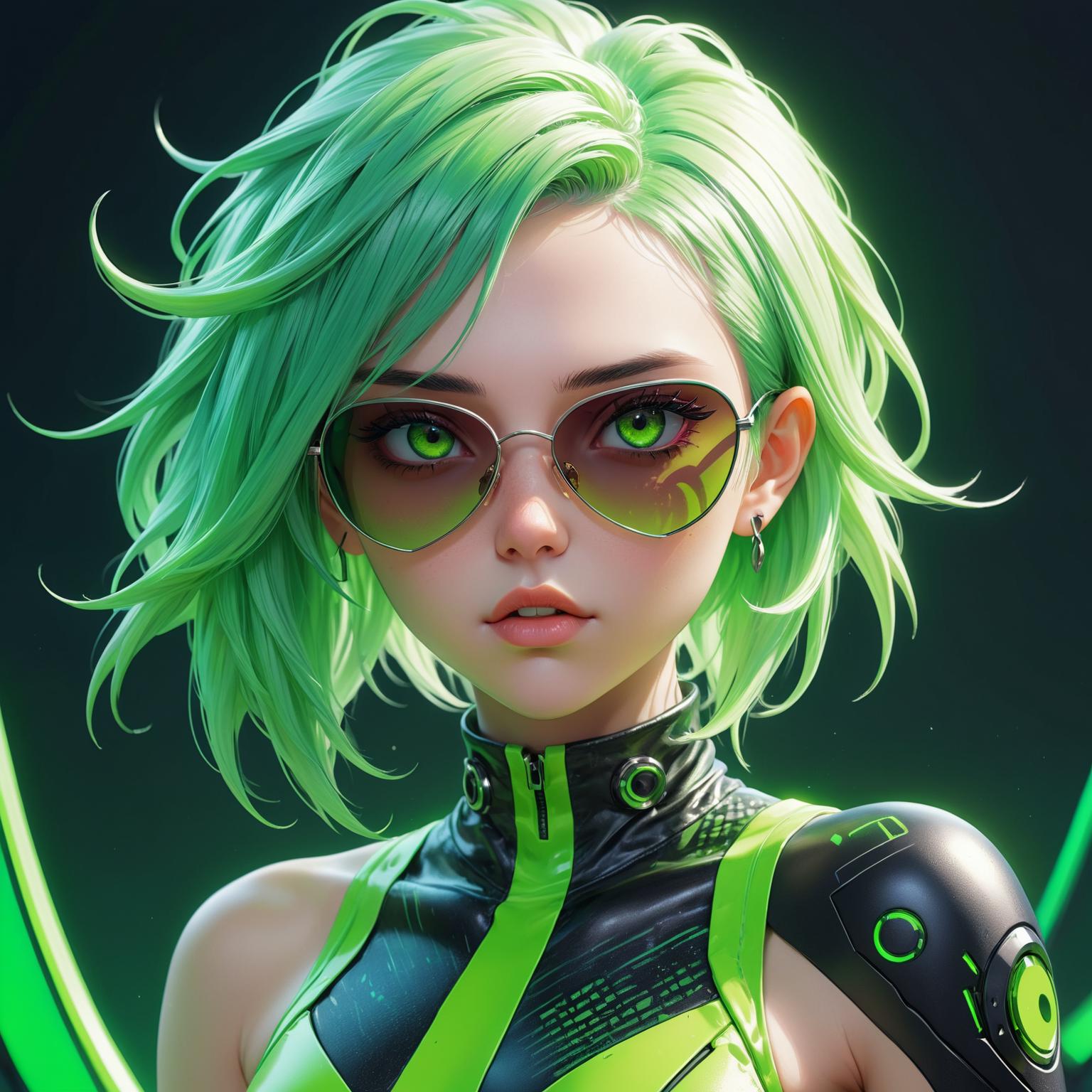
Glasses/Sunglasses BBox/Segmentation for ADetailer
Credits to mnemic for this article and Anzhc for this ADetailer model (see for more information)
Installation:
Download the zip archive
Extract the model into your ADetailer model folder
For the WebUIs like Auto1111, Forge and SD.next it should be in models/adetailer
For ComfyUI it should be in models/ultralytics/segm (or models/ultralytics/bbox for the bbox version)
Start it up (full restart if already had it open) and select the model from the ADetailer tab/node (tip for webui: you can go to Settings→Adetailer and change the number of models that can be used up to 10, very useful if you want to use more than 2 ADetailer models)
Make sure to have correct Detection thresholds/inpaint strength and so on for your images
Generate them glasses!
Works pretty well for detecting glasses or sunglasses. Might have trouble detecting glasses with tiny frame (like those transparent ones). I might work more on this in the future. Please tell me what you think. Thanks! 😊
Description
Initial Bounding Box version
Details
Files
Available On (1 platform)
Same model published on other platforms. May have additional downloads or version variants.