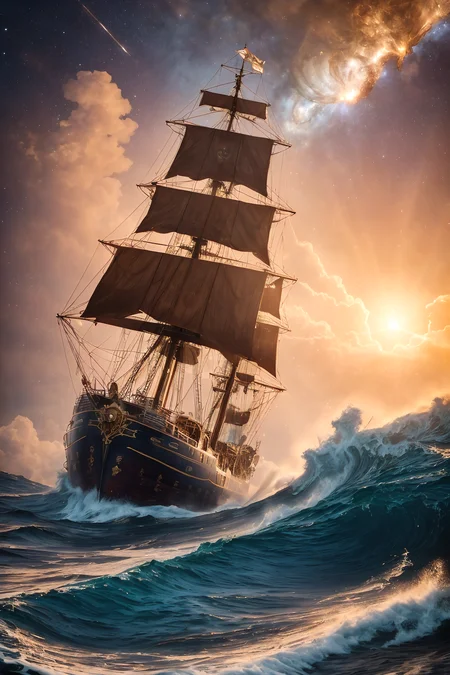
✨3rd Edition OUT NOW!!!✨
NOW OVER 9,700 COMBINED downloads!!!❤️
per sacrificium purificant
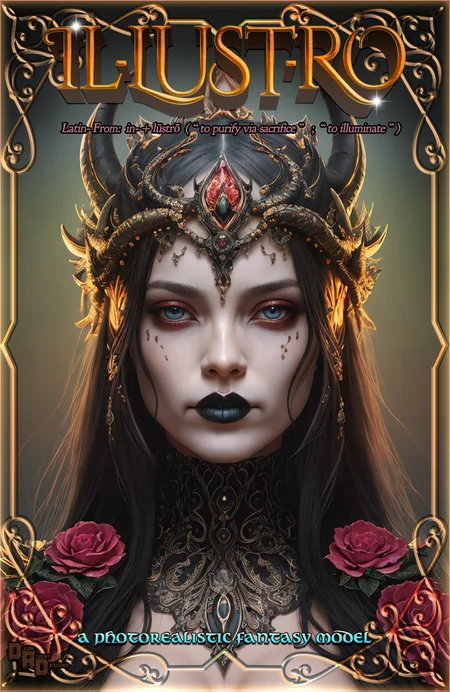
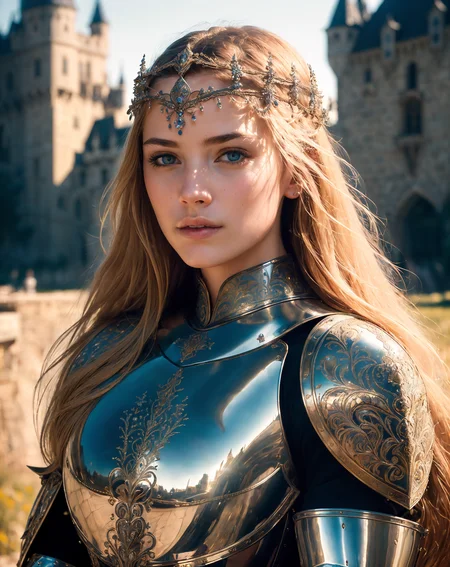
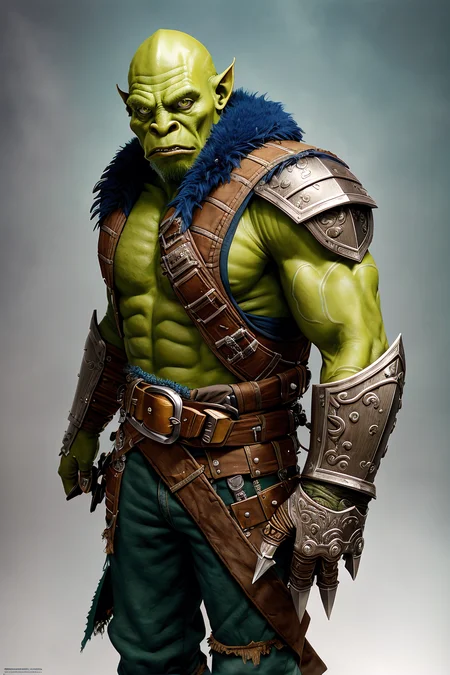
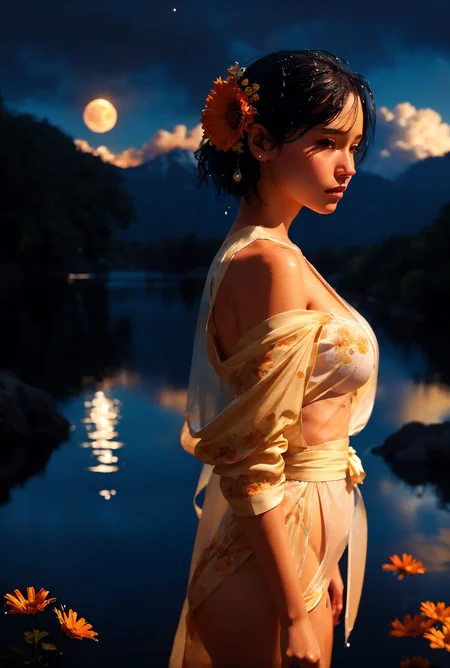
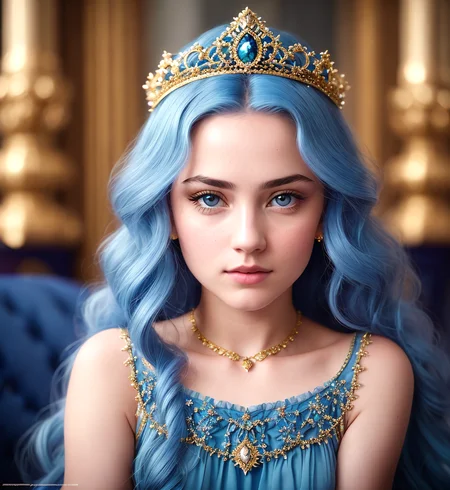
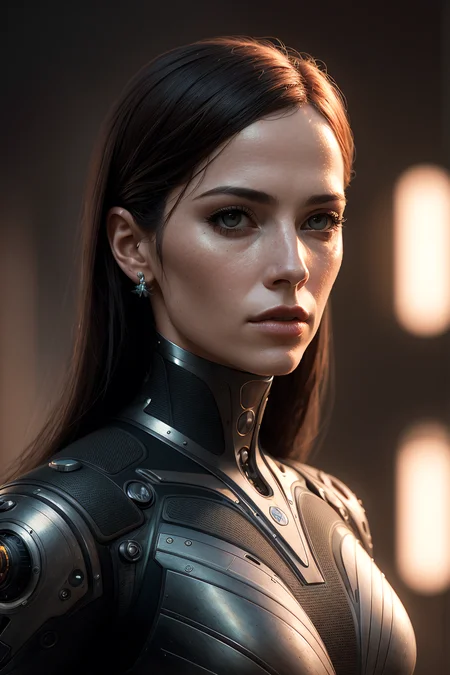
This model is the next evolution of a pure-photorealistic fantasy model. Capable of creating any character & any setting you can feasibly conceive!
It's the most detailed & thoroughly made model I've released as of yet & I spent tireless nights fine-tuning this to be the most epic model I could manage. I spent roughly a month generating examples and running it through its paces. It's also capable of using most LORA's quite effectively so you should be able to create whatever you like.
ALL THE MAIN EXAMPLES ARE 1:1 FOLLOWING MY INSTRUCTIONS YOU SHOULD BE ABLE TO REPLICATE THEM EASILY!
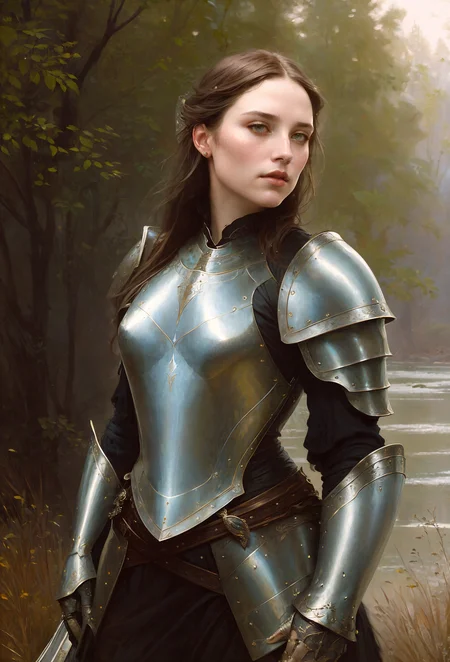
This model can do pretty much any style fantasy art at a very high level. The main concepts:
✔️ fantasy art (retro & modern)
✔️ characters / rpg characters
✔️ photorealistic / realistic
✔️ analog style
✔️ surrealism
✔️ oil painting
✔️ concept art
✔️ cinematic
✔️ scifi/science fiction
✔️ landscapes & scenery
(all of the above list can & should be used as triggers and weights)
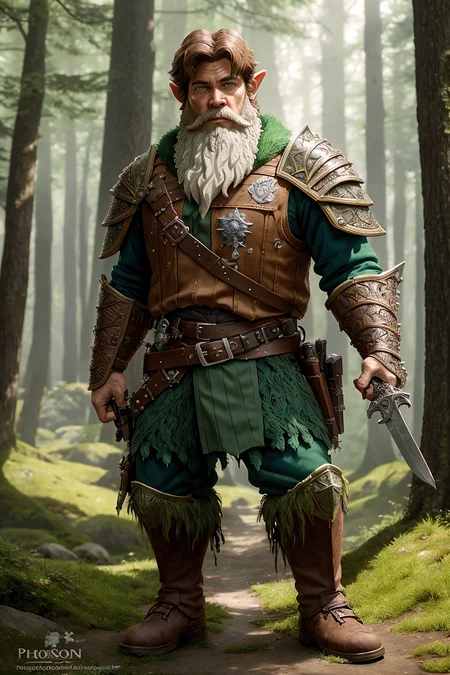
It knows most common D&D races and it will produce some interesting great results when prompted correctly. (It has some minor issues with complicated races such as dragonborn & tieflings, etc. but you should be able to use a LORA to render these effectively. <3)
How to use
There is no embedded VAE but it was designed to be used with this:
☞ vae-ft-mse-840000-ema-pruned.ckpt
I also recommend using the following negatives:
EasyNegative or EasyNegativeV2 (The all around catch all. Always good in a bind)
badhandv4_anime (absolutely your go to neg for anime hands)
bad-hands-5 (good for the more realistic images but will not work amazingly for anime)
bad-artist \ bad-artist-anime (I’ve had good and bad luck)
bad_prompt \ bad_prompt_version2 (works very good sometimes)
(I typically use (bad-hands-5) & (bandhandv4_anime) at the same time to cover all bases.)
(Here are some example settings for you to start with, but please keep in mind YMMV!)
Steps: 30 = Sweet Spot / 10-150
Sampler: DPM++ 2M Karras, DPM++ SDE Karras, Euler A, DDIM,
CFG scale: 4-11.5 = Sweet Spot / 4.5-15
Size: 512x768, 768x512, 640x840, 840x640, 600x896, 896x600, (any size)
Clip skip: 1
Hires Fix: Enabled
Upscale by: 1.5-2
Hires Steps: Equal to Half or Exact the exact amount of Steps (or higher)
Upscaler: Remacri Upscaler, Lollypop Upscaler, 4x_NMKD_DigArt_10k|
( I use DigArt 10k almost exclusively with everything except for 2D illustration & animation )
Description
1ST EDITION / 1.0
Check the main info for more details!
A PHOTOREALISTIC FANTASY MODEL!
Use this vae ☞ vae-ft-mse-840000-ema-pruned.ckpt
FAQ
Comments (7)
I really like this model a lot. You can do some very beautiful things with it in my opinion. Really underrated. Keep it up!
I love this model. It's fantastic for RPG art/portraits. But I'm having trouble generating elves with Lord of the Rings style pointy ears. All I can seem to get is World of Warcraft style pointy ears. Do you have any suggestions for prompts that would help alleviate this? Thanks!
MOST if not all models will generate elves with large ears. It's just a thing inherent in the training. However that being said you can just add: (large ears:0.4-0.7) to your negative and it should tone them down a bit you will have to test it and dial it in. GOOD LUCK! <3
@DarkAgent Thanks for the advice. I was struggling with this as well. I also found that in addition to your suggestion, putting (large ears:1.2-1.4) in the negative prompt can lead to more images with toned-down ear sizes. It's not foolproof, but definitely helps!
If you add or remove it to a later step you can adjust the size of the ears too. example: xxx, xxx, [pointed ears:10] (will add "pointed ears" to the prompt at step 10) or example: xxx, xxx, [pointed ears::10] (will remove "pointed ears" from the prompt at step 10)
Details
Files
Available On (1 platform)
Same model published on other platforms. May have additional downloads or version variants.