








Description
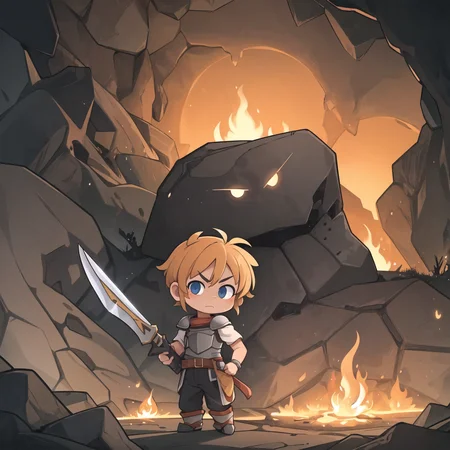
Sharing this because I've gotten a few requests for links. There are some similar models on the site already but it's fun to create your own "style", and to tweak this or that. I may upload multiple version. It's a semi-chibi mix with an artstyle anime and western animation, and it mixes decently with other LoRAs.
This series started with the recipe for AbyssHellMaple but has changed a lot since then. The name was because I was gonna use it for a card-based project at some point.
I really wanted a specific skin texture and I'm glad I could achieve it. It always reminded me of cookie dough for some reason.
Usage
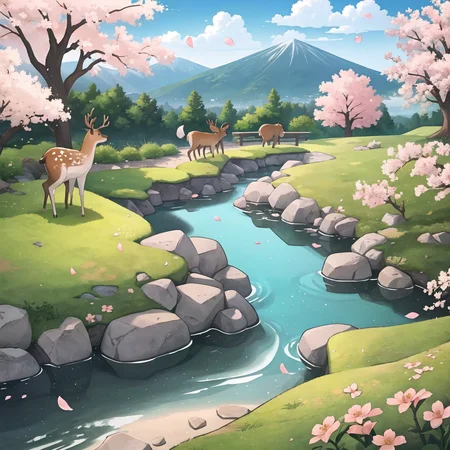
Do whatever pretty much. You can reference the preview images for my usual settings. I recommend the VAE from AbyssOrangeMix3. It mixes pretty well with most character and style LoRAs. Backgrounds are pretty weak in v4 so you'll need to describe them more in your prompts.
Note: Civitai messes up parsing the negatives in the preview images due to an extension. Just remove the duplicate stuff from the regular prompt. ezpz
Components
I'm really annoyed when mixes don't share what goes into them. If you enjoy this model please give the authors some love. Basically I had a few different categories of models in mind when picking LoRAs to merge. v4 uses these
Base Model
AbyssOrangeMix3 (Use the VAE as well)
Chibi / Cute
Squishable Faces
General Style
Each have a mix weight of between 0.1 and 0.4. I found adding a 3d render based lora (pixar in v4) really cleans things up.
Description
Initial public release. Added some 3d and changed component models. Backgrounds are pretty weak.
FAQ
Comments (9)
nsfw posts will go wild with this model
SUPER cute mix, I love this! It goes into my S tier alongside CuteYukiMix, Dorayaki, Thumbelina/Manmaru and the other greats.
Love hearing stuff like that, thanks.
btw, can you vaguely describe (or link) how you made a checkpoint using LoRA infusions like this? I've been wanting to try this out to make a more permanent solution to some LoRA combos I often use
Sure! If you're okay with a CLI/coding you can download kohya_ss' scripts and use their merge_lora script. Otherwise I think there's a extension for A111 called supermerger that does this? I haven't used it though. You'll notice it loads significantly faster than a bunch of separate LoRAs.
For exploring mixings, a fun trick I found was to put all of your style loras into a wildcard using the dynamic prompts extension. So you create a wildcard where each line is for a new lora, like
<lora:pixarStyleModel:${weight}>
(note the $weight, which is a variable) then you use it in your prompt like
__@lora_styles(weight=0.3)__
(note the @, which makes it pick wildcard values in order).
Then set dynamic prompts to use a fixed seed, and set a batch count equal to the number of loras. This will let you try adding every single style lora to your current image, keeping everything else the same. Super handy for discovering new combinations.
@ManaMomo Very helpful, thanks! I appreciate you. <3
this model looks very good.
i will try it
Is a checkpoint merge also a model? I would like to use this for PixAI.They only accept Models and Loras. This looks so good, so please make a Model alternative if you can!!
Stable diffusion models are called checkpoints. A checkpoint merge means it's a combination of other loras + checkpoints. Besides, looks like someone already uploaded it there. But the site doesn't support VAEs so the colours are terrible...
Details
Files
Available On (2 platforms)
Same model published on other platforms. May have additional downloads or version variants.