


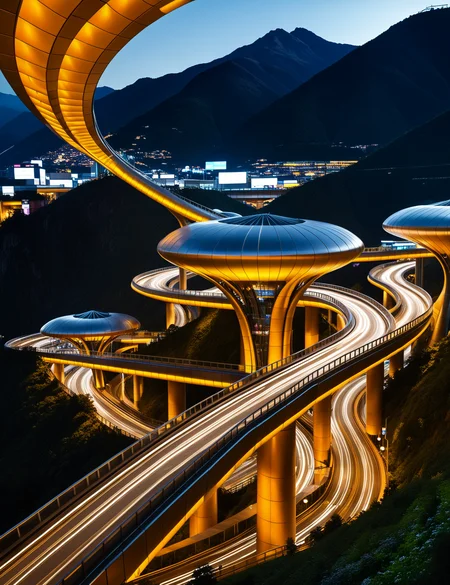


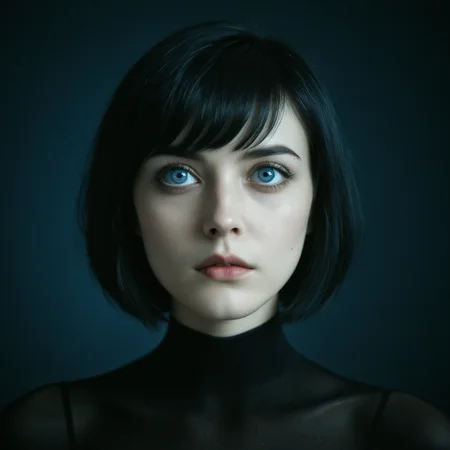


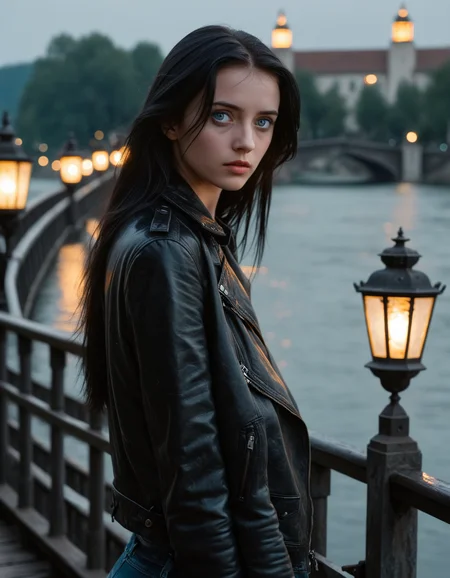


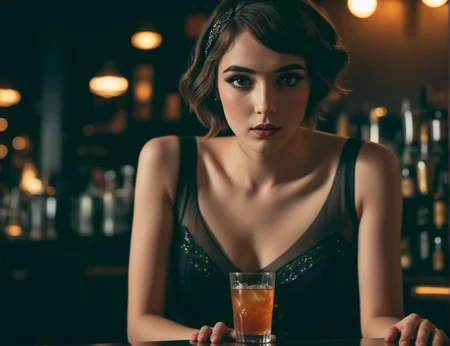
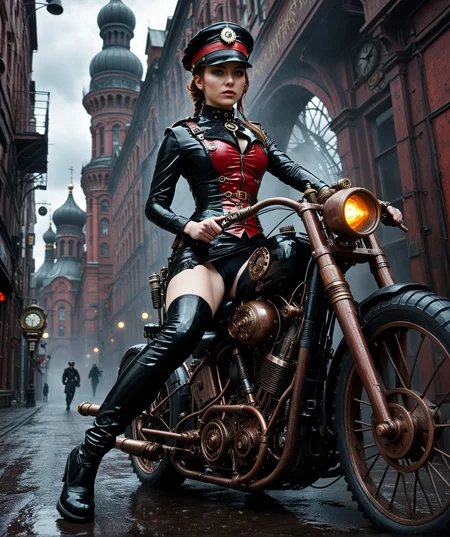
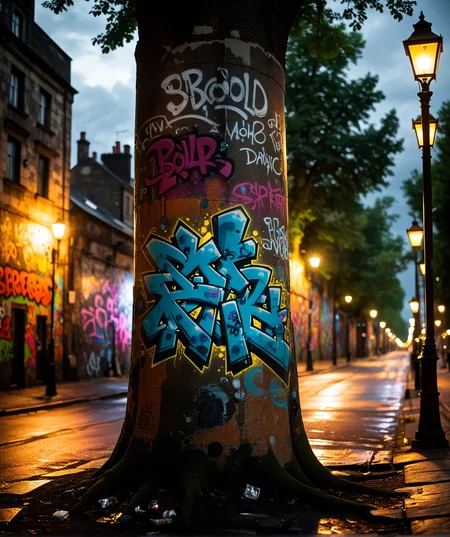


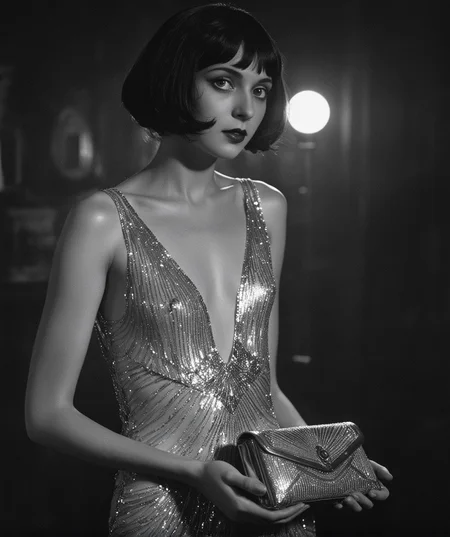

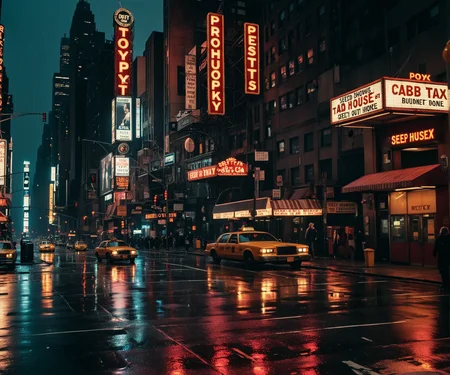
📷 Photorealism - With a Touch of Artistic Magic. ✨
👍 Please Rate! - Your feedback, rating or a follow are greatly appreciated. - Thankyou! 😊
🐇 Any yellow Buzz donated to this model will go toward making it freely available for On-site Generation. 🔮
All example images showcase the base model only, rendered in a single pass at high resolutions, with No detailers, LORAs, embeddings, upscaling or extras of any kind. (The exception being an upscale on the cover image).
There's a workflow embedded in each of my v8 gallery images. (Includes the Kohya Deep Shrink Node & PAG). See the 🗈 notes section at the bottom, for additional guidance. - Standard SDXL VAE is baked.
V8 - Periapsis
(My "Everything Model" is now better at everything)
Higher contrast, color and overall detail, (no need for additional detailers here, the right keyword or phrase will do it)
Further push into photorealism bias, improved skin detail, best prompt adherence to date.
Rock solid CLIP, interprets long naturally phrased sentences quite well. (I would not however, call it flexible, There's a slight learning curve as with V7, see Notes for more info & guidance).
Pairs well with PAG @ 1.00 for expanded detail & prompt adherence.
CFG Range: sweet spots @ 3.8, 4.2, 4.8 & 5, (between these points details like hands can become less stable).
PAG (Perturbed Attention Guidance). If you use Comfy, I usually have this enabled @ a value of 1.
Samplers / schedulers: Supports a wide array of combinations, I find DPM++ 3M_SDE_GPU, / SGM uniform, provides the best cohesion / consistency in most cases. (See 🗈 notes for my preferred combinations & use cases).
Prompting: Natural language is King, tags are still relevant & useful for fleshing out details, but should generally be added after a NatLang description of the scene. (The idiom "Less is More" often holds true).
This model is quite high in prompt adherence, (sometimes to a fault, as it's hypersensitive to contradiction, especially in lighting, camera position & pose). Keep your prompts as clear, logical, & concise as possible. Avoid parenthesis, weighted words, and negatives where possible. (see Notes for more info about best practices).
Formatting example:
Medium: professional photo / amiture photo etc... (no longer needed, but can add a bit of grain).
Summary: photo of a woman enjoying a beverage at the neighborhood bar...
Tags: alluring gaze, light blue eyes, looking at another, etc.
Background details / Lighting / photocentric descriptors, I.E. film type, lens, blur effects zoom etc. (some lighting, color & cameral calls can benefit from strengths <1 to avoid overcooking. Tags like: desaturated / muted colors can also be helpful.
(See my sample images for more detailed examples),
Steps: 36, (I swear by it), 10 - 16 for LCM / AYS.
Resolution: I've been using multiples 64 as that seems to be most stable, (Some resolutions I use regularly include: 1152 x 1536, 1280 x 1728, 1344 x 1920 1408 x 1920 & often up to 1536 x 2048. Things will stay quite stable up to about 1408 x 1920 provided you're using the Kohya Deep Shrink node. (load one of my sample images (from v6) in ComfyUI for a simple workflow that includes it with recommended settings.
See the new 🗈 NOTES section below for a description of the Kohya Deep Shrink node, my recommended settings, best samplers / schedulers, & additional guidance.
Added the following models:
ReaXL v3
MoonArt Cauldron Mix
V7 - Apoapsis (Experimental)
Greatly improved lighting control & quality.
Further push into photorealism bias, improved skin details, best prompt adherence to date.
Known Issue: The latest version of the CLIP merge has introduced a slight instability, leading to an occasional noise output. This happens when elements within the prompt are interpreted, by the text encoder, to be contradictory. It can be easily rectified by refining the prompt, (best option), or in many cases, changing any setting. See the Notes section bellow for more detail.
CFG Range: 2.8 - 6.5 with 2 sweet spots @ 3.5 - 3.8 & 4.5 - 4.8, (between these two points details like hands can become less stable).
Samplers / schedulers: Supports a wide array of combinations, I find DPM++ 3M_SDE_GPU, / SGM uniform, provides the best cohesion / consistency in most cases. (See 🗈 notes for my preferred combinations & use cases).
Prompting: Natural language is King, tags are still relevant & useful for fleshing out details, but should generally be added after a NatLang description of the scene.
This model is quite high in prompt adherence, (sometimes to a fault, as it's hypersensitive to contradiction, especially in lighting, camera position & pose). Keep your prompts as clear, logical, & concise as possible. Avoid parenthesis, weighted words, and negatives where possible. (see Notes for more info about the known issue).
Formatting example:
Medium: RAW photo / professional photo / amiture photo etc...
Summary: photo of a woman enjoying a beverage at the neighborhood bar...
Tags: alluring gaze, light blue eyes, looking at another, etc.
Background details / Lighting / photocentric descriptors, I.E. film type, lens, blur effects zoom etc.
(See my sample images for more detailed examples),
Steps: 30 - 40, (I use 36 - 38 most often, 10 - 16 for LCM / AYS).
Resolution: I've been using multiples 64 as that seems to be most stable, (Some resolutions I use regularly include: 1152 x 1536, 1280 x 1728, 1344 x 1920 1408 x 1920 & often up to 1536 x 2048. Things will stay quite stable up to about 1408 x 1920 provided you're using the Kohya Deep Shrink node. (load one of my sample images (from v6) in ComfyUI for a simple workflow that includes it with recommended settings.
See the new 🗈 NOTES section below for a description of the Kohya Deep Shrink node, my recommended settings, best samplers / schedulers, & additional guidance regarding the know issue.
Added the following models:
SDXL Hybrid Mutant Engine (CLIP)
Juggernaut XL - Ragnarok (CLIP only)
V6 - Escape Velocity
Enhanced contrast, saturation & black levels.
Further push into a natural language & photorealism bias, while expanding artistic composition.
Photorealism can now be maintained @ higher CFG values than in prior versions.
Expanded sampler / scheduler options
I've started using the (Kohya Deep Shrink) node, (a default node in ComfyUI). It's an absolute game changer in terms of image stability @ higher resolutions. I made a simple workflow for it, (embedded in each of my gallery images). I don't see a point in ever generating in standard res again, (outside of testing).
CFG Range: 3.0 - 6.5 (I typically use 3.8 -4.8).
Samplers / schedulers: DPM++ 2M_SDE_GPU, DPM++ 2M_SDE, DPM++ 3M_SDE_GPU, DPM++ 3M_SDE, Euler_A, heun, dpmpp_2M, DDPM / Simple, SGM uniform, Karras, Exponential, ddim_uniform, beta, normal, AYS (See 🗈 notes for my preferred combinations & use cases).
Prompting: Natural language is King, tags are still relevant & useful for fleshing out details, but should generally be added after a NatLang description of the scene.
(avoiding negative prompts where possible can improve overall quality)
Medium: RAW photo / professional photo / amiture photo etc...
Summary: photo of a woman enjoying a beverage at the neighborhood bar...
Tags: alluring gaze, light blue eyes, looking at another, etc.
Background details / Lighting / photocentric descriptors, I.E. film type, lens, blur effects zoom etc.
(See my sample images for more detailed examples),
Steps: 30 - 40, (I use 36 most often, 10 - 16 for LCM / AYS).
Resolution: I've been using multiples 64 as that seems to be most stable, (Some resolutions I use regularly include: 1152 x 1536, 1280 x 1728, 1344 x 1920 1408 x 1920 & sometimes up to 1536 x 2048. Things will stay quite stable up to about 1408 x 1920 provided you're using the Kohya Deep Shrink node. (load one of my sample images in comfyui for a simple workflow that includes it with recommended settings.
See the new 🗈 NOTES section below for a description of the Kohya Deep Shrink node, my recommended settings, best samplers / schedulers, & additional guidance.
Added the following models:
Artaix Realism SDXL v3 by wildzzz
GrAaM_XL_Juicy by graam558
MoP Mix ERP by GBRX
ASTRAL FORGE XL v2 by MINDZ_FUELING_MEDIA
updated dataset / LORA
(See full list of models used / credits below)
V5 - Cinéma Chiaroscuro
(High realism, capable of high contrast chiaroscuro effect & highly cinematic scenes, greater prompt adherence).
A return to a stronger photorealism bias. (use lower CFG: 3.5 - 5-ish to achieve this). (a photorealistic look can still be achieved in the higher ranges, (6.5-ish) by adding film-centric quality tags to your positive prompt: (avoiding negative prompts where possible can improve overall quality)
CFG Range: 2.8 - 9
Samplers / schedulers: DPM++ 2M_SDE, DPM++ 3M_SDE, Euler_A / SGM uniform, Karras
I generally prefer SGM uniform, DPM++ 2M_SDE @ 32-38 steps.
I've been experimenting with higher resolutions to good effect: Below are just some ideas, don't feel constrained to these ratios
Multiple columns for different ratios. (The highest resolutions can be tricky depending on composition). Adding (malformed, distorted, warped, stretched) can be helpful.
1536 x 1536 | 1840 x 1536 | 1584 x 1232 | 1824 x 1248 | 2016 x 1152
1280 x 1280 | 1528 x 1280 | 1440 x 1120 | 1552 x 1040 | 1680 x 960
1024 x 1024 | 1224 x 1024 | 1152 x 896 | 1216 x 832 | 1344 x 768
(I've been using: 1120 x 1440, 1232 x 1584, 1344 x 1728 most often).
Added the following models:
Lustify GGWP (V7)
BATCH XL ( PHOTO REAL)
Cinema Diffuso XL
Real Humans (LORA)
dark (dramatic chiaroscuro lighting) (LORA)
(See full list of models used / credits below)
Adjusted / rebalanced ratios of preexisting models. Updated / retrained custom style LORAs
V4 - Gravitational Lensing
(More artistically capable, greater prompt adherence, a bit more fantasy vs realism).
Mainly a rebalancing / adjusted ratios of existing ingredients.
Added the following models:
itercomp, (for better natural language handling)
Photoart v6 (gives more bias to an HDR look)
SPO-SDXL (lora), (injects noise / clutter into the image greatly improving background details)
(See full list of models used / credits below)
See v3 bellow for settings as they reman unchanged for this version
V3 - Photo Noir
(Capable of much higher resolutions), (> 2 megapixels).
much greater photorealism. (use lower CFG: 1.8 -3-ish to achieve this). More varied and artistic compositions in the higher CFG ranges, (up to 9-ish or higher if you're getting artsy). (a photorealistic look can still be achieved in the higher ranges by adding the following examples to your negative prompt: (unreal, airbrushed, cartoonish, plastic skin)
I've been experimenting with higher resolutions to great effect:
Multiple columns for different ratios. (The highest resolutions can be tricky depending on composition). I still prefer SGM uniform, DPM++ 2M_SDE @ 38 steps. (I occasionally use 48-50) (length & width can be flipped as needed), (See v2 notes for additional sampler / scheduler info).
1536 x 1536 | 1840 x 1536 | 1584 x 1232 | 1824 x 1248 | 2016 x 1152
1280 x 1280 | 1528 x 1280 | 1440 x 1120 | 1552 x 1040 | 1680 x 960
1024 x 1024 | 1224 x 1024 | 1152 x 896 | 1216 x 832 | 1344 x 768
(Standard resolutions and other samplers are still fine, see note from earlier versions).
Added the following models:
Lustufy OLT (Fixed Textures)
The Araminta Experiment FV5
RealVisXL V5.0 (BakedVAE)
Photonic Fusion SDXL Finalé
DetailedEyes_XL V3 (lora)
(See full list of models used / credits below)
Adjusted / rebalanced ratios of preexisting models
v2 - Nue Aspect
(Can now do SFW content equally well)
Greatly improved in all aspects, (far more prompt compliant, SFW images are now quite viable).
the artistic side of the model is more robust and photorealism also improved.
Sampler: DPM++ 2M SDE SGM Uniform, (most consistent good results) - I also use DPM++ 3M SDE. Karras and Exponential work well also.
Clip skip: 1 or 2 (should yield same results)
Resolution: (I often use 1024x1328, 1128x1328, 1024x1280, & 1128x1280 in portrait and landscape).
All standard 1MP resolutions work well in portrait and landscape, (depending on context)
CFG: 2.0 - 9.0 (higher for non-photorealistic - I generally use 3.8 - 6.4)
Steps: 30 - 50 (I use 38 or 48 most often) try 40-50 if your struggling to get a post, or good eyes.
I'm now recommending scheduler: SGM Uniform, (seems most constant for well drawn eyes), Karras and Exponential are still fine options.
neg-promt: "plastic skin" can be helpful as you go over 3.8 CFG (roughly). I similarly use cartoonish & or unreal, with different effects in different contexts.
Prompting:
Primarily natural language, tags can be used also, (look to my sample images for examples) .
negative prompts - aside from "underage" or "child" I don't recommend anything be present for all scenarios. This is very context specific. I always recommend starting simple and adding tags as needed. (one exception is "plastic skin" once I go higher than 3.8 CFG), (look to my sample images for examples)
My samples are uploaded without any upscaling or facial detailer.
Added the following models in v2:
BigAsp v2 (you owe it to yourself and it's creator to try it).
Lustify v2 and v4
NatVis: NaturalVision v2.5
OnlyforNSFW118 v2
ColossusProjectXLSFW v12c
(See full list of models used / credits below)
v1.0 Porn Nouveau
(Can do SFW well, but will often refuse)
VAE: sdxl_vae (included)
Clip skip: 1 or 2 (should yield same results)
Sampler: DPM++ 2M SDE Karras (most consistent good results - I also use 3M with exponential)
Resolution: all standard 1MP resolutions work well in portrait and landscape, (depending on context) (I often use 1024x1328 and 1128x1328 in portrait and landscape)
CFG: 2.0 - 9.0 (higher for non-photorealistic - I generally use 3 - 7)
Steps: 30 - 50 (I use 38 or 48 most often)
Prompting:
Primarily natural language, tags can be used also, (look to my sample images for examples) .
negative prompts - aside from "underage" or "child" I don't recommend anything be present for all scenarios. This is very context specific. I always recommend starting simple and adding tags as needed. (look to my sample images for examples)
My samples are uploaded without any upscaling or facial detailer.
v1.0 is a bit over trained for sex. If using a LORA to reinforce a pose / concept, I generally recommend low strengths.
🗈 Notes & Tips:
(to be expanded over time),
Preferred Sampler / Scheduler combos: in order preference:
DPM++ 3M_SDE_GPU,  / SGM_uniform, Simple, beta,
DPM++ 2M_SDE_GPU,  / SGM_uniform, Simple, beta,
DPM++ 2M_SDE,      / SGM_uniform, Simple, beta,
Euler_A,           / Simple, beta, SGM_uniform, exponential,
DPM++ 3M_SDE,      / Simple, SGM_uniform, beta,
heun,              / Simple, beta, (Sometimes garbage, sometimes pure gold)
dpmpp_2M,          / beta, (same as the last one, hit or miss depending on scenario, but when it behaves, it's a clear winner, after some trial & error it becomes more predictable).
DDPM               / ddim_uniform, (High accuracy with clean details, a bit of a washout - overexposed effect, but with higher CFG's & / or charged terms in your prompting, this can become the best option.)
Karras, tends to overcook things and glitch eyes, I almost never use it, (I know people swear by it, it's great for many scenarios / models but generally not with mine.
Exponential, pairs well with LCM to mitigate washout
AYS, works well, but I prefer LCM with this model.
------
Known Issue: The latest version of the CLIP has introduced a slight instability leading to an occasional noise output. This happens when the text encoder interprets elements within the prompt to be contradictory, it can be easily rectified by refining the prompt, (or in many cases, changing any setting).
This issue was observed during the latest CLIP merge. I was merging SDXL Hybrid Mutant Engine CLIP into the existing Fabled Illusion v6 CLIP and discovered an instability point @ 64% Fabled v6 / 36% Hybrid CLIP, where white noise was produced about 98% of the time. a couple points to either side produced interesting but mostly unusable results, staying just on the edge of that, produced the results I was looking for. I merged @ 32% Hybrid knowing the instability was there, but I felt it was worth it for the gains. (I'll attempt to merge out the unwanted behavior while preserving the benefits in the next full version, (I'm planning to release a 6.1 DMD2 & 7.1 DMD2 before I start work on v8).
------
Patch Model Add Downscale (Kohya Deep Shrink),
is a default node in Comfy that greatly increases image stability by compressing the Unet model during the 1st compositional stage of image generation then re-expanding it for fine details.
Parameters of concern include:
Block number: (3 is default but 4 can also be useful in some instances).
Downscale Factor: (I use 1.5 as a default but will go as low as 1.25 for resolutions close to standard, & sometimes as high as 2 if pushing the upper limits.
End Percent: (this is the percentage of total steps, the point at witch the unet will decompress. You can generally leave this at 0.35, but I sometimes make slight adjustments if I'm trying to eliminate a pesky error.
-------
⭐ Resources used ⭐ Creator thanks ⭐
Checkpoints:
Lustify v2.0 v4.0, OLT (Fixed Textures), & GGWP (v7) by coyotte
Anteros XXXL v1.0 by erotes_anteros
SDXXXL v3.0 by razzz
NatViS: Natural Vision v1.0 & v2.5 by ndimensional
The Araminta Experiment (SDXL+Flux) Fv1 & Fv5 by aramintastudio
Acorn Is Boning XL XLv1 & XLv2 by Seeker70
Uber Realistic Porn Merge 🦄PonyXL-Hybrid (URPM) XLv6 by saftle
SDXL Photorealistic Mix [NSFW] v1.0 by Adahm
PornWorks Real Porn ● Photo Realistic NSFW SDXL Chekpoint v4.0 by pornworksai
OnlyForNsfw118 v2 by ErrethAkbe (no longer available on this site)
iNiverse Mix XL(SFW & NSFW) GuoFeng XL v1.5 by JinnGames
ASTRAL FORGE XL v1.0 & v2 by MFM_STUDIOS
SDXL Unstable Diffusers ☛ YamerMIX NihilMania by Yamer
Juggernaut XL v XI Unet - Ragnarok (CLIP Only) by KandooAI
LEOSAM's HelloWorld XL v7.0 by LEOSAM
Colossus Project XL (SFW&NSFW) v12c by Afroman4peace
RealVisXL v5.0 (BakedVae) by SG_161222
Photonic Fusion SDXL Finalé by StecFX
PhotoArt v6.0 by OliviaRossi
Cinema Diffuso XL by BastianAI
BATCH XL ( PHOTO REAL) by batchofcookies
Artaix Realism SDXL v3 by wildzzz
MoP Mix ERP by GBRX
SDXL Hybrid Mutant Engine (CLIP) by Tarendax
MoonArt Cauldron Mix by Moonbear_AIArt
LORAs:
first_nsfw_for_sdxl v7 by sevenof9247
better faces cultures sdxl/FLUX Face Enhancer v3 by sevenof9247
Porn Productivity(multi-concepts) PP-21 ver.1 by suede2031691
Chipmunking SDXL v2.0 by SeaEng
SDXL FaeTastic Details v24 by Faeia
Deep Throat XL v1.0 by MakeThemComeAliveAIArt
sideanal SDXL v1.0 by alejnd77
Description
Capable of much higher resolutions, (> 2 megapixels).
much greater photorealism. More varied and artistic compositions.
I've been experimenting with higher resolutions to great effect:
Multiple columns for different ratios. (The highest resolutions can be tricky depending on composition). I still prefer SGM uniform, DPM++ 2M_SDE @ 38 steps. (I occasionally use 48-50)
1792 x 1792 2142 x 1792 1728 x 1344 2128 x 1456 2352 x 1344
1536 x 1536 1840 x 1536 1584 x 1232 1824 x 1248 2016 x 1152
1280 x 1280 1528 x 1280 1440 x 1120 1550 x 1040 1680 x 960
1024 x 1024 1224 x 1024 1152 x 896 1216 x 832 1344 x 768
(Standard resolutions and other samplers are still fine, see note from earlier versions).
Added the following models:
Lustufy OLT (Fixed Textures)
The Araminta Experiment FV5
RealVisXL V5.0 (BakedVAE)
Photonic Fusion SDXL Finalé!
DetailedEyes_XL V3 (lora)
Adjusted / rebalanced ratios of preexisting models.
FAQ
Comments (16)
It's a great checkpoint but unfortunately very biased to blowjob/fellatio. I tried prompting lesbian, cunnilingus, nothing in the prompt suggesting hetero, and still got male parts in the pic, lol. This is for PhotoNoir but I haven't tried the others yet
Indeed, the lingus can be quite elusive. Check out my example photos. There's at least 1 with a male performing the act. It can be hard to pull off though, even with aggressive prompting.
Oh sorry, you were trying for lesbian. That is a bit easier actually, I'll try to add a few more examples in a couple days so you can take and modify the prompt.
@prodajie Yeah, from what I've seen in my years of trying ai, since the beginning of 1.4sd cunnilingus has single handily been the most difficult thing gen consisitently
@Light7799 I posted a few examples, prob not exactly what your looking for, (more suggested than full commitment). I hope this is somewhat useful. https://civitai.com/posts/14985642
I'll be posting a few more using Blinkdotleh's Ultra photorealistic workflow, (linked in suggested resources), where IL or pony creates the initial composition, before switching over to Fabled for photorealistic refinement.
Update: I found the missing lingus. It's in v5.
With simple prompt it does not show any significant "art style" or any NSFW capabilities.
If IL checkpoints usually output something super hot, this one make boring females which just sit with pokerfaces and do nothing (same as censored vanilla SDXL).
Maybe my prompting skills not good enough for this checkpoint.
(I think, I am used to IL checkpoints and expect too much from "normal" SDXL, do not take my comment too serious).
Sorry, this is in fact, not an IL checkpoint. This is an SDXL check point. There are many IL checkpoints if that's what you prefer. I do suggest, you give the workflow by blinkdotleh (linked in suggested recourses) as try. It uses an IL checkpoint to generate the original composition, and Fabled Illusion to give it a photorealistic polish.
The best model used as a refiner I found so far.
Great realism and position acknowledgement!
Thank you.
hi @blinkdotleh
I have a question: if you use Forge, in the refiner section, what value do you use? The default value is "Switch at: 0.8". Your advice would be helpful, thanks!
@mv_ia oy, i use comfyui so i dont know about how forge is doing the calc, but.. when working with similar base model that can do realism its about 0.7 and when working with totally anime base 0.3 according to my calc.. gl!
This is actually my favorite model at the moment. It adds a wide range of styles when prompted, very nice details, works very well with most loras. The poses are dynamic and interesting, lewd or just more interesting than straight forward staring at the viewer, for SFW images.
I use this in my own personal checkpoint merges as the base, and it creates great results. Some I could even see making my own Civitai listing for it, but I won't.
It does lack in facial expressions, and a few basic expressions require a high weight (laughing, screaming, etc). Many expression prompts default to stoic or bored, especially when using it for inpainting. That is extremely typical of most XL models though, so not an actual strike against this one. Any type of creative styles are what makes expressions so difficult since most realistic models aren't trained to do artistic with diverse expressions.
Maybe this is just my own lack of prompting talent, but it's like pulling teeth to get the more pornographic positions. Using loras is pretty much the only way I can get them to work. Luckily though, I don't generate porn images much. It works quite well for nude fine art, fantasy, etc.
Thank you very much! Upping the CFG can help with prompt adherence but at the cost of photorealism. Often loras are the answer, but I also sometimes use ipadapter in composition mode as a sort of single image lora. Another trick is render at high CFG, then do an img2img at lower settings, but I do generally prefer to do everything in a single pass. For expressions, try something like (stoic, bored, poker_face:1.2) in your neg promt.
Awesome model! One of Civit's hidden gems, extremely versatile and can create not just NSFW but SFW images with great style out of the box.
Thank you kindly.
Details
Available On (1 platform)
Same model published on other platforms. May have additional downloads or version variants.