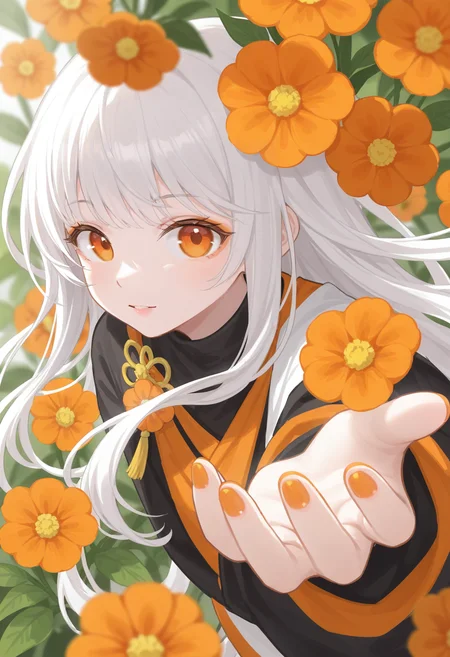
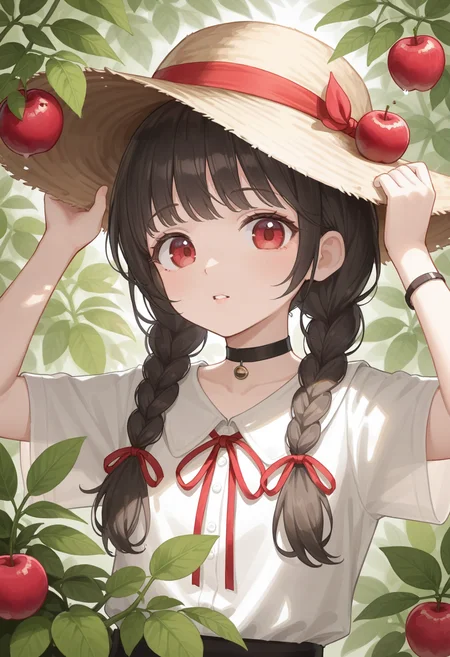
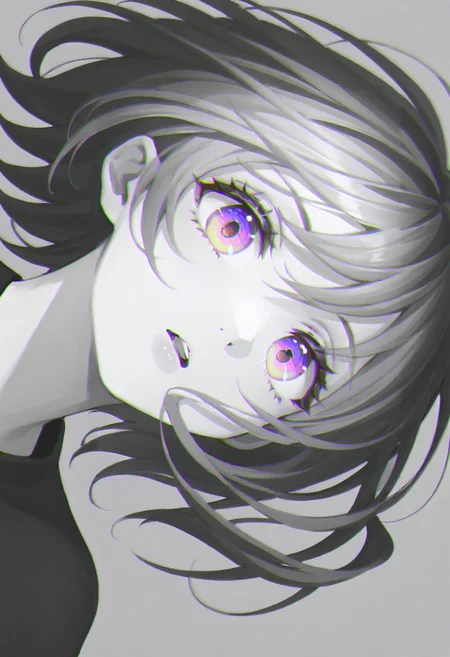
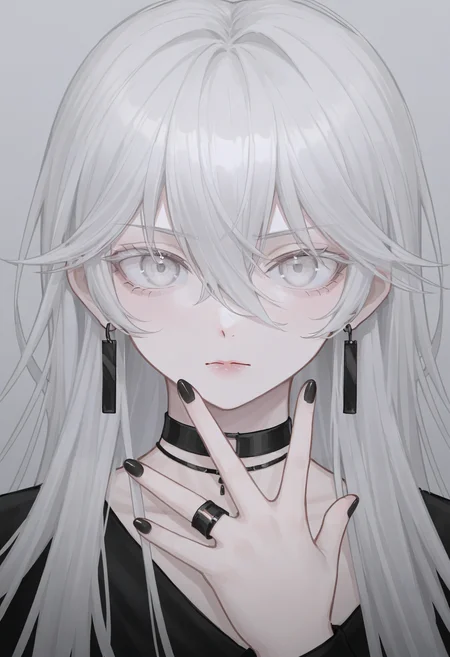
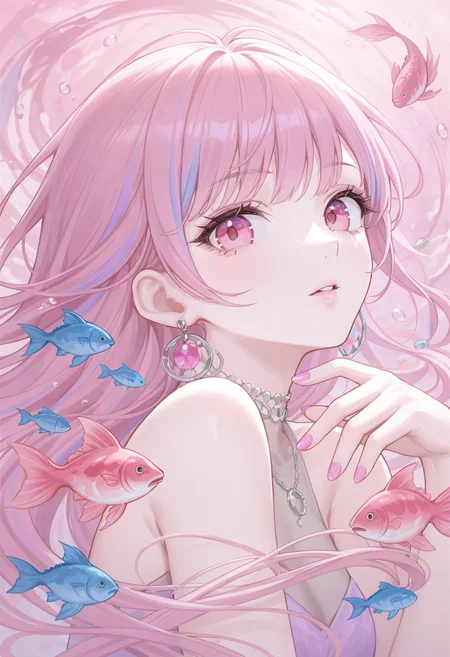
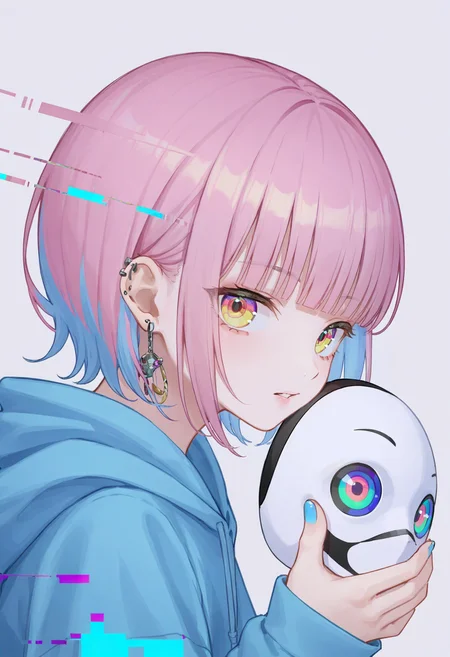
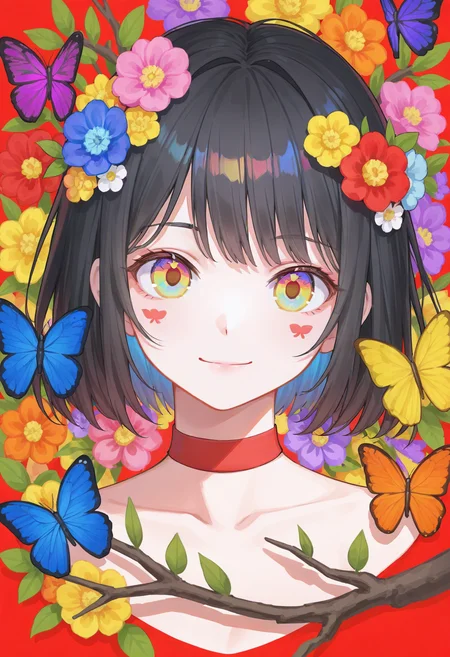
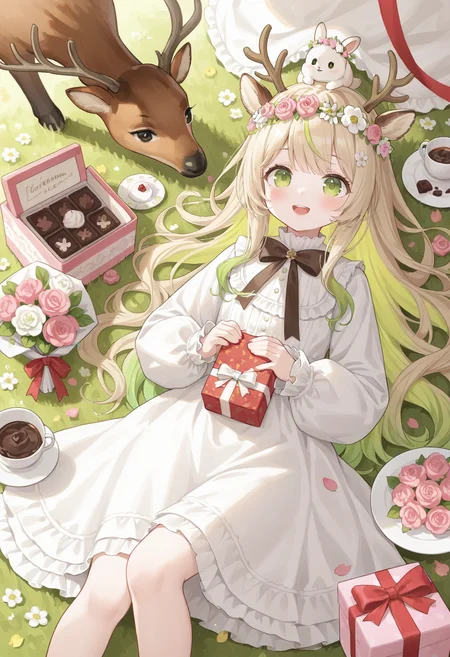
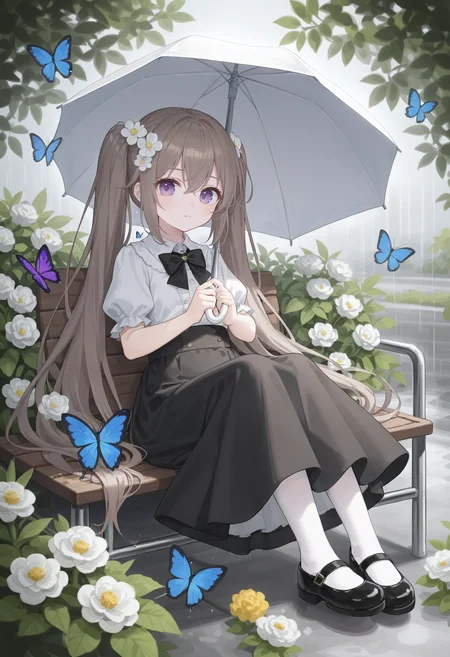
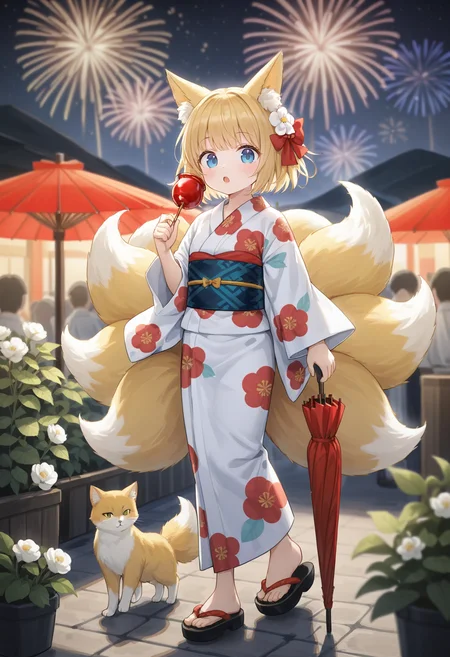
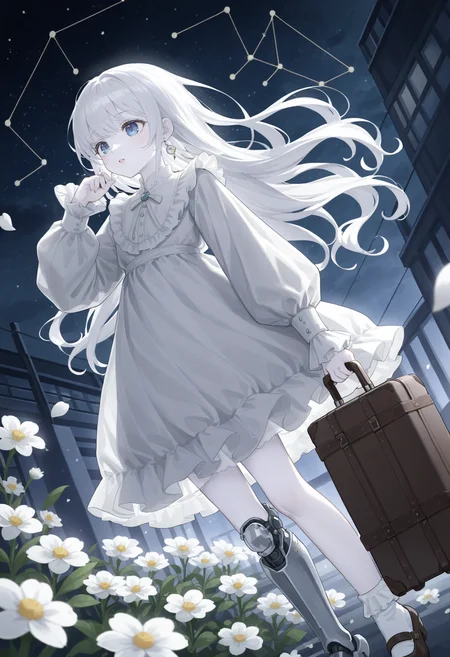
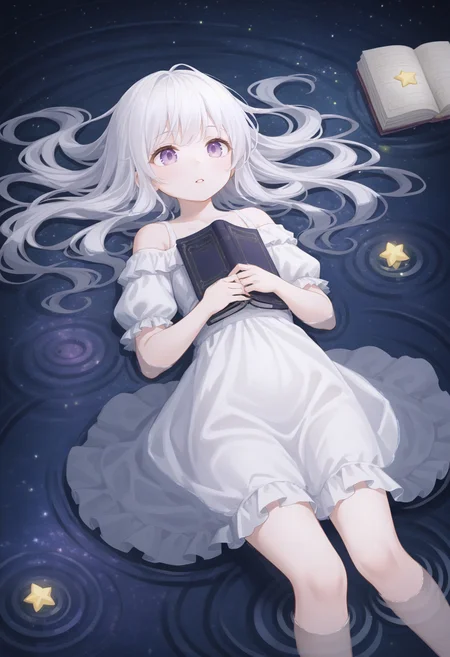
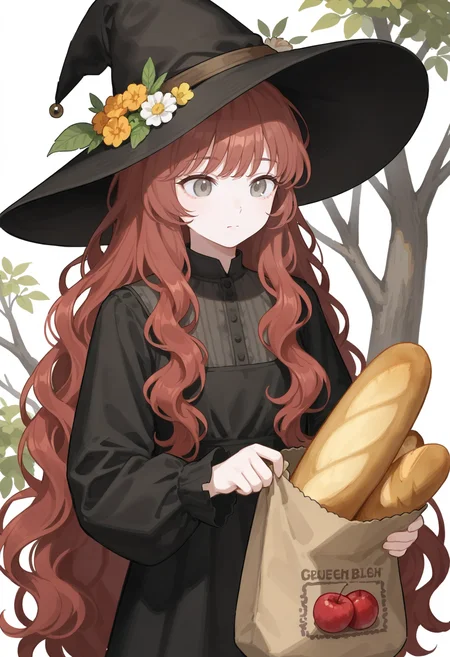
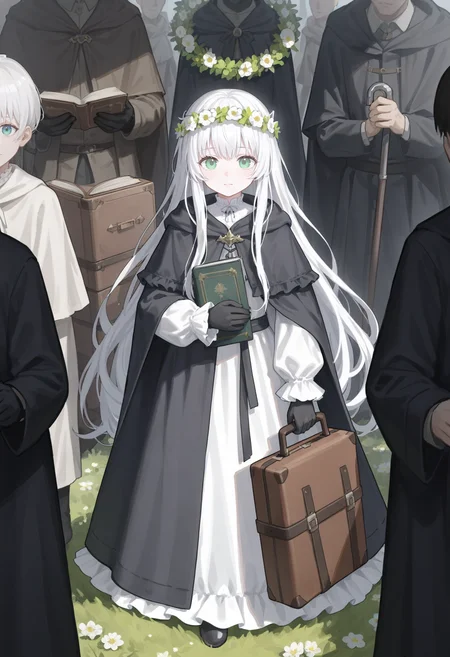

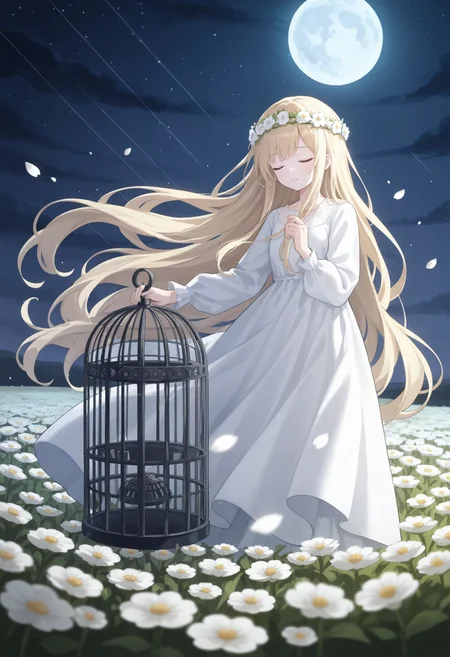
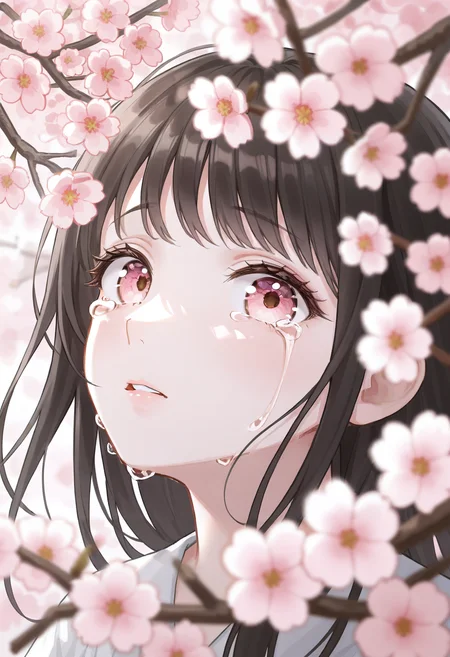
Recommended settings:
Sampling method: Euler a
Start with no negative prompt. Sample images were generated without negative prompt.
Use ADetailer extension to enhance facial details: https://github.com/Bing-su/adetailer
IllustriousXL comes with some jpeg artifacts that can be removed by ADetailer or Hires. fix. However, if you don't want to use these, try adding jpeg artifacts to negative prompt. Please note this may also remove some background details.
推荐设置:
采样方法:Euler a
先尝试不使用负面提示词。示例图片都没有使用负面提示词。
使用 ADetailer 扩展来增强面部细节:https://github.com/Bing-su/adetailer
IllustriousXL 会带有一些 jpeg artifacts,这些可以通过 ADetailer 或 Hires.fix 去除。不过,如果你不想使用这些工具,可以尝试将 jpeg artifacts 加入负面提示。不过,这可能会同时去除一些背景细节。
Change notes:
v1.0: Initial release
Description
FAQ
Comments (9)
跟01的区别就是不同的风格吗?
02使用了不一样的训练集训练。
01使用了高纯度的NSFW训练集
02使用了在 Civitai 上不可提及的那种图。
不可提及
我马上下载!(
@silvermoong 用了大概多少图?
@woodenponylover 400张不到
What's the different with Mix1 ?
It is fine-tuned with a different dataset.
01 uses lots of NSFW contents.
02 uses Tags-Which-Must-Not-Be-Mentioned on Civitai.
I have no idea why, but this is the only model out of your 3 versions that ALWAYS produces a black image. Used your other mixes and they generate fine, but this one, no matter what settings or VAE used... Always a black image. Even with only a single prompt.
using the latest Forge update
Hmm, that's odd. Mix01 and Mix02 were created using the same approach, while Mix03 was made with a slightly different method. Can you send me one of your black image? I would like to load it into my webui.
Details
Files
Available On (1 platform)
Same model published on other platforms. May have additional downloads or version variants.