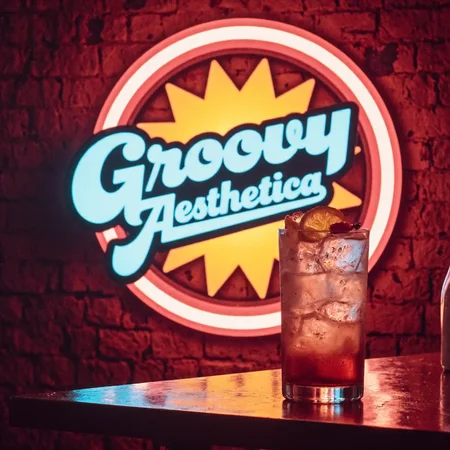


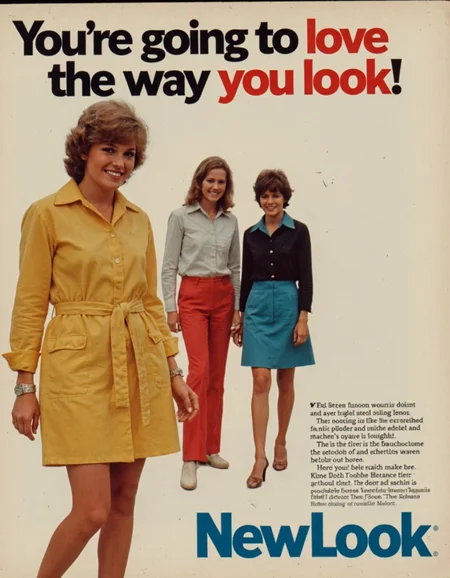
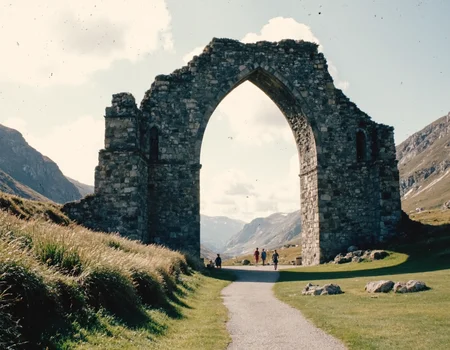

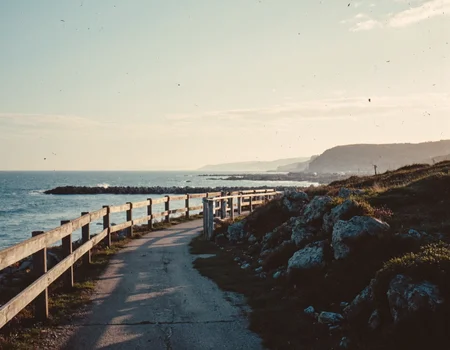

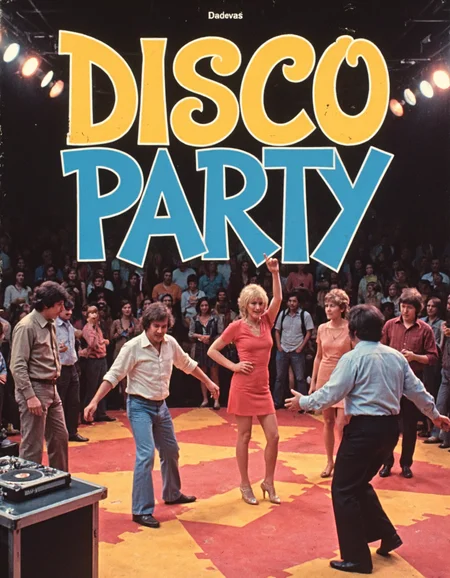
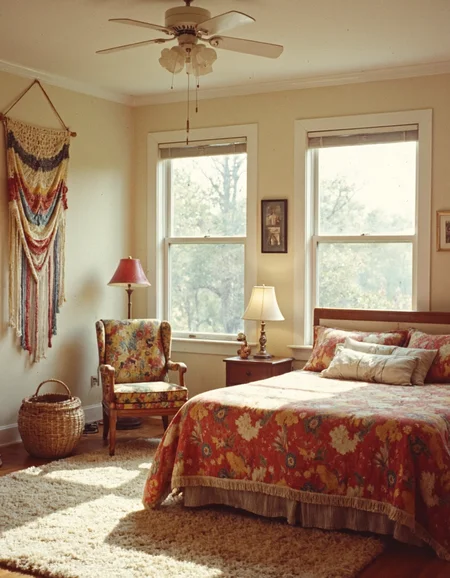

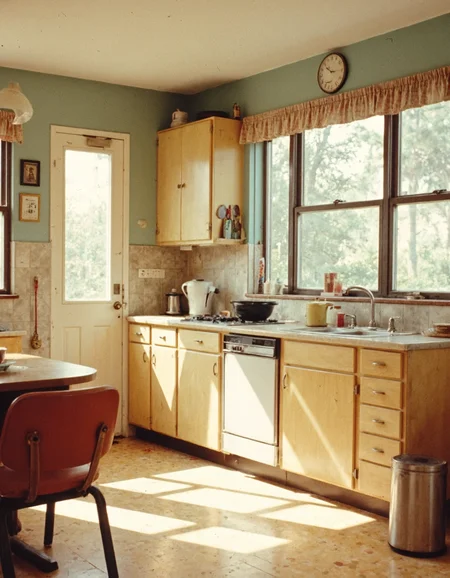
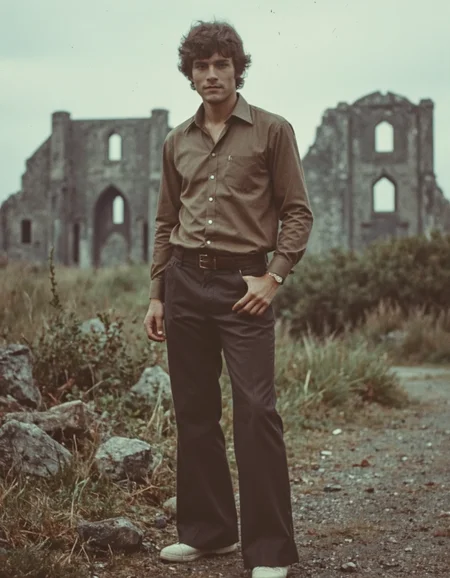
What is Groovy Aesthetica?
It is a Flux LoRA that embodies the vibrant culture and authentic spirit of the 1970s, highlighting bold aesthetics and a sense of freedom. This LoRA transforms the great, but standard white bread Flux Dev model into an authentic gourmet "pain au levain", freshly baked in1970s goodness.
Use it when you want to transport your outputs back to an era of free love and eclectic music, capturing the essence of community and self-expression.
I've included a few before and afters in the gallery. Look below for my workflow to recreate this output.
Image Generation Suggestions
I generate these images via Mcmonkeyprojects' fantastic branch of the SwarmUI (a powerful but easy to use front end for ComfyUI and other backends). I find presently other UIs producing lacklustre results. YMMV.
Core Parameters
Model: Flux1-dev with clip_l, t5xxl_fp16.
Steps: 30
CFG Scale: 1
Sampling
I've had success with a good amount of samplers and schedulers, but at present am using the following,
Sampler: DEIS
Scheduler: Beta
Flux Guidance Scale: 3.5
Prompting
With SwarmUI use the <Segment:> feature to inpaint particular portions of the output. This can be nearly anything the segment model used was trained on, face, eyes, feet, top, etc.
Segmentation (spot in-painting)
A general statement I tag to most of these prompts is:
<segment:object,0.7>prompt
Where object is the particular object in the image you'd like to inpaint and the number is the strength. SwarmUI explains additional variables. Use like a superior aDetailer. Yolo models can also be added to SwarmUI and used as well.
Refine/Upscale (Hi-Res Fix)
These settings can be used to get higher resolution outputs without the banding it produces. Starting with a higher resolution and using this as a Refiner mechanism is often the way to maintain detail fidelity. I generally stay between 1 and 1.25 upscales for this reason.
Refiner Control Percentage: 0.3 - 0.7
Refiner Method: Post-Apply
Refiner upscale: 1 - 2
Refiner Upscale Method: Latent: Bislerp
Refiner Do Tiling: Checked (Important!)
Description
FAQ
Details
Available On (1 platform)
Same model published on other platforms. May have additional downloads or version variants.