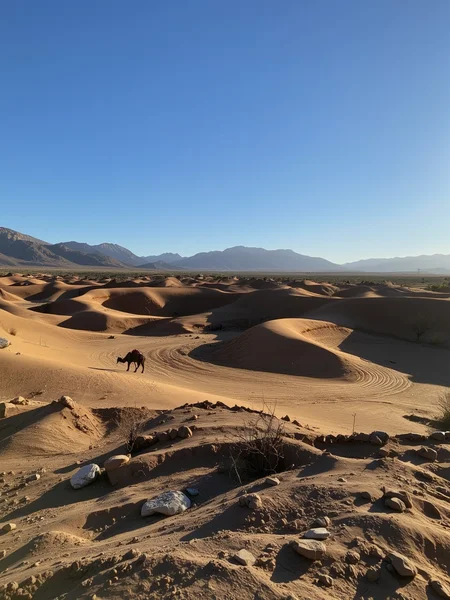

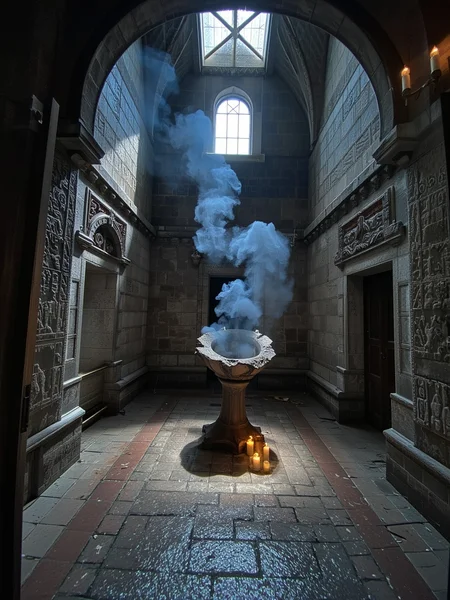

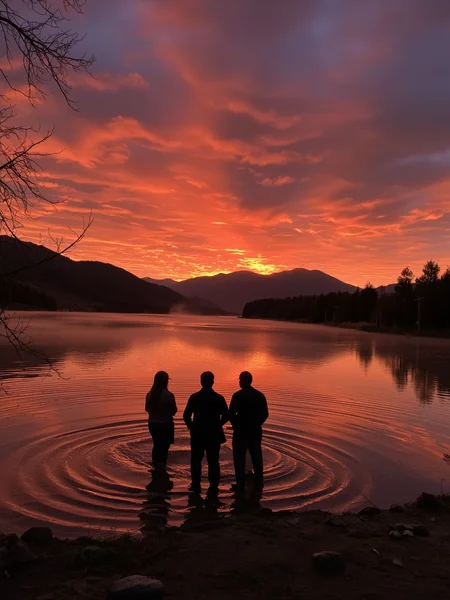
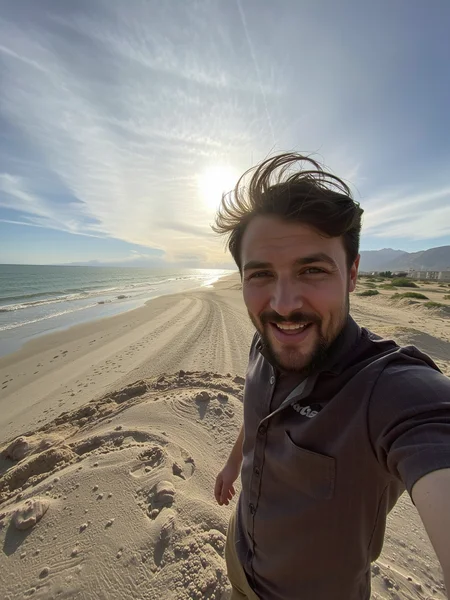
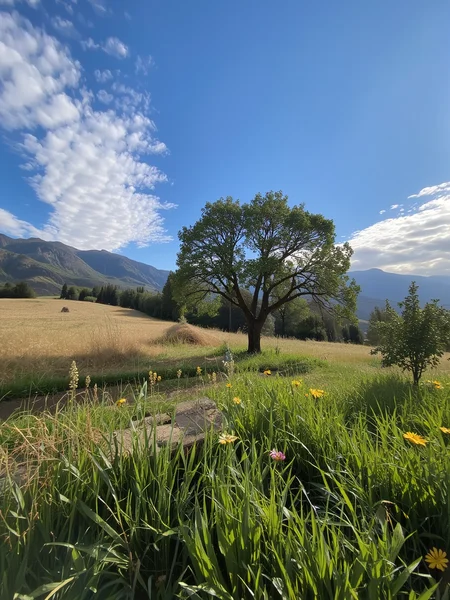

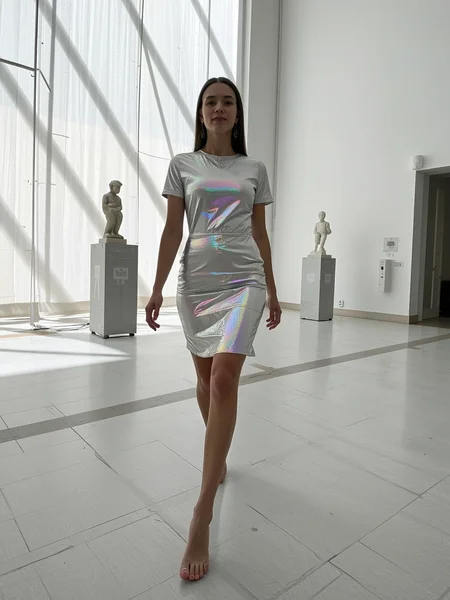
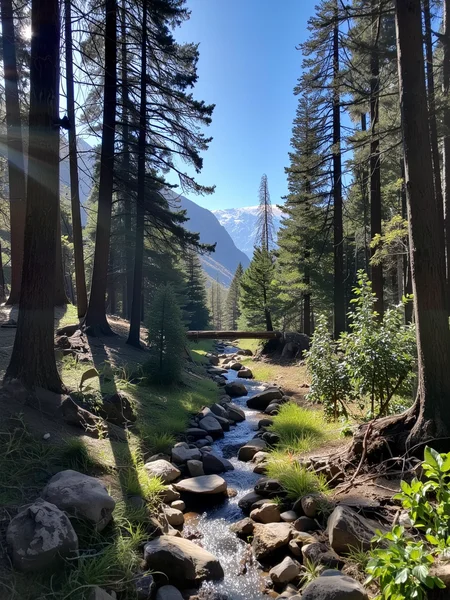


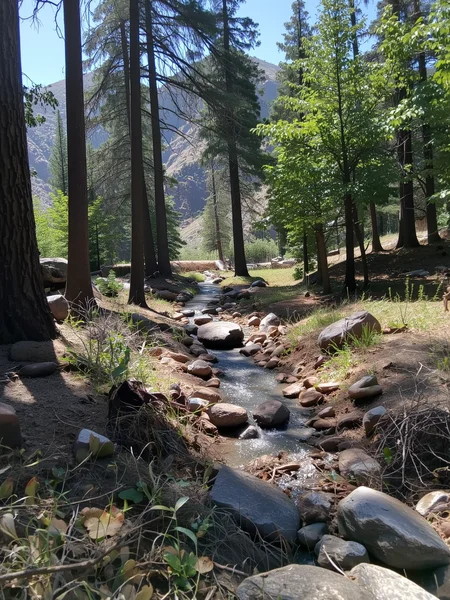
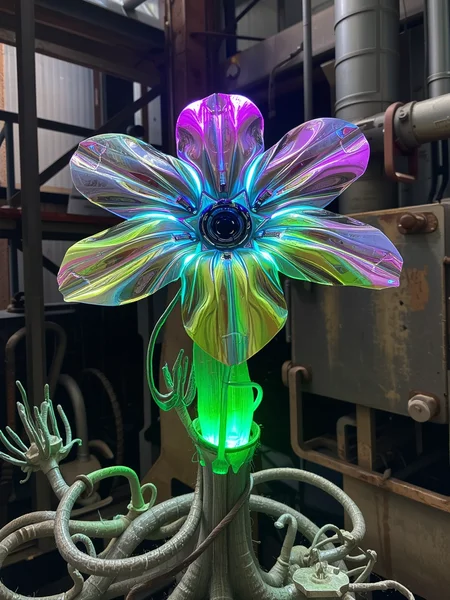

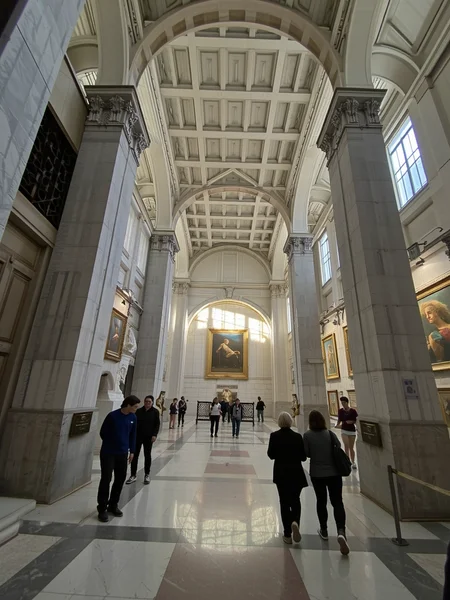

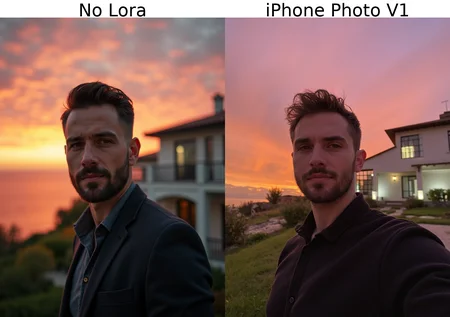
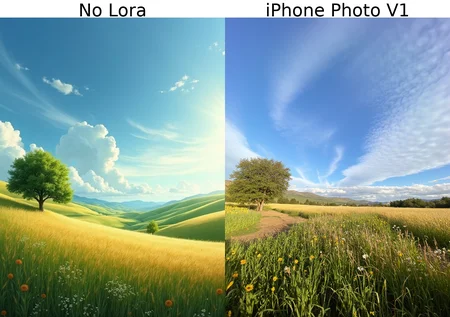
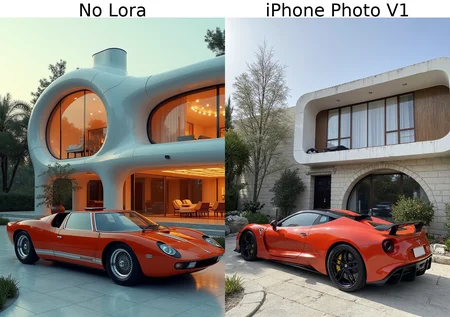
Doesn't require a trigger word, but adding them to the prompt will help sharpen the background and make it look like an actual iphone photo, otherwise it serves as an all purpose realism enhancer and will make all images more natural.
For Flux, the trigger is "iphone photo".
For SD3.5 Large it's "iph0ne", try lower weight around 0.5.. first attempt at sd3.5, it might be bad.
Trained with Ostris's ai-toolkit: Github page
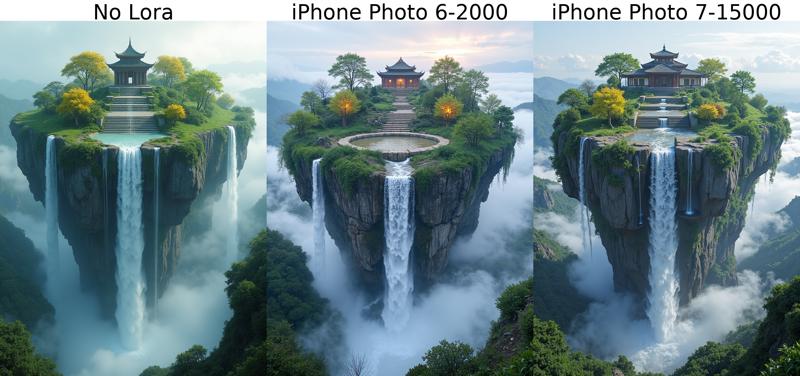
SD3.5 Large V2 Test version comparison - FLUX V1 vs V2 comparisons below
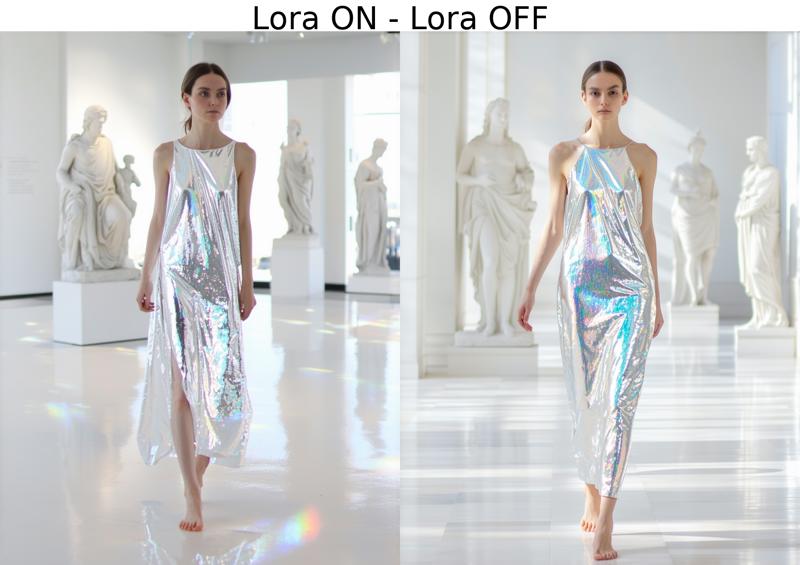
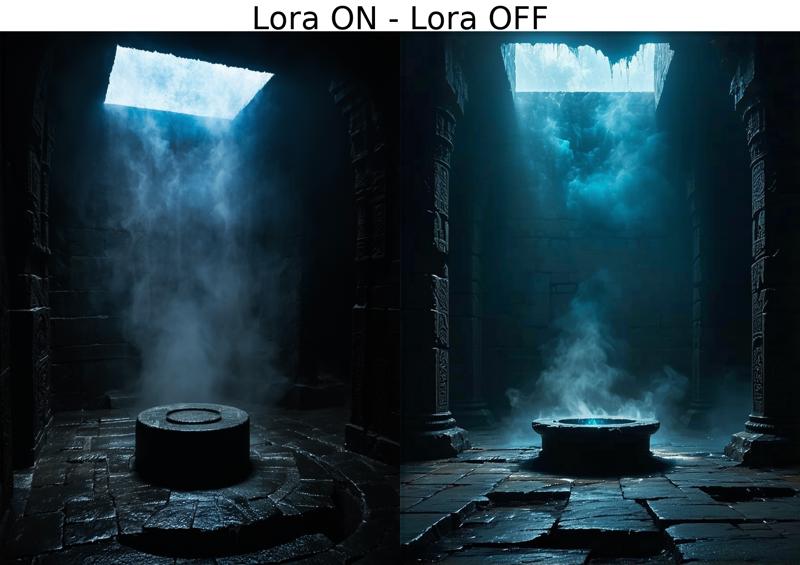
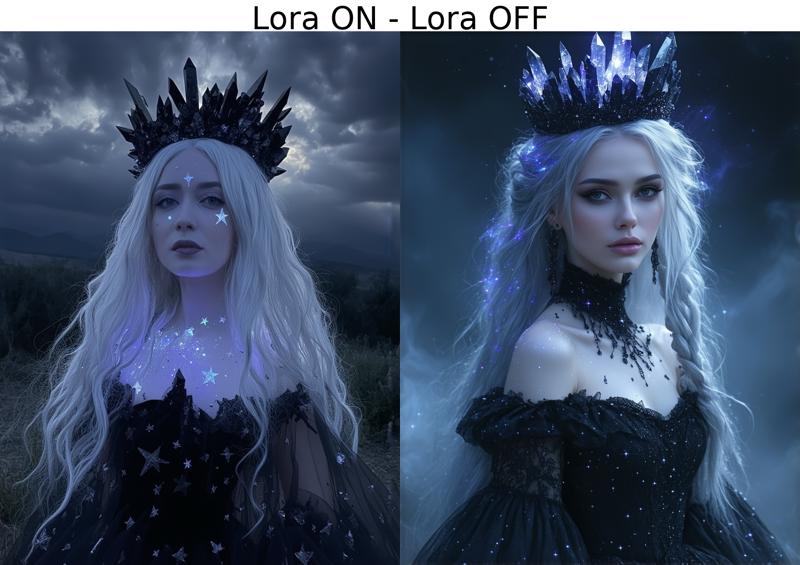
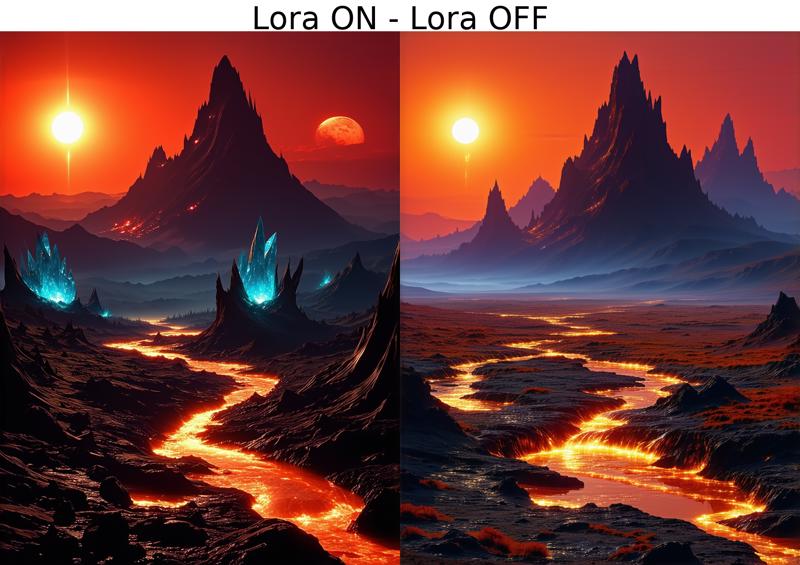
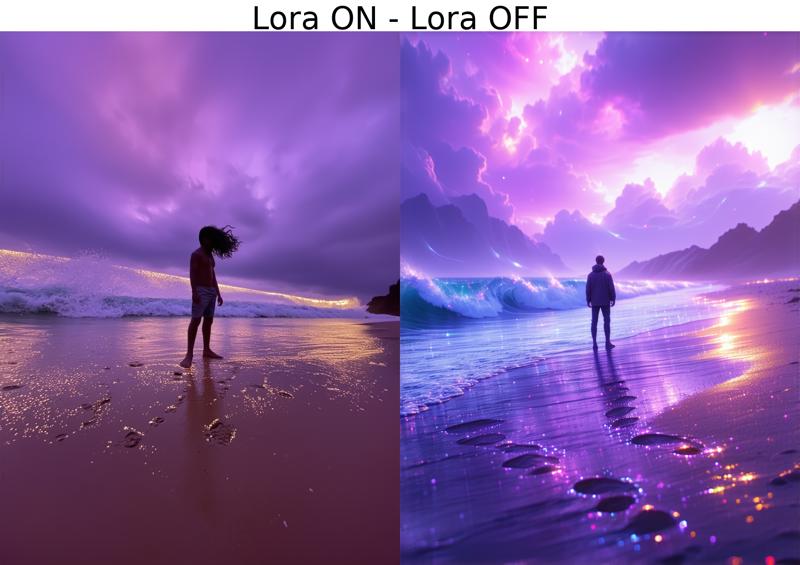
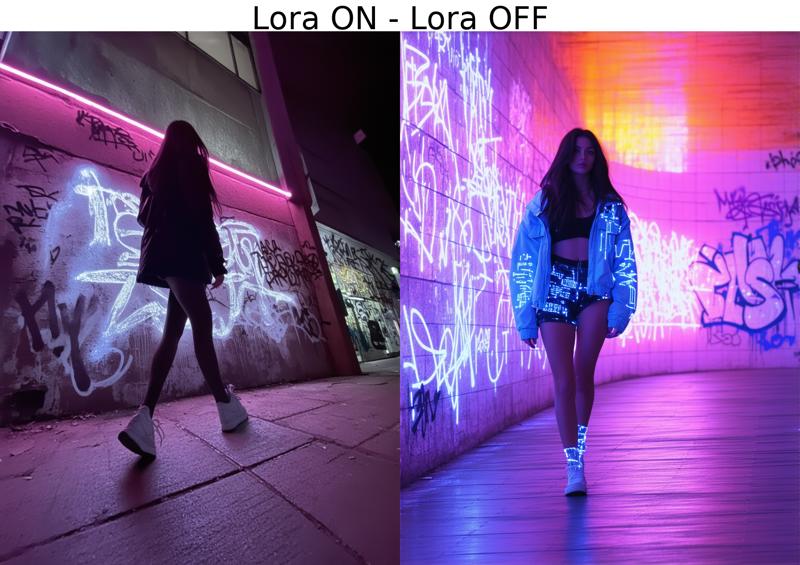
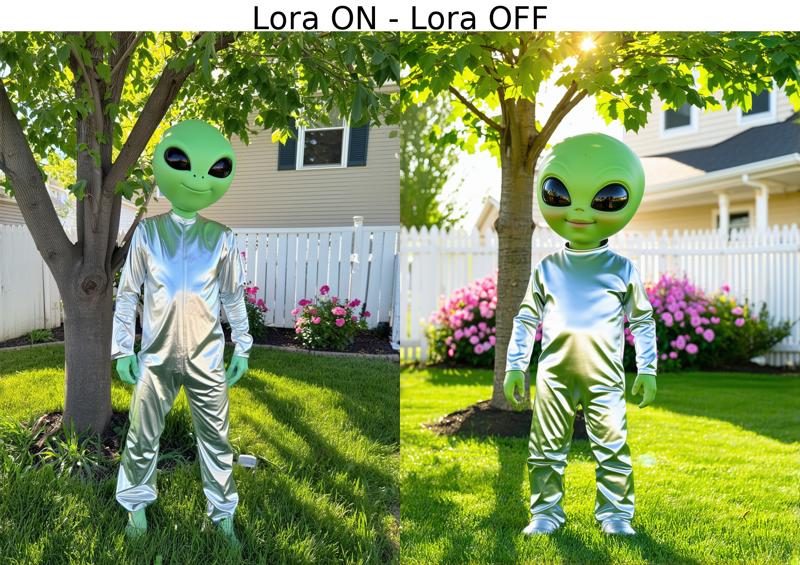
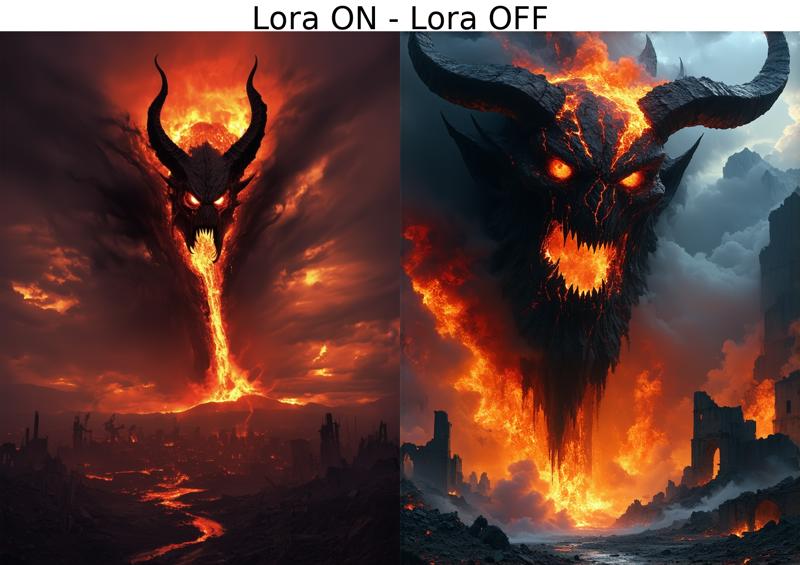
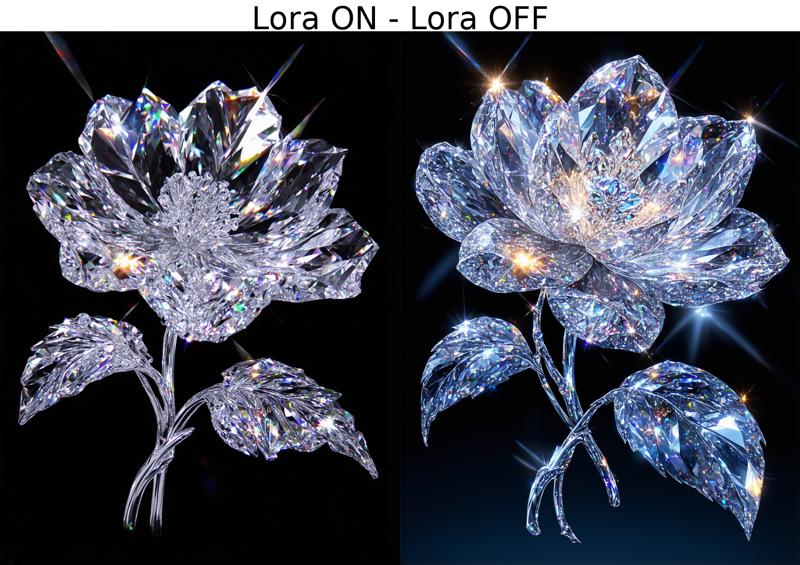
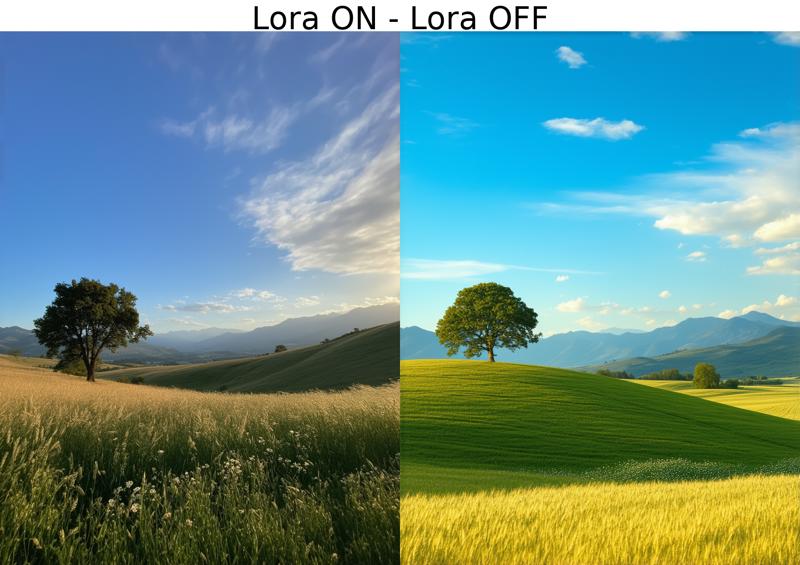
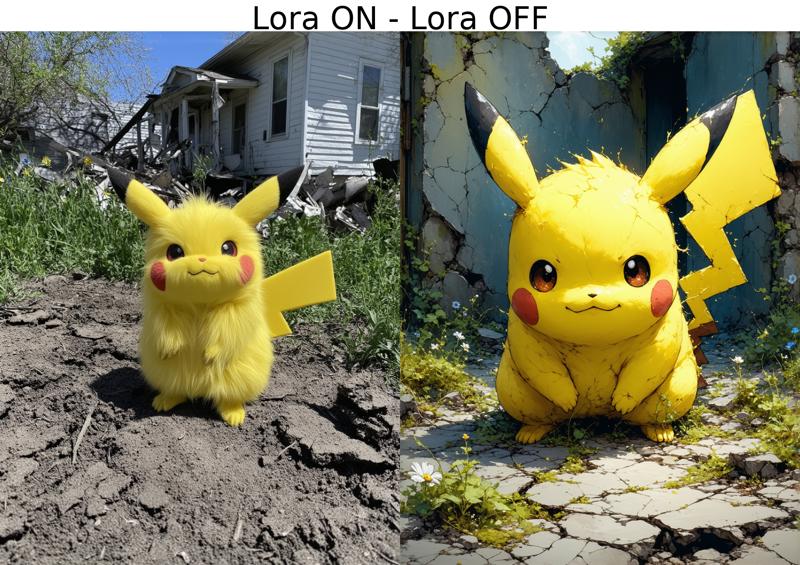
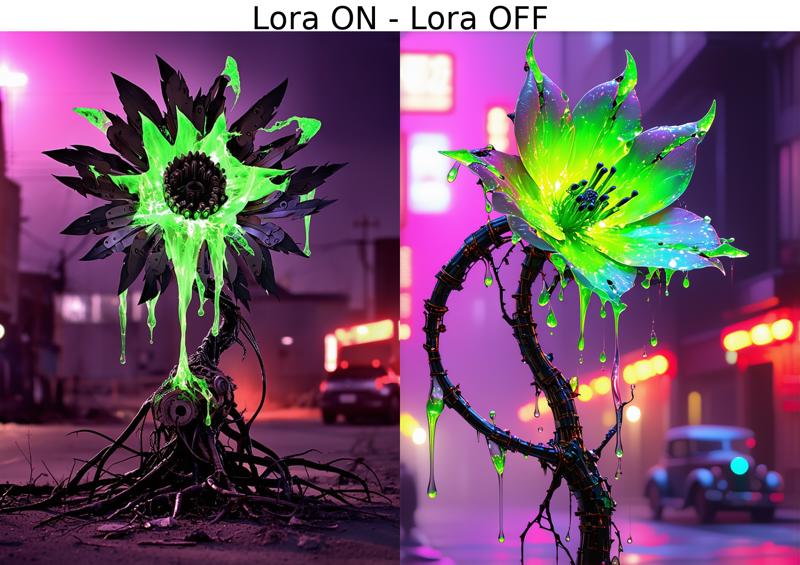
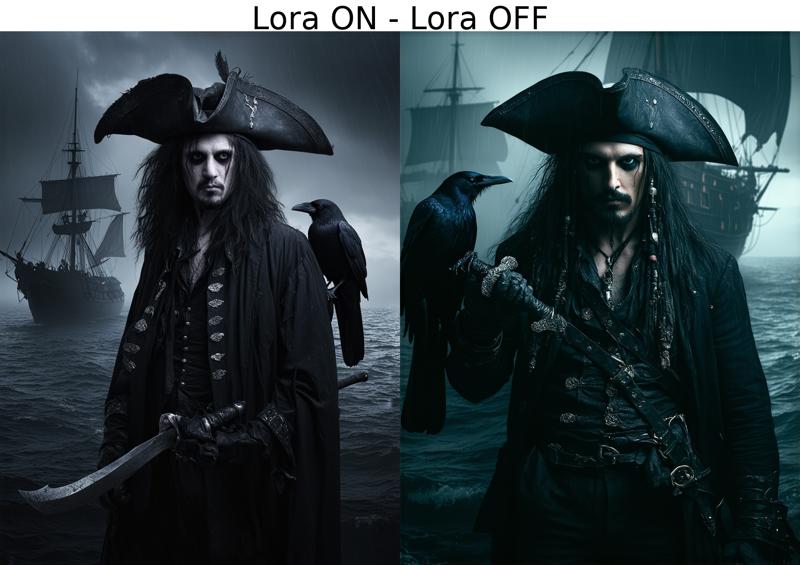
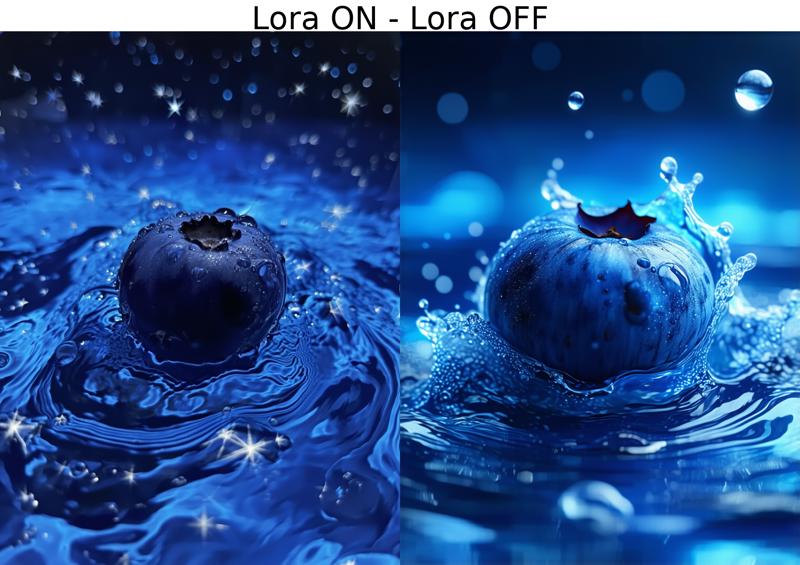
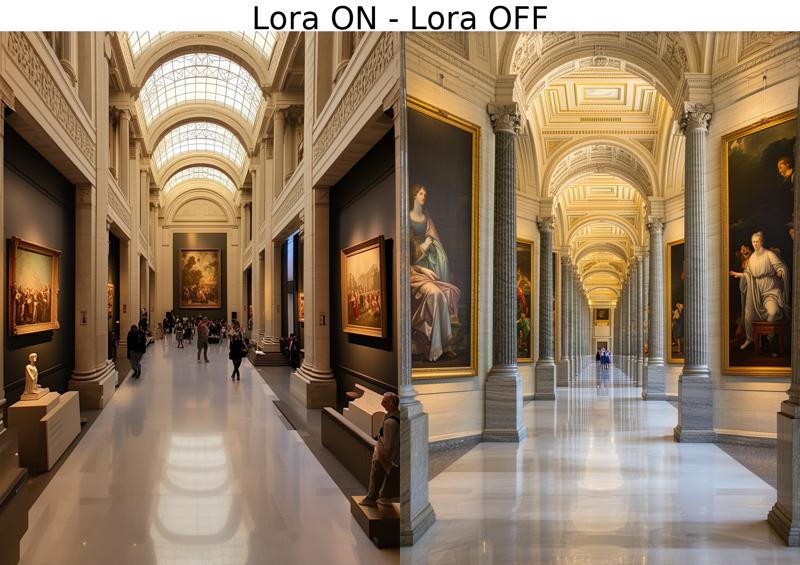
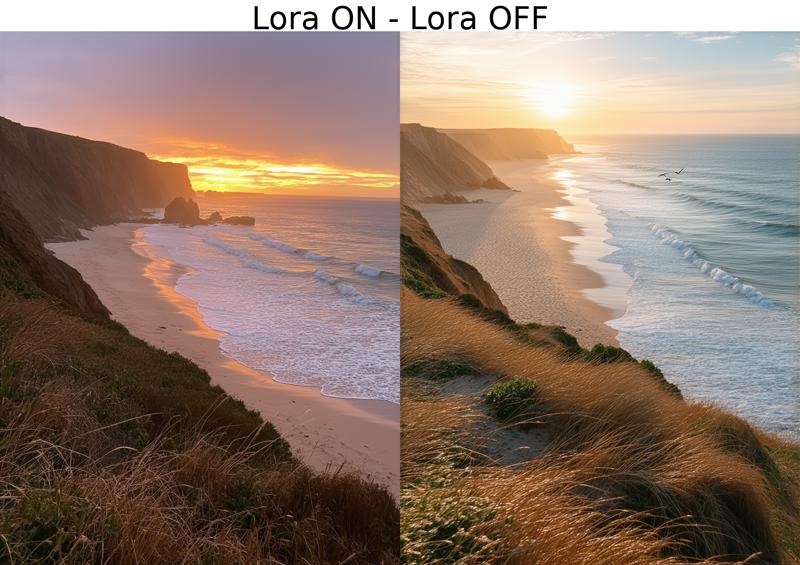
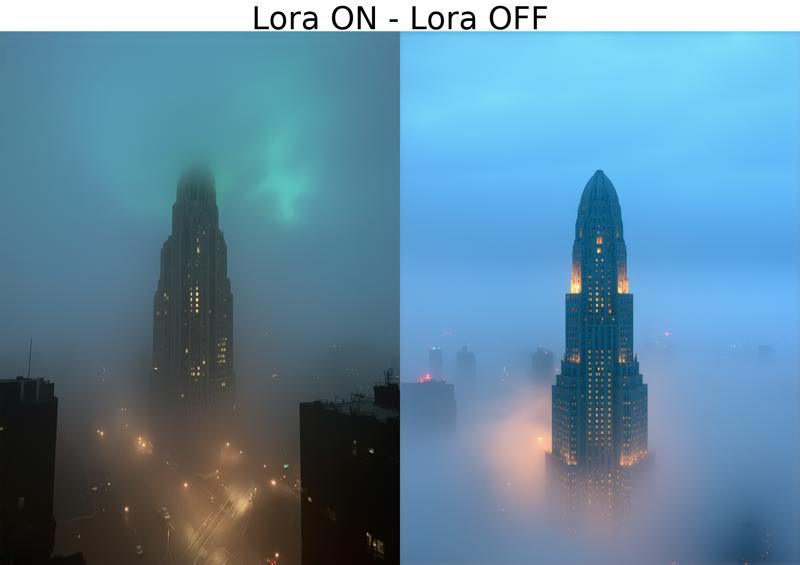
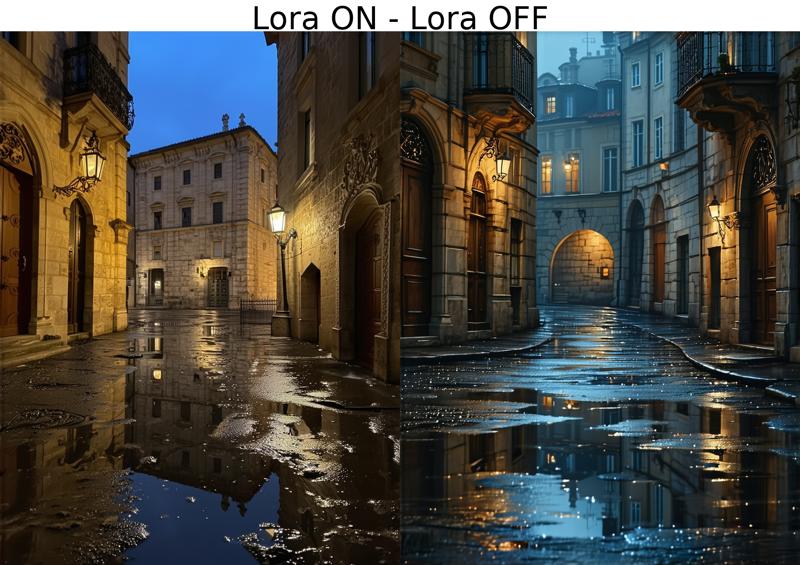
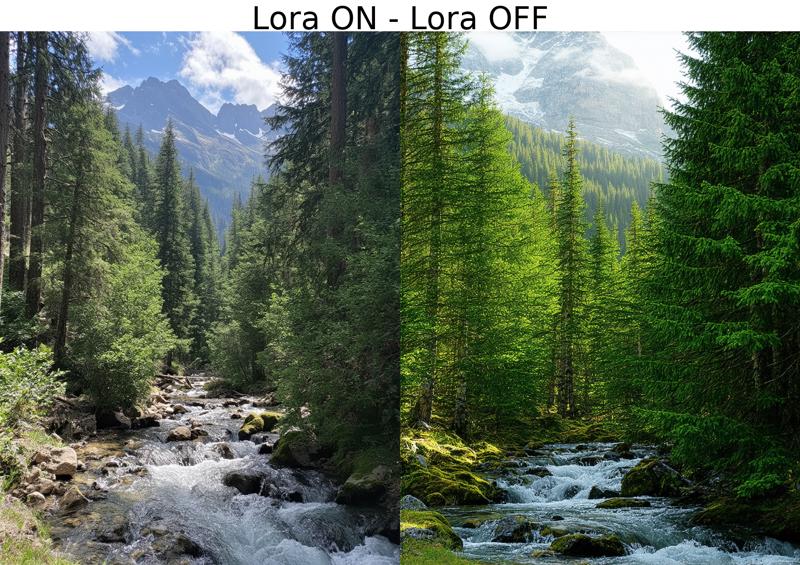
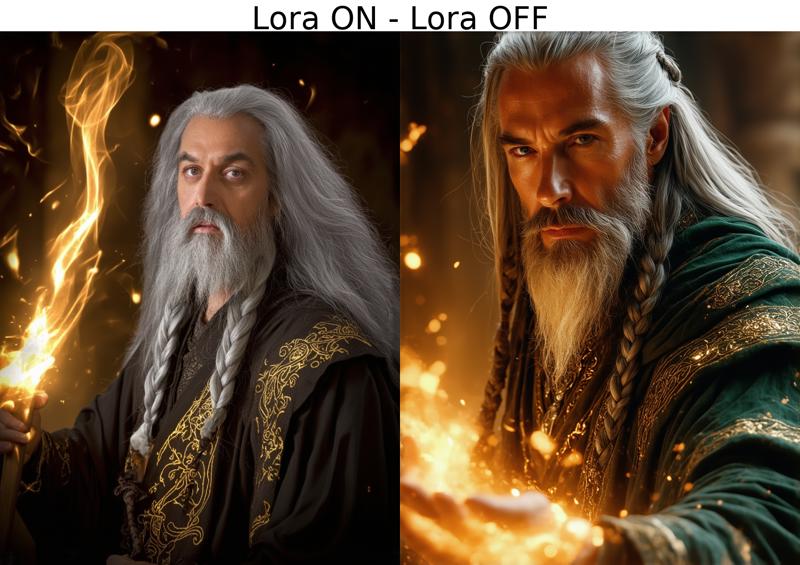
FLUX
V1 is iPhone Photo 6-2000 /// V2 is iPhone Photo 7-15000
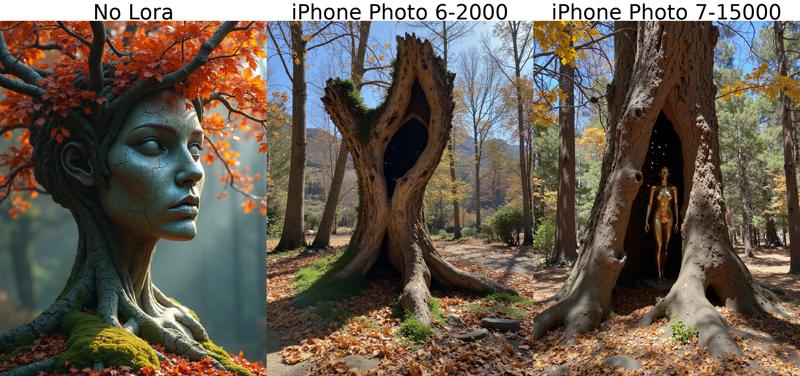
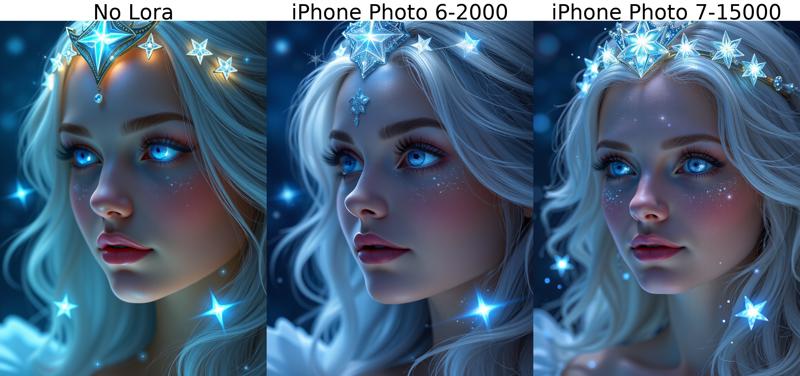
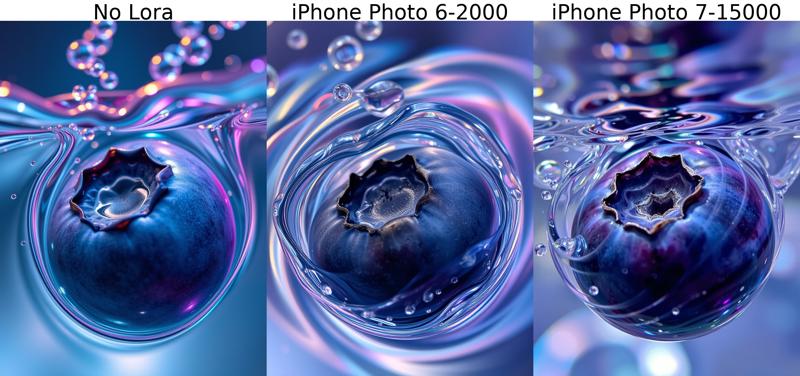
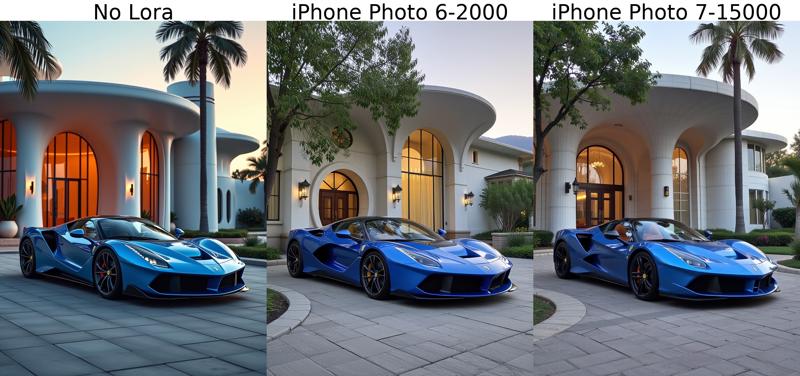
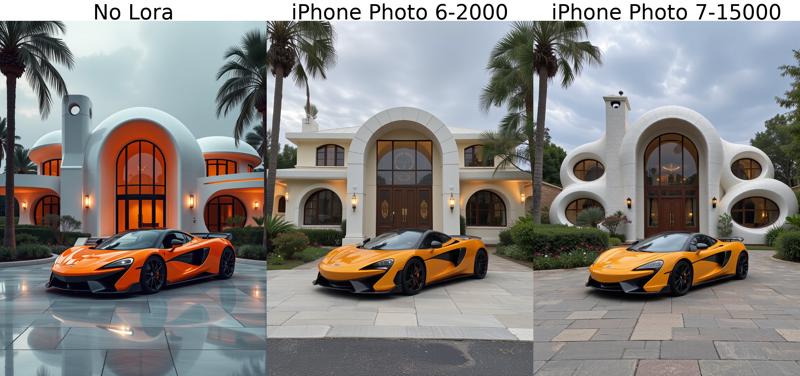
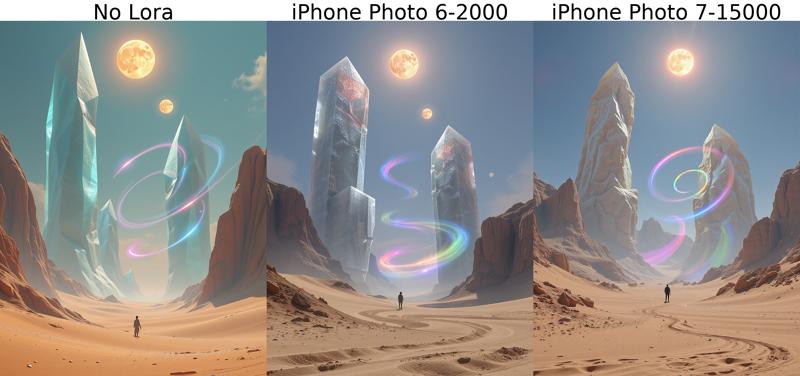
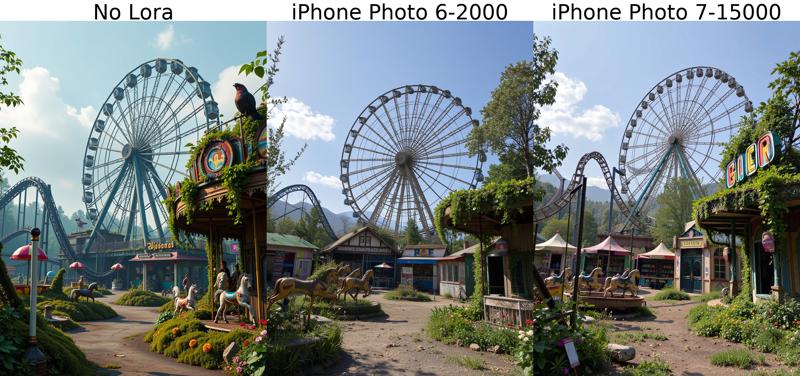
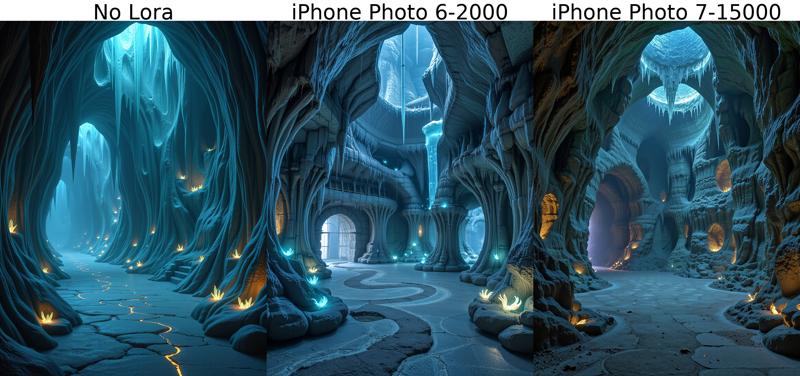
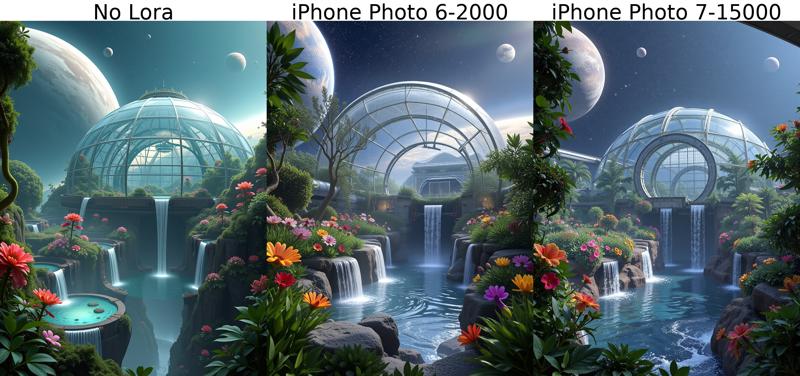
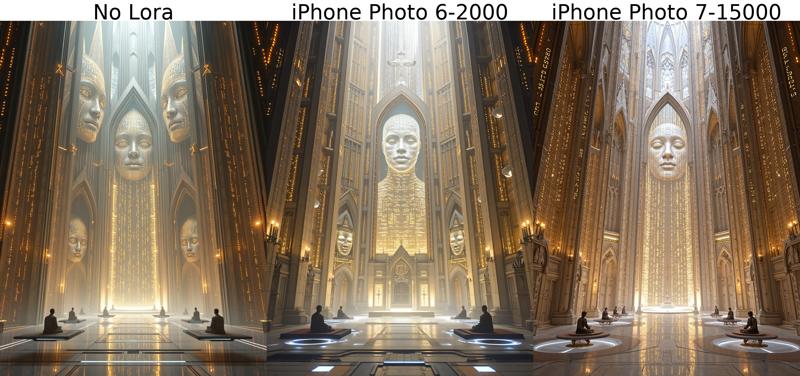
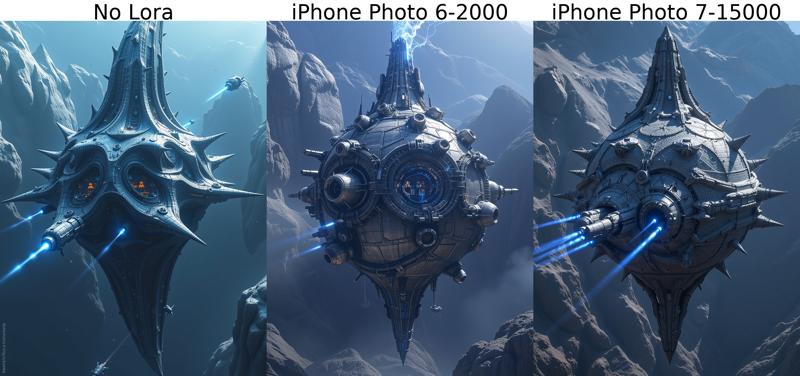
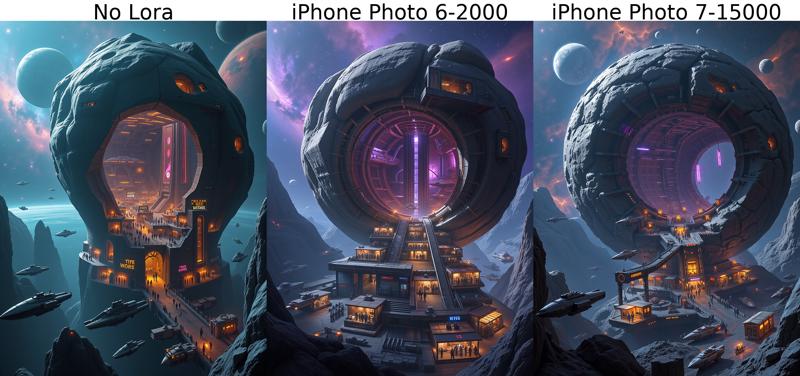
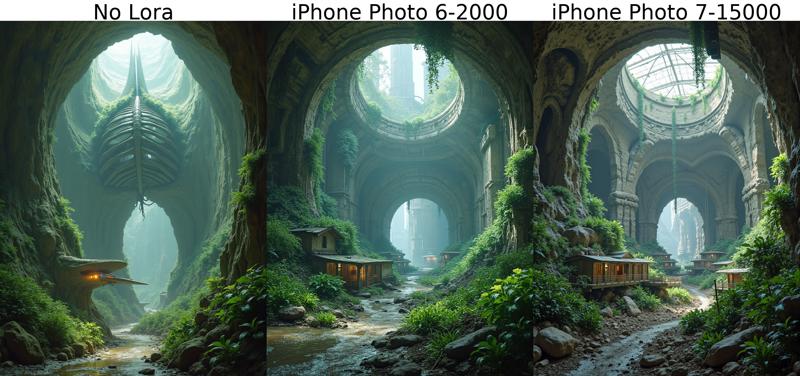
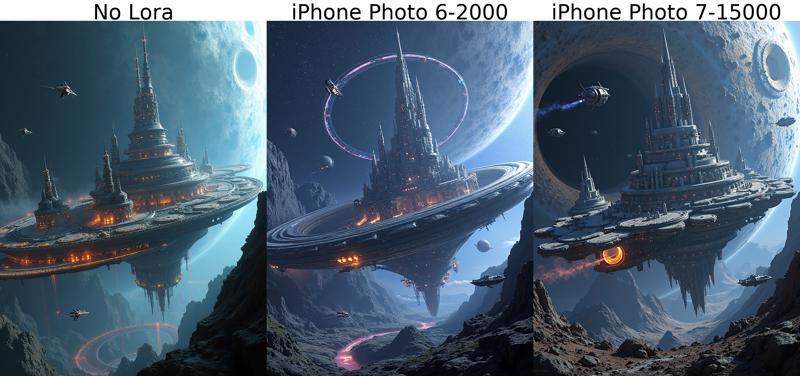
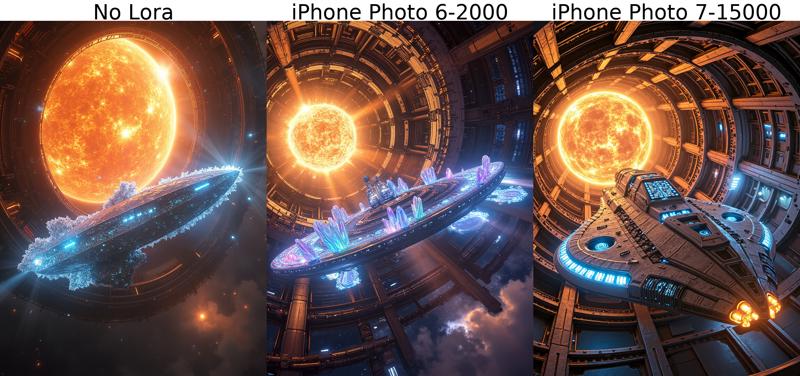
Description
Retrained with different parameters and dataset cleanup of problematic images.
Same as before, trigger word is "iphone photo" but it will work without it. It may help to increase the effect but is not necessary.
FAQ
Comments (6)
Used with a strenght of 0.5 it gives pictures a nice touch of realism :-)
appreciate you doing this my bro
How can the final version be so small ?!
Hi, I used rank 1 for this lora, that makes it a smaller size. Rank 1 around 10mb, rank 2 20mb...
@Anibaaal Hello! Sorry to bother you, but the term 'rank' is pretty new to me. I've come across it, as well as the word 'layer,' but I haven't been able to find a resource that explains them or how to train using them. Do you happen to have a document where they're explained?
@cynicalxrose Hi, no problem. I have learnt it from others in ai-toolkit discord server and some articles but I didn't save them, sorry.
I can try to explain it to you though but don't trust me 100%, I'm not expert!
The rank or dim/alpha would be like the coverage of a paint coat, a higher value will have more capacity to influence the original model, with higher rank the lora will have more parameters to capture more nuances.
To store the additional parameters the lora file will grow in size. In theory it would result in higher quality, with Flux the difference is not too noticeable for me but maybe I have a bad eye so take it with a grain of salt.
The layers or blocks, are the stages the model goes through in inference, Flux has over 50 of them, supposedly each one takes care of a different aspect of the image, but this info hasn't been made public by Flux creators. There are experiments with training in only a few blocks and it works for some things, since you are not training all parts of the model it also reduces the lora file size.
I hope this helps! I recommend you join the discord server, there a lot of knowledgeable people there https://discord.gg/VXmU2f5WEU
Details
Files
iphone-photo-V1-final.safetensors
Mirrors
iphone-photo-V1-final.safetensors
iphone-photo-V1-final.safetensors
iphone-photo-V1-final.safetensors
iphone-photo-V1-final.safetensors
iphone-photo-V1-final.safetensors
iphone-photo-V1-final.safetensors
iphone-photo-V1-final.safetensors
iphone-photo-V1-final.safetensors
iphone6-flux.safetensors
iphone-photo-V1-final.safetensors
iphone-photo-V1-final.safetensors
iphone-photo-V1-final.safetensors
iphone-photo-V1-final.safetensors
iPhone_Photo_V10_FLUX_[Anibaaal].safetensors
iphone-photo-V1-final.safetensors
iPhone_Photo_V10_FLUX_[Anibaaal].safetensors
Available On (3 platforms)
Same model published on other platforms. May have additional downloads or version variants.