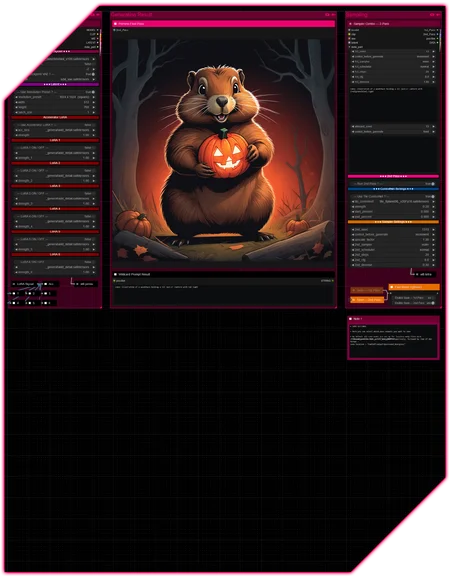










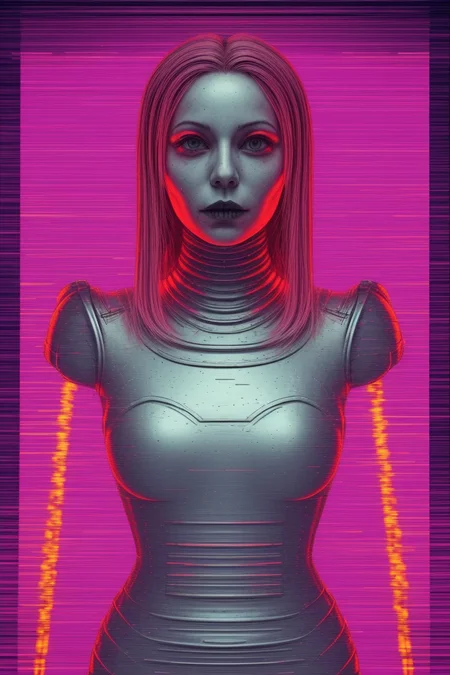
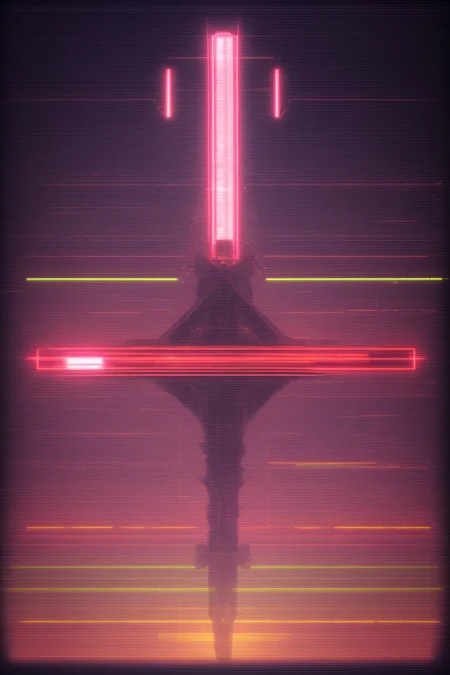

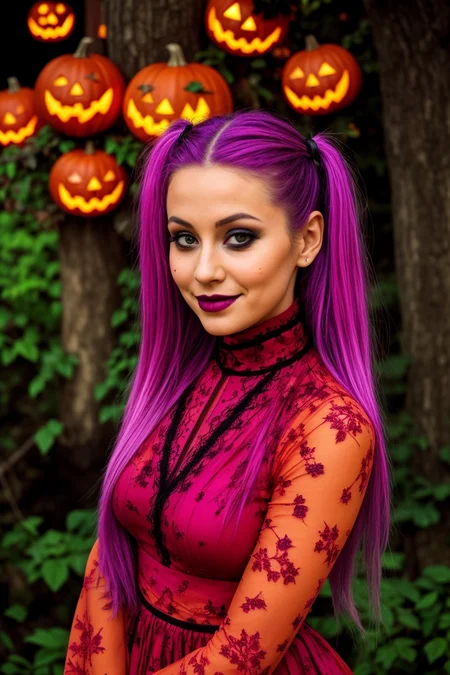



Hello there and thanks for checking out this workflow!
(Compatible with : SDXL/Pony/SD15)
—Purpose—
This compact workflow is built to be operable in a single screen of view with optimized functionality + metadata saving in mind.
I hope you enjoy it as much as I do!
—Features—
Custom built Combo Sampler, AIO Loader, Preview, Clipboard
2 passes with optional upscale : txt2img2img
Wildcard-prompting support
LoRA support
Installation and download guide for models and nodes
Full metadata saving with LoRAs; recognized by CivitAI
→ simple 18 node layout; 8 of which containing the power of 229 nodes!
As usual the workflow is accompanied by many notes explaining nodes used and their settings, personal recommendations and observations.
—Custom Nodes used—
All of which can be installed through the ComfyUI-Manager
If you encounter any nodes showing up red (failing to load), you can install the corresponding custom node packs in most cases through the 'Install Missing Custom Nodes' tab on the ComfyUI Manager as well.
► In case of "execution-inversion-demo-comfyui" you need to set the "Channel" setting to "Channel: dev". (Found in the top left of the ComfyUI Manager Menu)
→ Do not forget to turn the channel setting back to "Channel: default" again afterwards
► If a "Channel: dev" node refuses to install due to some "security level" issue, you can modify the "config.ini" file located in ComfyUI\user\default\ComfyUI-Manager and edit that with any text editor.
The entry "security_level" is likely set to "= normal", which is the default and in some cases prevents installation of custom nodes, especially when using online services.
When you change that setting to "= weak", save and restart Comfy, you should be able to install the nodes just fine.
Detailed instructions and links to required/recommended models, along with the folders they need to be placed in, are included.
—Thanks—
The workflow would not be possible as is without these custom node packs. If you want to support the custom node creators, give them a ⭐ on their github repos! Thank you!
Feel free to ask any questions, share improvements or suggestions in the comment section!
Also let me know if you encounter any confusing points I can elaborate on and focus on improving for the next update!
Description
v5
— addition of tile-ControlNet to the 2nd pass to improve upscaling
— custom node pack changes :
+ : comfyui_controlnet_aux
v5.1
— hotfix for updated ComfyUI-Image-Saver
FAQ
Comments (2)
Despite installing all of the require nodes as listed in the ComfyUI Manager, there are still nodes that show up in red, namely the AIO loader and 2-pass nodes. This happens even if I install them from the github links in the notes.
Hello there :)
— Does your Comfy startup log show all custom node packs as successfully loaded or are there any cases of (IMPORT FAILED) ones?
— Did you go through the following (unfortunately inconvenient) hurdle?
► In case of "execution-inversion-demo-comfyui" you need to set the "Channel" setting to "Channel: dev". (Found in the top left of the ComfyUI Manager Menu)
→ Do not forget to turn the channel setting back to "Channel: default" again afterwards
— In case the above two points are not the issue, could you provide a text file of the console log?
This service seems quite nice to send files like this : https://wormhole.app/