




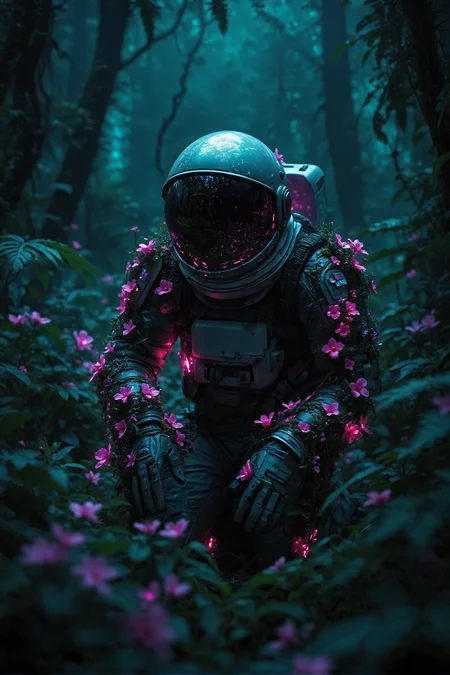

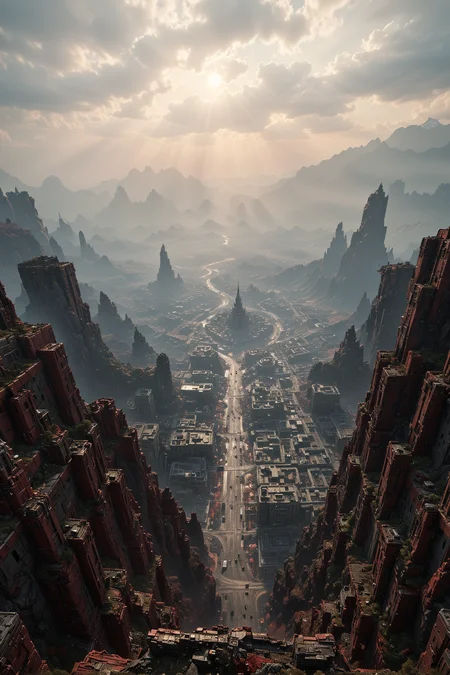








Atomix GGUF txt2img workflow
Feature
Calling Lora in the prompt instead of node.
The image generation data contain the using model,Lora,embedding information.
Automatically adjust the size of the upscale tile and provide multiple aspect ratio presets.
Integrated with UltimateUpscale and able to switch different models for upscaling.
Integrated with FaceDetailer and able to switch different models for FaceDetailer.
Showing the time consumed by each node and compare it with the previous execution.
Showing FaceDetailer before/after comparison.
How To Use
1.This is a ComfyUI workflow,only for ComfyUI,so make sure that you ComfyUI is available. https://github.com/comfyanonymous/ComfyUI
2.Drag the JSON or PNG files from the zip file to the ComfyUI interface. If everything goes well, the workflow is ready to go.
3.In the step2, there may be a alert for missing nodes, and you need to install these nodes. If you do not want to manually install them, there is a ComfyUI plugin that you must have: ComfyUI Manager https://github.com/ltdrdata/ComfyUI-Manager After installing this plugin, there is an automatic installation function for missing nodes in its management interface.
Description
FAQ
Comments (3)
Nice to see your opinion on GGUF, i keep telling people it's good, but they stay clingy on NF4, even though GGUF is better and NF4 will prob be gone soon.
Wow, I don't understand this mix in the images:
you can run Pony embeddings, a SDXL Lightning all in a GGUF txt2img workflow?!
Is this Flux or SDXL ?
Sup, Alex! And thanks for this flow <3
I guess, it would be nice to give an instruction for new players.
Coz ppl will start to migrate from SDXL sooner or later, and this flow has a bunch of custom nodes. And ComfyUI is not so comfy for beginers... like at all.
Just a little UX hint. Extra 15% of work gives 50% of results and stuff xD