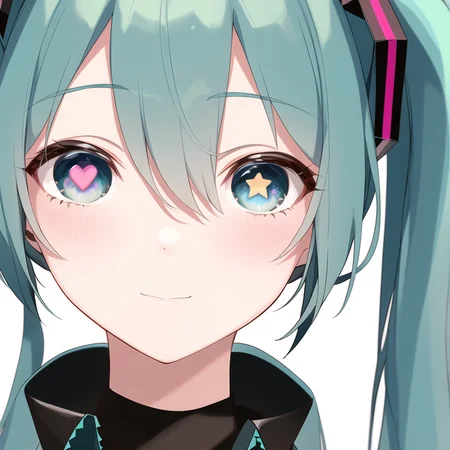
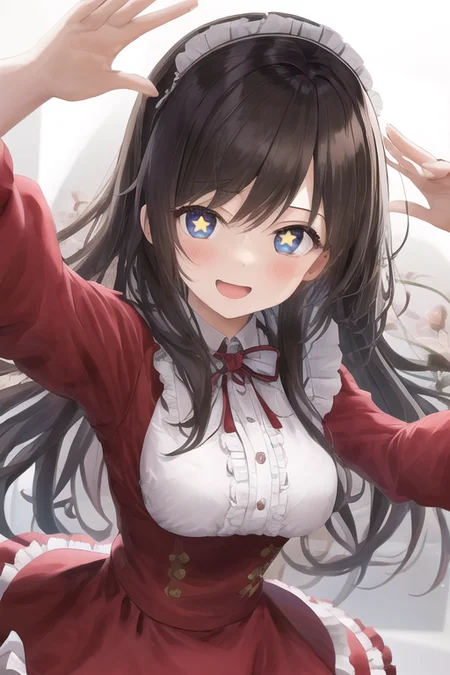
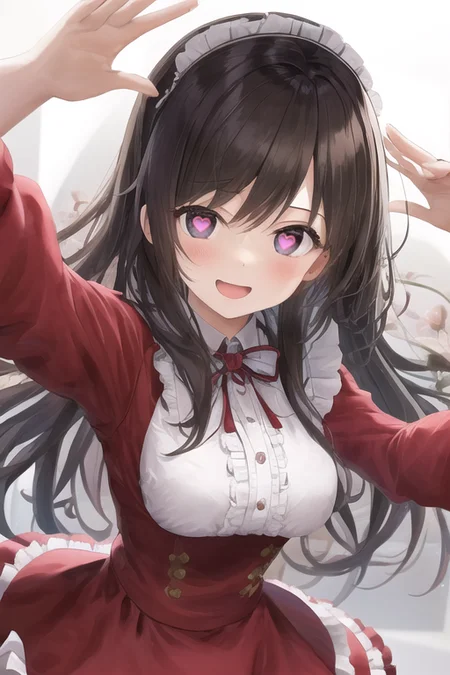
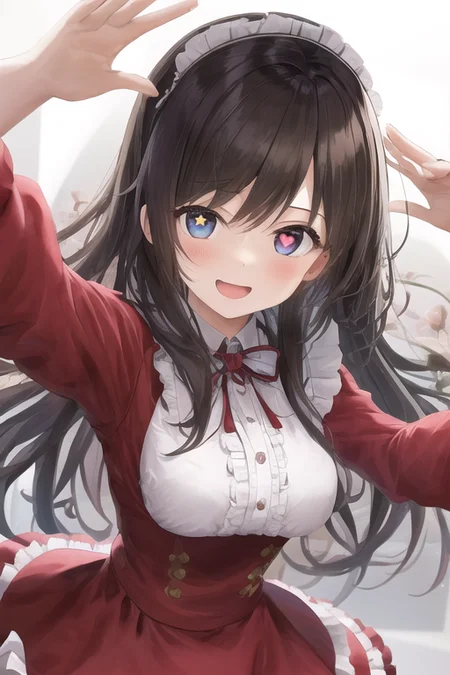

Follow this guide to see how it works:
_______________________________________________________________________________
Added Star-Shaped Pupils. The LoRA can now do both.
_______________________________________________________________________________
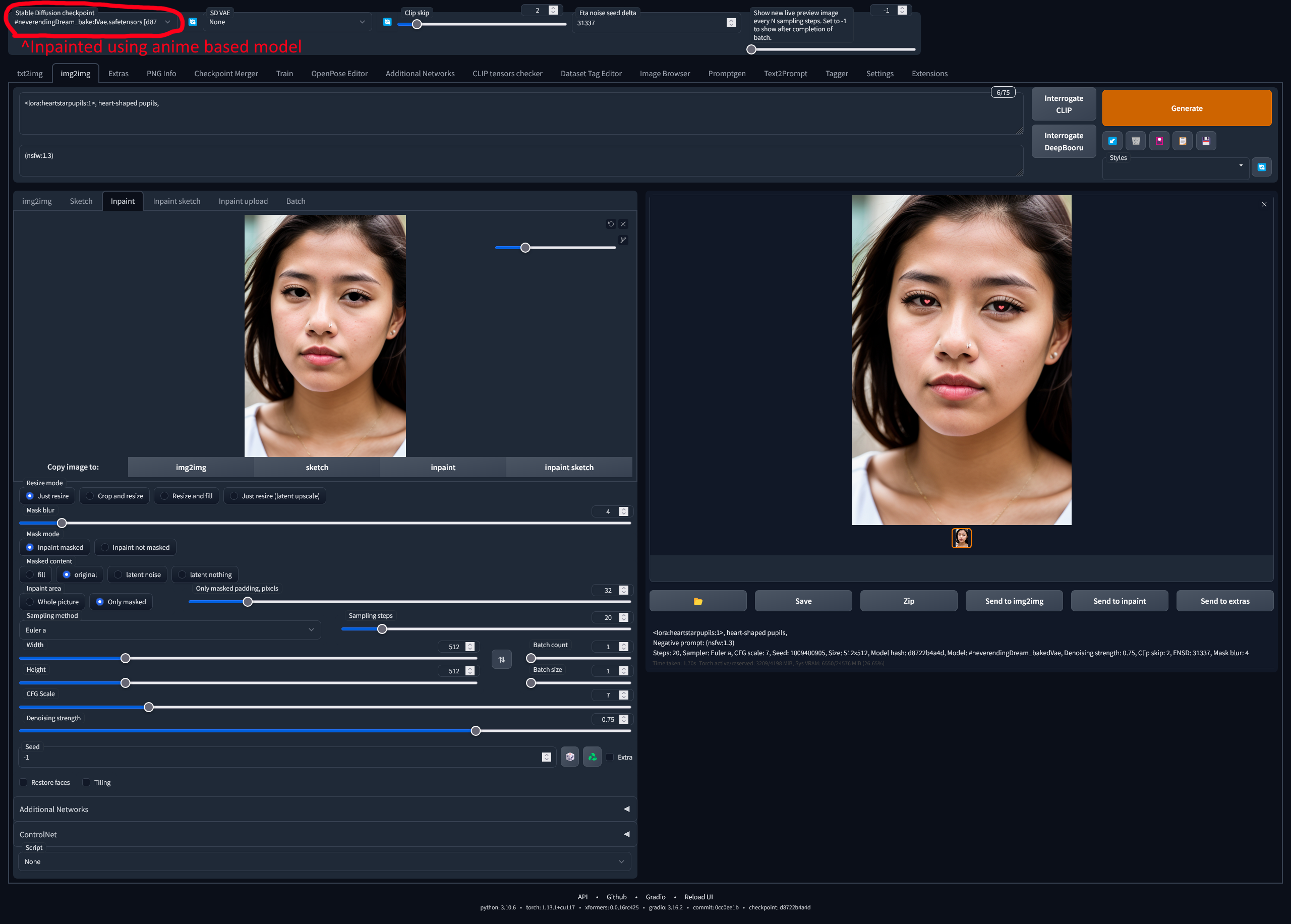
For realistic pictures, change back to an anime model before generating inpainted pictures. "example: pic 2" in version2
_______________________________________________________________________________
This can work without Inpainting but you will need to do a close-up of the face,
example: "1girl, close-up face, heart-shaped pupils, smile,"
Description
Added option to do both Heart & Star Shaped Pupils
FAQ
Comments (16)
I needed this. Can you pick the color of the star? I'm tired of drawing them by hand :D
Mostly trained on yellow stars, but I've had some success changing the color with the prompt, example, "(purple star-shaped pupils:1.3), <lora:heartstarpupils:1>, " but could not get all colors to work
The star version is very cool! Are you planning on covering more symbols?
Possibly 😉
I try to make photorealistic but it is invalid.
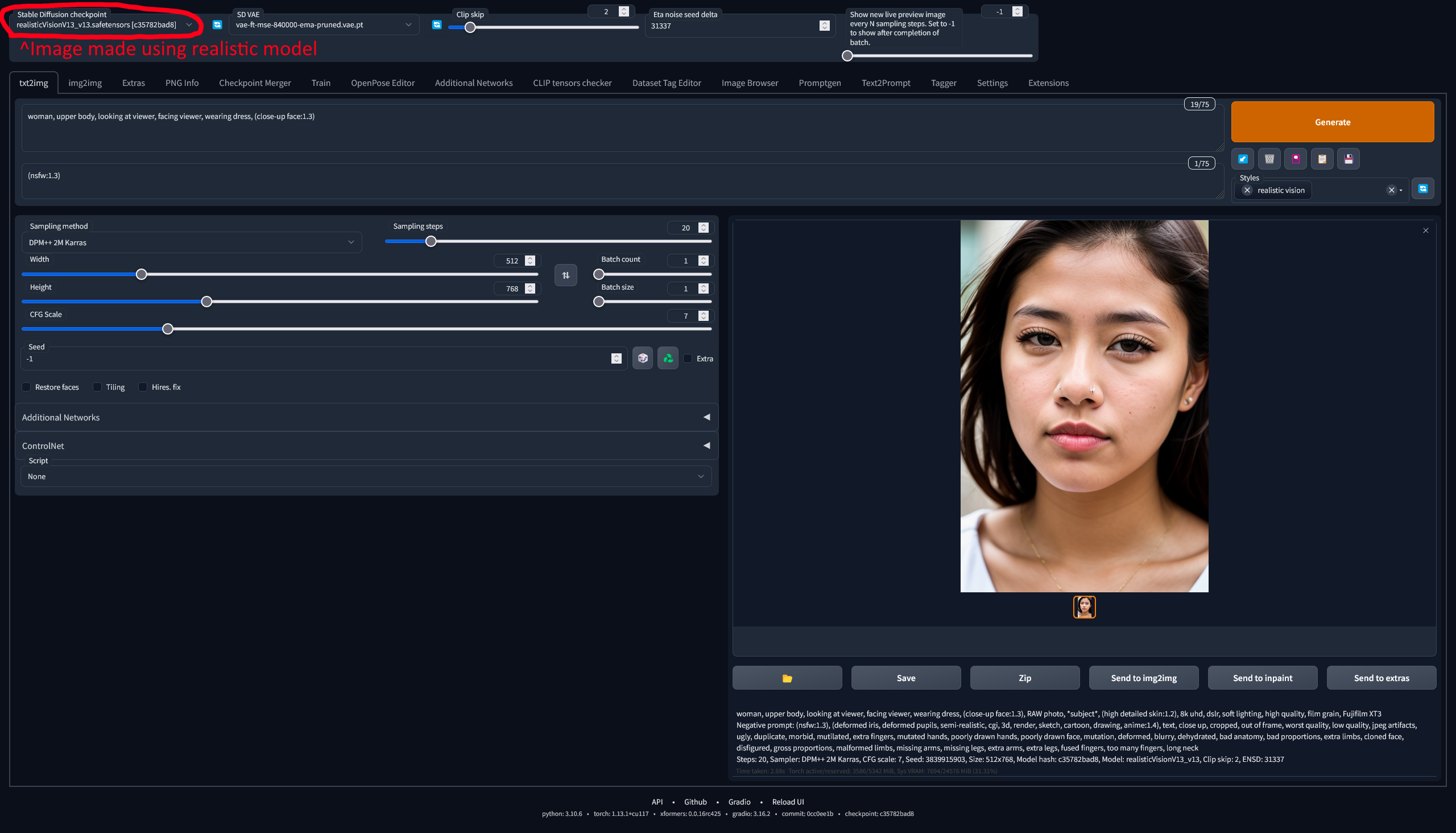
If you want to use it for realistic images, you have to change the model to an anime based model before inpaiting.
https://i.postimg.cc/cxTHN98j/Screenshot-2023-02-23-at-18-55-57-Stable-Diffusion.png
https://i.postimg.cc/G32p3FFp/Screenshot-2023-02-23-at-18-58-45-Stable-Diffusion.png
@Apyr em....the action looks like put it into ps to replace the pupil...
@starya it is what it, not really meant to be used with realistic models.
god!
Used this alot, you're a godsend
Sir, inpaint guide url is unavailable
I put the pic in preview images, hopefully that works for you. :)
@Apyr Oh I see, thank you very much. So the magic is happens only on AOM checkpoints. I tried ~10 different models as well as different VAE's (realistic/anime ones), and only one result out of a hundred gave a good looking gaze with a heart shaped pupils. I'll download Orange mix and try in future with it. thanks again!
nice work
This is amazing!!. This is what I was looking for!!
This is THE ONLY way to get heart-shaped pupils reliably. Use Lora Block Weights with OUTALL/OUTS/OUTD and (heart-shaped pupils:1.2).
Details
Files
heartstarpupils.safetensors
Mirrors
HeartStarShapedPupils_HeartStarShapedPupils.safetensors
heartstarpupils.safetensors
HeartStarShapedPupils.safetensors
HeartStarShapedPupils_HeartStarShapedPupils.safetensors
HeartStarShapedPupils_HeartStarShapedPupils.safetensors
heartstarpupils.safetensors
hotarueye_star1_v100.safetensors
hotarueye_v_left_v080.safetensors
Available On (2 platforms)
Same model published on other platforms. May have additional downloads or version variants.