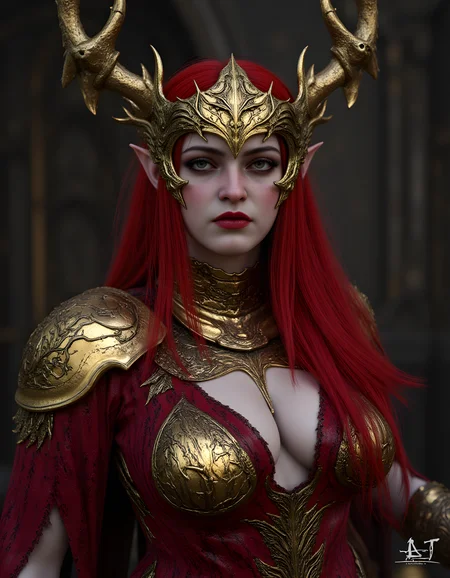
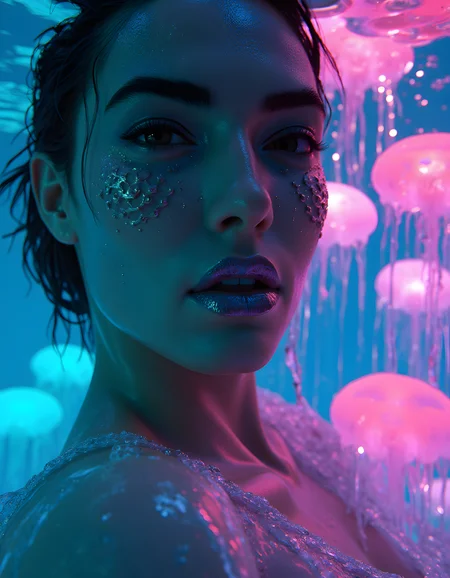

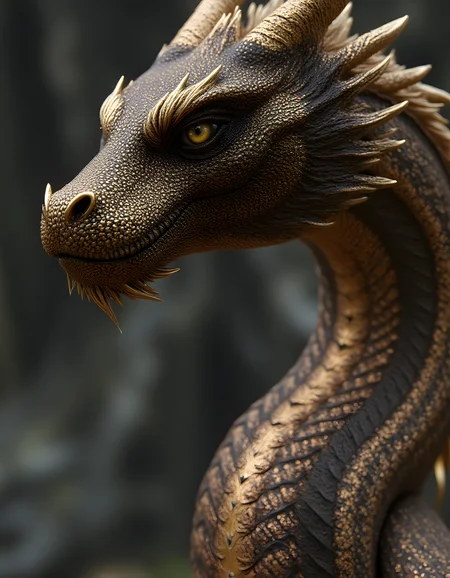


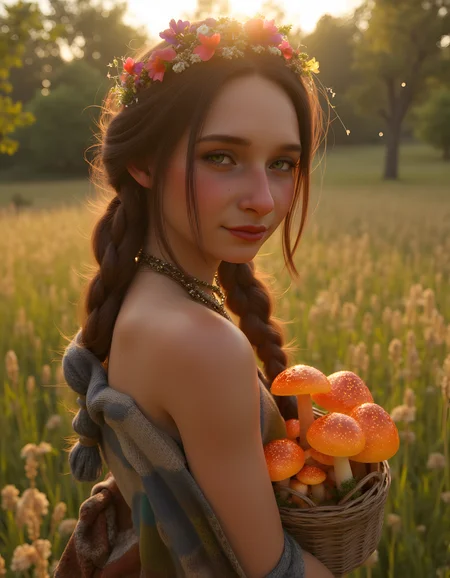


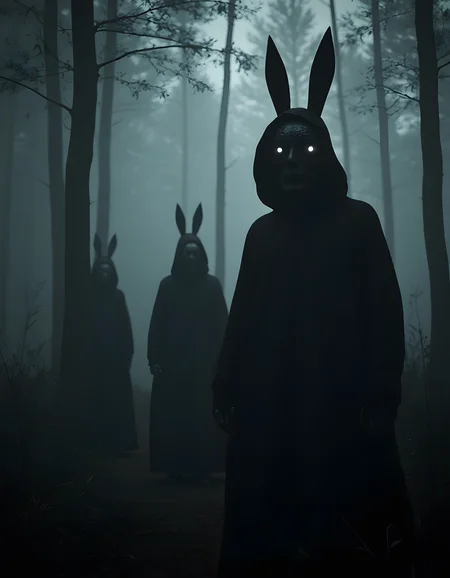


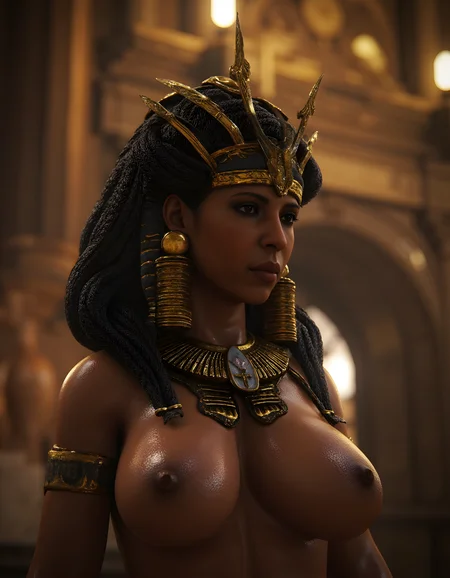


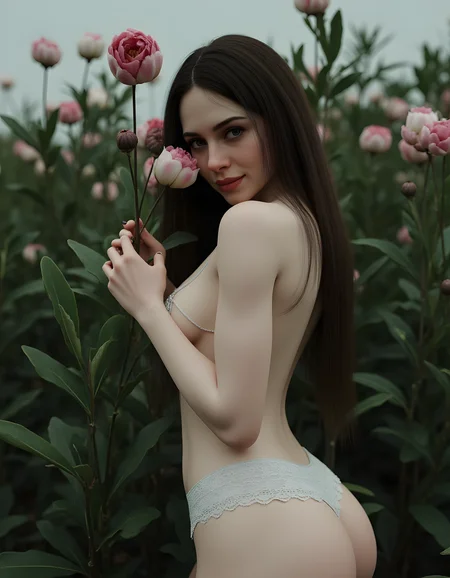
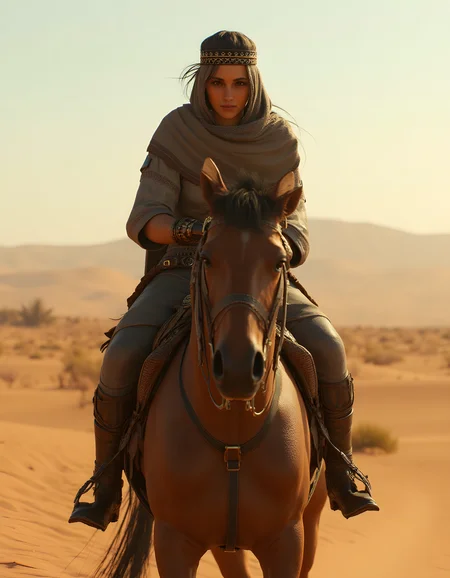
(The description includes great tips)
(FOR DIFFERENCE BETWEEN V1 AND V2 SCROLL ALL THE WAY DOWN)
VERSION 2 (21/2/2025)
More detailed and significantly enhanced compared to Version 1, featuring a major update in the dataset and training process.
Trigger Words:
- ayn0_st: Primary trigger word (updated from "3D RENDER STYLE" in Version 1). This change offers greater flexibility, allowing you to create either 3D images or enhanced visuals.
- realistic: A versatile trigger that works well for overall enhancements.
- 3D: Recommended for users aiming to incorporate 3D elements into their images.
Visual Showcase on Difference:
-------------------------------------------------------
(add watermark, text, logo, username) in the NEGATIVE prompts
Basic Prompts:
High-Resolution 3D Models: Ensures the scene showcases highly detailed and realistic 3D renders.
Detailed Texturing: Emphasizes the intricate textures and material properties that give depth and realism to the models.
Visual Elements:
Realistic Lighting: Utilizes advanced lighting techniques to create natural and dynamic light effects.
Complex Scenes: Incorporates detailed backgrounds and environments to enhance the overall realism.
High-Quality Shading: Employs sophisticated shading techniques to highlight the contours and details of the models.
Use various scene prompts to explore the unique visual impact of the 3D Blender/Render Style:
Cityscapes, Natural Landscapes, Interiors: Experiment with different environments to see how the 3D render style transforms them.
now for the tips:
I also like to call this boost injections (I know it is a bizzare name xD)
but it really do that. The following prompts when you add them before writing your original prompt makes the style shine to its true intend so if you want more than a simple 3D I also used some of them in my showcase images there prompts are there.
before I post them this is really important : ( the enchantment prompts are not fixed you can edit stuff in them it is like a layout for you )
3D Blender/Render Style
Prompt: 3D render, Blender style, realistic textures, detailed lighting, high resolution, ray tracing, ambient occlusion, PBR materials, soft shadows, global illumination, high poly, detailed environment, photorealistic, high detail, cinematic quality, single character, solo, sharp focus, intricate details, vibrant colors, dynamic lighting, realistic shading, full body
Description: Enhances images to emulate the high-quality, realistic look of 3D renders produced in Blender. This prompt focuses on achieving photorealistic textures, detailed lighting, and high-resolution output with the use of advanced techniques like ray tracing and ambient occlusion. The goal is to create images that showcase the intricate details, realistic shading, and vibrant colors characteristic of cinematic 3D renders. The single character is rendered with high poly models and PBR materials, ensuring sharp focus and a dynamic, immersive environment.
Additional 3D Render Style Enhancements
Photorealism
Prompt: 3D render, photorealistic, detailed textures, realistic lighting, ray tracing, ambient occlusion, PBR materials, high resolution, soft shadows, global illumination, high poly, detailed environment, full body, single character, solo, sharp focus, intricate details, vibrant colors, cinematic quality
Description: Focuses on achieving photorealistic quality with detailed textures, realistic lighting, and advanced rendering techniques for a lifelike appearance.
Hyper-Realism
Prompt: 3D render, hyper-realistic, ultra-detailed textures, advanced lighting, ray tracing, ambient occlusion, PBR materials, 8K resolution, soft shadows, global illumination, high poly, intricate details, full body, single character, solo, sharp focus, vibrant colors, cinematic quality
Description: Emphasizes hyper-realism with ultra-detailed textures and advanced lighting techniques to create extremely lifelike images.
Stylized Realism
Prompt: 3D render, stylized realism, detailed textures, dynamic lighting, ray tracing, ambient occlusion, PBR materials, high resolution, soft shadows, global illumination, high poly, vibrant colors, artistic style, full body, single character, solo, sharp focus, intricate details
Description: Combines realistic textures and lighting with vibrant colors and artistic elements to create a stylized yet realistic appearance.
Cinematic Render
Prompt: 3D render, cinematic style, realistic textures, dramatic lighting, ray tracing, ambient occlusion, PBR materials, 4K resolution, soft shadows, global illumination, high poly, detailed environment, full body, single character, solo, sharp focus, dynamic lighting, vibrant colors
Description: Focuses on cinematic quality with dramatic lighting and realistic textures to create a visually striking image.
High Fantasy Render
Prompt: 3D render, high fantasy, detailed textures, enchanted lighting, ray tracing, ambient occlusion, PBR materials, high resolution, soft shadows, global illumination, high poly, intricate details, full body, single character, solo, vibrant colors, magical effects, fantasy elements
Description: Enhances images with a high fantasy theme, incorporating enchanted lighting and magical effects for a fantastical and detailed render.
Sci-Fi Render
Prompt: 3D render, sci-fi style, futuristic textures, advanced lighting, ray tracing, ambient occlusion, PBR materials, high resolution, soft shadows, global illumination, high poly, intricate details, full body, single character, solo, vibrant colors, high-tech elements
Description: Focuses on a sci-fi aesthetic with futuristic textures and advanced lighting techniques to create a high-tech, detailed render.
Character Focused Render
Prompt: 3D render, character focus, realistic textures, detailed lighting, ray tracing, ambient occlusion, PBR materials, high resolution, soft shadows, global illumination, high poly, full body, single character, solo, sharp focus, intricate details, vibrant colors, expressive features
Description: Emphasizes the character with realistic textures and detailed lighting, ensuring sharp focus and expressive features in the 3D render.
These prompts and descriptions provide a comprehensive approach to achieving high-quality 3D Blender-style renders, focusing on various aspects such as photorealism, hyper-realism, stylized realism, and specific themes like fantasy and sci-fi.
if you like my models and want to buy me a ko-fi or commission feel free to do so at https://ko-fi.com/ayanna01
For further support, feel free to DM me on Discord @.gamakichi_
Happy creating with the 3D Blender/Render Style!
( Version 1 vs Version 2 with same seed and settings)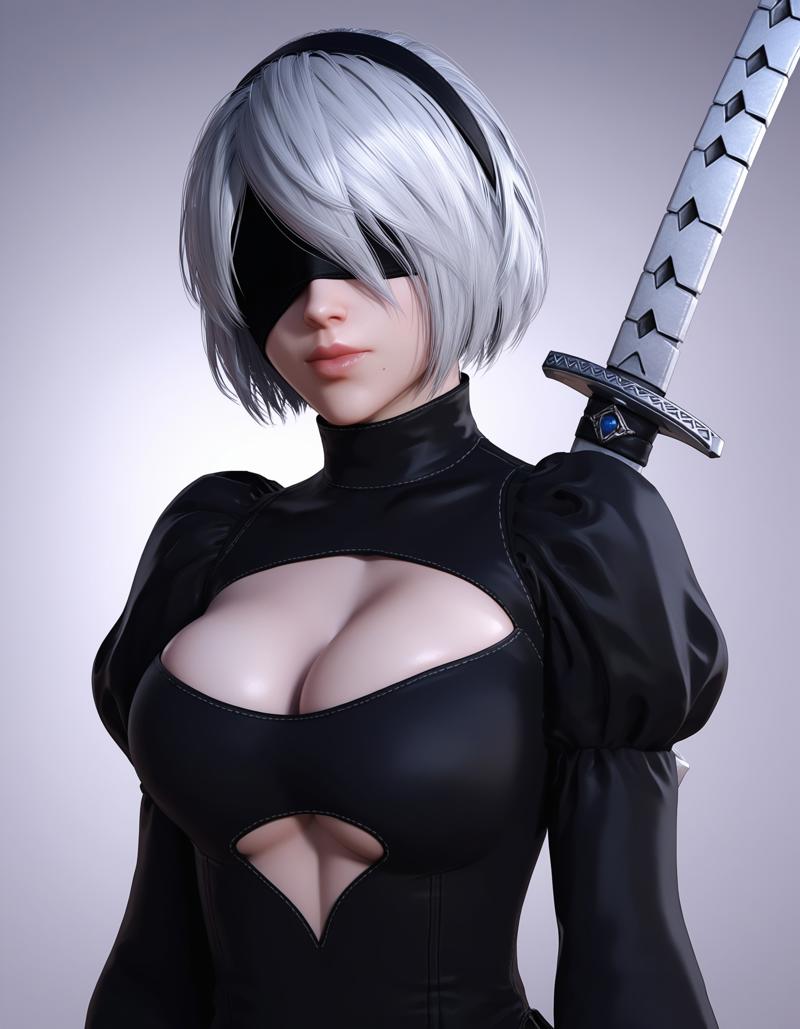
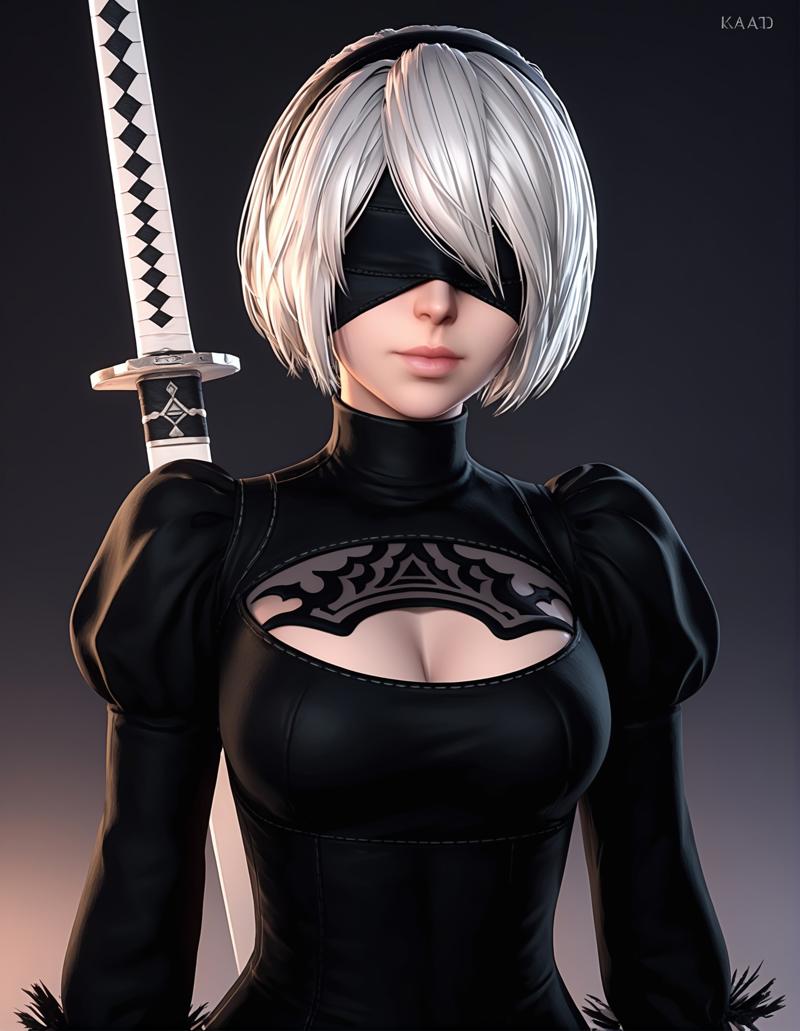
------------------------------------------------------------------
Description
FAQ
Comments (7)
Just a note, this model has such a long name and combination of _ that fucks up dynamic prompts in a1111, it would be better to rename this to something shorter
The model name has nothing to do with image prompts it doesn't also have underscores in the name
@Ayanna_01 let me preface that the lora is super good, however when you download it it has this name: 3D_enhancer_Blender_Style_FLUX-000017. i spent 3 hours redownloading hundreds of gigs of stuff cause reforge extensions stopped working somehow because of the name, this string is too long or has toom many - or _, <lora:3D_enhancer_Blender_Style_FLUX-000017:1>, after renaming it everything works, im just saying it for whoever happen to have this issue,
@floralis oh yeah I was going to suggest renaming it on your end since it won't affect the file details anyways, Glad you got it figured out and hopefully other a1111 users who have this problem see your comment, looking forward to your amazing creations !
Idk what I'm doing wrong, but I can't get the faces to look 3D.
The rest of the image is perfect, but the faces always look 2D and it doesn't fit.
I've tried with and without ADetailer, and I also tried different ADetailer denoising strengths, but it always ends up the same.
You are having this issue in illustrious right ?
Amazing, You can do Anima version? 💪