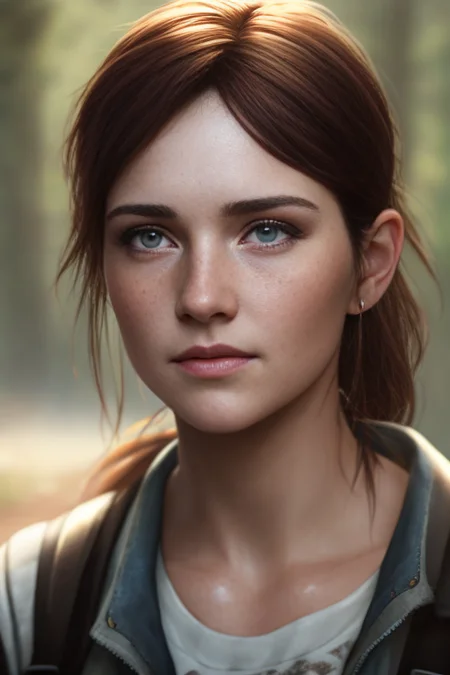
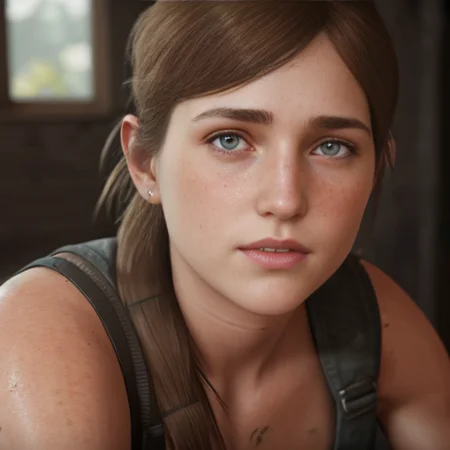
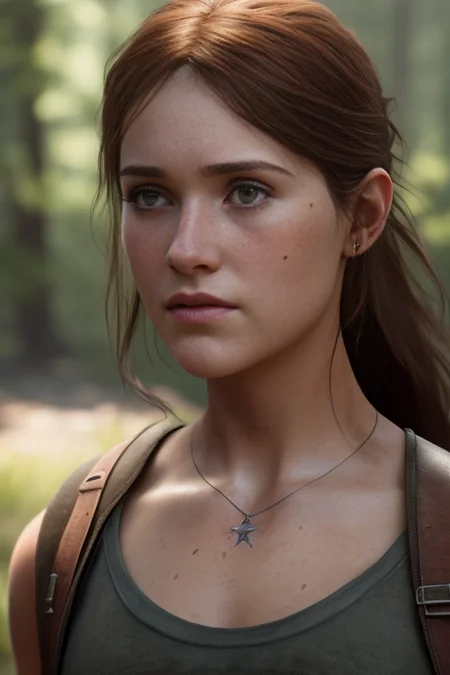
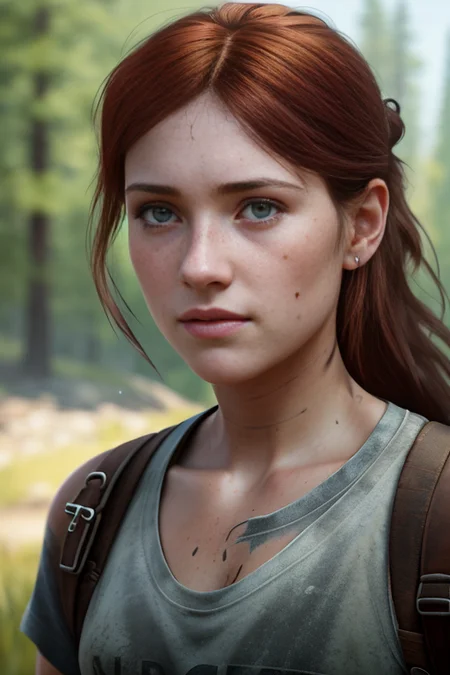
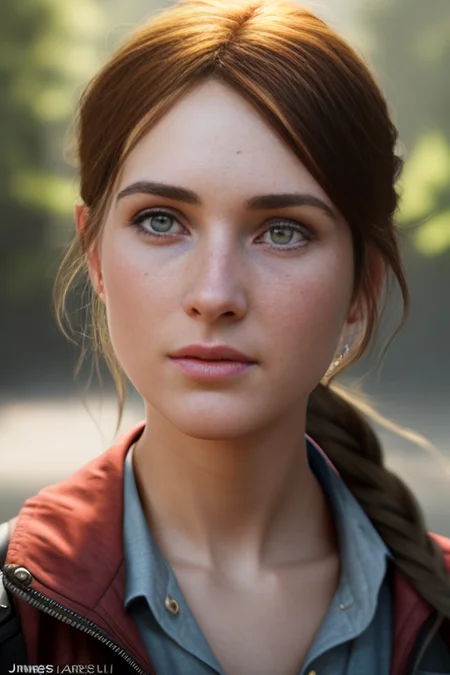
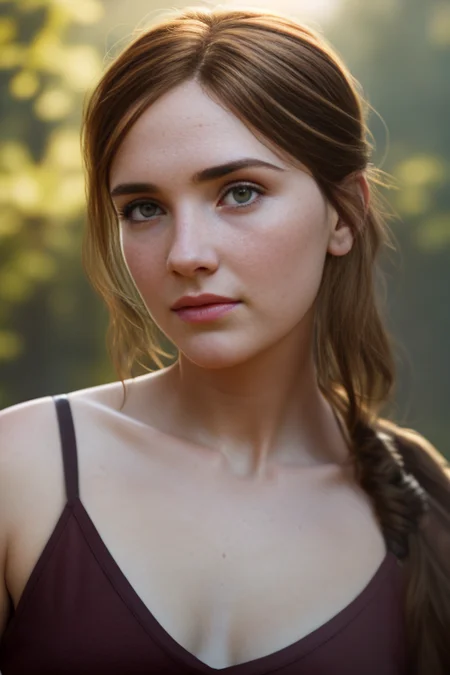
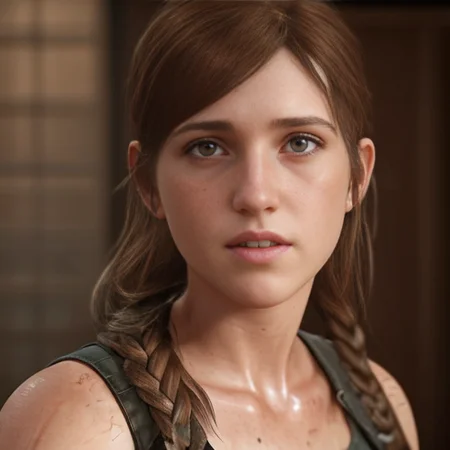
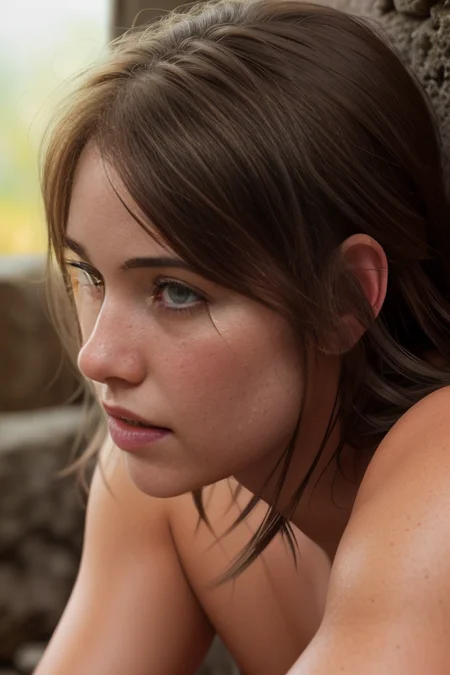
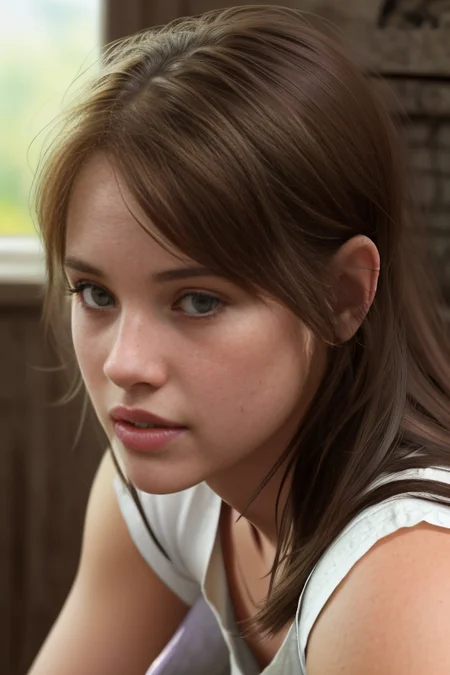
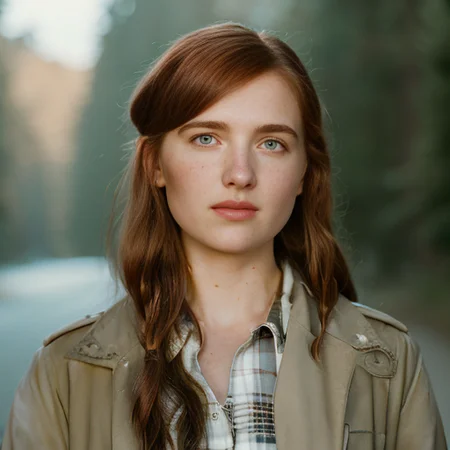
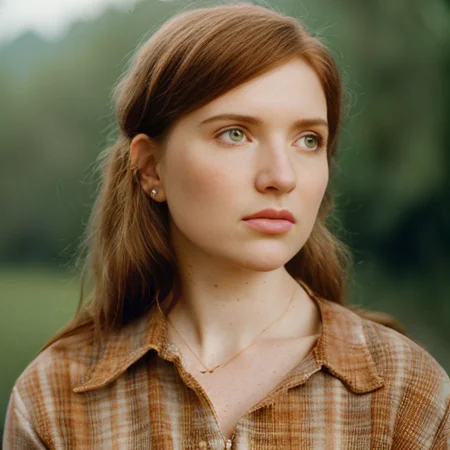
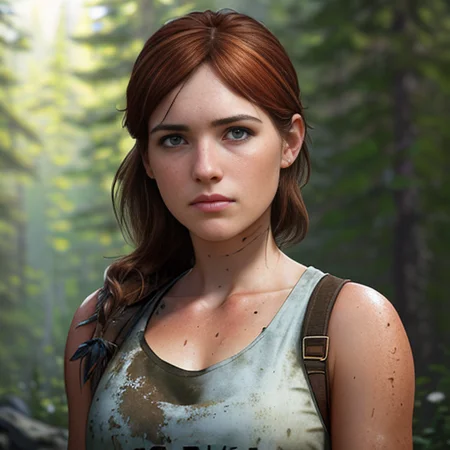
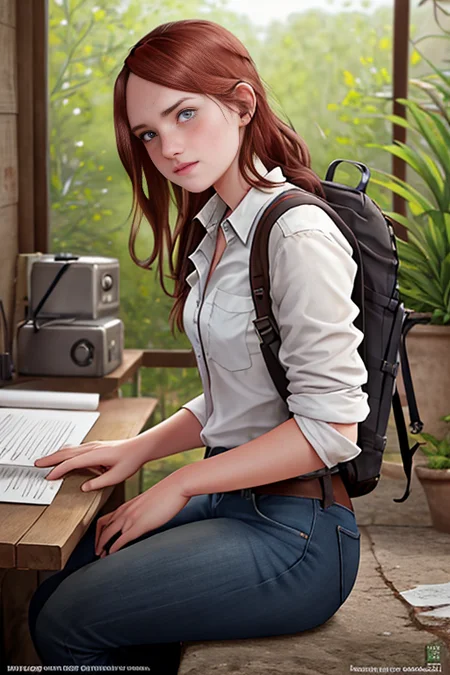
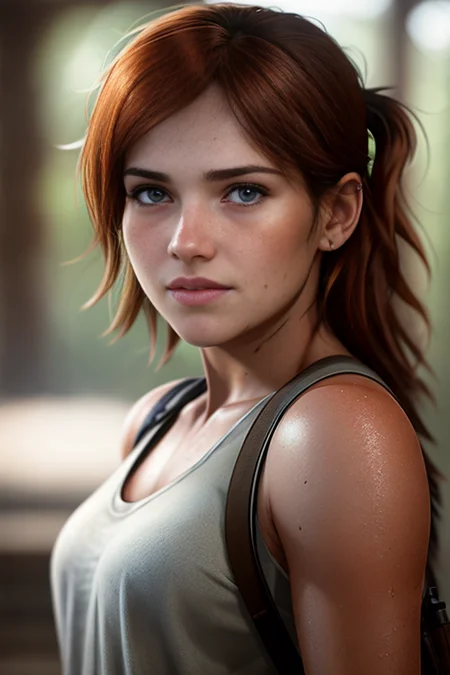
A TI of Ellie Williams from TLOU 2. Wanted to see what would happen bringing in a game character and then putting it through all the great models on here. There are differing results but I think Ellie comes through in most of them. Results will likely be variable though.
Likely need to inpaint her scars etc
I used the same prompt and seed for many of these promos to show differences between the models.
Trained for 0.005:200, 0.001:400, 0.0001:1000, Batch 5 on 15 images
Description
FAQ
Comments (18)
how much gradient accumulation and vectors have you used? Anyway, looks nice
2 vectors - 1 gradient. Was a fun one to try out :)
How about Blood Rayne? 😏
I guess this is the "Ellie" I got requested to make. I never played TLOU (though finally coming to PC!) so it didn't connect. Mind if i link your TI, so I don't have to make one? xD
No problem at all :D
You've done a stupendously excellent job here. That common phrase: you've brought her to life. What is so amazing that you capture her sincerity, her humanity - although she's synthetic and based on a game character! Makes me almost cry.
Awesome, really appreciate that and glad you like her. :) She's such a great character and really surprised at how well she came out.
I'm so used to this face of Ellie that I can't wait to be a few years down the line where you feed the HBO episodes into the video2video tab to patch Ellie and Joel to make them look like their original video game counterparts.
I know right? Although the two of them are doing a pretty good job after 1 episode :)
last of us show will be cancelled by the end of this seasons run
@civitfan01 I hope not. It has been GREAT!
Oh, damn! I just checked the rating on IMDB. 9.2 out of 10 of 230K votes. Yeah, I don't think it's going to be cancelled. Hahahahaha
Great job. Thanks for the training info. Helpful. But what did you mean by "Batch 5"? Everything else made sense.
On the Automatic 1111 GUI it gives an option for Batch Size (basically means it does 5 images at a time).
Ooooh right. My understand is that times gradient accumulation steps should equal the number of images. I'm not sure that effects outcome, just speed. Who the hell knows anyway!
I love your models!
I tried using your settings to teach the system to my own Leo Messi image, but it doesn't work even on the 10th try. Which checkpoint are you using?
my check: 1.5 pruned emaonly
vector 8 (but I've already tried with values 4, 5, 6)
20 photos, 512x512. Portraits from all angles. Preprocess used, description in txt for each. For example: man, facial_hair, looking_at_viewer, realistic, signature, solo
prompt template: custom txt with one row: a photo of [name], [filewords]
max steps: 3000
grad: disabled
batch: 10
grad step: 2
shuffle tags: true drop out tags: 0.1 sampling method: deterministic.
Where could the problem be? Thanks for your help!
ok - I'm not expert in this but try vector 1 or 2 - anything more will overtrain. I use SD1.4 for training as its apparently better for it but genuinely cant see a lot of difference. Take anything out of the txt files that are specific to Messi - so brown hair/brown eyes etc. I havent tried doing men, but apparently beards are a pain in the ass, so maybe use more clean shaven images of him. Overall I aim for 5000 steps so if I was batch 10 then I'd drop that down to 500 as my max steps. I tend to do batch 5, Grad 1 and 1000 steps max. Hope that helps a bit!
Thanks for the quick reply, I'll try.
Is there any way to determine, for each individual image, what model was used to generate them? Perhaps is it right in front of me and I just can't see it.
Details
Available On (1 platform)
Same model published on other platforms. May have additional downloads or version variants.