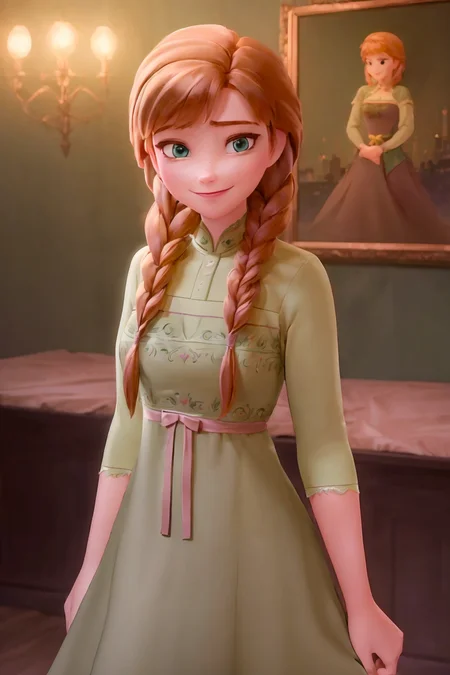
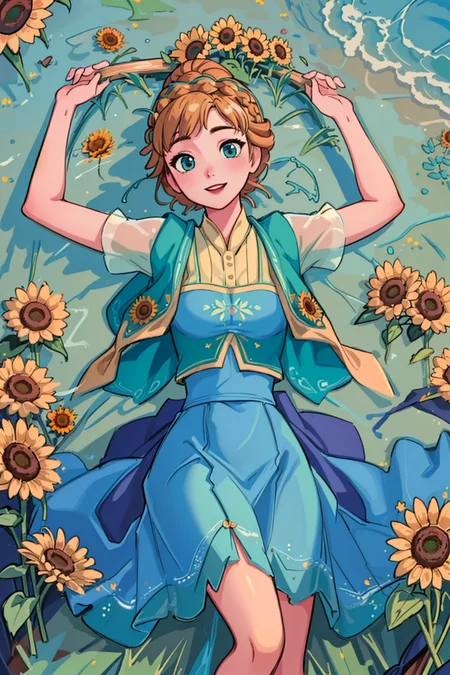
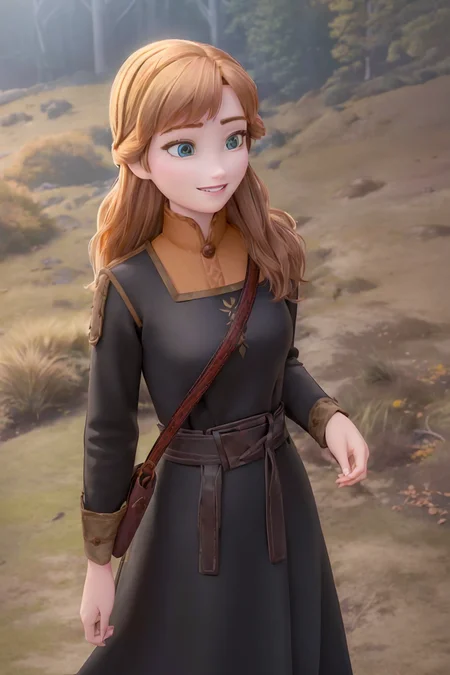
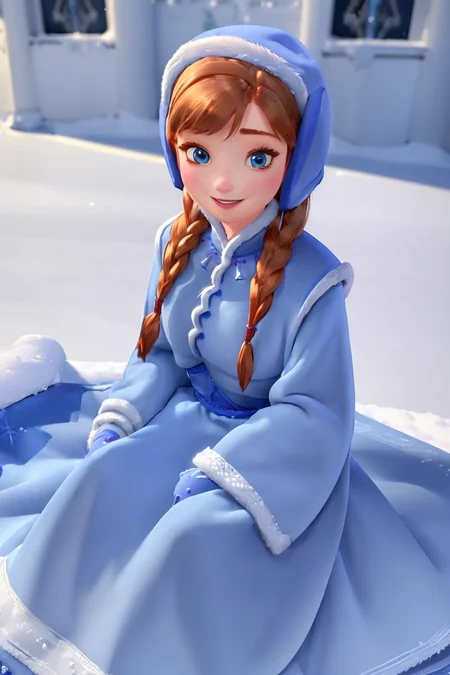
If you like the LoRA, please feel free to share your generated images here and leave a review (or at least a rating) for the sake of motivation and stuff ;D
For usage guidance and description, look into the About this version box for more information and click on Show more to get all trigger words and combinations.
Please contact me here on civitAi or on Twitter if you want to provide the LoRa in a generation service.
Last Changelog
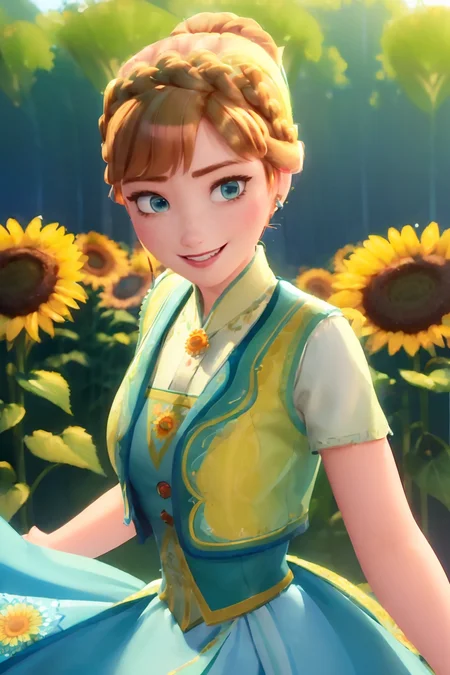
- Adds the sunflower outfit from the birthday special.About
I had been wanting to redo Anna LoRA for a long time, as V1 only provided basic coverage of the character, no good outfit tags and no hair tags...
So I skipped through the movies again to get more outfit pictures, hair pictures and catchy tune material (No, I will not let it go).
Training
Again, I doubled the amount of training data. Now we use a whopping 117 images for training, from pretty much all the official material available (one exception, the Lego stuff ;D).
Description
Changelog
Adds the sunflower outfit from the birthday special.
How to use the LoRa
Basic prompt, no weight adjustment required
anna of arendelle
Coronation Outfit (Frozen I)
anna of arendelle, bare shoulder, black bodice, green skirt, necklace, updo
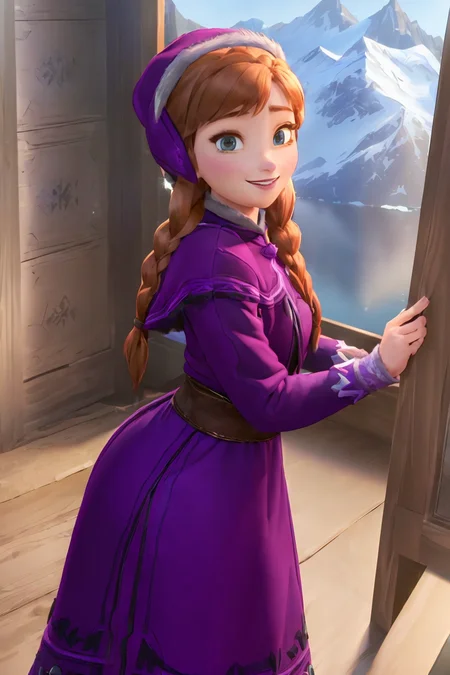
Winter Mountain Outfit (Frozen I)
anna of arendelle, purple cap, twin braids, winter mountain outfit
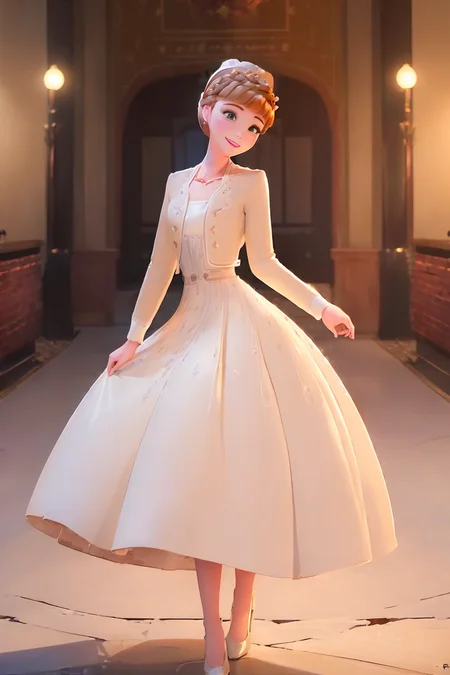
Cream Dress Outfit (Frozen II)
anna of arendelle, cream jacket, cream pumps, updo, white dress
Nightgown (Frozen II)
anna of arendelle, green nightgown, twin braids
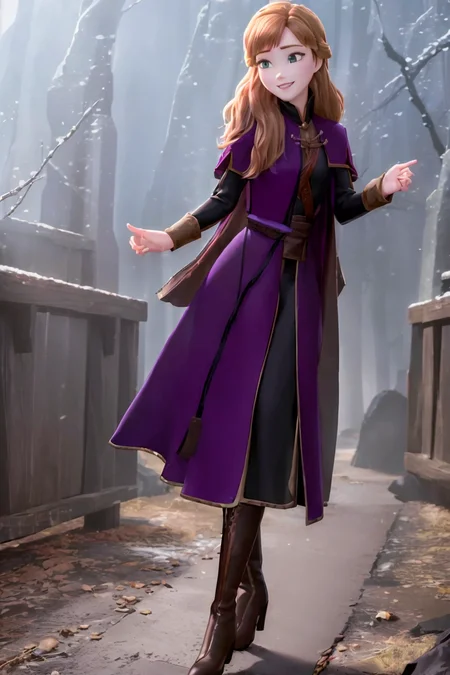
Adventure Outfit with Cloak (Frozen II)
anna of arendelle, black boots, black tunic, long hair, purple cloak
Adventure Outfit without Cloak (Frozen II)
anna of arendelle, long hair, long-sleeved black tunic, shoulder bag
Christmas Outfit
anna of arendelle, blue christmas dress, blue cap, twin braids
Queen Outfit
anna of arendelle, queen dress, tiara, updo
Birthday Outfit
anna of arendelle, updo, black shoes, blue green skirt, sunflower pattern, deepblue bodice, green legwear, green vest
FAQ
Comments (6)
All in all, great. But a couple of minor issues with gens using this lora:
1: clothing colour scheme from the prompt will be ignored most of the time. (See examples) The prompt for these had specified red top and white shorts. "red" was completely ignored in all 20 or so gens I made, and "white shorts" came out as "green" about 80% of the time.
2: The character has a tendency to look off-camera and not make eye contact as the prompt requests.
There are multiple reasons why this happens:
1. the base checkpoint can make it hard to do stuff like that. Simply try a different checkpoint, sofar I had no problems with NED or any anime checkpoint to get the results I wanted.
2.If thats not to your likeing increase the weight of the corresponding tags e.g. (looking at viewer:1.3) and/or add the colored parts you don't want (e.g. green top) to the negative promt and play with the weight there too. Thats what the negative prompt is there for... to tell what we don't want ^^
Use the “BREAK” command (all caps). It will separate color schemes if used correctly. I suggest to Google it’s usage.
Hey is there any special model I should use with this lora. I can't get any good result with this.
For my example images I used mainly NeverEndingDream as it is in my opinion the best one for 3dish cartoon content... Additionaly EasyNegative and badhands TIs are nice to improve the quality.
For more anime/cartoon style I would sugest something like MeinaPastel or ToonYou or BreakDomain all with highres fix of course ^^
Did you use regularization images when training? Just wondering because it's really flexible and does images really well
Details
Available On (1 platform)
Same model published on other platforms. May have additional downloads or version variants.