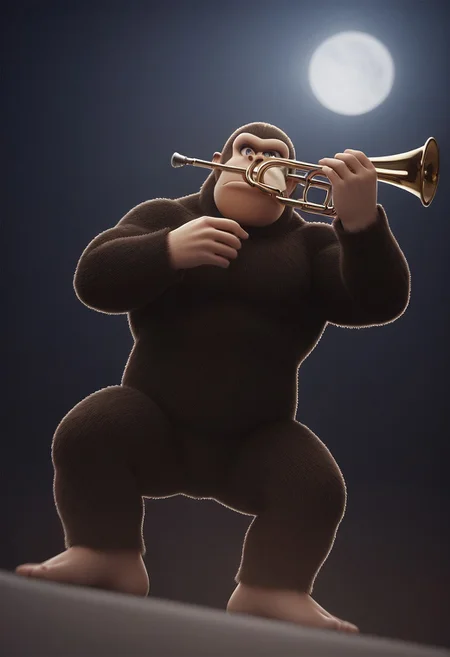
"DK... DONKEY KONG"
Strength: 0.5
Trigger: Kong, a photo of Kong
Optional tags: necktie, tuxedo
Using "ape" or "monkey" can sometimes help but is usually not necessary
DISCLAIMER: Soooo, I kind of messed up the prompting because I didn't consider the fact that Pony Diffusion knows what a "Donkey" is... So "Donkey Kong" is a bad prompt and yields images of DK with donkey ears... Instead I found that just using "Kong" seems to work better. I might update this Lora later to fix this but it works fine for now.
I made this Lora because Pony Diffusion has a pretty good concept of Bowser built in but seemingly no idea who Donkey Kong is and I wanted Princess Peach to have somebody else to... "play with"... The lora was not trained on any NSFW content but when prompted can give solid results.
Description
V.1 - I kind of messed up the prompting because I didn't consider the fact that Pony Diffusion knows what a "Donkey" is... So "Donkey Kong" is a bad prompt and yields images of DK with donkey ears... Instead I found that just using "Kong" seems to work better. I might update this Lora later to fix this but it works fine for now.
FAQ
Comments (5)
To avoid the model getting "Donkey Kong" mixed with an actual donkey, you can use "Donkey Kong (character).
Thanks! I've started on the dataset for V.2 and simply removed the space so the new tag will be "DonkeyKong" instead of "Donkey Kong" which I think will work as well (?)
1337 h4x0r speak can also help avoid running into tag conflicts.
Putting "donkey ears" or "donkey tail" into the negatives may also help with preventing donkey features.
Does anyone else get latent area glitches on his eyes?
Details
Available On (1 platform)
Same model published on other platforms. May have additional downloads or version variants.