


How to use Stable Cascade?
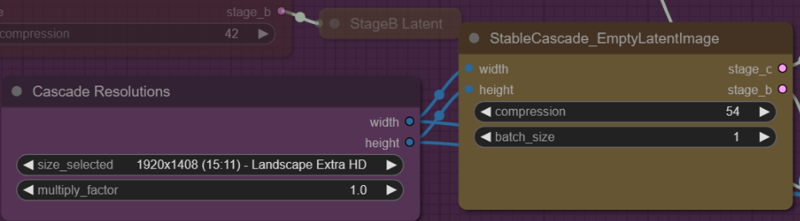
Many let go of working with stable cascade after the first run because of the terrible image quality.... Why is this? Because the workflows available on the web contain compression settings for the last used input image size (e.g. 1560x1560px). From my observations (RTX 3060 TI), the larger the input size, the higher the compression rate must be.
Why do I use and recommend Stable Cascade? Because it offers output images of a much larger size than SDXL (as long as you get the compression level right).
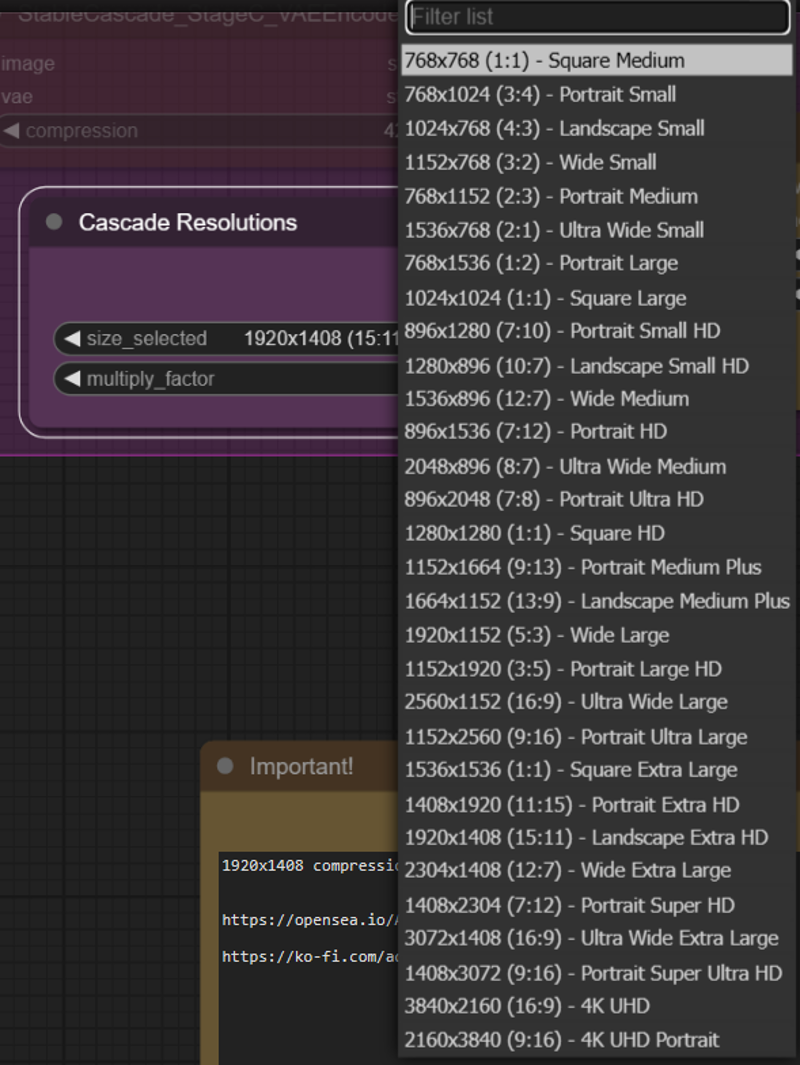
And one tip: cascade dont like "(long hair:1.6)", you must to use () or (()) or max :1.3.
In addition, I have noticed, quite by accident, that my angel-making lora does a great job of improving the images created with the Caldari lora.
You will now learn how not only the LORas mix affects the image, but also the compression level for latent image.
So, let see:
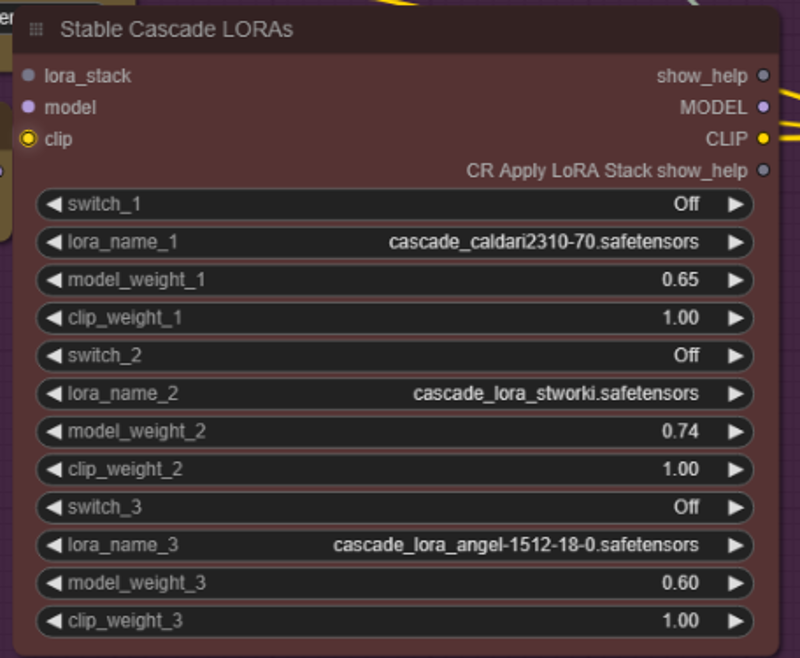
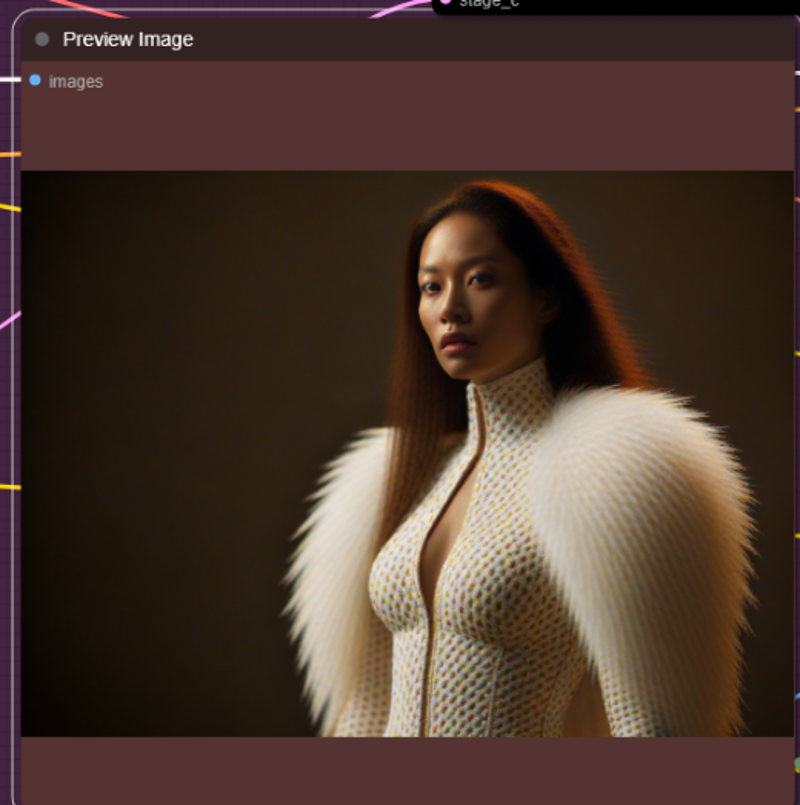 Caldari lora on

Caldari and Angel on
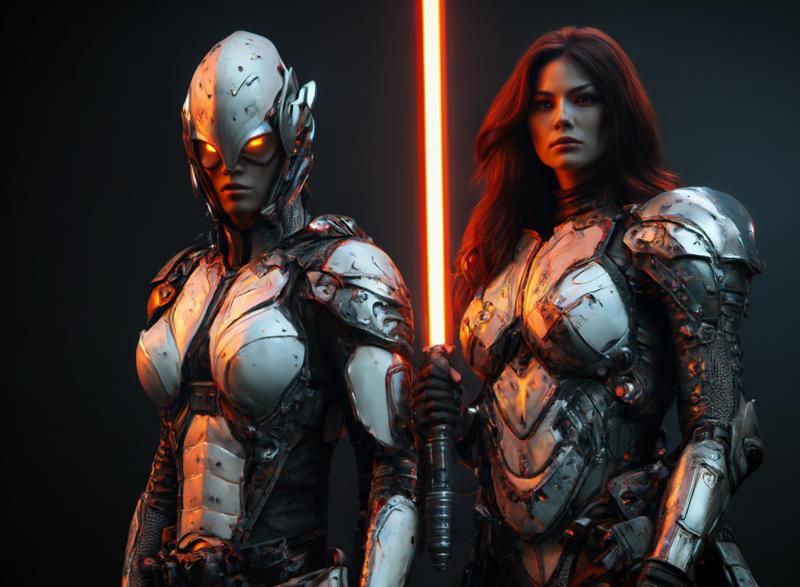
Angel only on

Set compresion down to 52, and without loras
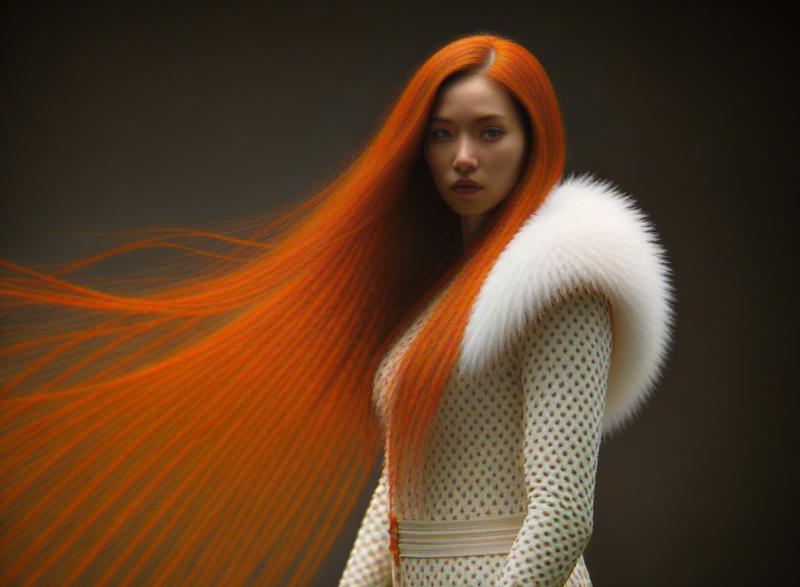
And another settings with compression 48:
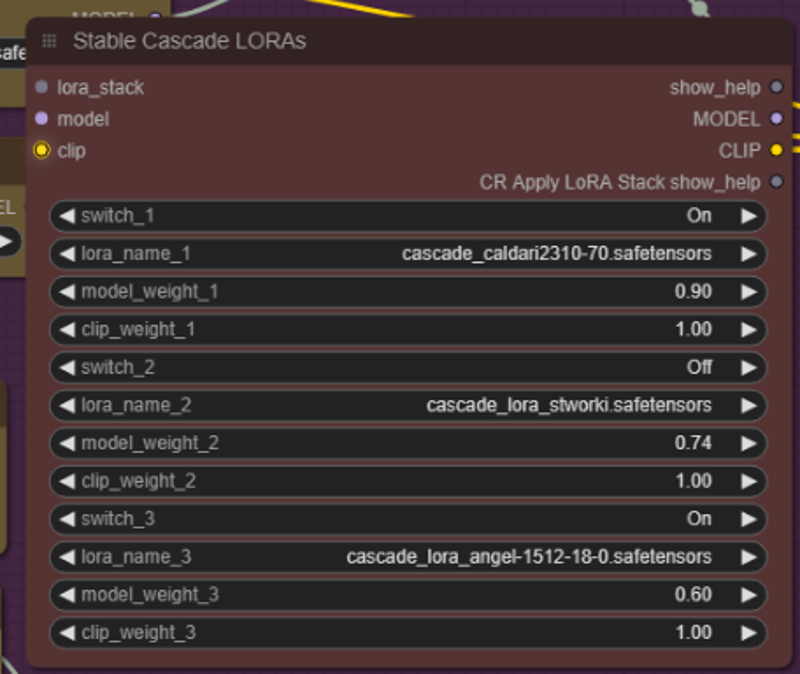
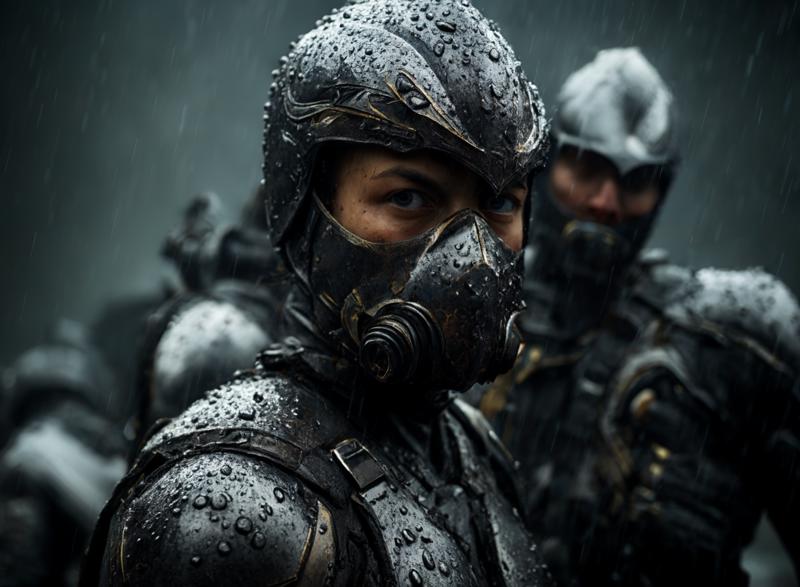
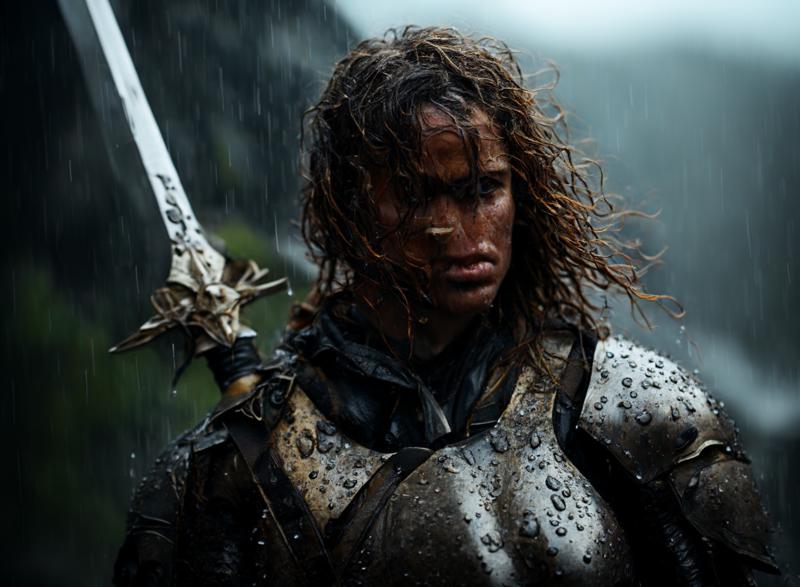
And... with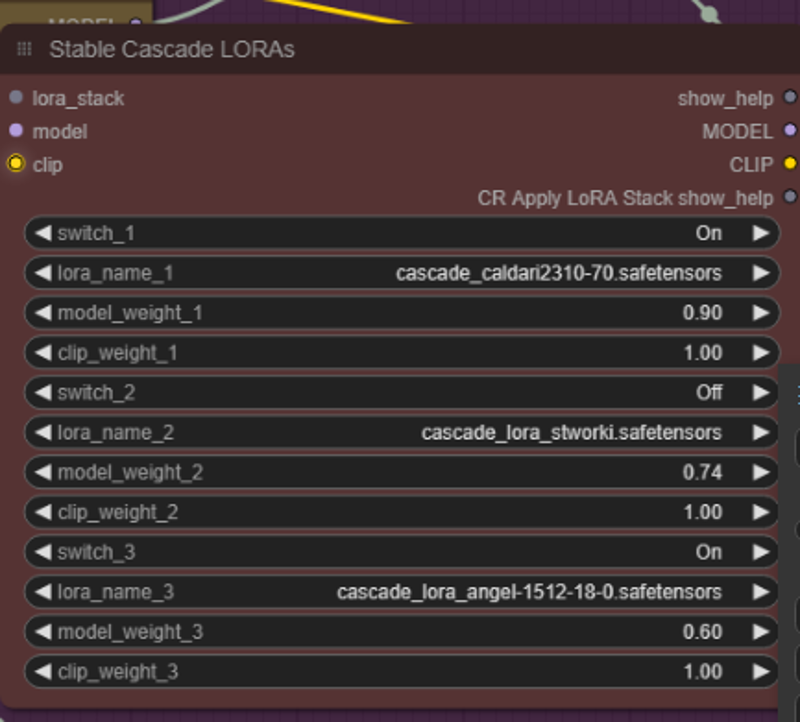 compression 48...
Have a nice day!