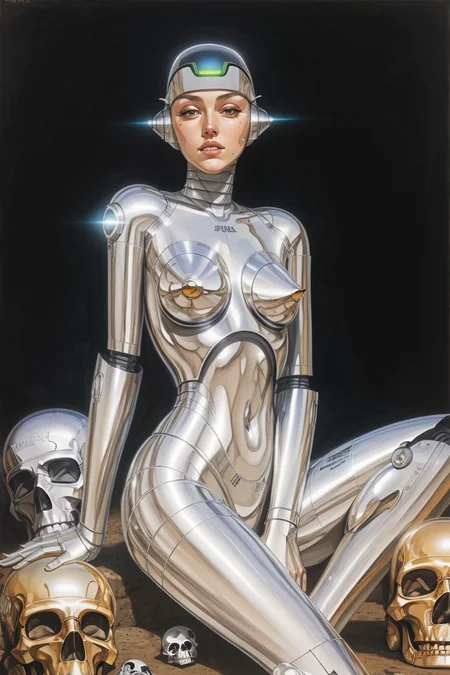
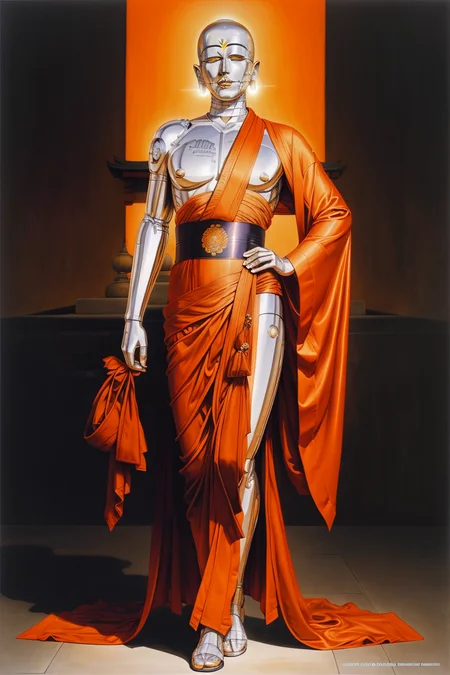
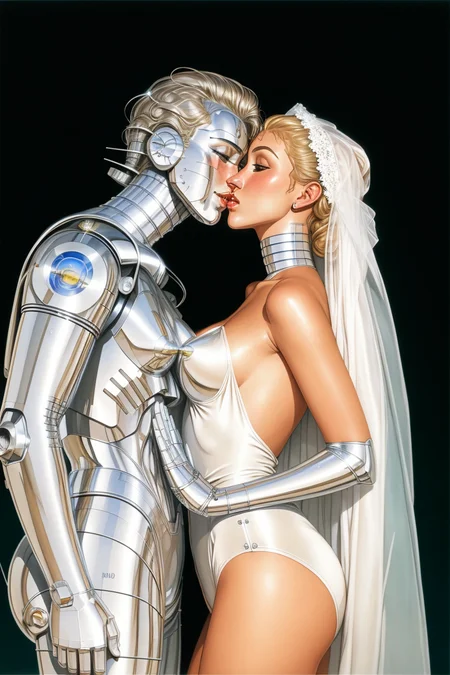
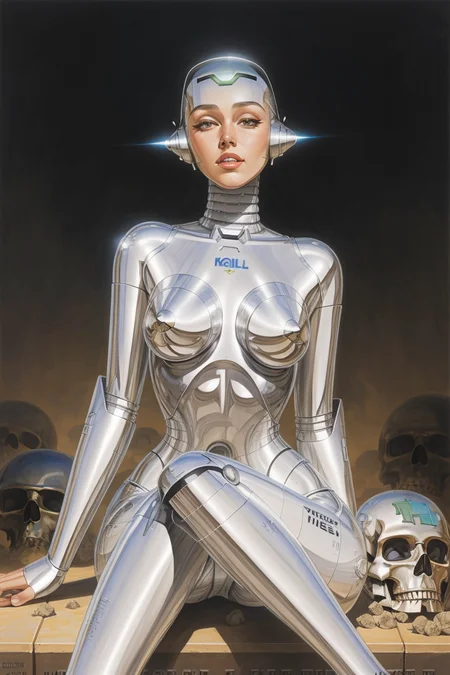
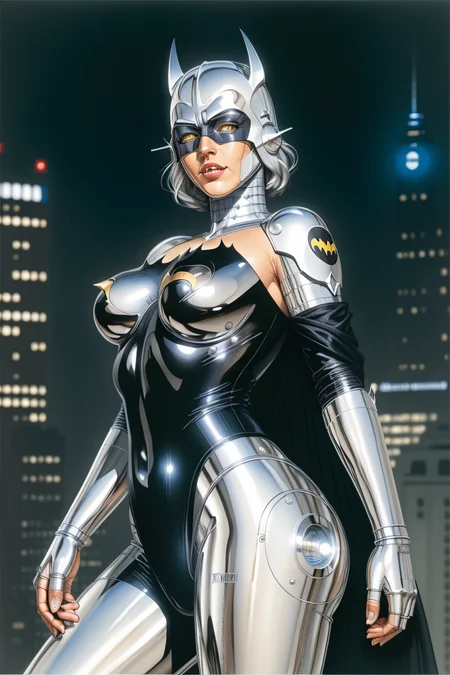
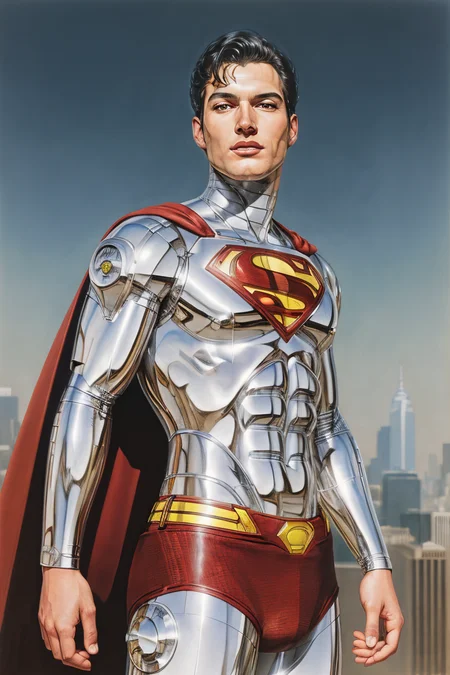
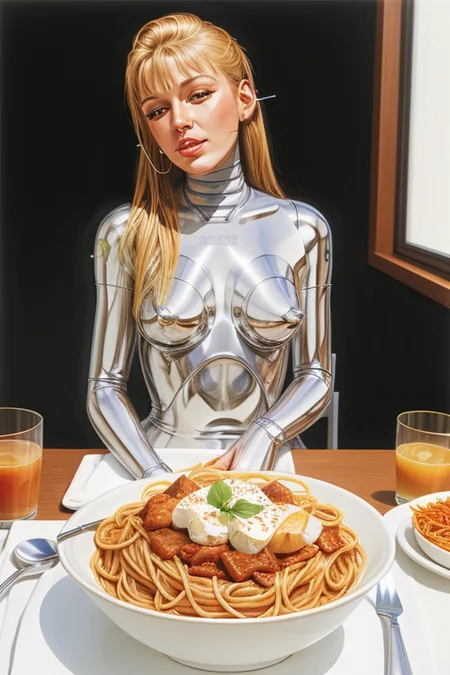
To achieve optimal results, consider incorporating both LoRA v.1.1 and v.1.0.
By blending these two models with the recommended weights of 0.45 for LoRA v.1.1 and 0.55 for LoRA v.1.0.
••••••••••••••••••••••••••••••••••••••••••••••••••••••
"Your support, no matter how small, can go a long way in keeping me fueled to create more valuable content. If you liked what I did and want to show your appreciation, why not buy me a kofi? It would mean a lot! Thank you for your kind consideration."
••••••••••••••••••••••••••••••••••••••••••••••••••••••
Look at the example image of LoRA v.1.1, which showcases the exceptional results that can be achieved by merging the two versions with the recommended weight.
These are simply suggestions and you are free to tailor them to your personal preferences.
*
And I apologize for any inconvenience, but I am unsure how to merge LoRA. Is there any way to merge them? Thank you.
••••••••••••••••••••••••••••••••••••••••••••••••••••••
To achieve the unique and captivating style of Hajime Sorayama, try using the trigger words "sorayama style".
••••••••••••••••••••••••••••••••••••••••••••••••••••••
I've made my very first LoRa. I'm still getting the hang of it, so any advice or recommendations you have would be incredibly valuable to me. And, of course, don't forget to share your artwork here! Thanks for your support and let's have some fun!
Description
FAQ
Comments (3)
That really reminds me for this that I've been needed as a LoRA.

Can someone help me figure out how to run this? I'm using Draw Things, but can I do it here?
I have versions 1.1 and 1.0 downloaded and set them to 45% and 55% but I keep getting a pixelated white noise kinda image as the result and I'm not sure why. I run it with the image to image preset at 70% strength because that's the highest it will let me go. Not sure what I'm doing wrong.
Details
Files
Available On (1 platform)
Same model published on other platforms. May have additional downloads or version variants.