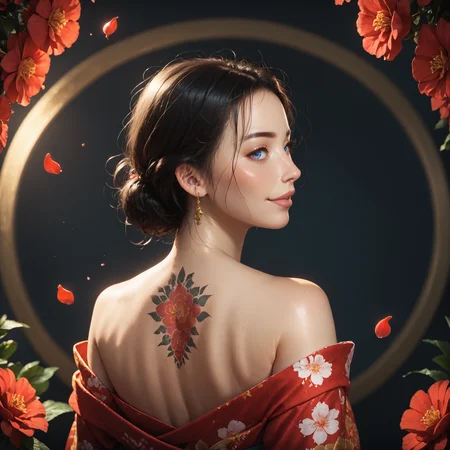
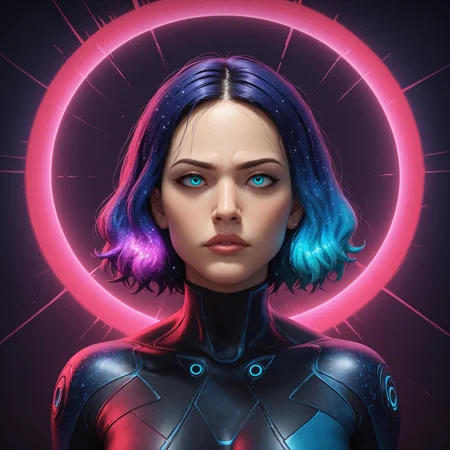
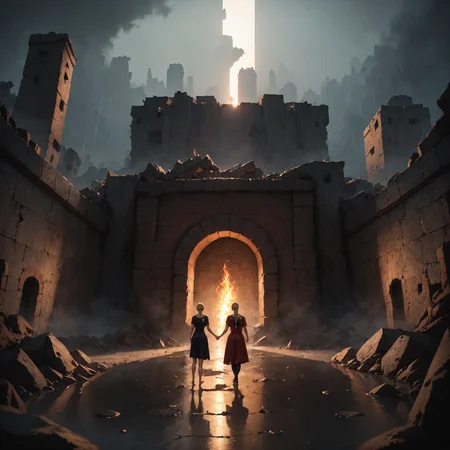
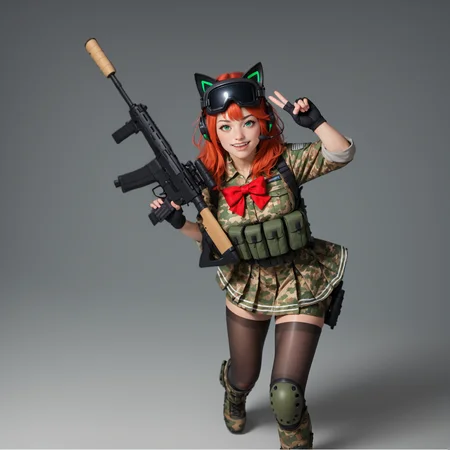
VividPDXL Real (Near photorealism)
Why use this? It has decent color, skin texture and eye quality for a pony model, and can achieve photorealism.
NO UNNECESSARILY LONG NEGATIVE PROMPTS, MOST OF THE TIME THEY HURT RATHER THAN HELP!!!
My usual visual tags are volumetric lighting, depth of field, cinematic, vibrant, shadows, detailed but these may force realistic images even if you are trying to do a different style.
Use source_photo and Realistic tags to help get realistic images.
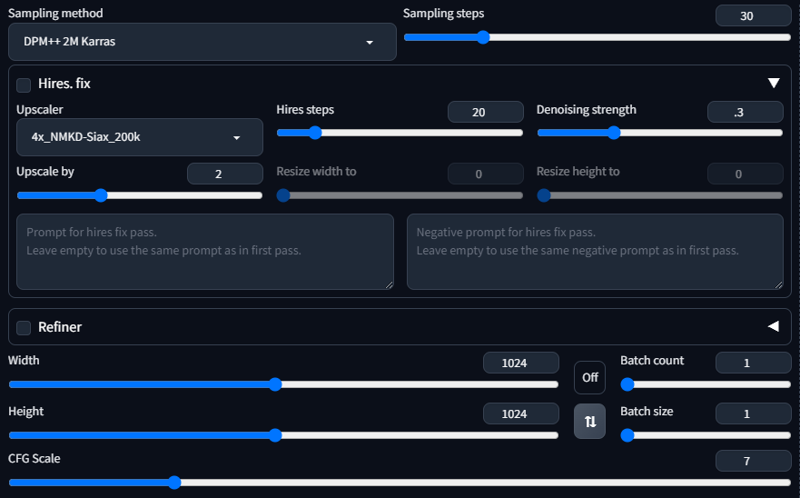
Make sure to keep CFG around 7 and Sampling Steps around 30.
Always use score_9, score_8_up, score_7_up, score_6_up, score_5_up, score_4_up you can remove the 4,5 and 6 one and you likely wont have any issues.
score_9, score_8_up, score_7_up, score_6_up, score_5_up, score_4_up, just describe what you want, tag1, tag2Recommended Negatives: artist name, signature, only add more if you want to avoid things appearing in your generation like styles or objects/people. You don't need to use tons of random negatives like deformed fingers I highly doubt they work.
Use source_anime, source_photo, source_3d, etc.. to force or avoid certain styles. You won't see the style change that much but it can help.
If you really want styles other than photorealism, you can try, but its not guaranteed. Try using words like style of "stylehere", while putting source_photo, realistic in the negative prompt as well as describing elements of that style. Certain visual positive prompts can also force a realistic style as well, so try experimenting.
Check out this extension(tagcomplete) for automatic111 users to help with finding tags for pony models.
Also use danbooru to help find tags, it has a tag count to show you how popular certain tags are.
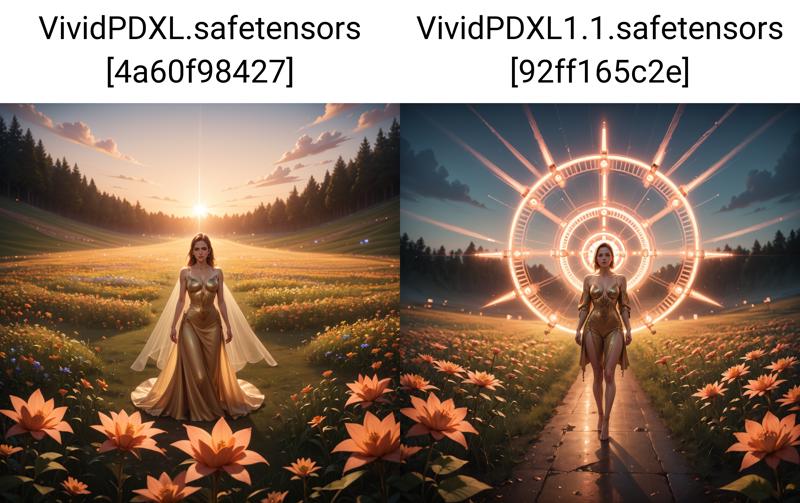
VividPDXL V1.1 (2.5d realistic style)
Why use this? This version produces a more 2.5d like style compared to REAL.
A slight update over 1.0 improving color slightly, and detail.
My usual settings for pony models are as follows:
Res: 1024x1024
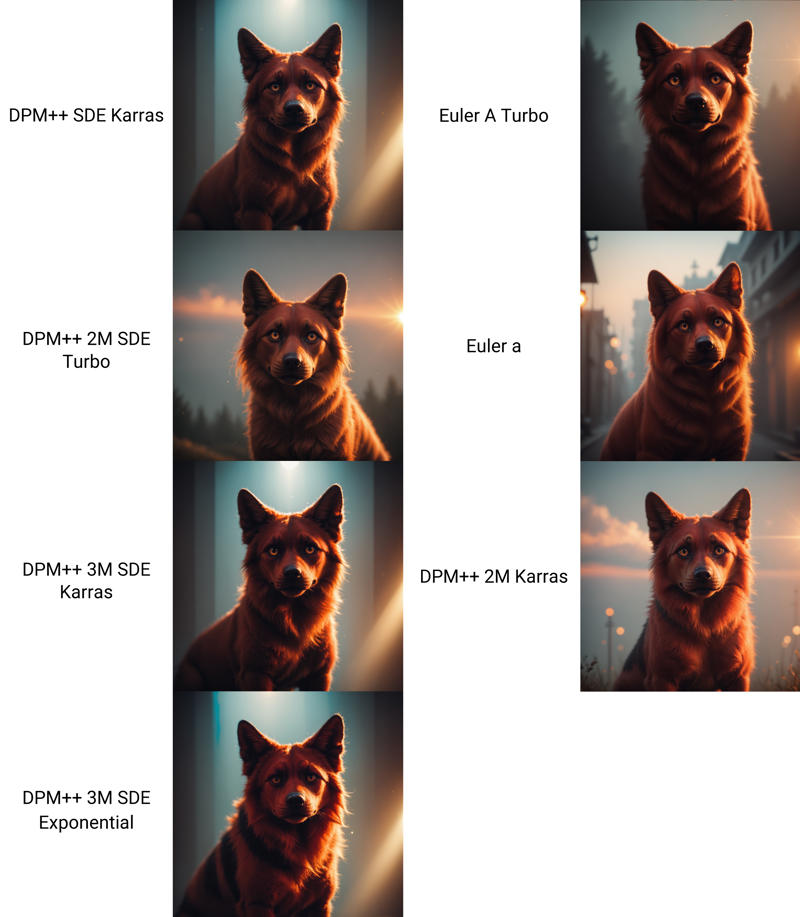
Sampler: DPM++ 2M Karras (DPM++SDE Karras, DPM++ 3M SDE Karras are all excellent as well)
Euler for lower detail images.
Steps: 30
CFG: 7
Hires Denoising: .3 - .4
 REAL
REAL
This update can create photorealistic images, but can sometimes creates a 3d look depending on prompts and loras.
V1.1
Slightly improved color/contrast, maybe a slight improvement to detail and merged the sdxl_vae.
V1.0
Troubleshooting:
If you see a faded image with white spots you need to download sdxl_vae and place it in your models/vae folder.
REAL is a merge of a high contrast 1.1 and Zonkey
V1.1 is a merge of...
My Model Vividvisions
Which is a merge of Duchaiten-NijiUncen v1Lightning and JuggernautXL V9RDPhotoLightning
Description
Improved color/contrast slightly and added a VAE to the merge. It might also add more details to an image but I'll need to test more to verify.
FAQ
Comments (9)
This is incredible. I’ve been spending some weeks trying to do just this but you’ve made my life easier :)
What were you trying to do? A 2.5d Pony Checkpoint?
@insertusername yes.
I’m new to SD and generative AI, so I have had to start from the ground up in the last few weeks.
Most of the models were either realistic or anime. Both of which are not interesting to me, and I’ve been looking for loras that got me to a happy medium between the two.
This model’s outputs are in that happy medium.
@alltherest Yeah lol too much anime and the realistic models are washed out color wise. I prefer this sort of look, but It would be nice if there were more realistic options.
what do i do after i download?
What exactly do you mean? Put the checkpoint in your models/stable-diffusion folder.
@insertusername ive just been using this online website for everything. vanilla style
@regular_hardcore Oh there's no need to download models if using the civitai online generator. But my model isn't on the generator for whatever reason. No idea how that works, up to the mods what is available I suppose. I have the model selected for civitai generation but I can't use it on the generator.
@insertusername darn