
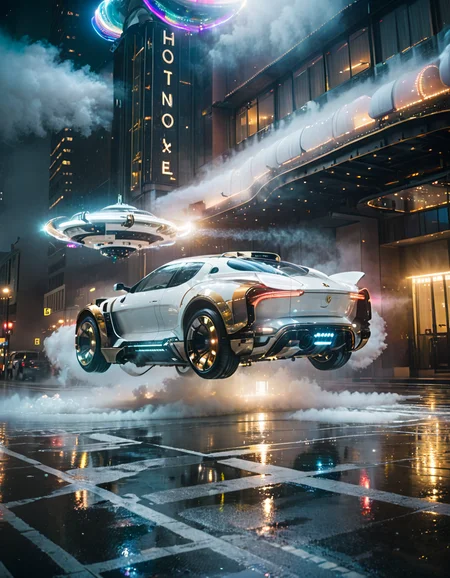

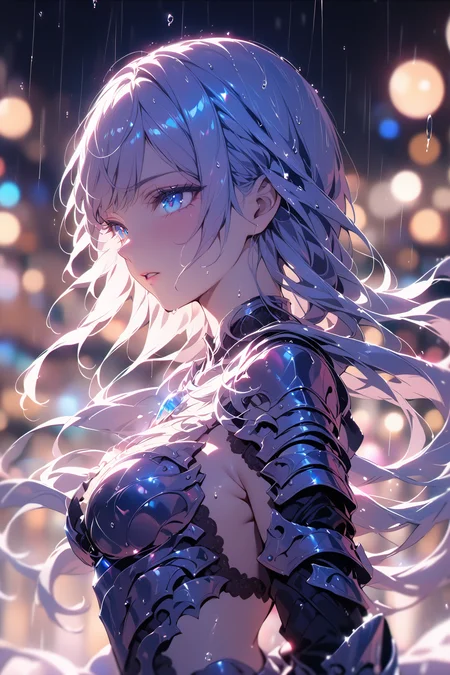
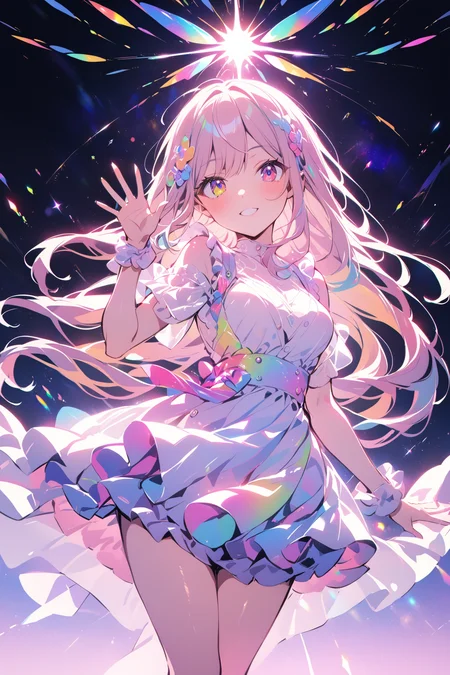

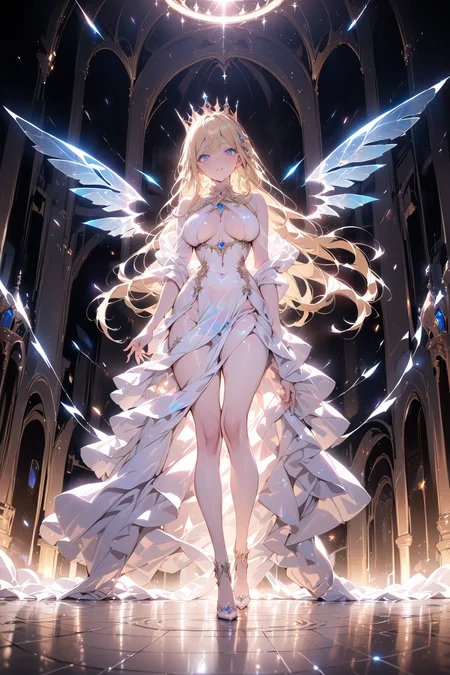

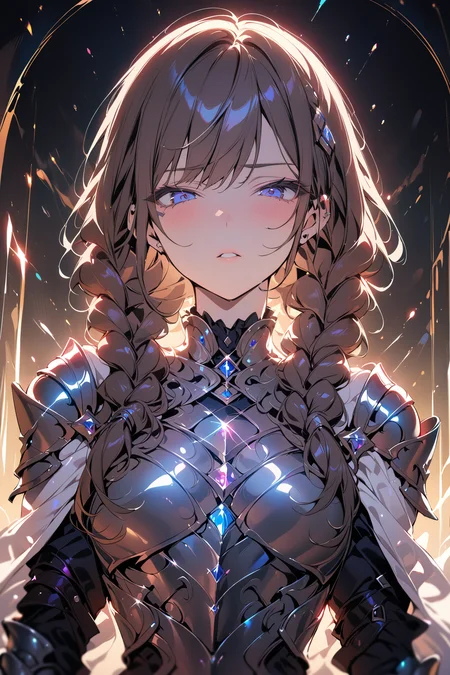
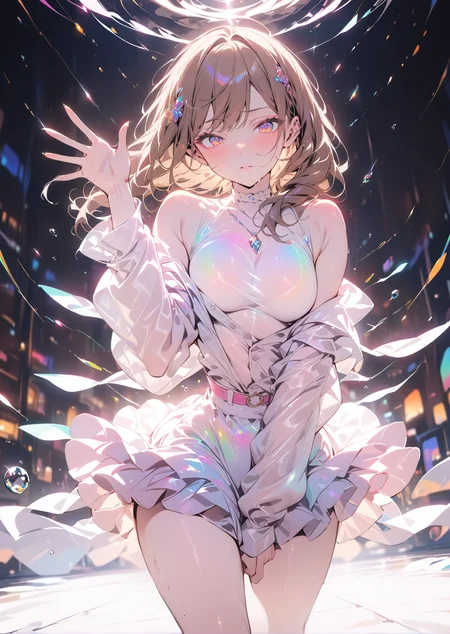
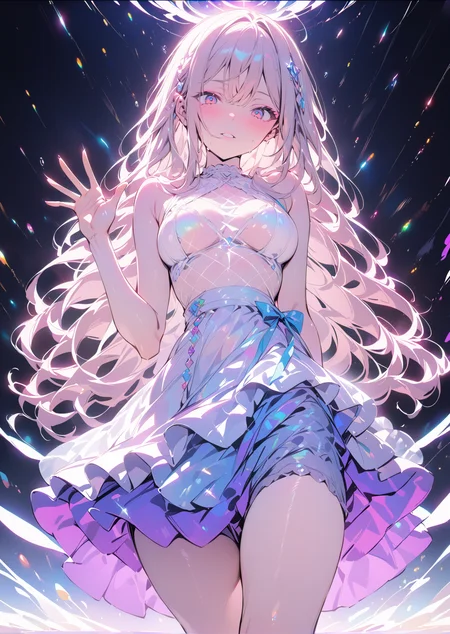
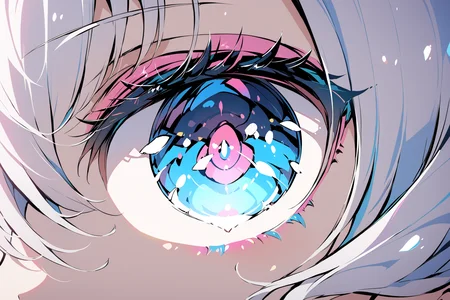
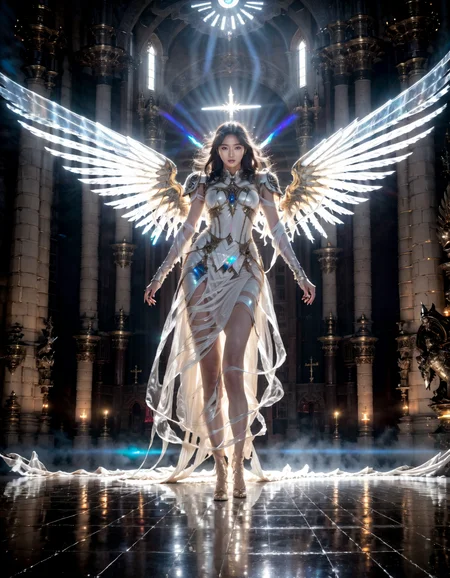
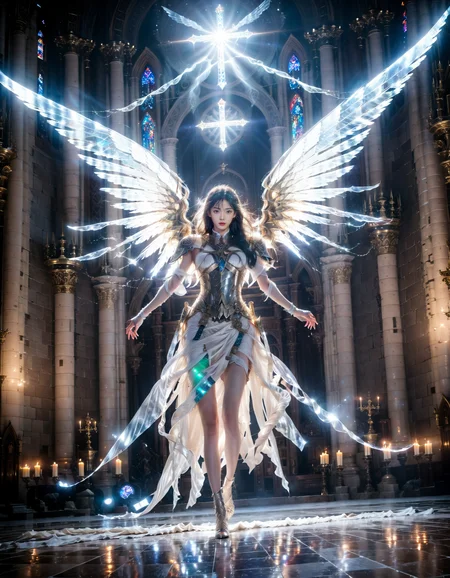
Enhance with strong lighting effects and vibrant colors
強い光の効果と鮮やかな色彩を追加します
강렬한 조명 효과와 선명한 색상을 추가하세요
增加強烈的光效果和鮮豔的色彩
增加强烈的光效果和鲜艳的色彩
This "LORA" is made for downloading and also supports my friends.
この「LORA」はダウンロード用に作成され、私の友達もサポートしています。
이 "LORA"는 다운로드용으로 제작되었으며 내 친구들도 지원합니다.
When using it, if facial features or eyes deteriorate, it's due to low resolution. Besides enlarging the size, you can use "HiRes. fix" for repairs or "ADetailer". The advantage of this "LORA" is the enhancement of direct lighting effects and additional highly saturated colors. The downside is that the image may become chaotic due to intense lighting effects and colors.
使用中に顔の特徴や目が劣化した場合、それは解像度が低いためです。サイズを拡大するだけでなく、「HiRes. fix」を使用して修復したり、「ADetailer」を使用したりできます。この「LORA」の利点は、直接的な光効果の強化と高飽和度の色の追加です。欠点は、強烈な光効果と色彩のため、画像が混沌とすることです。
사용 중에 얼굴 특징이나 눈이 변질된 경우 해상도가 낮기 때문입니다. 크기를 확대하는 것 외에도 "HiRes. fix"로 수리하거나 "ADetailer"를 사용할 수 있습니다. 이 "LORA"의 장점은 직접 조명 효과를 강화하고 더 많은 고채도 색상을 추가한 것입니다. 단점은 강렬한 조명 효과와 색상 때문에 이미지가 혼돈스러워질 수 있다는 것입니다.
使用的時候如果五官眼睛崩壞那是分辨率太小了除了放大尺寸之外 可以利用"Hires. fix"修復或者使用"ADetailer"
這個"LORA"優點增加了直射光效果與增加更多高飽和色彩缺點是畫面會因為強烈光效與色彩而變的混亂
使用的时候如果五官眼睛崩坏那是分辨率太小了除了放大尺寸之外 可以利用"Hires. fix"修复或者使用"ADetailer"
这个"LORA"优点增加了直射光效果与增加更多高饱和色彩缺点是画面会因为强烈光效与色彩而变的混乱
Description
Changed the training set and training method to achieve optimal results and generalization. The sampler and "LORA" weights will affect the strength of the effects and generalization. Please try various combinations when using. If the screen is overly complex, negative cues should be added to indicate complexity and clutter. Positive cues should indicate simplicity and cleanliness.
最適な結果と汎化を達成するために、トレーニングセットとトレーニング方法を変更しました。 サンプラーと「LORA」の重みが効果の強さと汎化に影響を与えます。使用時にはさまざまな組み合わせを試してください。 画面が過度に複雑な場合は、複雑さと乱雑さを示すためにネガティブな手がかりを追加する必要があります。ポジティブな手がかりは、シンプルさと清潔さを示します。
최적의 결과와 일반화를 달성하기 위해 훈련 세트와 훈련 방법을 변경했습니다. 샘플러와 "LORA" 가중치가 효과의 강도와 일반화에 영향을 미칩니다. 사용할 때 다양한 조합을 시도해보세요. 화면이 지나치게 복잡한 경우, 부정적인 신호를 추가하여 복잡성과 혼잡을 나타내어야 합니다. 긍정적인 신호는 간결함과 청결함을 나타냅니다.
改變了訓練集與訓練方式 來達到最佳效果與泛化
採樣器與"LORA"權重會影響特效強弱與泛化使用時請多嘗試
畫面過度複雜則把複雜和凌亂加到負面提示 正面提示則是 簡單,乾淨
改变了训练集与训练方式 来达到最佳效果与泛化
采样器与"LORA"权重会影响特效强弱与泛化使用时请多尝试
画面过度复杂则把复杂和凌乱加到负面提示 正面提示则是 简单,干净
FAQ
Comments (9)
Sorry to bother you, but could you create this LoRA for Illustrious?
The thing is, with this LoRA, I'm having a problem where the character LoRAs literally break. It's happened to me so many times already :(
This is an SDXL 1.0-based LoRA and is largely incompatible with ILL. ILL’s architecture has shifted too far from the base 1.0 weights. As an anime-centric model, it struggles with textures derived from real-life photography. Given that remaking it would require excessive resources for data collection and training—and because ILL can already approximate these effects via prompts—I decided against retraining.
Thanks for the feedback; I'm glad to know what kind of issues are popping up.
@llliii Hey bro, one question...
If I paid you on commission, could you recreate this same LoRA for Illustrious?
@Dante3rd I’m glad you like it! However, the biggest issue isn’t the cost, but rather that I’m not sure if the training will be successful. Most of my previous training attempts on ill haven't turned out very well. If it works, I’ll release it for free. Alternatively, have you considered using the Anima model? It’s generally easier to train, and you might even get the results you're looking for without any additional training.
@llliii The problem with Anima is that the LoRAs (characters, styles, etc.) I use aren't yet available in that model... Also, I don't know why, but it won't let me use it in my ComfyUI. I have everything I need, but when I try to generate something, I get an error saying the dimensions are too large (14366 x 17800). I don't know why this error occurs, but I've even reduced it to 50x50 and nothing works...
@Dante3rd Is your ComfyUI up to date? Make sure you’ve downloaded the necessary CLIP, VAE, and relevant workflows. I suggest grabbing a workflow from Civitai that suits your taste; get the basic setup working before you start customizing it. The Anima model retains some realistic photographic traits, allowing for more diverse style shifts. I've been using it as the base for my recent training experiments.
@Dante3rd Additionally, LoRAs are only compatible if they were trained on the matching model. When using the Anima model, ensure your LoRA was specifically trained with Anima as its base
@llliii Which version of ComfyUI does the Anima checkpoint need to work?
@Dante3rd I mostly use the latest ComfyUI build, but be aware that updating can lead to broken nodes or errors in your existing workflows
Details
Files
Available On (1 platform)
Same model published on other platforms. May have additional downloads or version variants.