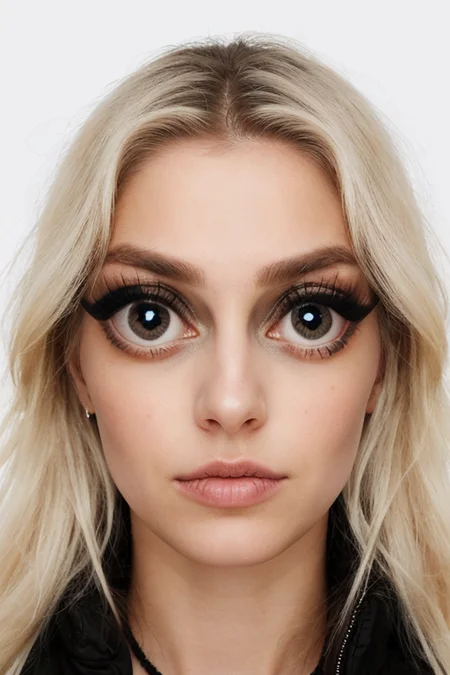
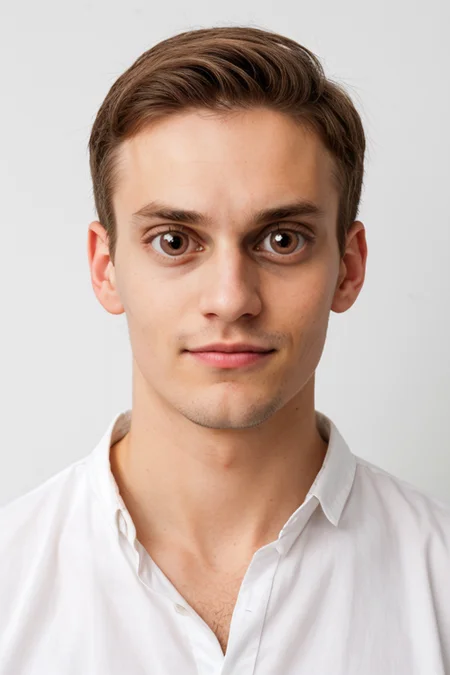
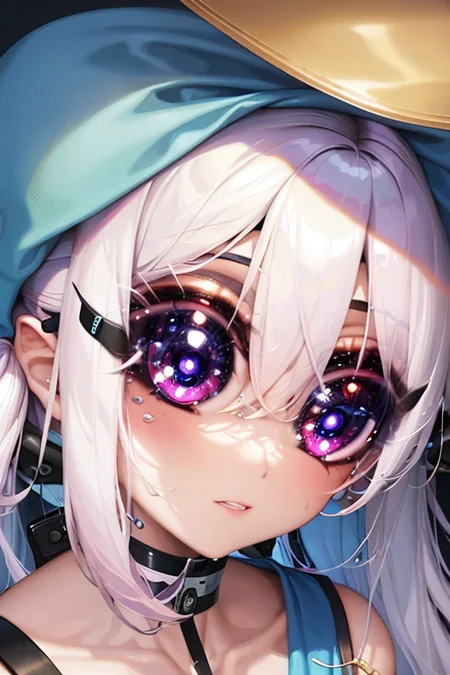
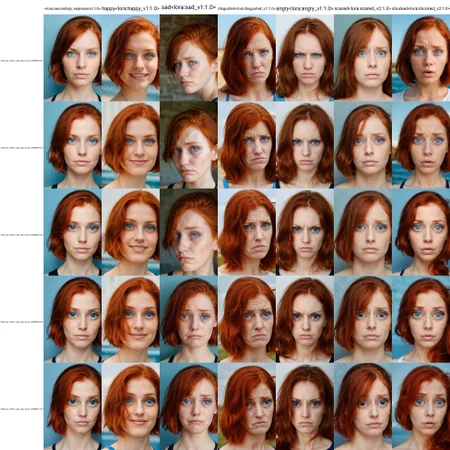
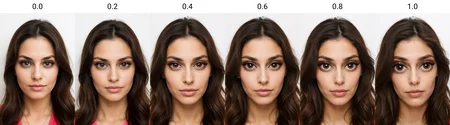
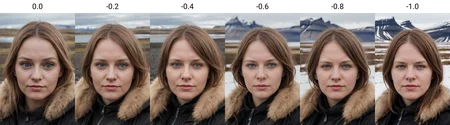
Slider-style LORA for photorealistic images that replaces normal human eyes with huge Disney Princess Style eyes at its full strength. Works well mildly with no prompt words, but increases impact significantly with the prompt enormous eyes. Please note that although it's slider "style" (works without a prompt and applies its effect incrementally with weight), it's calibrated for a -1.0 <-> 1.0 range.
Initially I thought this would only be fun for memes, but I realized while playing around that at medium weights it's actually very useful.
The increased eye size looks a lot more like common professionally edited photos (it's standard for photo editors to increase eye size). I've found that helpful to improve the visibility of expressions, and generally makes a lot of photos look better. It's also quite good at making eyes more prominent when the natural tendency is for eyes to squint with some expressions (like laughing).
I compared this LoRA to @ostris's slider to make sure it wasn't redundant. For me, I think this one maintains facial proportions better, as ostris's slider tends to move eyes closer to the center of the face and make images flatter. At medium weights using the two together has given me great results. My LoRA is admittedly much more opinionated about kind of Big Eyes it wants to draw, though. It doesn't just increase eye size, it morphs eyes into large round, feminine, eyelash heavy eyes or vis-a-versa with negative weights. As a consequence, for instance, it really only works with male faces on inpaint.
I almost exclusively recommend using it with ADetailer or inpainting, as when used with non-portrait photos it has a tendency to bring the subject closer to the frame of view rather than (or in addition to) changing the proportion of eyes-within-face. You don't need to use the eye detailer, just the face model. If you do use the eye detailer I recommend expanding the Mask Dilation and likely lowering the Y offset.
Start with weights of 0.4 or 0.6 for "magazine photoshoot big eyes," or 1.0 for impossible Disney Eyes.
Starter Prompts
subject <lora:enormous_eyes_v1:1.0>
subject BREAK enormous eyes <lora:enormous_eyes_v1:1.0>
adetailer
subject, enormous eyes <lora:enormous_eyes_v1:1.0>
Suggested Negatives:
Drawn eyes are often heavy on eyeshadow, but also can get pretty glittery, which can be reduced with makeup
Description
FAQ
Comments (5)
You're the best! You basically read my mind every time you make a new lora. I applaud thee!
Thanks! Always appreciate the input, and please do share how it works for you and rate if you have any feedback.
@thegipper Yea, I will! Sometimes I forget - like when I download some stuff and don't get around to trying it for a while - I'll definitely make a note to rate your amazing loras!
Great that you renamed the file, original name was (((bit))) weird. 😉
Hello, can you make the training data available?
I wan't to train it on 1024X1024.
Details
Available On (1 platform)
Same model published on other platforms. May have additional downloads or version variants.