
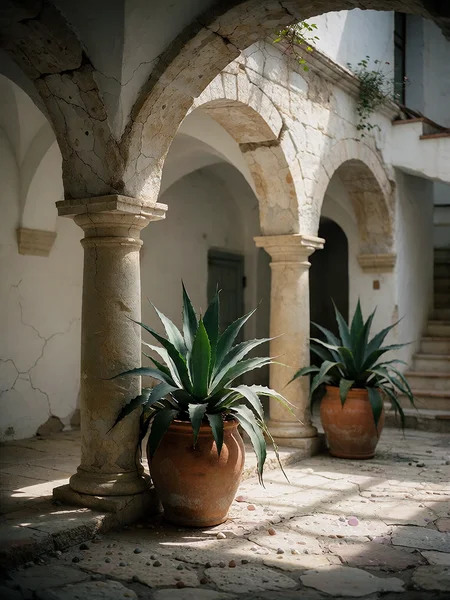
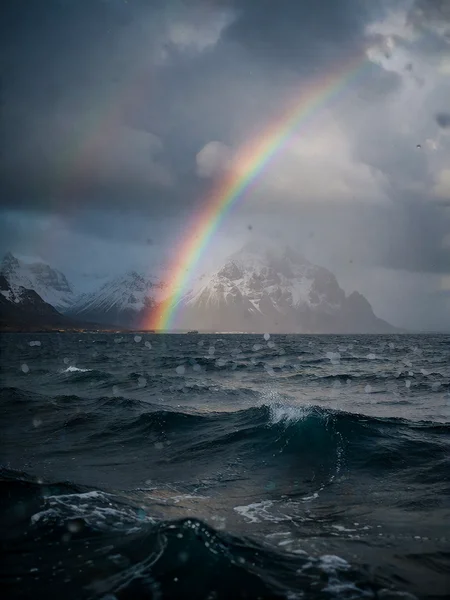
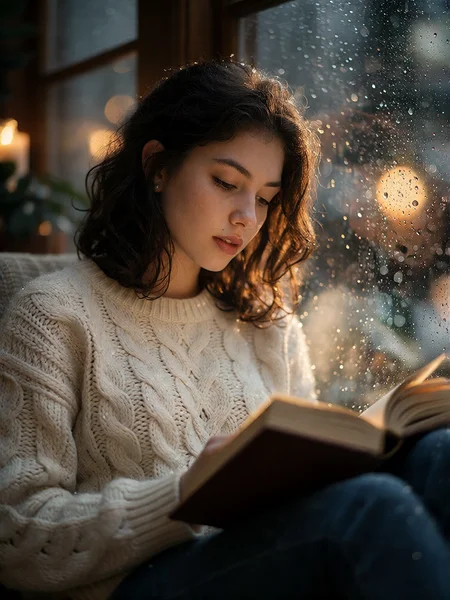


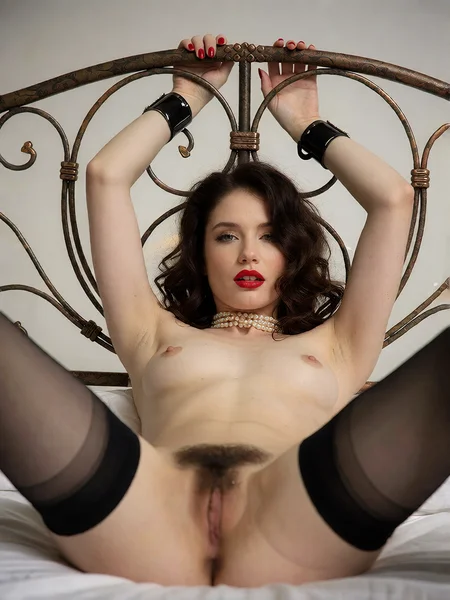

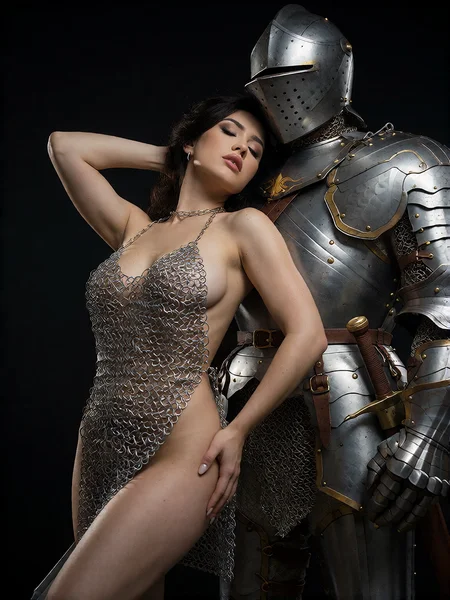
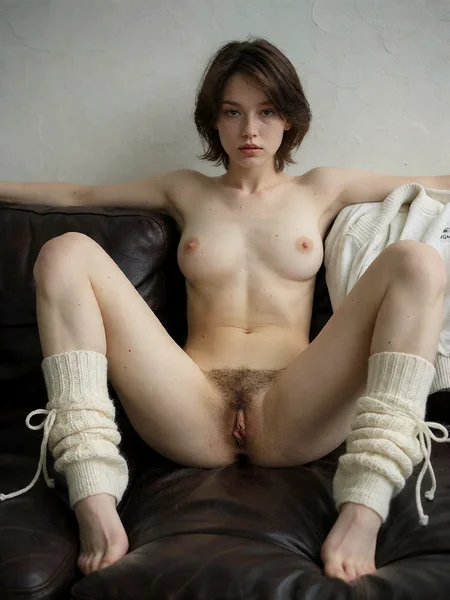
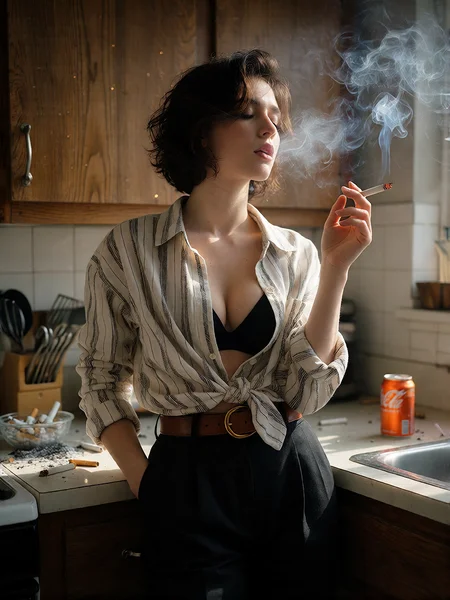


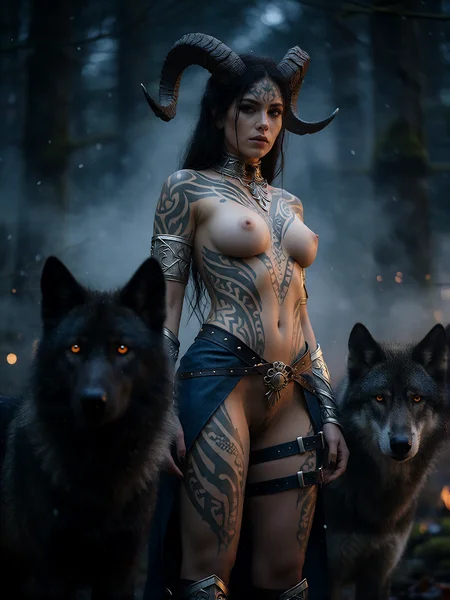


Correct the "wet effect" using prompt engineering
Due to the nature of diffusion transformers, which intensely propagate textures through attention layers, the base model KR2T over-learned the association between skin/face and a glossy or wet effect during the final stages of its training. Once that critical training iteration threshold was crossed, this bias became permanently baked into the checkpoint and now triggers excessively during inference.
Applied fix: Since the single-stream DiT propagates the shiny texture via attention contagion, the prompt must be saturated with explicit counter-tokens assigned high weights, for instance: (matte skin:1.3), dry complexion, natural skin texture, soft diffuse lighting, non-glossy, powdery finish.
Direct textual forcing (prompt engineering): Systematically integrate dense matte and diffuse rendering tags into your prompts. On a Turbo model, the earliest tokens and their weighting dictate the latent structure.
I applied this strategy, and it is yielding very good results.
Fix for version V7c
I managed to fix the "wet face" effect; it was a stubborn artifact that sometimes appeared in certain renders.
From now on, you will need to use version v7d instead of version v7c.

NOTE
In the end, it seems it isn't as effective as I thought. The comparison between V7c and V7d gave me the impression that the problem was fixed, but the artifact still appears randomly. So, with V7d, I’ve either changed the frequency or the pattern of these occurrences by lowering the threshold.
My advice, which one for what purpose?
Graphic, illustration & painting : V2, V3 & V6
Photorealism : V1, V4, V5, V6 & V7
You can also use Kreation for drawing, graphic design, illustration and painting.
Variant 7
Exclusive focus on photorealism
Improved lighting and texture rendering, particularly for skin (blood vessels visible through the skin)
Attempt to expand NSFW rendering capabilities (following persistent requests)

Note : I’ve spotted an artifact that appears completely at random (the kind of thing that drives you crazy), making it impossible to pin down. I’ll let you guess which one it is. If you happen to notice it in a render, simply run a different seed to make it disappear.
Variant 6
I'm currently only distributing the optimized inference formats (INT8/ConvRot version) to keep performance high and protect the core workflow. The BF16 master weights won't be released publicly for this version. Thanks for understanding!
The V6 isn't a major overhaul, it's just a series of adjustments to the V5.


Variant 5


More face details
For those wanting even more detail on close-up portraits and tight face framing,
using FaceDetailer (Ultralytics face and eye bbox) is, of course, essential.

My settings
For achieving natural-looking skin renders with V4.
first pass : 10 steps / rk6_7s / linear quadratic / denoise 1
second pass : 4 steps / abnorsett_4m / bong_tangent / denoise 0.2


Variant 4
There's no point in chasing two hares at once, Variant 4 is oriented exclusively towards the photorealism, The pictorial aspect will be considered exclusively in subsequent versions..
V4 has been completely uncensored, if any censorship persists, it stems from the Qwen3VL text encoder, though this remains very rare.
The colors have been kept to a very neutral and natural palette.
GGUF Q8 & Q4 https://civarchive.com/models/2774280/kreamania-v4-gguf?modelVersionId=3123839

Variant 3
Improved skin texture for greater realism
Optimized lighting effects, more subtle and with better contrast
Enhanced painterly visual style
Corrected color shift toward warm tones, color rendering is more neutral and realistic

Feedback on V3
V3 is a lot more restrictive
Yes, the "unlocked" feel has been diluted; I’ll need to revisit that in future versions.
Colors are less realistic.
Yes, that aspect still needs fine-tuning in subsequent versions.
Less realistic than V1
That’s possible, given that I’m aiming to finalize a versatile model, one that is realistic for photography yet also graphic in style.
KREA 2 TURBO Vs KREAMANIA

Variant 2
Improvement of version 1 by merging an unpublished personal LoRAs to optimize lighting, textures, and graphic effects.
Variant 1
The removal of certain restrictions compared to the model turbo fp8 scaled, along with improved realism and nudity rendering. The goal wasn't to focus on an NSFW model (even though it is capable of that), but rather to unlock the full range of creative possibilities.
Recommended ComfyUI extensions:
https://github.com/ethanfel/ComfyUI-Krea2TextEncoder
Description
New approach of V7
- Complete abandonment of artistic rendering styles (such as graphic, painterly, or illustrative looks); the model focuses entirely on realism.
- The exclusive focus on photorealism has improved the balance of lighting and textures. Skin rendering achieves a high level of quality, regardless of the framing distance.
- Repeated requests to open the model up to NSFW content—specifically sexual scenes—presented a challenge, as maintaining high rendering quality is difficult in this context. I decided to give it a try anyway, and I believe this variant performs best in this area, without being classified as an exclusively NSFW-oriented model.
The trigger is not essential.