





❤️ If you enjoy my work and would like to support me, consider buying me a
☕ Coffee.
Workflow Overview
This is a dual editing workflow for Qwen Edit 2511 and Flux Klein 9B; however, both model groups are self-contained. You can safely delete the entire group of whichever model you don't use without breaking the workflow. The remaining model group will work independently without any additional changes needed.
Additionally, the workflow can function as a standard text-to-image workflow.
Why a dual workflow?
Flux Klein is my preferred editing model and I use it all the time; however, I like to have the Qwen model as a backup when Klein struggles with certain edits, and vice versa.
Some personal notes:
Qwen Edit has better character consistency, but it loses skin details; Flux Klein can sometimes affect character consistency, but it preserves details better.
Two variants are provided in the zip file:
A standard edit workflow (EditStandard.json)
The same workflow as the first one, but with the extra feature of saving images with metadata compatible with CivitAI (EditCivitAI.json)
Main features
Standard text-to-image generation
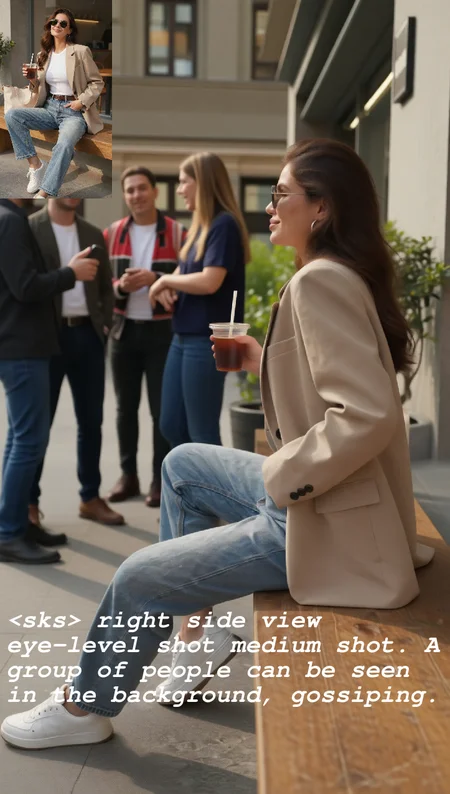
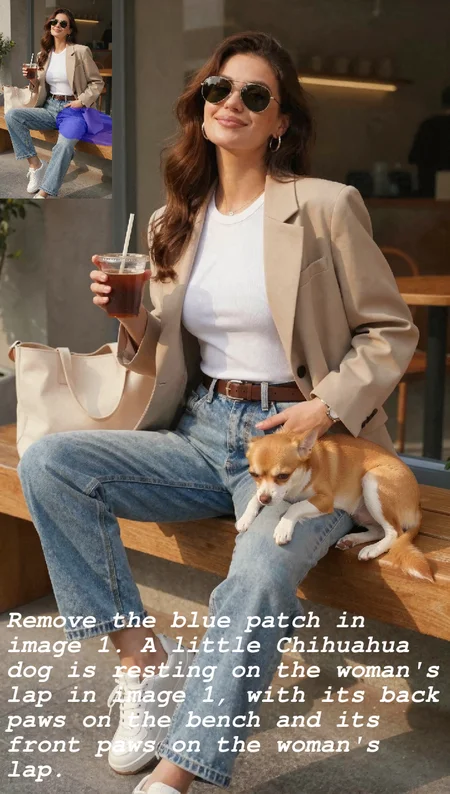
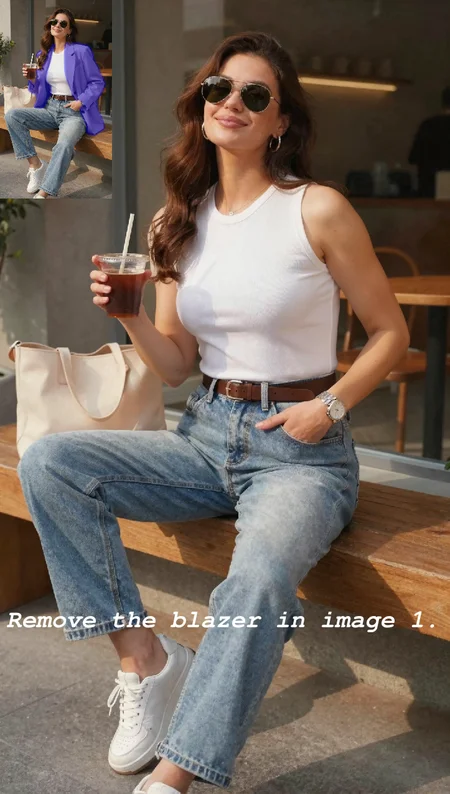
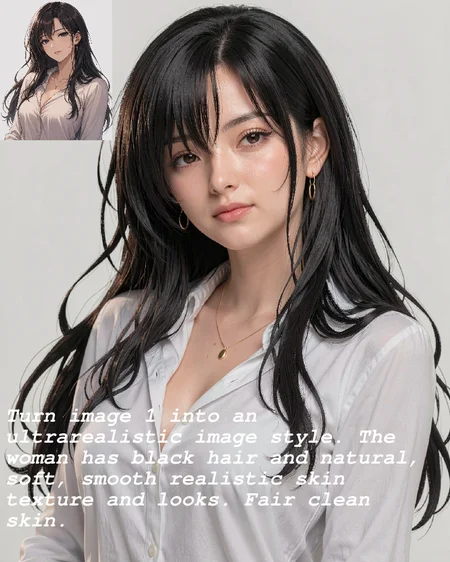
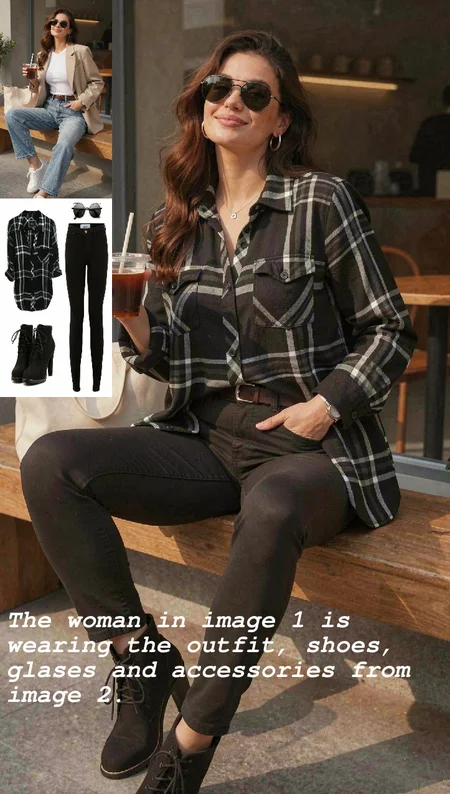
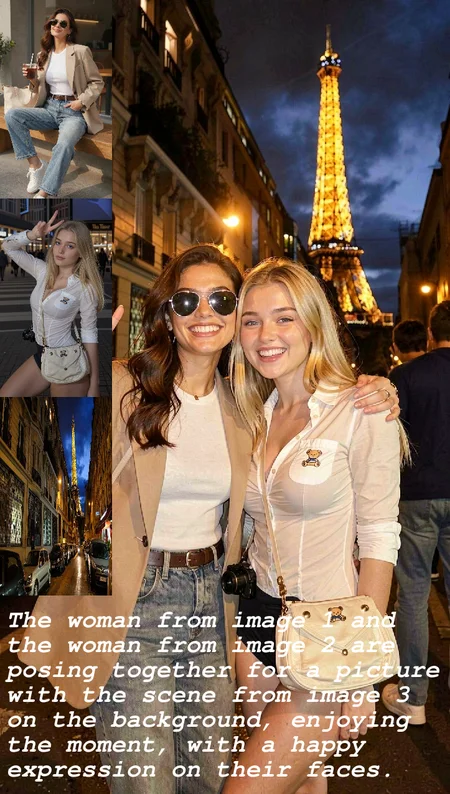
Edit images guided by a text prompt, using up to three reference source images
Isolate and mask specific objects or subjects via SAM3 segmentation or hand-drawn masks (or both) to avoid pixel drifting
Camera angle control (especially useful with Qwen + multi-angle LoRA)
Basic pose transfer
Example use cases
Virtual try-on / outfit transfer

Object / subject removal

Background / scene change

Character swap / face swap

Inpainting

Multi-angle view

Pose change

Character sheet

Scene composition

Image fixing

Image style change

Detailed instructions are contained in the workflow itself:
Red nodes are instructions and useful notes.
Yellow nodes are configurable elements you can adjust to your needs.

Description
First version release
FAQ
Comments (13)
Interesting, but I'm not sure if I got the concept right.. this is meant to use either Klein or QIE, not a mix of both? Meaning, it doesn't edit with qie and then sends the image to Klein to fix the skin? It doesn't work like that?
Correct, you use one model or the other, depending on your needs.
I changed the title of the post to more accurately describe what the workflow does.
@LatentHeart Thank you for this workflow? Are you able to do a workflow like what @ArtificialOtaku mentioned? I want the main edit done in qwen and then that goes to klein to make skin texture more realistic but doesnt change the image. For some reason klein's anatomy is really bad for me so trying to get the best of both in one workflow.
@arnp198000 You can use this workflow for that, since this is a 2 in 1 workflow, you can change the model with the flip of a switch. So you can make the edits you need with Qwen edit, and once you are happy with the results, re-edit that new edited image using Klein. Now, If want you want is do a second pass with Klein using low noise, I think I can do that, yes, but in my humble opinion, Z-Image Turbo would yield better results that Flux Klein.
@LatentHeart I've seen wfs that generate with Z-image base and then post process with z-image turbo.. if you could do what we were talking about, edit with qie and then get the image sent to Z-image turbo for refinements,, that'd b amazing,.
Does this workflow address pixelshift when Qwen resizes the initial image?
If you use the mask editing feature, yes
Nice Workflow thnk :)
Thanks ;)
hi, really nice workflow , can i use flux2klein gguf versions ? replacing nodes ? if not , can you make gguf versions too.. also sage attention enabled
my image 2 person smaller than image 1, how can i make it fit in the image 1 masking area? right now show the ghost masking area and the person short and smaller
just make your mask bigger manually, auto and manual masks get combined.