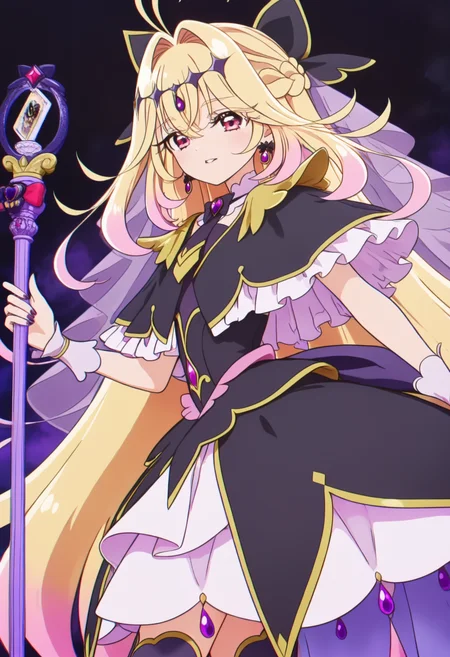

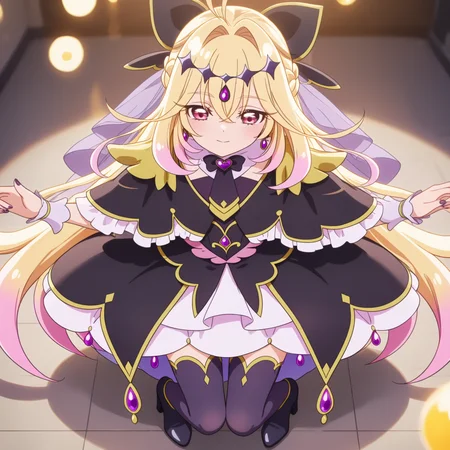


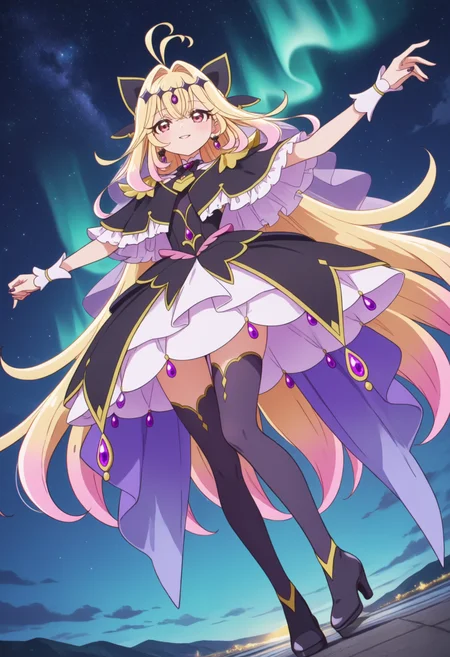
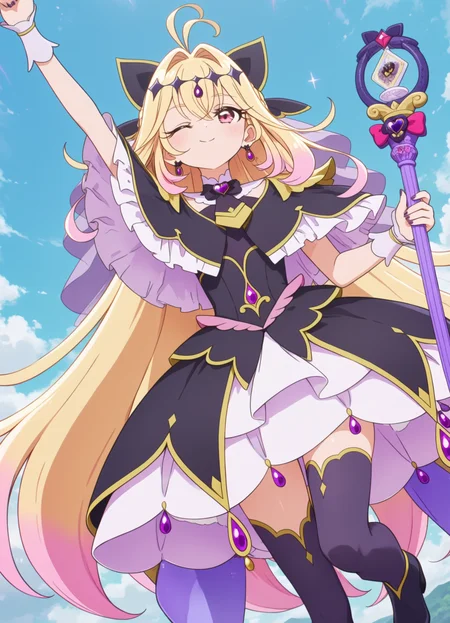
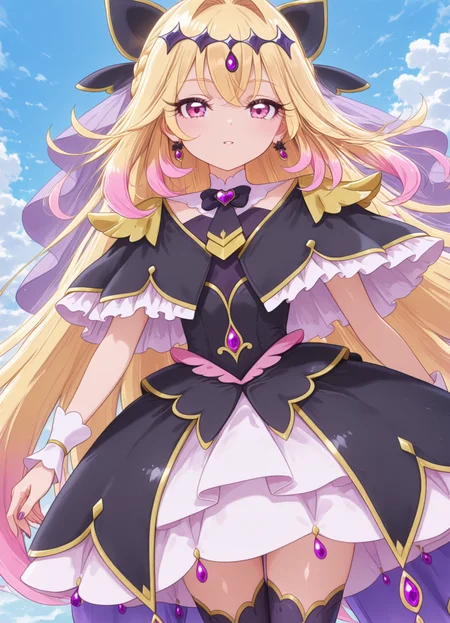
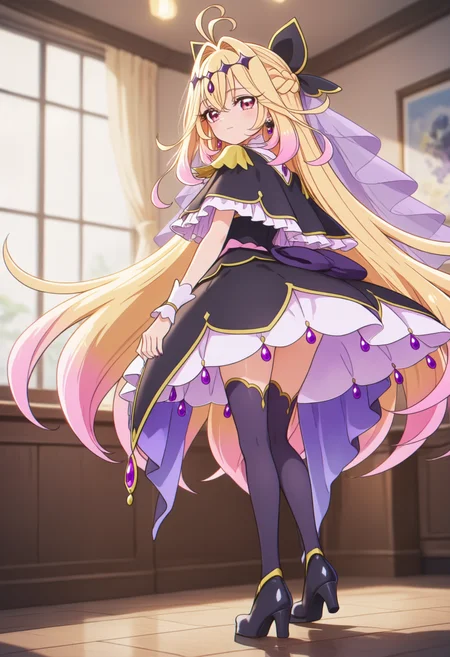
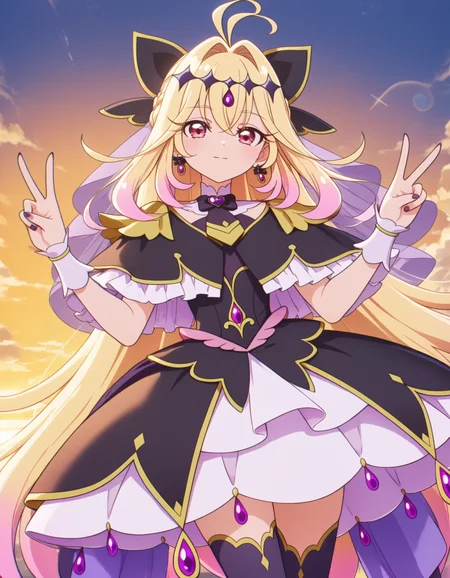
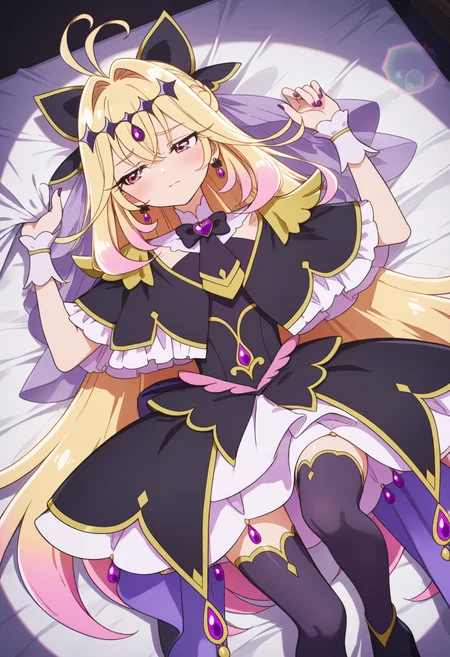
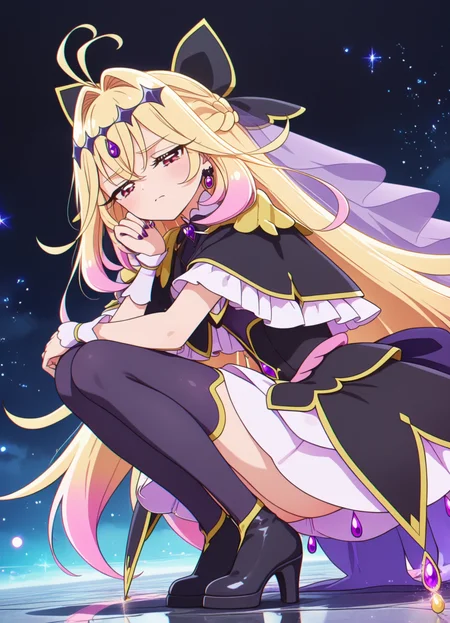

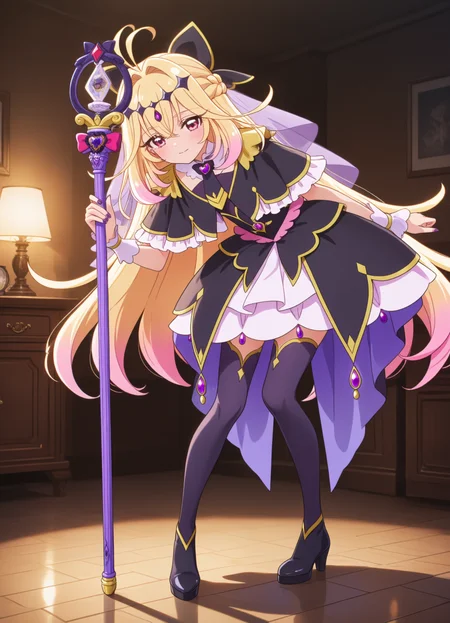
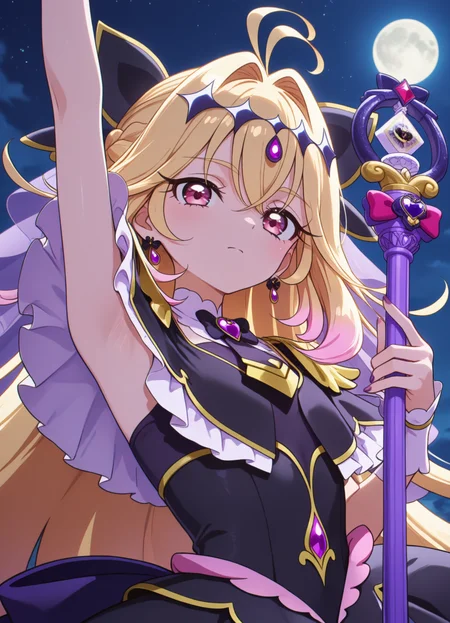
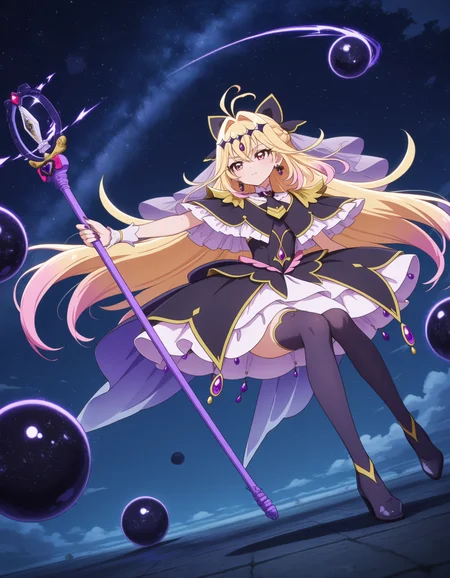
名探偵プリキュア!の「キュアアルカナ・シャドウ」の、Anima用のLoraです。
杖の長さと真っ直ぐさがあまり安定しません。Animaに未だ慣れてい無いため、未だサンプル画像も適当です。
トリガーワード以外のタグを使用すると、画風が固定されやすいかも。
ウェイト:0.6-1.0
着替えさせる場合:0.3辺りとタグ併用
トリガーワード: cure arcana shadow, meitantei precure!
頭部: blonde hair, pink hair, gradient hair, multicolored hair, very long hair, antenna hair, hair intakes, circlet, hair bow, veil, pink eyes, earring,
上半身: black dress, black capelet, black bow, frills, jewelry, white wrist cuffs,
下半身: black footwear, black thighhigh, high heels,
オプション: staff, holding staff, purple nails,
This is a Lora for Cure Arcana Shadow from Meitantei Precure!, made for Anima.
The length and straightness of the staff tend to be unstable. Since I'm not yet used to Anima, the sample images are still rough.
Using tags other than the trigger words may cause the art style to become fixed.
Weight:0.6-1.0
If changing clothes: use around 0.3 along with the tag
Trigger words: cure arcana shadow, meitantei precure!
Head: blonde hair, pink hair, gradient hair, multicolored hair, very long hair, antenna hair, hair intakes, circlet, hair bow, veil, pink eyes, earring,
Upper body black dress, black capelet, black bow, frills, jewelry, white wrist cuffs,
Lower body: black footwear, black thighhigh, high heels,
Options: staff, holding staff, purple nails,
The CircleStone Model is licensed by CircleStone Labs LLC under the CircleStone Non-Commercial License. Copyright CircleStone Labs LLC. IN NO EVENT SHALL CIRCLESTONE LABS LLC BE LIABLE FOR ANY CLAIM, DAMAGES OR OTHER LIABILITY, WHETHER IN AN ACTION OF CONTRACT, TORT OR OTHERWISE, ARISING FROM, OUT OF OR IN CONNECTION WITH USE OF THIS MODEL.
circlestone-labs-non-commercial-license
Description
FAQ
Comments (13)
Mind sharing amount of training images and exact parameters like learning rate etc.?
All 98 official images. However, 91 of them are from anime footage, and 81 of those are upper body/face only. So I split the dataset into 3 groups: "Upper body/Face", "Full body/Above knee", and "Standing art/Non-anime footage".
With batch size = 2:
- "Upper body/Face" repeats 8: 81×8÷2 = 324
- "Full body/Above knee" repeats 20: 10×20÷2 = 100
- "Standing art/Non-anime footage" repeats 25: 7×25÷2 ≒ 88
- 1 epoch: ~512 steps total
- 10 epochs: ~5100 steps
Training time: ~4h 30min on RTX 3090 Ti
Optimizer used:
https://github.com/muooon/EmoSens
https://civitai.com/articles/24407/emosens-231
Parameters:
```
resolution = "1024,1024"
enable_bucket = true
min_bucket_reso = 320
bucket_reso_steps = 64
caption_extension = ".txt"
caption_dropout_rate = 0.05
shuffle_caption = true
keep_tokens = 2
max_train_epochs = 10
train_batch_size = 2
learning_rate = 1
lr_scheduler = "constant"
max_grad_norm = 1.0
network_module = "networks.lora_anima"
network_dim = 32
network_alpha = 32
optimizer_type = "optimizer.emosens.EmoSens"
mixed_precision = "bf16"
save_precision = "fp16"
loss_type = "l2"
```
Note: learning_rate=1 is the recommended setting for EmoSens, as it handles LR adjustment internally.
Note: Memory optimization settings (gradient_checkpointing, flash_attn, cache_latents, etc.) are omitted as they don't affect training results.
@aa4666lo Sorry for dumb questions, but how do you install EmoSense? Doesn't seem to be included by default in sd-scripts
@iamjustheretodow6140
Download the zip from https://github.com/muooon/EmoSens/releases/tag/EmoVoid and place the included "optimizer" folder into your sd-scripts directory. It should contain "emosens.py" inside.
The path should look like: sd-scripts/optimizer/emosens.py
@aa4666lo Got it all setup, seems to be working. Sorry for asking so many questions, but what GPU do you use and how many iterations a second do you get? Thinking about getting a new one.
I have a AMD GPU and it's clearly not optimized for this type of thing, I had to ask Gemini-cli to edit the training script to even get it to run without running out of VRAM despite having 16GBs and now that it does I'm only getting like 32.94s/it. My plan is to just leave it running over night for a few days lol
@iamjustheretodow6140
RTX 3090 Ti with 65% power limit. At 512px training resolution I get ~1.3s/it, and at 1024px ~2.5-3.2s/it.
Even the older RTX 3000 series can manage this kind of speed, so yeah, I really think AMD GPUs just aren't suited for training. From my own testing, training at 512px didn't show as much quality loss as I expected. I ended up going with 1024px mostly for peace of mind, but for the current anima-preview, 512px should work fine.
32.94s/it is... that's rough. If you're buying a GPU for image generation, NVIDIA is definitely the easier path lol
Here's a snippet from my sd-scripts training log for reference:
```
2026-02-21 06:38:02 INFO epoch is incremented. current_epoch: 8, epoch: 9 train_util.py:784
steps: 90%|█████████████████████████████████████████████████████████████████████████▊ | 4878/5420 [3:23:45<22:38, 2.51s/it, avr_loss=0.0334]
saving checkpoint:
epoch 10/10
2026-02-21 07:00:36 INFO epoch is incremented. current_epoch: 9, epoch: 10 train_util.py:784
steps: 100%|██████████████████████████████████████████████████████████████████████████████████| 5420/5420 [3:46:20<00:00, 2.51s/it, avr_loss=0.0324]
```
I have a question. When training Anima's LoRa, I'm encountering severe style pollution issues, especially when all LoRa classes have a weight of 1. It even causes the character's visual style to become distorted. Each LoRa class has around 3000 steps. I'm wondering if this is a problem with my tagging.
Also, I'd like to ask how you tag your characters. Which cue words should be retained? Do I need to tag the cue words on the character's clothing? To resolve style pollution, should I also tag the surrounding environment in detail? And is it best to use natural language tagging, tag tagging, or a combination of both for optimal results?
Also, my training set consists of beautiful wallpapers of the character found on pixiv. Does this mean I can't use this method to train Anima's Lora, and I need to use screenshots from anime or games for the training set?
# English(Translation by Claude Opus4.7)
The root cause of style pollution is the dataset itself — when the training images share a similar style, the model adapts to that style very easily.
Adding tags like "3d" or "flat color" during training does help mitigate style pollution to some extent, but it's not a silver bullet. In my observation, the style of the prepared data still tends to dominate in the end.
On whether detailed tagging helps prevent pollution:
- Regardless of style pollution, detailed tagging is advisable just to avoid unintended elements being generated.
- For example, if backgrounds or objects aren't tagged properly, they tend to be absorbed into the LoRA's effect itself and show up in outputs.
On character tagging:
- I'm not entirely sure I've grasped what you mean by "which cue words to retain," but generally speaking, contradictory or duplicate tags should be removed.
- Also, since untagged elements tend to be generated on their own, it's better to tag every element visible in the image as thoroughly as possible.
- Personally, I first write out the character's features (head, upper body, lower body) one by one while referring to the danbooru tag wiki, then supplement with a tagger and a VLM at the end.
- Be careful with so-called series tags. If you haven't tagged every element properly, the missed elements get consolidated into the series tag, which can occasionally cause unintended outputs during generation.
I'm not entirely sure what "cue words" for clothing refers to, but if you mean trigger words like "default clothes," then for simple outfits that Anima can learn easily, they're worth using. Conversely, for complex outfits like the character on this page, when you try to put them in different clothes, jewelry and design elements tend to persist, making outfit changes difficult.
3000 steps varies depending on the character's complexity. For a simple character it's slightly excessive, but for complex outfit designs and details, or multi-character training, it falls within an appropriate range. For a single character that isn't very complex, I find that around 1500 steps is usually enough to fully learn.
That said, this varies significantly depending on the optimizer, so I can't make a definitive statement — but it's somewhat tangential to style pollution itself. If you aren't seeing overfitting in non-style aspects like the character's poses, I don't think the step count is the cause.
Regarding natural language vs. tags, in training I haven't published on Civitai, combining both has given me the best results, so I think a combination is optimal. (I used Qwen3 VL 235B A22B.)
About the dataset: all the LoRAs on this page are composed entirely of official site images and anime screenshots, but the style tends to lean toward the anime style — particularly the cel-shading from the ending sequence.
In an unreleased version of this LoRA, I was able to improve style generalization by mixing in a small amount of fan art. So if your goal is preventing style pollution, I think it's good to train on a balanced mix of various styles. My personal interpretation is that since the model learns common features, when the styles in the dataset are similar, the style itself gets treated as a common feature and is learned strongly.
Additional notes on the dataset:
Using pixiv wallpapers is perfectly fine in itself. Thinking about what style you ultimately want to generate in and curating the data accordingly should reduce style pollution.
To put it simply, regardless of whether you use anime/game screenshots or pixiv data, the most frequent style is what gets learned.
That said, nicely composed wallpapers can contain a lot of elements unrelated to your training target, so that's worth being mindful of.
For character fidelity, I think using official data as a base and mixing in around 15–40% from other styles secures both character reproduction and style generalization.
In summary:
- Tag in detail. But watch the token count.
- Without tags for background and environment, you tend to get unintended outputs.
- Style pollution is most affected by dataset balance. It might be worth checking whether you're biased toward specific artists.
- For Anima, using both danbooru tags and natural language seems to work best.
- 3000 steps depends on what you're training, but doesn't seem excessive in itself.
The above is based on my own experience. That said, I've been away from image generation for about two weeks recently, so I'm not sure whether the same holds for the latest training setups. Also, I'm an amateur at machine learning, so there's a good chance some of the above is incorrect.
Below is a tagging example ("|||" and ";;;" are sd-scripts' keep_tokens_separator and secondary_separator):
```
cure arcana shadow, mashu-tan, meitantei precure!, |||Cure Arcana Shadow stands in a dynamic three-quarter pose;;; left leg forward with weight shifted onto it;;; right leg trailing slightly behind as her voluminous layered skirt flares outward;;; revealing white frills beneath the black outer layer and purple petticoat; her torso twists toward the viewer while her head tilts up and left;;; eyes half-lidded with a confident smirk;;; gaze fixed beyond the frame. Her right hand grips a purple staff diagonally across her body;;; fingers curled around the shaft just below the ornate card-topped head;;; while her left arm extends outward;;; palm open and facing up as if conjuring or balancing. Her very long gradient hair—blonde fading to pink—streams dramatically behind her;;; one thick braid whipping over her right shoulder;;; the other cascading down her back;;; both anchored by a diamond hairband with a black bow and flanked by antenna-like strands. Mashu-tan floats mid-air to Cure Arcana Shadow’s upper left;;; body angled downward;;; large triangular ears perked forward;;; teal eyes wide and sparkling;;; pink teardrop earrings dangling;;; heart-shaped blush stickers glowing on cheeks;;; and fluffy tail curled upward as if mid-bounce. The gold-framed heart jewel on Mashu-tan’s forehead glints;;; and her white-tipped paws are tucked close to her chest. Background radiates soft rainbow gradients with starbursts;;; emphasizing the characters’ forward motion and magical aura., 1girl, blonde hair, pink hair, gradient hair, multicolored hair, very long hair, braid, antenna hair, hair intakes, diamond hairband, hair bow, veil, pink eyes, earrings, detached collar, heart brooch, black bow, black necktie, black capelet, black dress, layered dress, white skirt, back bow, frills, jewelry, white wrist cuffs, black thighhighs, staff, holding staff, purple nails, 1other, creature, fox, animal ears, animal ear fluff, floating earrings, animal nose, purple fur, white fur, purple eyes, heart-shaped blush stickers, heart forehead jewel, tail, long hair, holding, heart in eye, symbol in eye, epaulettes
```
---
# 原文
スタイル汚染の根本的な原因はデータセットで、学習する画像のスタイルが揃っていると、そのスタイルに適合しやすくなります。
タグに "3d" や "flat color" などを付けて学習すると、スタイル汚染を防ぐ効果自体は見られるものの、万能ではなく、結局は用意したデータのスタイルが反映されやすい、というのが私の観察です。
汚染を防ぐために詳細にタグ付けすべきかという問いに関して:
- スタイル汚染に関わらず、意図しない要素を出力しないためには、詳細にタグ付けすべきです。
- 例えば背景やオブジェクトを適切にタグ付けしなければ、それらがLoRAの効果そのものとして扱われ、生成されやすくなります。
キャラクターのタグに関して:
- ご質問の意図を正確には汲み取れていないかもしれませんが、基本的には矛盾するタグや重複するタグは省いた方が良いです。
- また、タグが無い要素は勝手に生成されやすいので、できる限り画像に映っている要素はすべてタグ付けした方が良いでしょう。
- 個人的な方法としては、まずキャラクターの要素をdanbooruタグのwikiを参照しながら、頭・上半身・下半身の要素を一つ一つ書き出し、最後にtaggerとVLMで補足する方法を取っています。
- 所謂作品タグ(series tag)には注意が必要です。すべての要素を適切にタグ付けできていない場合、漏れた要素が作品タグに集約されてしまい、生成時に意図しない出力結果を引き起こすことが稀にあります。
衣装に関するcue wordsが何を指すか正確には分からないのですが、例えば "default clothes" のようなトリガーワードを指すのであれば、その衣装がシンプルでAnimaが学習しやすい場合は使う価値があると思います。逆に、このページのキャラクターのように複雑な衣装の場合は、別の衣装を着せようとしても宝石や服のデザインが残りやすく、着替えづらい結果になりやすいかと思います。
3000ステップはキャラクターの複雑さによって変動しますが、シンプルなキャラクターであれば少し過剰で、複雑な衣装デザインやディテール、あるいは複数のキャラを同時に学習するのであれば適切な範囲だと思います。それほど複雑ではない単一キャラクターの学習であれば、おおよそ1500ステップあれば学習しきると感じています。
ただし使用するオプティマイザーによって大きく変わるため断言はできませんが、これはスタイル汚染への直接的な寄与とは少しずれます。キャラクターのポーズなどスタイル以外で過学習が見られないのであれば、これが原因ではないと思います。
自然言語とタグに関しては、Civitaiには公開していない学習で両方を組み合わせた場合に最も良い結果が得られているため、組み合わせて使うのが最適だと考えています。(私はQwen3 VL 235B A22Bを使いました)
データセットについて、このページのLoRAはすべて公式サイトとアニメのスクリーンショットで構成されていますが、スタイルはアニメの、特にエンディングのセルシェーディングに寄りやすい傾向が見られます。
このLoRAの未公開バージョンでは、少数の二次創作データを混ぜて学習することで、スタイルの汎化性を向上させることができました。したがって、スタイル汚染を防止する目的であれば、様々なスタイルのデータをバランスよく学習させると良いかと思います。共通する特徴を学習するため、データセット内のスタイルが似通っていると、スタイルも共通の特徴とみなされて強力に学習される、という理屈だと個人的には解釈しています。
データセットの補足:
pixivの壁紙を使うこと自体は全く問題ありません。最終的にどのスタイルで生成したいかを考えてデータを選別すると、スタイル汚染は軽減できると思われます。
簡潔に言えば、アニメやゲームのスクリーンショット、pixivのデータに関わらず、最も頻出するスタイルが学習されるだけです。
ただし、綺麗な壁紙には学習対象とは関係ない要素が大量に含まれることがあるため、その点は注意した方が良いかもしれません。
キャラの再現度を考えると、公式データを基本として、15〜40%程度別のスタイルを混ぜると、キャラの再現度とスタイルの汎化性の両方を確保できると考えます。
まとめると:
- タグは詳細に付けた方が良い。ただしトークン数には注意。
- 背景や環境のタグを付けないと、意図しない出力結果になりやすい。
- スタイル汚染はデータセットのバランスによる影響が最も大きい。特定のアーティストに偏っていないか確認すると良いかもしれません。
- Animaではdanbooruタグと自然言語の両方を使った方が良さそうです。
- 3000ステップは学習対象にもよりますが、過剰というわけではなさそうです。
以上が私の経験則です。ただし、最近2週間ほど画像生成から離れていたため、最新の学習でも同様かどうかは分かりません。また、私は機械学習の素人なため、上記は誤っている可能性が高い点はご了承ください。
@aa4666lo 詳細なご回答、本当にありがとうございます。さらにいくつか質問させてください。
現在、単体で使用する分には非常にクオリティの高いLoRAを訓練できているのですが、一つ大きな問題があります。それは、他の人が作ったLoRAや、自分が訓練した別のLoRAと併用すると、キャラクター間で非常に深刻な汚染(混ざり)が発生してしまうことです。
多くの場合、キャラクターが一人しか出現しなかったり、それぞれのキャラクターの特徴が薄まって(希釈されて)しまったりします。他の方のLoRAと比較検証した結果、やはり自分のLoRAの作り方に問題があることが分かりました。私はこれまでの全てのLoRAにおいて、今回のパラメータを使用し、おおよそ3000ステップ前後まで学習させています。
lora_type: "lora" # "lora" 或 "lokr"
lora_rank: 32 # LoRA rank (8/16/32/64)
lora_alpha: 32.0 # 通常与 rank 相同
lokr_factor: 8 # LoKr 专用参数
# ============================================================================
# 训练参数
# ============================================================================
epochs: 50 # 训练轮数
max_steps: 0 # 最大步数 (0=不限制)
batch_size: 1 # 批次大小
grad_accum: 4 # 梯度累积步数(有效 batch = batch_size × grad_accum)
learning_rate: 1.0e-4 # 学习率
mixed_precision: "bf16" # 混合精度 ("bf16", "fp16", "no")
grad_checkpoint: false # 梯度检查点(省显存)
xformers: false # xformers attention(5090 用 false)
num_workers: 0 # 数据加载线程(Windows 必须为 0)
@aa4666lo さらに追加で質問させてください。私は現在、タグ付けに Gemini-3.1-Flash
を使用しています。
データセットのスタイルが多様すぎることが原因なのかとも考えていたのですが、もう一つ気になる点があります。
先ほど例として提示していただいたタグは、たった1枚の画像に対するもの
でしょうか?
私のタグ付けは、以下の知更鳥(ロビン)の例のように、全体的にかなり短い傾向があります。
newest, safe, zhigengniao, honkai star rail, @official art, purple dress, standing, white gloves, white background, anime style, clean lineart, style of dataset, gold halo, purple choker, blue heels, bare shoulders, bare legs, bare arms, hand near face. a graceful young woman posing elegantly against a clean white background.
この例は背景が白の画像ですが、背景が非常に複雑な画像であっても、出力されるタグの長さがこれとほとんど変わりません。
背景の要素が詳しく記述されていない(=人間に見えている背景がタグとして認識されていない)ことが、他のLoRAと併用した際に背景や特徴が混ざってしまう原因なのでしょうか?
@lb2710137168961 複数のLoRAの併用時に問題が起こるということは、それぞれのLoRAを合わせた時に学習されたウェイトが大きくなりすぎているのだと思います。使用しているオプティマイザーによっても変動しますが、rank (network_dim) とalpha (network_alpha) が同じ値に設定されているのが、原因の一つかもしれません。alphaを下げるとウェイトが小さくなり、LoRAの効果が弱まることになるため、LoRAの併用で問題があるならば、alphaをrankの半分程度にするのがベターかと思います。
個人的な経験としては、このページのLoRAを学習した時期はAnimaのリリース初期で手探り状態だったため「rank=32, alpha=32」で学習していました。しかし現在は、変身前後とお供妖精の実質3キャラクターを同時に学習しても、「rank=20, alpha=10」というrank・alpha共に控えめな設定で過不足なく学習できています。そのため、rankを16〜24あたりに下げ、alphaをrankの半分程度に設定すると、問題が少しは解消されるのではないかと考えます。
その他のパラメータは、実質バッチサイズ4の学習であり、併用時の問題に関わるようなことはなさそうに見えます。
タグに関して:
先程例として提示したのは、1枚の画像に対するタグです。
特徴が混ざってしまうという点については、タグ付けから漏れた要素(例えば装飾など)がLoRAそのものに学習されてしまい、タグで制御不可能になっていると予想します。したがって、他のLoRAと併用した際にもプロンプト(タグ)で指定していないにもかかわらず出力されてしまい、結果的に特徴が混ざってしまうのではないでしょうか。
貴方が提示されたタグの長さは、正直に言うと少し短く感じます。悪いタグ・キャプションではありませんが、このままだと装飾などがタグ付けされていないため、意図せず出力される原因になりそうです。
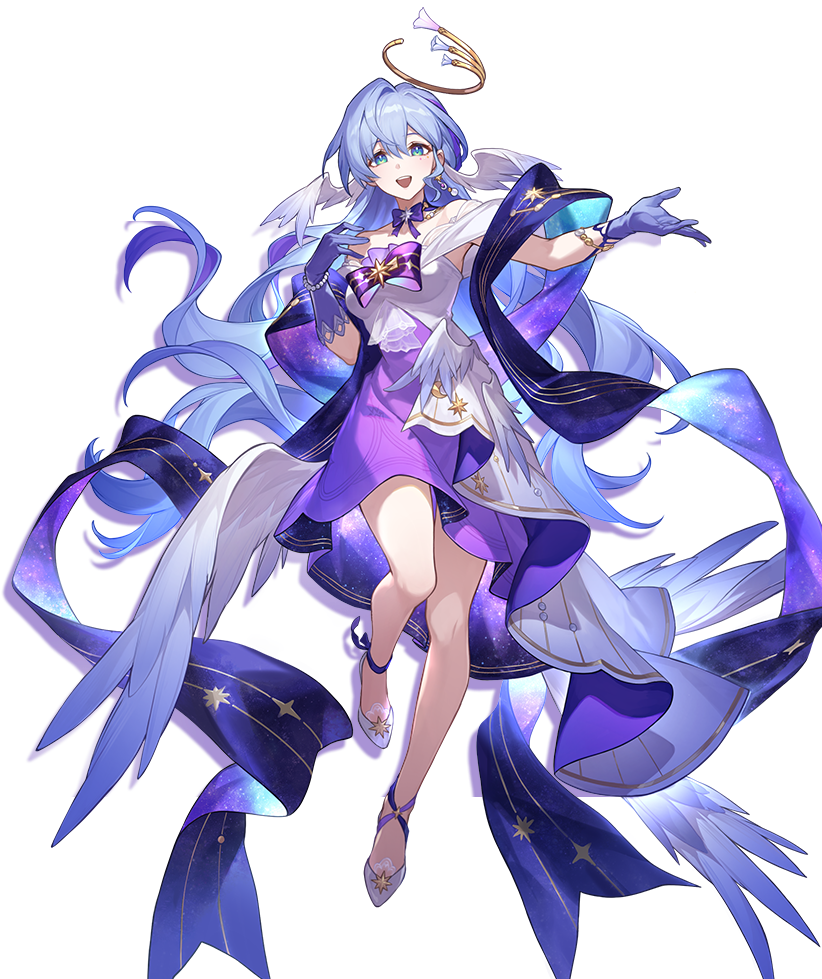
私はこのロビンというキャラクターを詳しくは知らない前提ですが、例としてこの画像[https://act-webstatic.mihoyo.com/puzzle/hkrpg/pz_stKK3ccUXV/resource/puzzle/2024/03/28/75aac8927bb5697b0b188157110e4568_5421972418706814739.png]をタグ付けするとしたら、
```
robin (star_rail_live_2024) (honkai:_star_rail), honkai: star rail, 1girl, blue hair, very long hair, purple eyes, head wings, gold halo, earrings, :d, upper teeth only, purple bowtie, star brooch, bare shoulders, off-shoulder shirt, white shirt, detached sleeves, white shawl, purple chest bow, star (symbol), bead bracelet, purple gloves, jewelry, white dress, layered dress, purple skirt, two-sided fabric, high-low skirt, overskirt, wing, purple hagoromo, white shoes, blue ankle ribbon, transparent background, knee up, hand up, outstretched arm,
```
スタイルを除いてキャラクターと衣装の基本要素のみでも、最低限このようなタグ構成にします。
背景の要素が詳しく記述されていないことが、併用時に背景が混ざる原因の一つだとは思います。ただし、背景以外の特徴も混ざる・ウェイトを1にすると顕著、ということであれば、rankとalpha設定が過大なことに加え、タグが少ないために漏れた要素・概念・特徴が制御できなくなっており、この二つが総合した結果として併用時の混ざりが起こっている、とも考えられます。それが「人間に見えている背景がタグとして認識されていない」というご観察に集約されそうです。
まとめると:
- パラメータはrankを下げ、alphaをrankの半分程度の値にすると改善される可能性が高いです(具体的には rank=16〜24、alpha=rankの半分程度)。
- タグは背景に限らず、キャラクターの要素や衣装のディテール・装飾も詳細に付けないと、併用時にタグ付けされていない要素が指定していないのに勝手に生成され、結果として特徴が混ざる可能性があります。
- データに存在するものを「学習しない」ということは基本的にできないため、できる限り見えている要素・概念・オブジェクト・背景などあらゆるものをタグやキャプションに記述し、プロンプトで指定しない限り生成されない(呼び出されない)ようにする、という考え方です。
@aa4666lo ありがとうございます。早速試してみます。