ZELDA 64 Style - Z-Image/Klein 9B
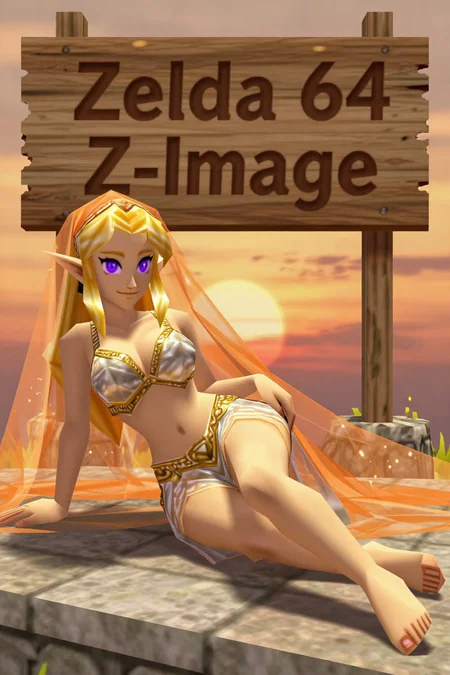
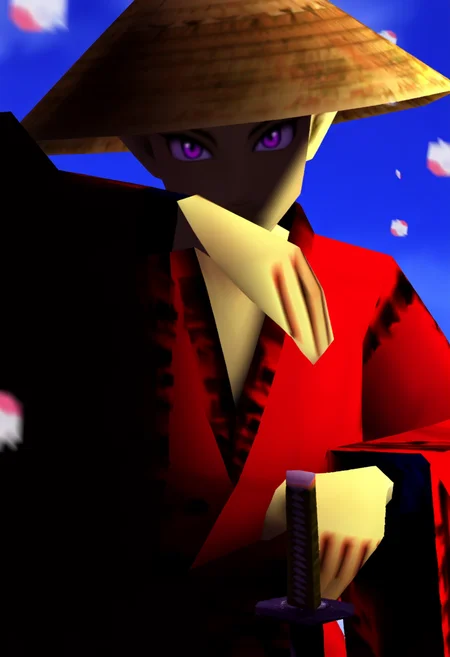
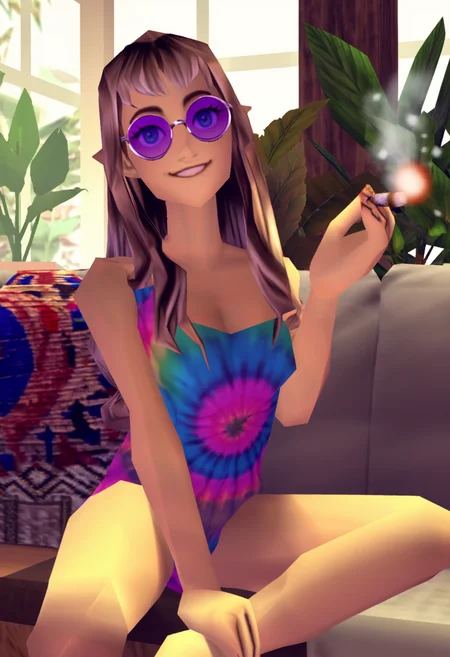
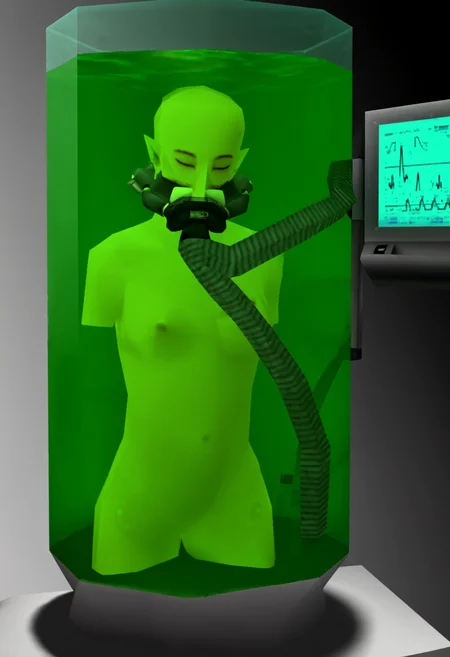
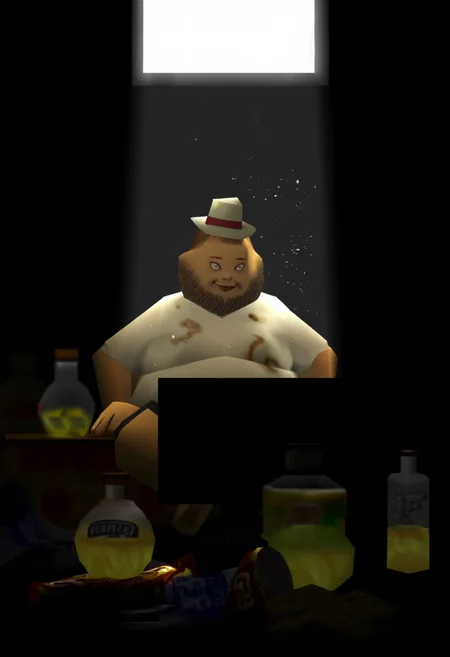
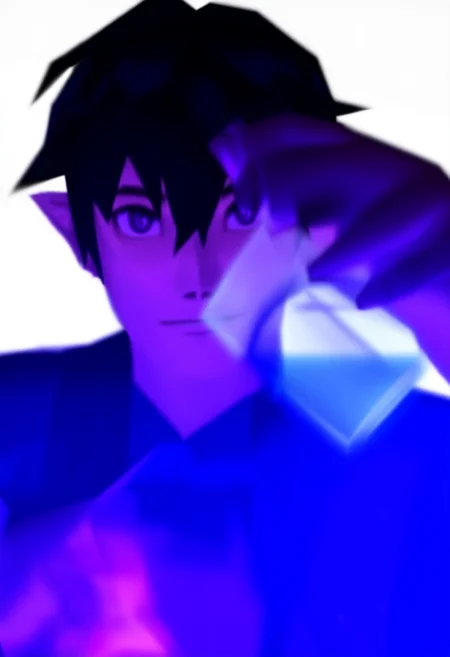
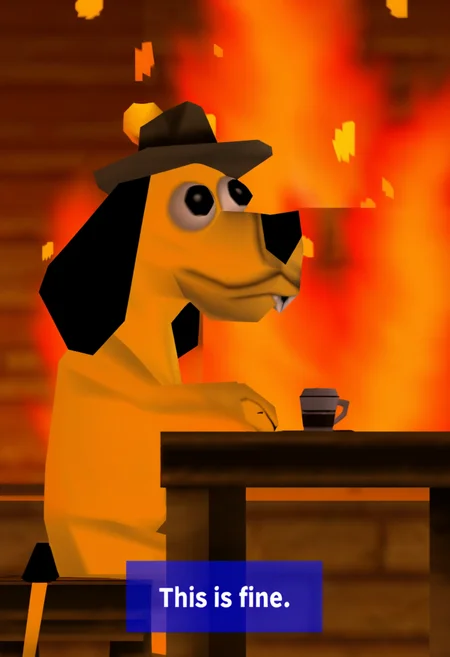
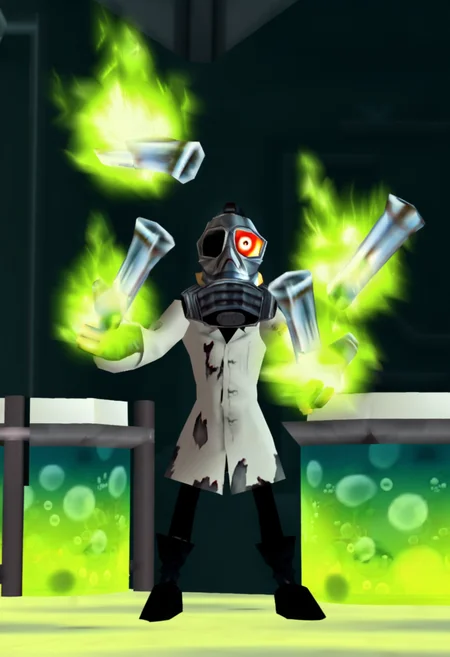
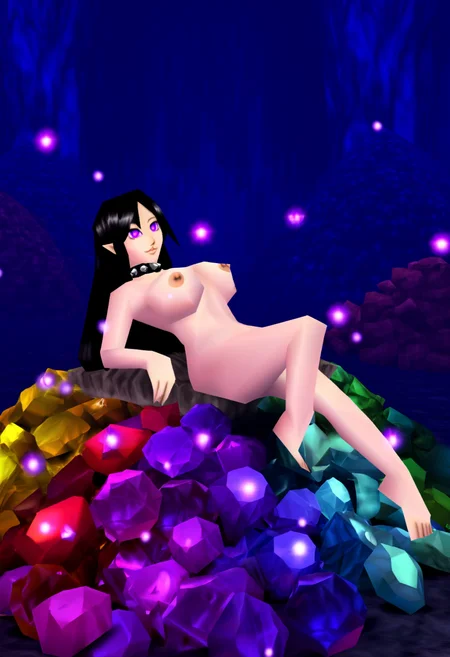
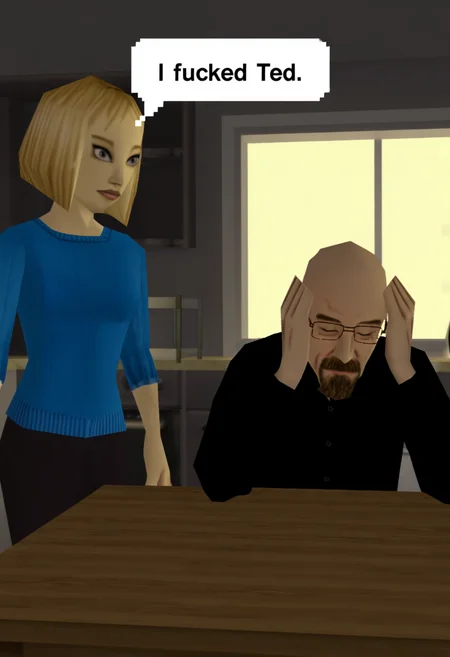
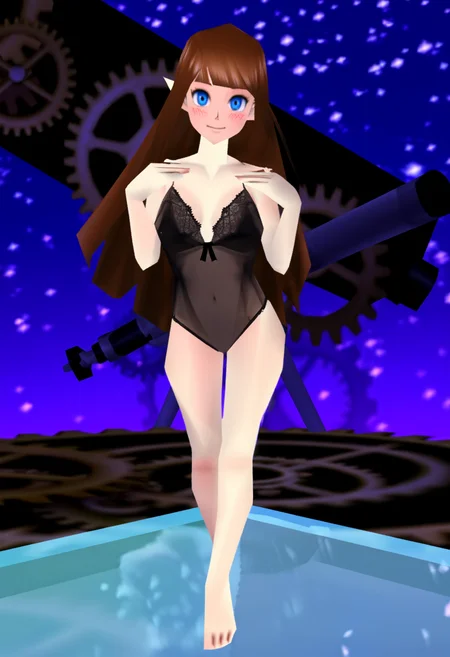
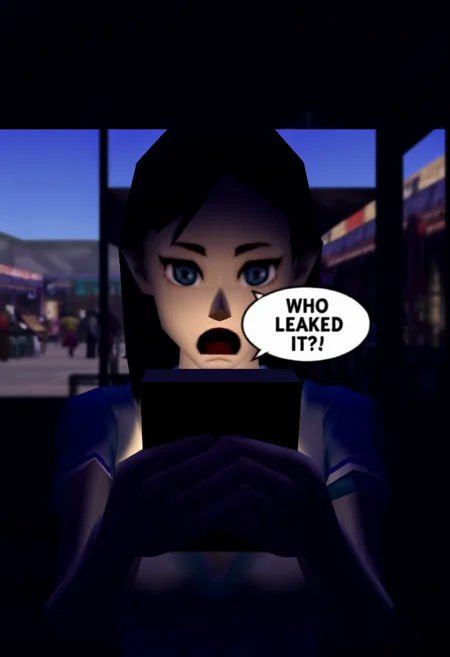
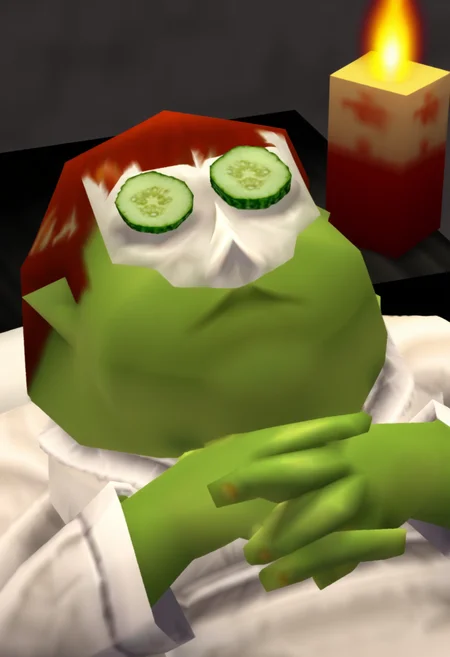
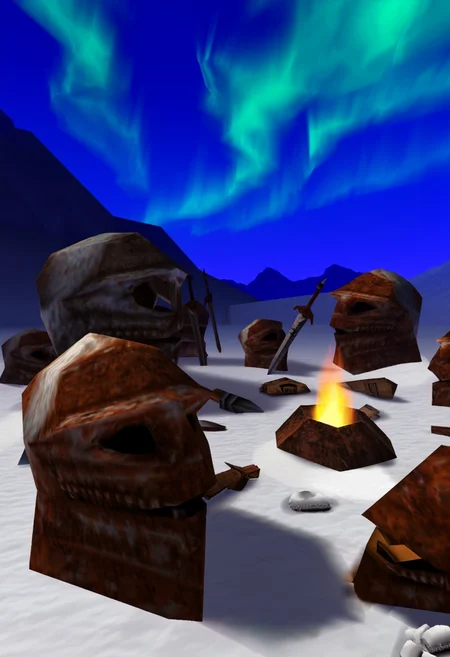
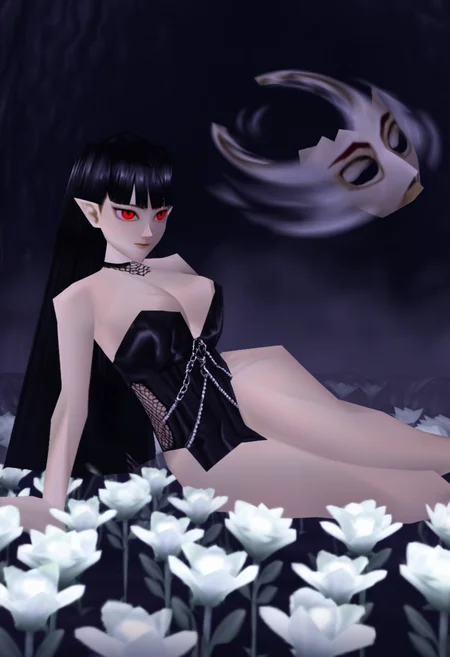
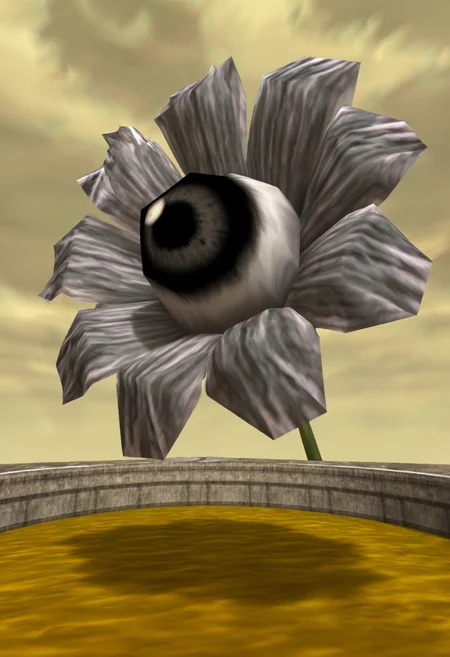
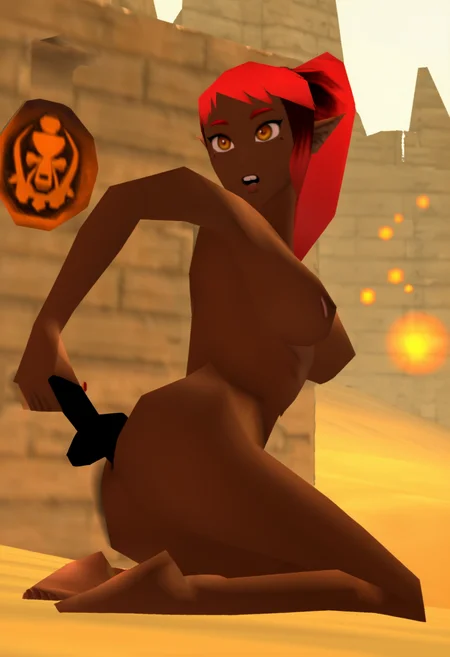
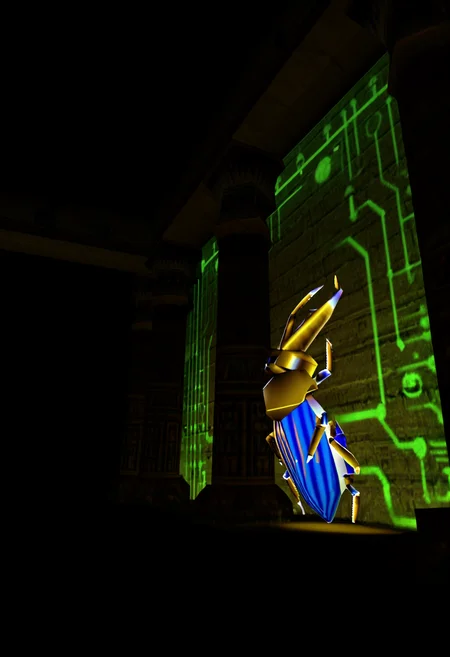
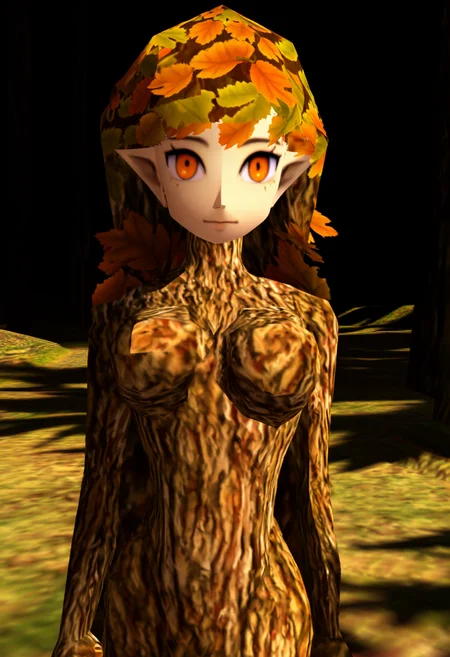
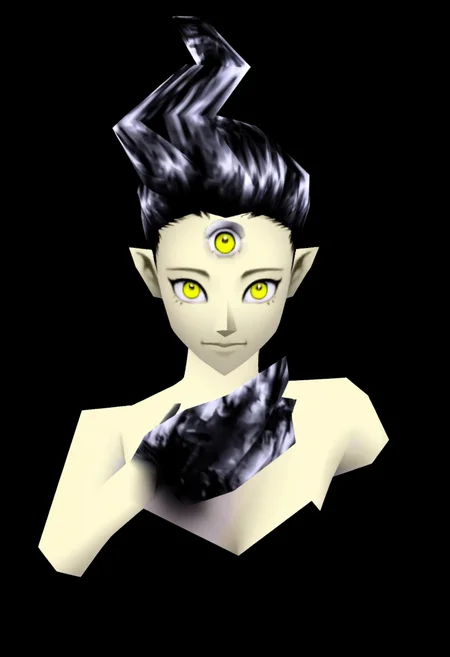
This LoRA unleashes Nintendo 64 graphics, specifically textures, colors, and lighting from the Zelda 64 titles Ocarina of time and Majora's Mask. Works great for both Z-Image and Z-image-Turbo. I used a dataset of 78 screenshots I took while playing Ship of Harkinian (OOT and MM versions) and captioned them using natural language generated with Google Gemini. Trained with OneTrainer.
The focus here is on Texture Variety. You'll have a hard time trying to create specific characters from the games. It can sometimes be achieved but will typically need detailed descriptions of the character you want to depict.
Suggestions
Begin prompts with 'Zelda64 render' as your stylistic anchor for the most consistent look. For the standard Z-Image version, avoid using the low poly tag because the 64-bit geometry is already part of the base weights and adding it can negatively impact your composition. However, for Z-Image-Turbo, the high speed can sometimes cause the style to look too smooth or modern. In those cases, you should include the low poly tag and increase the LoRA strength to 1.1 or 1.2.
Generations may sometimes try to produce UI elements. Try using tags such as HUD, Health Bar, text, etc. in the Negative Prompt to help prevent this.
Using 'Anime Eyes' in prompts helps to trigger a flat, vibrant look to characters that stays true to the style if that is important for your goal.
LoRA Stacking is highly flexible. It plays well with other character, pose, or outfit LoRA's without shattering the N64 logic.
Responds well to both natural language and tags.
Z-Image Settings
Strength: 0.8-1.0
Sampler: res_multistep or Euler
Scheduler: Simple
Steps: 25–35
CFG: 4.0 I found this to work best.
ModelSamplingAuraFlow: 3.0
Z-Image-Turbo Settings
Strength: 1.0-1.2
Sampler: Euler
Scheduler: Simple
Steps: 8–12
CFG: 1.0
ModelSamplingAuraFlow: 6.0
Klein 9B Settings
Strength: 1.0-1.2
Sampler: LCM/Euler
Scheduler: sgm_uniform/Simple
Steps: 5–9
CFG: 1.0
Resolution: Tested mainly at 832x1216 and 1024x1536. It's very flexible across different aspect ratios.
Feel free to experiment with these settings; they were what I settled on during my initial testing.
Have fun and please share your creations!
Description
This LoRA work great with both Standard Z-Image and Z-Image-Turbo.
78 Image dataset used from Ship of Harkinian (Ocarina of Time and Majora's Mask).
FAQ
Comments (3)
I'm seriously impressed by the results, congrats. Do you mind sharing your Onetrainer settings and how you captioned your images? The dataset would be neat to see but it may be too much to ask, I guess. Thank you for your work nonetheless.
Thanks, glad you like the results!
For the OneTrainer settings using a 4070 Ti Super, I used Prodigy_Adv with 0.08 weight decay, Cautious WD on, and a constant learning rate. I also threw in a 150-step warmup and used multi-resolution (512, 768, 1024) with 32 rank and 32 alpha. In the concept settings, I turned Crop Jitter off and set Keep Tag Count to 0 since I didn't use a trigger word.
I focused on capturing as many different texture types as possible while curating the dataset, splitting it about half-and-half between environment shots and character/enemy/boss portraits.
Here are a few examples of exactly how I captioned them:
"The character Sheik, blonde hair covering one eye, and deep red eyes, they are wearing a white tunic with a red magnifying glass symbol (the Eye of Truth) on the chest. Their arms are crossed over their chest, showing dark blue shoulder pads, a prominent purple glowing fairy is hovering over the right shoulder, and the background is a dark, rough-textured grey stone room."
"A close-up view of the boss Volvagia, a long, thin, serpentine/dragon-like creature that appears to be flying against a dark red background. Its body is covered in a bumpy, textured, black and orange/yellow lava or flame pattern, its head has two dark antennae or ears and features large, bright green eyes. Orange flame-like effects are visible around the neck and head, and the body trails off into a long, striped curve."
"A wide, low-light exterior scene dominated by a massive, dark mountain in the background. The sky is a stormy dark grey, and a swirling ring of intense orange and white fire or energy is hovering directly above the mountain's jagged peak. In the foreground are the brown and grey rooftops of a small village, including one building with a red roof and timber framing, and another stone building with a circular sign displaying a bearded figure."
Hope that helps.
@OddLogic Thank you very much! Keep up the good work, I look forward for you next lora.