



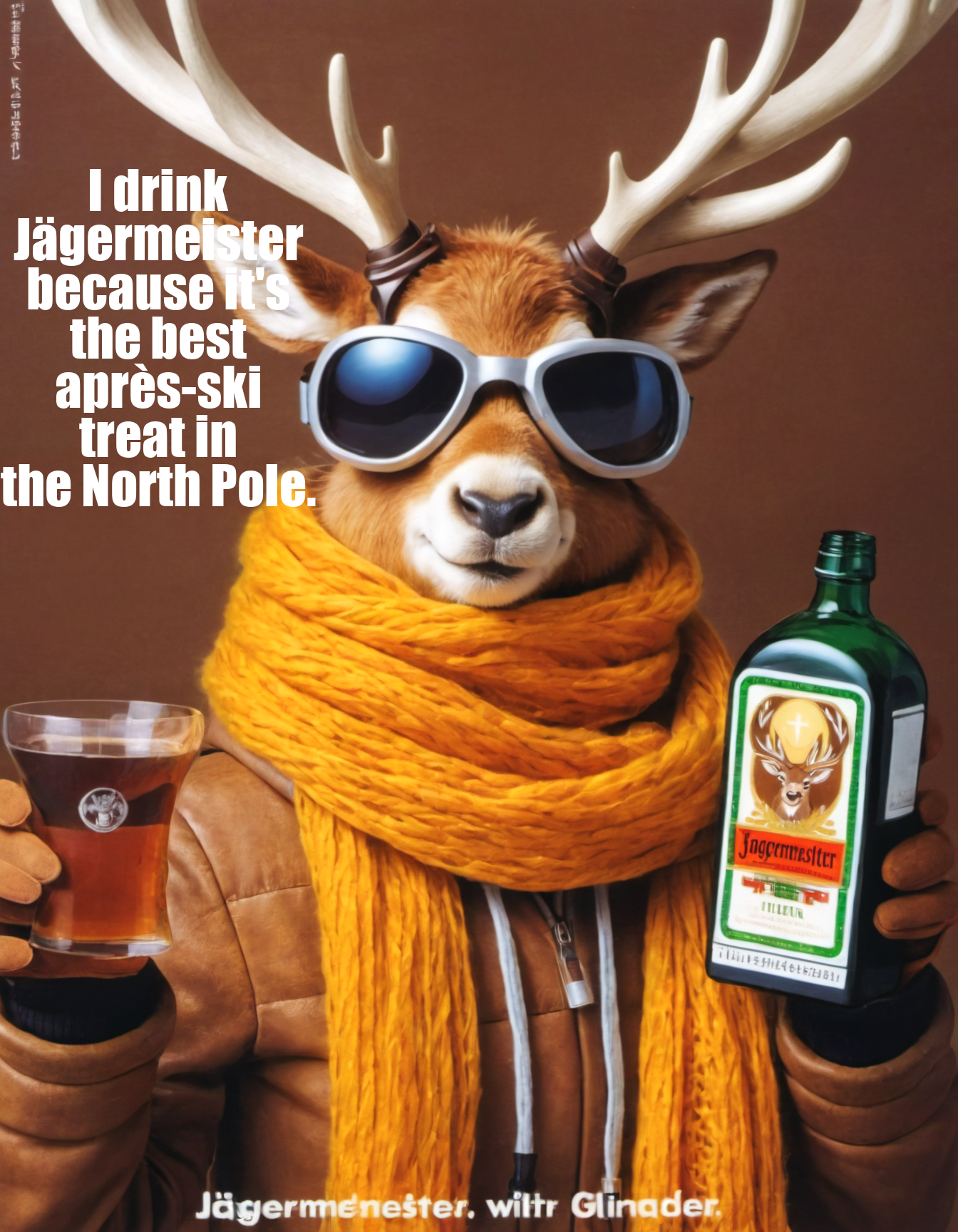


🌟 Create Your Own 70s Jägermeister Ad! 🌟
Ever dreamed of starring in your own vintage Jägermeister advertisement?
Now it's possible with this amazing ComfyUI workflow!
You can now insert your face, or anyone else's, into a classic 70s-style Jägermeister ad and even generate your own custom ad text.
I've trained the LoRa model specifically for this, and it's available for download on Civitai.
https://civarchive.com/models/236591?modelVersionId=266751
This tool allows you to bring a retro twist to your images with ease.
🔑 Remember, the trigger word for LoRA is 'Jaegermeister'.
For the best results, I recommend using the negative prompt '(text, letters:1.4)'. Without this, the model tends to generate text that's a bit hard to read.
Have fun creating your personalized ads, and don't forget to share with us why you love Jägermeister! Looking forward to seeing your creative ads and hearing your stories. Cheers! 🥃
#Jägermeister #VintageAd #ComfyUI #Civitai #CreateYourAd
Description
SDXL, ComfyUi Workflow
FAQ
Comments (1)
First of all not that familiar with ComfyUI. So excuse any N00B questions.
Cannot get to load this unfortunately. Upon loading the workflow I get the info that 2 node types are not found:
- NMLatentUpscale
- Image Filter Adjustments
When trying to install missing nodes I see only 2 nodes available but both are already installed:
- Efficiency Nodes for ComfyUI 2.0+ by jaggs111
- WAS Node Suite by WASasquatch
The first one is installed but shows conflicted nodes (image Overlay, NMLatentUpscale,LatentUpscaler
The second one gives an import failure
I ust the "Try update" and "Try fix" options but without any result.
Any ideas what I have to do to make this work?